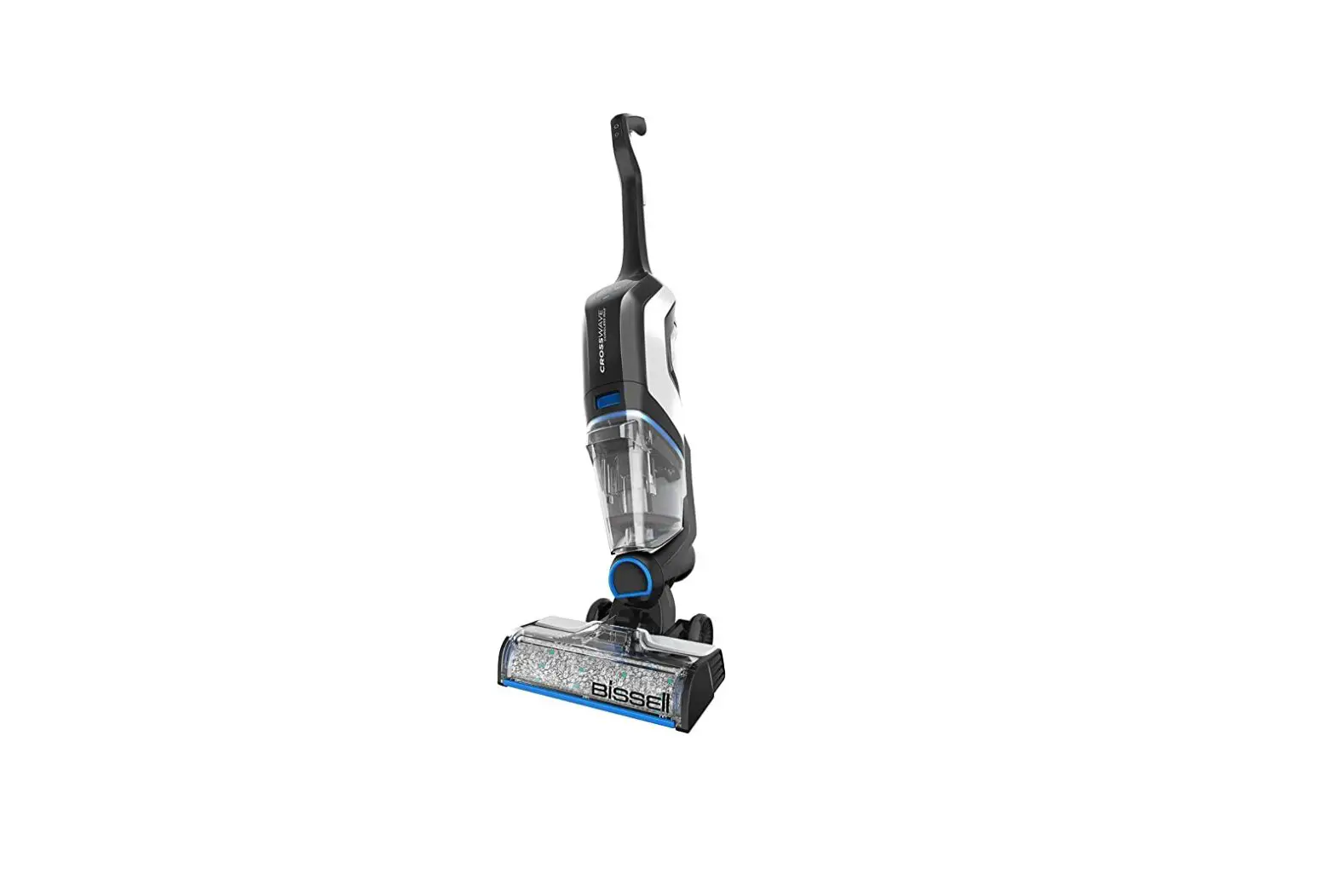
*Suction does not start when plugged in UNTIL the Rug or Hard Floor setting is selected
Note: If machine turns on but shuts off after reclining, the brush roll my be seized and causing the machine to shut off, refer to Shuts off automatically troubleshooting.
- Unplug machine from wall outlet
- Run hand along entire length of power cord, it should be smooth
- Check plug for damage
- Is the cord or plug (prongs) damaged?
- Yes > Visit a BISSELL Authorized Service Center, or Contact Us
- No > Continue troubleshooting
- Is the cord or plug (prongs) damaged?
- Check to see if outlet is working:
- Test this by plugging in a cell phone charger or small appliance
- If no power to outlet, test a different outlet in a separate room
- Reset circuit breaker if needed
- Plug machine into wall outlet
- Turn on by selecting either Rug or Hard Floor setting
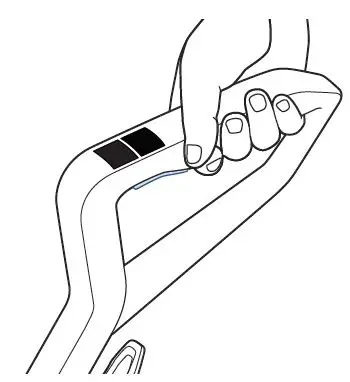
- If machine has no power unplug it
- Remove clean water tank from the back of the machine
- Insert a blunt tip object (i.e. screwdriver or pen) into small circular area above white label on handle
- Pull up on handle while pushing the blunt tip object into the small opening and pull up on handle to remove
- Once fully removed, reinstall handle firmly until you hear a click
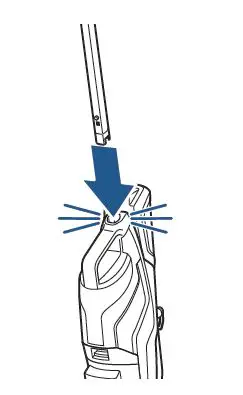
- Plug machine in, and check for power
- Has this resolved the issue?
- Yes > Great! Glad we could get you back to cleaning!
- No > Visit a BISSELL Authorized Service Center, or Contact Us