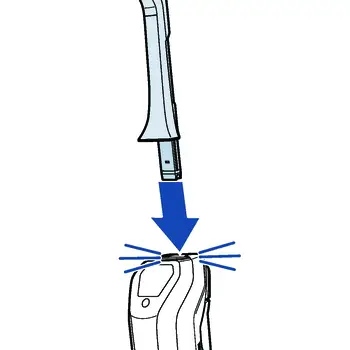
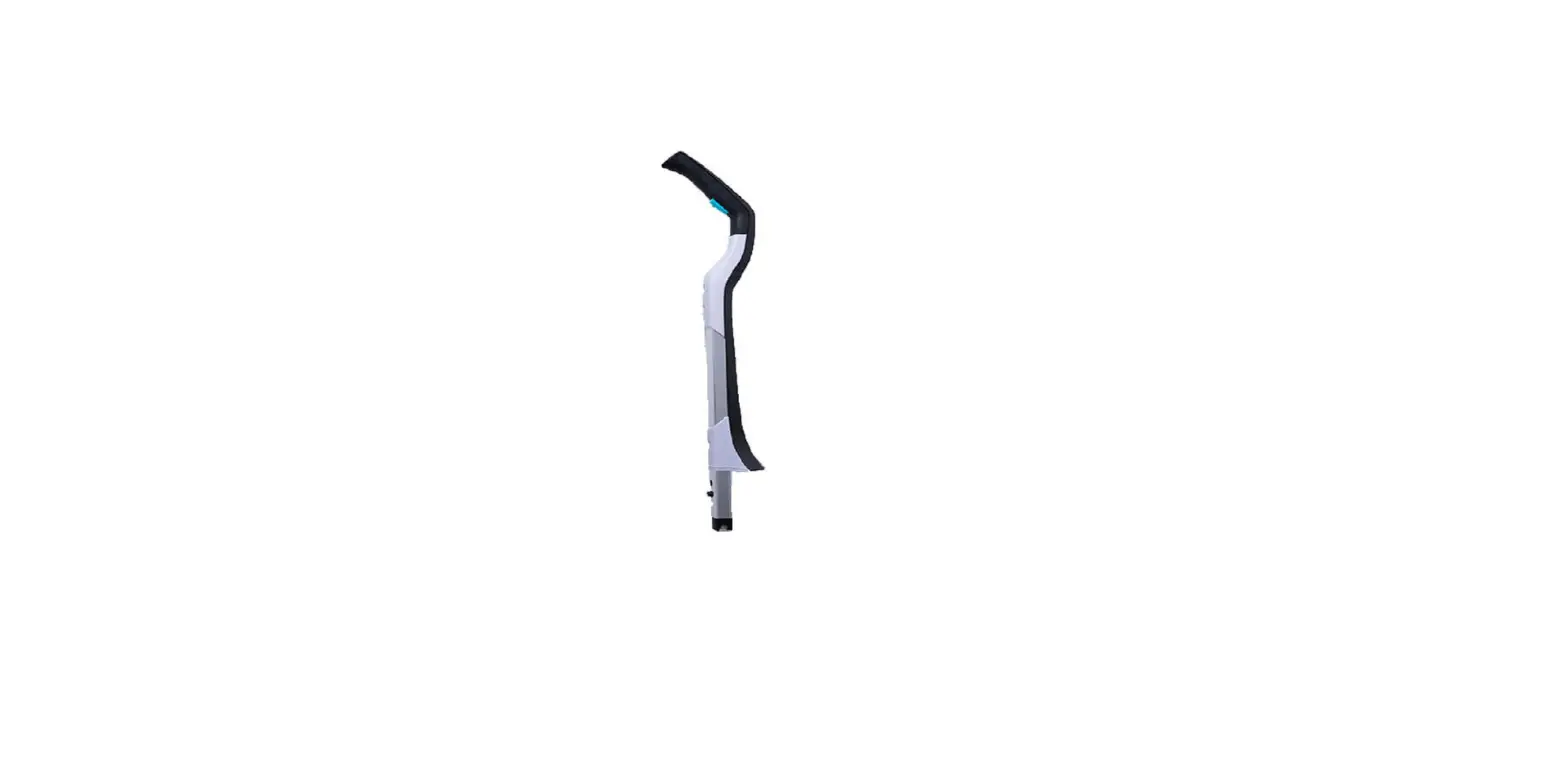
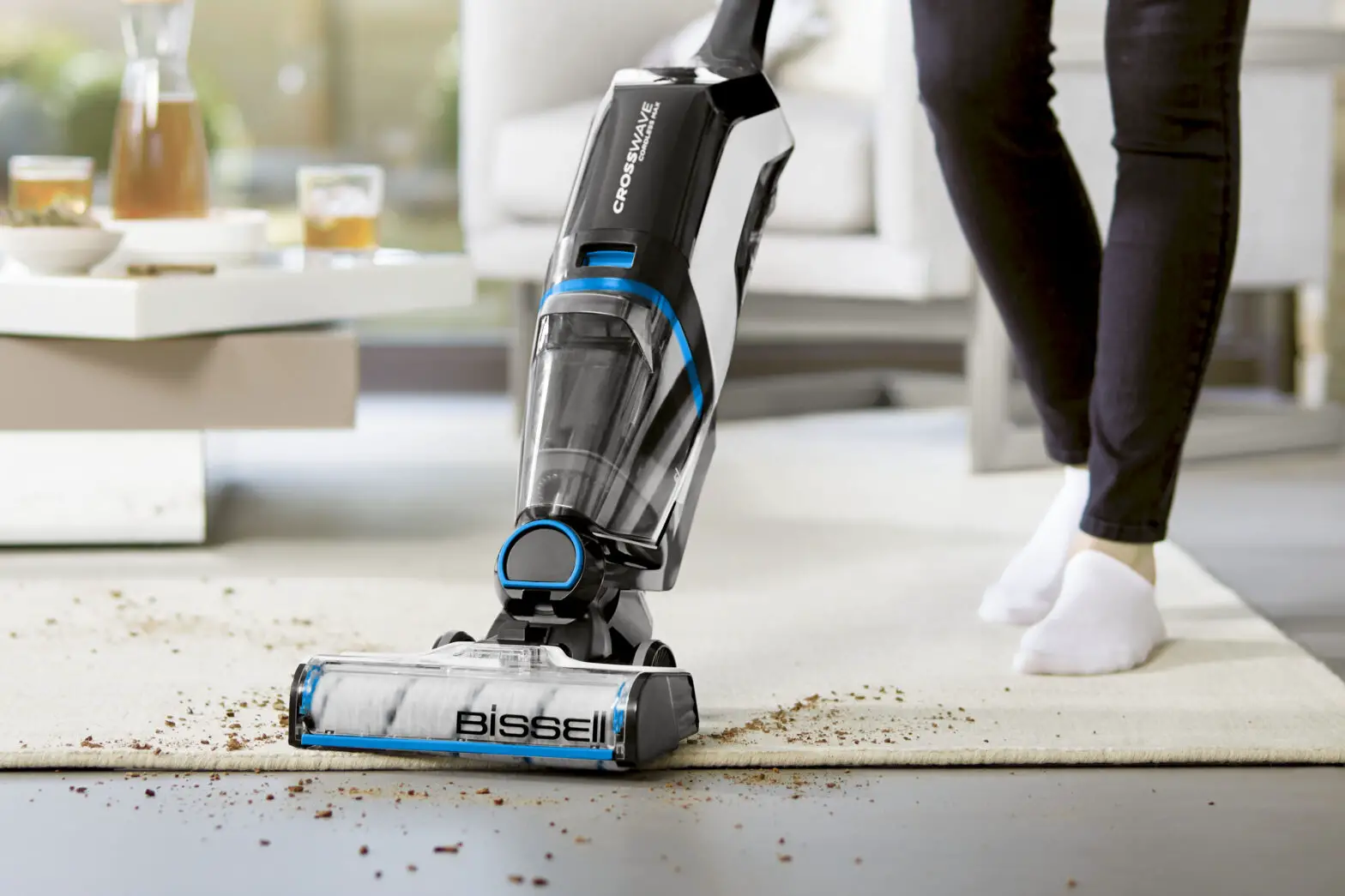
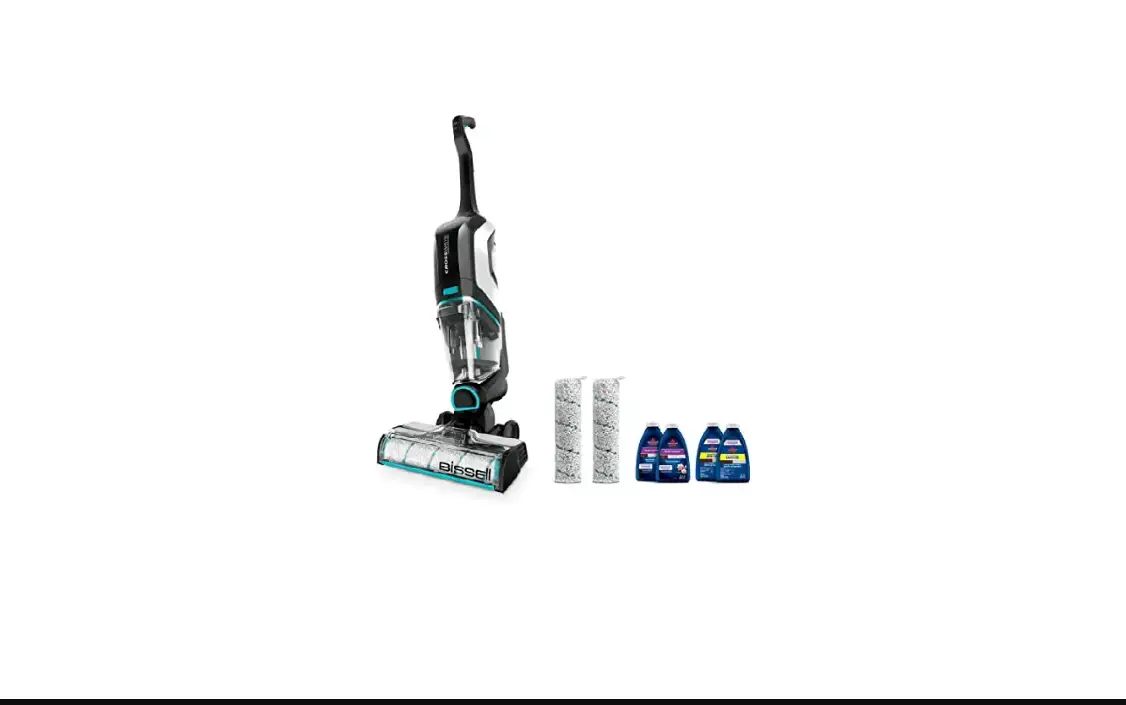
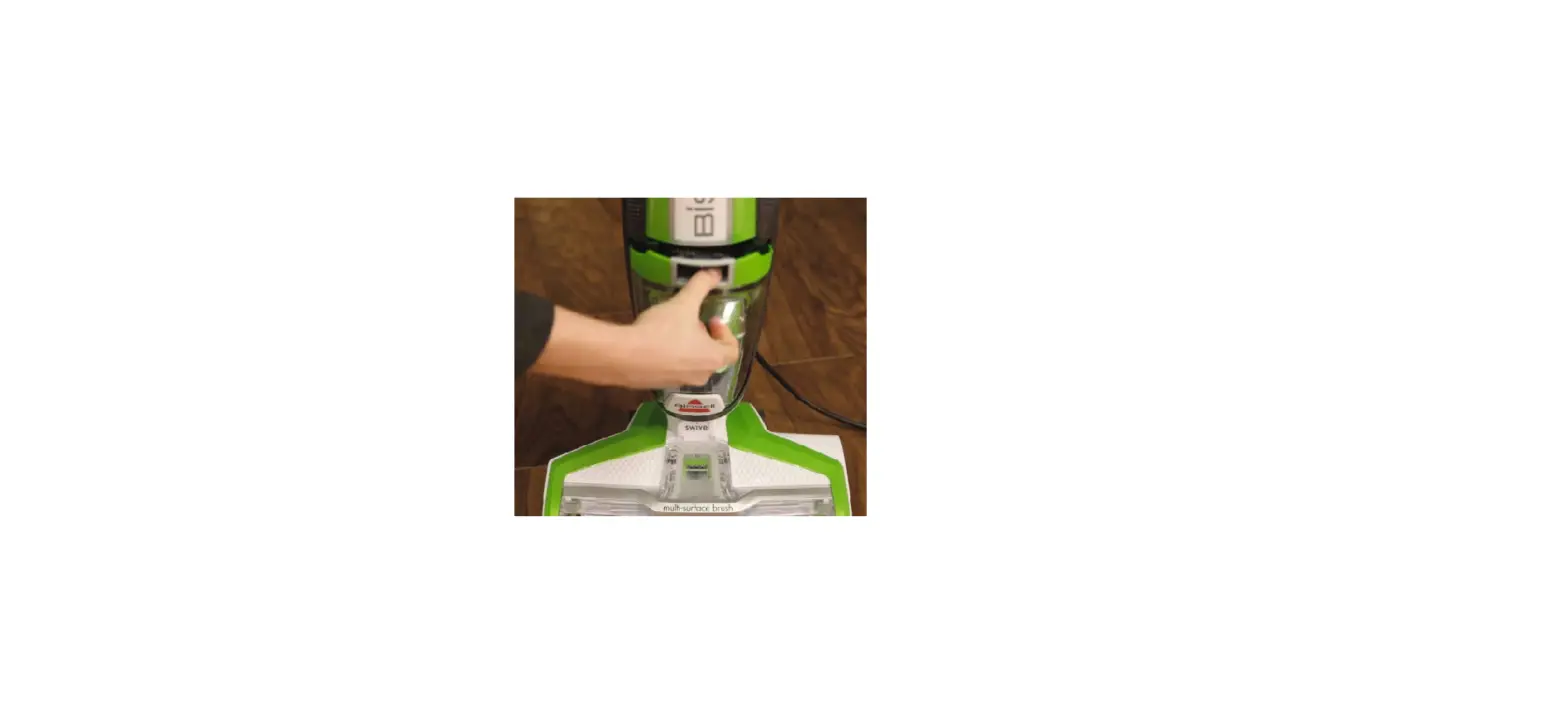
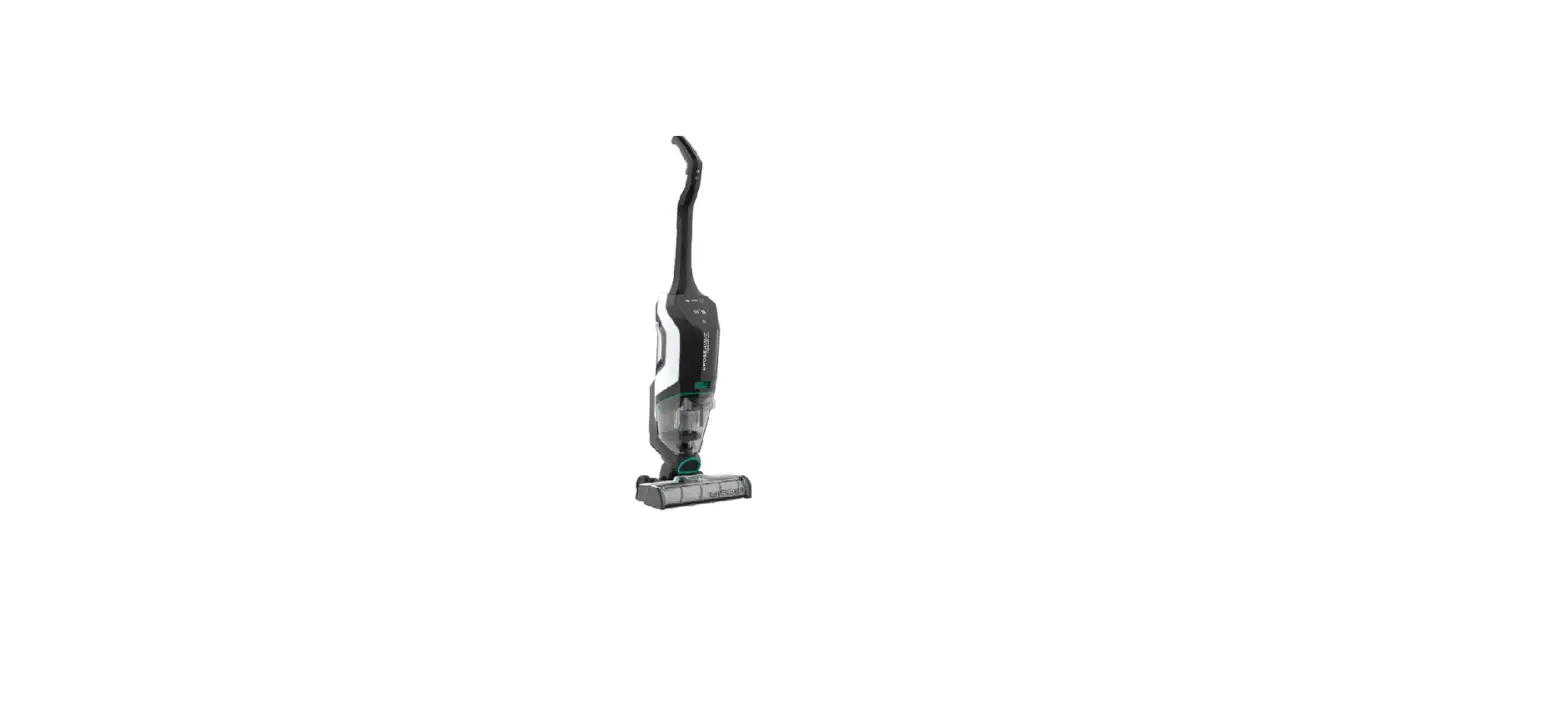
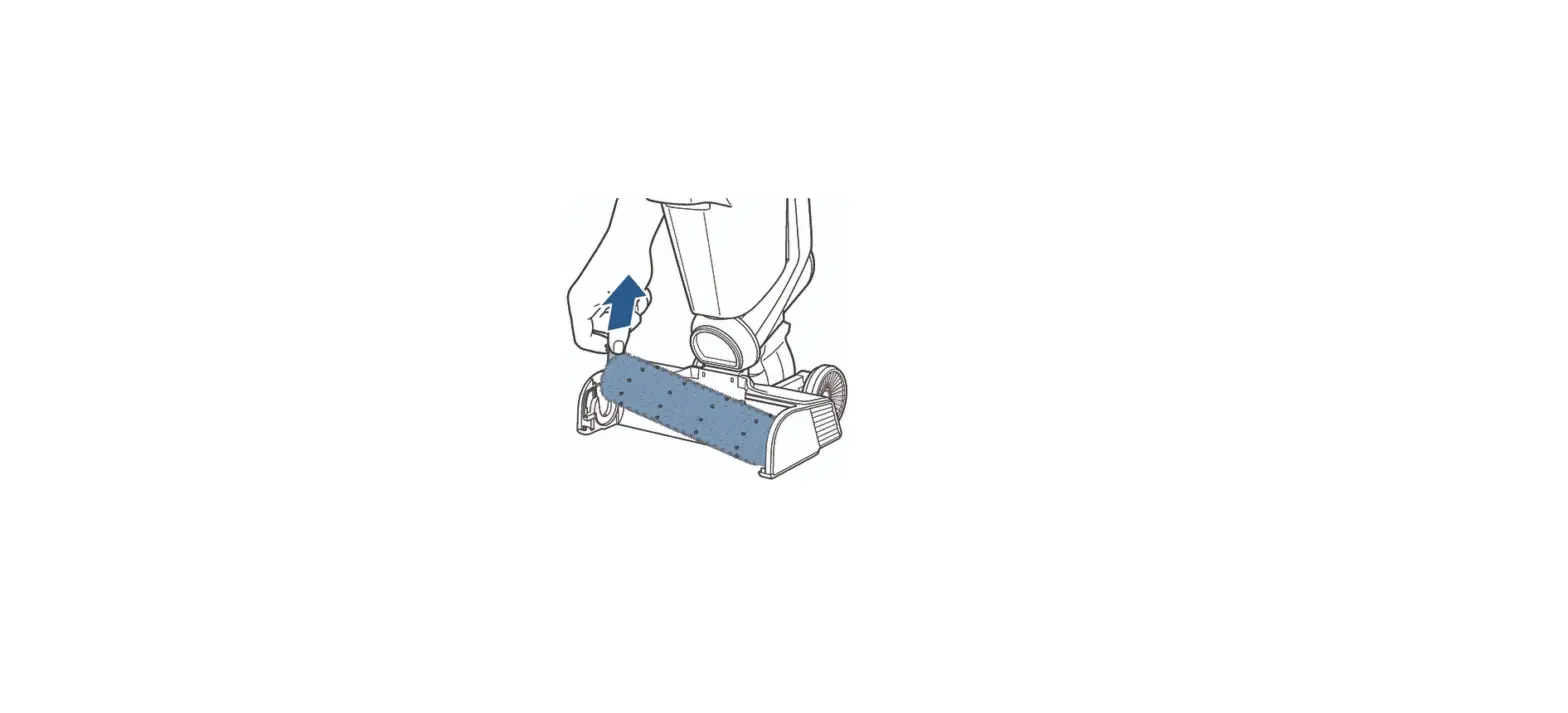
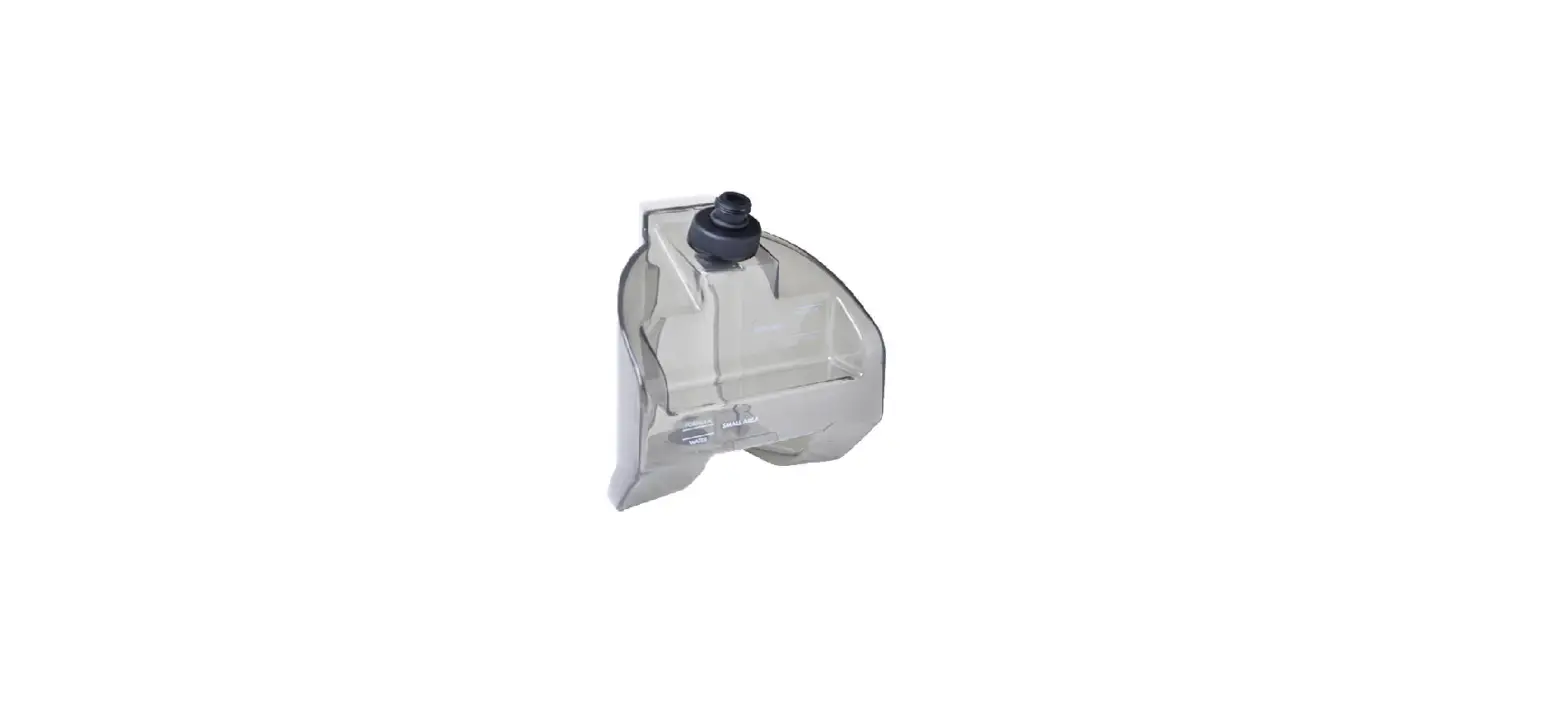
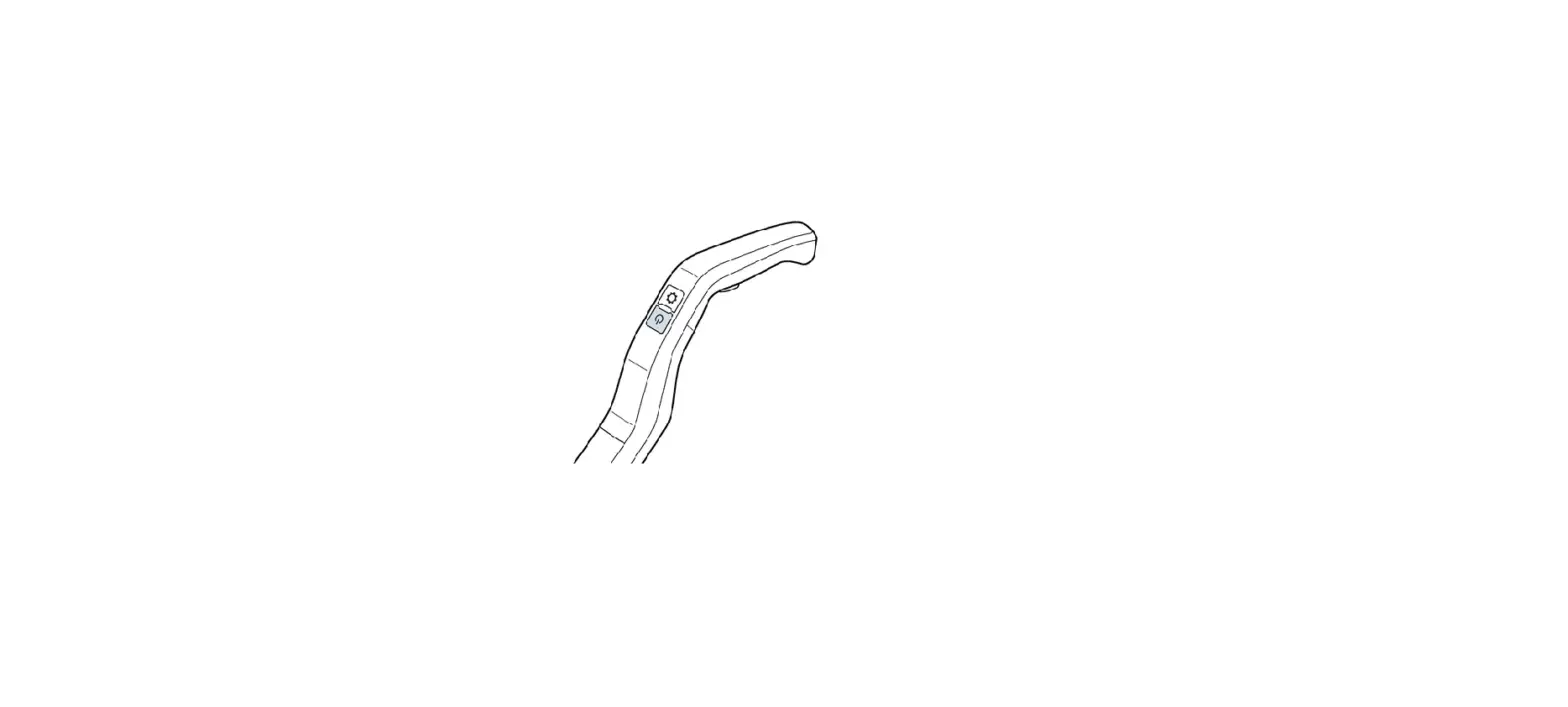
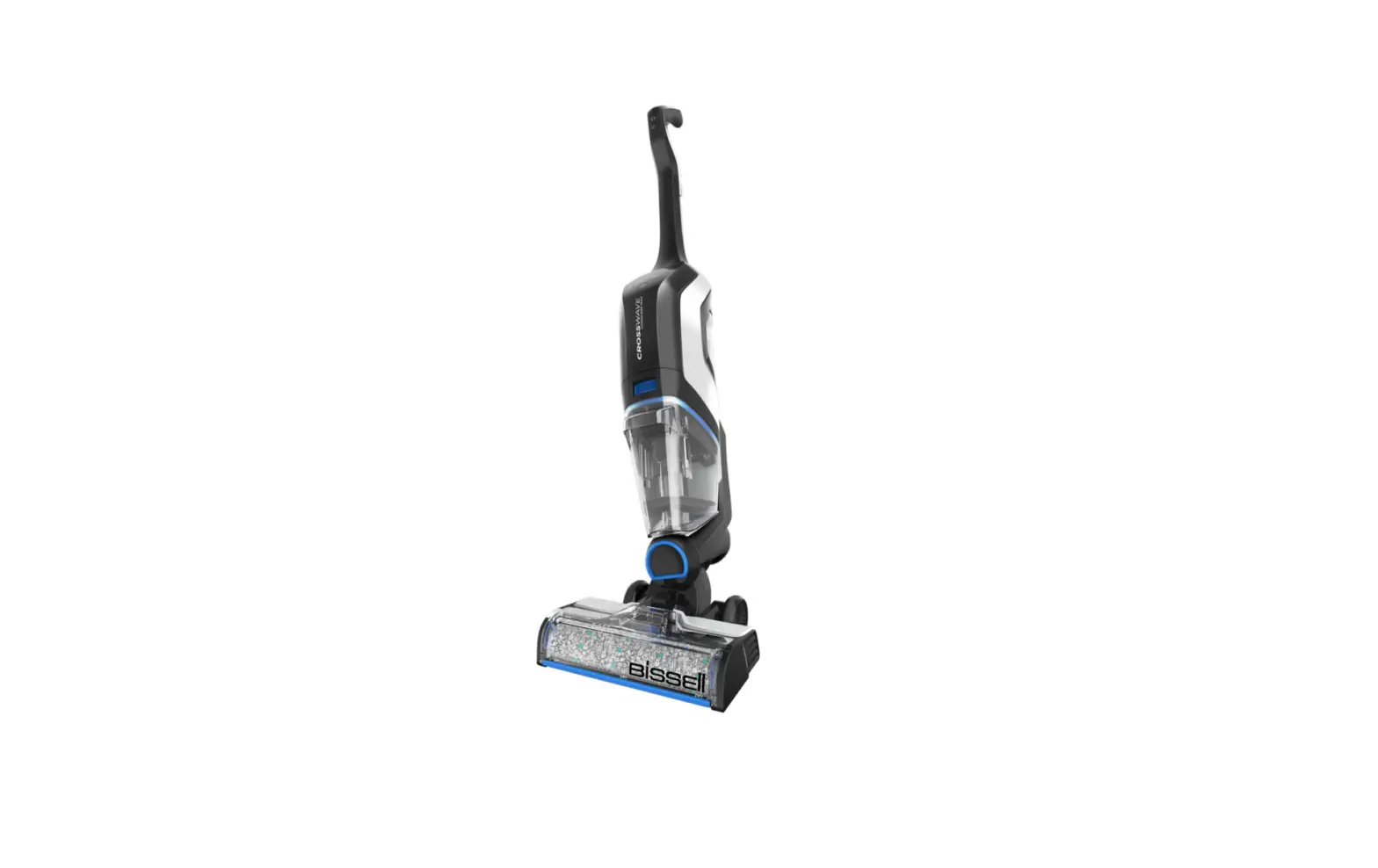
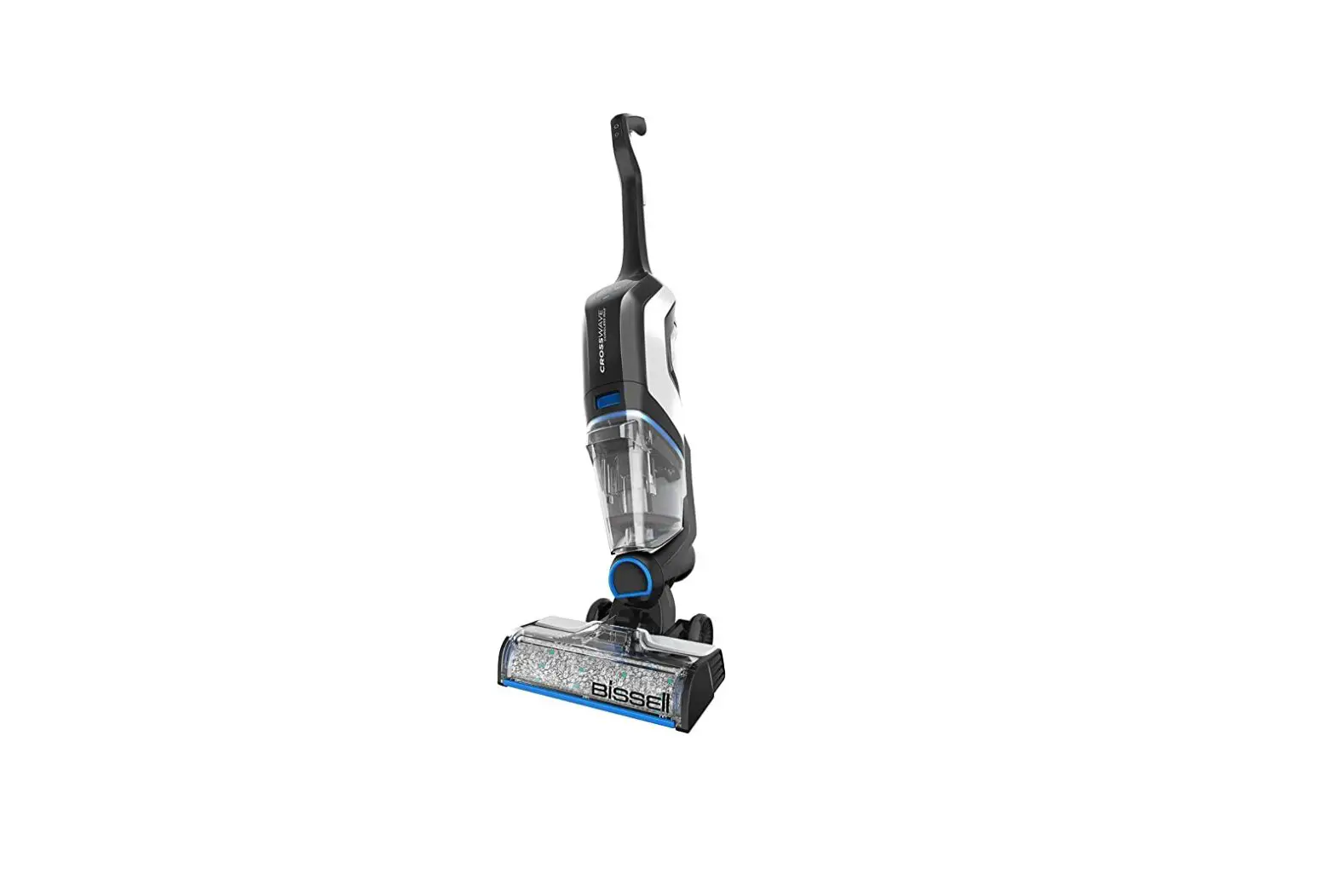
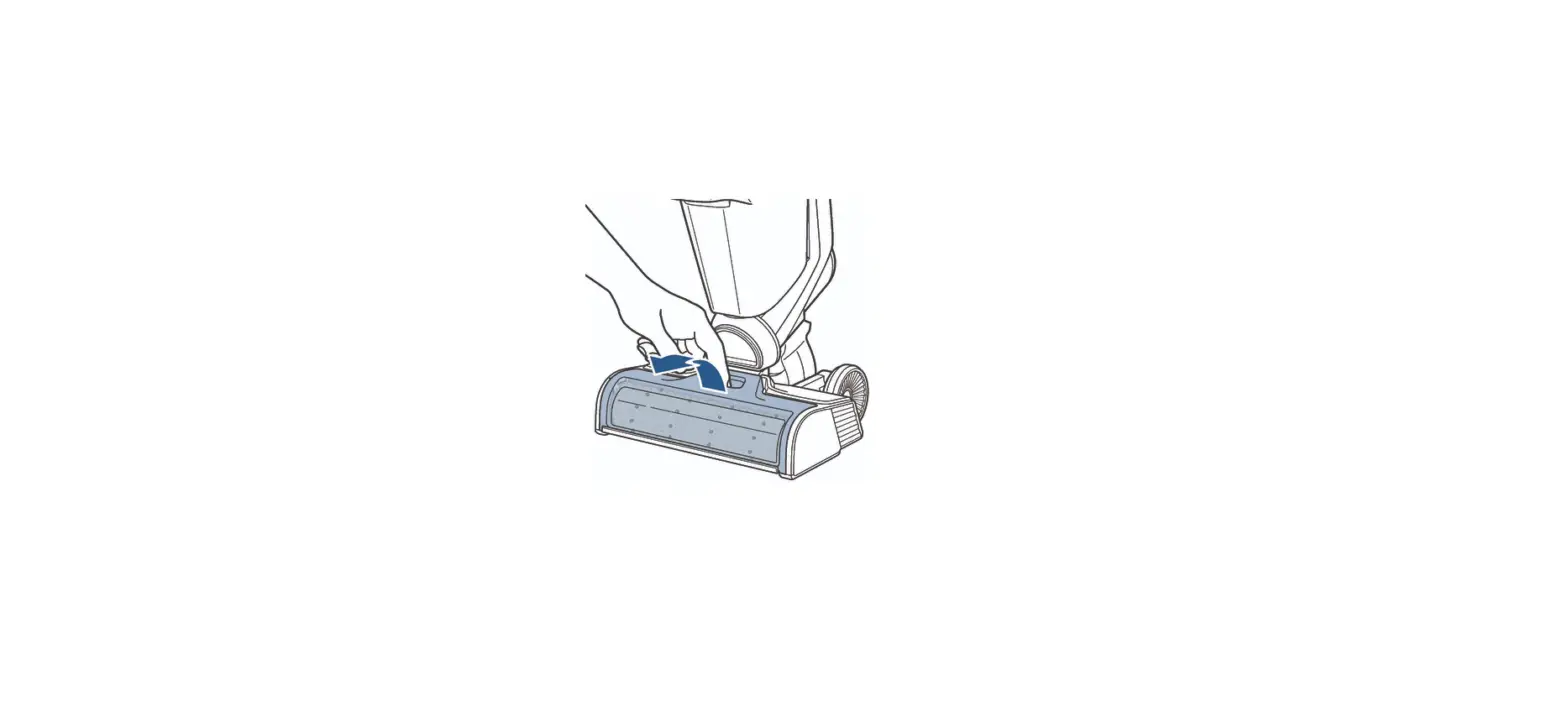
Home » Blog » My Crosswave® Cordless Max Handle Removal | Support My Crosswave® Cordless Max Handle Removal | Support Insert a blunt tip object (i.e. screwdriver or pen) into small circular area above clean water tank on back of machinePull up on handle while pushing blunt tip object into small opening to removeOnce fully removed, reinstall handle until it clicks Recipient Email *Your Email *Your Name *Contents hide1 Was this answer helpful?1.1 Related PostsWas this answer helpful?YesNo Documents / Resouces Download manual Here you can download full pdf version of manual, it may contain additional safety instructions, warranty information, FCC rules, etc. To access the pdf donwload links, solve the captcha. Related Manuals My Crosswave X7 Handle Removal | Support My Crosswave® Cordless Max Is Difficult To Push | Support My Crosswave® Cordless Max Has No Suction | Support My Crosswave® Cordless Is Difficult To Push | Support My Crosswave® Cordless Has No Suction | Support How Do I Remove Mycrosswave Cordless Max From The App? | App Support Spinwave® Cordless Hard Floor Spin Mop How To Remove The Handle | Support Crosswave® Cordless Max Using The 3-in-1 Docking Station & Clean Out Cycle | Support My Crosswave® Cordless Max Is Leaking | Support My Crosswave® Cordless Max Brush Is Not Turning | Support My Crosswave® Cordless Is Leaking | Support Crosswave® Cordless Max Cleaning The Dirty Water Tank | Support My Crosswave® Cordless Brush Is Not Turning | Support My Crosswave® Cordless Max Has No Power | Support Bissell 2596 Series Crosswave Cordless Max User Guide Shark Az2002 Cordless Vertex Pro Powered Lift-away With Self-cleaning Brushroll Owner's Manual Shark Icz300uk Series Anti Hair Wrap Duoclean And Powerfins Cordless Upright With Powered Lift-away Instructions Bissell 2765n Crosswave Cordless Max User Guide My Crosswave® Cordless Has No Power | Support My Crosswave® Cordless Max Shuts Off Automatically | Support