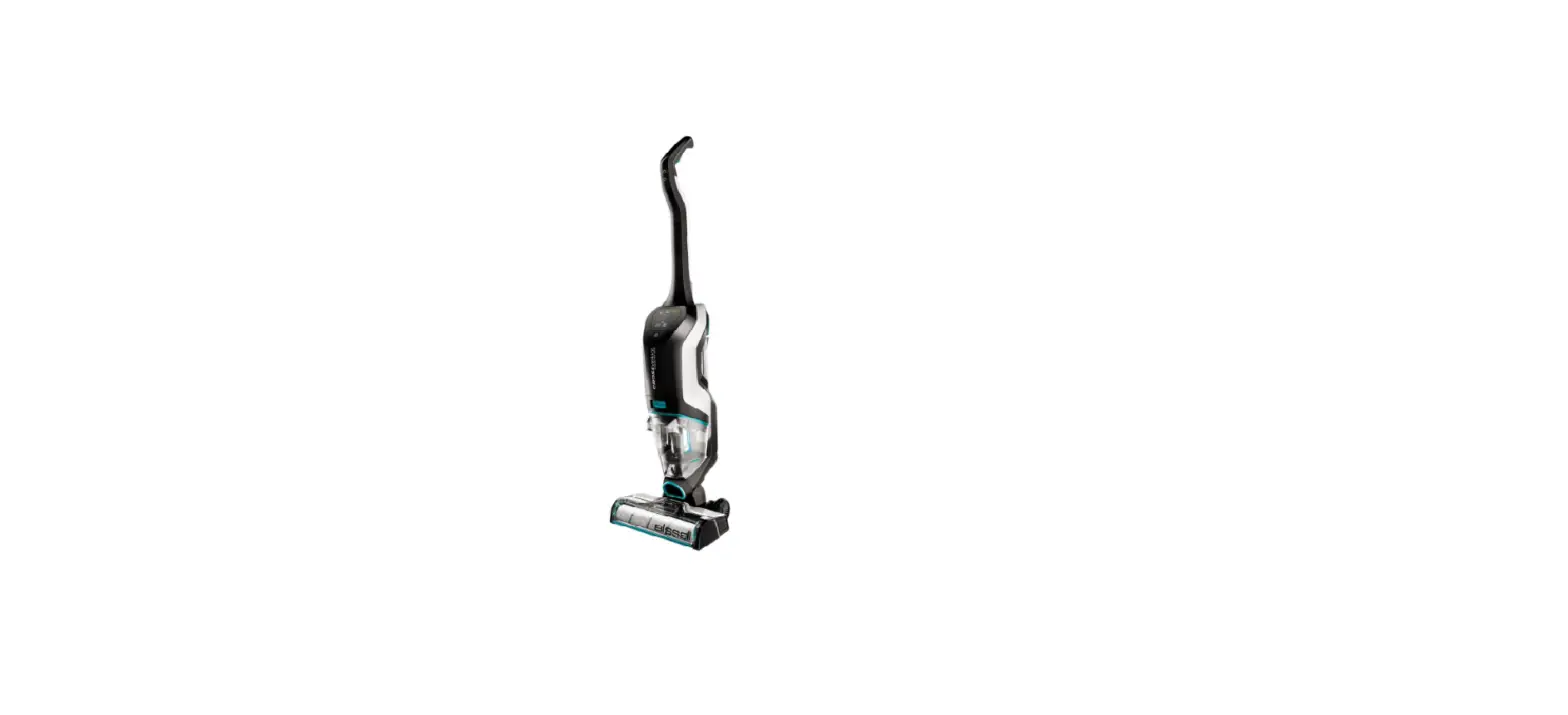
My CrossWave® Cordless Max has no power | Support
*Verify machine is sufficiently charged, and you are using BISSELL formula
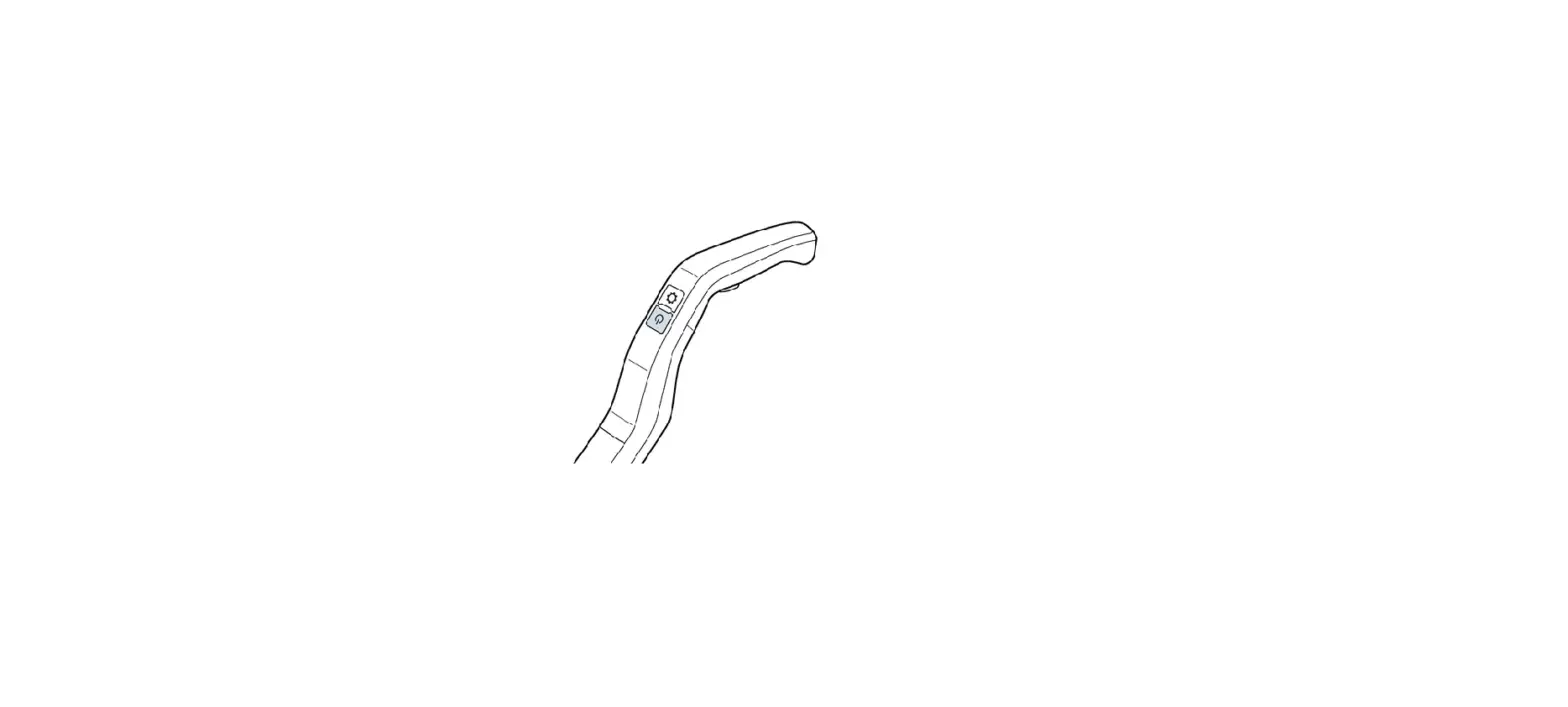
- Press power button
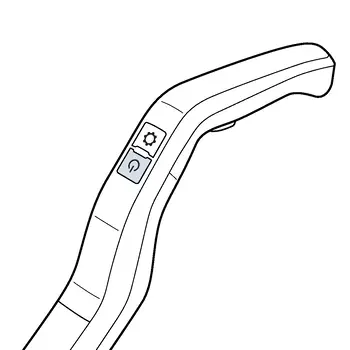
- If machine turns on and then powers off refer to Shuts off Automatically
- If there are no visible LED lights on battery display, handle should be reinstalled
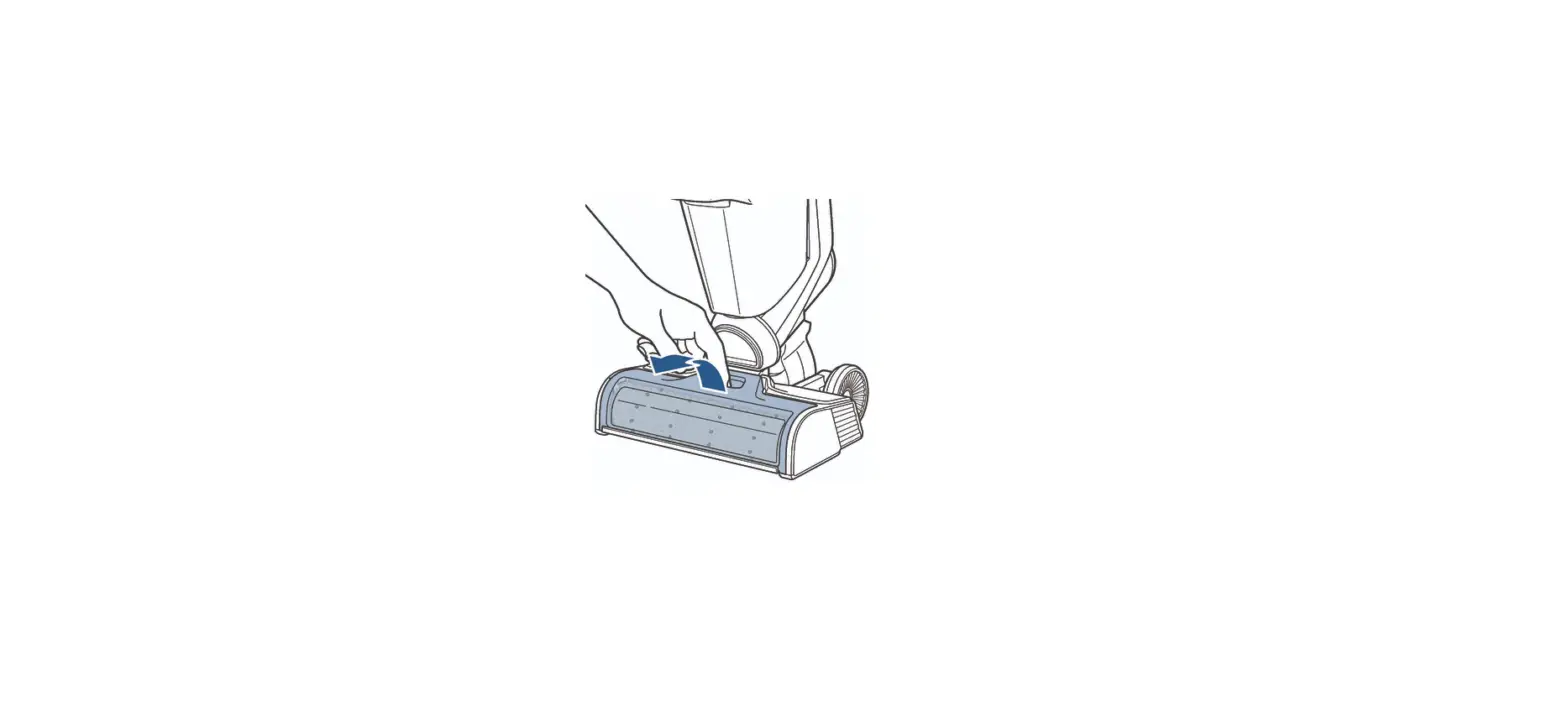
- Insert a blunt tip object (i.e. screwdriver or pen) into small circular area above clean water tank on back of machine
- Pull up on handle while pushing blunt tip object into small opening to remove
- Insert a blunt tip object (i.e. screwdriver or pen) into small circular area above clean water tank on back of machine
- Once fully removed, reinstall handle pressing down firmly
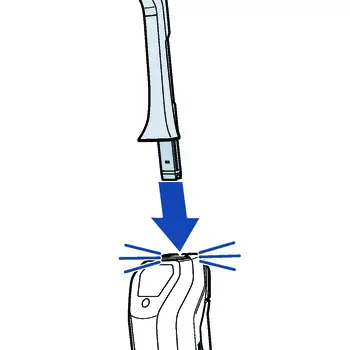
- Turn machine on by pushing power button
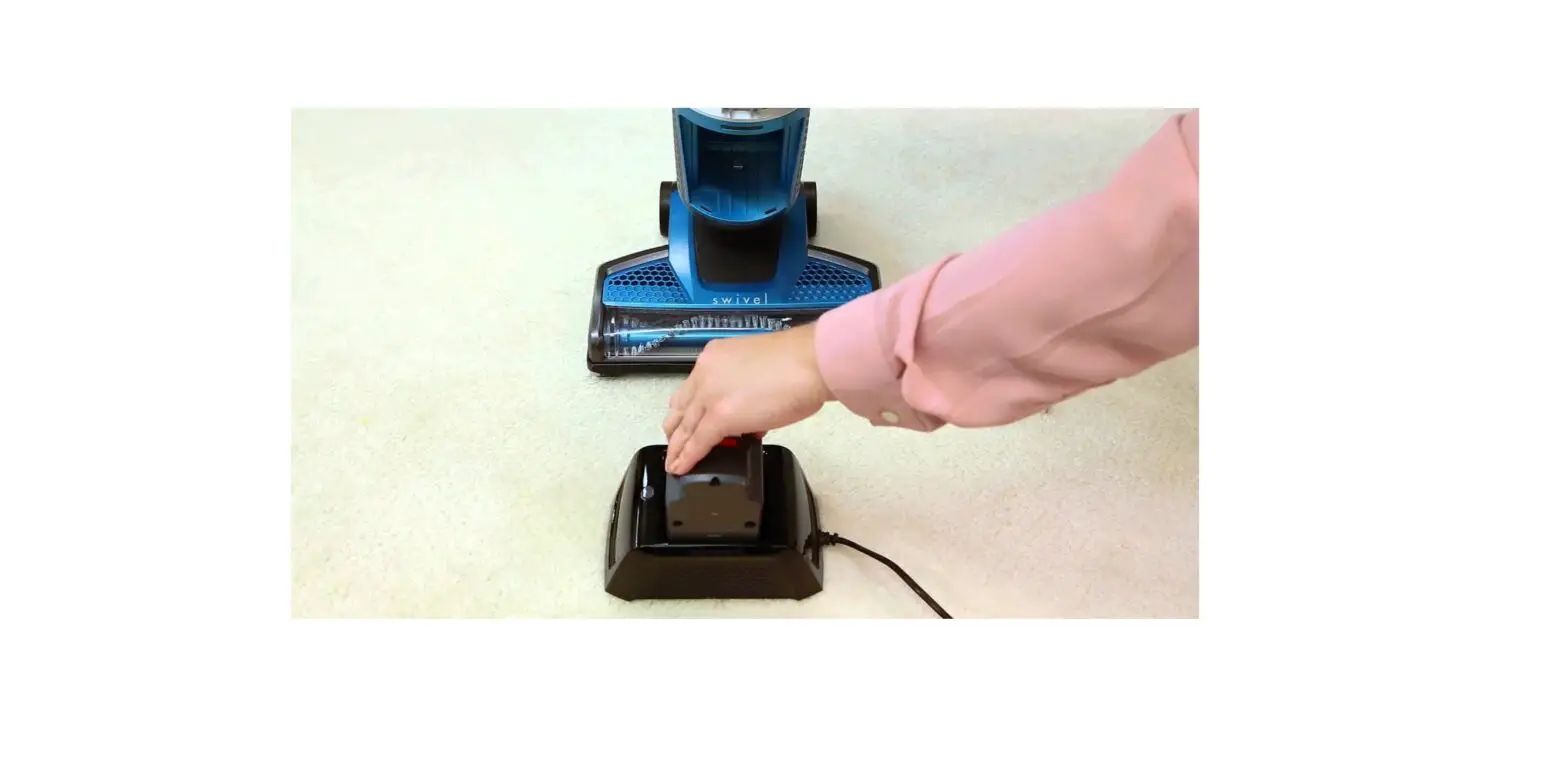
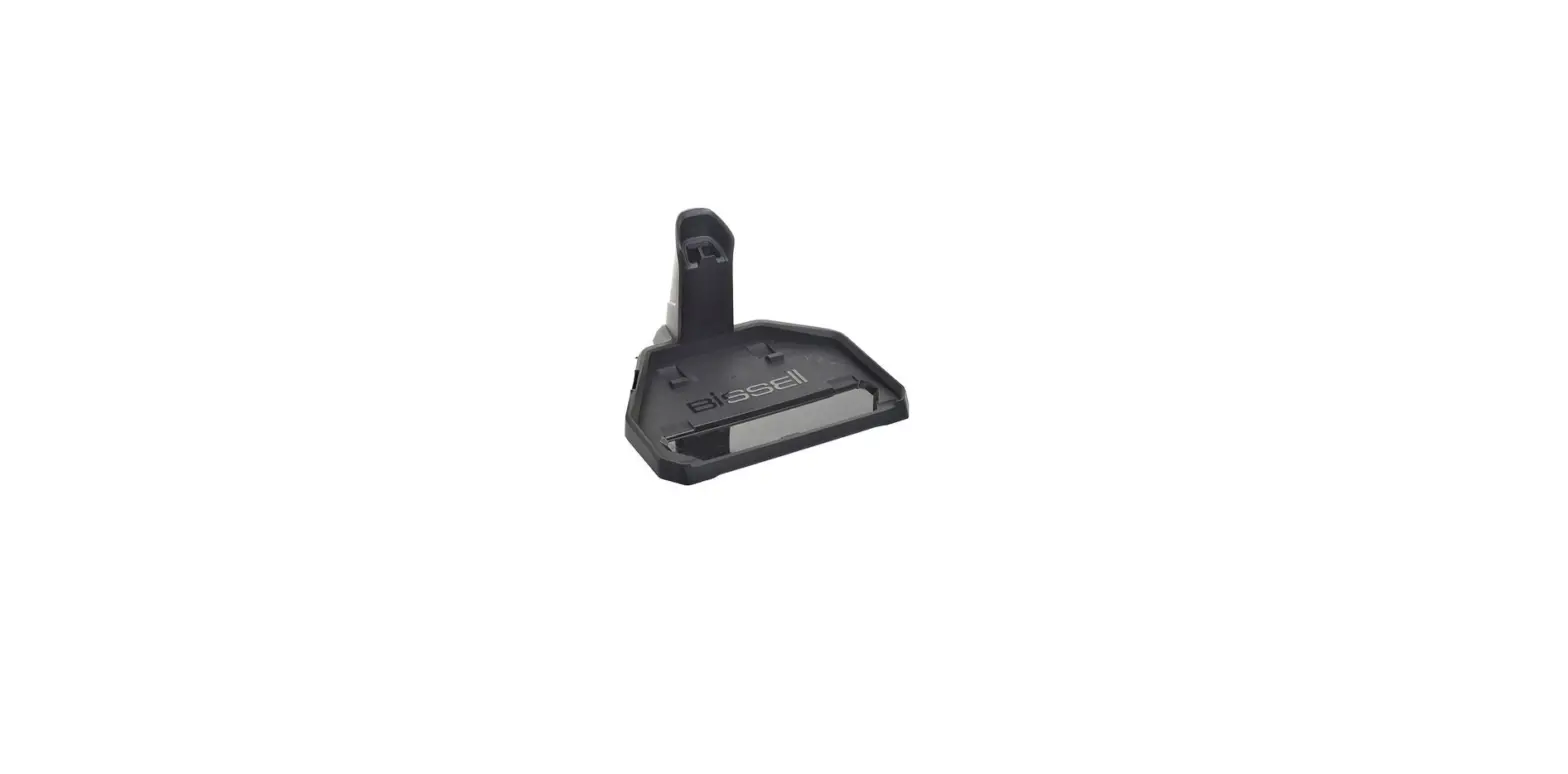
- If machine still does not have power place machine on docking station
- Check to see if battery is charging
- If battery is charging there will be white LED lights in battery lighting up
- If machine is charging but there is still no power to the machine, a replacement handle should be ordered
- If machine is not charging on the docking station, a replacement docking station should be ordered
- Check to see if battery is charging
If machine is not charging and has no power, Contact Us