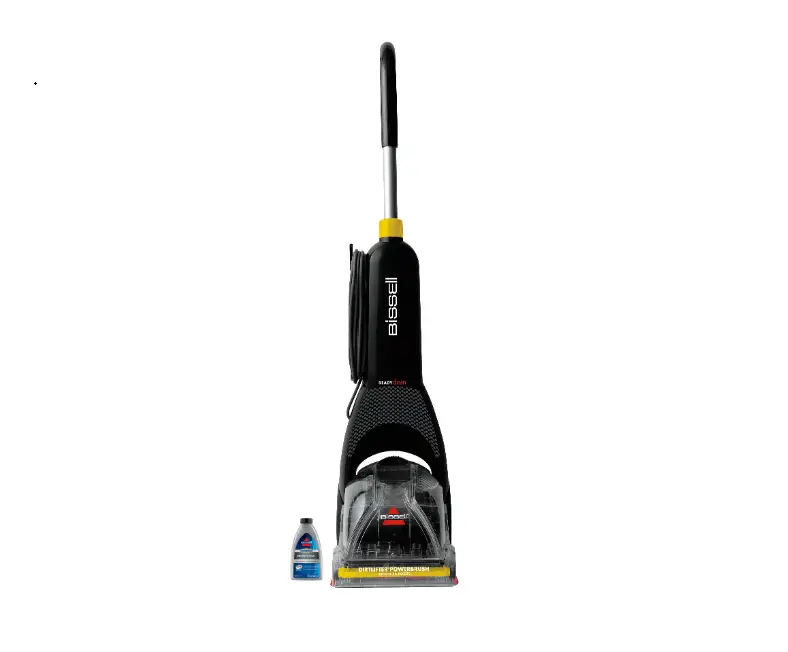
- Plug machine in
- Select a cleaning mode (Rug or Hard Floor)
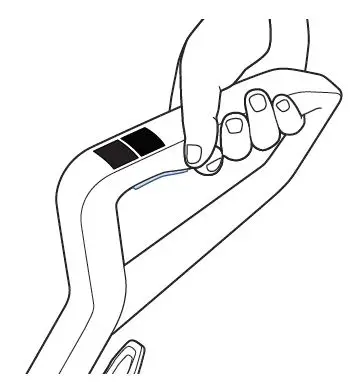
- If machine does not turn on, refer to No Power troubleshooting
- Recline machine to activate brush roll
- If brush roll does not turn or machine shuts off after a short time, continue troubleshooting
- Unplug machine
- Remove brush roll window by grabbing the pull tab and pulling upward
- Remove brush roll by grabbing the brush roll tab and pulling upward
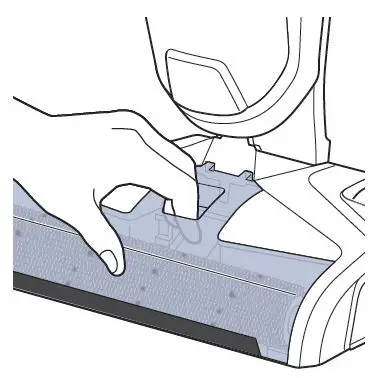
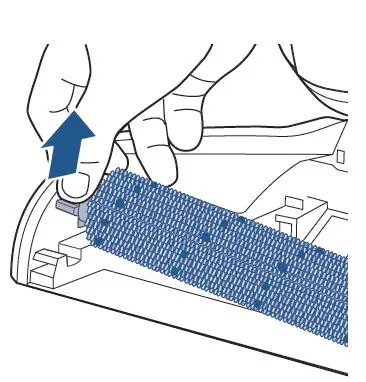
- Check for hair wrap and debris around the brush roll and brush roll ends
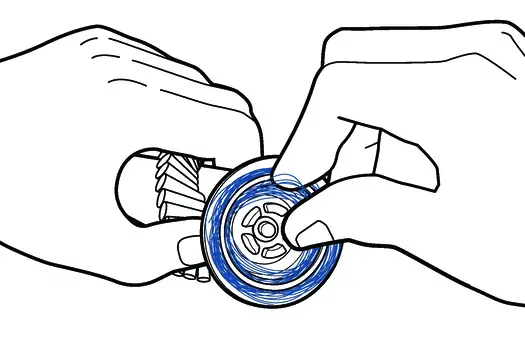
- Hold the colored pull tab on brush roll and spin the other end
- If the brush doesn’t spin, a new one needs to be ordered
- Check the plastic drive gear, (where the brush roll is inserted into on the foot of the machine) remove hair/debris wrapped in this area
- Turn gear by hand to test spin
- If the gear doesn’t turn by hand visit a BISSELL Authorized Service Center or Contact Us
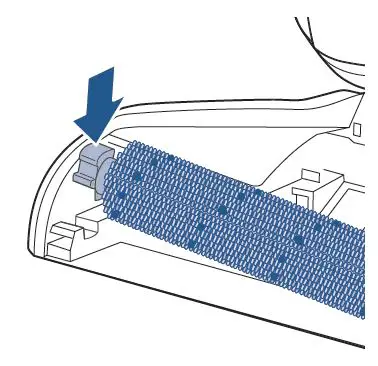
- Reinstall the brush roll by inserting the gray tipped end into the right side of the machine and then pressing down on the colored tab until it clicks into place
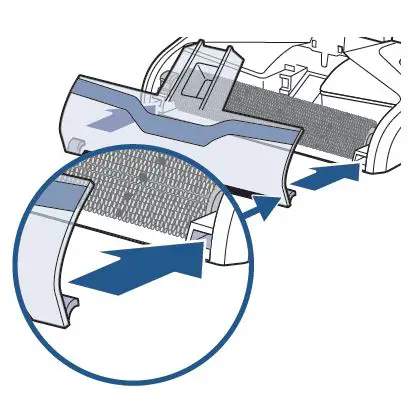
- Reattach the brush roll window
- Line up tabs on the front edges of the foot and then push the window into place until it clicks
- Plug machine in, recline, and test to see if CrossWave turns on and will run
- If not, please visit a BISSELL Authorized Service Center and Contact Us