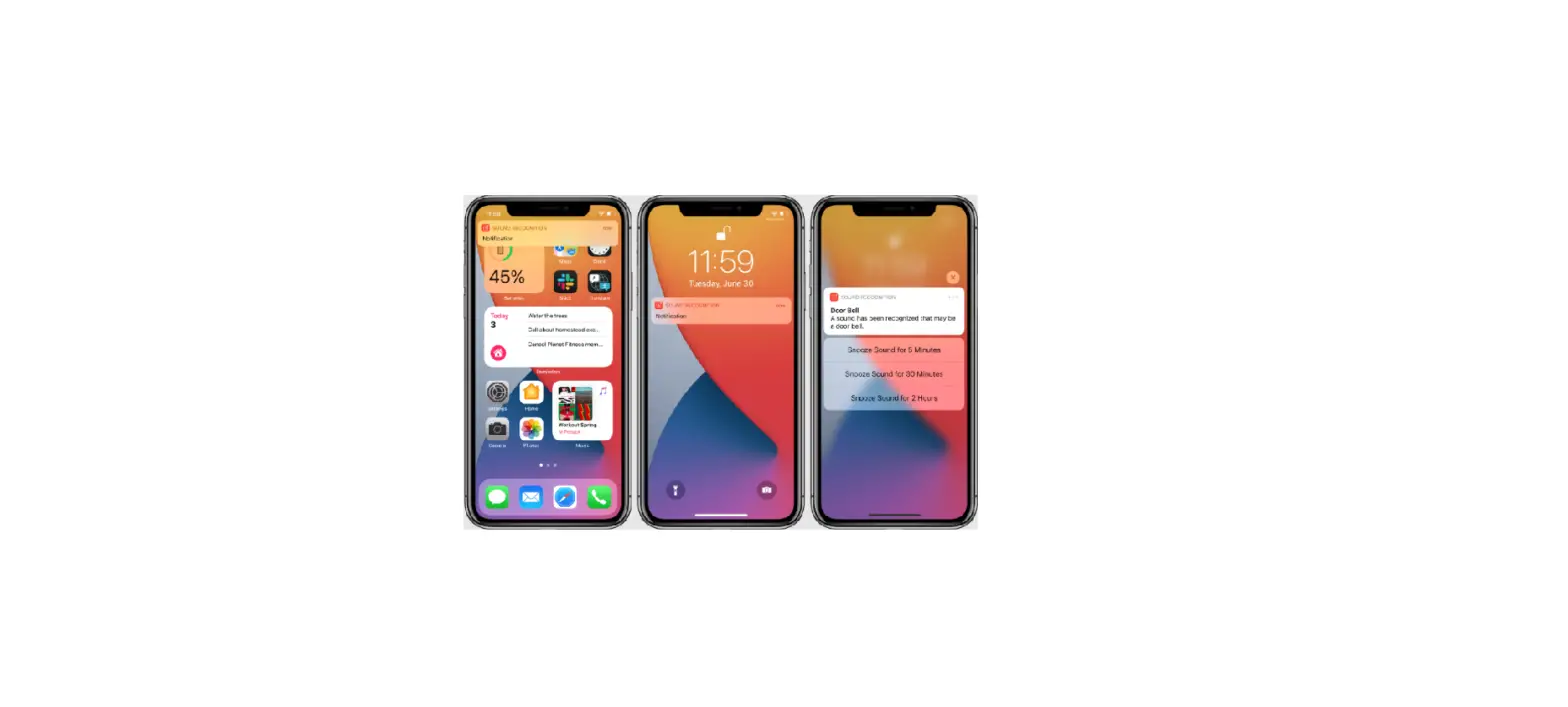
Your iPad can continuously listen for certain sounds—such as a crying baby, doorbell, or siren—and notify you when it recognizes these sounds.
Note: Don’t rely on your iPad to recognize sounds in circumstances where you may be harmed or injured, in high-risk or emergency situations, or for navigation.
Set up Sound Recognition
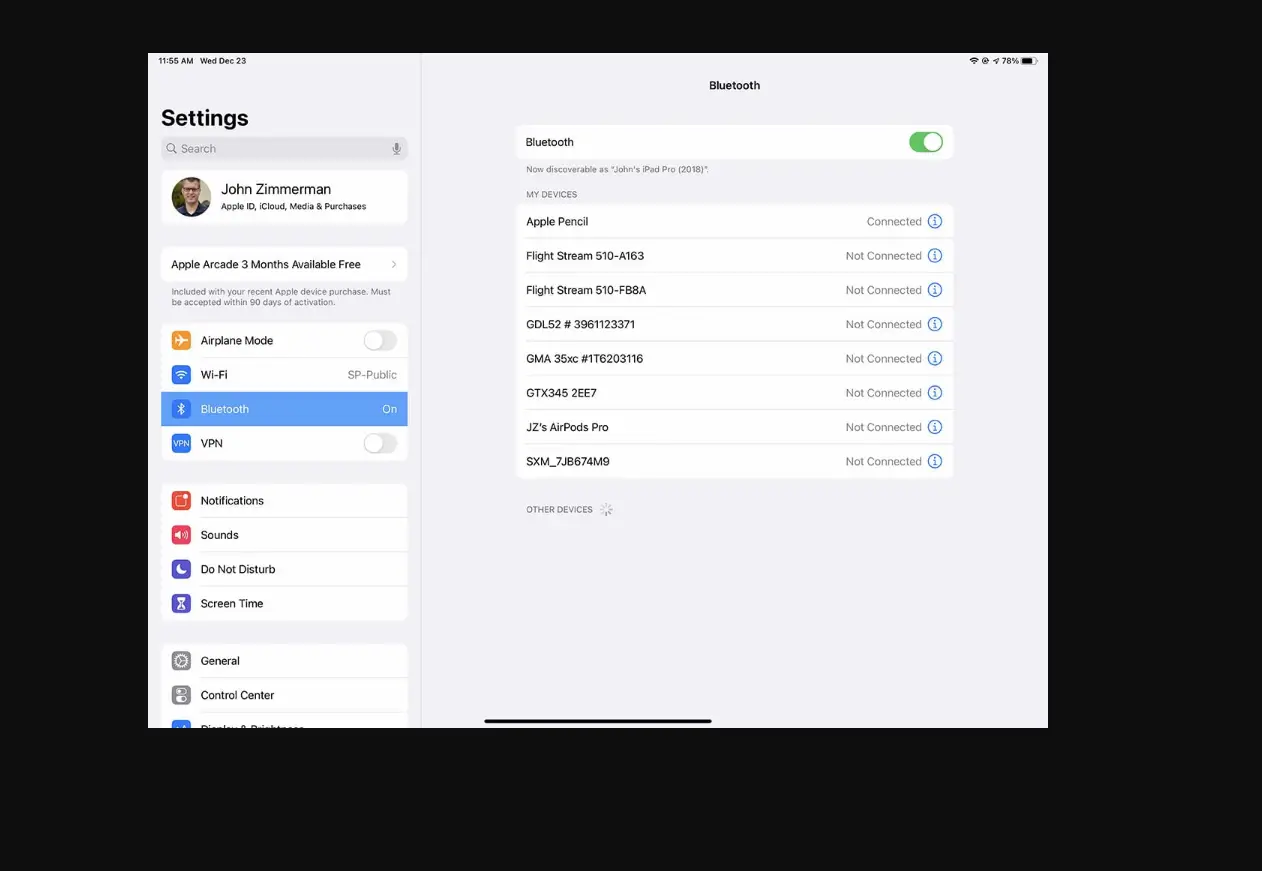
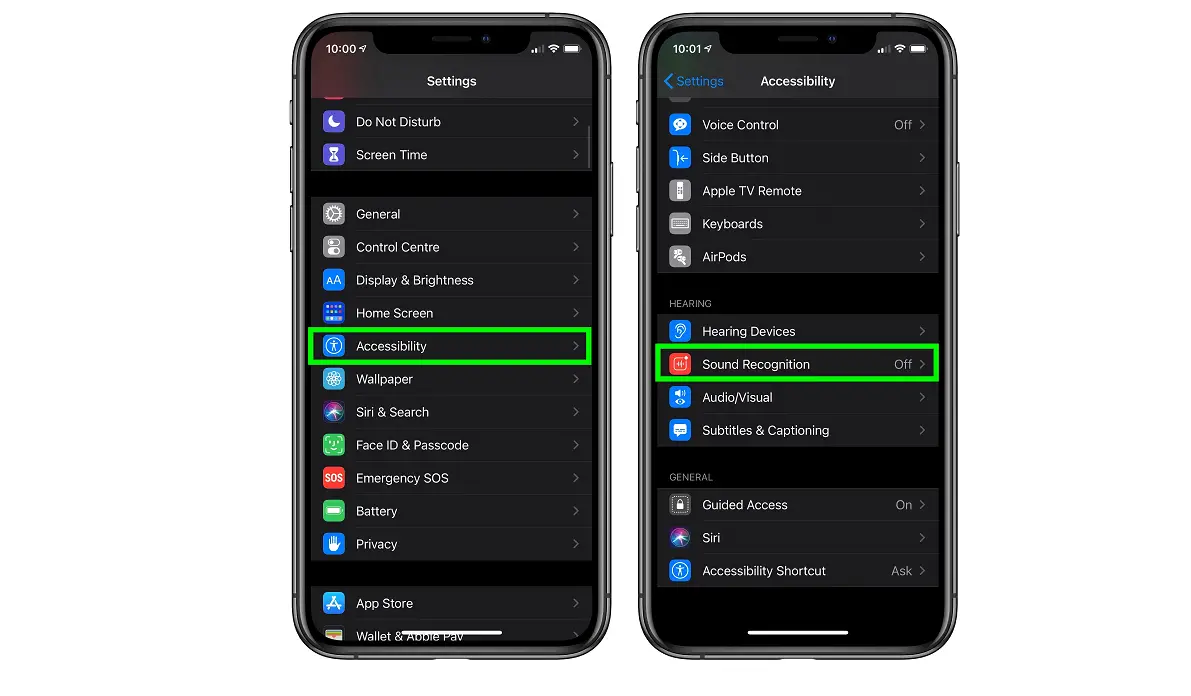
- Go to Settings
 > Accessibility > Sound Recognition, then turn on Sound Recognition.
 - Tap Sounds, then turn on the sounds you want iPad to recognize.
 > Accessibility > Sound Recognition, then turn on Sound Recognition.