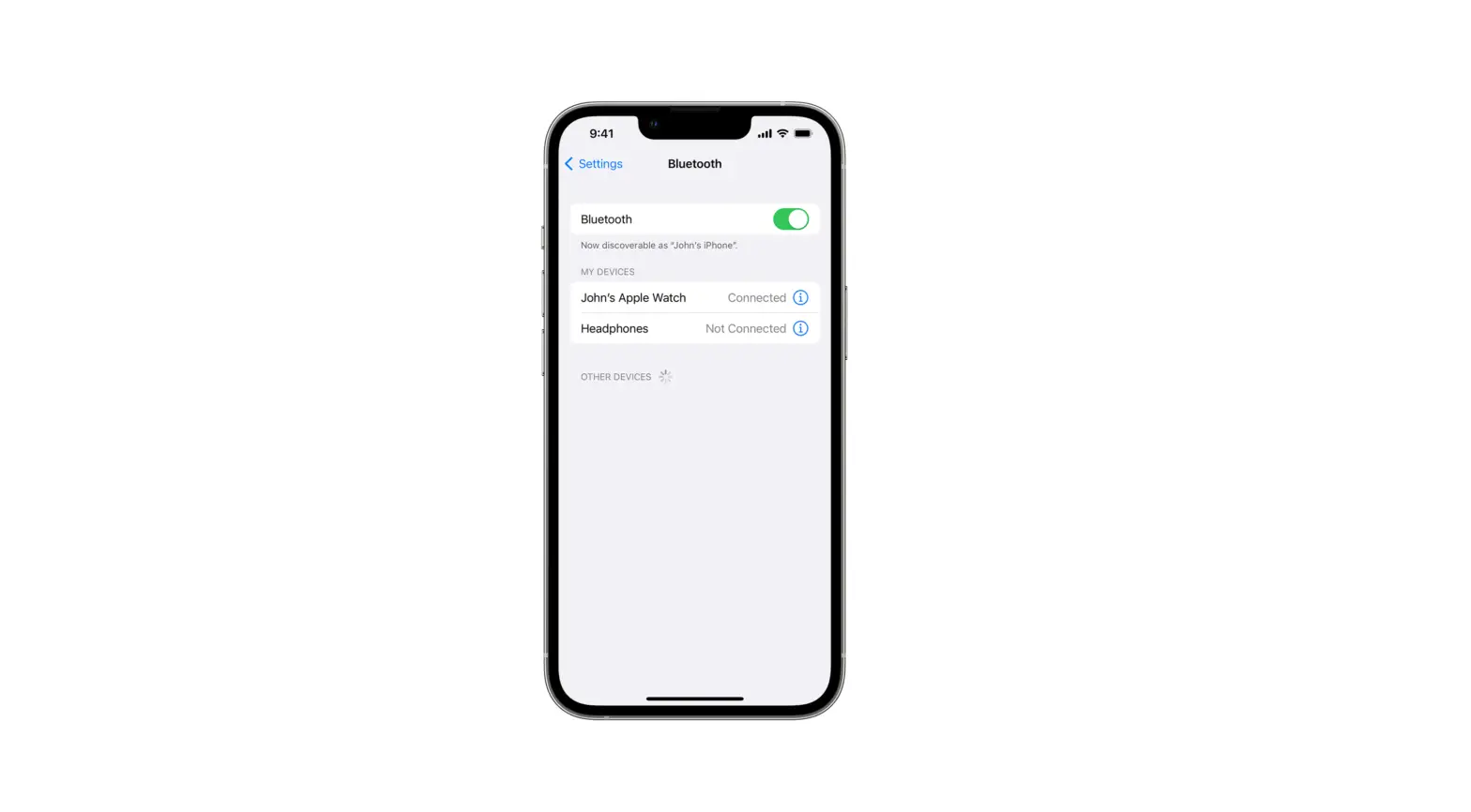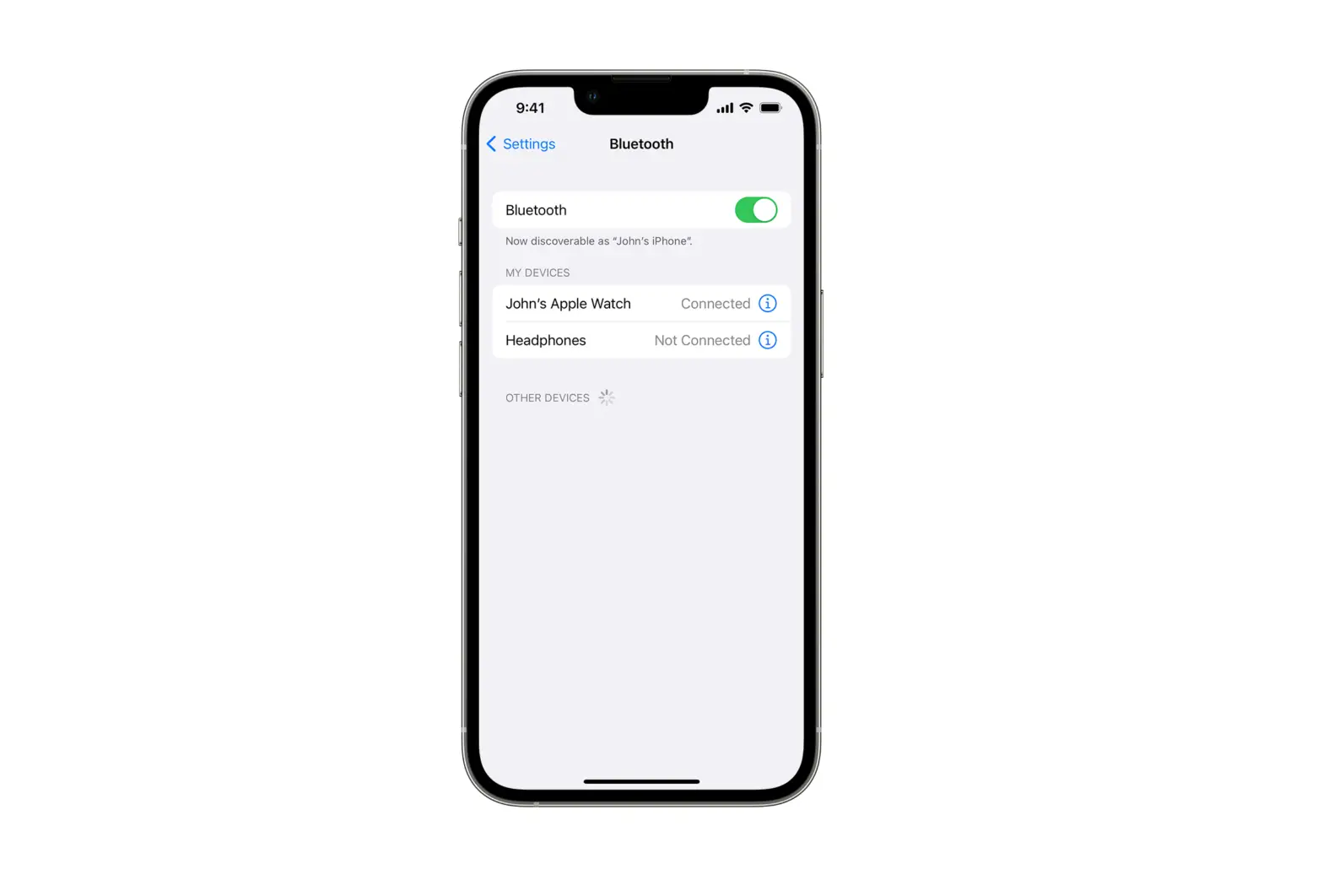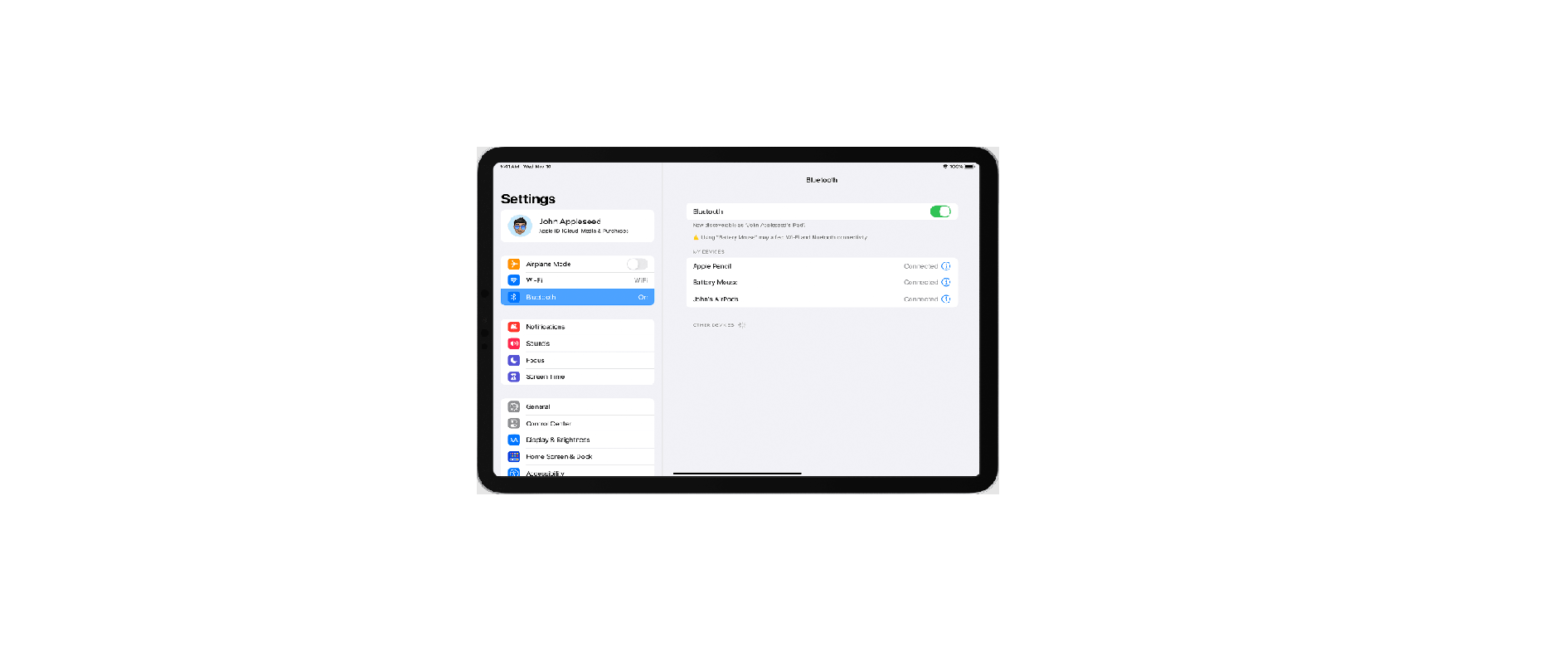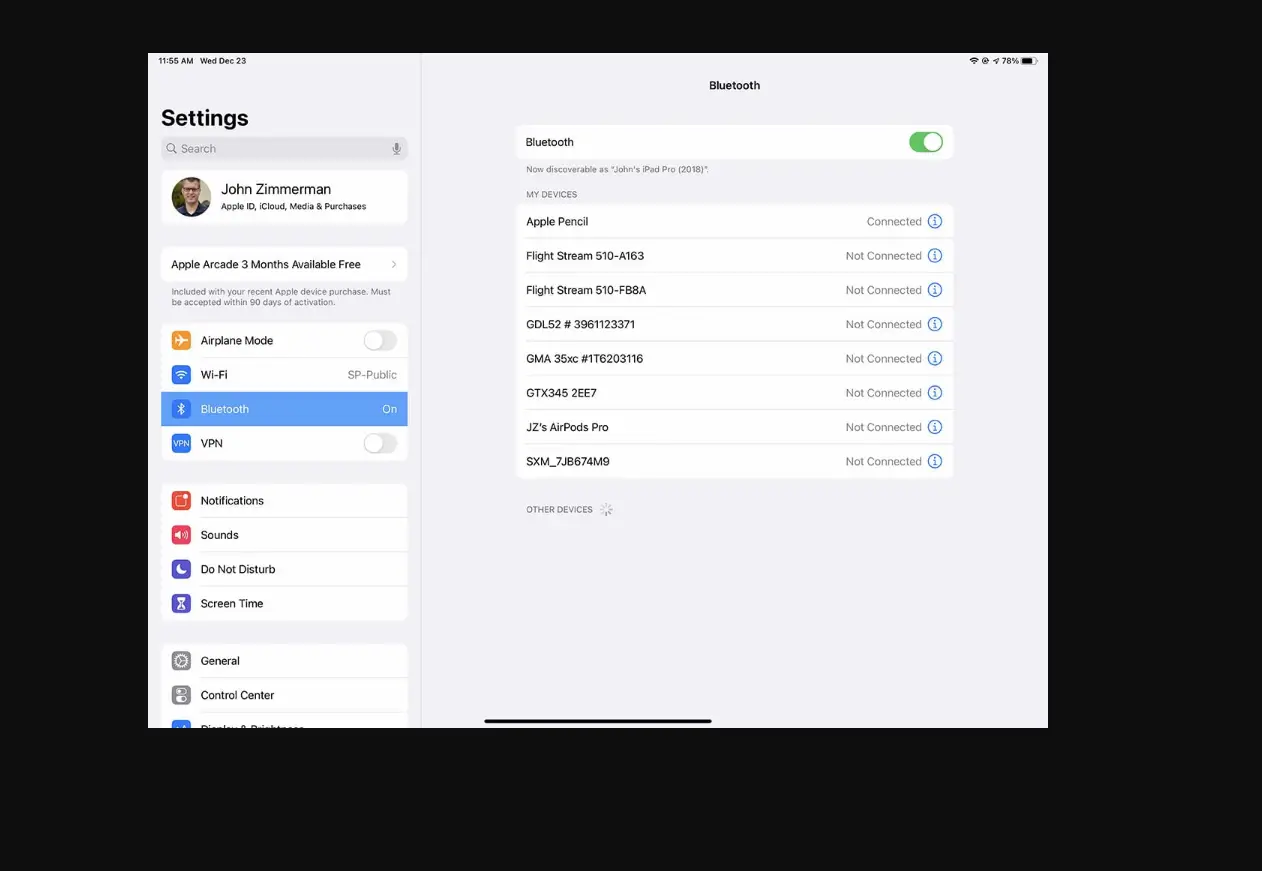
Go to Settings  > Bluetooth, tap
  next to the name of the device, then tap Forget This Device.
If you don’t see the Devices list, make sure Bluetooth is on.
If you have AirPods and you tap Forget This Device, they’re automatically removed from other devices where you’re signed in with the same Apple ID.