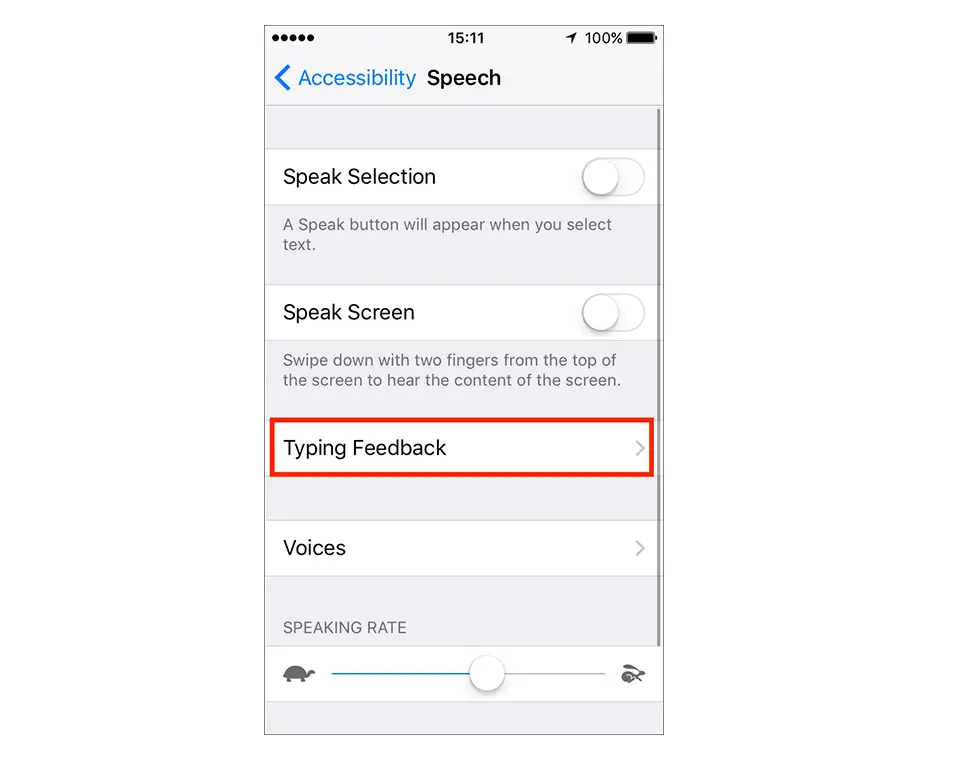
- Speak Selection: To hear text you selected, tap the Speak button.
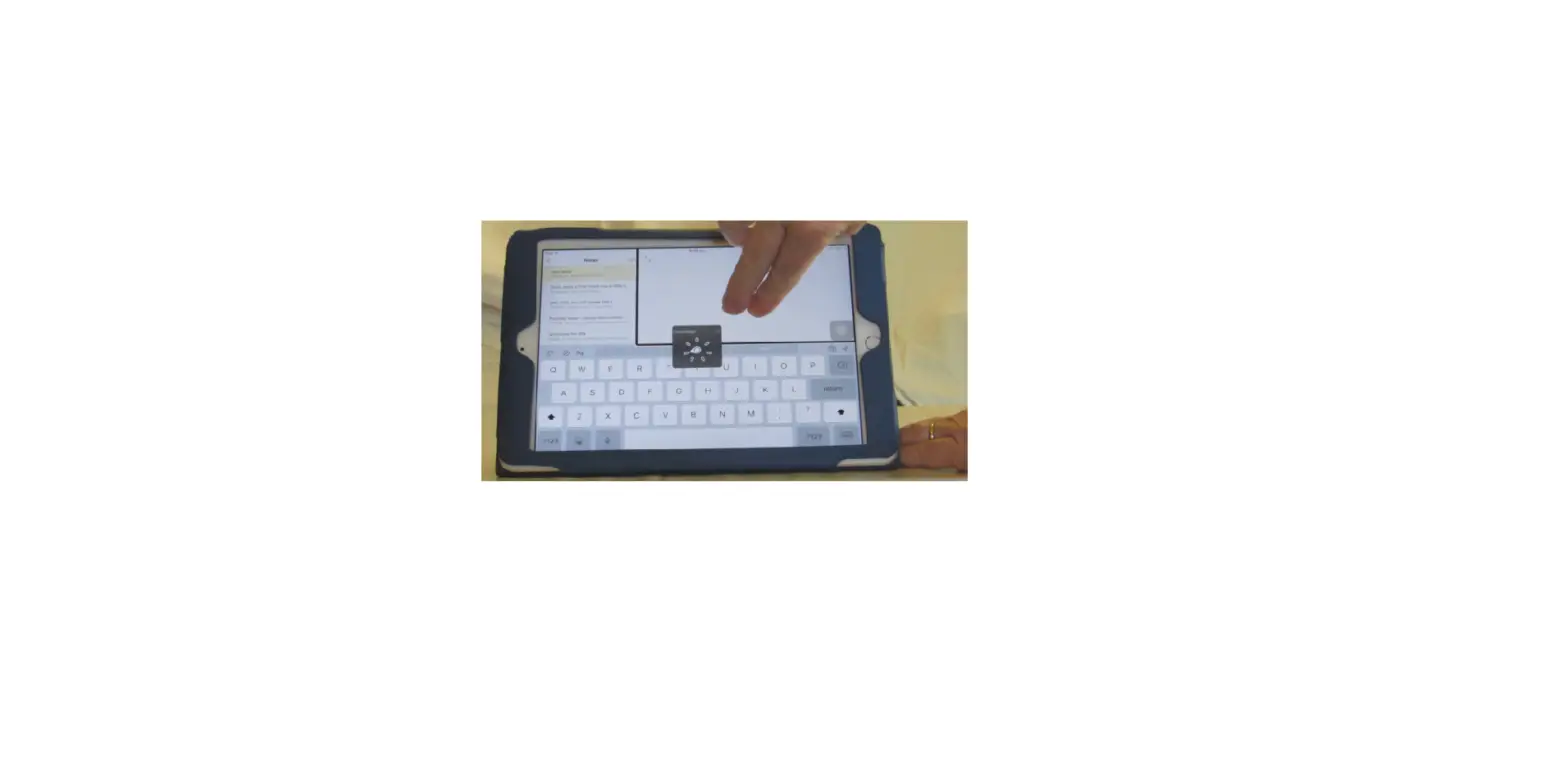
- Speak Screen: To hear the entire screen, swipe down with two fingers from the top of the screen.
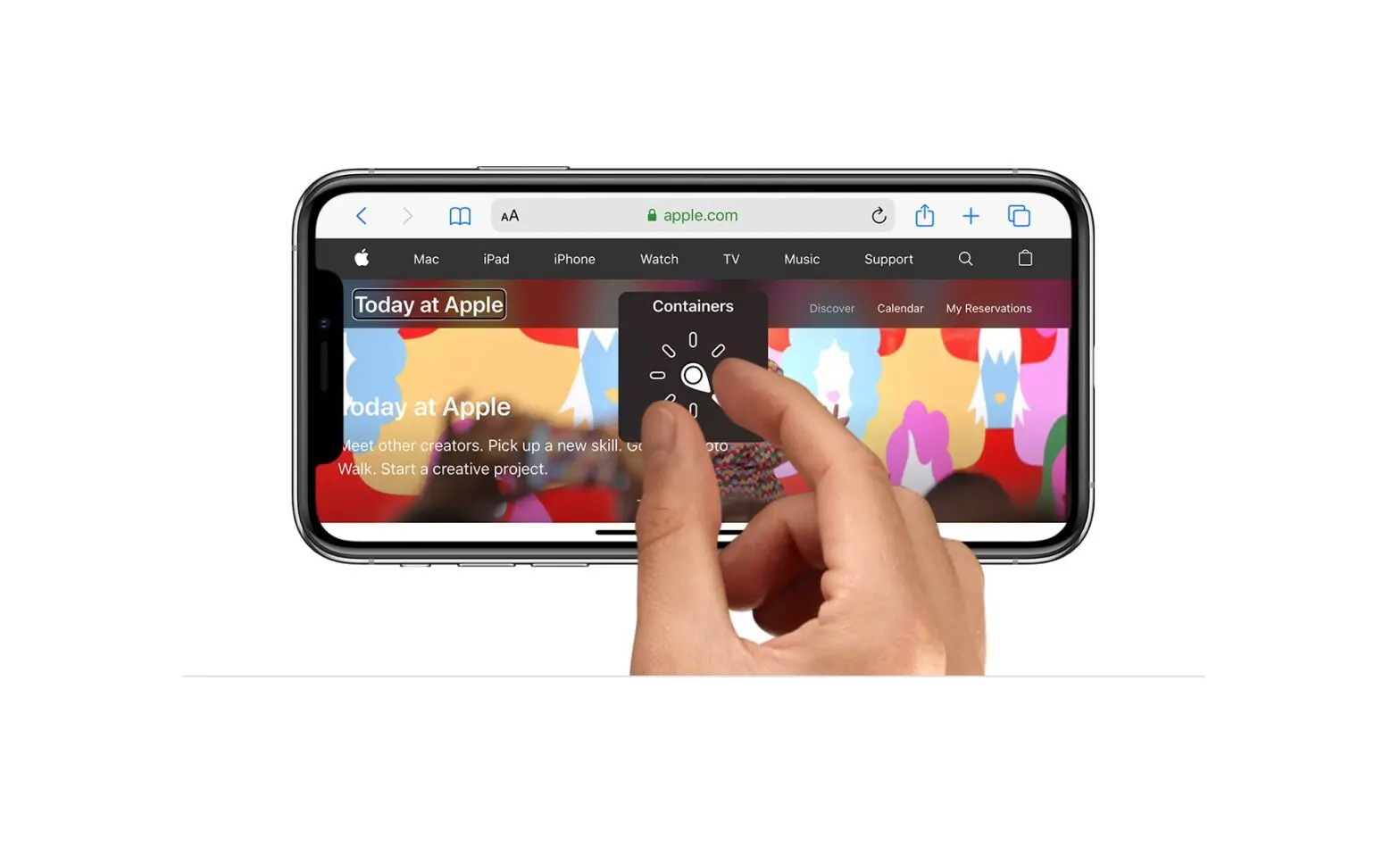
- Speech Controller: Show the controller for quick access to Speak Screen and Speak on Touch.
- Highlight Content: iPad can highlight words, sentences, or both as they’re spoken. You can change the highlight color and style.
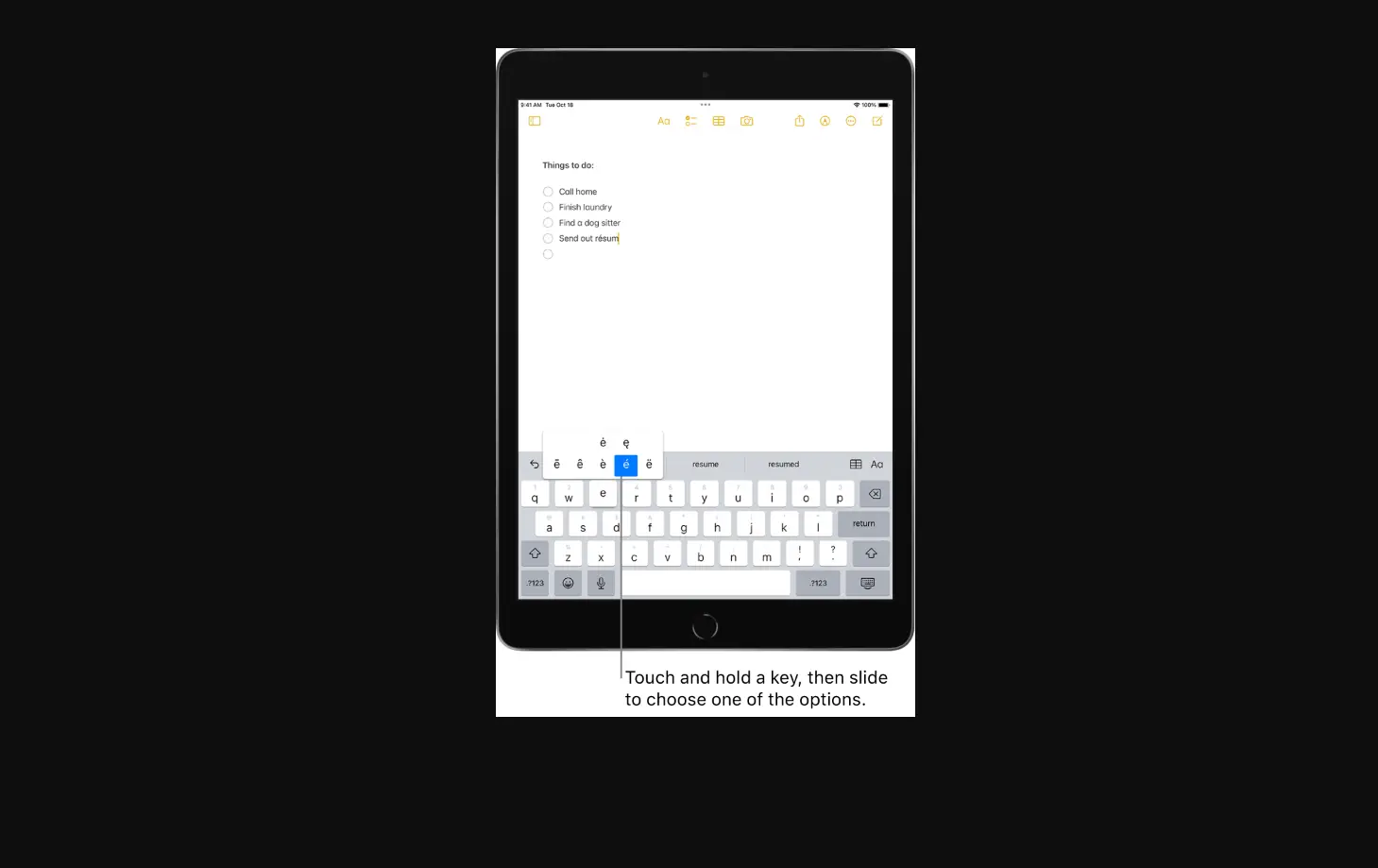
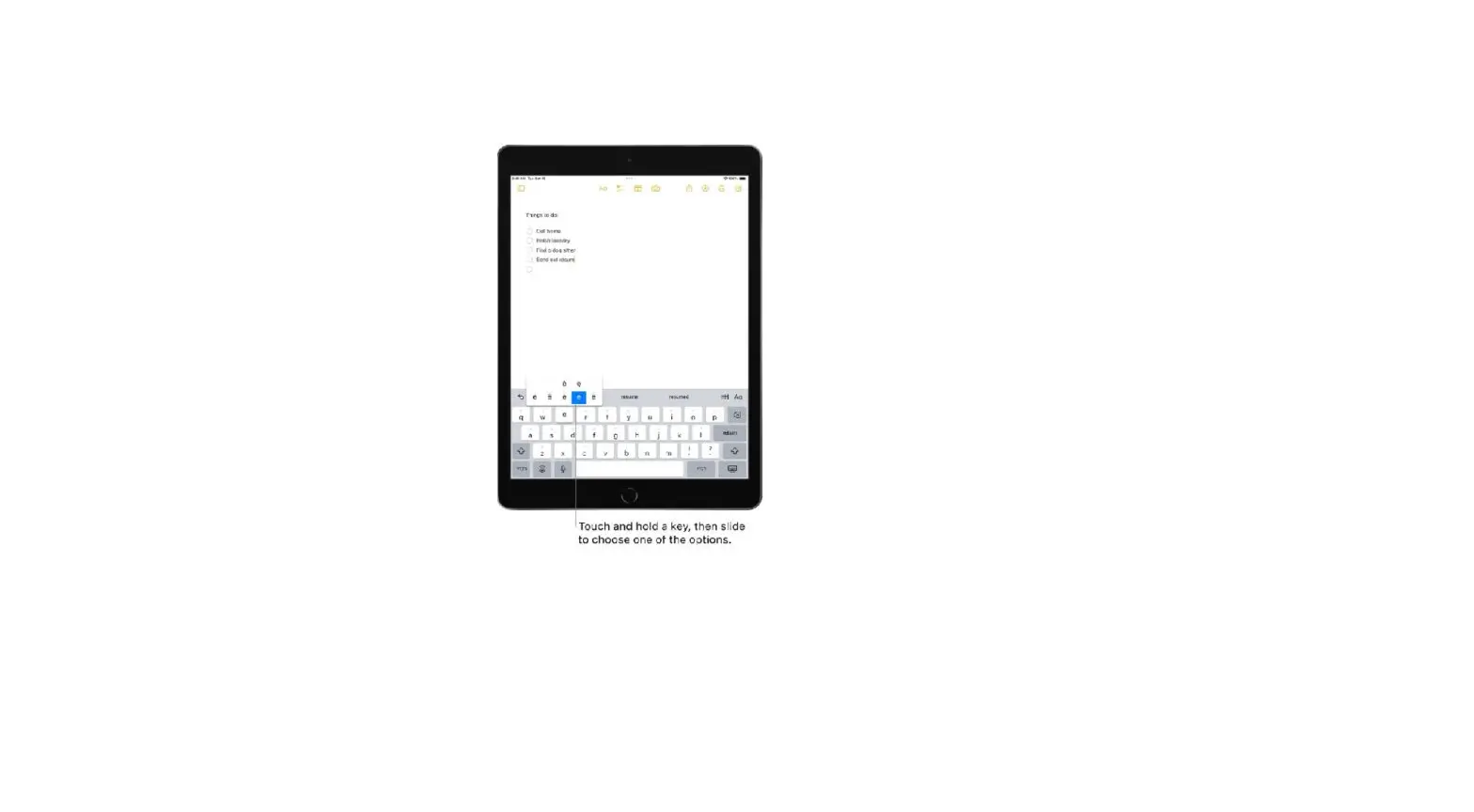
- Typing Feedback: You can configure typing feedback for the onscreen and external keyboards and choose to have iPad speak each character, entire words, auto-corrections, auto-capitalizations, and typing predictions.
To hear typing predictions, you also need to go to Settings > General > Keyboards, then turn on Predictive.
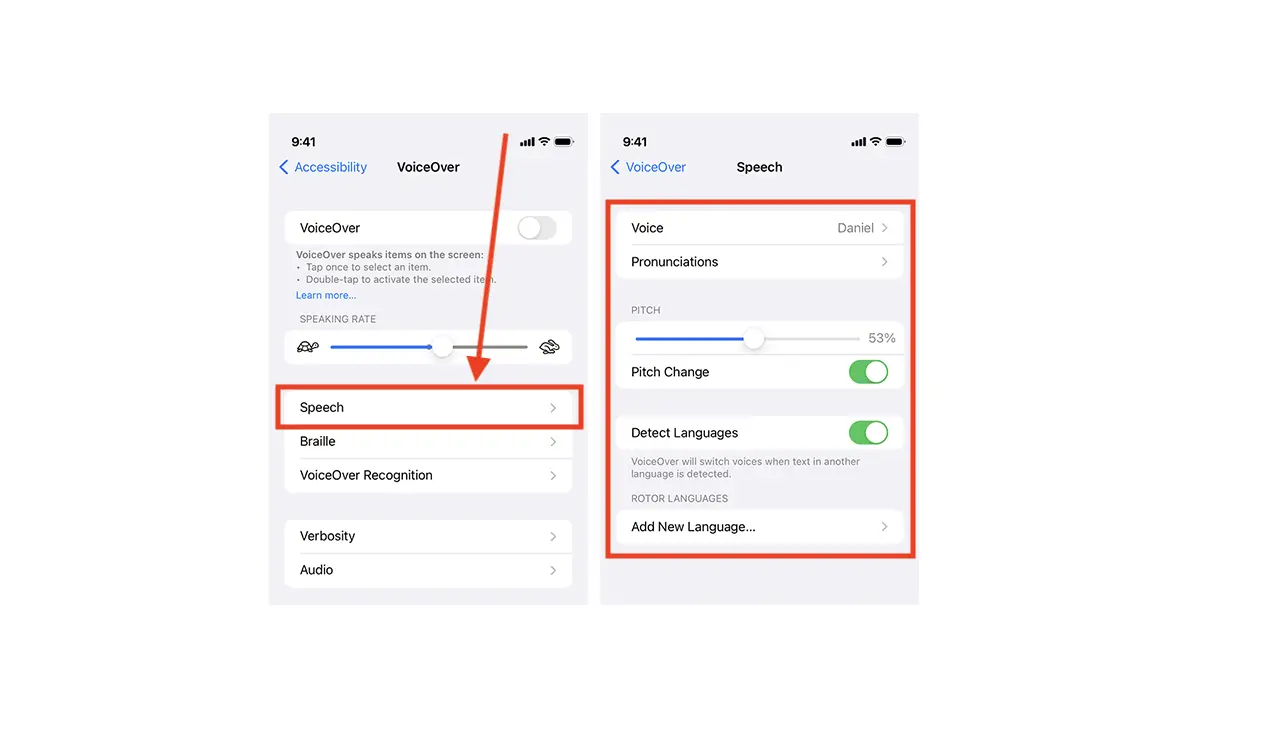
- Voices: Choose a voice and dialect.
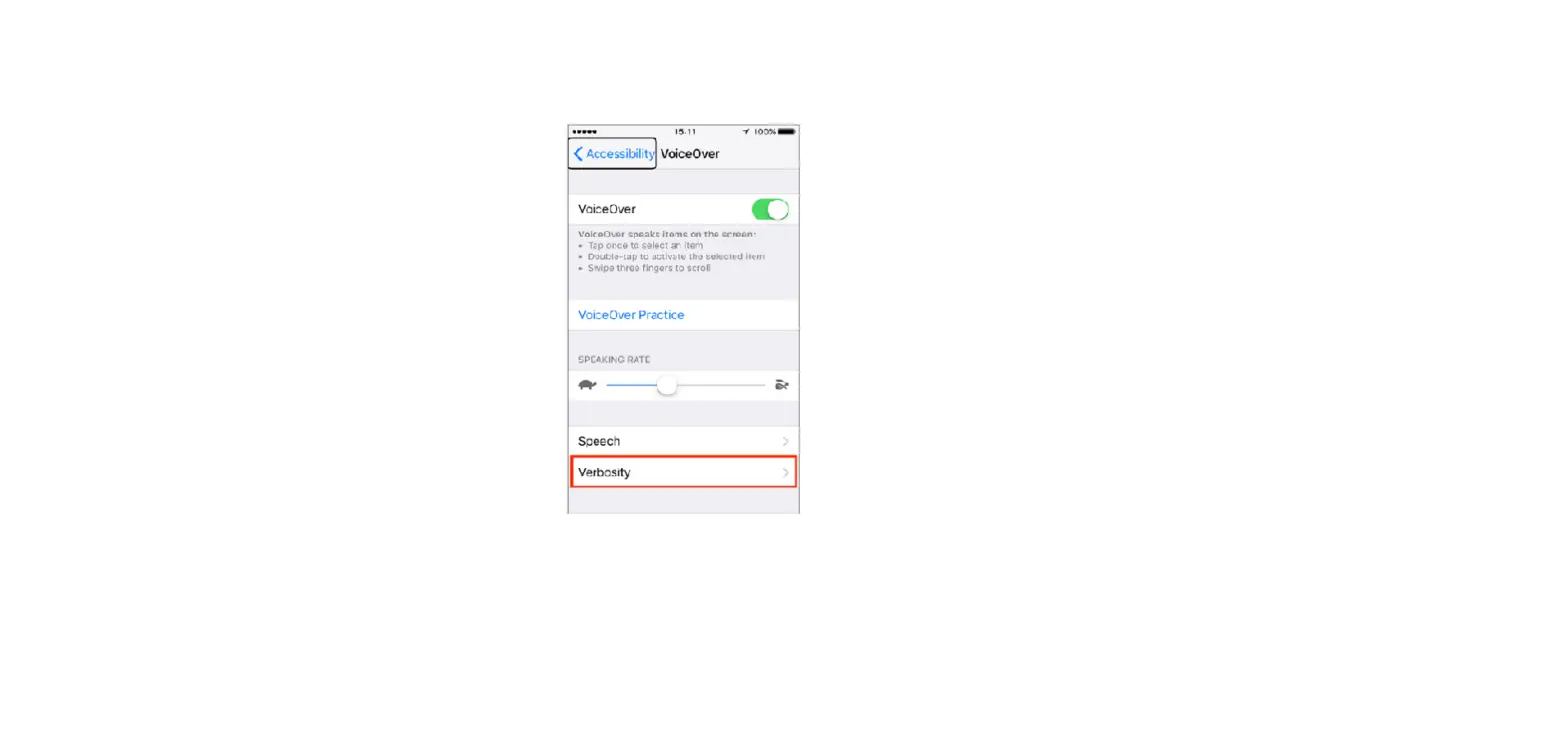
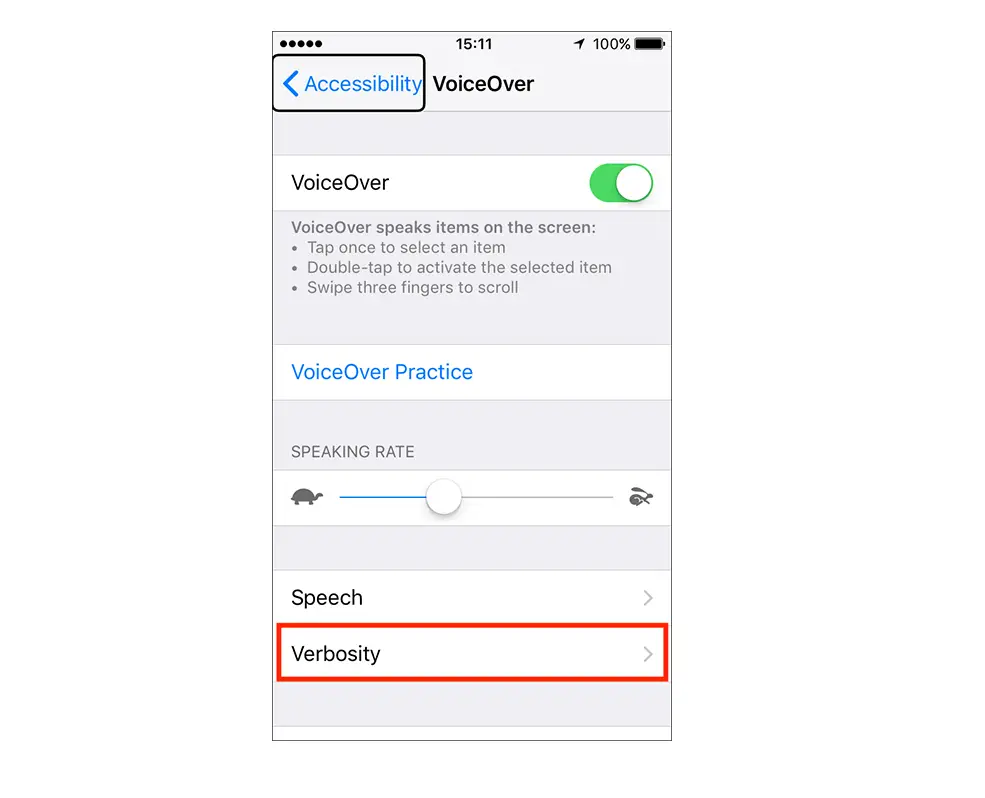
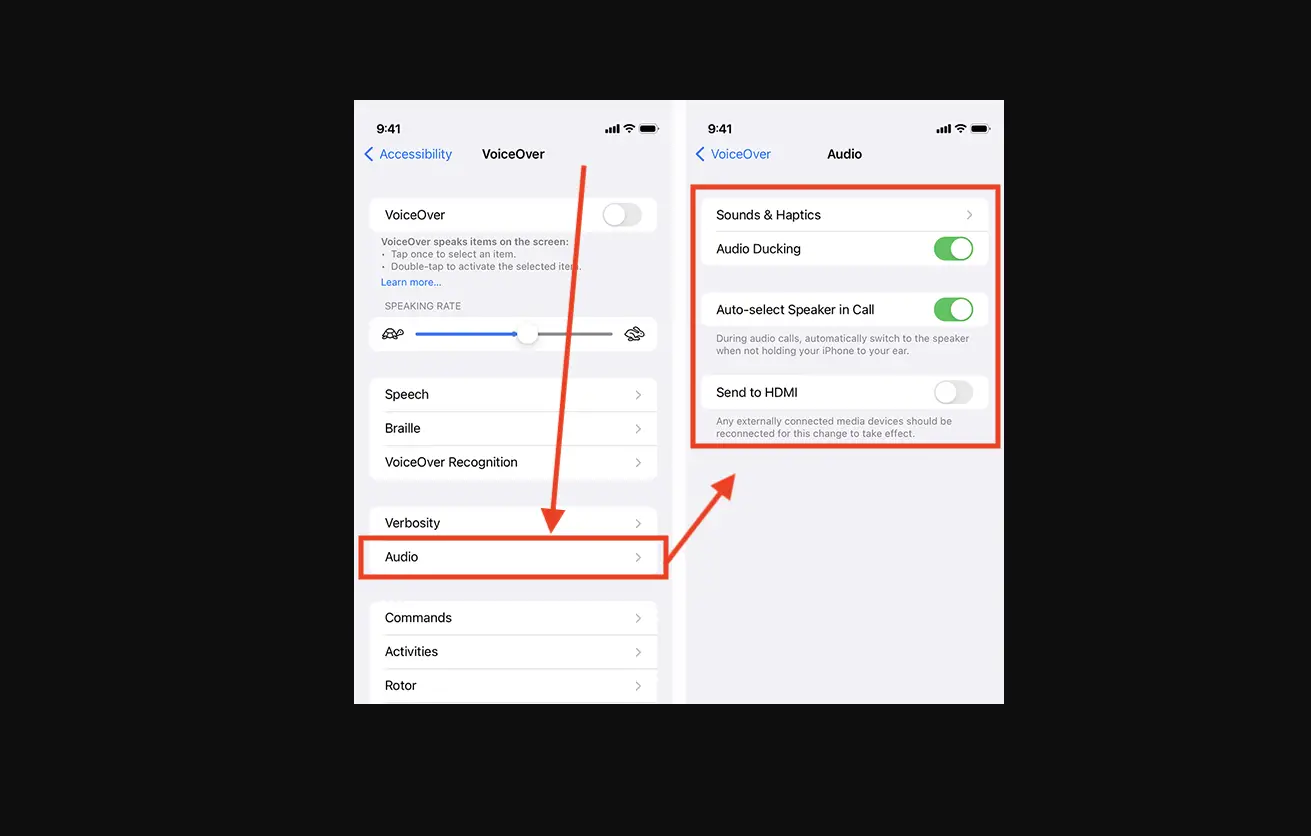
- Speaking Rate: Drag the slider.
- Pronunciations: Dictate or spell out how you want certain phrases to be spoken.