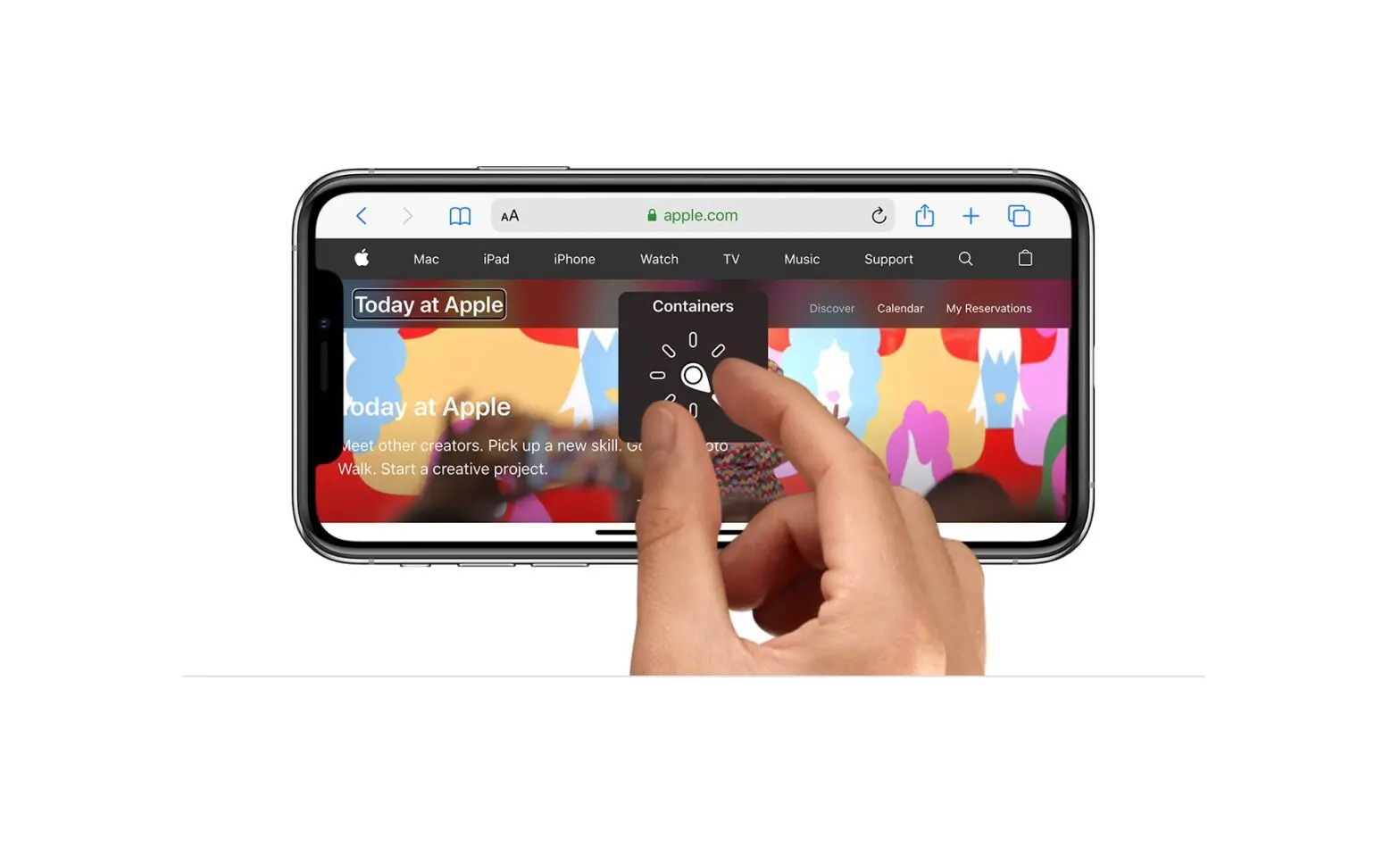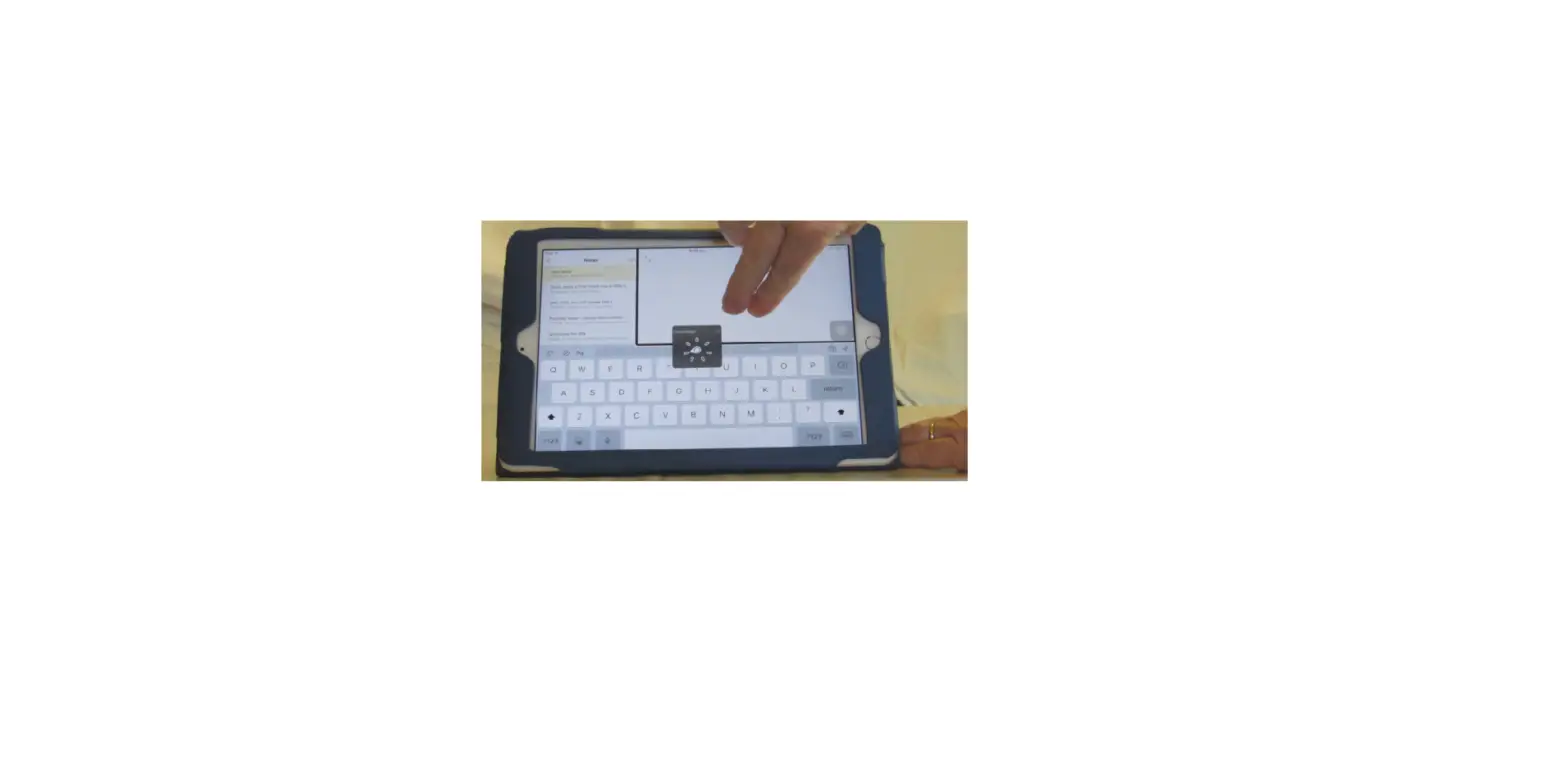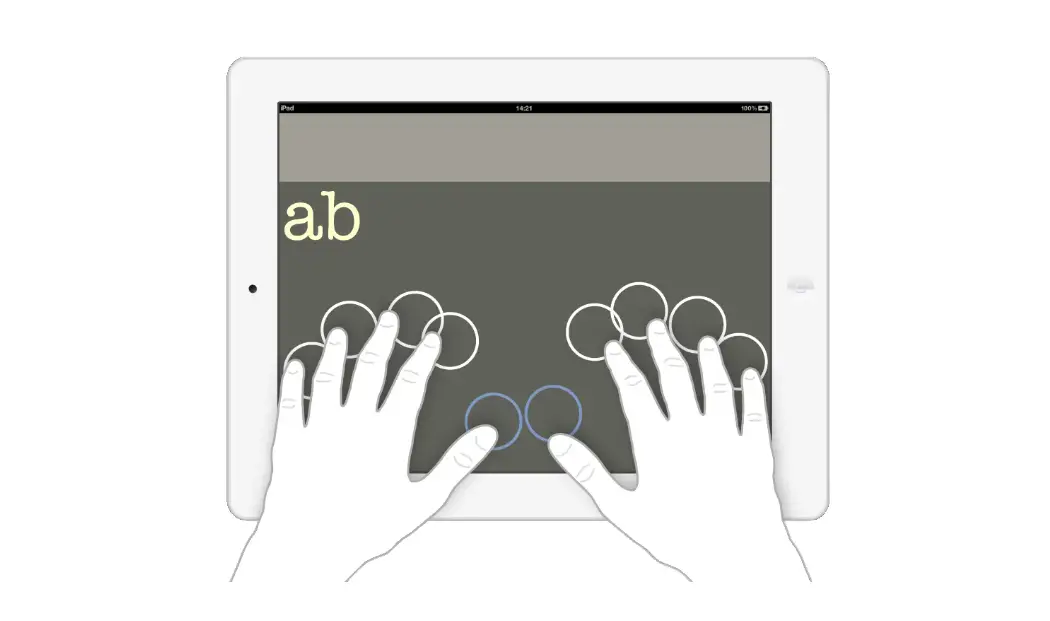
If you use a pointer device with iPad, you can adjust how it works with VoiceOver.
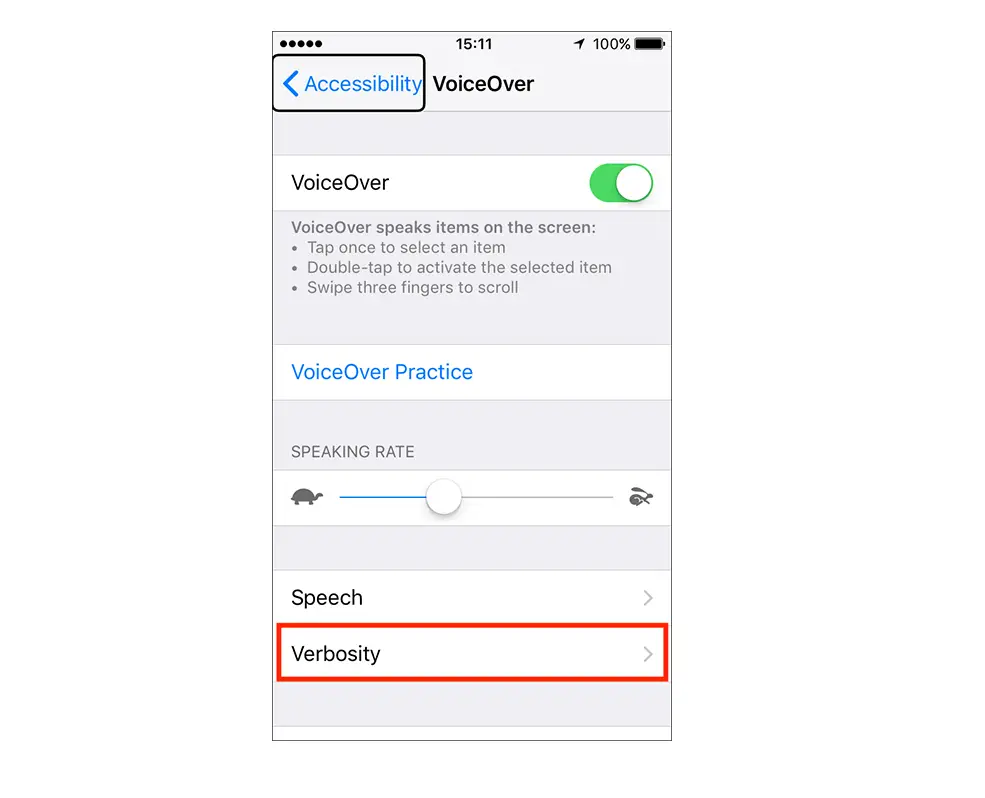
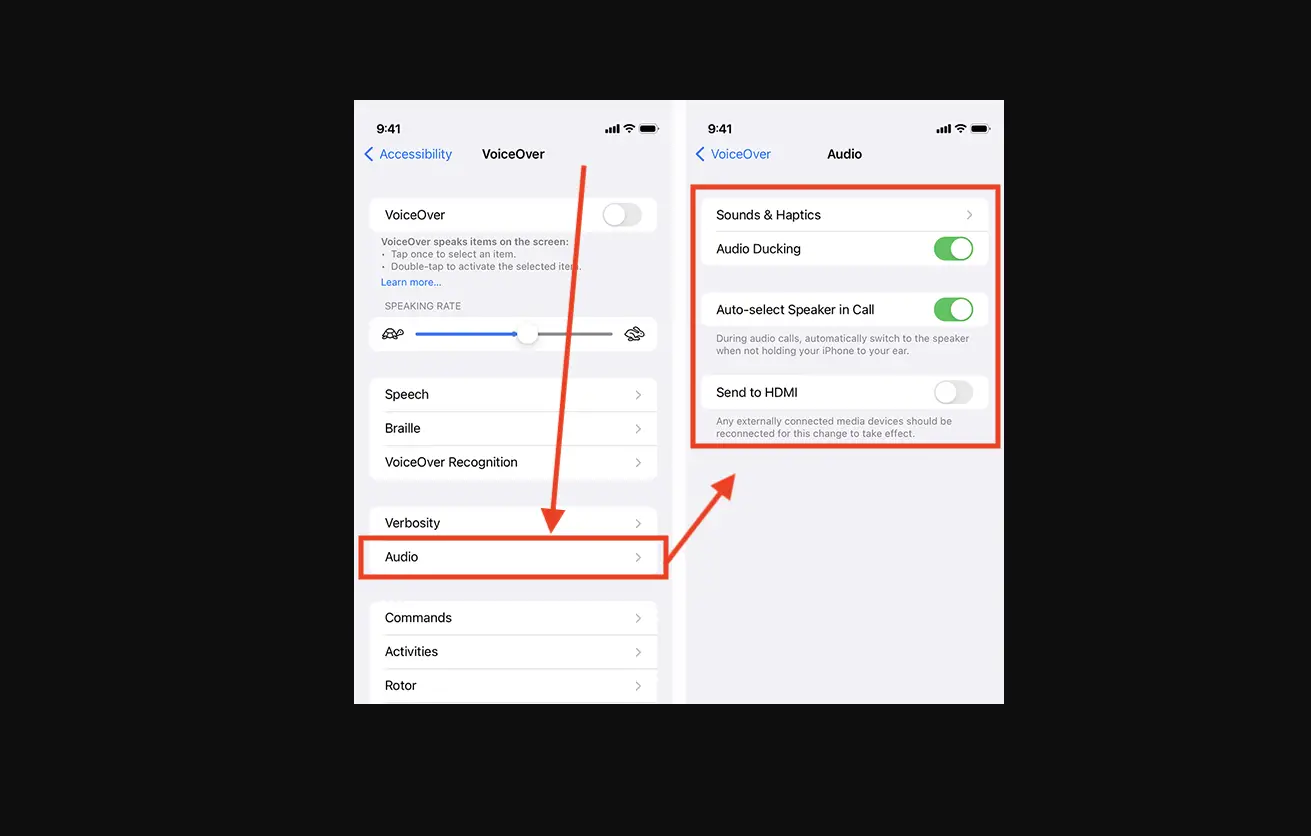
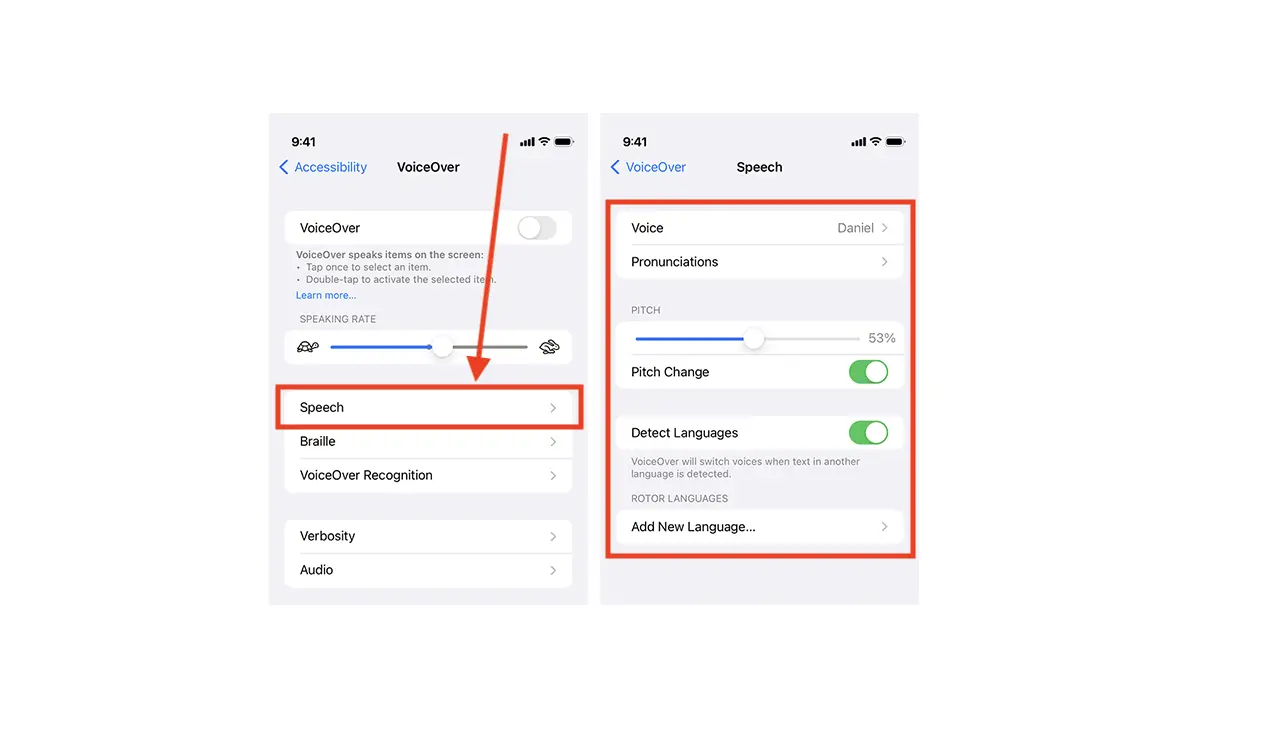
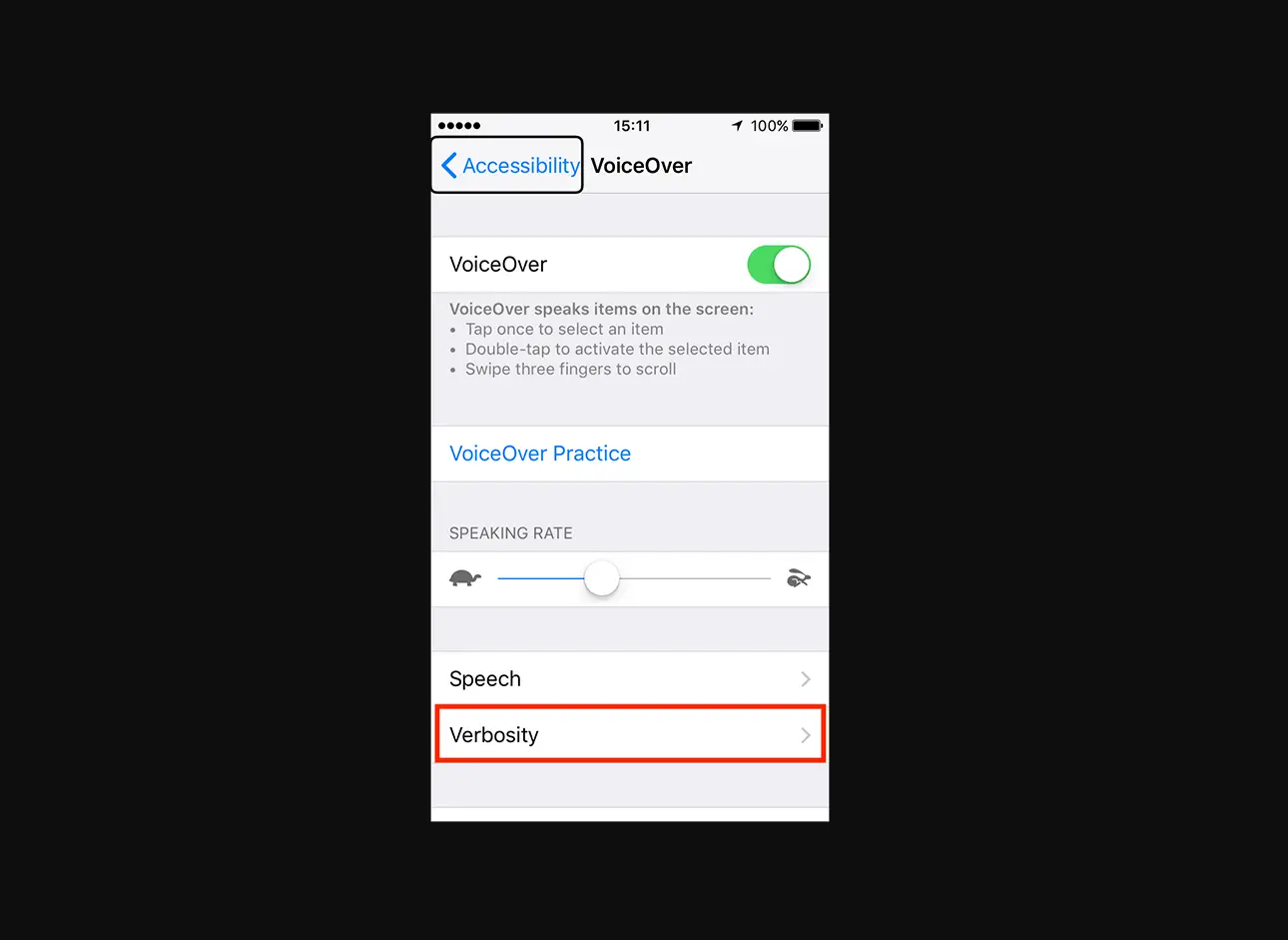
- Go to Settings
 > Accessibility > VoiceOver.
 - Below Pointer Control, tap any of the following:
- Pointer: Set the pointer to ignore, follow, or move the VoiceOver cursor.
- Speak Under Pointer: You can adjust the delay to speak the item under the pointer.
 > Accessibility > VoiceOver.