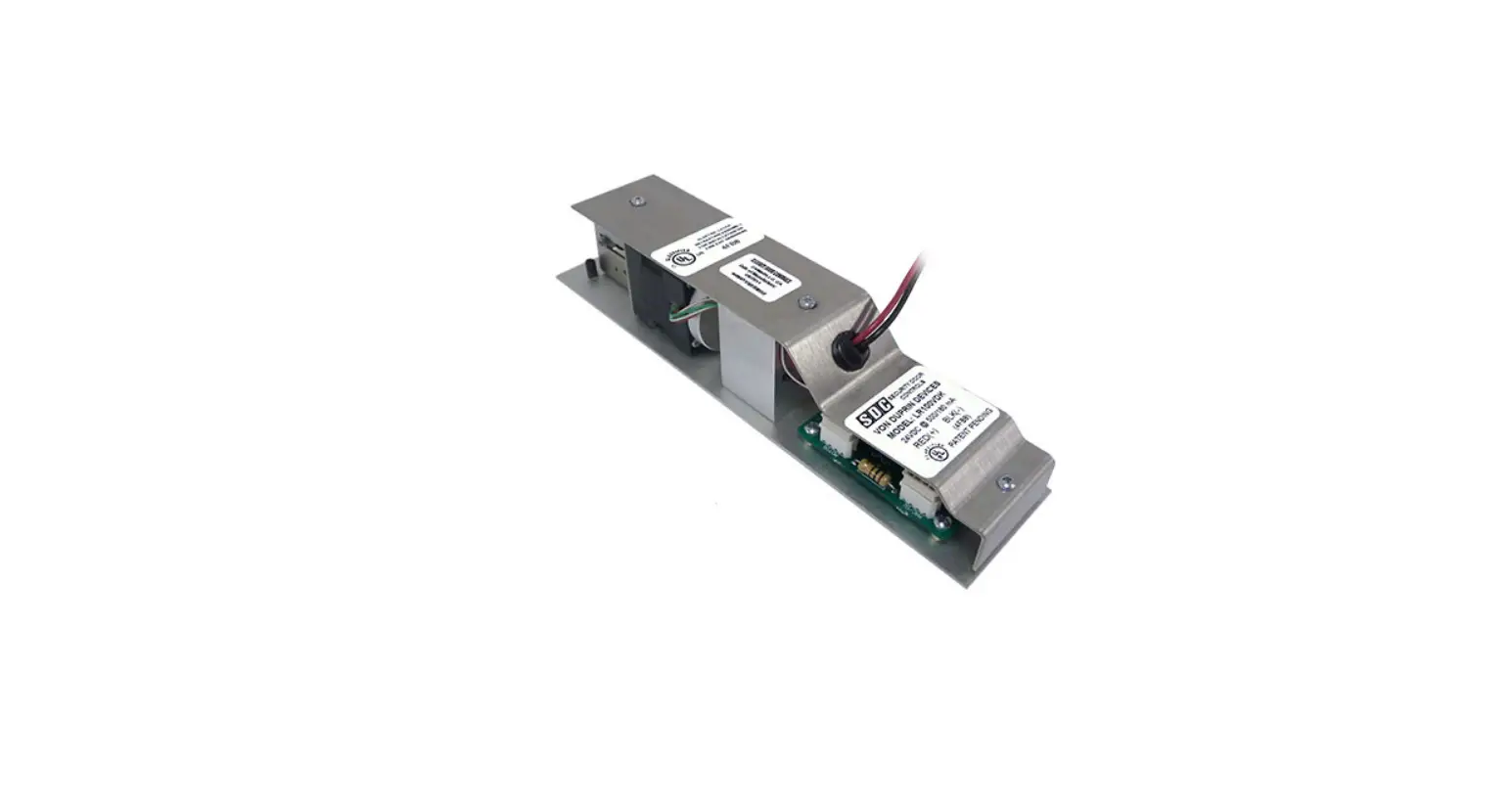
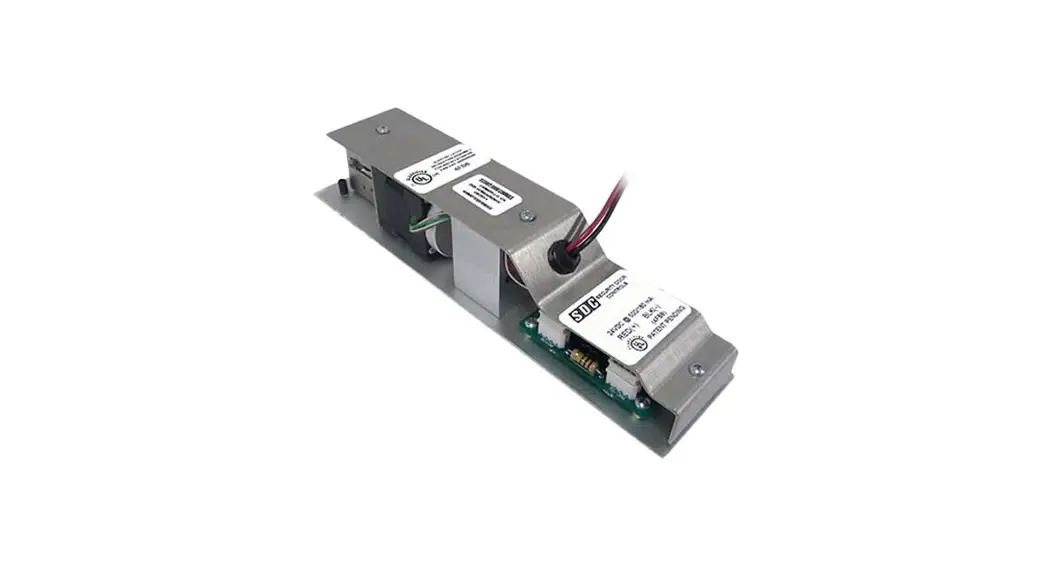
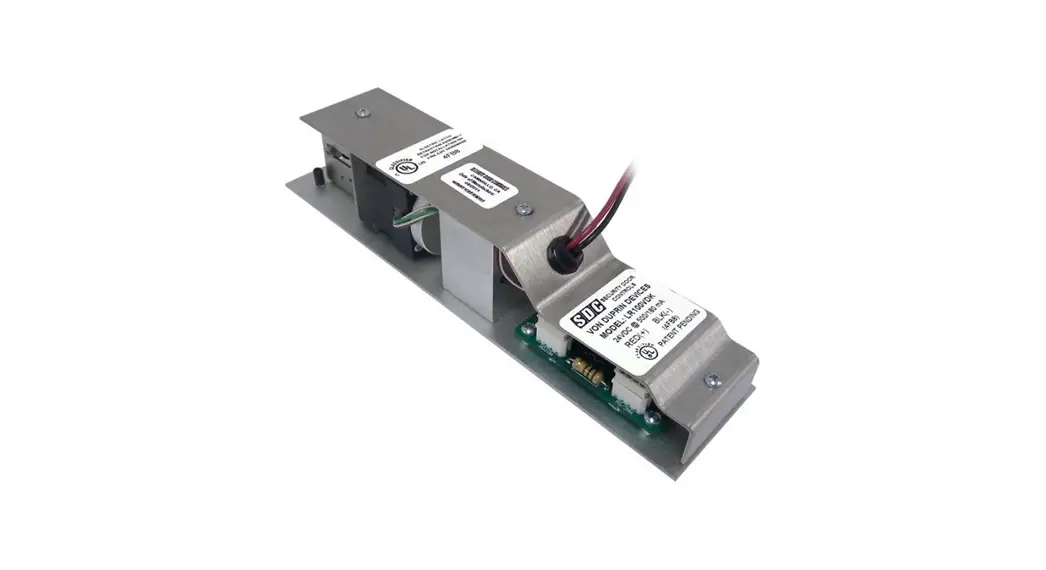
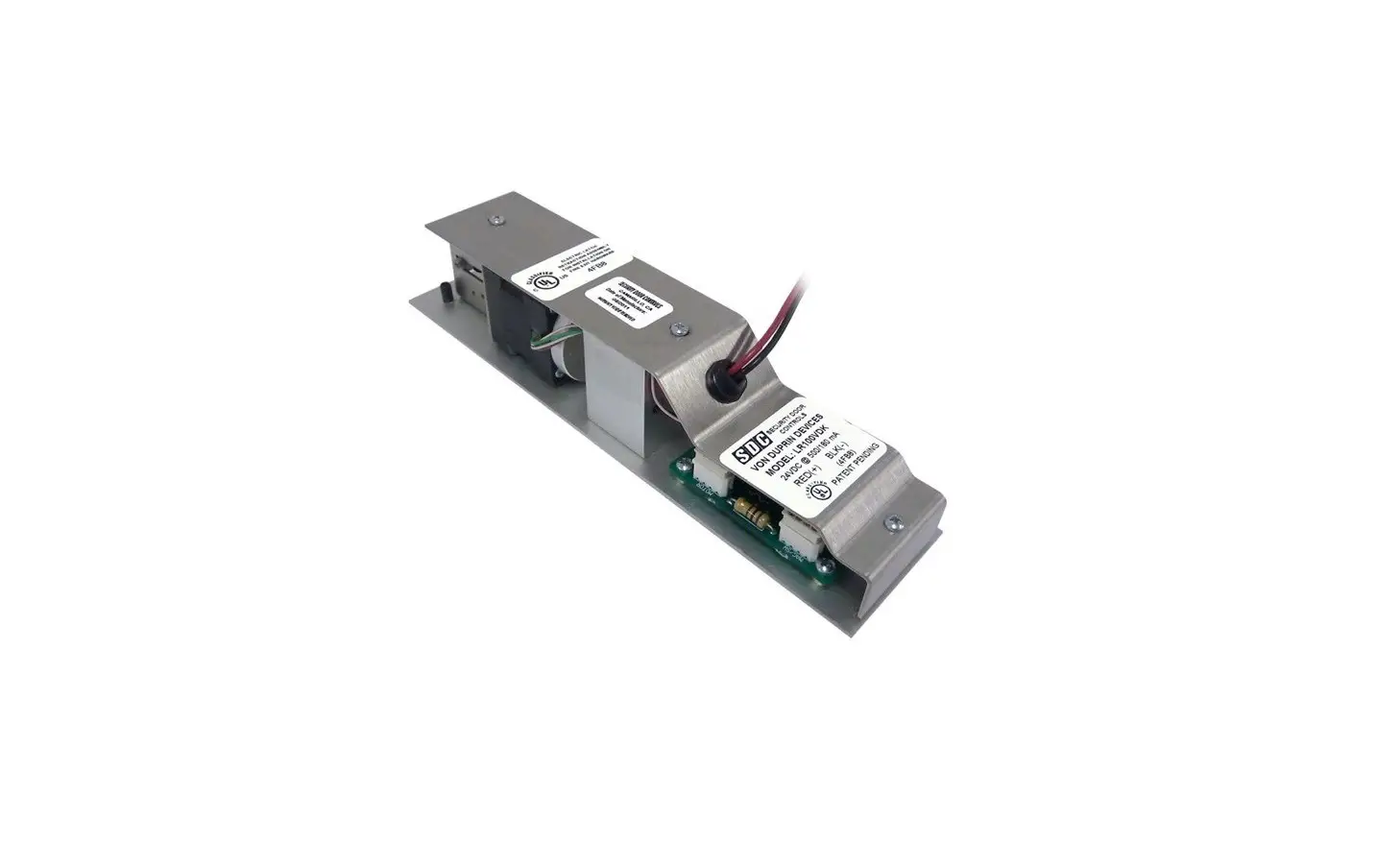
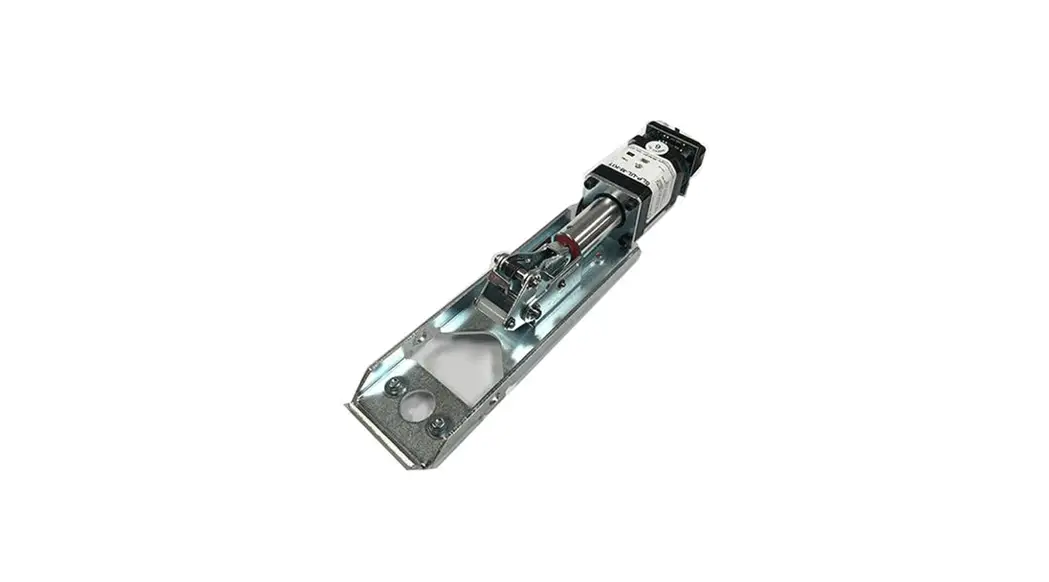
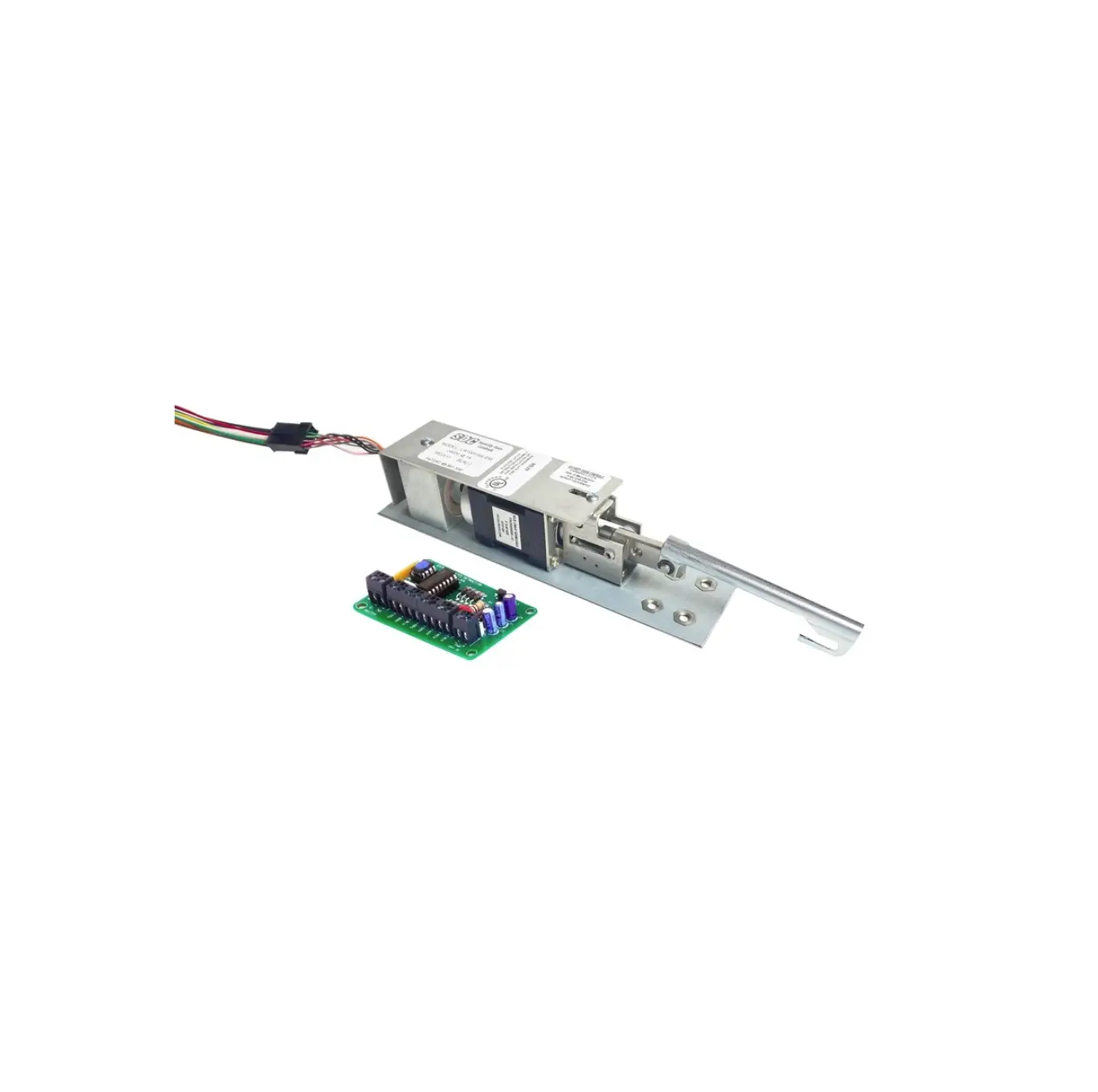
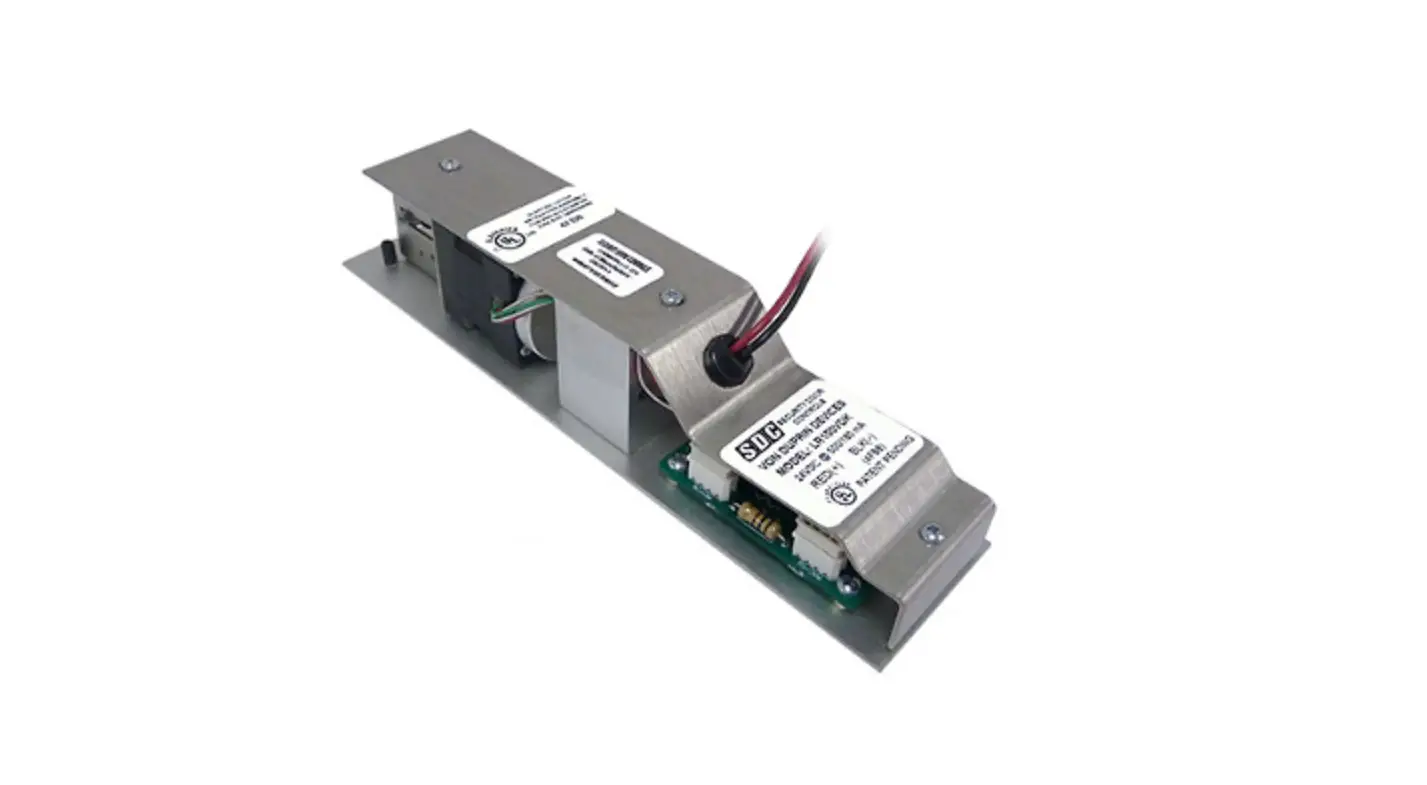
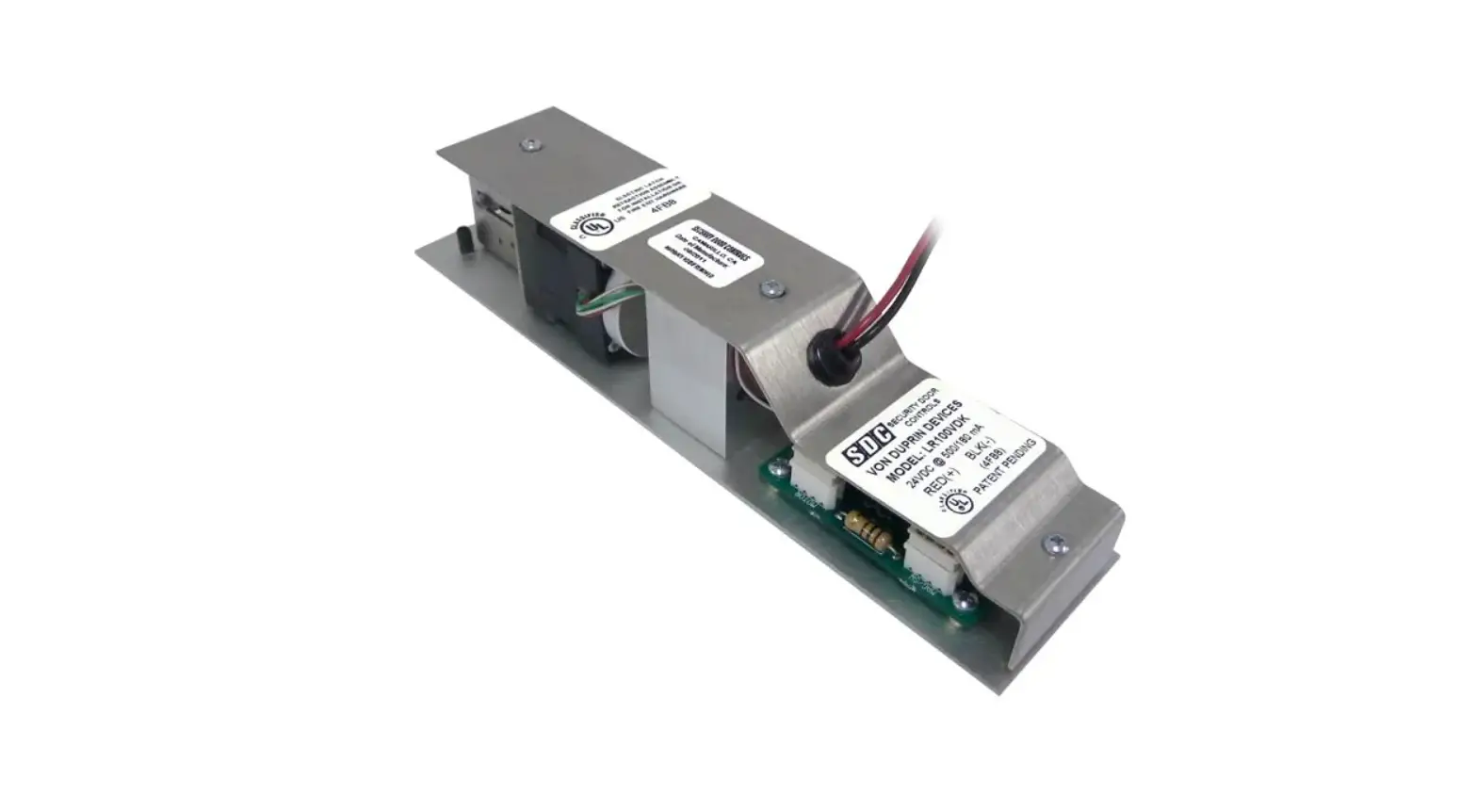
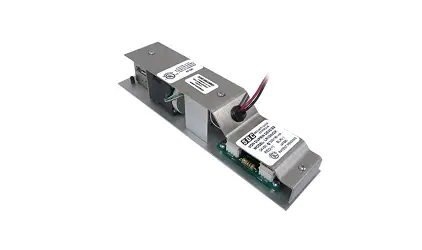
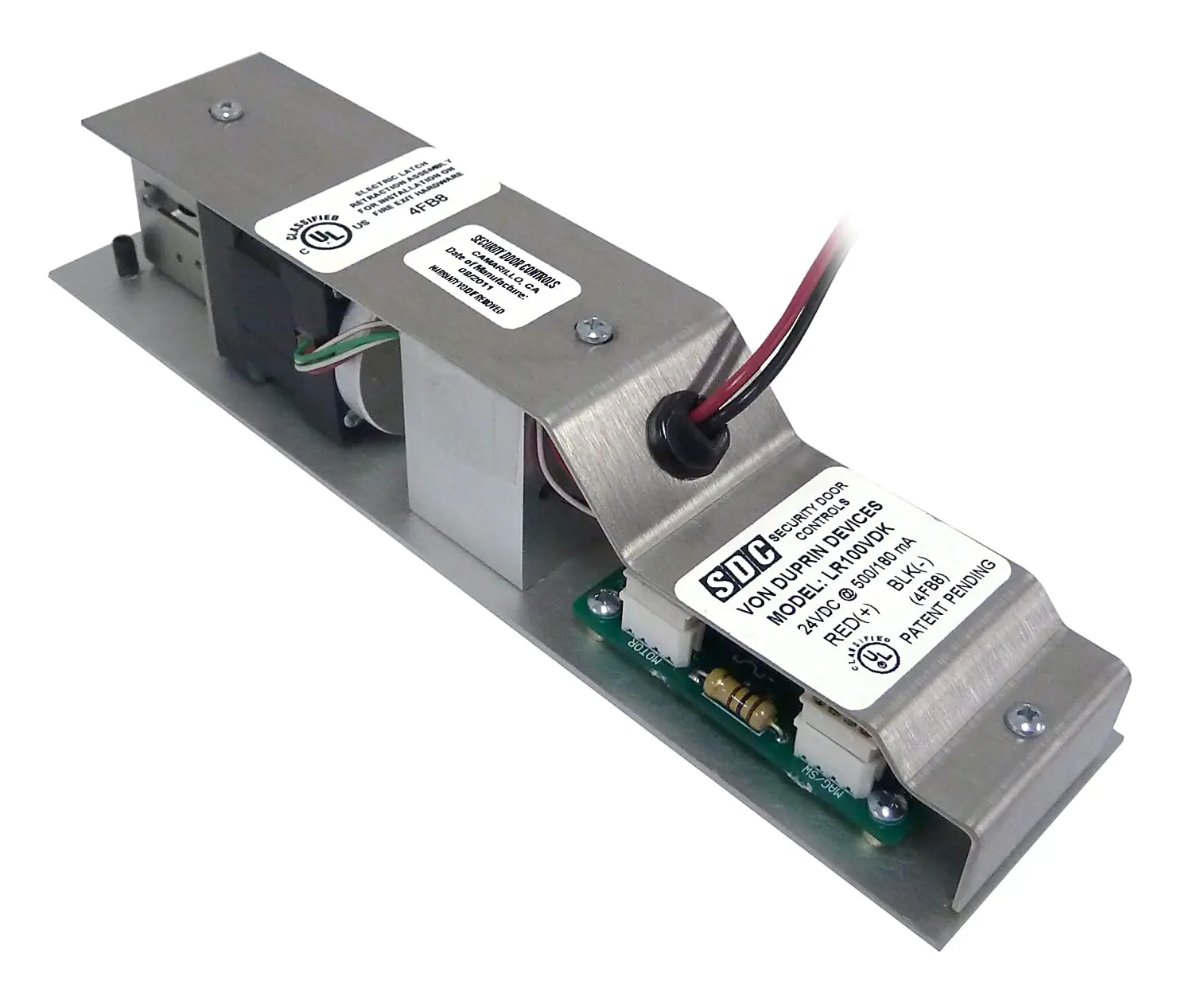
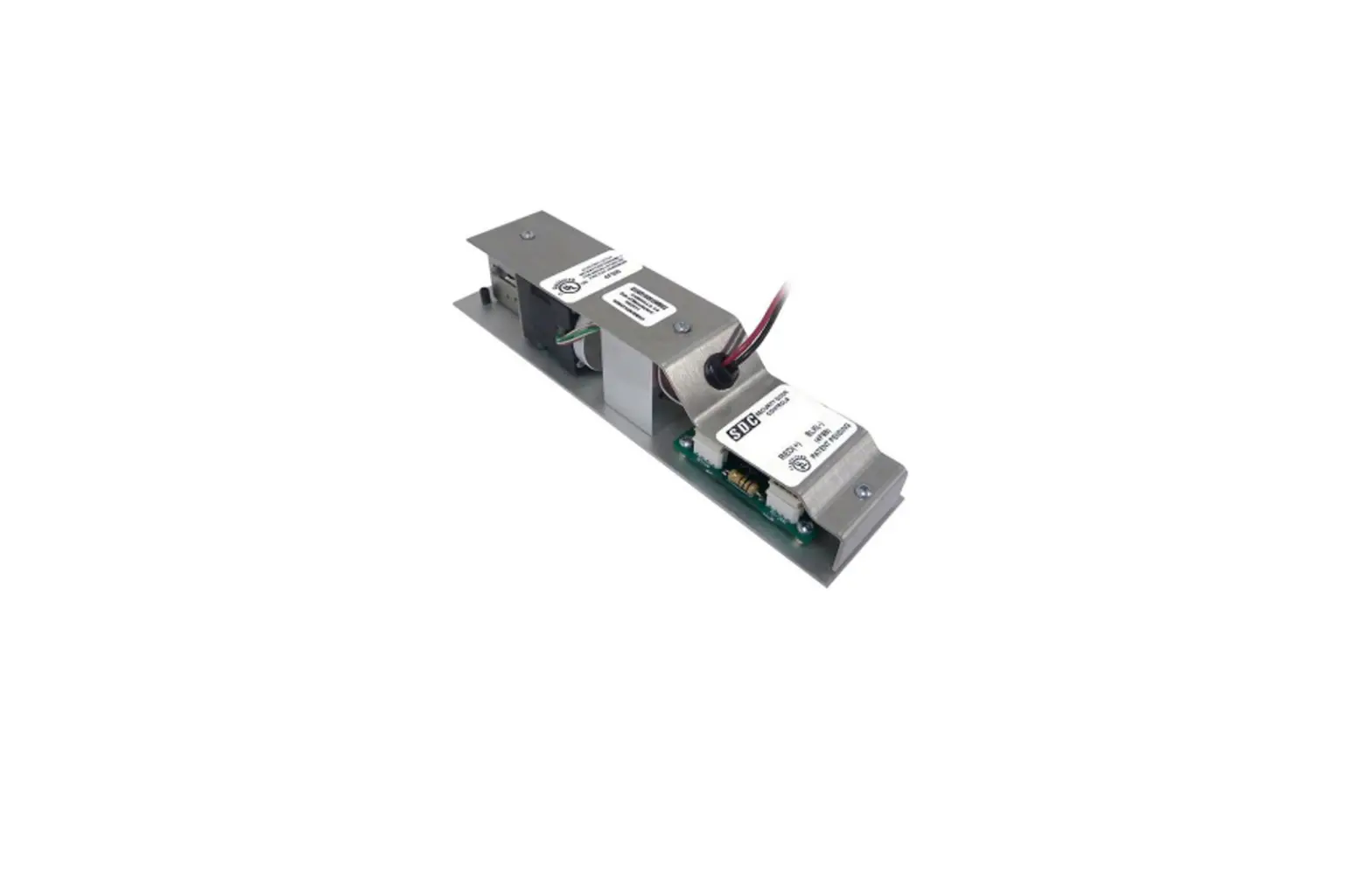
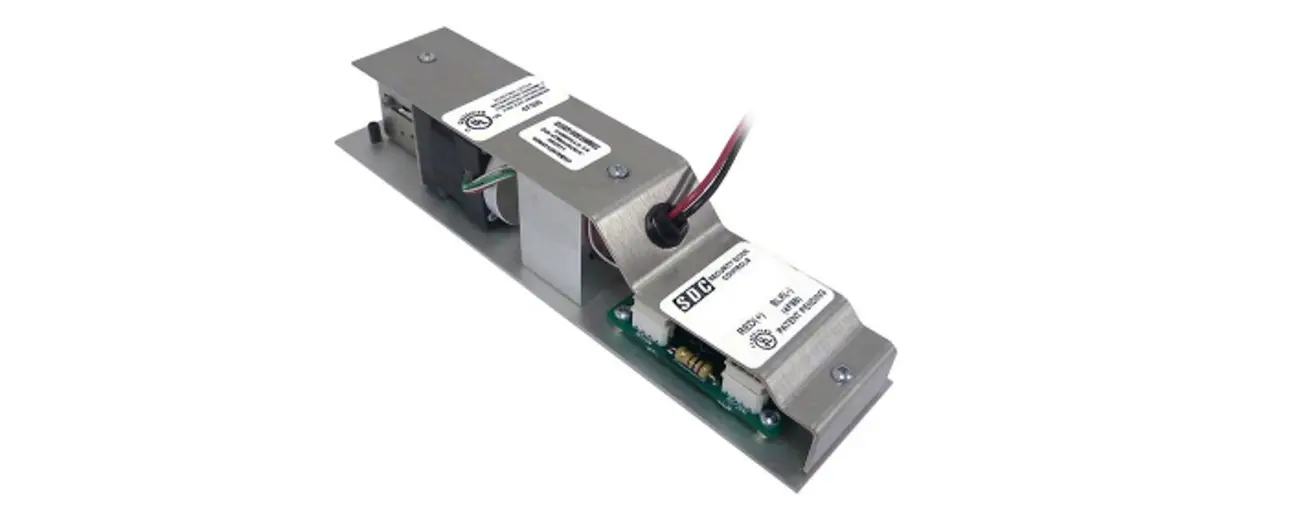
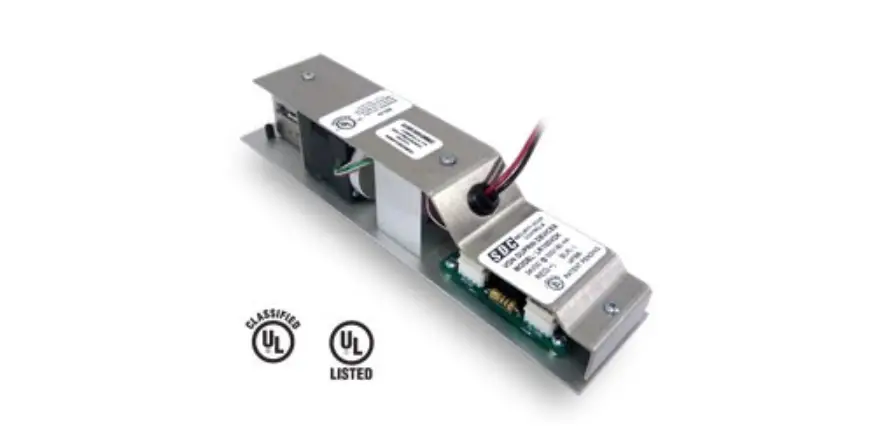
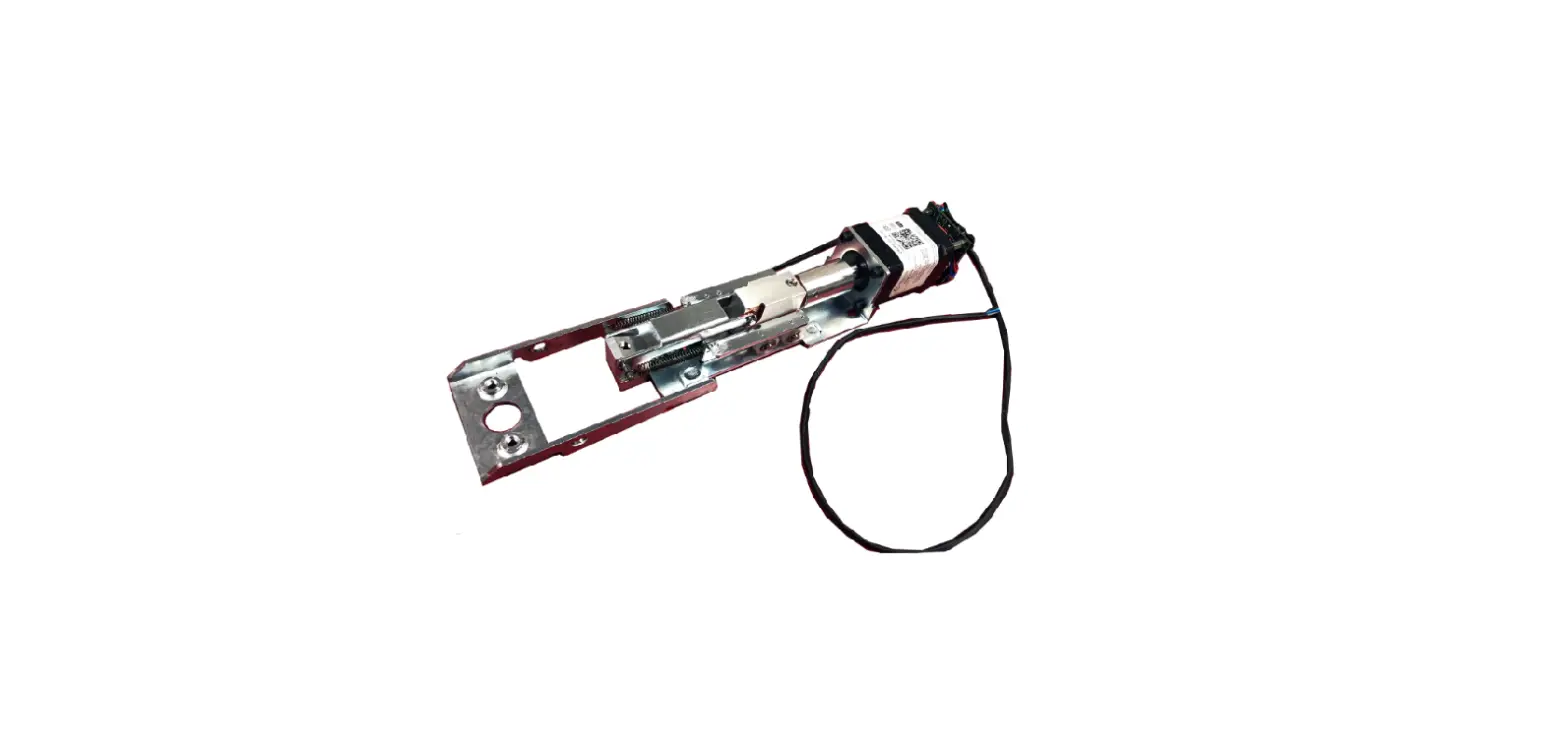
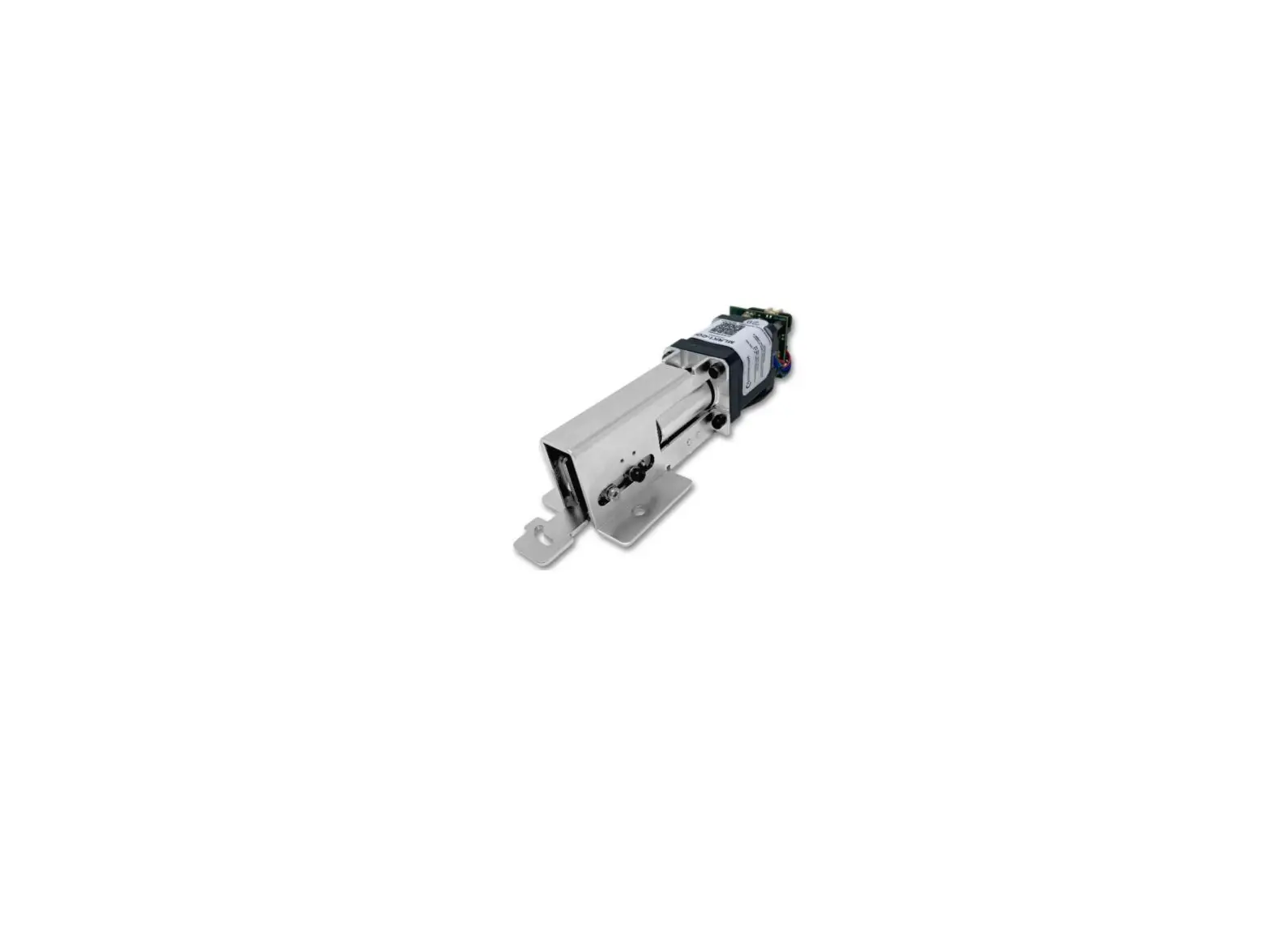
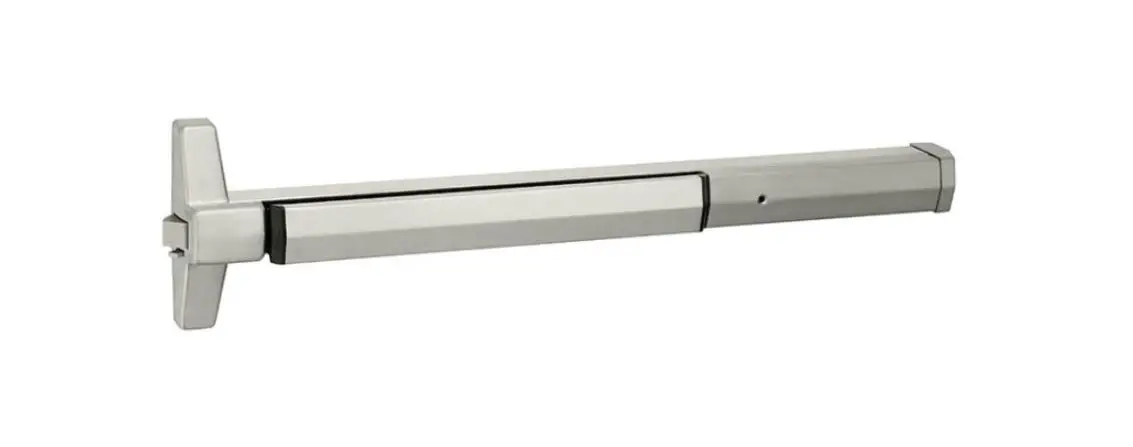
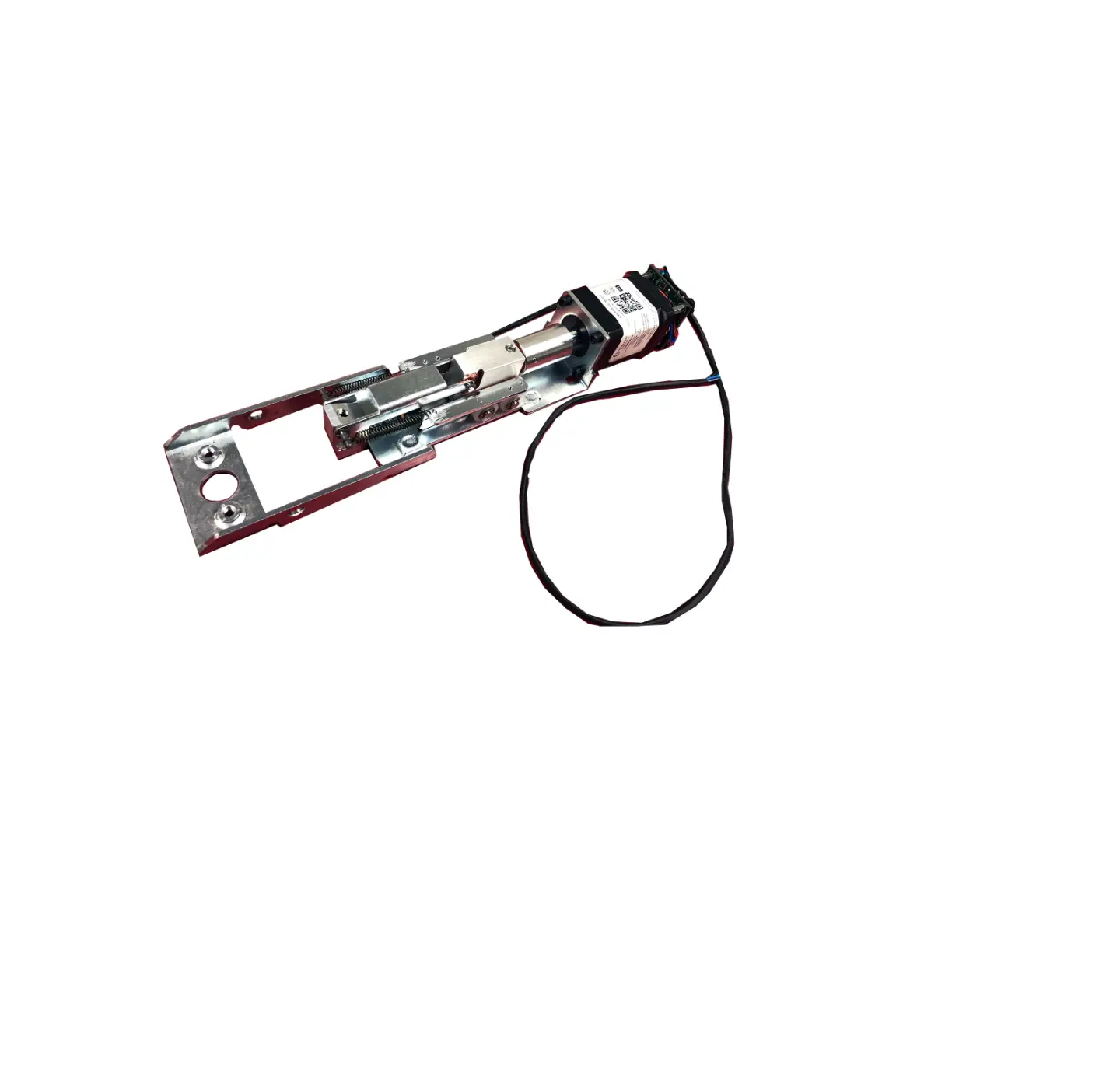
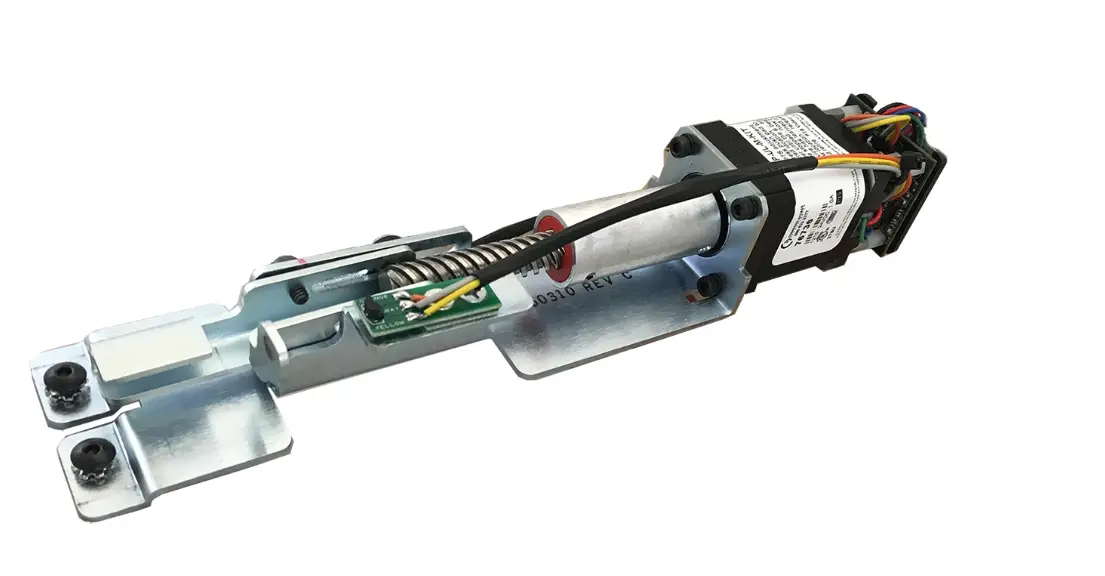
LR100ARK-EM Adams Rite Electric Latch Retraction Device Kit
Product Information
The LR100ARK-EM Adams Rite Electric Latch Retraction Device Kit
is designed for use with vertical rod exit devices. It is
compatible with the following external module models: 3100, 3600,
8100, 8200, 8500, and 8600. The electrical data for this device is
24VDC at 700/200mA. It features a patented design with patent
number 8,851,530. For retrofit installations, it is important to
verify the distance from the end of the touchpad to the end rail to
ensure proper fit. For more information and installation videos,
visit sdcsec.com/adamsrite.
Product Usage Instructions
- Assemble the brackets according to the size of your exit
device. There are specific instructions for 36 or 42 devices and 48
devices. - Install the ELR bracket assembly into the device extrusion over
the push bar support brackets. - Remove the end cap and push bar support bracket.
- Disconnect the spring-bolt latching assembly and use it to
connect the ELR bracket assembly to the existing components. - Slide the ELR into the back of the device and attach it to the
bracket assembly using the supplied screw. - Apply power to the ELR unit to retract the sliding latch
bracket to the open position. Secure it in position by tightening
the set screws in the ELR assembly. - If retrofitting to existing vertical rod devices, adjust the
rods for proper operation of the Electric Latch Retractor. Dog down
the latch by energizing the unit, then reconnect and make necessary
adjustments to the vertical rods.
Power Supply Box Board Placement
If using the SDC 600 Series Power Supply, follow these
instructions:
- Connect the wires from the provided pigtail to the
corresponding colors marked on the PCB (Printed Circuit
Board). - If the Jacketed Cable does not have the same colors as the
pigtail, use the provided chart to mark the color connections from
pigtail to Jacketed Cable to PCB. - Match the colors with the provided pigtail and connect them
accordingly.
SECURITY DOOR CONTROLS WWW.SDCSECURITY.COM [t] 800.413.8783 805.494.0622 E-mail: [email protected] 801 Avenida Acaso, Camarillo, CA 93012 PO Box 3670, Camarillo, CA 93011
INSTALLATION INSTRUCTIONS
LR100ARK-EM ADAMS RITE ELECTRIC LATCH RETRACTION DEVICE KIT
VERTICAL ROD EXIT DEVICE EXTERNAL MODULE MODELS: 3100, 3600, 8100, 8200, 8500 & 8600
*Visit: sdcsec.com/adamsrite for Installation Video
Retrofit Installation Note: 42″ or 48″ exit devices that have been modified to fit a 36″ or smaller opening, may not have the required space to fit the standard E. L. R. assembly. Always verify the distance from the end of the touchpad to the end rail, and if necessary, consult with the factory for appropriate selection.
Assemble brackets as shown for different size Exit Devices.
For 36″ or 42″ Devices
For 48″ Devices
ELECTRICAL DATA 24VDC @ 700/200mA
RED (+) BLK (-) PATENT #8,851,530
Install the ELR bracket assembly into device extrusion, over the Push Bar support brackets.
Remove End Cap
Push Bar support bracket
P:INST INSTRUCTIONSELR KITSINST-LR100ARK-VERT-EM REV B 10-22
Page 1
Any suggestions or comments to this instruction or product are welcome. Please contact us through our website or email [email protected]
SECURITY DOOR CONTROLS WWW.SDCSECURITY.COM [t] 800.413.8783 805.494.0622 E-mail: [email protected] 801 Avenida Acaso, Camarillo, CA 93012 PO Box 3670, Camarillo, CA 93011
Disconnect the spring-bolt latching assembly and use it to connect the ELR bracket assembly to the existing components as shown.
Slide ELR into back of device and attach to bracket assembly with supplied screw.
Apply power to the ELR unit to make it draw the sliding latch bracket back to the open position. Secure in position by tightening the set screws in the ELR assembly.
When retrofitting to existing vertical rod devices, adjustment of the rods is required for proper operation of the Electric Latch Retractor. Once the unit is properly installed, energize it so the latch is dogged down, then reconnect the vertical rods to the device and make the proper adjustments to the rods.
P:INST INSTRUCTIONSELR KITSINST-LR100ARK-VERT-EM REV B 10-22
Page 2
SECURITY DOOR CONTROLS WWW.SDCSECURITY.COM [t] 800.413.8783 805.494.0622 E-mail: [email protected] 801 Avenida Acaso, Camarillo, CA 93012 PO Box 3670, Camarillo, CA 93011
BOARD PLACEMENT IN POWER SUPPLY BOX
SDC 600 SERIES POWER SUPPLY
+-
24vdc
BLK RED WHT GRN ORG BLU BRN YEL
ACCESS CONTROL
8 COND 18-22AWG JACKETED CABLE 100′ MAX
Power Transfer
Hinge
Match colors with provided pigtail
Pigtail
Latch Retraction
Module
Wire colors from provided Pigtail must connect to the same colors marked on PCB. If the Jacketed Cable does not have the same colors as the Pigtail, use the following chart to mark the color connections from Pigtail to Jacketed Cable to PCB.
PIGTAIL
JACKETED CABLE
PCB
BLACK
________________
BLACK
RED
________________
RED
WHITE
________________
WHITE
GREEN
________________
GREEN
ORANGE
________________
ORANGE
BLUE
________________
BLUE
BROWN
________________
BROWN
YELLOW
________________
YELLOW
P:INST INSTRUCTIONSELR KITSINST-LR100ARK-VERT-EM REV B 10-22
Page 3
 SDC Electric Strikes, Magnetic Locks, Electric Door Locksets