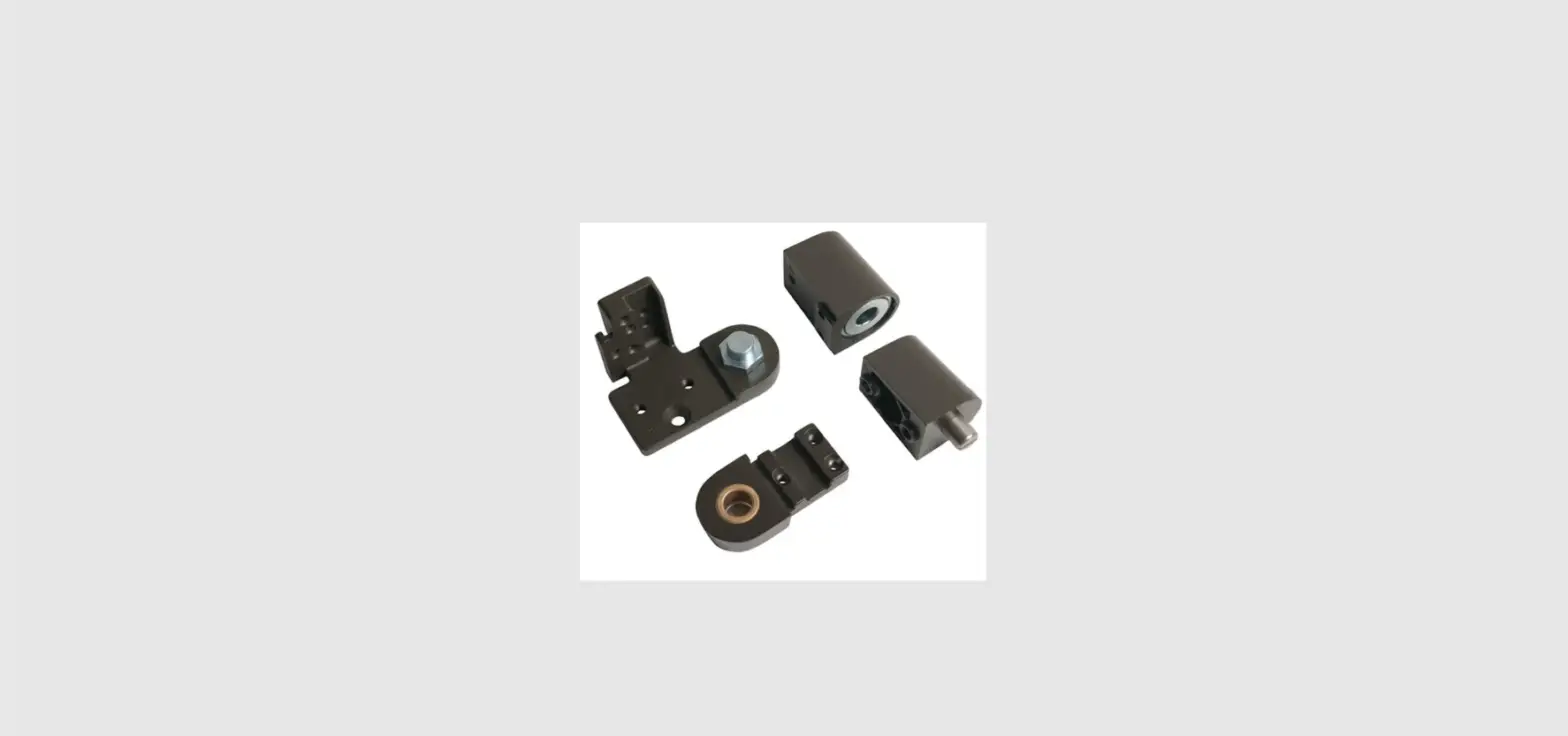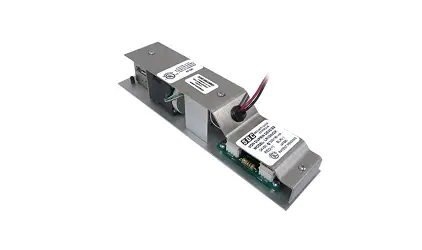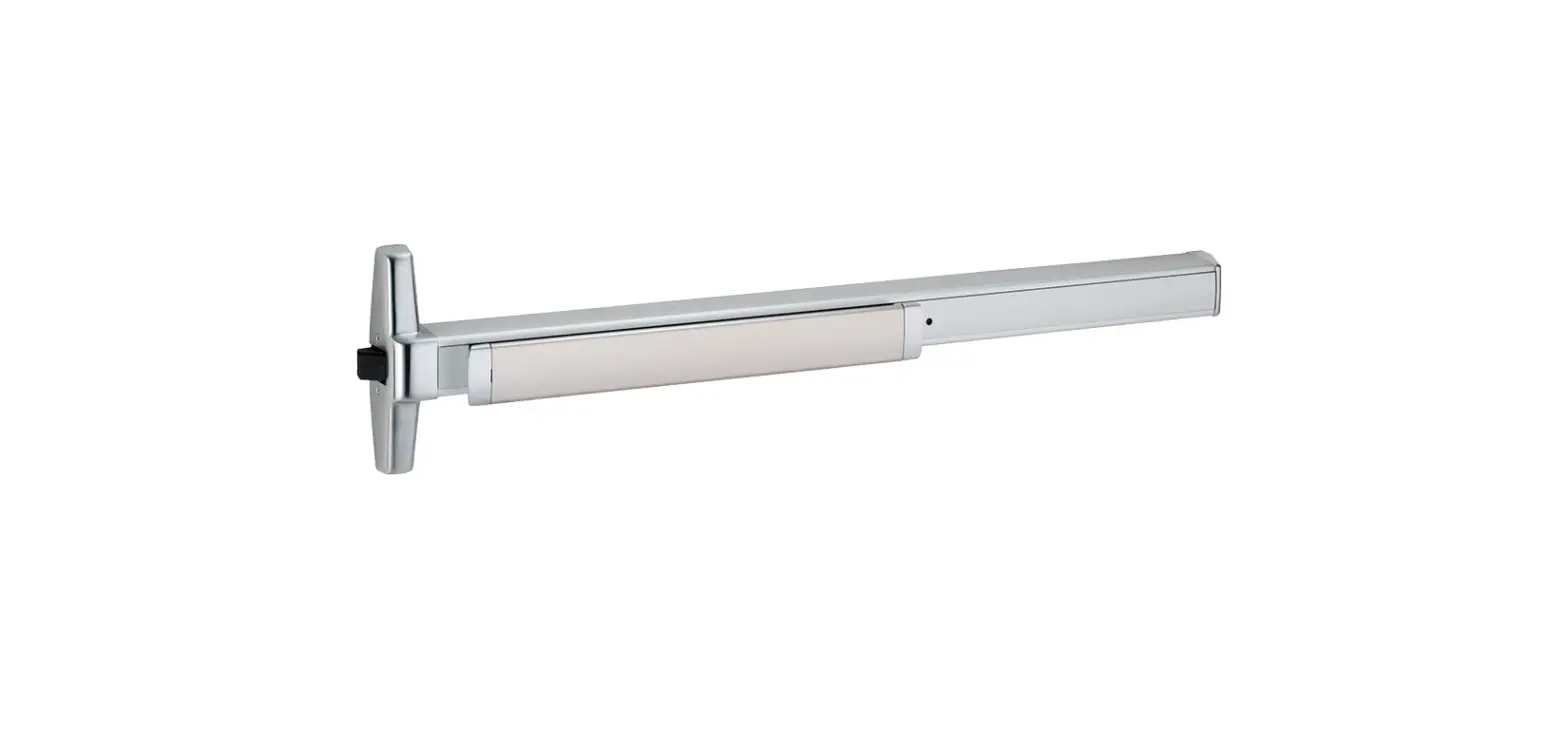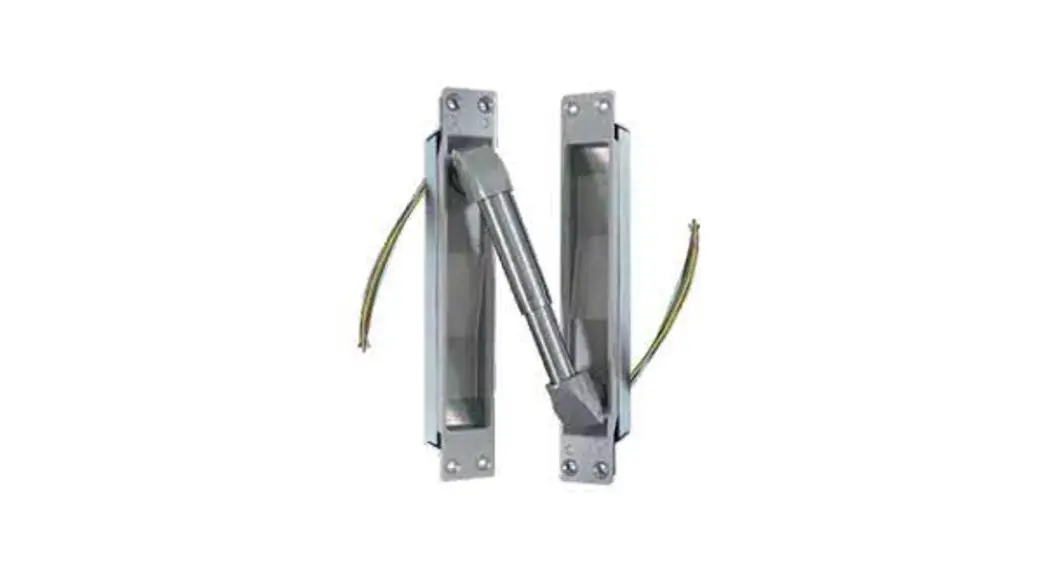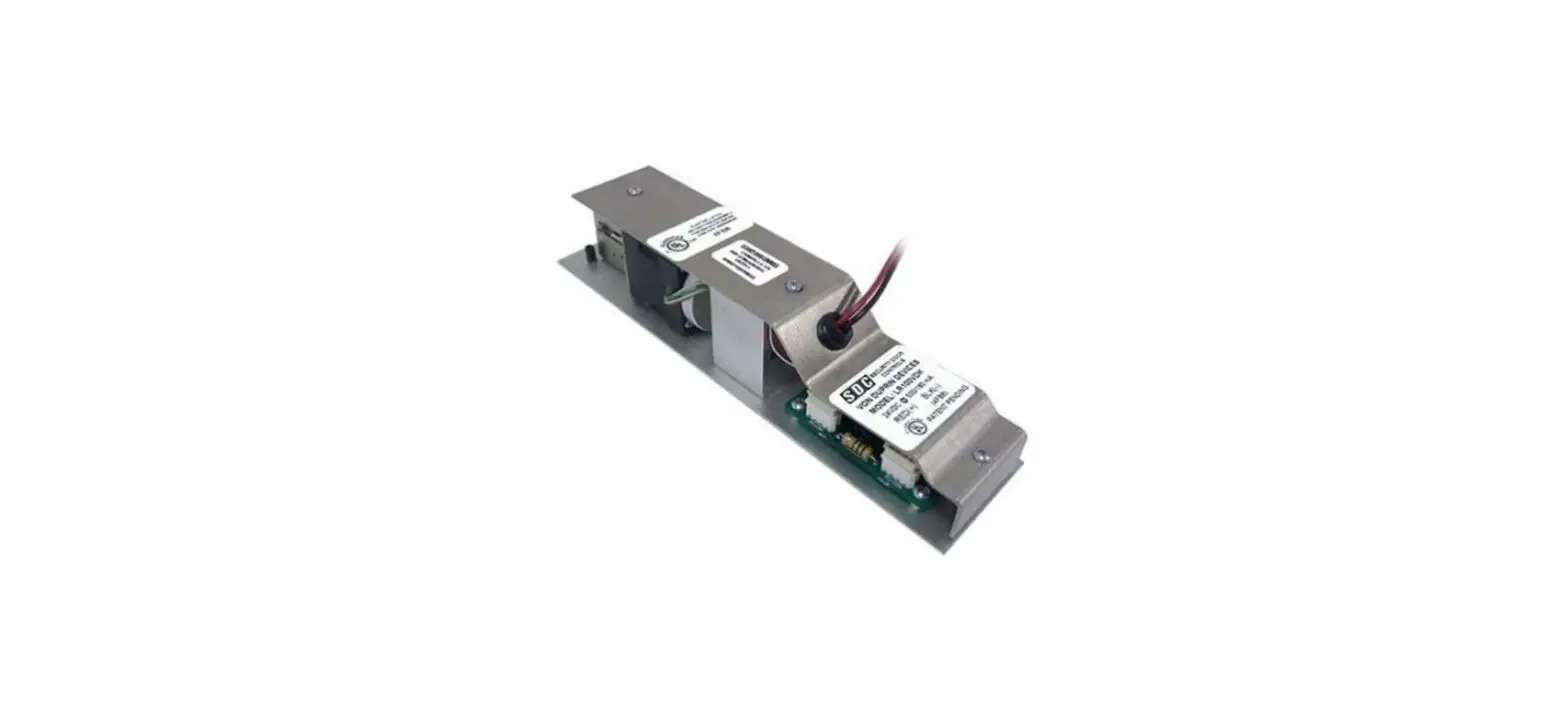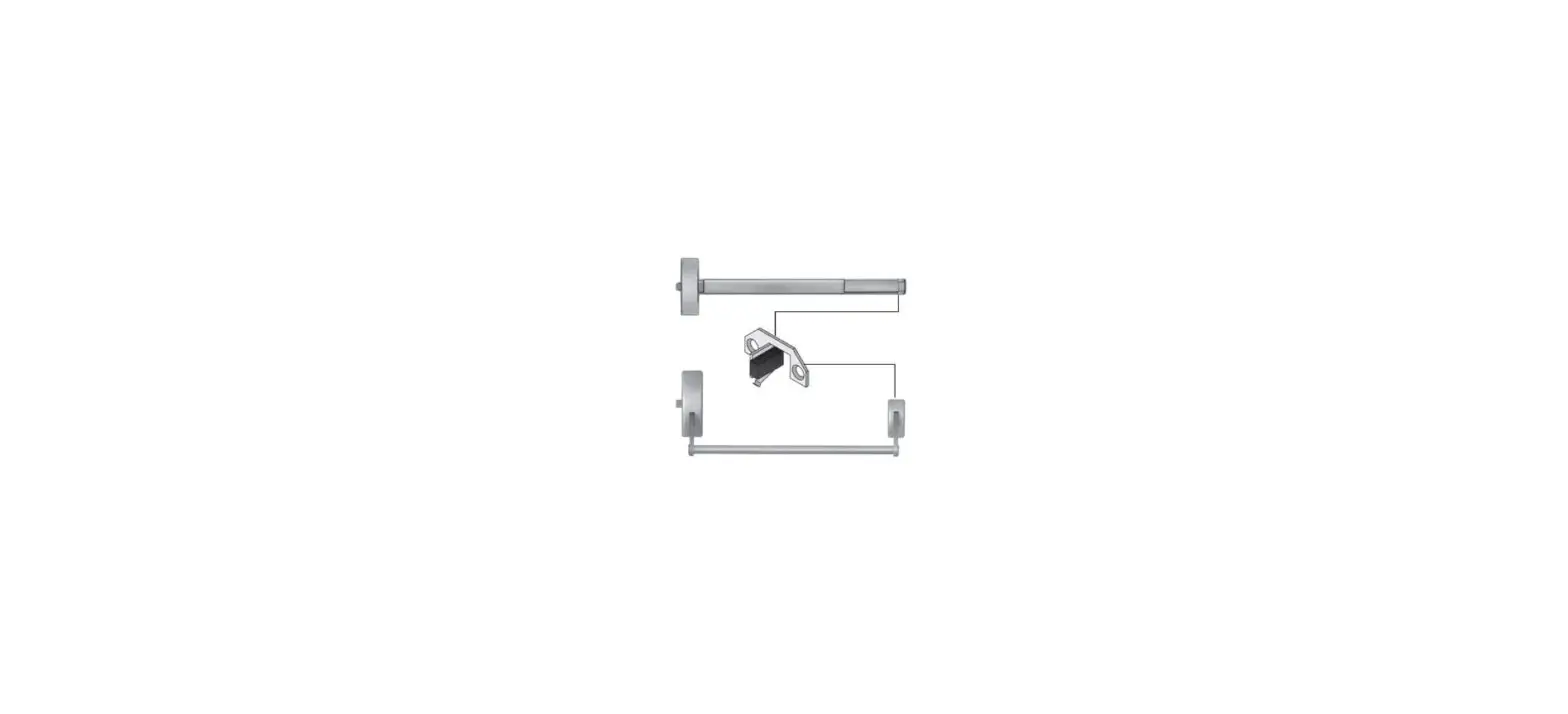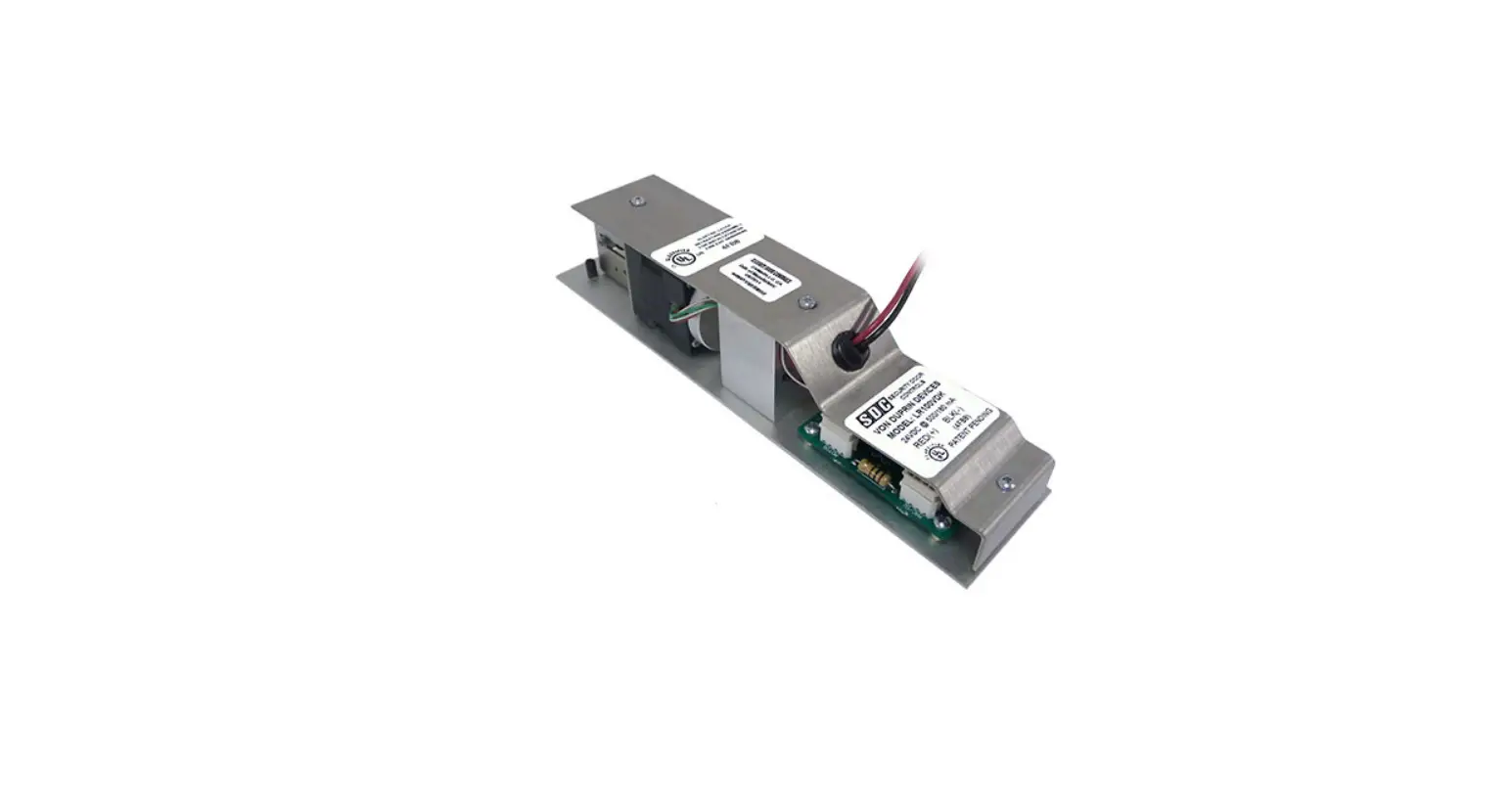

SDC ED4200 Corbin Russwin Latch Switch Kit
INSTALLATION
SECURITY DOOR CONTROLS
WWW.SDCSECURITY.COM
[t] 800.413.8783
805.494.0622
E-mail: [email protected]
801 Avenida Acaso, Camarillo, CA 93012
PO Box 3670, Camarillo, CA 93011
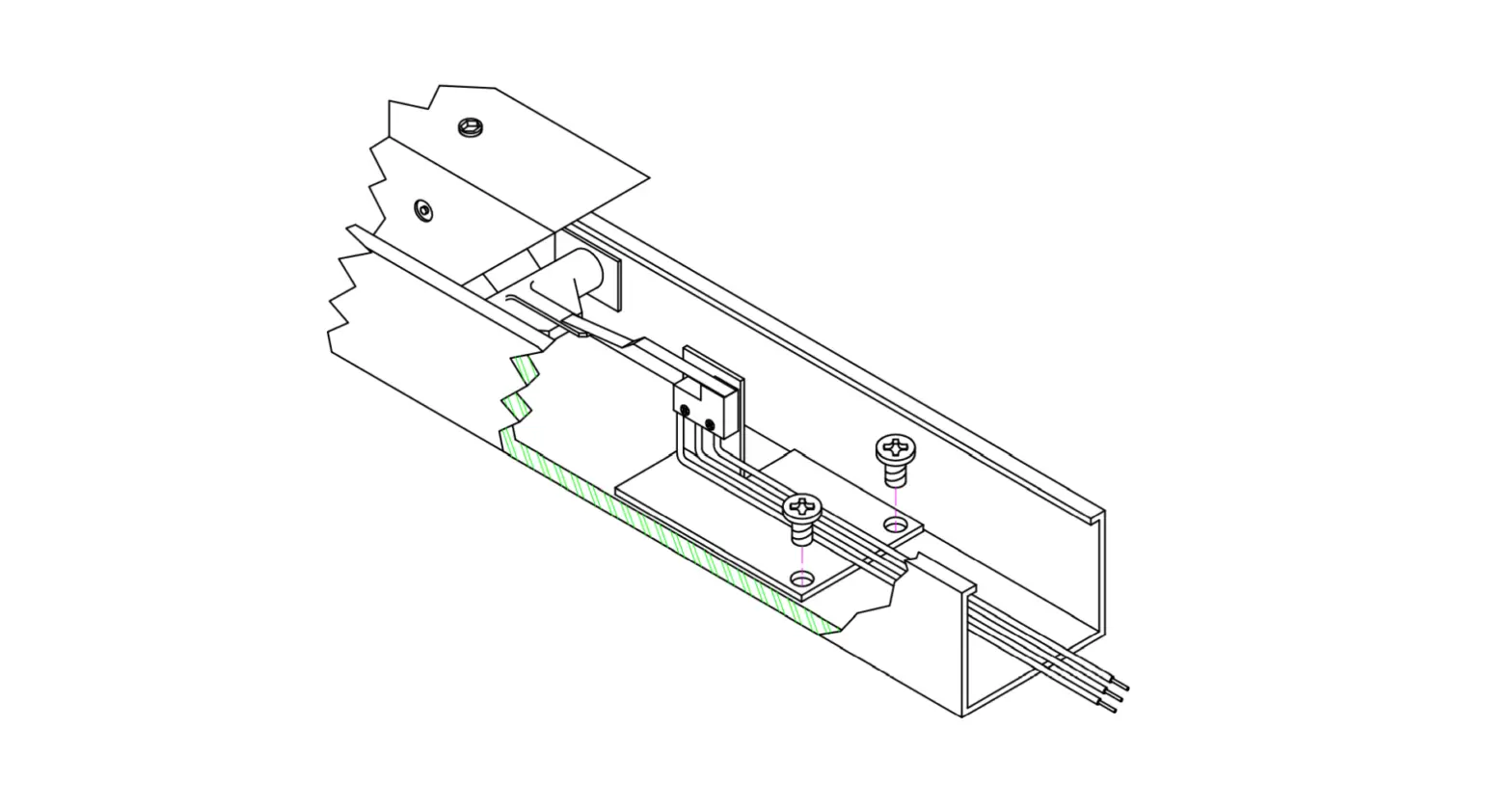
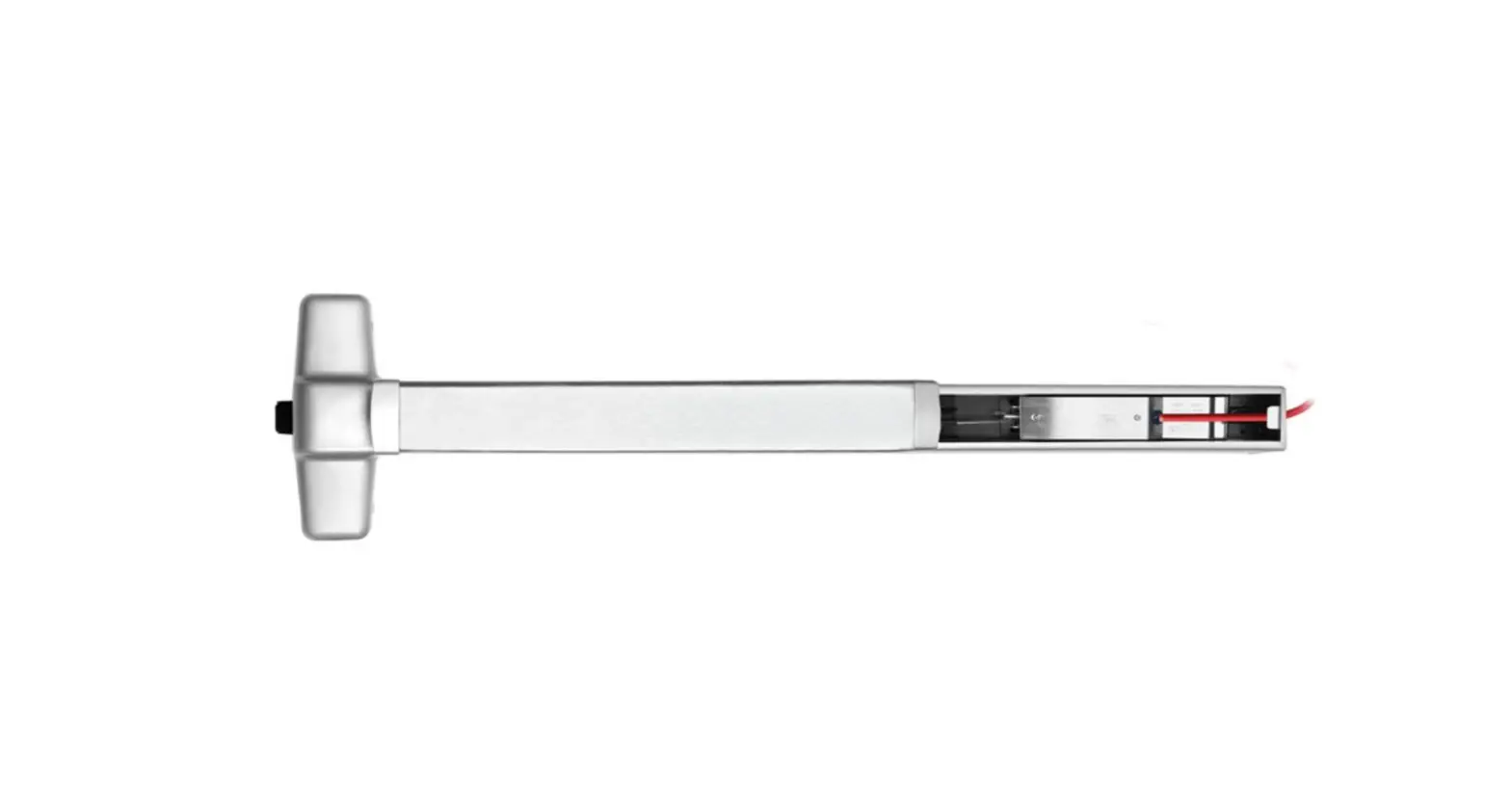
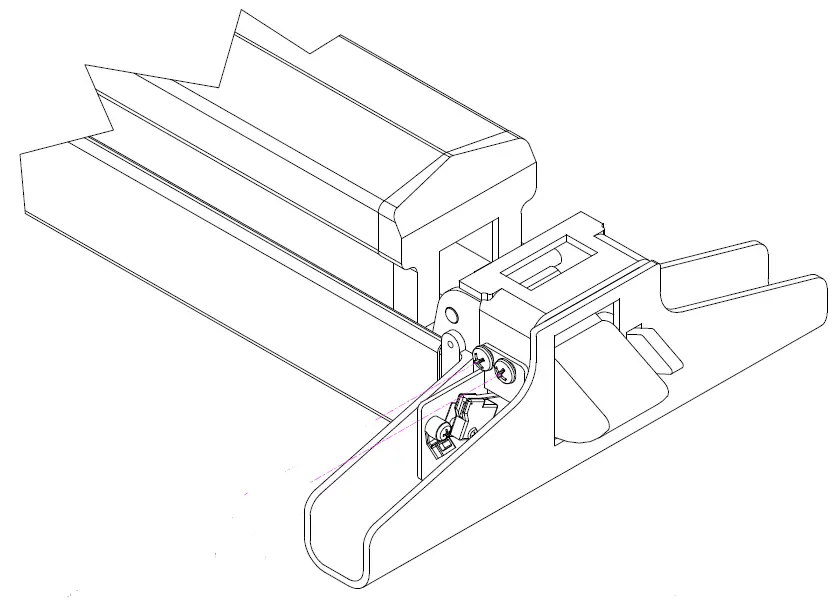
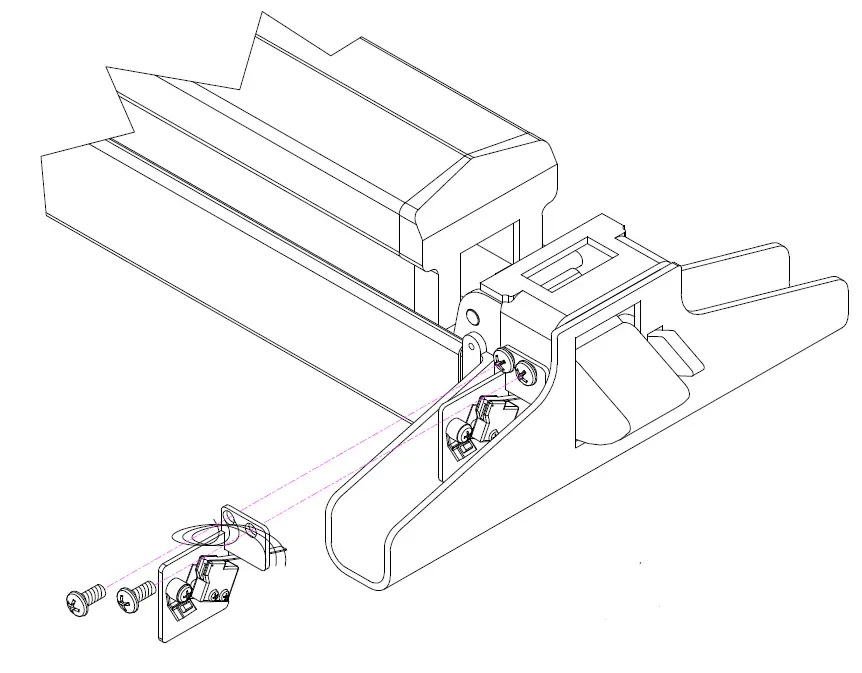
Remove Head Cover. Remove and discard existing #8-32 screws. Install Switch assembly where shown with screws supplied. Re-attach Head Cover.
Any suggestions or comments to this instruction or product are welcome. Please contact us through our website or email [email protected]
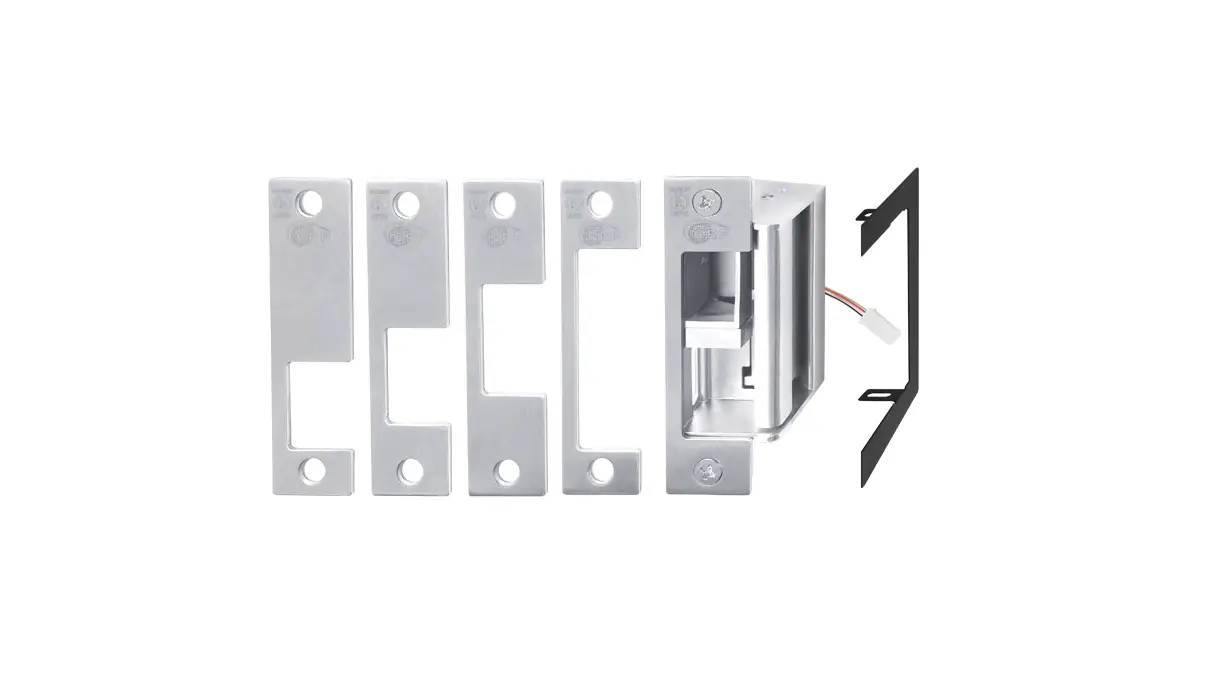
 SDC Electric Strikes, Magnetic Locks, Electric Door Locksets