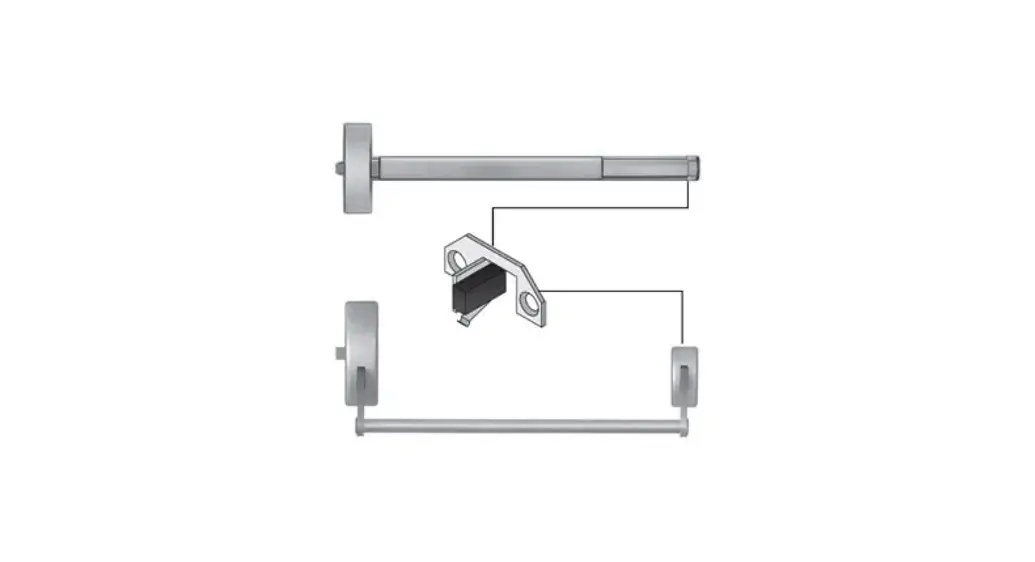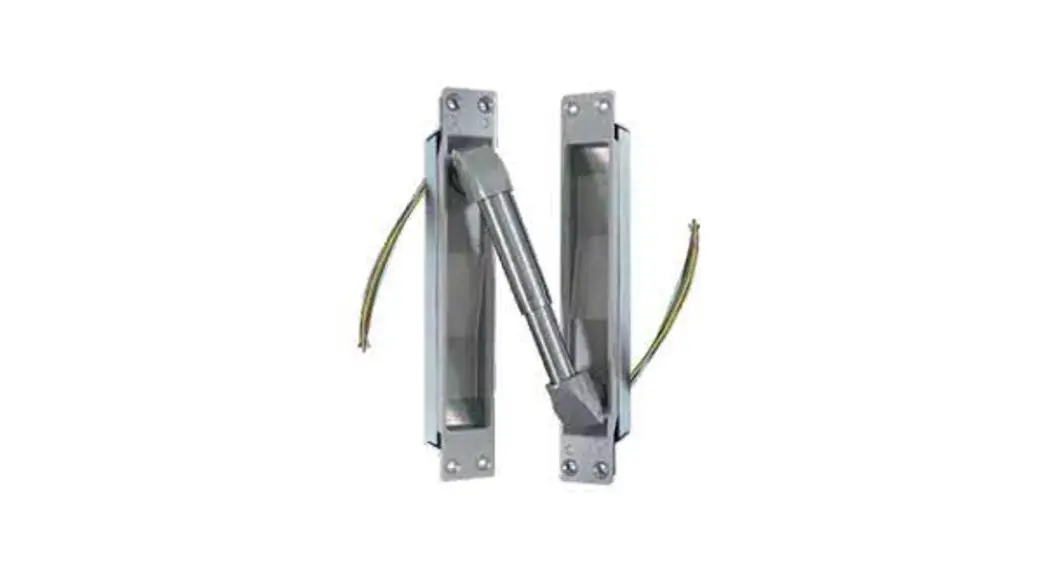
 512 Monitoring Switch Kit
Instruction Manual
512 Monitoring Switch Kit
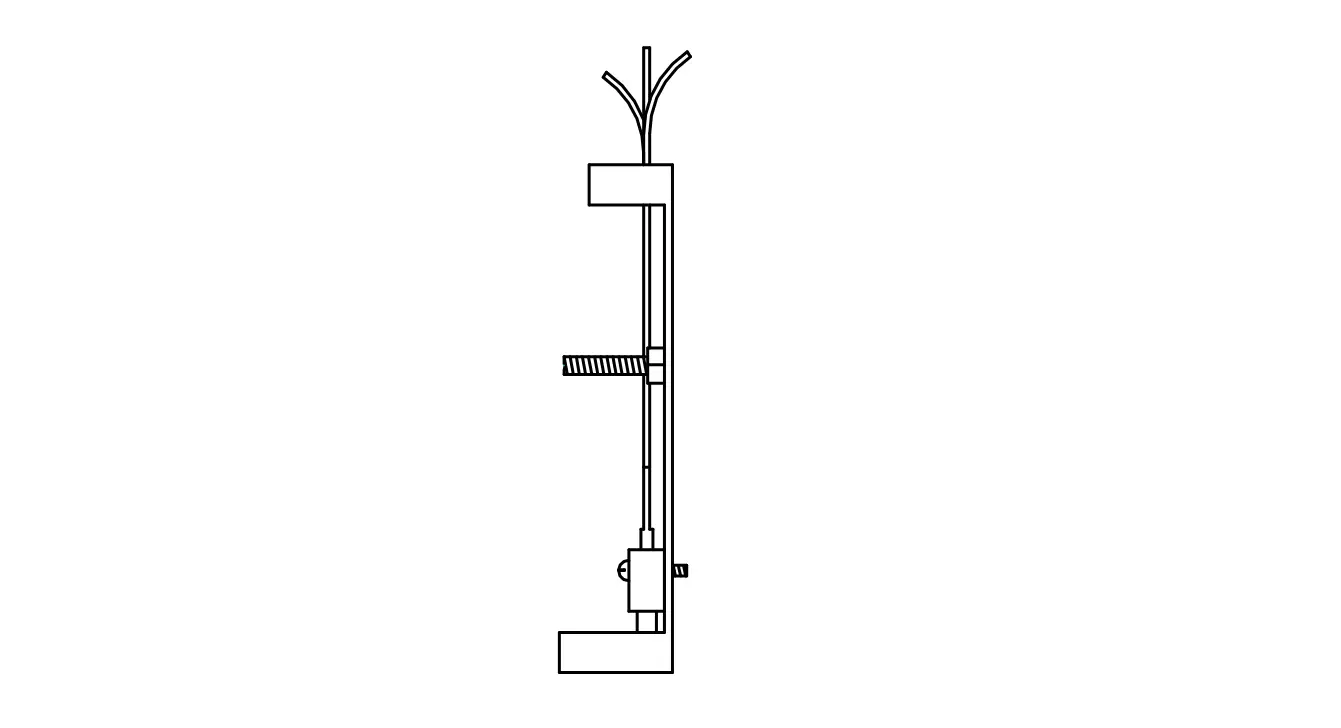
WIRING SPECIFICATION
| COM | – WHT |
| N\O | – YEL |
| N\C | – ORG |
5AMP MAX RESISTIVE
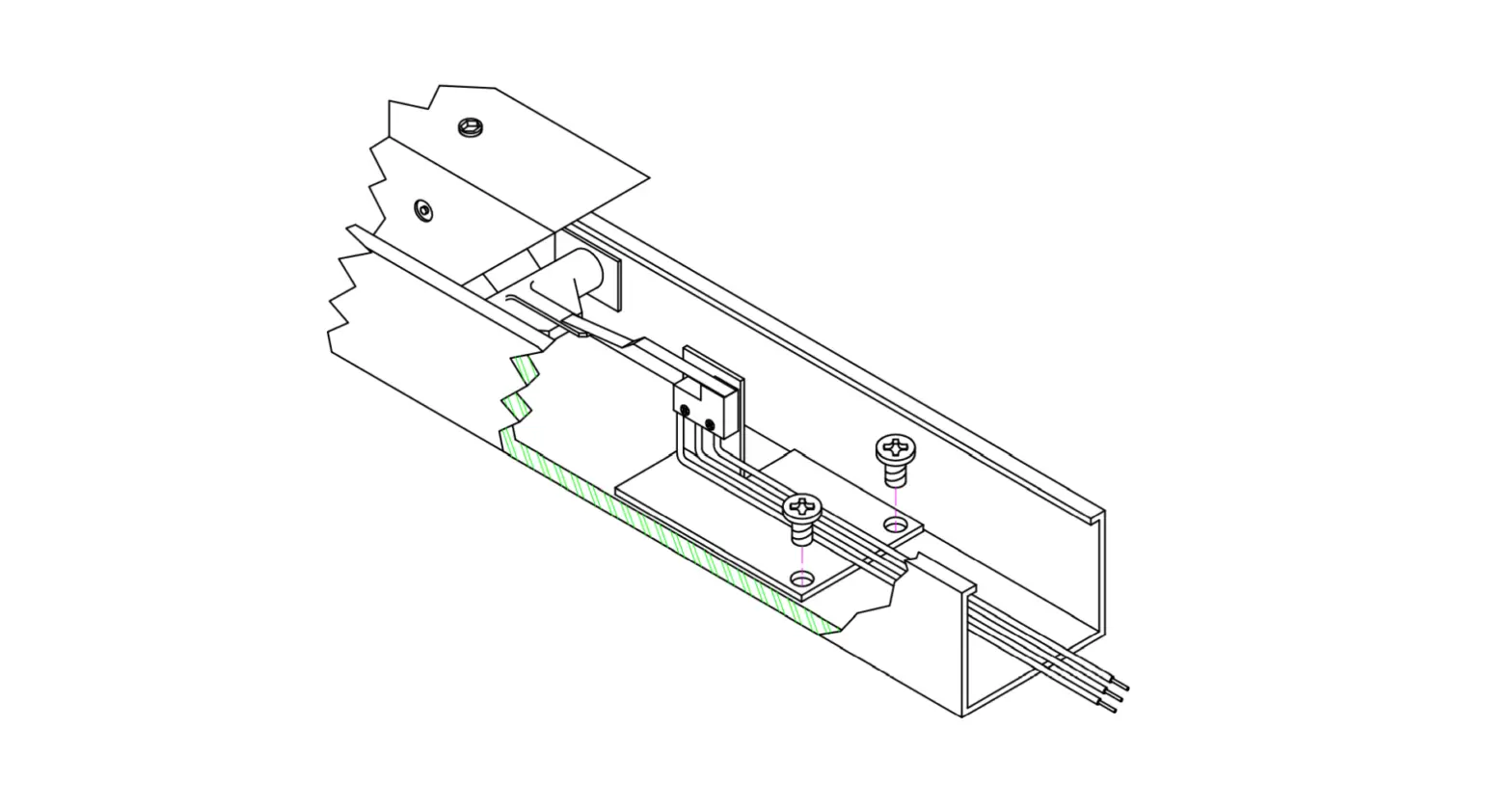
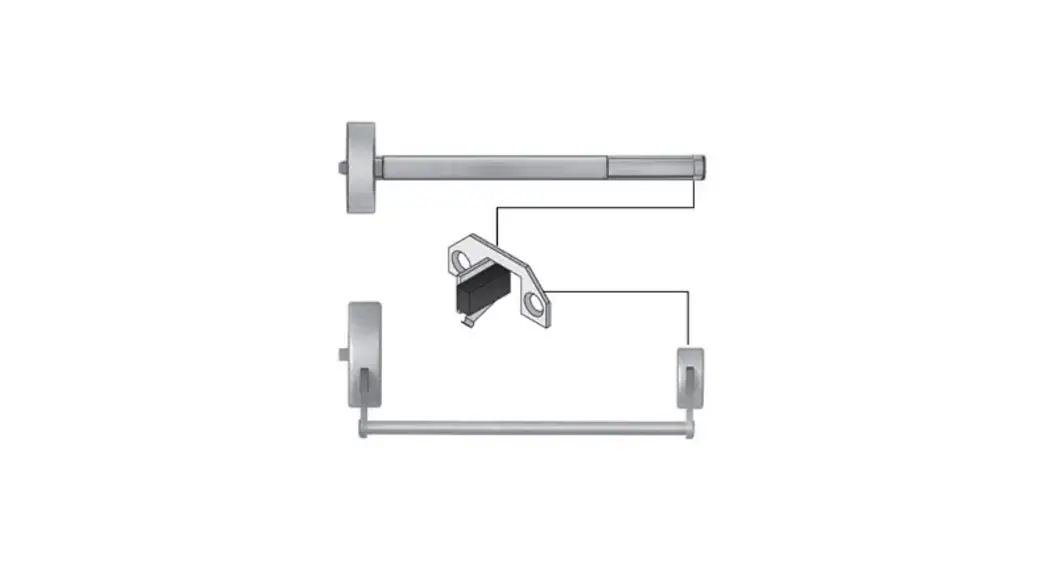
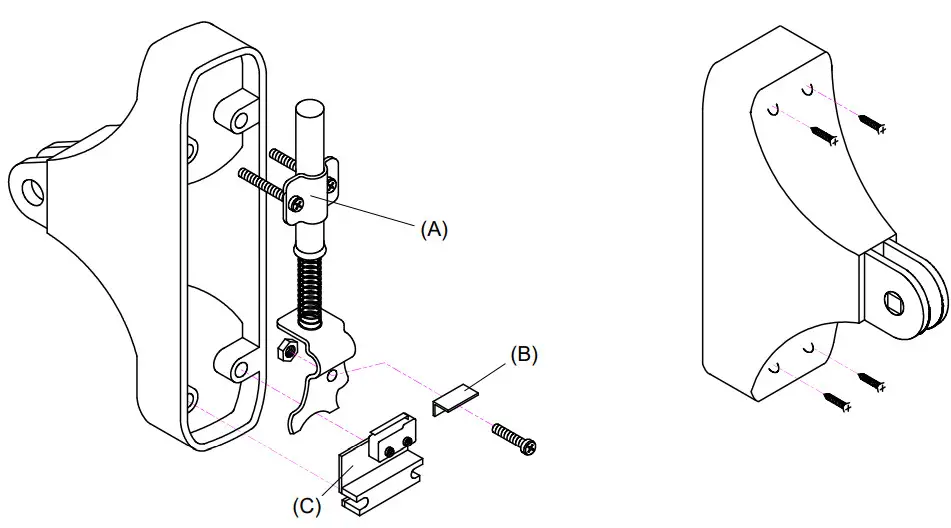
- Connect Wires.
- Remove Bracket (A) to remove spring assembly.
- Mount switch bracket (B), using screw and nut.
- Place spring assembly back into housing.
- Position switch assembly (C) as shown and secure to door.
P:\INST INSTRUCTIONS\EGRESS CONTROLS\INST-512 REV C 07-21
Any suggestions or comments to this instruction orproduct are welcome. Please contact us through our website or email [email protected]
SECURITY DOOR CONTROLS
WWW.SDCSECURITY.COM
[t] 800.413.8783
805.494.0622
E-mail: [email protected]
801 Avenida Acaso, Camarillo, CA 93012
PO Box 3670, Camarillo, CA 93011