Contents hide

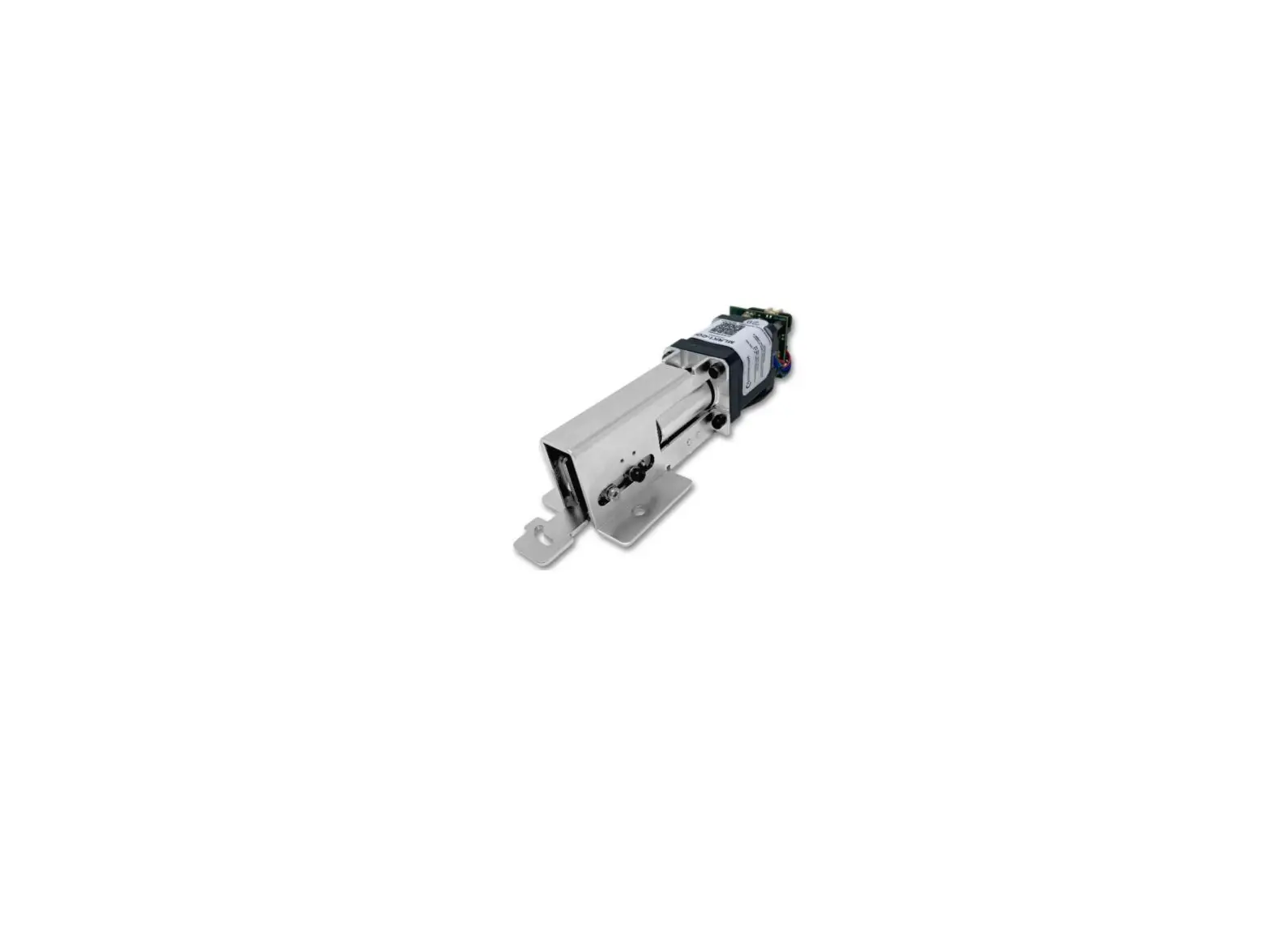
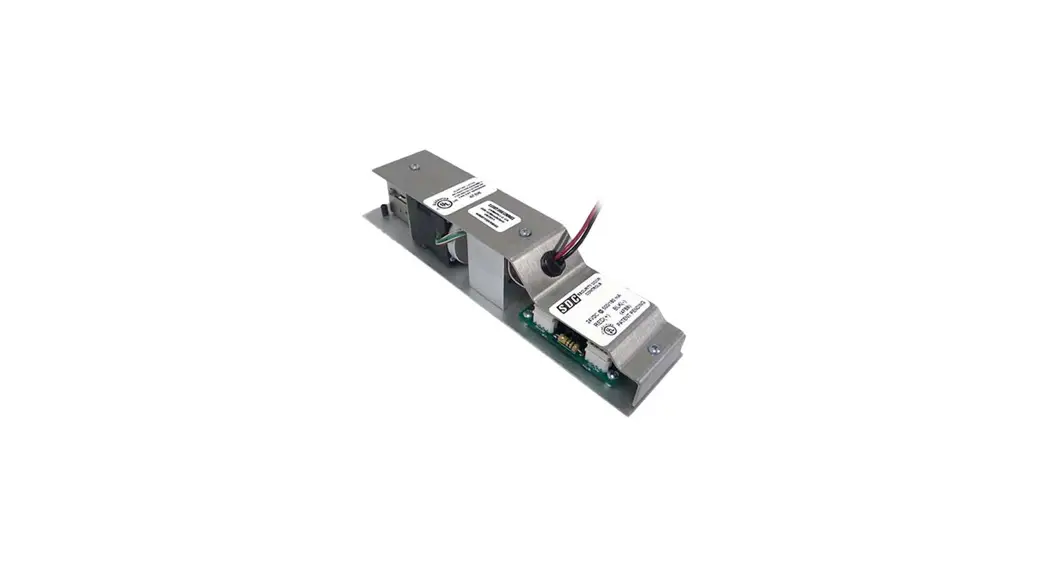
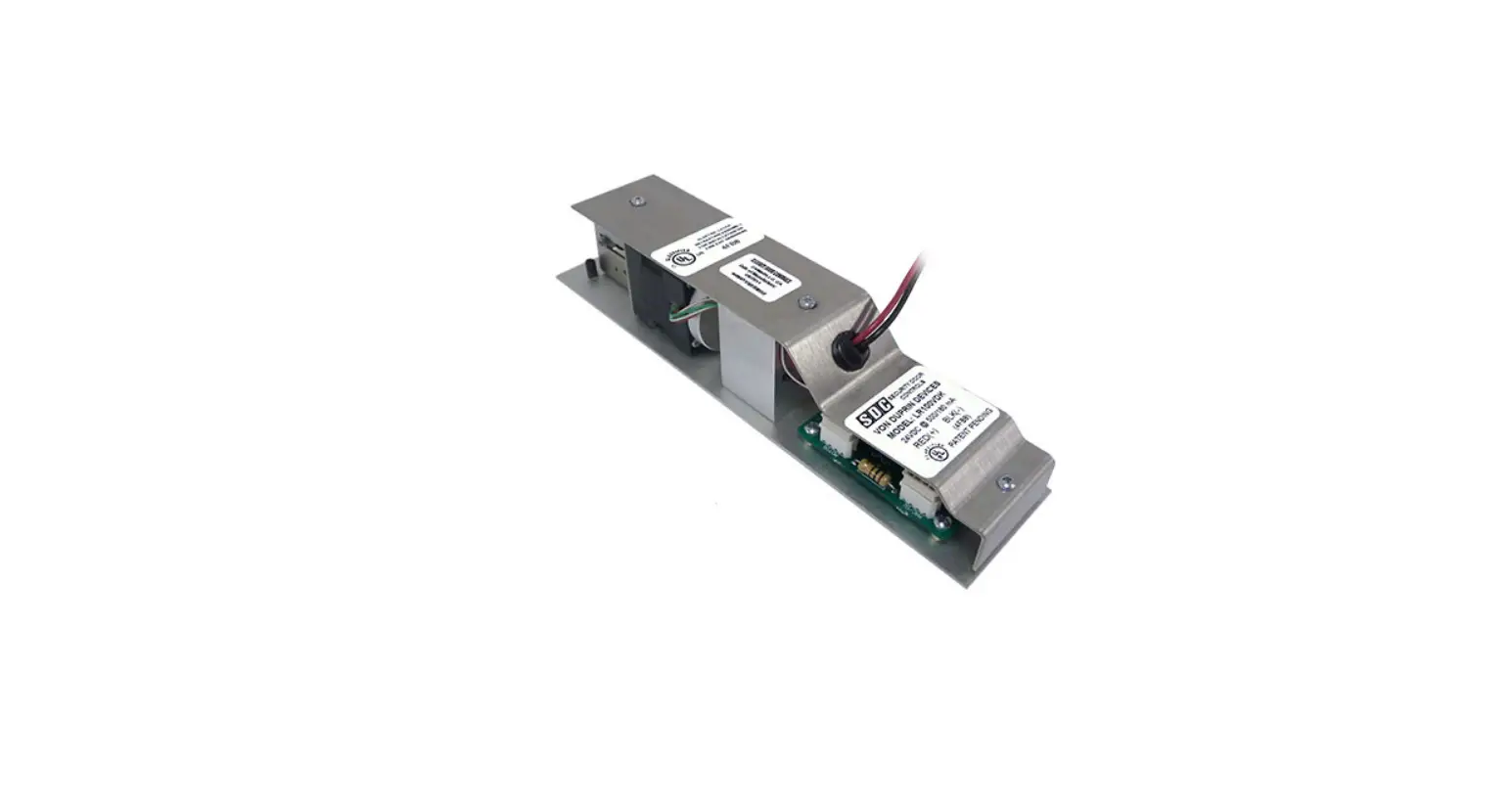
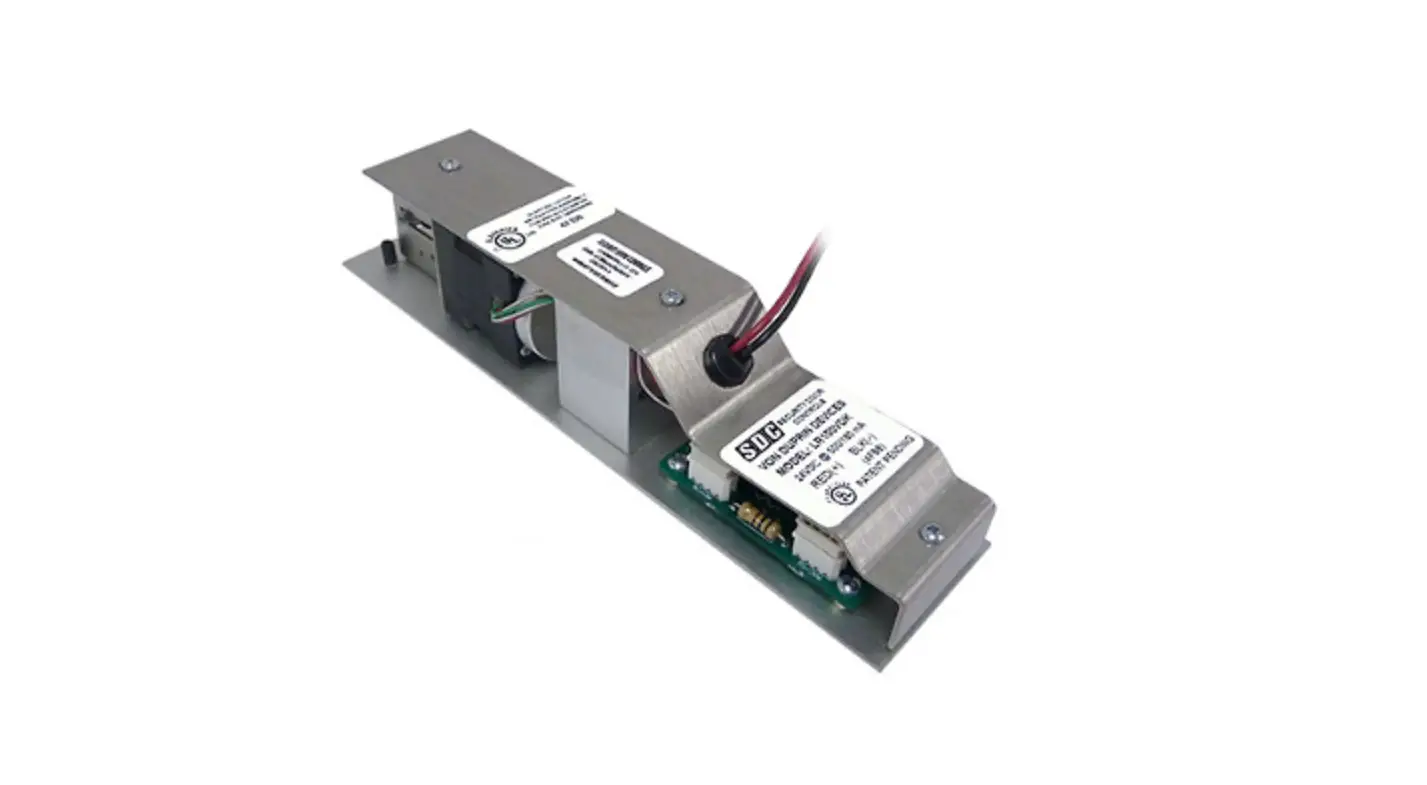
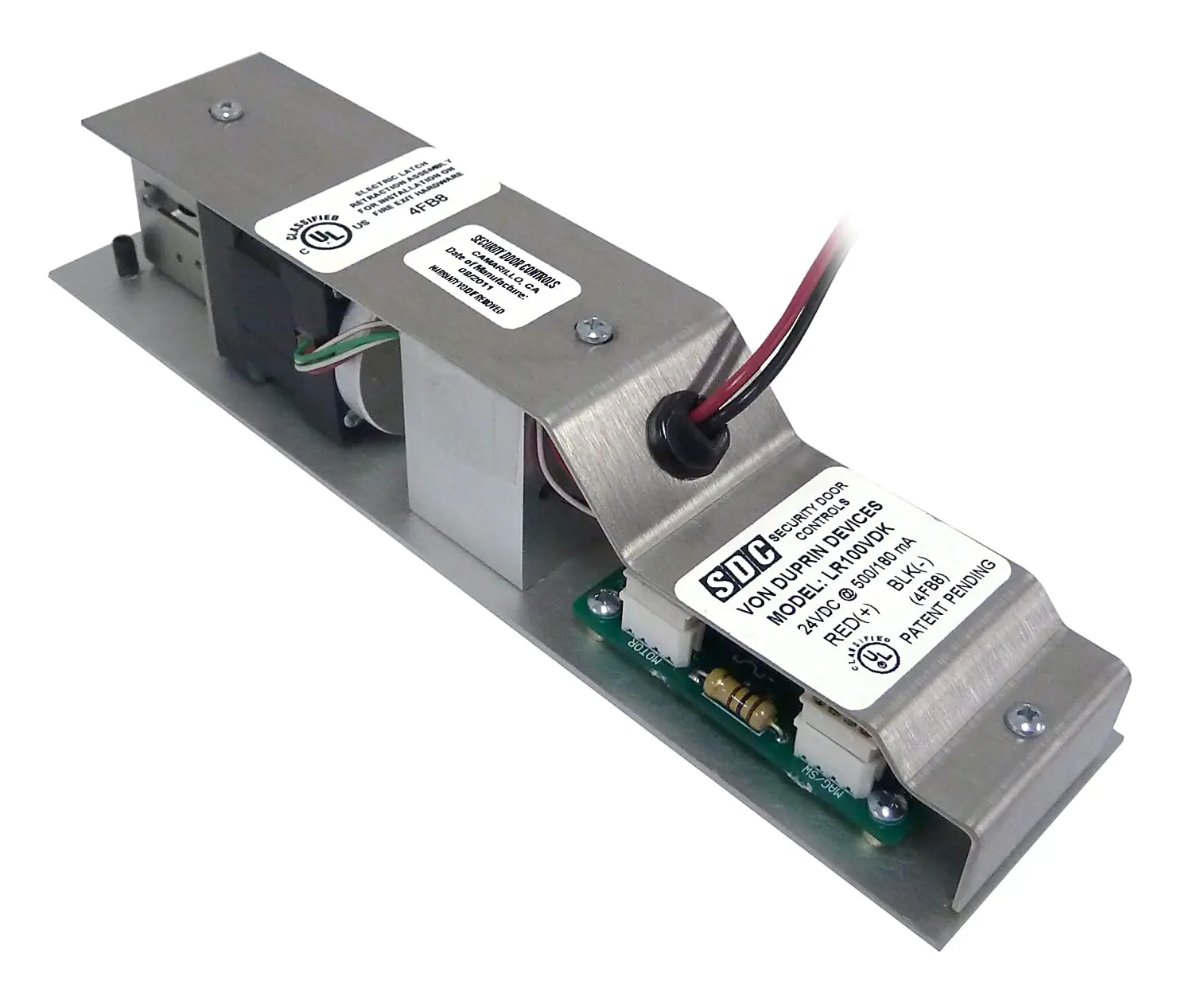
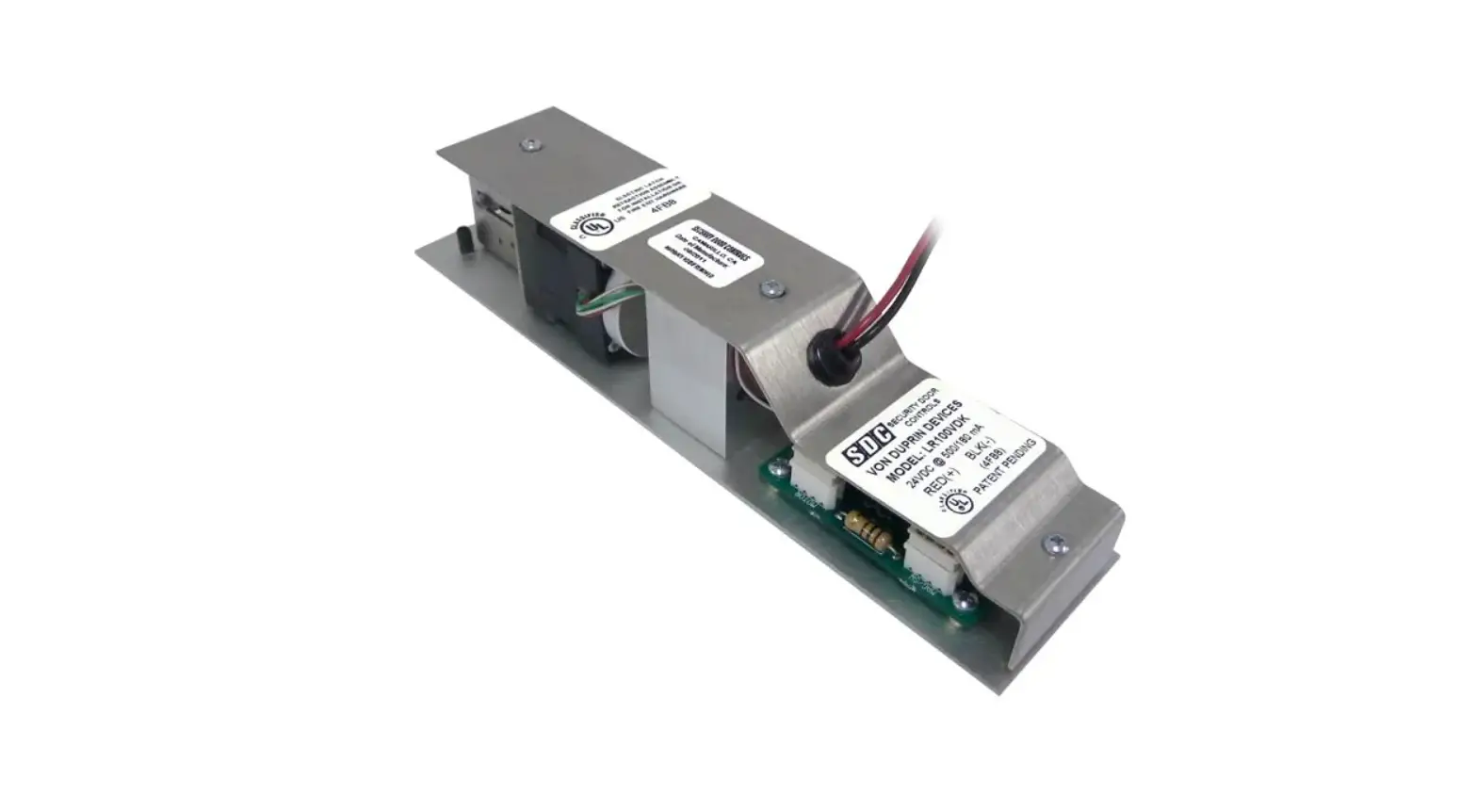
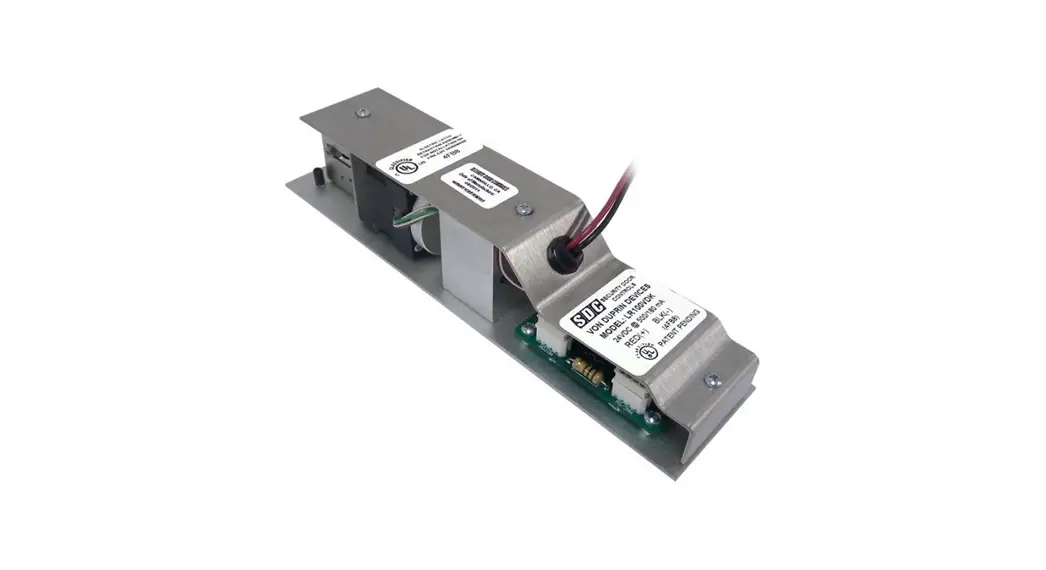
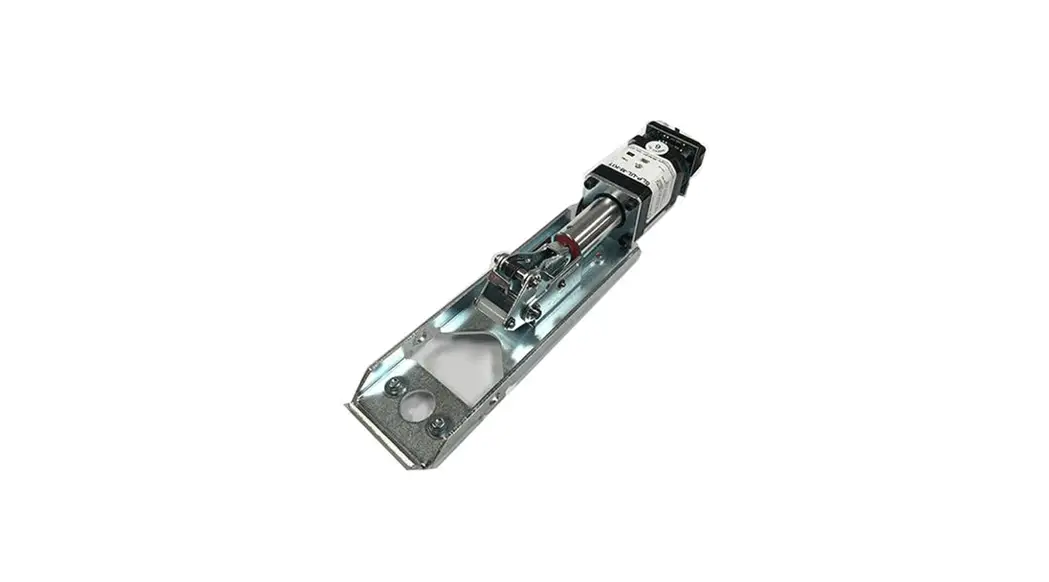
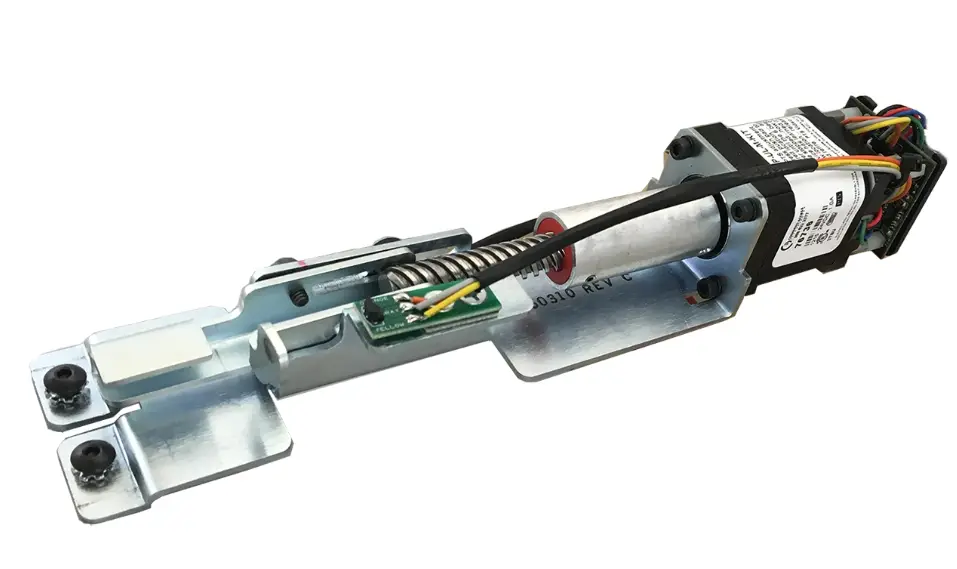
COMMAND ACCESS TECHNOLOGIES MLRK1-HAG Motorized Latch Retraction Kit
INSERT INSTRUCTIONS
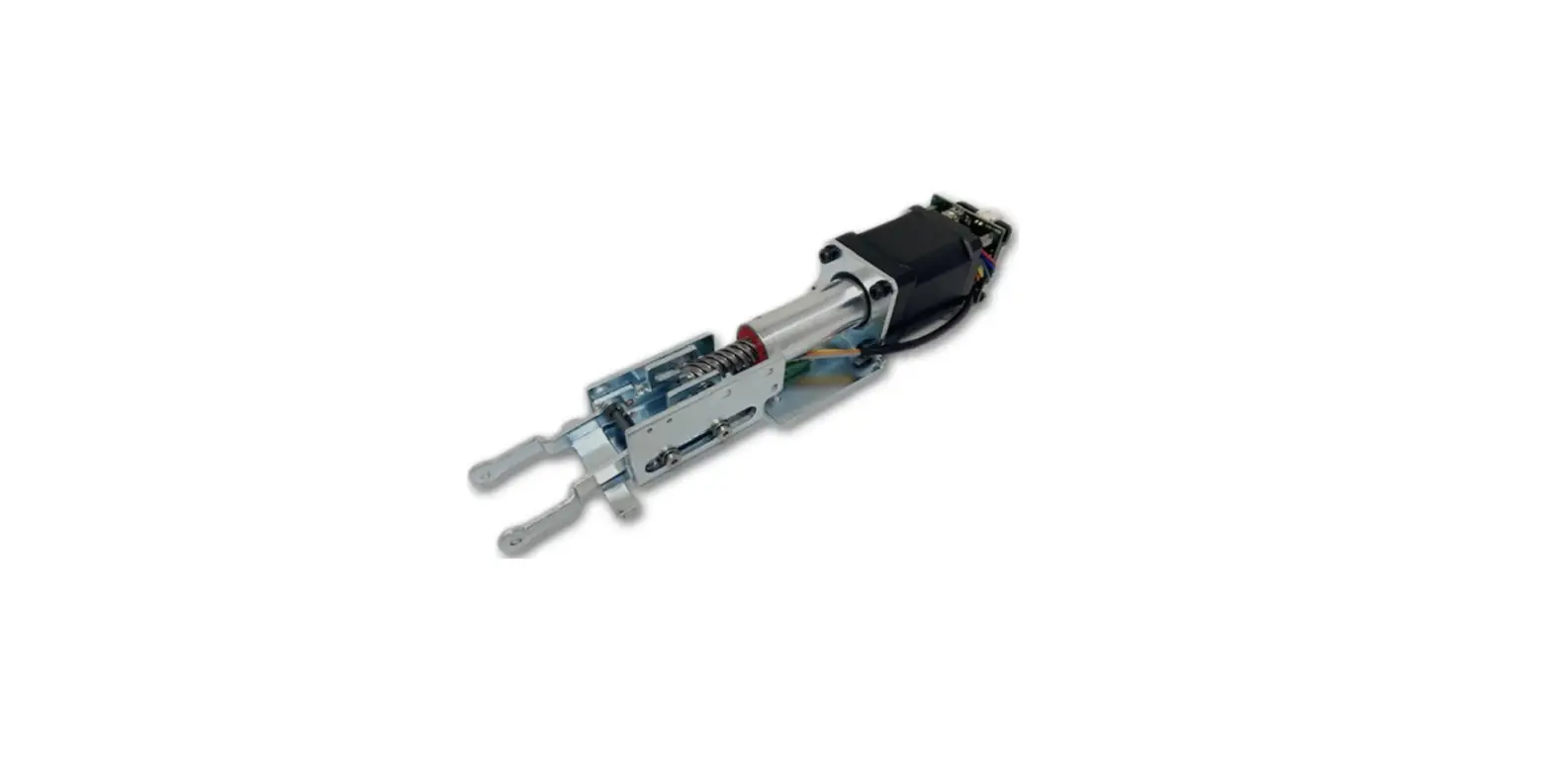
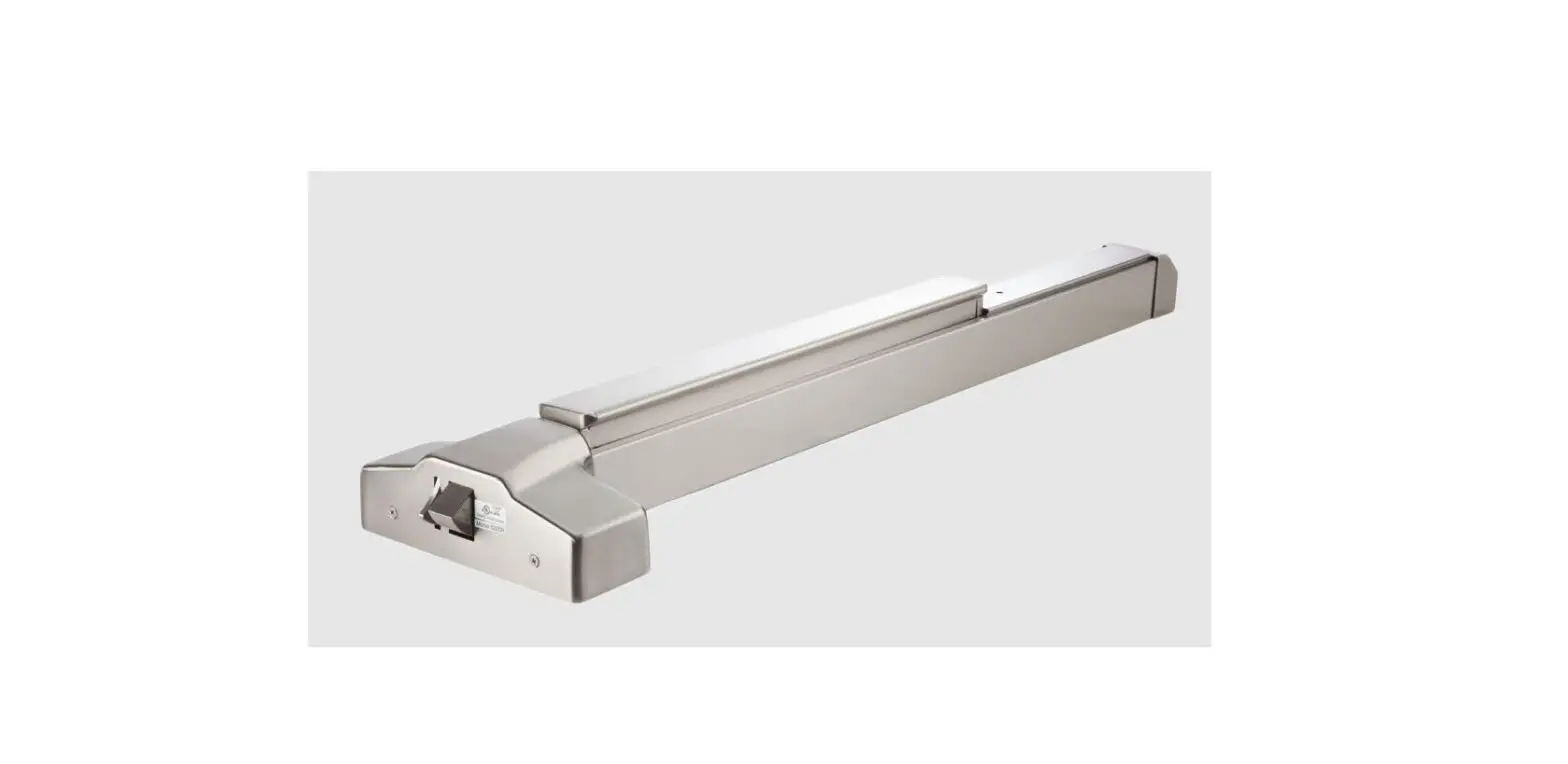
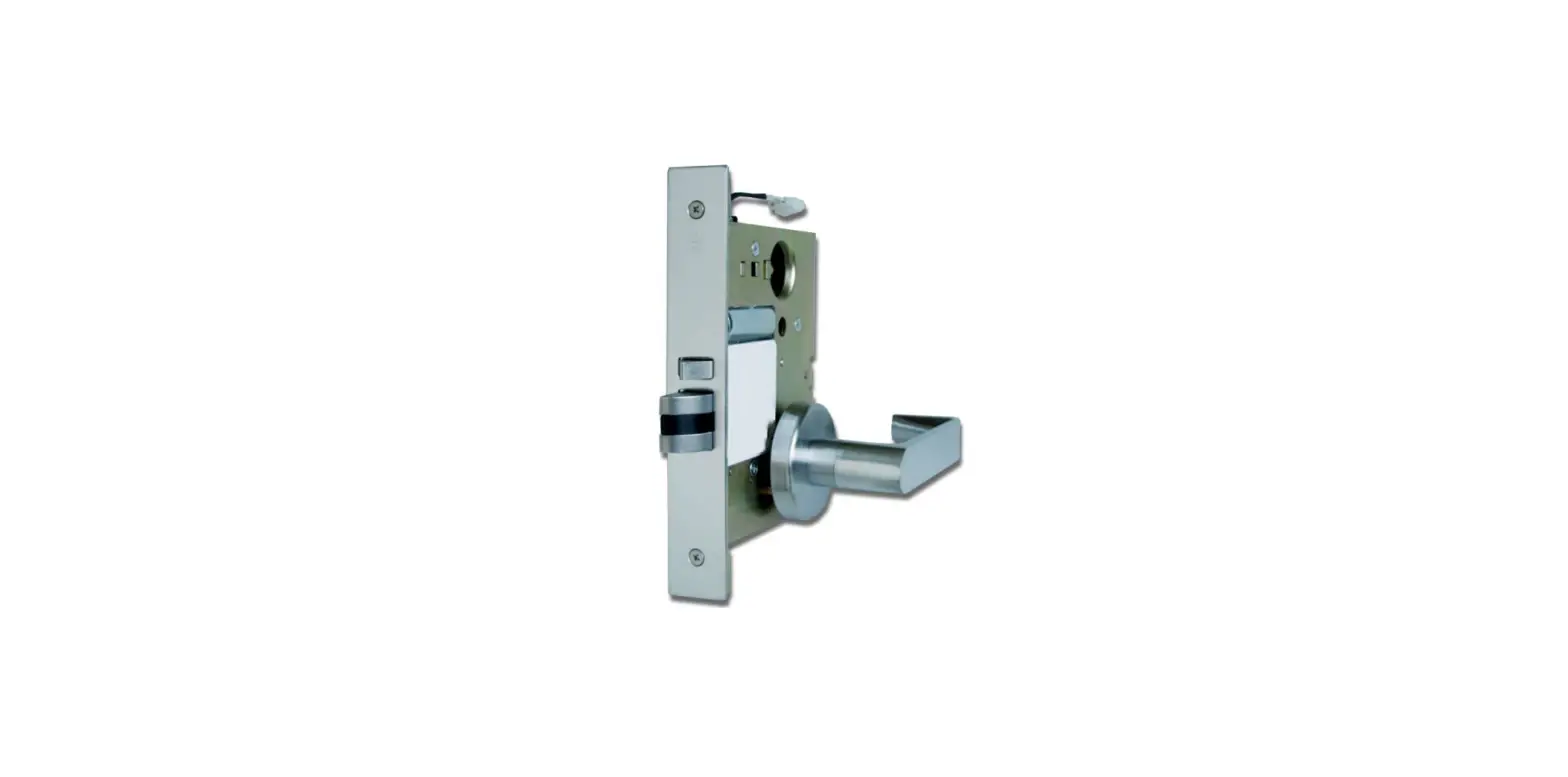
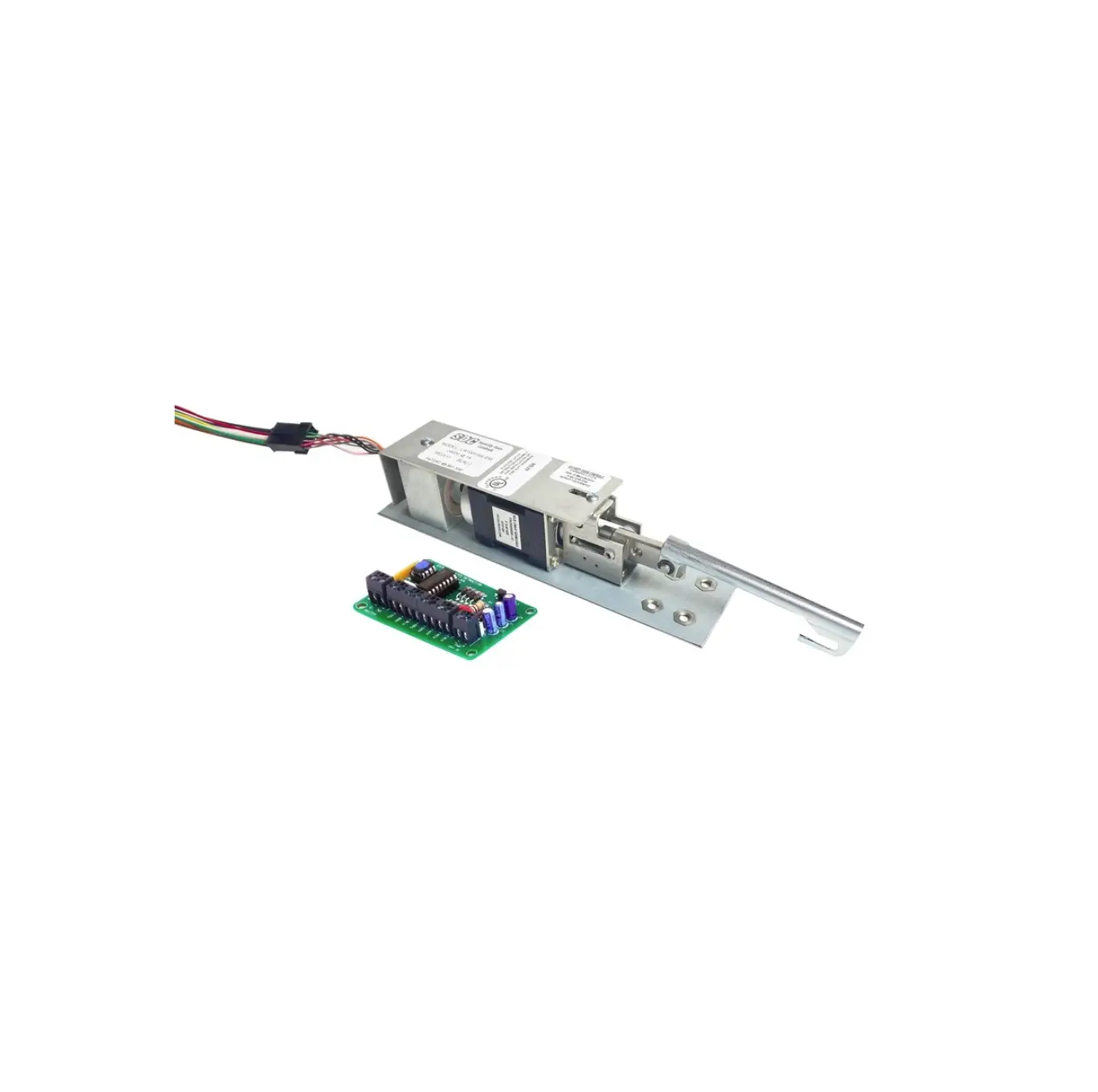
The Command Access MLRK1 is a field installable motorized latch-retraction kit for:
- MRLK1-HAG – Hager 45/4600 series devices
- MRLK1-IDC – IDC 8000 series devices
- MRLK1-PDQ – PDQ 6200 series devices
- MRLK1-SQ – Stanley QED 1/2000 series devices
- MRLK1-LAW – Lawrence 8000 series devices
- MRLK1-LSDA1 – LSDA 9000 R/V series devices
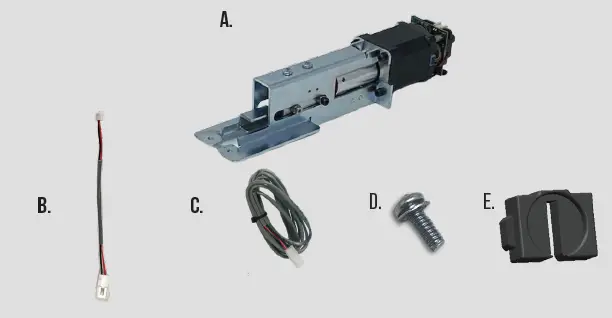
Kit Includes
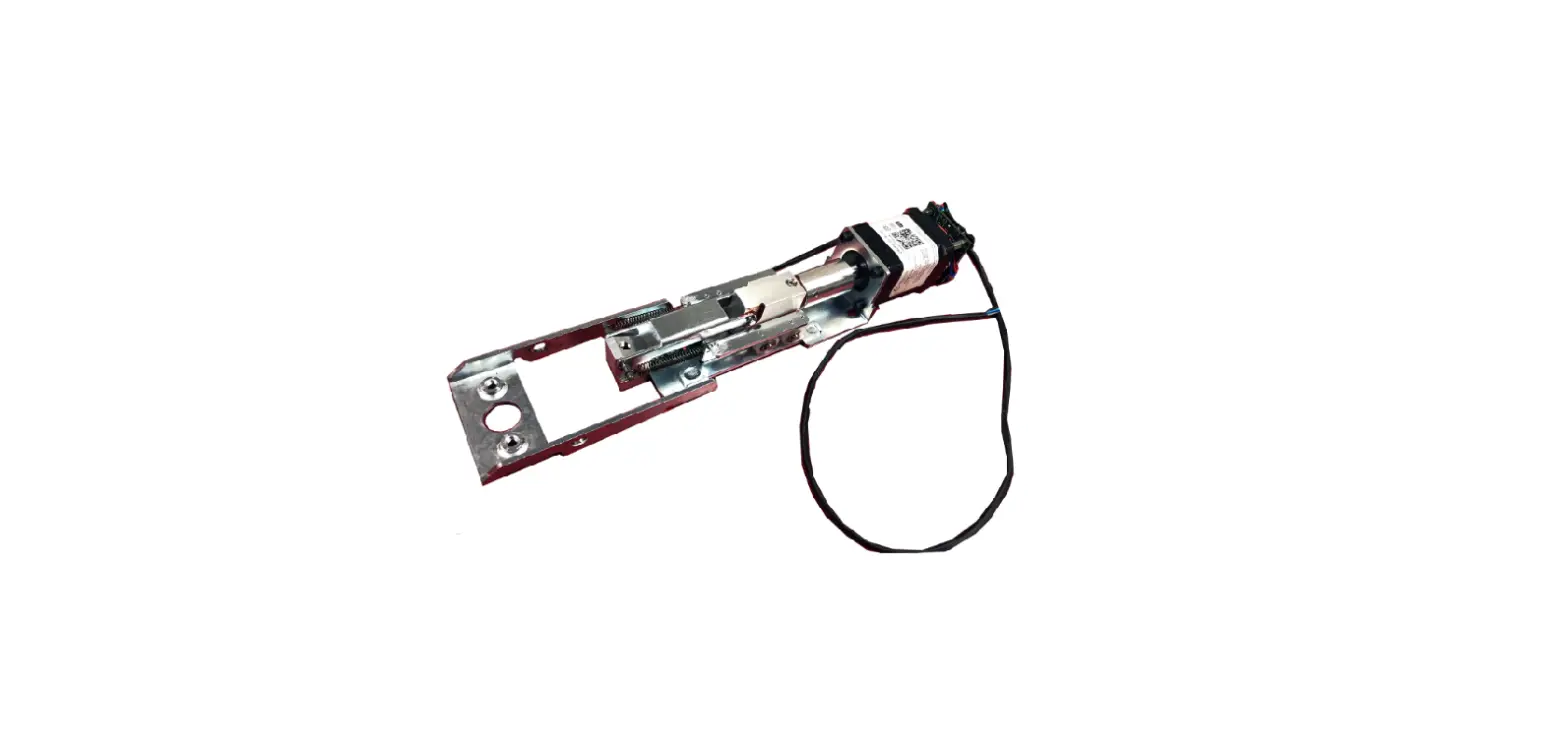
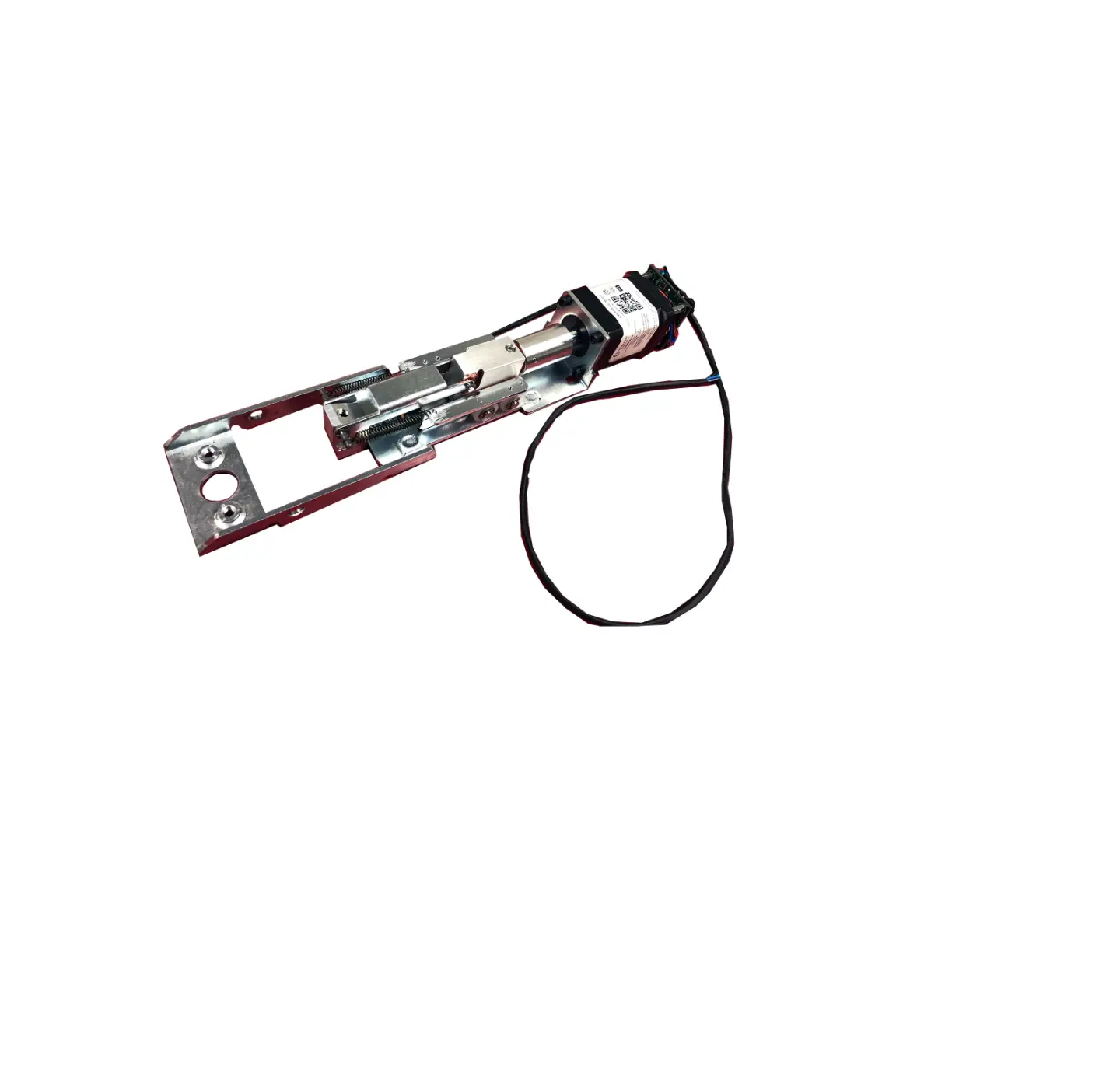
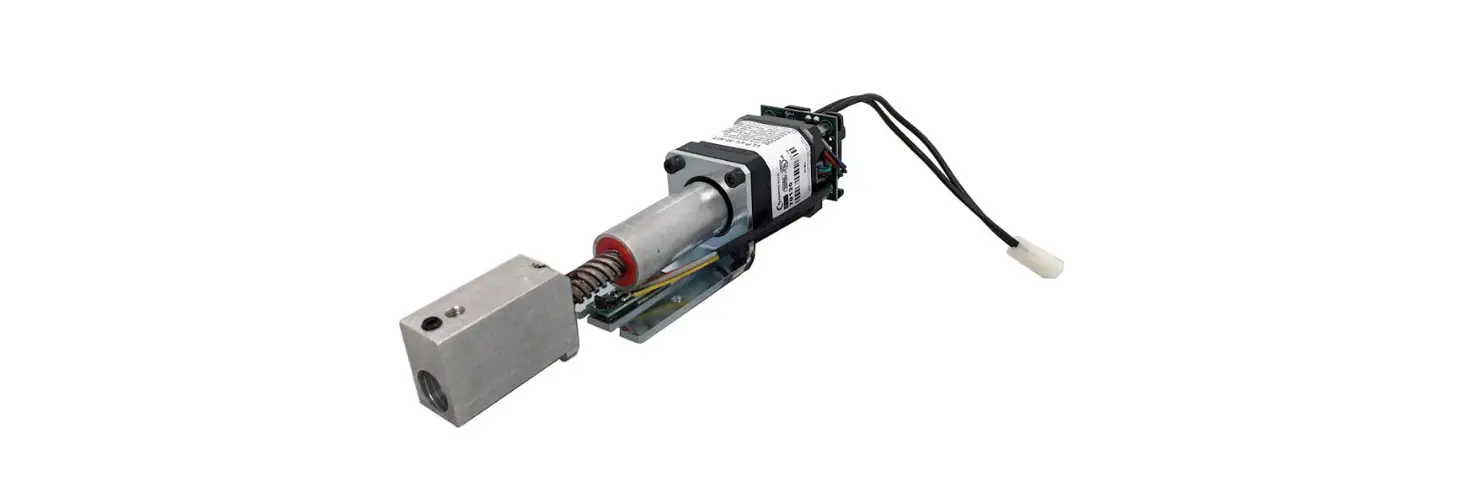
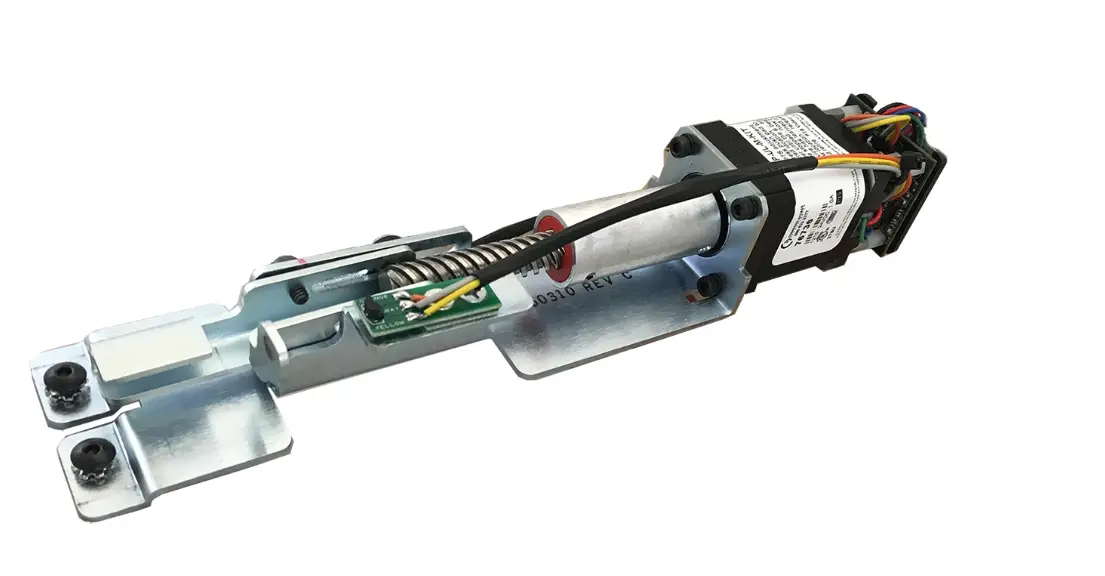
- 1- Motor Mount w/MM5
- 1- 50944 – Molex Pigtail
- 1- 50030 – 6’ Lead w/ VD Connector
- 2- 40320 – M4 x 6MM Phillips Screws
- 1- 51235 Spacer
Tools Required
- Cordless Drill or Phillips Screwdriver
SPECIFICATIONS
- Input Voltage: 24VDC +/- 10%
- AVERAGE LATCH RETRACTION CURRENT: 900 mA
- Average holding current: 215 ma
- Wire gauge: Minimum 18 gauge
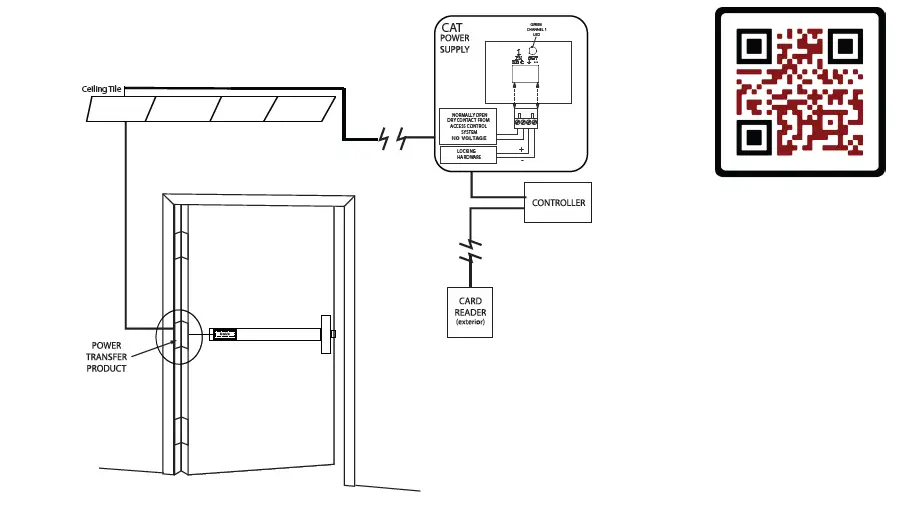
- Direct wire run – no relays or access control units in-between power supply & module
Optional built-in rex
- SPDT – Rated .5a @24V
- green= Common (C)
- Blue = normally open (NO)
- grey = normally closed (NC)
Recommended Power Supplies: Use a power limited class 2 power supply
All Command Access exit devices & field installable kits have been thoroughly cycle tested with Command Access power supplies at our factory. If you plan on using a non-Command power supply it must be a filtered & regulated linear power supply.
Technical Information
Setting PUSH TO SET (PTS)
**Important Info**
Make sure to set PTS before finishing installation
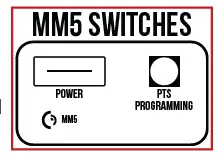
- Step 1 – To enter PTS mode: Depress MM5 button & apply power. The device will emit 1 SHORT beep. The device is now in PTS mode.
- Step 2 – While depressing the push pad, apply power. (i.e. presenting the credential to the reader).
- Step 3 – Continue to keep pad depressed, the device will emit 1 LONG Beep. After the beep has stopped, release the pad and now the adjustment is complete. test the new location, If not to your liking repeat the 3 steps.
Troubleshooting & Diagnostics
| Beeps | Explanation | Solution |
| 2 Beeps | Over Voltage | > 30V unit will shut down. Check voltage & adjust to 24 V. |
| 3 Beeps | Under Voltage | < 20V unit will shut down. Check voltage & adjust to 24 V. |
| 4 Beeps | Failed Sensor | Verify all 3 sensor wires are installed correctly. Replace sensor if problem persists by contacting office. |
| 5 Beeps | Retraction or dogging failure | After 1st fail: 5 beeps then immediately attempts to retract again. After 2nd fail: 5 beeps with pause in-between for 30 seconds then device attempts to retract again. After 3rd fail: 5 beeps every 7 minutes, device will not attempt to retract. To Reset: Depress bar for 5 seconds at any time. |
Installation Instructions
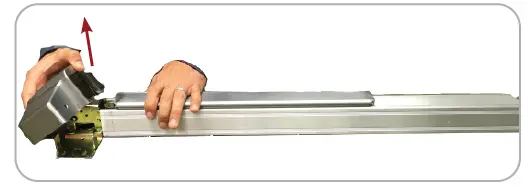
- Remove Head Cover from device.

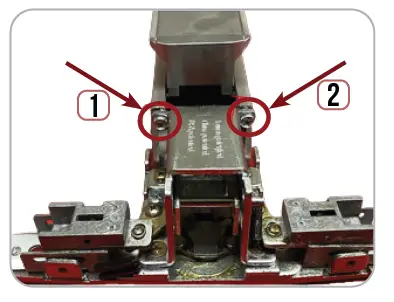
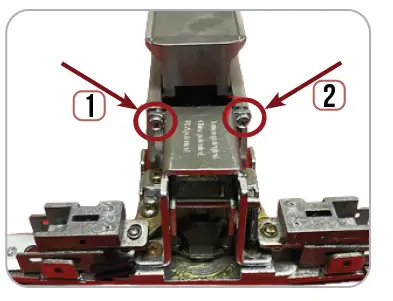
- Remove (2) Screws securing Housing to 2. Baserail.

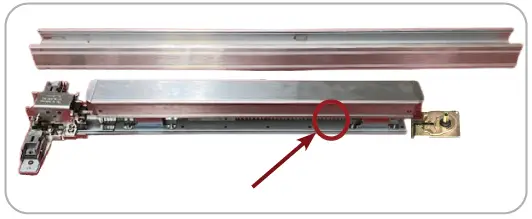
- Slide off Housing to expose Pushpad & 3. Baserail Assembly.

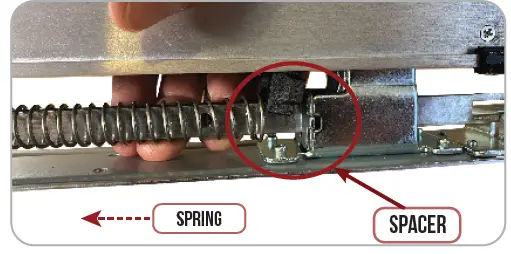
- Install Spacer onto connecting rod in front of the back activating bracket to increase the return spring tension. Make sure Spacer is facing the correct direction.

- If your device has Mechanical Dogging, flip Baserail over & remove (2) screws securing dogging to Baserail.

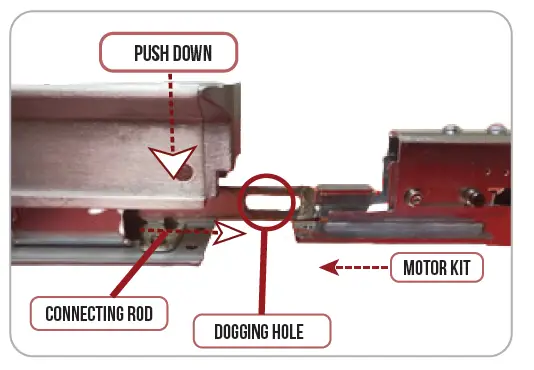
- Push Down on Push Pad to extend connecting Rod’s Dogging Hole.

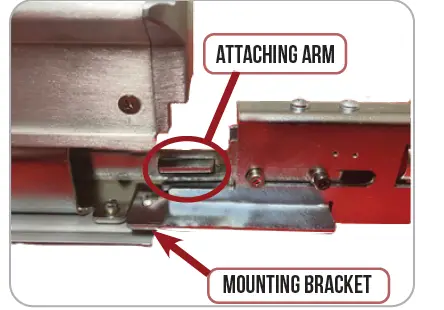
- Slide Motor Kit’s Attaching Arm into Dogging Hole. Make Sure the motor kit mounting bracket is on TOP of Baserail.

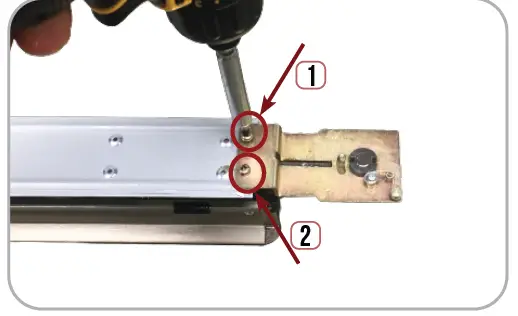
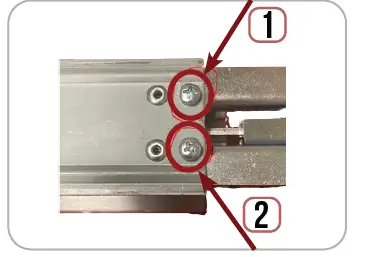
- Flip Baserail/Pushpad over, holding motor kit in place so it stays attached. Secure Motor Kit with (2) M4 Screw provided.

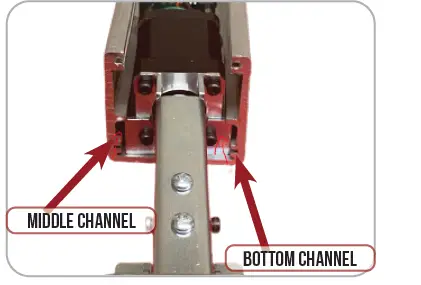
- Slide Baserail motor side 1st back into the exit device Housing. Make sure the Motor & baserail go into the proper channels.

- Re-install (2) Screws securing Housing to Baserail.

- Set the “Push to Set Adjustment” following the steps below.

Setting PUSH TO SET (PTS)
**Important Info**
Make sure to set PTS before finishing installation
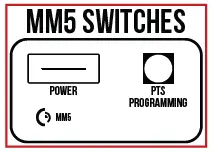
- Step 1 – To enter PTS mode: Depress MM5 button & apply power. The device will emit 1 SHORT beep. The device is now in PTS mode.
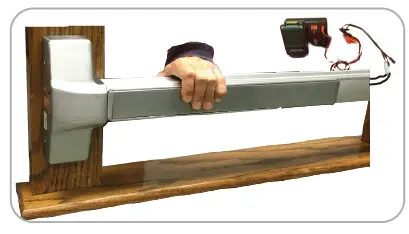
- Step 2 – While depressing the push pad, apply power. (i.e. presenting the credential to the reader).
- Step 3 – Continue to keep pad depressed, the device will emit 1 LONG Beep. After the beep has stopped, release the pad and now the adjustment is complete. test the new location, If not to your liking repeat the 3 steps.
US customer support
1-888-622-2377
www.commandaccess.com
CANADA customer support
1-855-823-3002