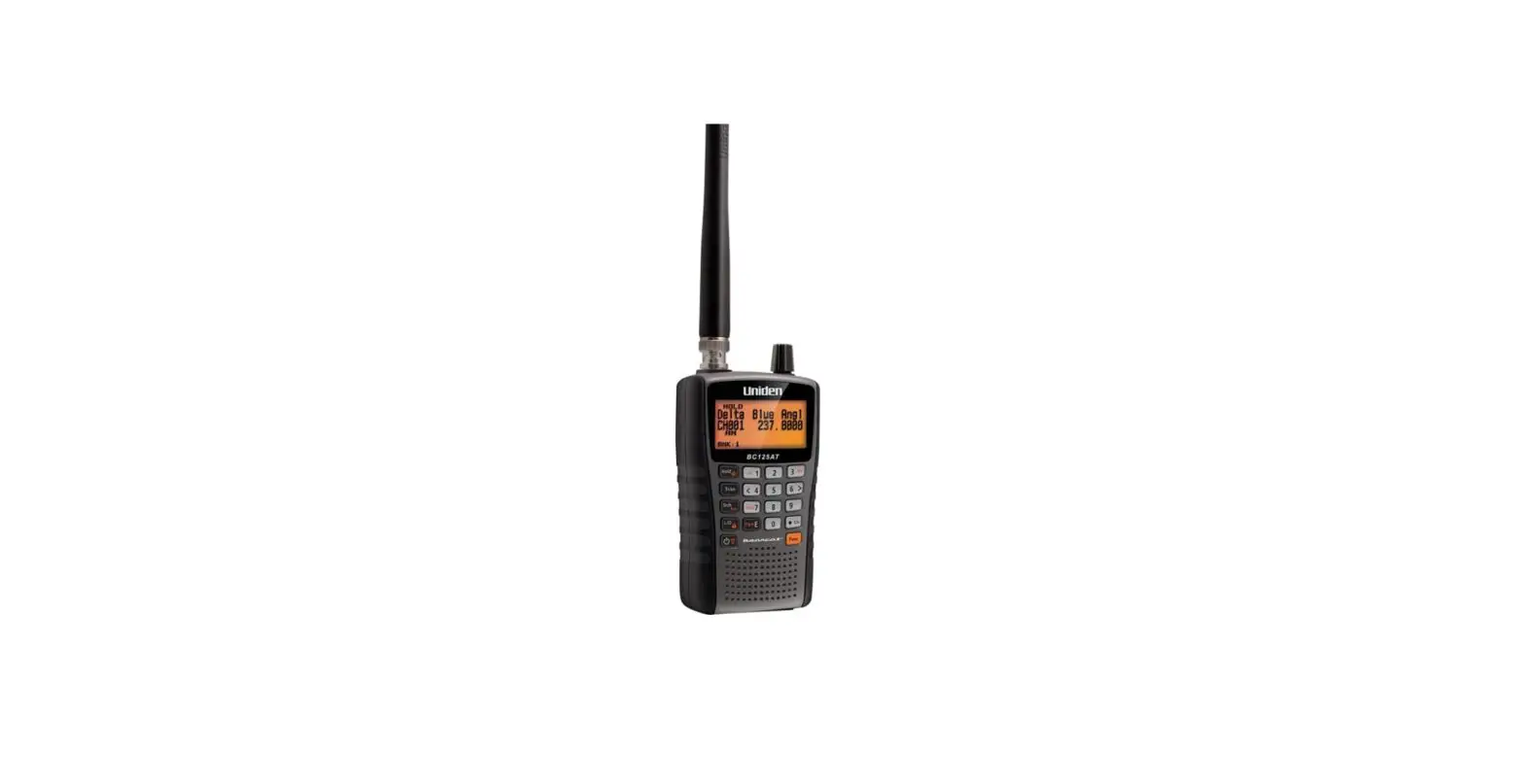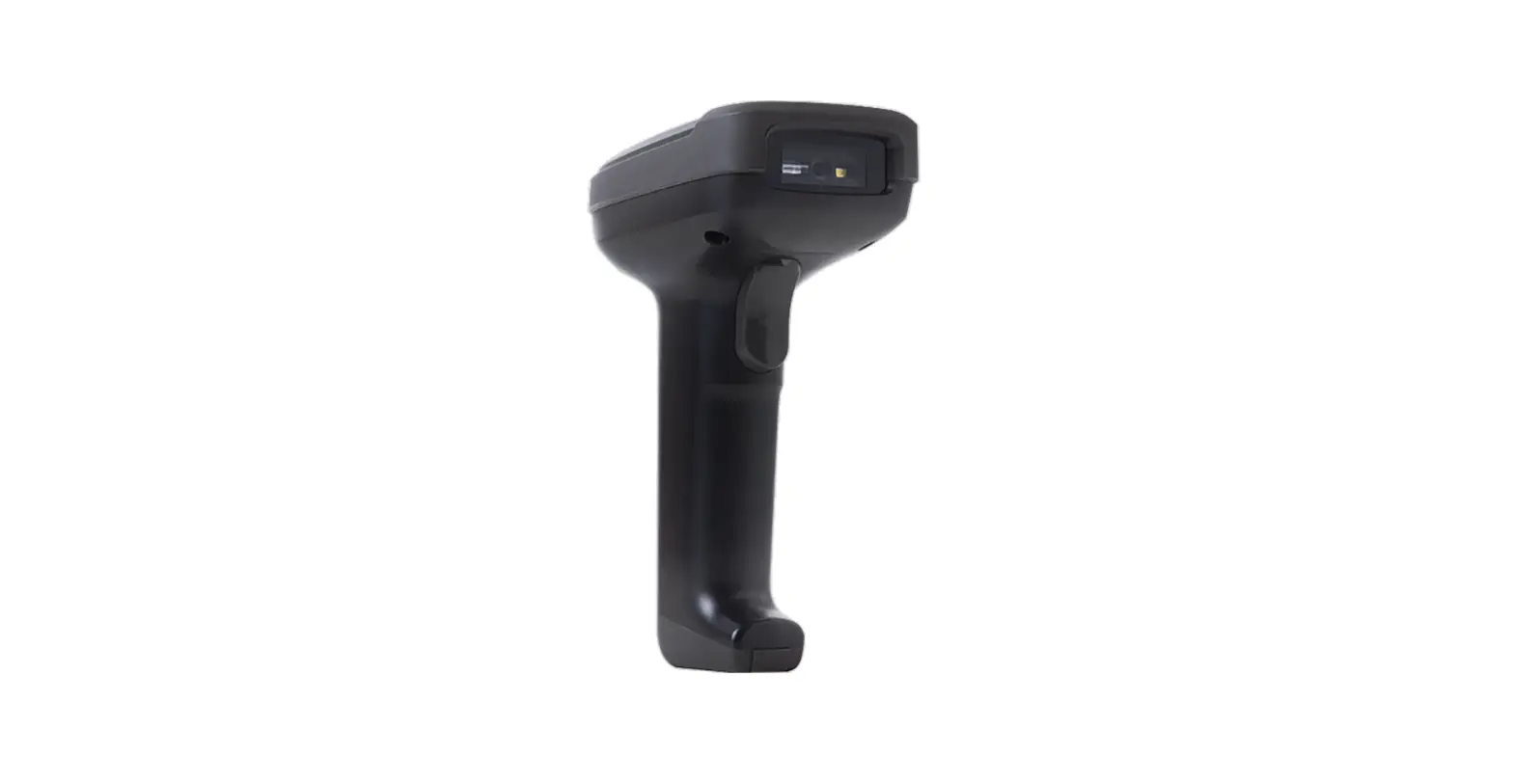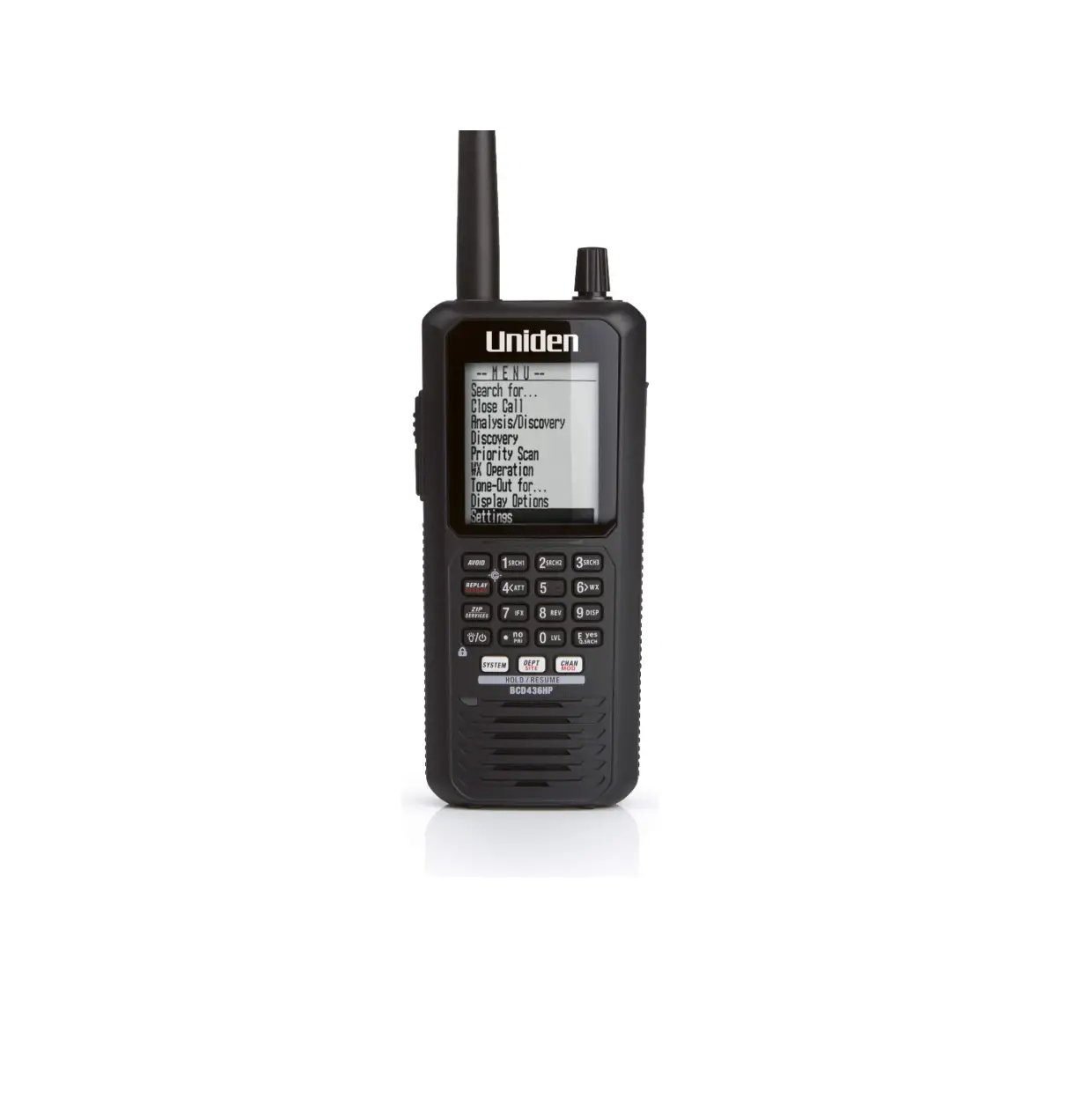
Uniden BCD436HP Digital HomePatrol Scanner
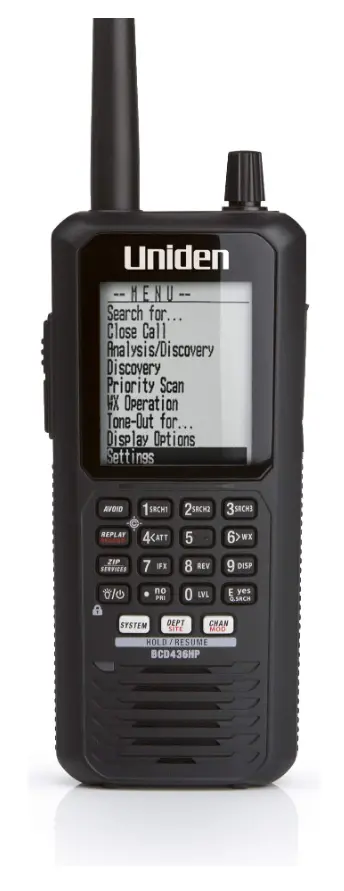
SD CARD ERROR
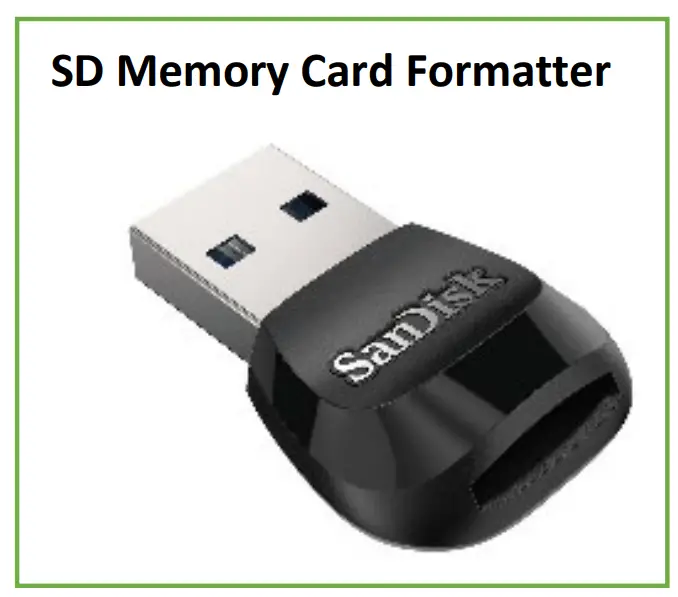
- Use a microSD card reader and SD Formatter to clear the SD card (the default quick format will work fine)

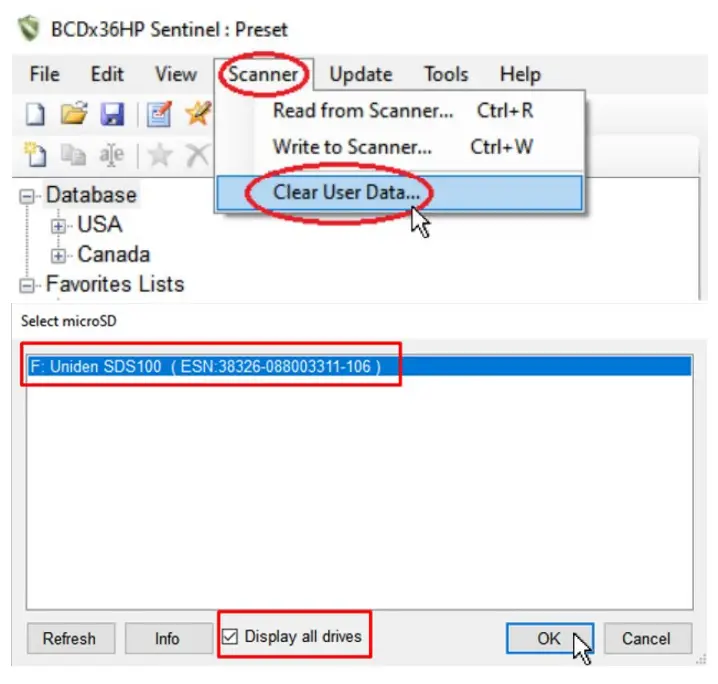
- Open Sentinel, go to (Homepatrol) / (Scanner)>Clear User Data, check “show all drives”, select the disk drive of the SD card and hit OK


BCDx36HP_Sentinel HomePatrol Sentinel Models: BCD436HP/BCD536HP SDS100/SDS200 Models: Homepatrol-1 & 2 
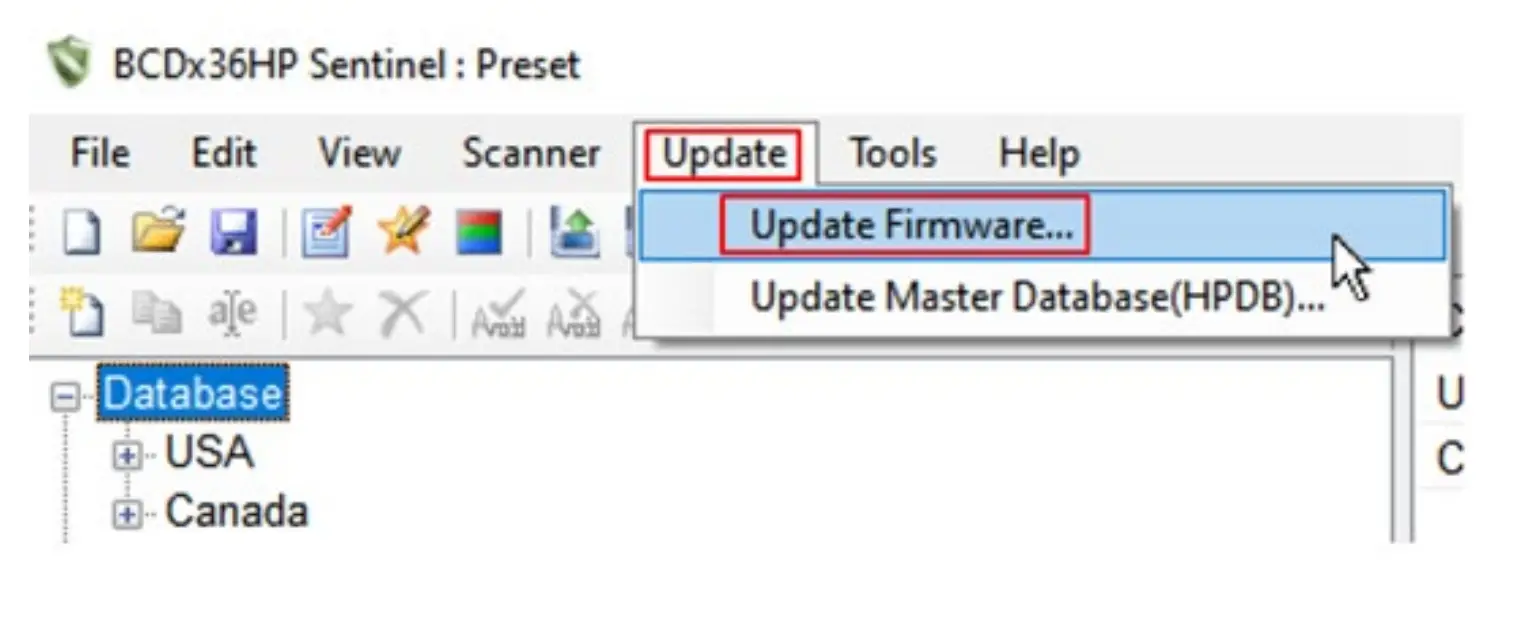
- Go to Update>Update Firmware, select your version of Home Patrol and hit OK

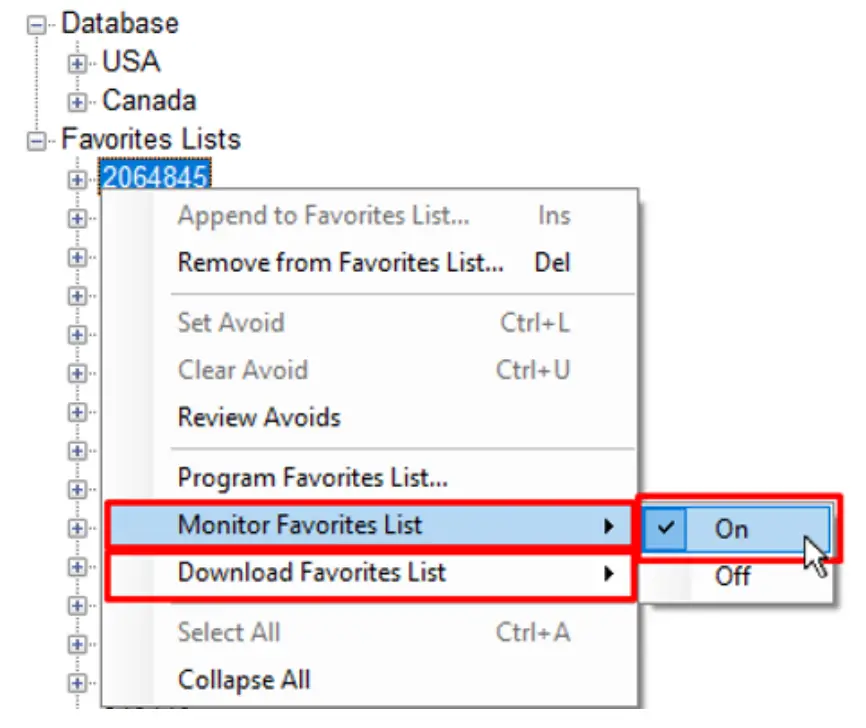
- If you have a list already made in Sentinel, make sure the favorites list you want to monitor is set to Download>On and Monitor>On
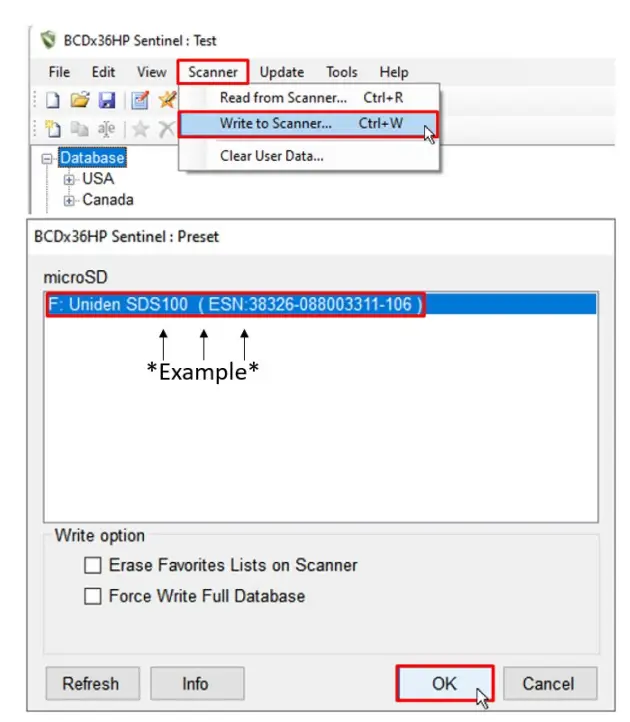
- Go to (Home Patrol) / (Scanner)>(Write To Home Patrol) / (Write to Scanner) and disconnect the USB cable when the download is finished