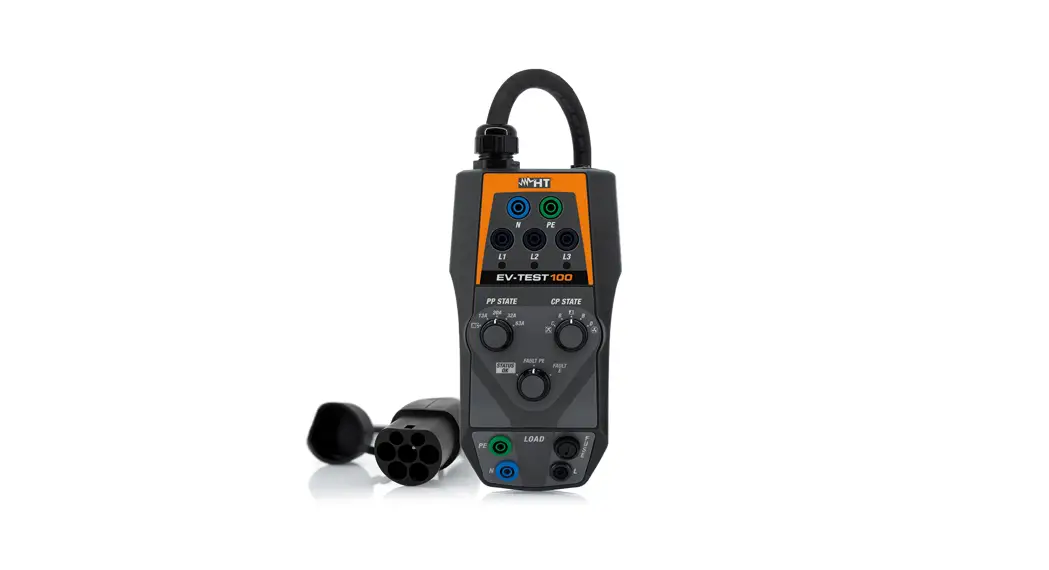
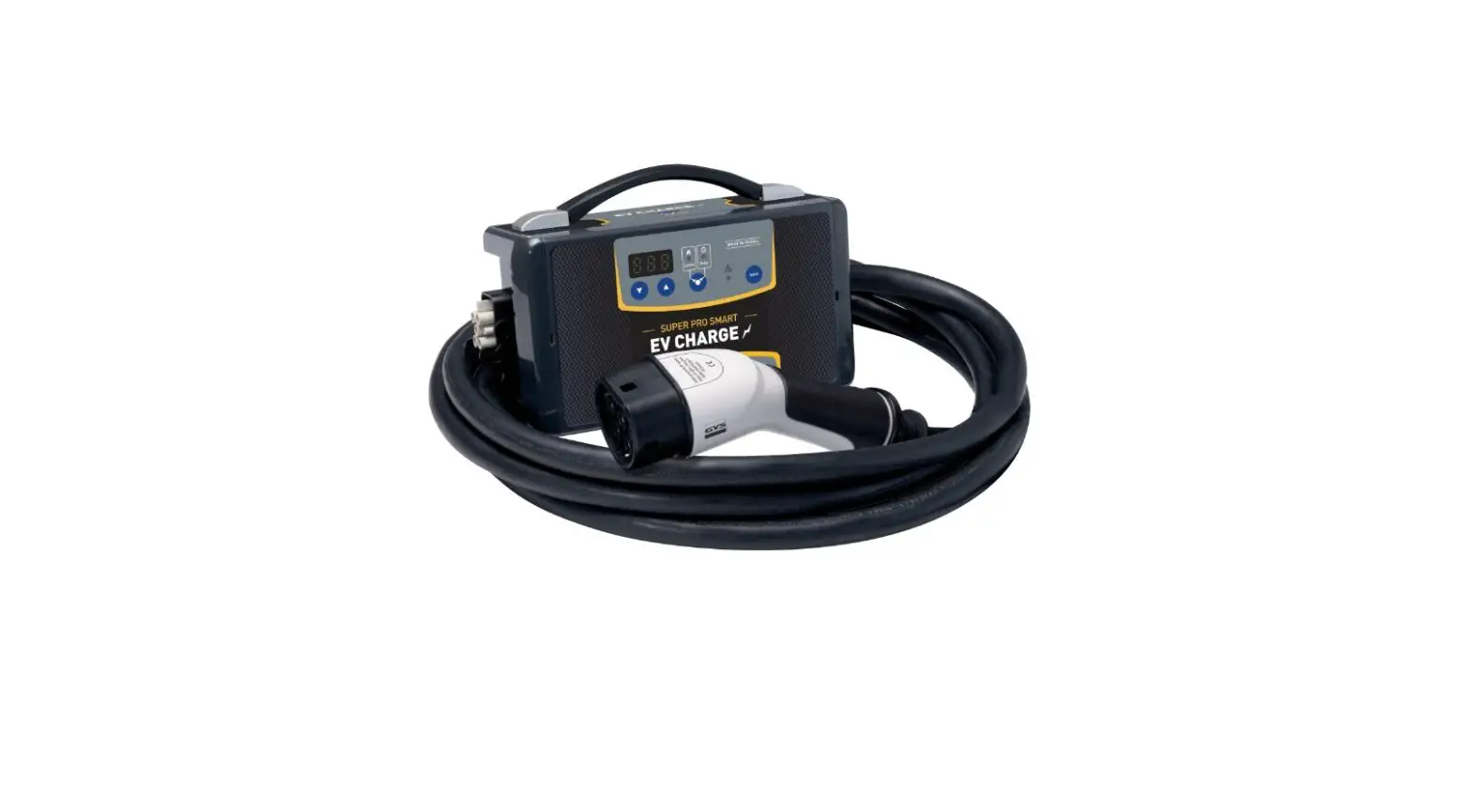
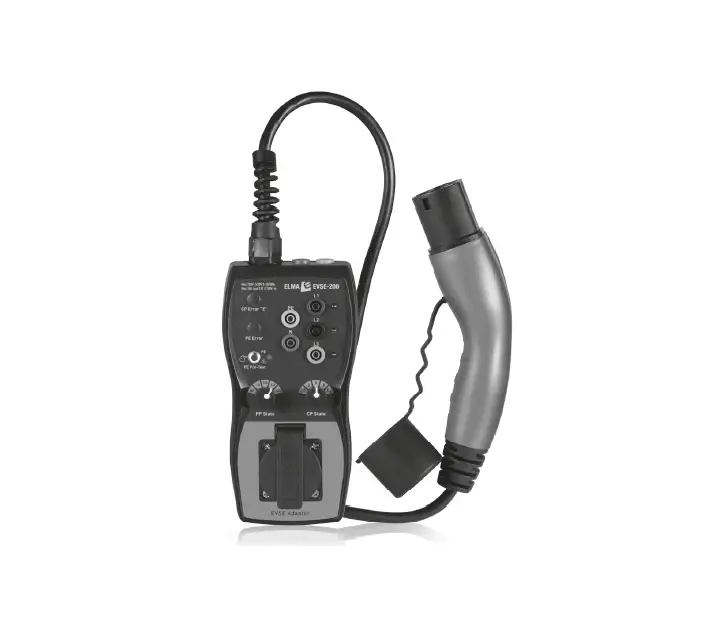
GEVCT101 EV Charging Tester
Product Information
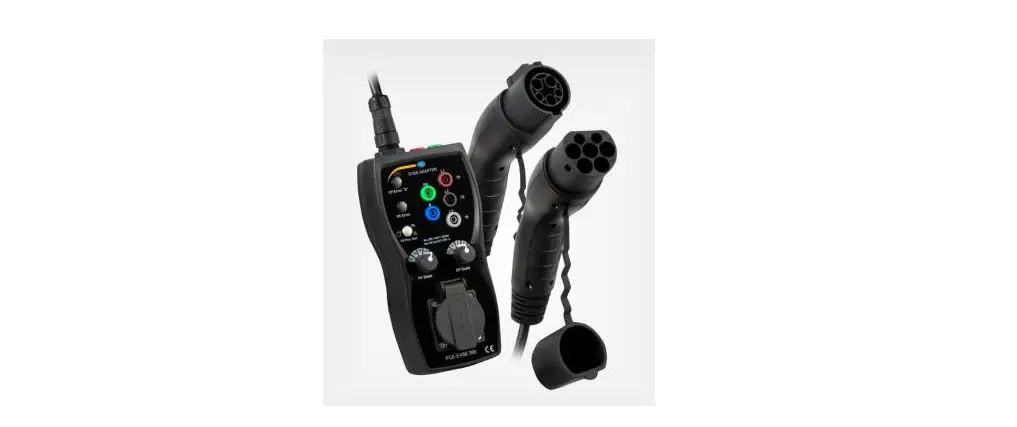
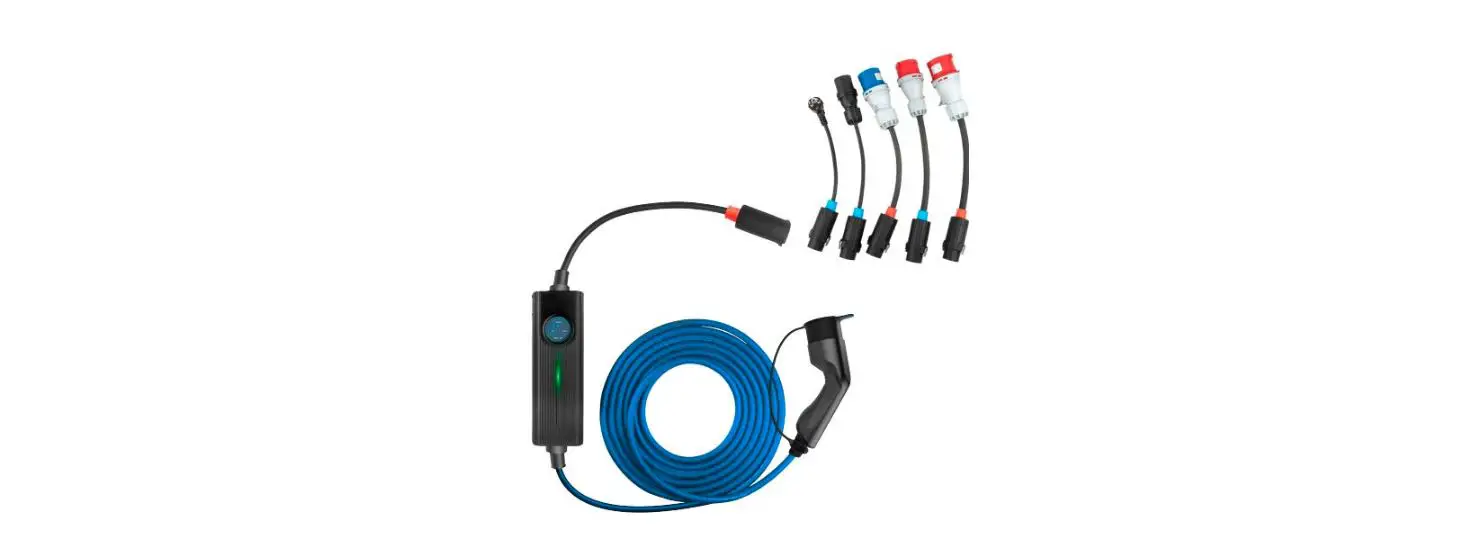
The EV Charging Tester is a device used to determine the status
of rapid/standard charges, high-voltage relay, and detect any
abnormalities in the rapid and high-voltage charging path of an
electric vehicle.
Precautions
When handling high-voltage parts:
- Always separate the safety plug to cut off the high voltage
before inspecting or repairing the high-voltage system. - Remove any metal substances from your body to avoid
high-voltage short circuits that can cause harm to humans and
vehicles. - Wear personal protective equipment for safety accident
prevention when working with high voltage. - Prohibit anyone without protective equipment from touching any
part related to high-voltage parts.
When utilizing the product:
- Keep the equipment clean by removing foreign substances before
and after use. - Familiarize yourself with the manual’s contents to follow
procedures and instructions. - Refer to safety instructions for vehicle management issued by
the manufacturer before using the equipment. - Use the equipment in a well-ventilated space and wear
protective equipment like glasses and gloves. - If the equipment is damaged, stop using it immediately and
request repair work from the manufacturer. - The CP/PD voltage check connectors should only be used by
trained professionals.
Components
| Name | Component | Major Function |
|---|---|---|
| EV charging tester | 1. Controls the conditions for the charging test. 2. Measures high voltage/current. | |
| GDS-Mobile | 1. Performs the test sequence. 2. Indicates the test measured values. | |
| VCI II | 1. Performs the vehicle diagnostic communication. (Connects the OBD terminal of the vehicle.) |
Detailed description of the EV Charging Tester LED
| Name | Major Function | LED Status |
|---|---|---|
| Rapid DC LINE charging line | OK / NG (Indicates the test results on the rapid DC LINE charging line) | |
| Standard charging line | OK / NG (Indicates the test results on the standard charging line) | |
| System error | OK / NG (Indicates the occurrence of a system error) | |
| BT/Power | – Indicates the power. – Indicates the connection status between the diagnostic apparatus and the test equipment. | Connected / Not connected (the light flickers once a second) |
Product Usage Instructions
Advance Preparation
To enter the function screen:
- Select [S/W Management].
- Connect VCI II to the OBD connector on the vehicle before
performing any functions. - Select the type of vehicle to be measured.
- Select [Vehicle Charging Controller] -> [Charging Line Test] menu.
Note: The above steps should be followed before using the EV
Charging Tester.
Connection of the Equipment
Follow the manufacturer’s instructions for connecting the EV
Charging Tester to the appropriate components of the electric
vehicle charging system.
EV Charging Tester
1
User’s Manual |
EV Charging Tester
The EV charging tester is an equipment that determines the status of rapid/standard charges, high-voltage relay, and the presence of any abnormality in rapid and high-voltage charging path of the electric vehicle.
2
User’s Manual |
Precautions
Precautions when handling high-voltage parts
Before inspecting or repairing high-voltage system, make sure to separate the safety plug to cut off the high voltage.
Make sure to remove metal substances (watch, ring, and other metal products, etc.) from your body as they may cause high-voltage short circuit, which causes human and vehicle damages.
Before starting any operation related to high voltage, please wear personal protective equipment for safety accident prevention.
Please make sure that persons other than the operator wearing the protective equipment are prohibited from touching any part related to high-voltage parts.
Precautions when utilizing the product
Remove foreign substances from the component and keep its cleanliness before and after using the equipment.
Make sure you familiarize yourself with contents of the manual before use, in order to follow the procedures and instructions.
Before using the equipment, please familiarize yourself with safety instructions for vehicle management, which were issued by the manufacturer of the vehicle.
Use the equipment only in a well-ventilated space, and make sure to weak protective equipment (protective glasses and gloves, etc.).
If the equipment is damaged by external shock, immediately stop using the equipment. If the equipment needs to be repaired, make sure to request the equipment manufacturer to perform the repair work. (Abnormal repair may become the cause of equipment damage)
The equipment must not be exposed to rain or snow. The equipment must not be used for purposes other than the purpose of its manufacture. Do not leave the equipment being installed in the vehicle. If you do not use the equipment within its operating temperature range (0 40 ), it may
become the cause of its breakdown.
These connectors are used for CP/PD voltage check and only trained professionals should use (or access).
3
User’s Manual |
Components
EV charging test components
Name
Component
Major function
EV charging tester
1. Controls the conditions for the charging test. 2. Measures high voltage/current.
GDS-Mobile
1. Performs the test sequence. 2. Indicates the test measured values.
VCI II
1. Performs the vehicle diagnostic communication. (Connects the OBD terminal of the vehicle.)
User’s Manual |
4
Detailed description of the EV Charging Tester LED
Name
Major function
LED status
Indicates the test results on rapid DC LINE
charging line.
OK
NG
AC LINE
Indicates the test results on standard charging line.
OK
NG
ERROR
Indicates the occurrence of system error.
OK
NG
BT/Power
– Indicates the power.
– Indicates the connection status
between the diagnostic apparatus
and the test equipment.
Connected
Not connected (the light flickers once a second)
5
User’s Manual |
Advance Preparation
Entering into the function screen
Phase 1 Select [S/W Management].
Reference
Before performing the function, VCI II must be connected to OBD connector on the vehicle.
Phase 2 Select the type of vehicle to be measured.
User’s Manual |
6
Phase 3 Select [Vehicle Charging Controller] -> [Charging Line Test] menu.
7
User’s Manual |
Connection of the equipment
Phase 1
After checking the purpose and condition of the EV charging test, press button at the bottom of the screen.
Phase 2
Press
button to connect the charging
test equipment.
User’s Manual |
8
Phase 3 Select the equipment in the research result.
Phase 4 After the selected equipment is registered in “equipment currently being connected”, press
button at the bottom of the screen.
9
User’s Manual |
Phase 5 Once the BT signal of the equipment is connected normally, “BT/Power” LED of the equipment main body will be turned on with blue light.
10
User’s Manual |
Major Functions
Main screen It shows major functions of the EV charging line test, and the users can run a desired function by touching it.
11
User’s Manual |
Self-test on the test equipment
Menu
Description of function
This is a function for checking whether there is abnormality in the charging gun when an error occurs while the main test function is being operated, or if there is no change in voltage in connection test.
Description
Once you enter into the function screen, the self-test will be run right away, and the results will be shown on the screen after approximately 20 seconds.
Reference
Please run the corresponding function only after removing the charging test gun from the inlet.
Notification
The message below will appear when NG occurs.
User’s Manual |
12
Charging gun connection test
Menu
Description of function
This is a function that measures CP/PD voltage value to check whether the charging test equipment is normally connected to the inlet.
Description
The table at the top of the screen shows voltage value per operation and test results. The graph in the middle of the screen shows change in CP/PD voltage values of the controller, which are measured in real time through the diagnostic communication.
Determination condition
User’s Manual |
13
Charging line test Menu
Description of function The following 3 different functions will be performed as the main test functions:
1. Rapid charge relay test 2. Rapid charging line test 3. Standard charging line test
1. Rapid charge relay test
This is a test that checks if there is abnormality in the rapid charge relay operation through a high-voltage rapid charge port.
Determination condition
User’s Manual |
14
2. Rapid charging line test This is a test that checks whether there is abnormality in the rapid charging line that goes through [high-voltage battery -> inverter -> charge port] through the path of the high-voltage rapid charge port.
Determination condition
Comparison between *the charging equipment measured values and *diagnostic communication values
Charging equipment measured value: BMU controller’s diagnosis communication voltage value
Diagnostic communication value: actually measured voltage value of the high-voltage rapid charge port
Reference
If the test result is NG, it will receive the breakdown status from the vehicle to indicate the problematic part as red light on the screen, and display the AS response method. (Only the vehicle models after IONIC 6 can operate this function)
15
User’s Manual |
3. Standard charging line test
This is a test that checks whether there is abnormality in the standard charging line, which goes through [high-voltage battery -> *ICCU -> charge port] through the path of standard charge port.
ICCU : Integrated Charging Control Unit
When you enter into the function screen, the test will be run with a fixed default value of 8A. Then, the user can change the current value to be measured by touching a desired current value (6, 8, 10, or 12 A) to proceed the measurement.
Determination condition
The standard charging will be initiated and the running current value (A) will be measured.
(Error range 15%)
Notification
In the case of 12 A, using a power strip may lead to causing a safety accident. Thus, the following notification will be shown, and the test will be conducted only when the user approves it.
16
User’s Manual |
Notification
Battery charging current is adjusted to 90% – 60% depending on the user’s charging environment and battery life. (The current values between 3 and 5 A can also be charged)
Once the measurement is completed,
click
button to close the
test.
User’s Manual |
17
Test results After the test is closed, you can check the entire test results that were measured.
18
User’s Manual |
This device complies with part 15 of the FCC Rules. Operation is subject to the following two conditions: (1) This device may not cause harmful interference, and (2) this device must accept any interference received, including interference that may cause undesired operation. This equipment has been tested and found to comply with the limits for a Class B digital device, pursuant to part 15 of the FCC Rules. These limits are designed to provide reasonable protection against harmful interference in a residential installation. This equipment generates, uses and can radiate radio frequency energy and, if not installed and used in accordance with the instructions, may cause harmful interference to radio communications. However, there is no guarantee that interference will not occur in a particular installation. If this equipment does cause harmful interference to radio or television reception, which can be determined by turning the equipment off and on, the user is encouraged to try to correct the interference by one or more of the following measures: – Reorient or relocate the receiving antenna. – Increase the separation between the equipment and receiver. – Connect the equipment into an outlet on a circuit different from that to which the receiver is connected. – Consult the dealer or an experienced radio/TV technician for help.
Changes or modifications not expressly approved by the party responsible for compliance could void the user’s authority to operate the equipment.