G910 Wireless Charging Powerbank
Product Information:
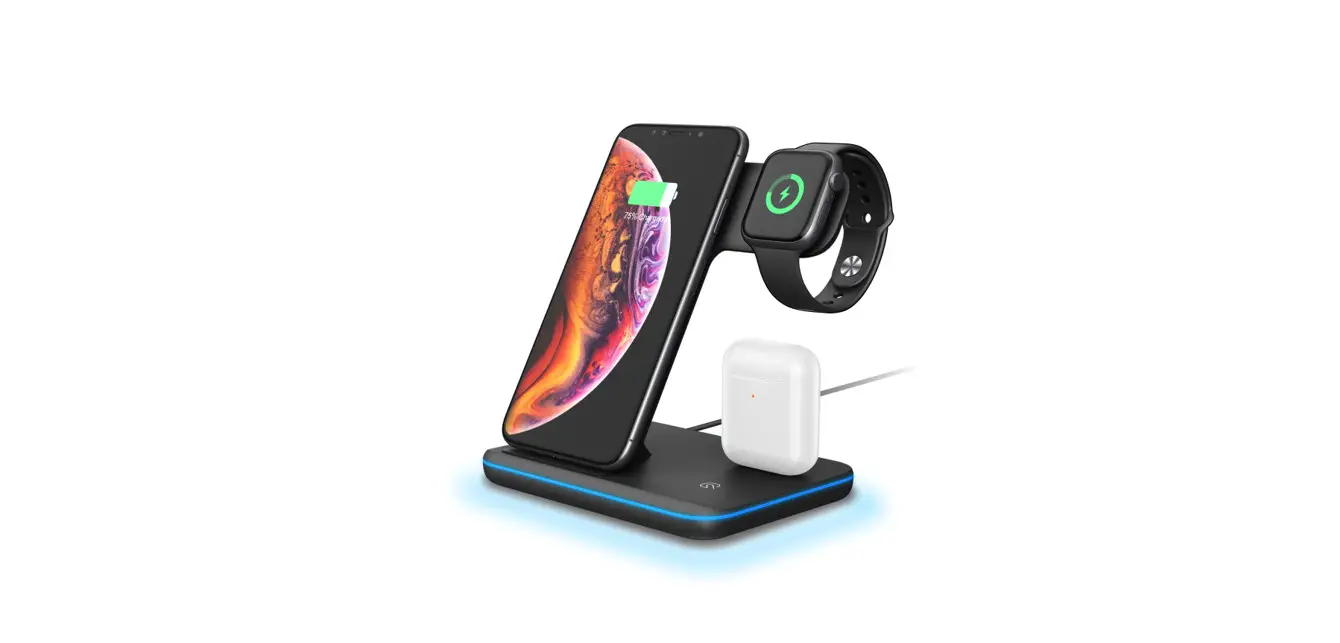
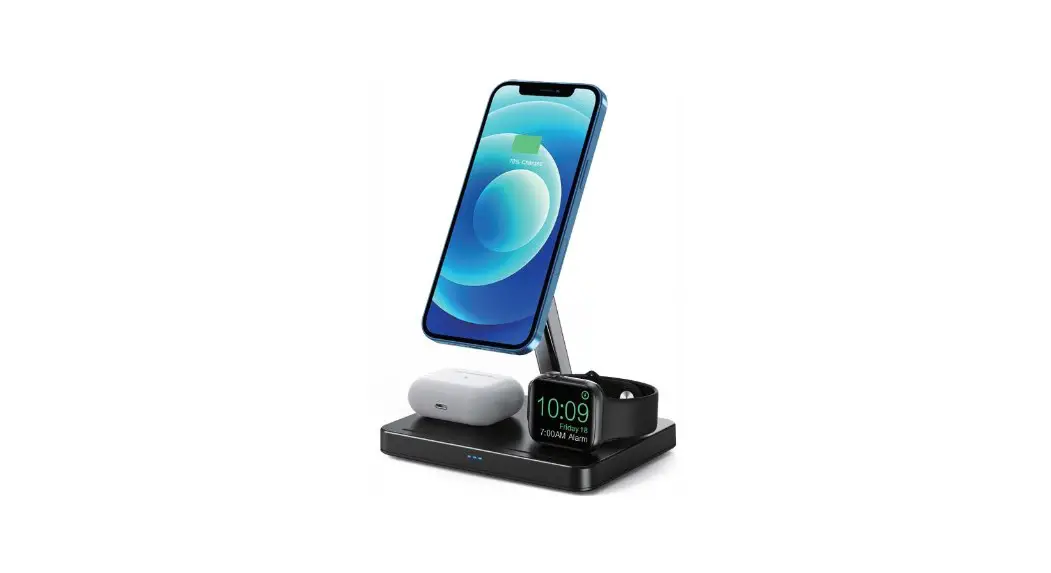
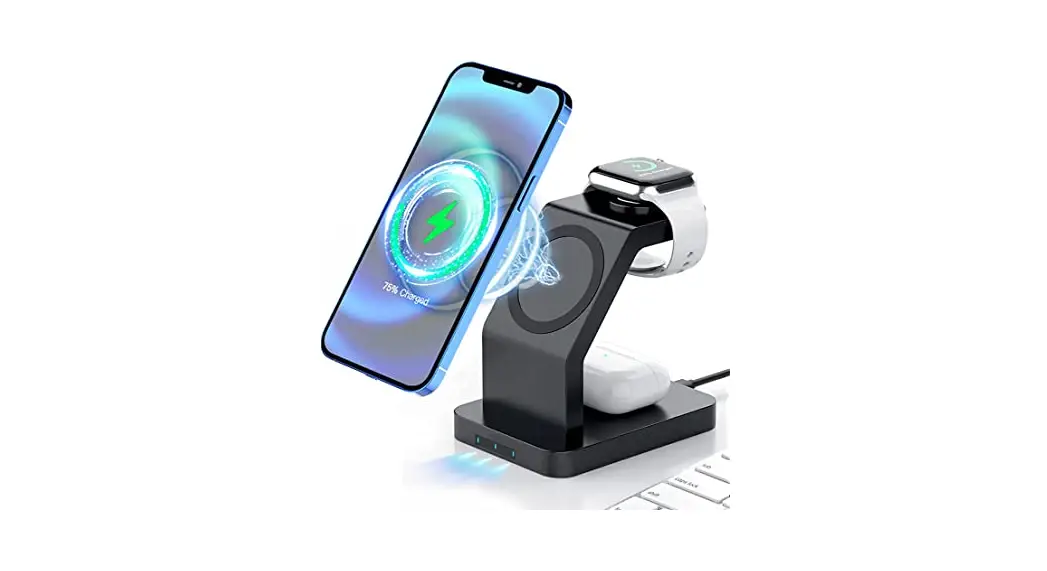
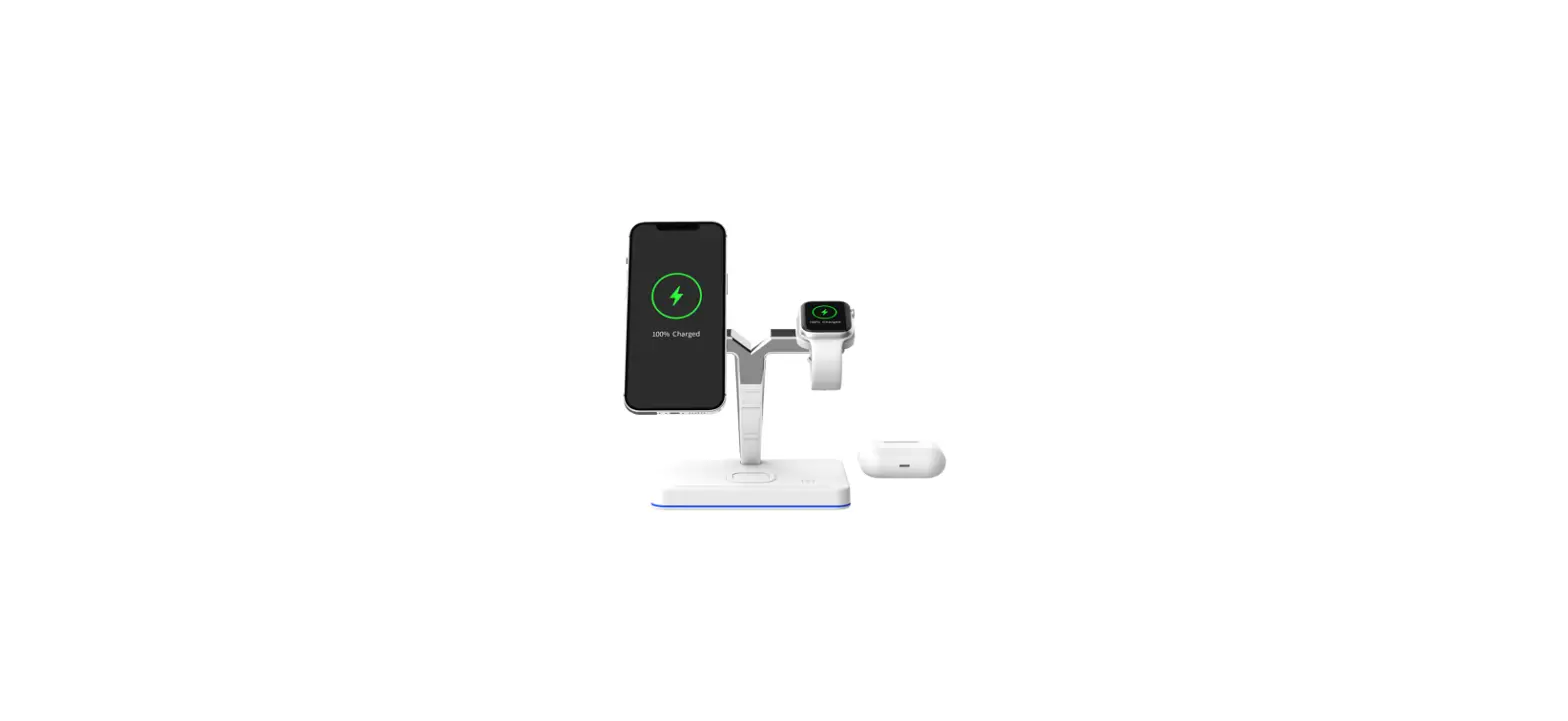
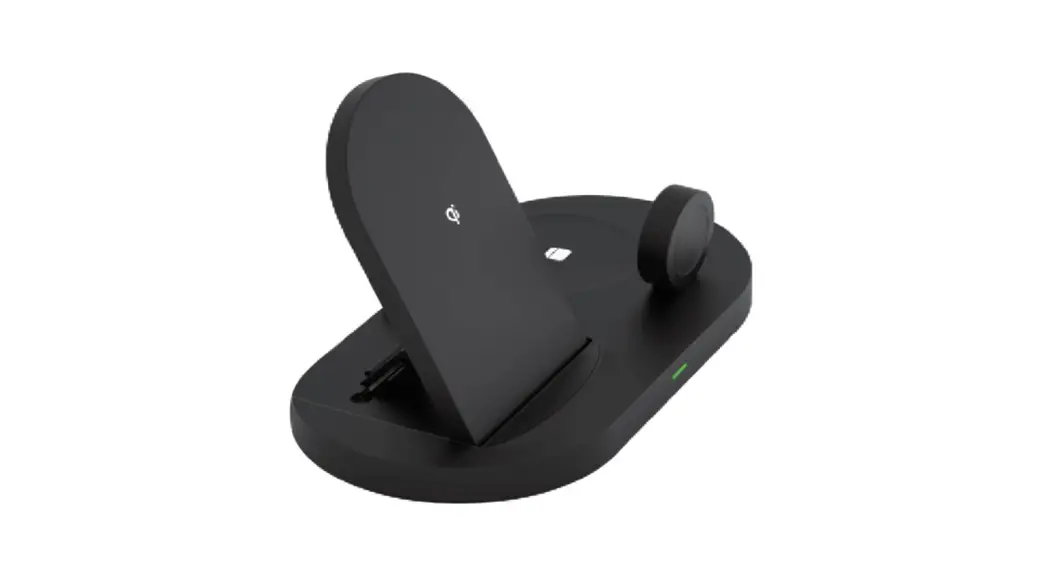
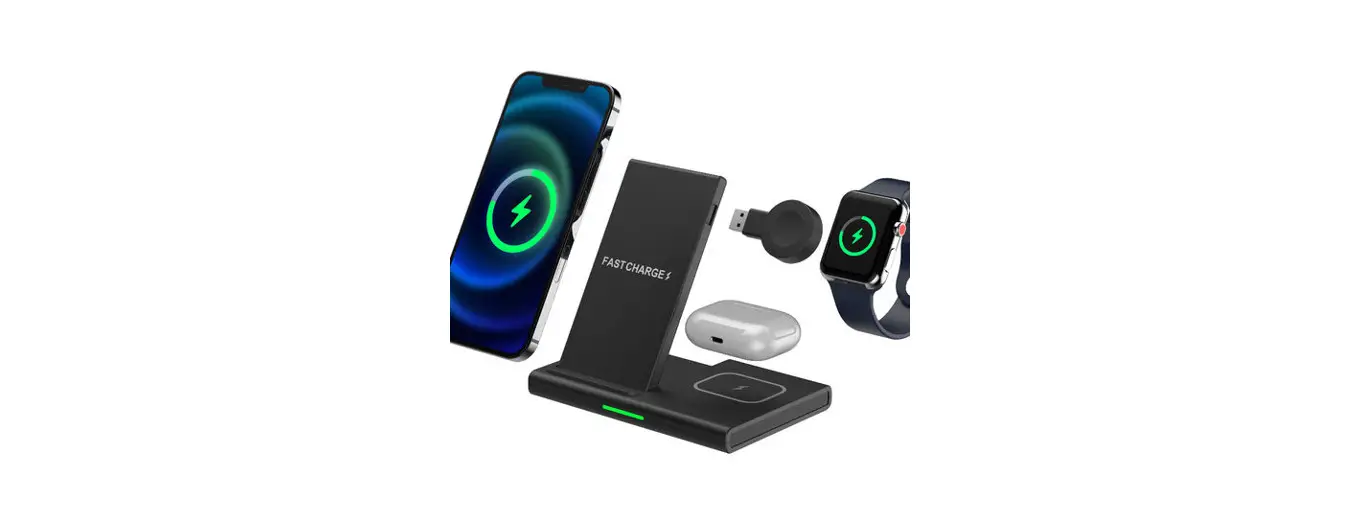
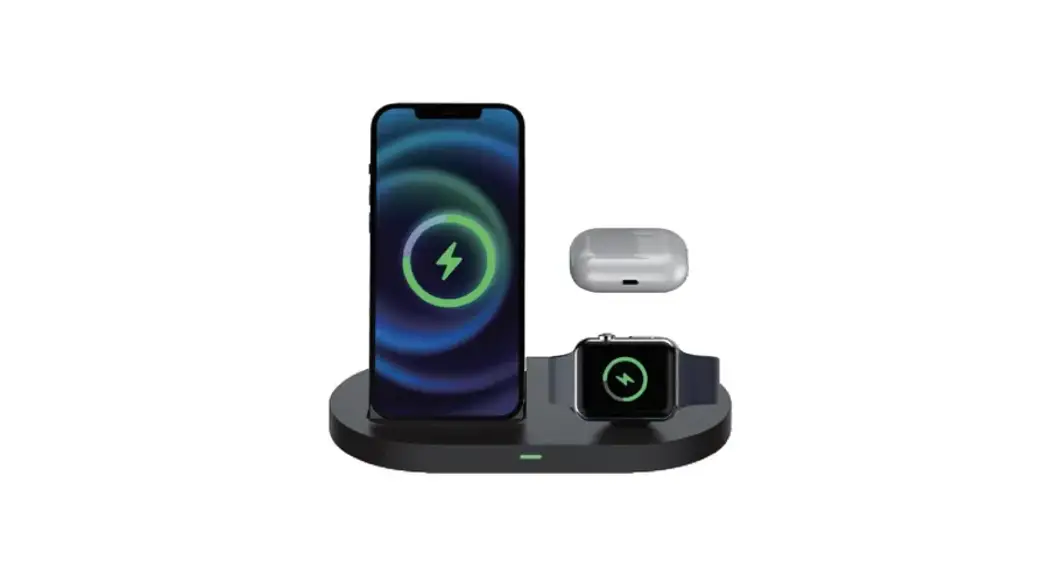
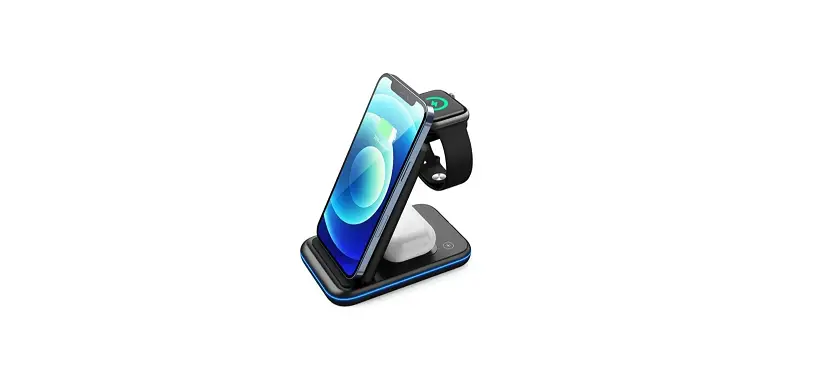
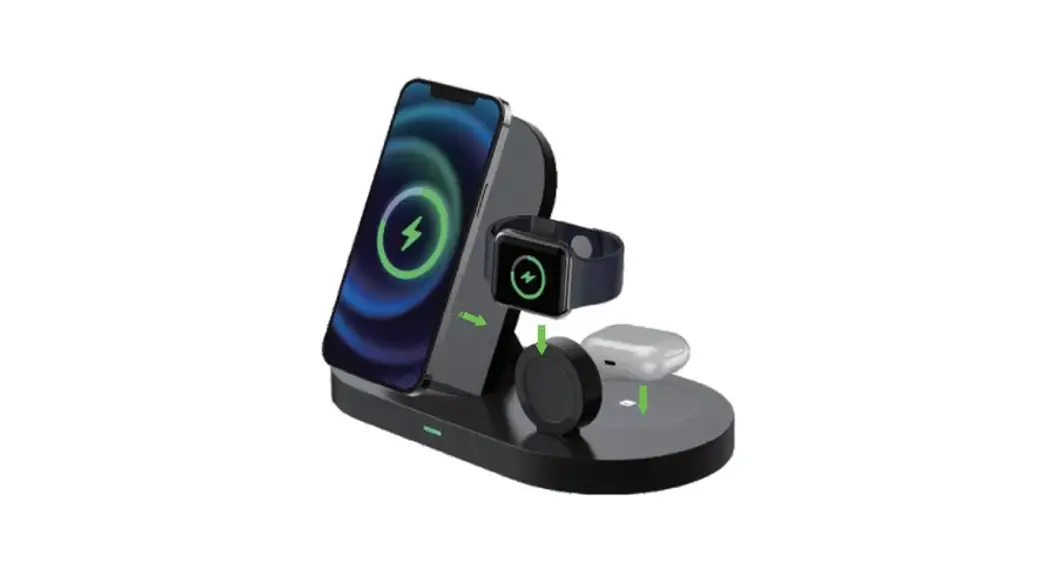
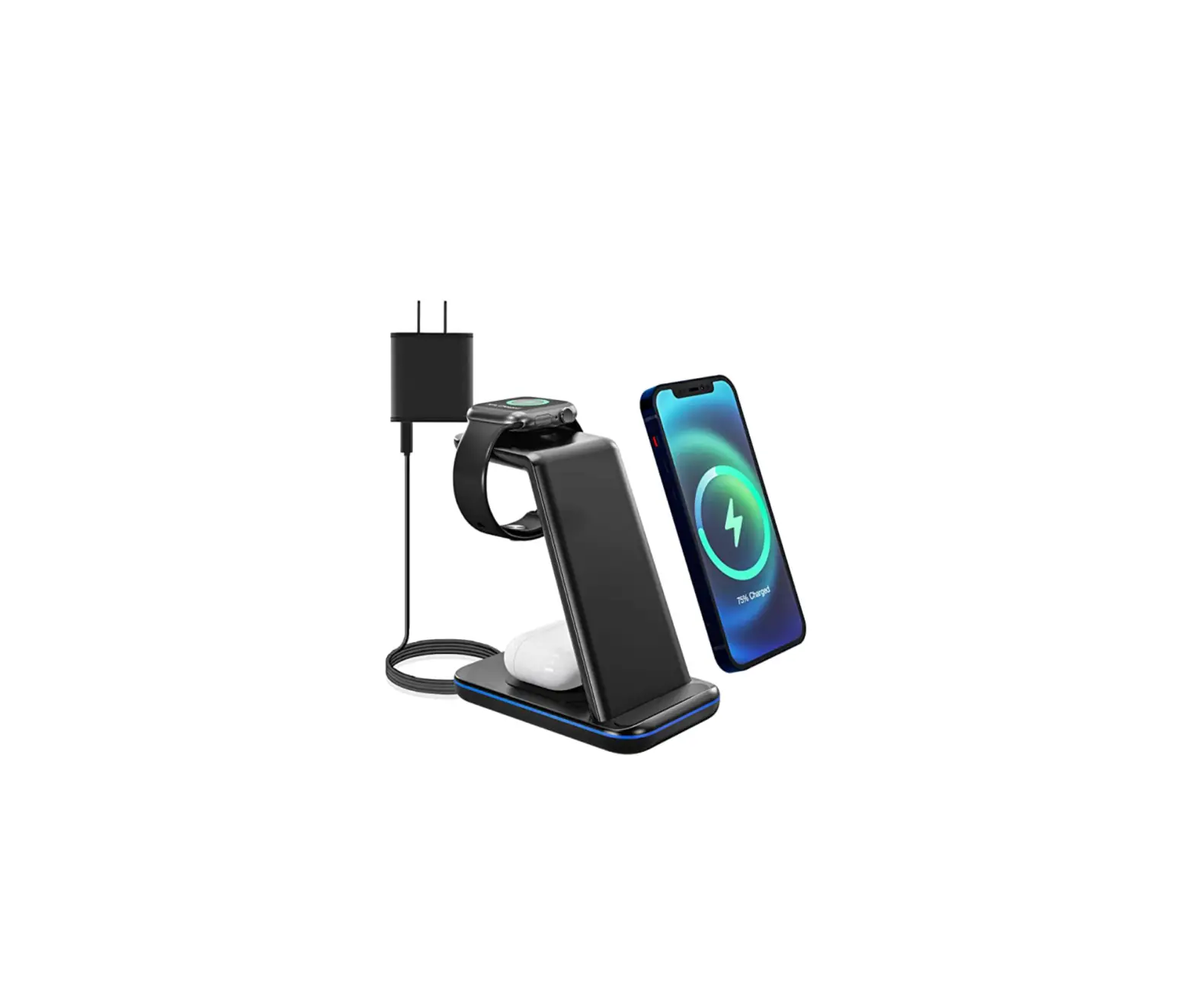
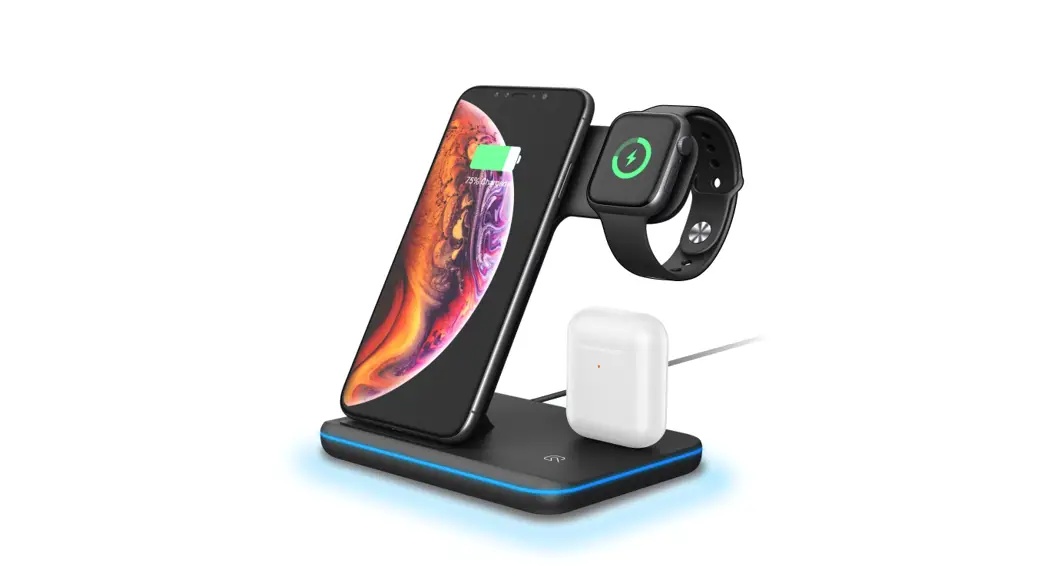
The G910 is a 3-in-1 Magnetic Wireless Charging device that
offers wireless charging for iPhone, Bluetooth headset, and iWatch.
It features a magnetic wireless charging area for the iPhone, a
wireless charging area for the Bluetooth headset, and a wireless
charging area for the iWatch. The product comes with a blue
indicator light and a TYPE-C Female port.
Product Usage Instructions:
- Charging for iPhone:
Place the mobile phone flat on the side of the area with the
magnetic wireless charger. The indicator light will turn blue,
indicating that it is charging normally. - iWatch charging:
Put the iWatch on the wireless charging area of the watch, align
the magnetic attraction, and the watch will light up the charging
sign, indicating that it is charging normally. - Wireless charging mode of watch:
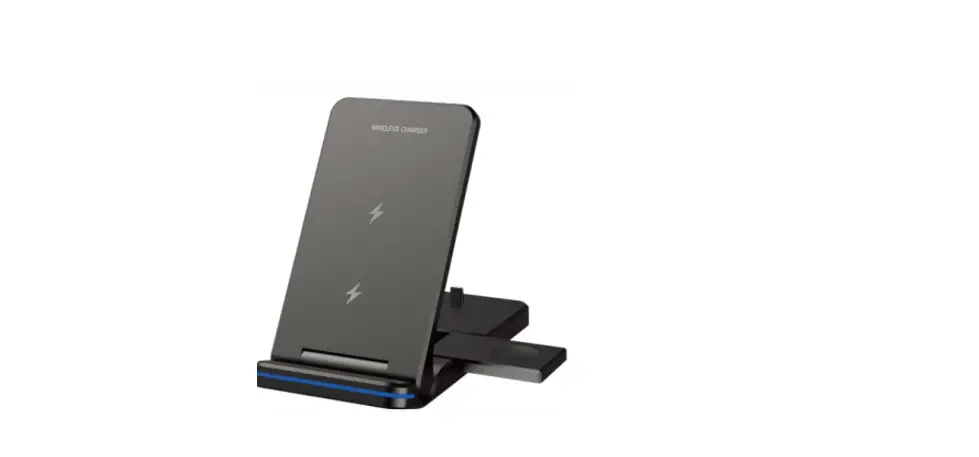
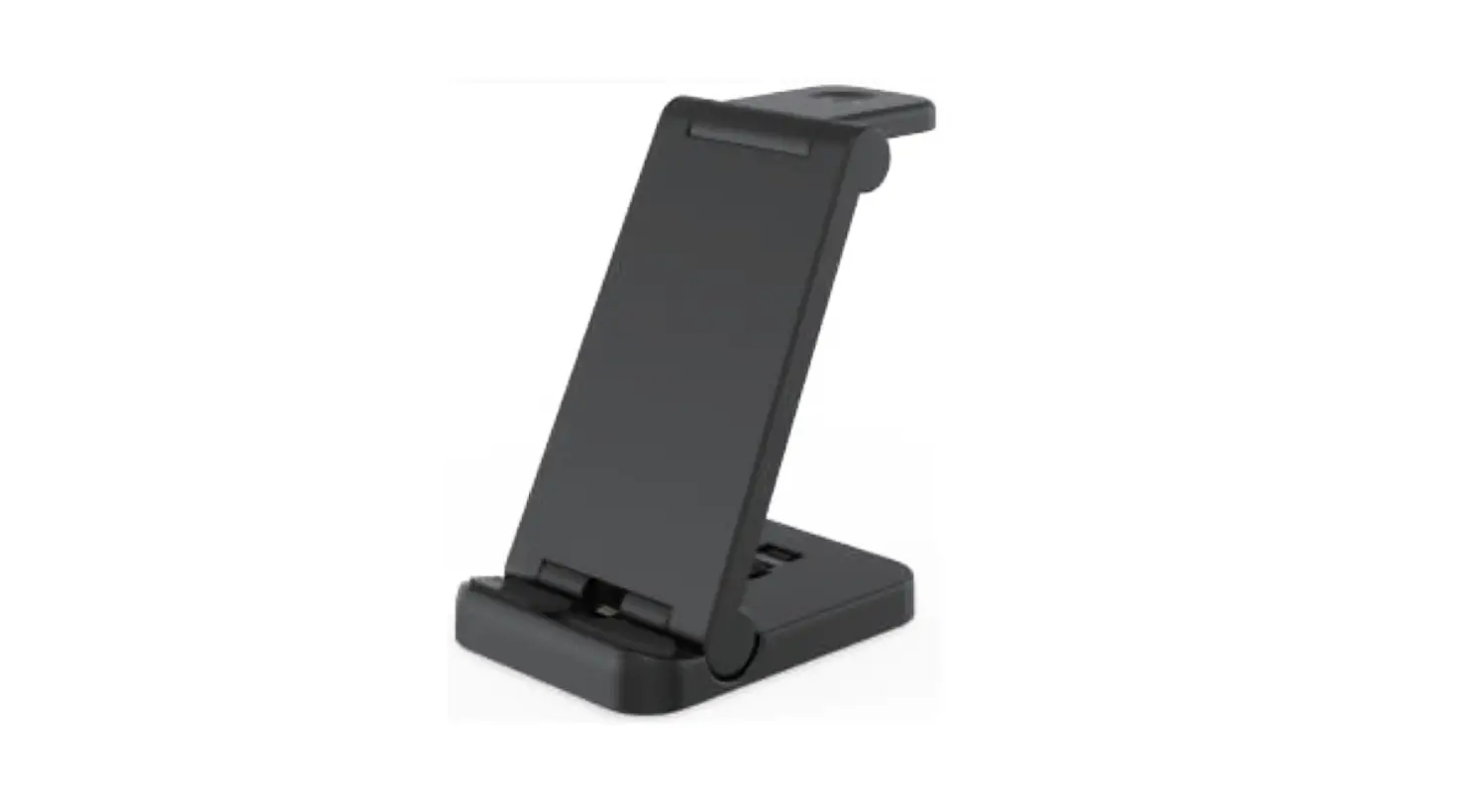
(1) Place the iWatch wireless charger flat to charge the
watch.(2) Move the wireless charger of the iWatch to the vertical
position to charge the watch.
Specifications:
Product Size: 124.2 * 86 * 23 (mm)
Input: 9V 2A
Model: G910
Power supply Port: Type-C
iPhone output: 15W(Max)
Airpod output: 3W(Max)
iWatch output: 3W(Max)
Cautions:
- Power Adapter:
This product is a three-in-one wireless charger. When all
functions are used simultaneously, it is recommended to use a power
adapter above 9V/2A to power the product. - Type-C Power Plug:
Please fully plug the Type-C power plug into the port to ensure
proper charging. - Avoid Metal Foreign Objects:
Do not put metal foreign objects in the charging area of the
iPhone, Airpod, or iWatch to prevent charging issues.
Note: For additional assistance, consult the dealer or an
experienced radio/TV technician.
This device complies with Part 15 of the FCC Rules.
Operation is subject to the following two conditions: (1) this
device may not cause harmful interference, and (2) this device must
accept any interference received, including interference that may
cause undesired operation.
FCC Radiation Exposure Statement: The antennas used for this
transmitter must be installed to provide a separation distance of
at least 20 cm from all persons and must not be co-located for
operating in conjunction with any other antenna or
transmitter.
NN
NN
G910 Instruction Manual
Wirelee Charging Guide
2
3 in 1 Magnetic Wireless Charging
1. Introduction:
1 Magnetic wireless charging area for iPhone. 2 Wireless charging area for Bluetooth headset. 3 Wireless charging area of iWatch. 4 Indicator light: blue light. 5 TYPE-C Female.
2. Operation instructions:
2.1 It is recommended to use the adapter that comes with the product or the QC3.0 adapter.
2.2 When the product is connected to the power supply, the blue light will turn off after three seconds.
2.3 Charging for iPhone: Place the mobile phone flat on the side of the area with magnetic wireless charger, and the indicator light is blue, indicating that it is charging normally.
2.5 iWatch charging: Put the iWatch on the wireless charging area of the watch, align the magnetic attraction, and the watch will light up the “charging sign”, indicating that it is charging normally.
2.6 Wireless charging mode of watch: (1) Place the iWatch wireless charger flat to charge the watch. (2) Move the wireless charger of the iWatch to the vertical position to charge the watch.
3. Specifications:
Product Size Input
3 in 1 Magnetic Wireless Charging 124.2 * 86 * 23 (mm) 9V 2A
Model Power supply
Port
G910 Type-C
iPhone output: 15W(Max) Airpod output3W(Max) iWatch output: 3W(Max)
4. Cautions
4.1 This product is a three-in-one wireless charger. When all functions are used at the same time, the power demand is large. It is recommended to use a power adapter above 9V/2A to power the product.
4.2 Please fully plug the Type-C power plug into the port to prevent the product from not charging.
4.3 Do not put metal foreign objects in the charging area of iPhone, Airpod, iWatch to prevent the device from not charging.
FCC Warning Statement: Changes or modifications to this unit not expressly approved by the party responsible for compliance could void the user’s authority to operate the equipment. This equipment has been tested and found to comply with the limits for a Class B digital device, pursuant to Part 15 of the FCC Rules. These limits are designed to provide reasonable protection against harmful interference in a residential installation. This equipment generates, uses and can radiate radio frequency energy and, if not installed and used in accordance with the instructions, may cause harmful interference to radio communications. However, there is no guarantee that interference will not occur in a particular installation. If this equipment does cause harmful interference to radio or television reception, which can be determined by turning the equipment off and on, the user is encouraged to try to correct the interference by one or more of the following measures:
– Reorient or relocate the receiving antenna.
– Increase the separation between the equipment and receiver.
– Connect the equipment into an outlet on a circuit different from that to which the receiver is connected.
– Consult the dealer or an experienced radio/TV technician for help.
This device complies with Part 15 of the FCC Rules. Operation is subject to the following two conditions: (1) this device may not cause harmful interference, and (2) this device must accept any interference received, including interference that may cause undesired operation.
FCC Radiation Exposure Statement
The antennas used for this transmitter must be installed to provide a separation distance of at least 20 cm from all persons and must not be co-located for operating in conjunction with any other antenna or transmitter.