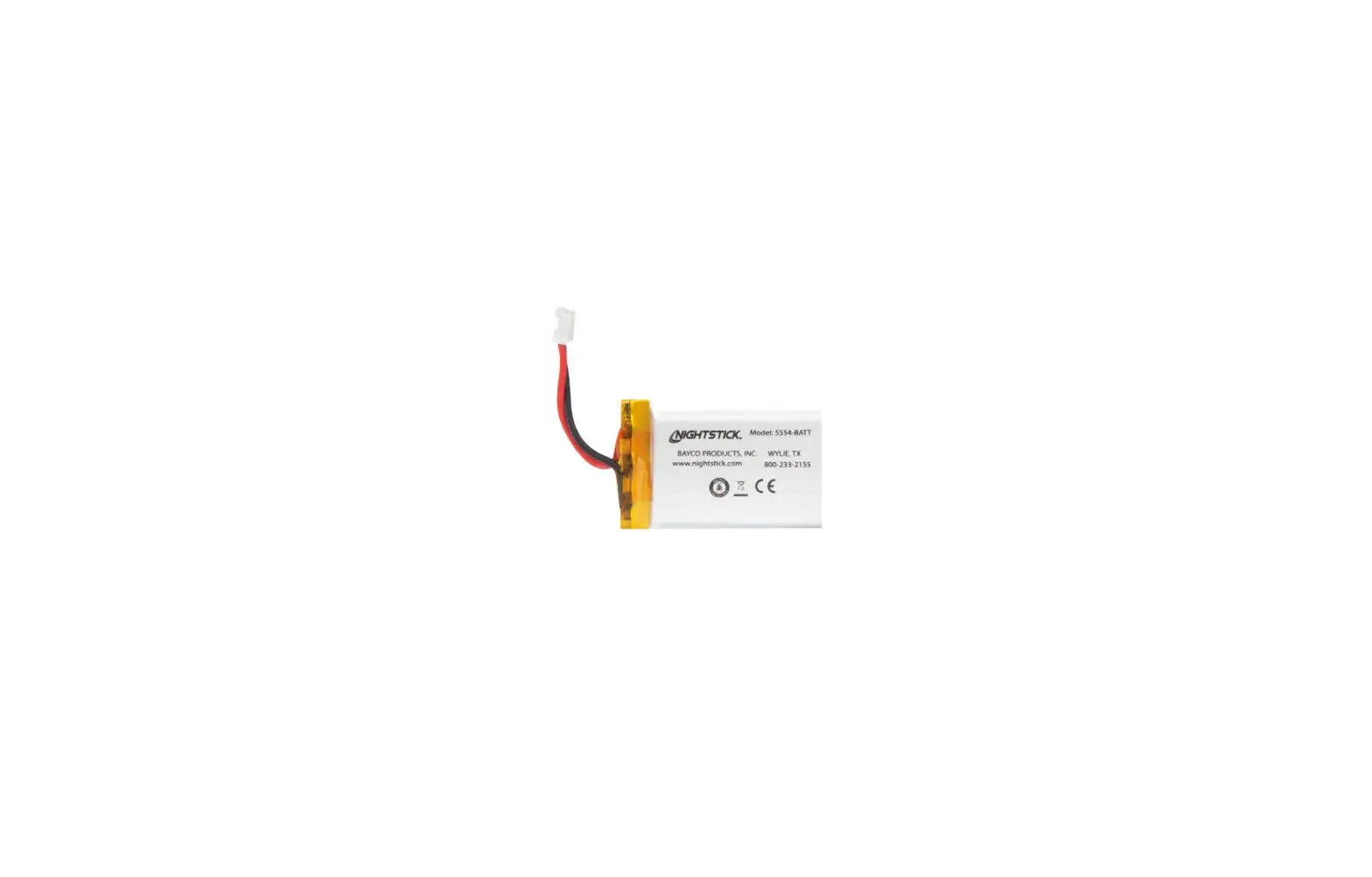
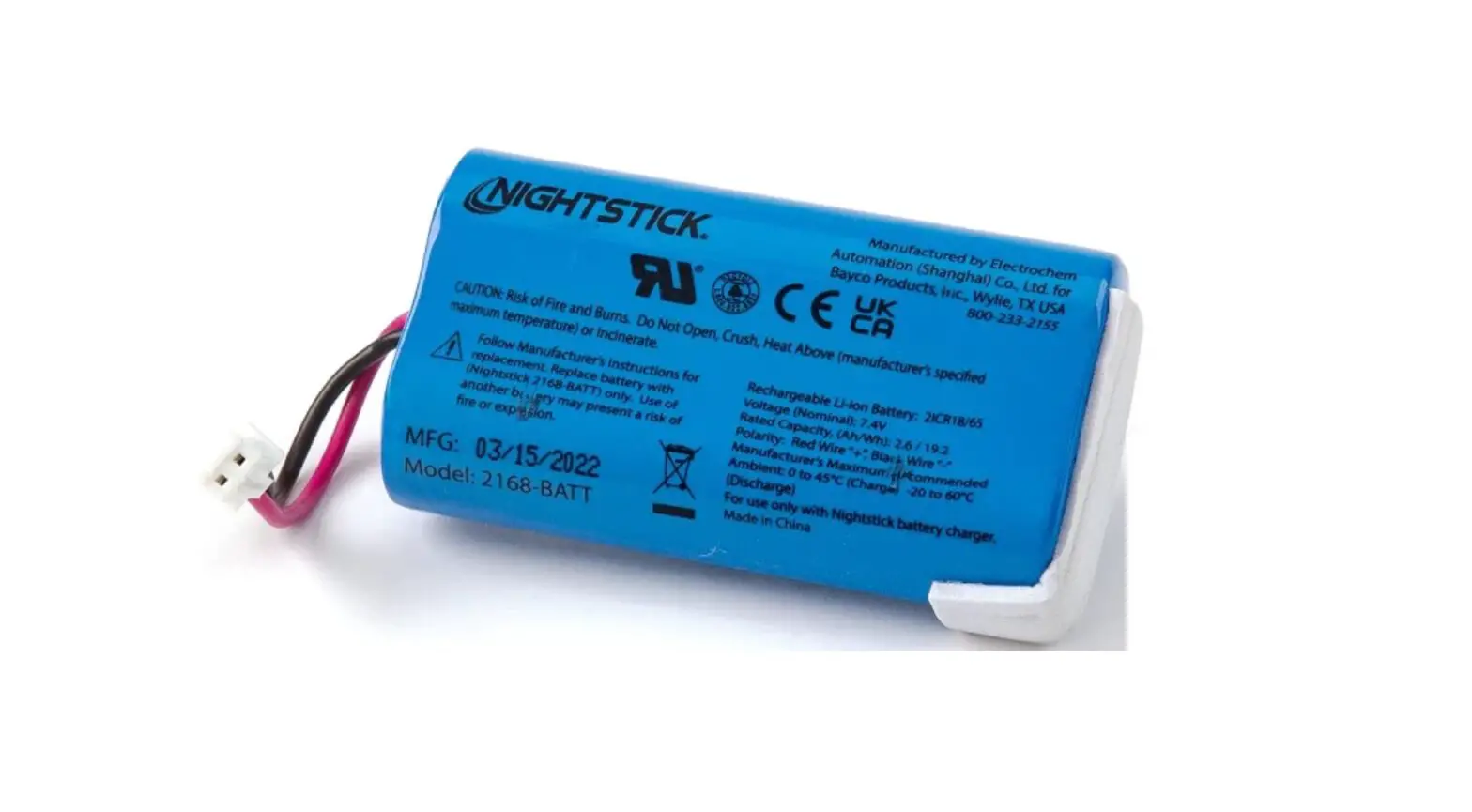
6430-00407B Battery Replacement
Product Information
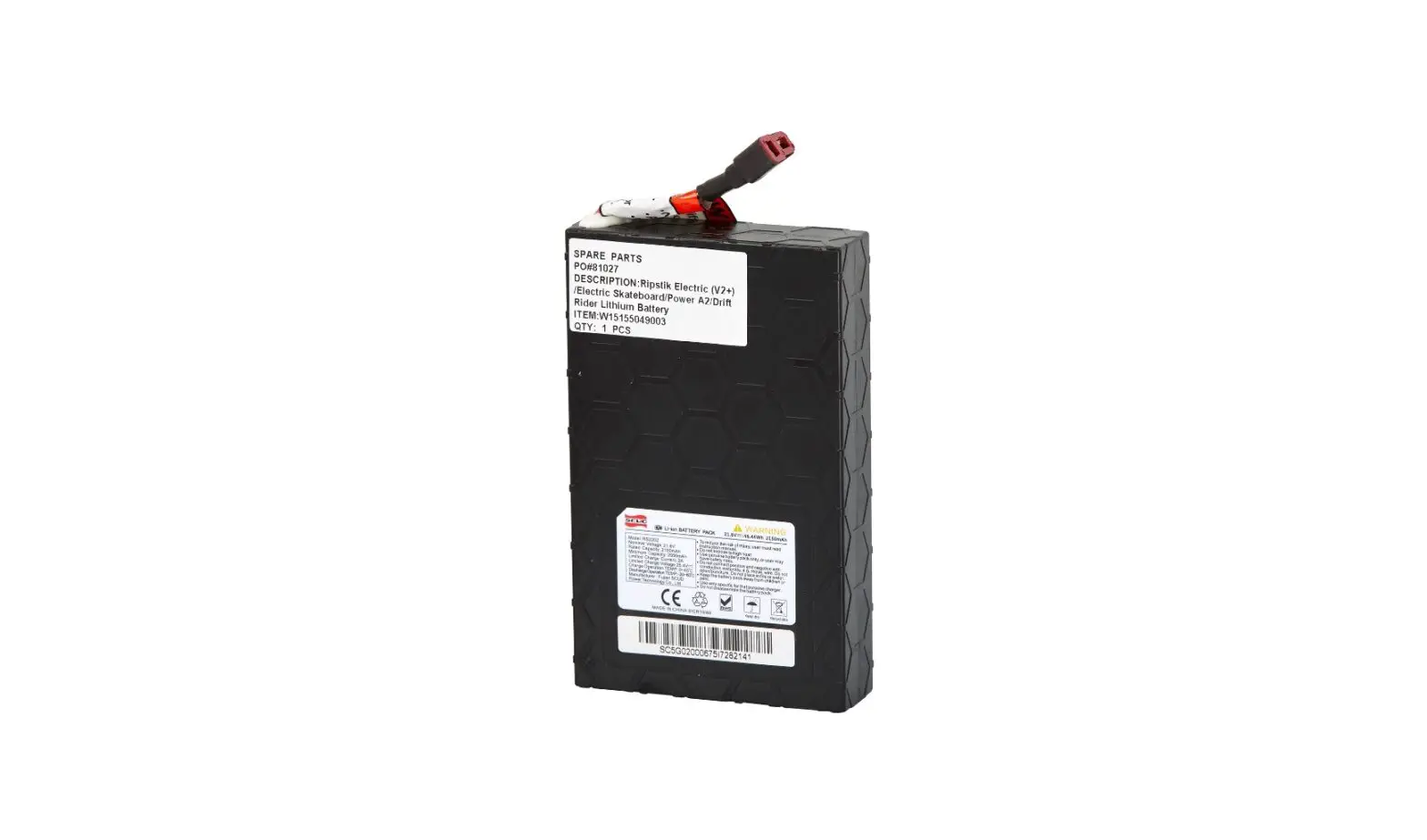
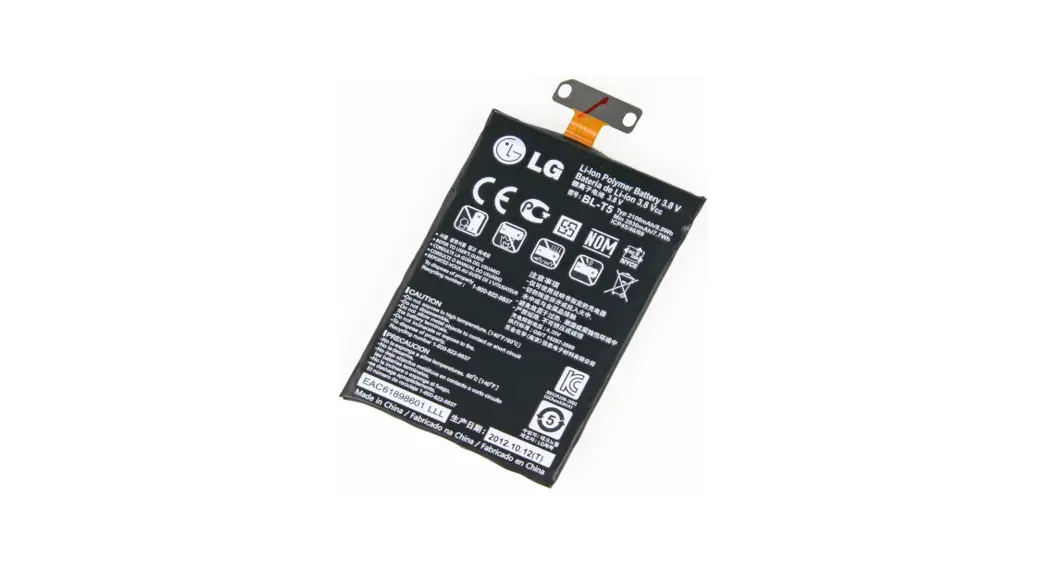
The product is a device that requires a battery for operation.
The battery needs to be replaced when it is no longer holding a
charge or is not functioning properly. The battery replacement
instructions provided in the user manual guide users through the
process of removing the old battery and inserting a new one. The
product also comes with specific charging requirements to ensure
proper functionality.
Product Usage Instructions
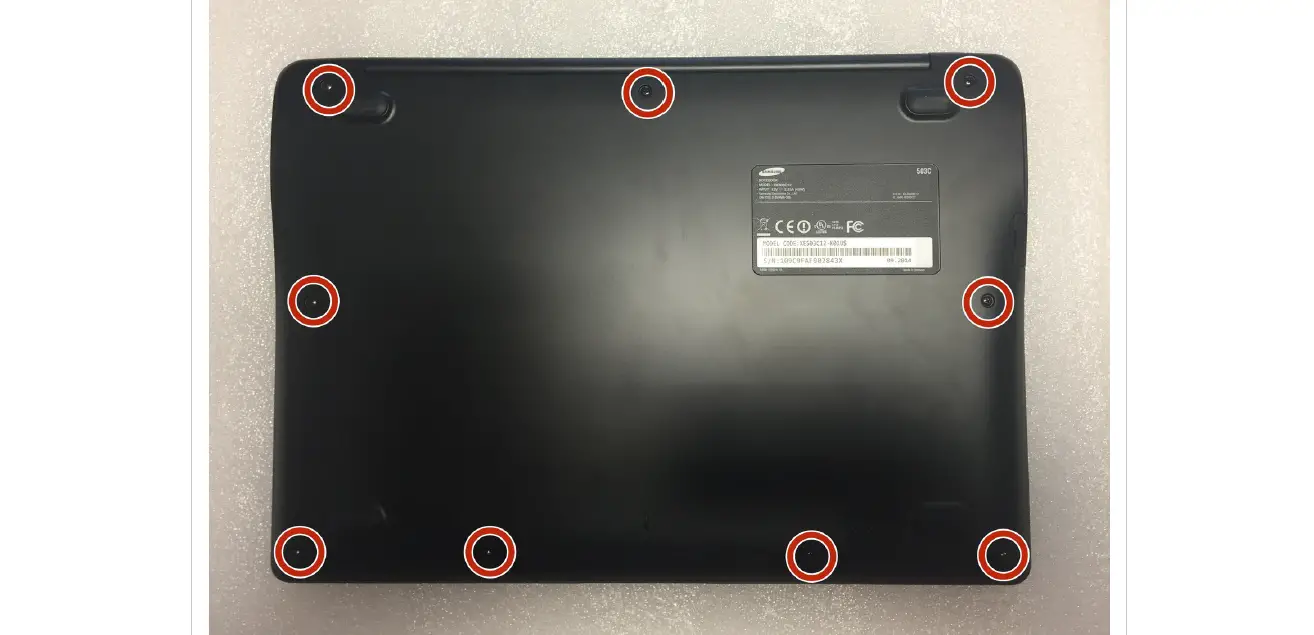
- Step 1: Remove Battery Door
Use a screwdriver to loosen the screw and remove the battery
door. - Step 2: Remove Battery
Take a flat head screwdriver and place it in the top right
corner to gently push the battery out. Then, pull the connector to
remove the battery. - Step 3: Insert New Battery
Plug the connector on the new battery into the appropriate
port. - Step 4: Secure Battery Door
Ensure that the battery door is properly placed, then screw the
battery door back on. - Step 5: Charge Battery
Use a wall charger to charge the battery until the battery light
turns solid green. The charging time can take up to 8 hours.Note: Charging Requirements:
- Minimum Voltage: 5.0 VDC
- Minimum Current: 1 AMP
- Maximum Voltage: 5.5 VDC
- Maximum Current: 3 AMPs
German Instructions (ANLEITUNG ZUM AKKUWECHSEL)
Schritt 3: Einsetzen des neuen Akkus
Verbinden Sie die Stecker mit dem neuen Akku.
Schritt 4: Befestigung des Akkufachdeckels
Stellen Sie sicher, dass der Akkufachdeckel korrekt sitzt, dann
schrauben Sie ihn wieder fest.
French Instructions (INSTRUCTIONS DE REMPLACEMENT DE LA
BATTERIE)
Max. 5,5 VDC, 3 A
04/2022
6430-00407B
Battery Replacement Instructions
Step 1: Remove Battery Door Use screw driver to loosen screw and remove battery door.
Step 2: Remove Battery Use a flat head screw driver and place in the top right corner to gently push the battery out. Then, pull the connector to remove.
Step 3: Insert New Battery Plug the connector on the new battery.
Step 4: Secure Battery Door Ensure the battery door is properly placed, then screw the battery door back on.
Step 5: Use a wall charger to charge battery until the battery light turns solid green (up to 8 hours) Charging Requirements: Min 5.0 VDC, 1 AMP
Max 5.5 VDC, 3 AMPs
04/ 2022
6430-00407B
ANLEITUNG ZUM AKKUWECHSEL
Schritt 1: Entfernen des Akkufachdeckels Benutzen Sie einen Schraubendreher, um die Schrauben zu lösen und den Akkufachdeckel zu entfernen.
Schritt 2: Entfernen des Akkus Setzen Sie einen flachen Schraubendreher rechts oben in der Ecke an, um den Akku vorsichtig herauszuhebeln. Dann lösen Sie die Steckverbindung.
Schritt 3: Einsetzen des neuen Akkus Verbinden Sie die Stecker mit dem neuen Akku. Schritt 4: Befestigung des Akkufachdeckels Stellen Sie sicher, dass der Akkufachdeckel korrekt sitzt, dann schrauben Sie ihn wieder fest.
Schritt 5: Für die Ladung des Akkus nutzen Sie eine Steckdose, bei vollständiger Ladung wechselt die AkkuAnzeige zu grün (bis zu 8 Stunden). Ladeanforderungen: Min 5.0 VDC, 1 AMP
Max 5.5 VDC, 3 AMPs
04/ 2022
6430-00407B
INSTRUCCIONES PARA CAMBIAR LA BATERÍA
Paso 1: retire la puerta del compartimento de la batería Utilice un destornillador para quitar el tornillo y abrir la puerta del compartimento de la batería.
Paso 2: saque la batería Con cuidado, introduzca un destornillador plano en la esquina superior derecha para sacar delicadamente la batería. Después, desconecte el conector.
Paso 3: introduzca la batería nueva Enchufe el conector a la batería nueva. Paso 4: vuelva a colocar la puerta del compartimento Una vez que haya comprobado que la puerta del compartimento está bien colocada, vuelva a atornillarla.
Paso 5: recargue la batería con un cargador mural hasta que se encienda una luz verde continua (máximo 8 h) Datos técnicos: Min. 5,0 VCC, 1 A
Max. 5,5 VCC, 3 A
04/ 2022
6430-00407B
INSTRUCTIONS DE REMPLACEMENT DE LA BATTERIE
Étape 1 : enlevez la porte du compartiment batterie Utilisez un tournevis pour défaire la vis et enlever la porte du compartiment batterie.
Étape 2 : enlevez la batterie Utilisez un tournevis à tête plate et introduisez-le avec précaution dans le coin en haut à droite du compartiment pour extraire la batterie.
Étape 3 : insérez la nouvelle batterie Branchez le connecteur sur la nouvelle batterie. Étape 4 : remettez la porte du compartiment en place Assurez-vous que la porte du compartiment batterie est positionnée correctement et remettez la vis en place.
Étape 5 : rechargez la batterie sur un chargeur mural jusqu’à ce que le voyant devienne vert en continu (8h max.) Données techniques : Min. 5,0 VDC, 1 A
Max. 5,5 VDC, 3 A
04/2022
6430-00407B
8
5.0VDC1 5.5VDC3
04/ 2022
6430-00407B