OS3, OE3 Battery Replacement Kit
Product Information:
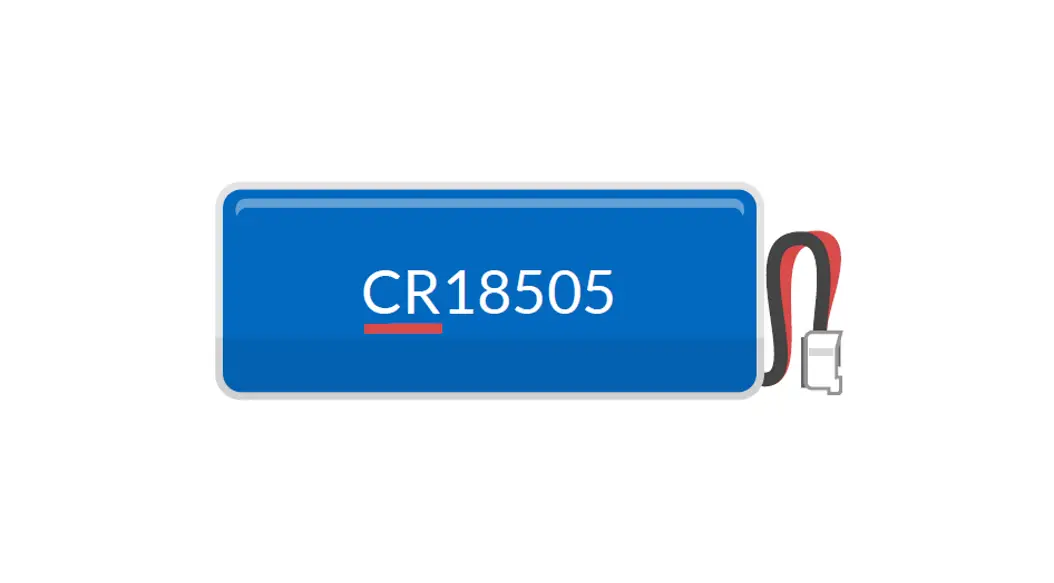
The OS3 / OE3 Battery Replacement Kit contains everything you
need to easily change the battery of your watch. The kit includes a
battery, screwdriver, rubber seal, silicone gel, tweezers, and
spare screws.
Product Usage Instructions:
- Remove the screws from the back of the watch using the supplied
screwdriver and carefully take off the back case of the watch. - Carefully remove the battery contact sticker from on top of the
battery using the tweezers and save it for later replacement. - Loosen the battery retaining bar and remove the old
battery. - Important: Discharge any remaining current from the watch. Use
the supplied tweezers to place one leg on the battery coil and the
other on the battery housing below the battery arm. - Insert the new battery with the positive side / text side
facing up. Hold the new battery on the sides as little as possible
and wipe it with a soft cloth if necessary. - Replace the battery retaining arm.
- Important: Replace the battery contact sticker to ensure proper
operation of the watch. - Reset the watch by touching the two contact points at the reset
point with the tweezers. The watch display will reset to
12.00. - Prior to replacing the back case, inspect the rubber seal. If
necessary, replace it by putting some silicone gel on your fingers
and pulling the new rubber seal through your fingers to lightly
coat it. Carefully place the rubber seal in its groove with the
tweezers, ensuring it is correctly fitted. - Replace the back case, aligning the cover appropriately. Ensure
that the ‘TOP’ marked on the back aligns with the Stop / Start
button on the front. - Carefully replace the screws.
Resetting the Time:
- Hold the CLEAR button for 3 seconds.
- The hour will flash, press the MIN button to set the correct
hour. - Press the MODE button to confirm the hour, and then the minutes
will flash. - Press the MIN button to set the correct minutes.
- Press the CLEAR button to confirm the time reset.
http://support.optimumtime.co.uk/ot3servicekit The OS3 / OE3 Battery Replacement Kit contains everything you could need to easily change your watch battery. Battery, screwdriver, rubber seal, silicone gel, tweezers, spare screws
Instructions to replace your battery and rubber seal
1. Remove the screws from the back of the watch using the screwdriver supplied
and carefully take off the back of the watch case.
2. Carefully remove the battery contact sticker from on top of the battery using the tweezers and save to replace later.
3. Loosen the battery retaining bar and remove the old battery
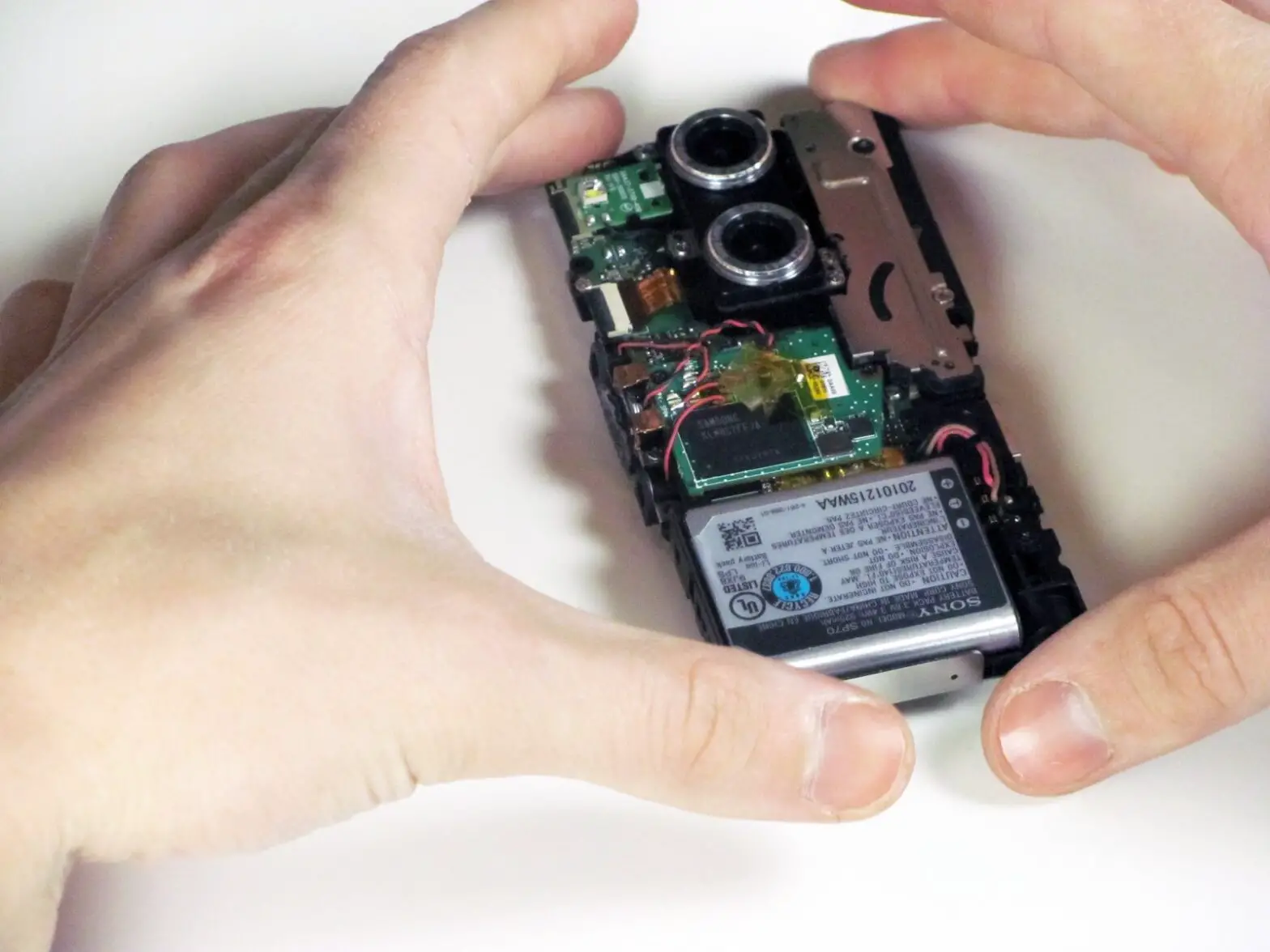
4. Important Discharge any remaining current from the watch. Do this by using the tweezers supplied, place one leg of the tweezer where the battery coil is sited and the other on the battery housing below the battery arm (see photo).
5. Insert the new battery with the positive side / text side facing up. Handle the new battery as little as possible, holding it on the sides. If necessary, wipe with a soft cloth
6. Replace the battery retaining arm.
7. Important Replace the battery contact sticker to ensure the watch operates correctly.
8. Reset the watch. Using the tweezers touch the two contact points at the reset point. Your watch display will reset to 12.00 (see below how to reset your time)
9. Prior to replacing the back case inspect the rubber seal ensuring the seal sits comfortably in its groove with no cracks or signs of perishing and replace if necessary. If you need, or wish, to replace the rubber seal put some silicone gel on your fingers and pull the new rubber seal through your fingers, ensuring the seal is lightly coated. Carefully replace the rubber seal in its groove with the tweezers, ensuring it’s correctly fitted in its groove.
10. Replace the back case ensuring the cover is aligned appropriately. Ensure that the `TOP’ marked on the back aligns with the Stop / Start button on the front.
11. Carefully replace the screws
To reset to the correct time
1. Hold CLEAR for 3 seconds 2. Hour will flash, press MIN button to set correct hour. 3. Press MODE to confirm the hour and minutes will then flash 4. Press MIN button to set correct minutes. 5. Press CLEAR button to confirm
 Optimum Time