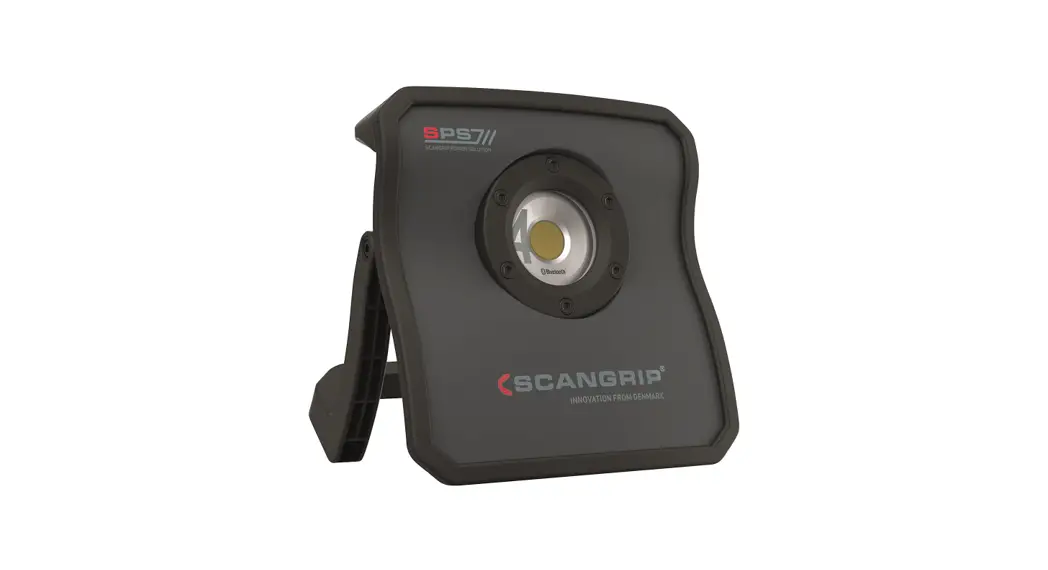
 NOVA Cas Range Battery Replacement
Instructions
Battery Replacement Guide
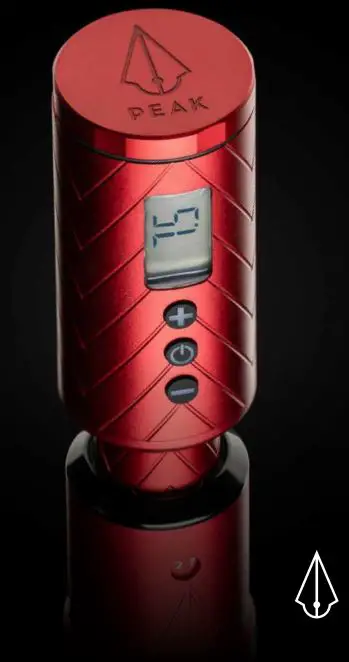
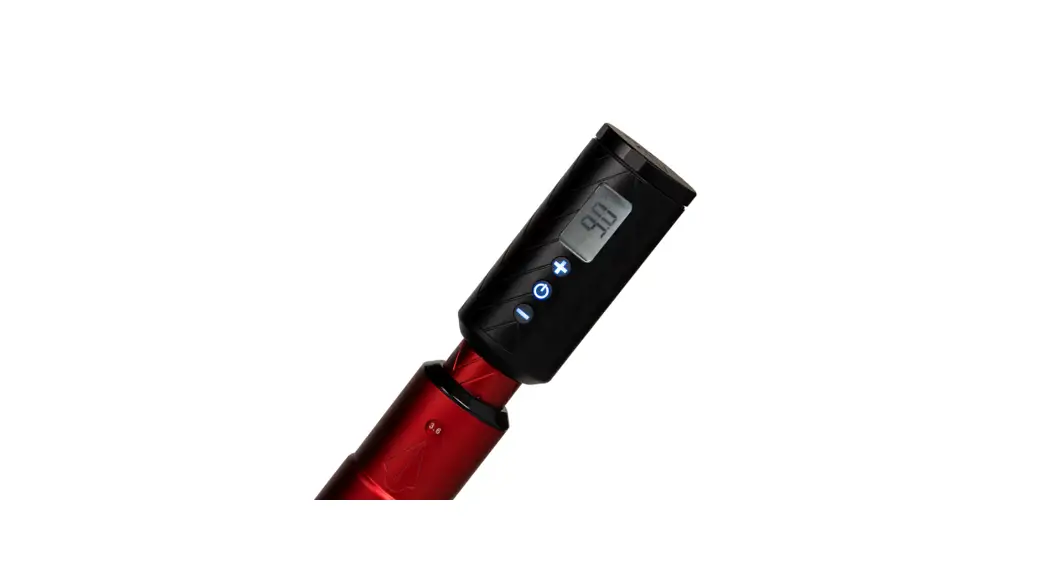
This guide covers the replacement of the internal battery for the following products:
- 03.6101 – NOVA 4 CAS
- 03.6102 – NOVA 10 CAS
Step 1
Remove the screws from the back cover.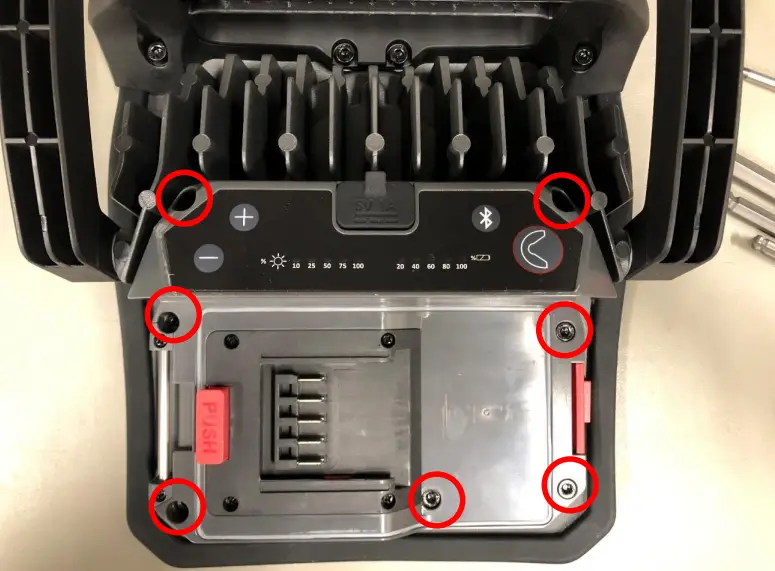
Step 2
Unplug the connector for the LED.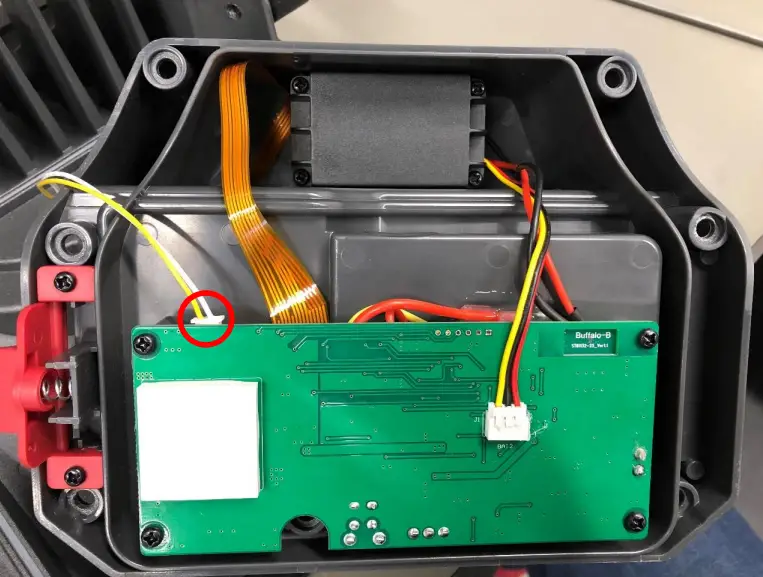
Step 3
Unscrew the battery cover.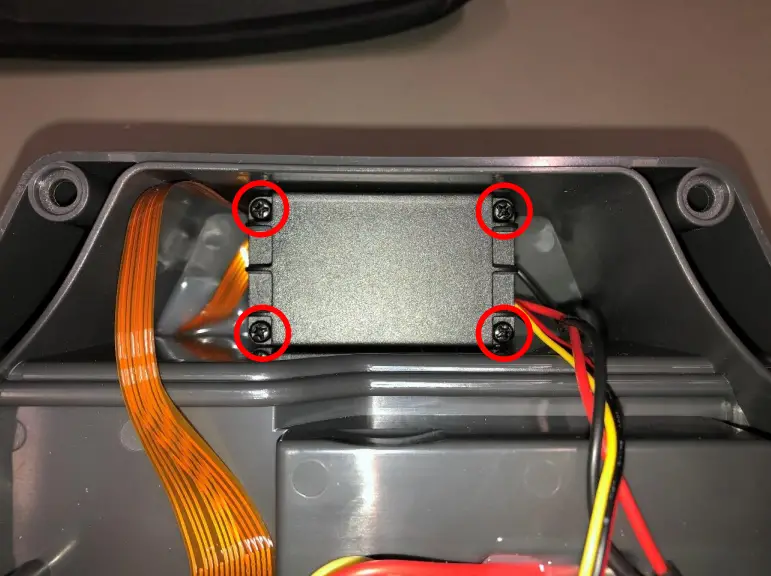
Step 4
Unplug the battery connecter.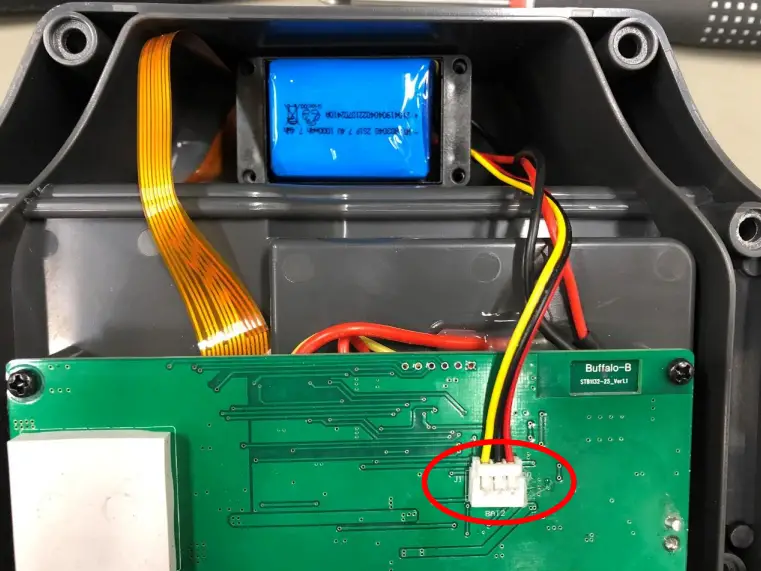
Step 5
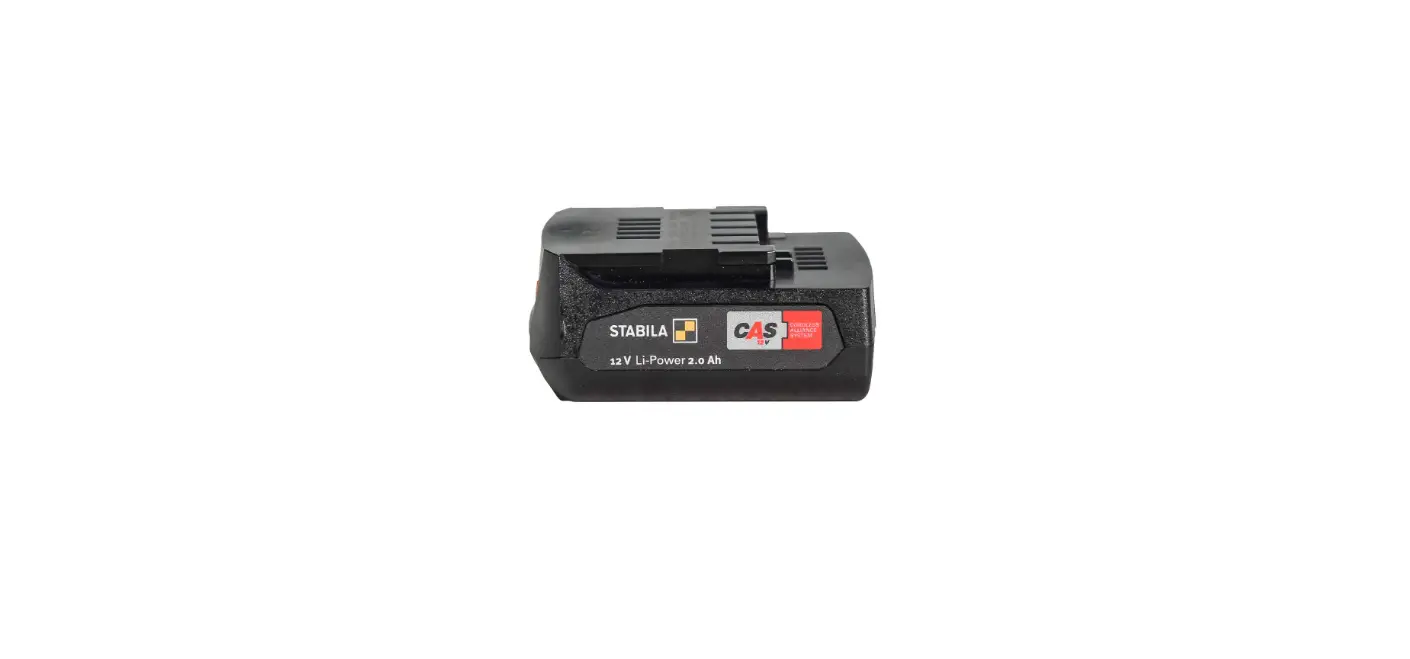
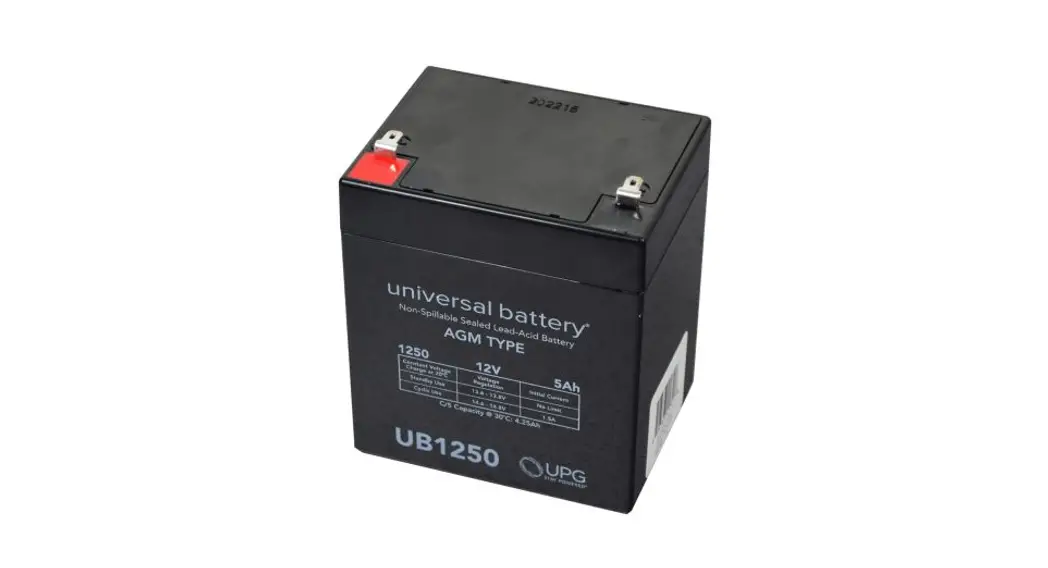
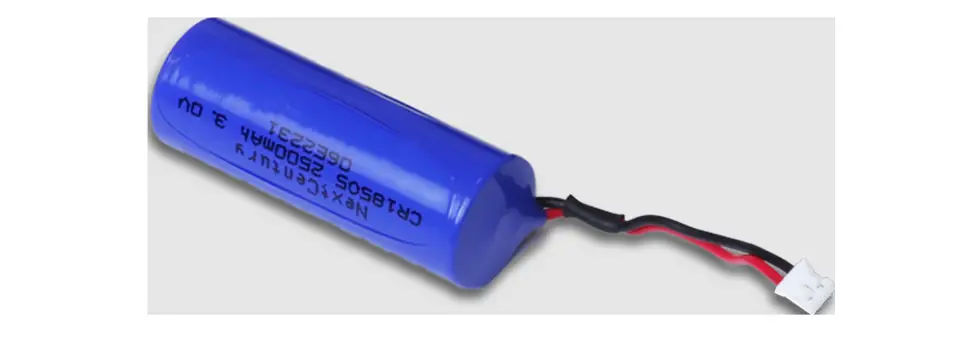
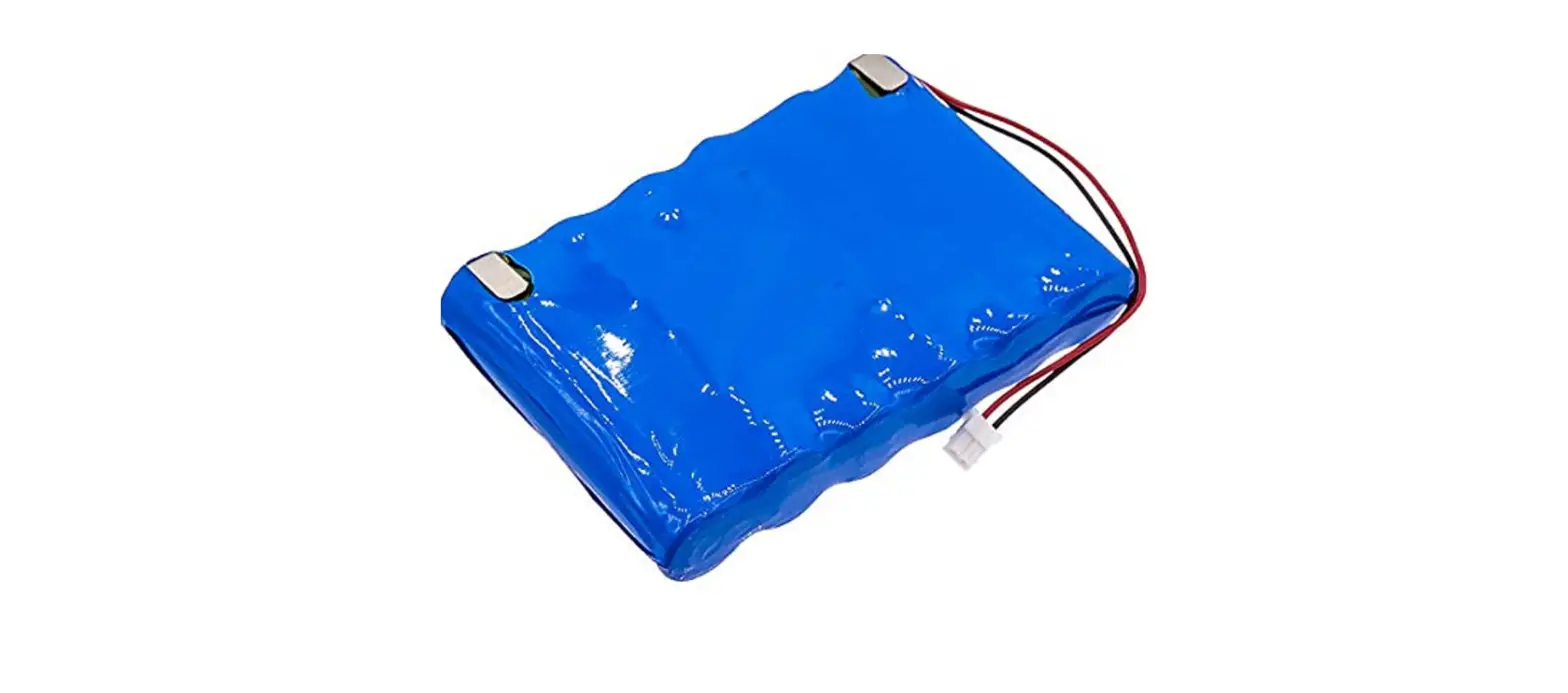
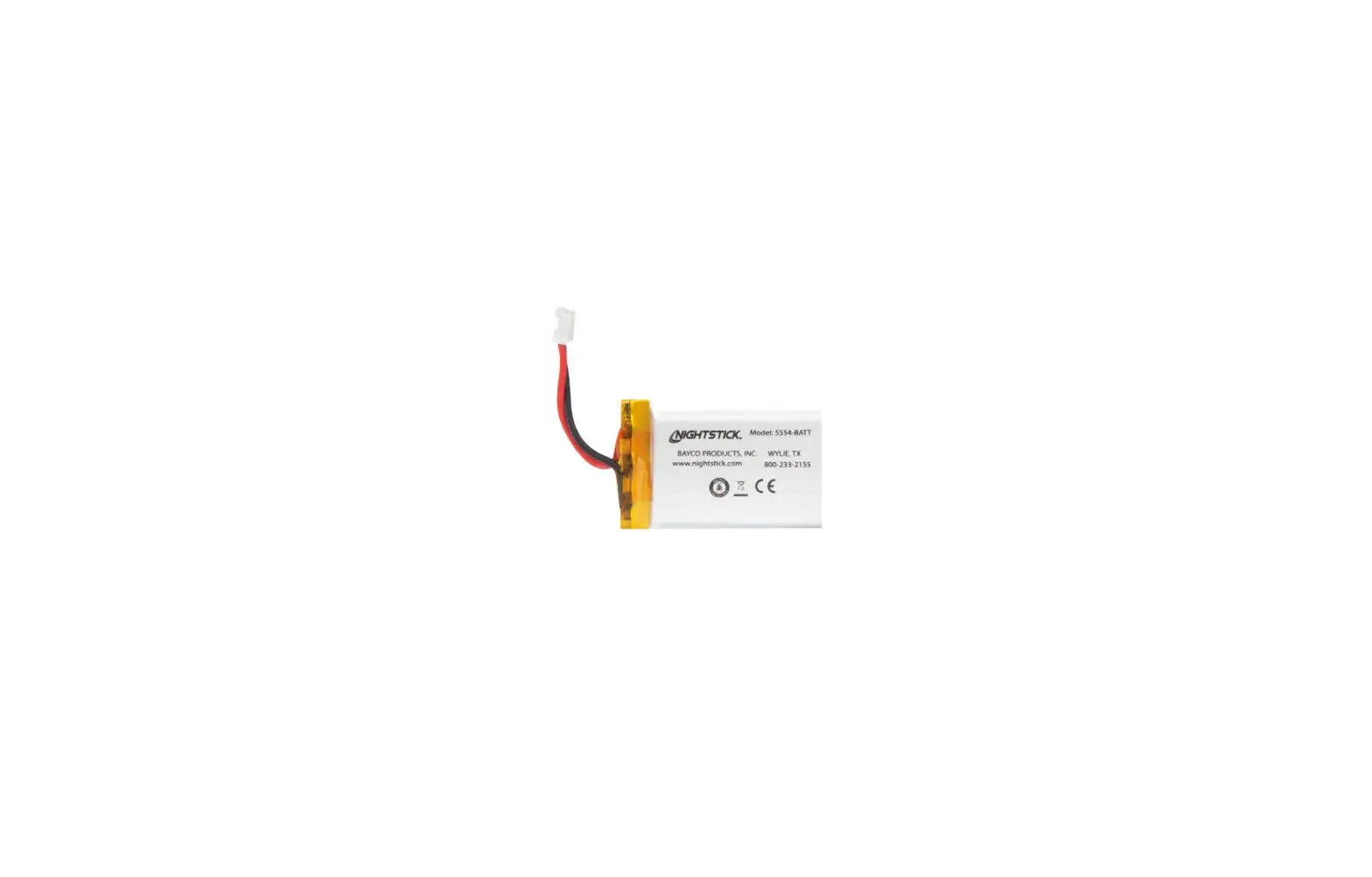
Depending on the replacement battery, it might be necessary to replace the battery in the battery cover.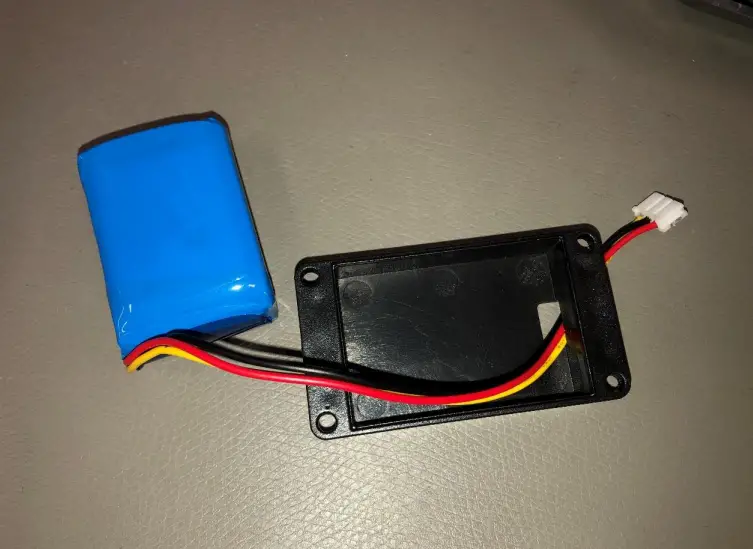
Step 6
Mount the new battery back in place.
Take care to orient the battery correctly with the text facing up and wires facing away from the flex cable.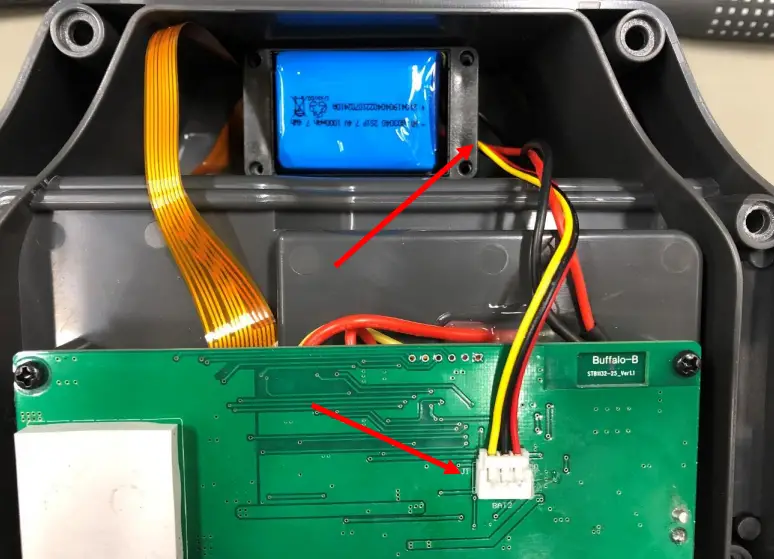
Step 7
Place the screw back in the battery cover.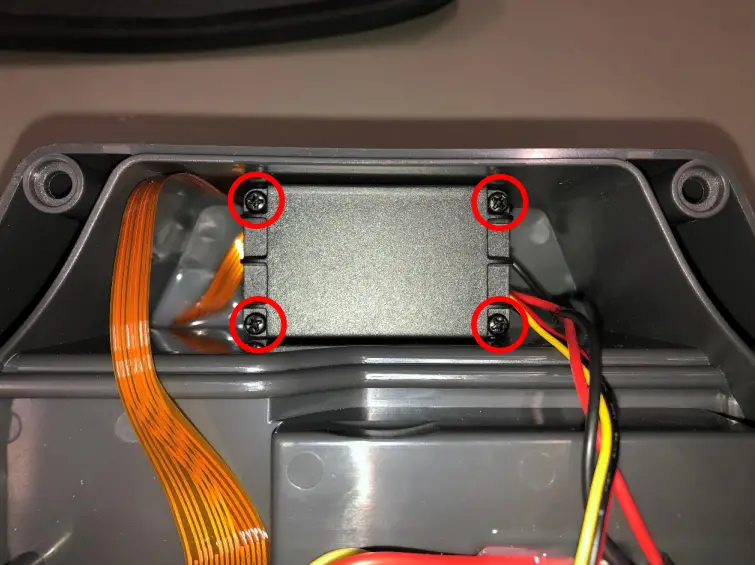
Step 8
Connect the LED connector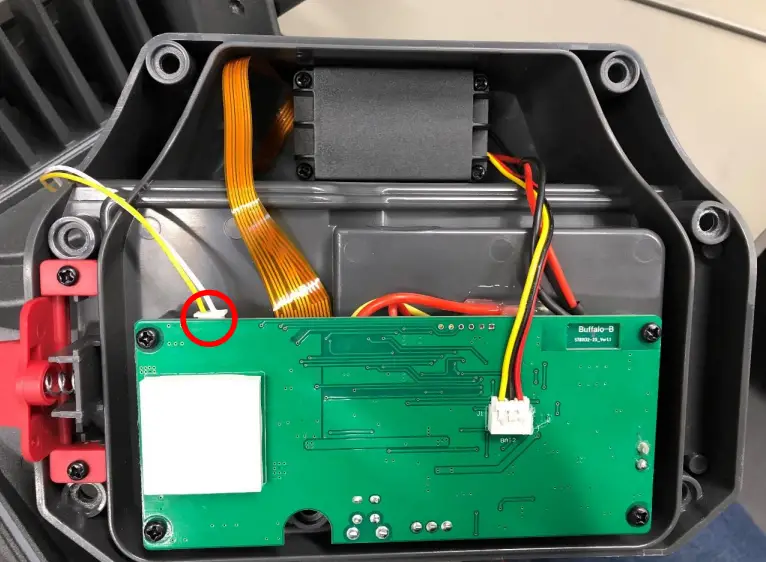
Step 9
Mount the back cover.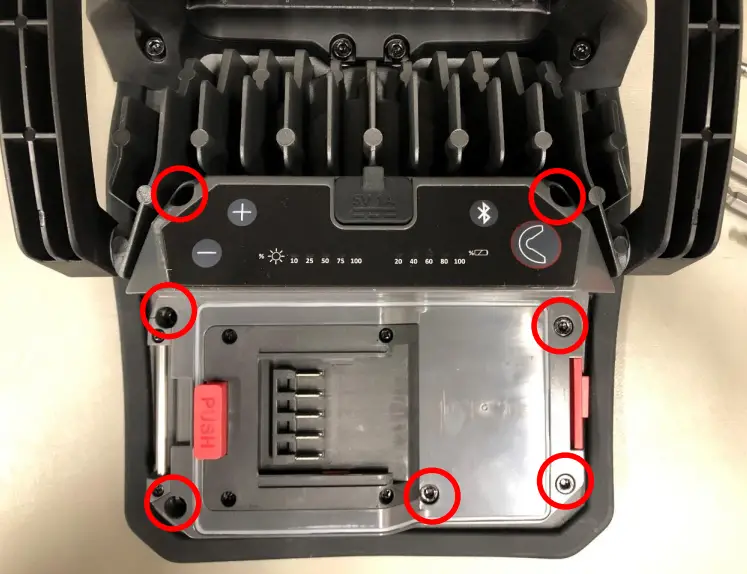
Battery Replacement Guide
NOVA CAS Range
2021-06-02 By RU