
IFIXIT 12987 Sony Bloggie 3D Player Battery Replacement Instruction Manual
Replace the Battery on your Sony Bloggie 3D
Written By: Timothy Tran
INTRODUCTION
Every battery runs out of power eventually after many uses. This guide will show you how to easily replace the battery on your Sonly Bloggie 3D.
TOOLS:
- Phillips #00 Screwdriver (1)
- iFixit Opening Tool (1)
- Tweezers (1)
Step 1 — Front Cover
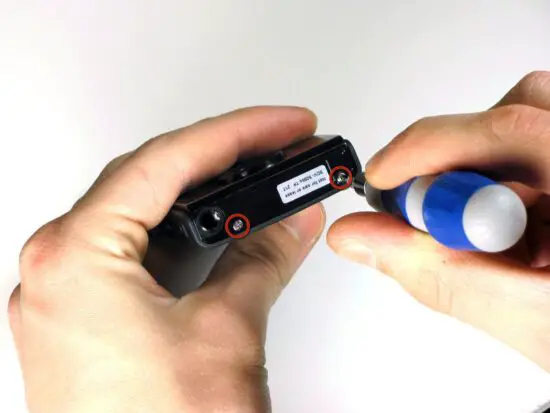
- Remove the two 2.5mm Phillips #00 screws using the Philips #00 screwdriver.
Step 2
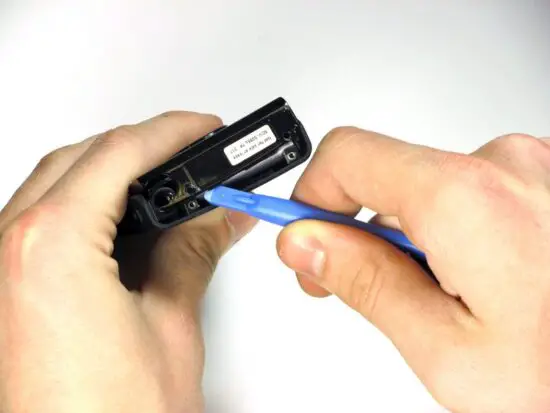
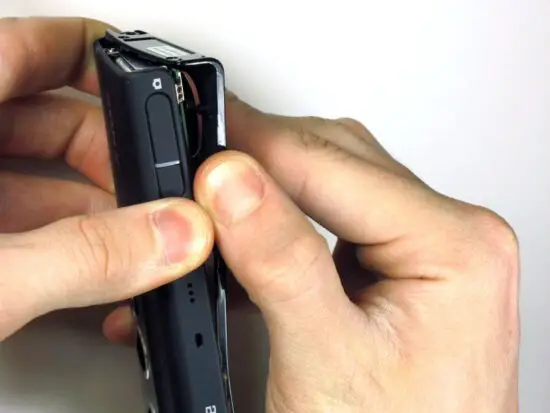
- Use a plastic opening tool to pry the cover open.
- After the the cover is partly open as shown, remove the cover with your hands.
Step 3 — Back Cover
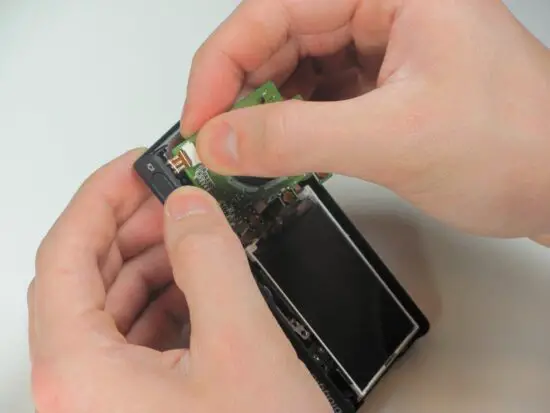
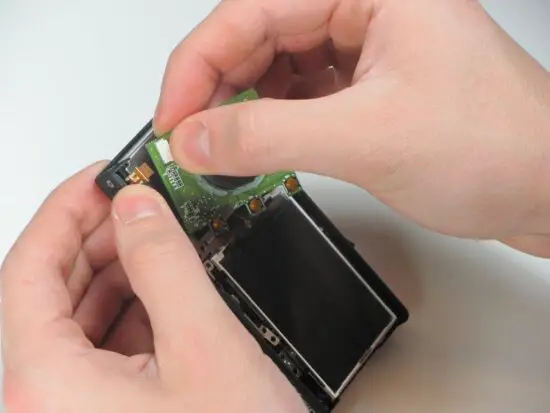
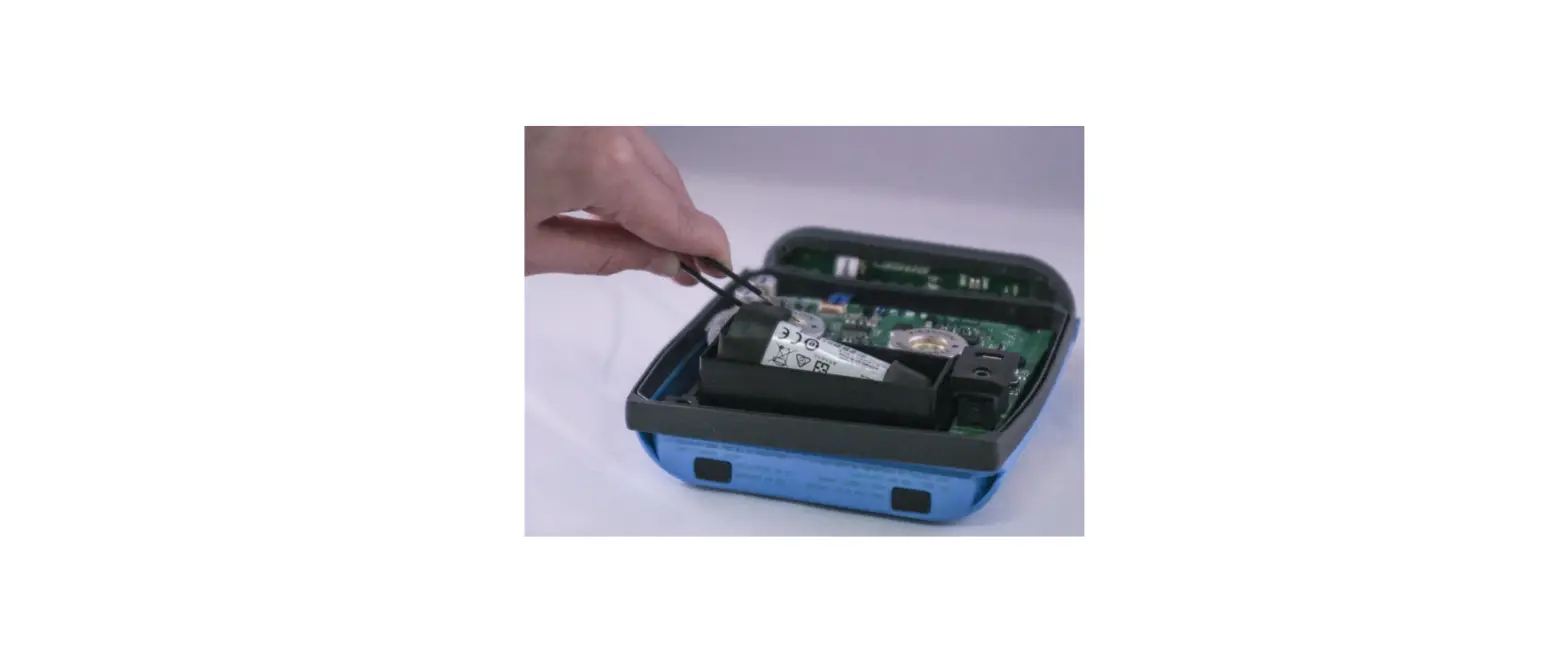
- Using your hand, or a pair of tweezers, remove the ZIF connector by gently pulling it out of the dock on the circuit board.
Step 4
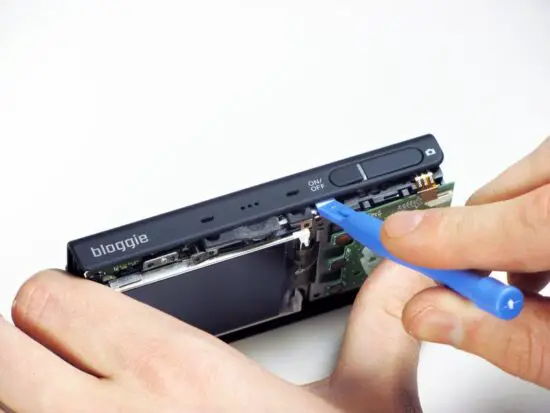
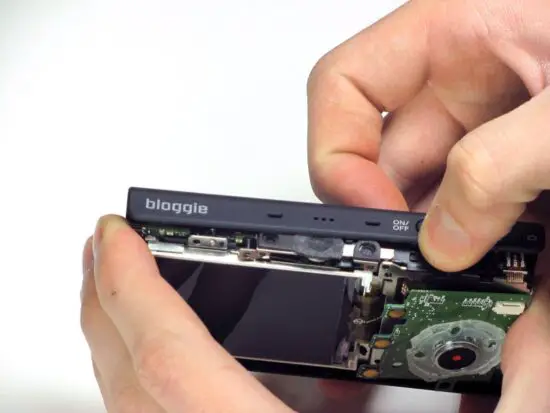
- Use a plastic opening tool to loosen the back cover off the device.
- Once the back cover is loose, remove it gently by hand.
Step 5 — Battery
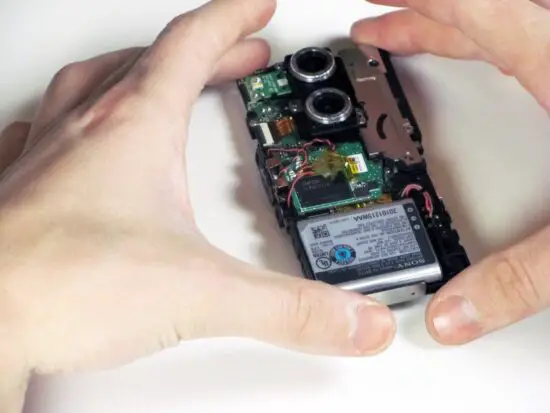
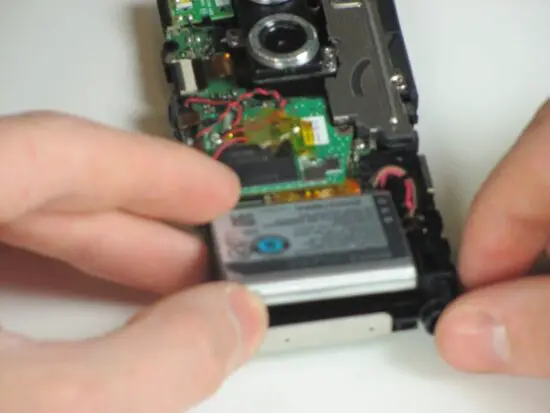
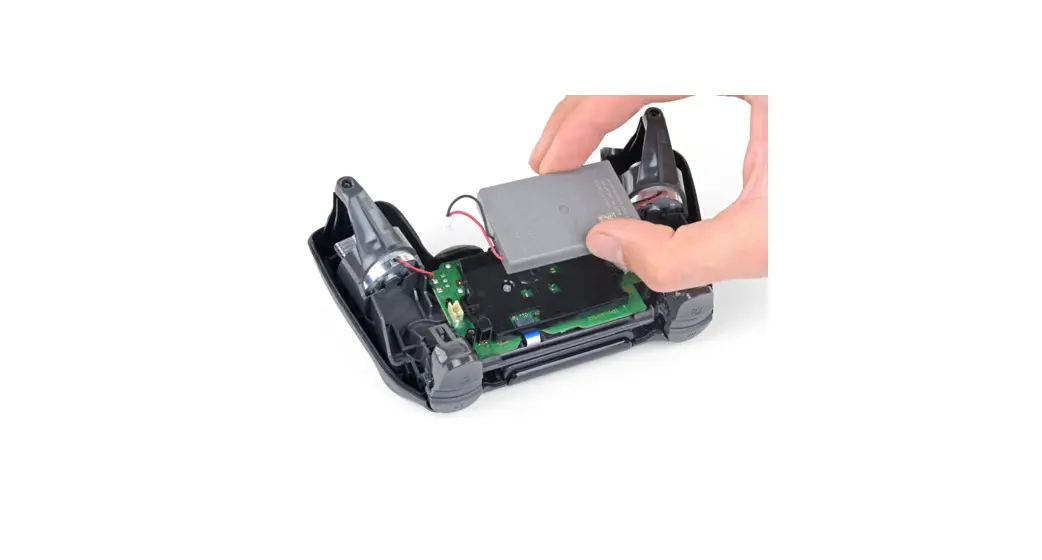
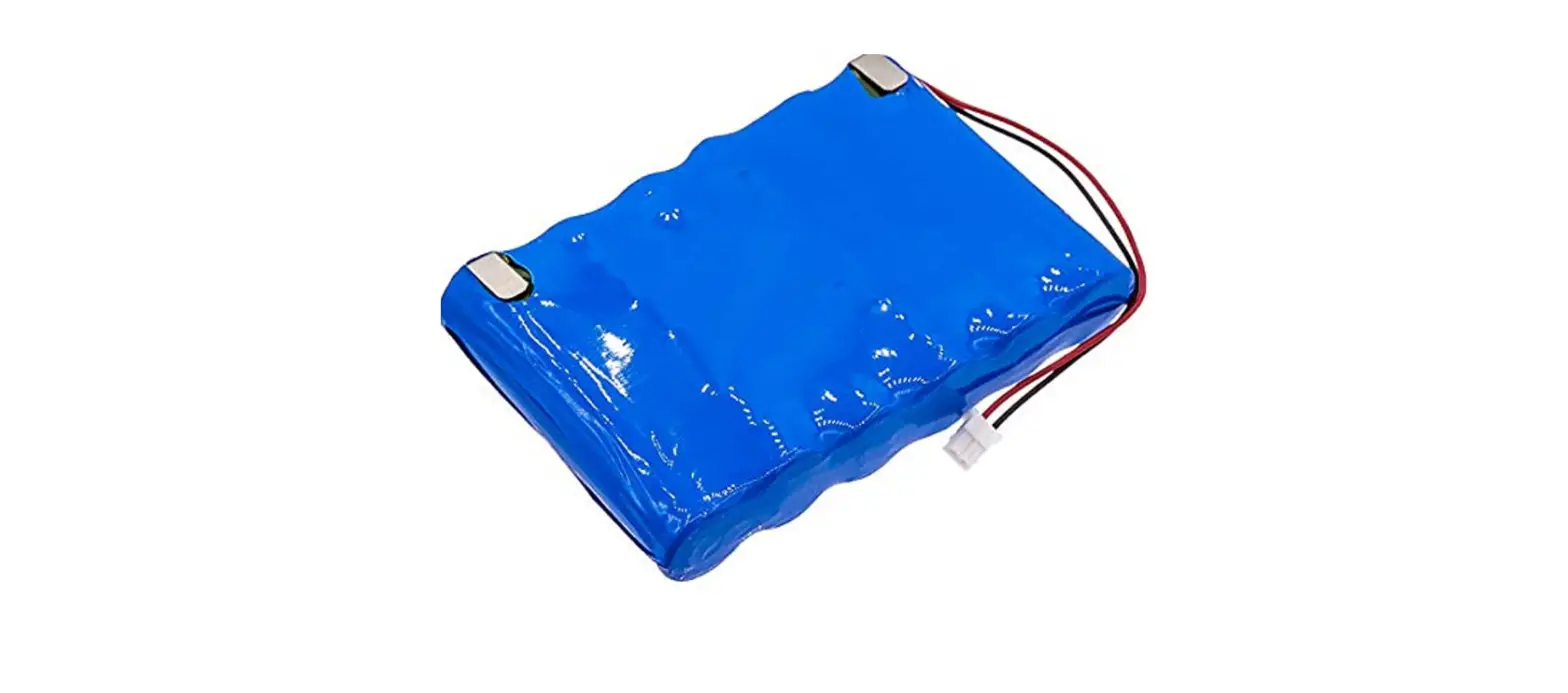
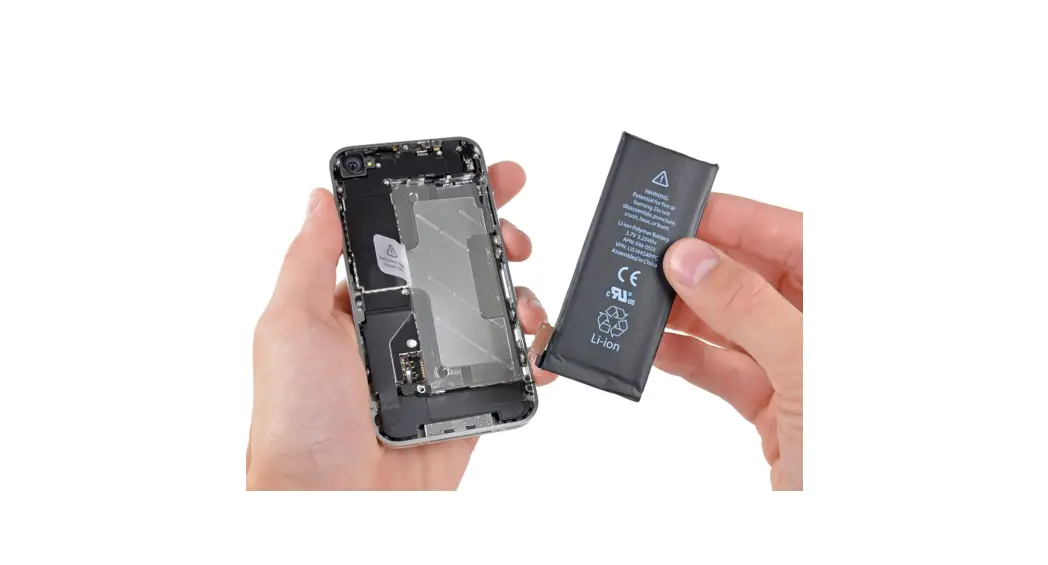
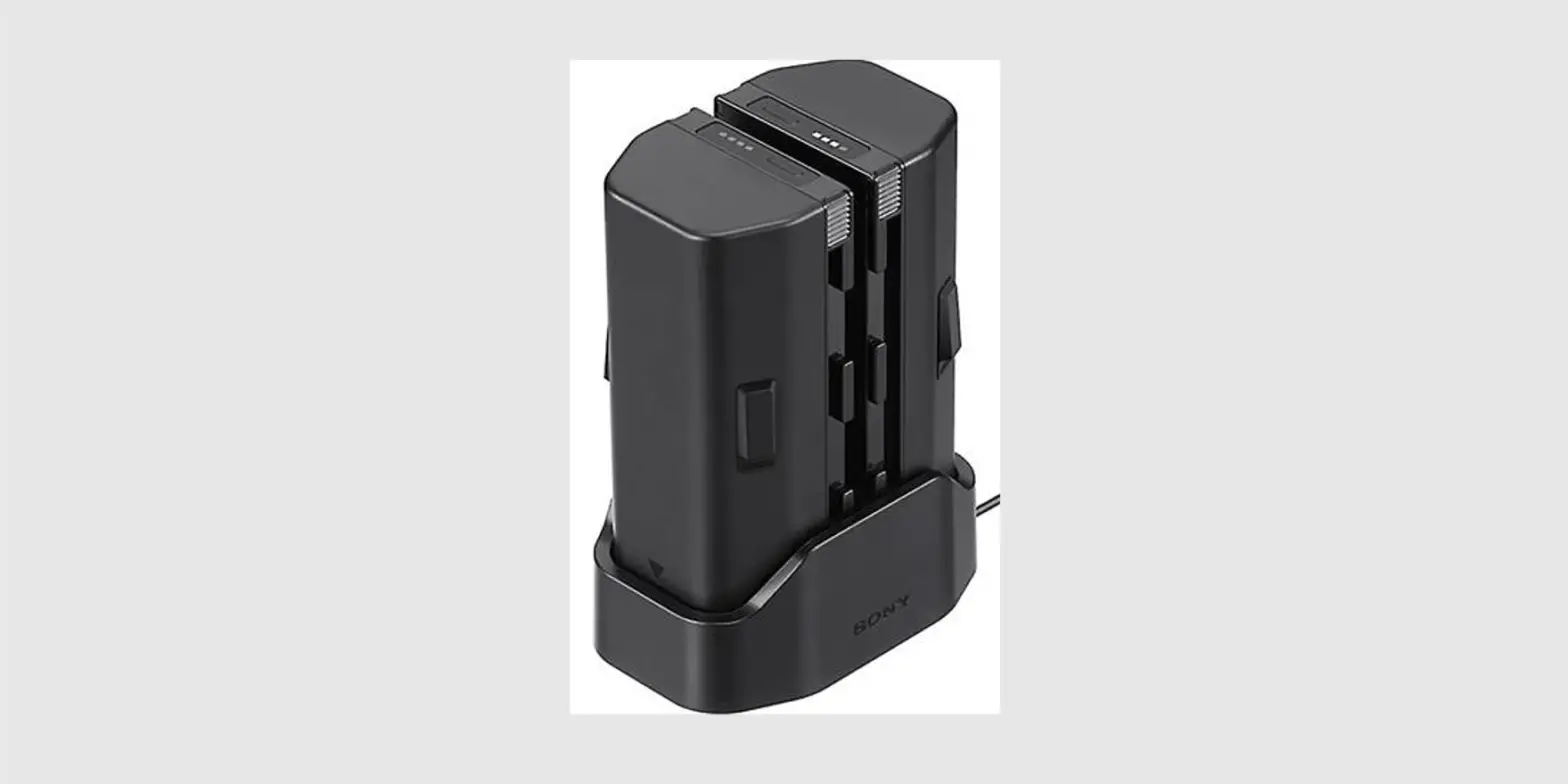
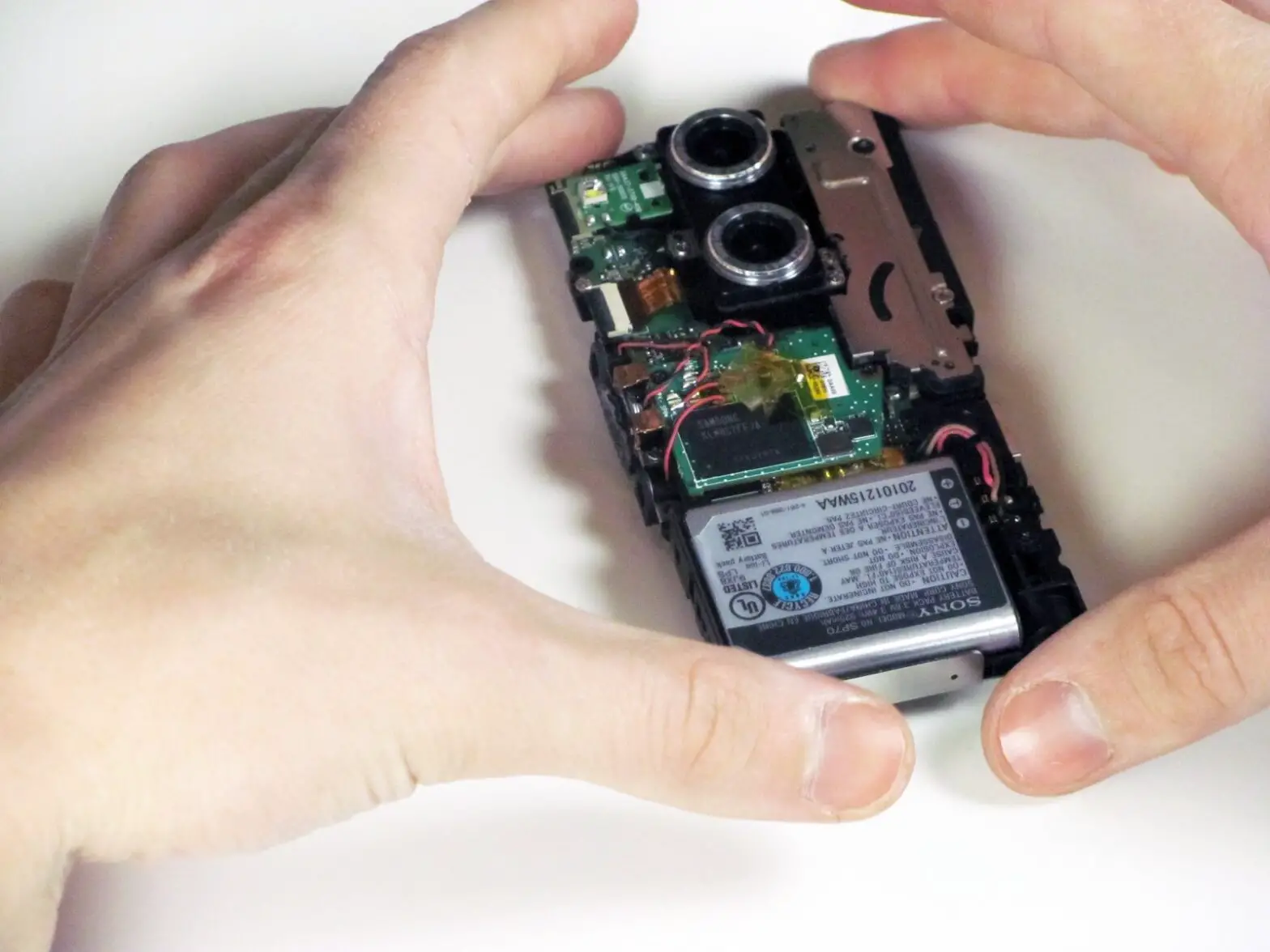
- Remove the battery with your fingers.
To reassemble your device, follow these instructions in reverse order.
Read More About This Manual & Download PDF: