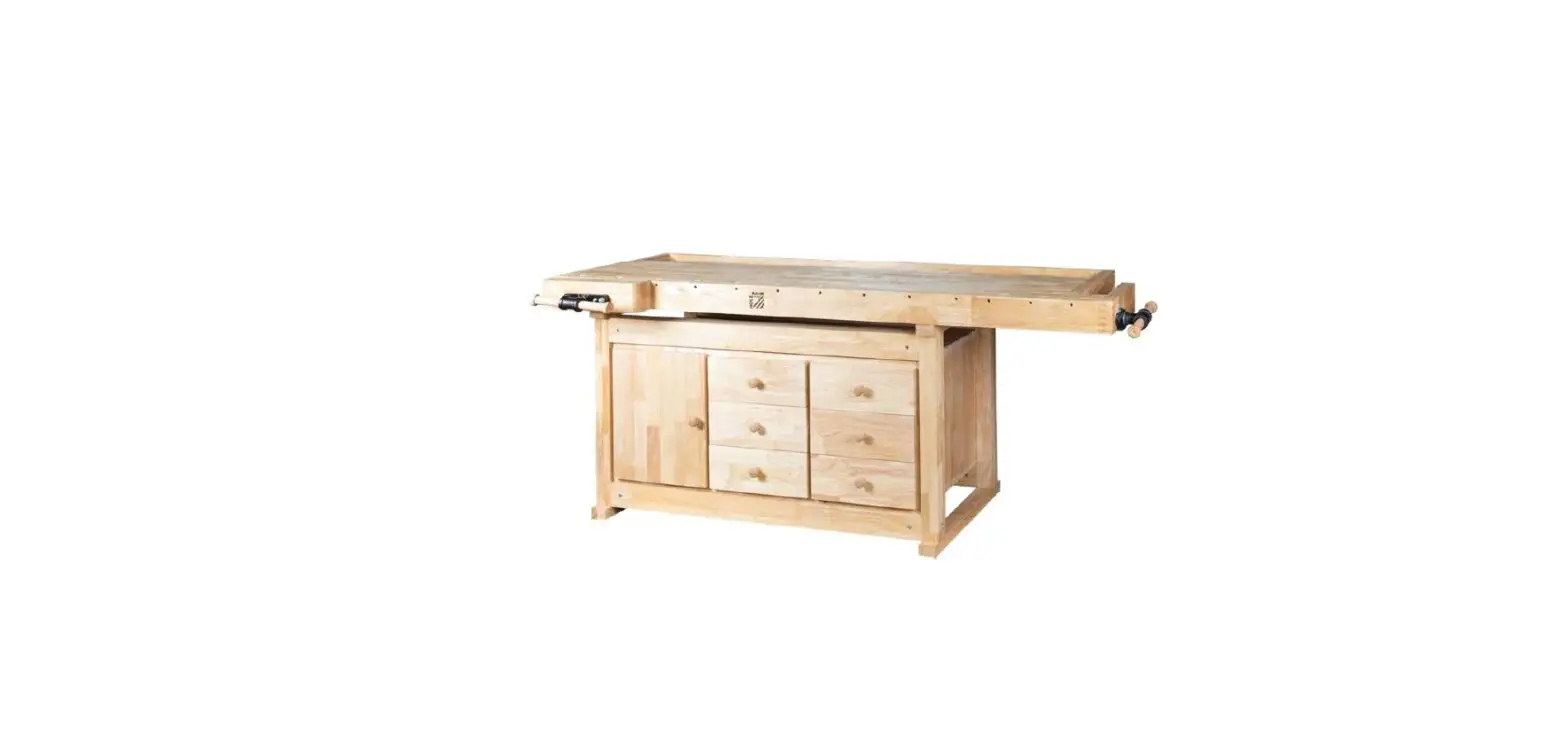
WEB484 UltraGraphite Mobile Workbench
UltraGraphiteTM Mobile Workbench (Model No. WEB484)
The UltraGraphiteTM Mobile Workbench has a dimension of 48 in W
x 24 in D x 37 in H and comes with the following parts:
Parts List
| No. | Parts | Qty. |
|---|---|---|
| #1 | SOLID HARDWOOD BOARD TOP | 1 PC |
| #3-B | BOTTOM CROSSBAR | 2 PCS |
| #5-B | LEG PIECE | 8 PCS |
| #11 | WHEEL WITH BRAKE | 1 PC |
| #13 | WHEEL W/O BRAKE | 1 PC |
| #18 | DRAWER MAT | 48 PCS |
| #19-2 | DRAWER BASE PANEL | 4 PCS |
| #20-1 | DRAWER FRONT PANEL | 4 PCS |
| #20-3 | DRAWER LEFT PANEL | 1 PC |
| #20-4 | DRAWER RIGHT PANEL | 1 PC |
| #20-5 | DRAWER BACK PANEL | 1 PC |
| #20-6 | DRAWER FRONT PANEL SUPPORT PLATE | 1 PC |
| #20-7 | DRAWER DIVIDER | 2 PCS |
| #21 | SCREW DRIVER | 1 PC |
| #25 | WRENCH | 1 PC |
| #27-B | WASHER | 1 PC |
| #40 | SCREW E (M8 x 18L) | 1 PC |
| #50 | SCREW I (M6 x 15L) | 1 PC |
| #47 | L BRACKET | 2 PCS |
| #48-2 | DRAWER LEFT SUPPORT | 2 PCS |
| #48-3 | DRAWER RIGHT SUPPORT | 2 PCS |
| #15 | SCREW B (M4 x 8L) | 1 PC |
Product Usage Instructions:
- We recommend using TWO people to assemble the workbench.
- A magnetic screwdriver is included for your convenience. If
using a power screwdriver, keep torque setting on LOW. - Install the Leg Piece (#5-B) by attaching the L Bracket (#47)
to it using Screw I (#50). Repeat this step for another Leg Piece.
Tighten all screws after the brackets are flush with the Leg
Piece. - Install Drawer Left Support (#48-2) and Drawer Right Support
(#48-3) by attaching them to the bottom of Solid Hardwood Board Top
(#1) using Screw I (#50) and Screwdriver (#21). - Install Bottom Cross Bar (#3-B) and Swivel Wheels (#11 and #13)
to the back of Leg Piece (#5) using Screw E (#40), Washer (#27-B),
and Wrench (#25). - Turn the workbench right side up and set the brake of Wheel
(#11) as shown in the side photo to stabilize the workbench. - Install Drawer Left Panel (#20-3), Drawer Right Panel (#20-4),
and Drawer Back Panel (#20-5) to Drawer Base Panel (#19-2) using
Screw B (#15). Make sure the hook slots on the Drawer Back Panel
are facing inward. Do not fully tighten the screws until the next
step has finished. - Finish assembling the workbench according to the instructions
on page 7 of the manual. If you are missing any parts, please
contact our customer service department.
ASSEMBLY INSTRUCTIONS
UltraGraphiteTM Mobile Workbench (Model No. WEB484)
48 in W X 24 in D X 37 in H
SC220909
PARTS LIST
Please check the parts carefully according to the parts list. If you are missing any parts, please contact our customer service department (please refer to page 7).
Drawer
No.
Parts
#1 SOLID HARDWOOD BOARD TOP
#3-B BOTTOM CROSSBAR
#5-B LEG PIECE
#11 WHEEL WITH BRAKE
#13 WHEEL W/O BRAKE
#18 DRAWER MAT
#19-2 DRAWER BASE PANEL
#20-1 DRAWER FRONT PANEL
#20-3 DRAWER LEFT PANEL
#20-4 DRAWER RIGHT PANEL
#20-5 DRAWER BACK PANEL
#15
#27-B #40 #50
#21
#25
Qty.
No.
Parts
1 PC
#20-6 DRAWER FRONT PANEL SUPPORT PLATE
1 PC
#20-7 DRAWER DIVIDER
2 PCS
#47 “L” BRACKET
2 PCS
#48-2 DRAWER LEFT SUPPORT
2 PCS
#48-3 DRAWER RIGHT SUPPORT
1 PC
#50 SCREW I (M6 x 15L)
1 PC
#40 SCREW E(M8 x 18L)
1 PC
#27-B WASHER
1 PC
#15 SCREW B (M4 x 8L)
1 PC
#21 SCREW DRIVER
1 PC
#25 WRENCH
1
Qty. 1 PC 2 PCS 8 PCS 1 PC 1 PC 48 pcs 4 pcs 4 pcs 30 pcs 1 pc 1 pc
UltraGraphiteTM Mobile Workbench (Model No. WEB484)
*NOTE: We recommend using TWO people to assemble the workbench.
Tip: A magnetic screwdriver is included for your convenience. If using a power screwdriver, keep torque setting on LOW.
Step 1: Install (#5-B) Leg Piece. A: Open the package, and put the parts aside.
NOTE: Leave the Solid Hardwood Board Top (#1) on cardboard Attach the (#47) “L” Bracket to the (#5-B) Leg Piece, use (#50) Screw I to tighten. Repeat Step A to install (#47) “L” Brackets to another one (#5-B) Leg Piece. Tighten the all the screws after the (#47) Brackets are flush with the (#5-B) Leg Piece.
Step 2: Install (#48-2) Drawer Left Support, (#48-3) Drawer Right Support. Attach the (#48-2) Small Drawer Left Support to the bottom of (#1) Solid Hardwood Board, line up the screw holes, use (#50) Screw I and (#21) Screwdriver to tighten. Repeat this step to install (#48-3) Small Drawer Right Support.
NOTE: Do not fully tighten the screws. This will help you make any adjustments for alignment.
2
UltraGraphiteTM Mobile Workbench (Model No. WEB484)
*NOTE: We recommend using TWO people to assemble the workbench.
Back
Step 3: Install (#3-B) Bottom Cross Bar and (#11) Swivel Wheel with Brake & (#13) Swivel Wheel w/o Brake. Attach the (#3-B) Bottom Cross Bar to the back of (#5) Leg Piece, line up the screw holes, use (#40) Screw E with (#27-B) Washer and (#25) Wrench to tighten.
After installing (#5-B) Leg Pieces, attach (#11) Swivel Wheel with Brake & (#13) Swivel Wheel w/o Brake to (#5-B) Leg Pieces, use Wrench (#25) to tighten.
Step 4: Turn the workbench right side up once you finish this step. Step the break of the wheel (#11) as the the side photo to stable the workbench.
Step 5: Install (#20-3 & #20-4) Left & Right Drawer Side Panels and (#20-5) Drawer Back Panel.
#20-3
#15
Back #20-5
Attach (#20-3 & #20-4) Left & Right Drawer Side Panels and (#20-5) Drawer Back Panel to the (#19-2) Drawer Base Panel. Line up the screw holes and use (#15) Screw B to tighten.
#19-2 Front
NOTE: Make sure the hook slots on the (#20-5) Drawer Back Panel are facing inward.
NOTE: Do not fully tighten the screws until
#20-4
next step had finish.
3
UltraGraphiteTM Mobile Workbench (Model No. WEB484)
*NOTE: We recommend using TWO people to assemble the workbench.
#20-6
#19-2
Front
#20-5 Back
Step 6: Install (#20-6) Drawer Front Panel Support Plate Attach (#20-6) Drawer Front Panel Support Plate as the left arrow shows. Line up the screw holes and use (#15) Screw B to tighten.
NOTE: Make sure the hook slots on the (#20-6) Drawer Front Panel Support Plate are facing inward.
NOTE: Once you adjust all the parts in position, tighten all screws.
#15
Step 7: Install (#20-1) Drawer Front Panel
Attach the Drawer Case to the (#20-1) Drawer Front Panel. Line up the screw holes and use (#15) Screw B to tighten.
Note: Drawer’s maximum loading capacity is 30 lbs to avoid the unit from tipping when drawer is fully extended.
4
UltraGraphiteTM Mobile Workbench (Model No. WEB484)
*NOTE: We recommend using TWO people to assemble the workbench. Step 8: Insert Drawer Pull out the drawer sliders to full length, then attach and fit the Drawer to the inner track of the sliders and slide drawers in. NOTE: Make sure to remove the rubber guards on the hooks of the inner track before fitting the drawer in.
Once you insert the drawers, tighten (#15) Screw B for (#48-2) Small Drawer Left Support and (#48-3) Small Drawer Right Support.
Step 9: Place (#18) Drawer Mat
Insert (#18) Drawer Mats to drawer before (or after) sliding drawer into bench.
5
UltraGraphiteTM Mobile Workbench (Model No. WEB484)
*NOTE: We recommend using TWO people to assemble the workbench.
Step 10: Install (#20-7) Drawer Divider Insert Drawer Divider into the drawer. The solid wall of the divider should be facing the desired slot position. Slide the divider towards the slot, then push down into the slots. Repeat the above steps to assemble another Drawer Divider.
NOTE: Dividers can be added to the drawer before or after finishing assembly.
How to Remove Dividers
Lift the Drawer Divider up and to the side to remove from the slot.
[!] CAUTION: Potential Shock or Fire Hazard. Thisunit is not intended for use in wet or potentially wet locations, such as showers, saunas, under or near fishtanks, sinks, etc.
UltraHD® Wood Top Care Instructions Our tops are made with real wood, and while great care is taken to ensure consistent top color and graining, there may be natural variations between finished products. We hand select the wood for every top to ensure the material is undamaged and naturally beautiful. If the wood top is received with excessive damage or splitting, Seville Classics will guarantee replacement of the top. Variations of color, and minor scratches in the clear coat finish will not be reason for replacement. Restore Shallow Scratches or Chips The wood surface of this product is finished with a polyurethane coat. If the wood top becomes chipped or scratched, a polyurethane coat can be reapplied to restore a smooth texture and protect from future damage. · Please follow the manufacturer’s instruction on the product for application.
6
CONTACT INFORMATION
If you are missing any parts, have any questions, or need additional assistance in assembly, please contact our bilingual (English and Spanish) customer service department at:
Seville Classics, Inc. 19401 Harborgate Way Torrance, CA 90501 USA Telephone: (800) 323-5565 within USA Fax: (310) 533-3899 Hours: 9:00am – 4:30pm (Pacific Standard Time) E-mail: [email protected] Website & Online Store: www.sevilleclassics.com
***Please visit our website or call and inquire about our additional UltraHD Line***
UltraHD® Line
UltraHD® Tall Storage Cabinet Model No. 16236 (Granite) Model No. 20143 (Graphite) Model No. 20153 (Red) Model No. 20133 (White)
UltraHD® Mega Storage Cabinet Model No. 16238 (Granite) Model No. 20148 (Graphite) Model No. 20158 (Red)
7
UltraHD® Line
UltraHD® 4-Drawer Rolling Cabinet Model No. 20205 (Granite)
UltraHD® 6-Foot Height Adjustable Workbench Model No. 20292 (Granite) Model No. 20293 (Graphite)
UltraHD® Wall Cabinet with Open Shelf Model No. 20230 (Granite) Model No. 20140 (Graphite) Model No. 20150 (Red)
UltraHD® 2-Door Rolling Workbench Model No. 20262 (Granite) Model No. 20142 (Graphite) Model No. 20152 (Red)
UltraHD® Rolling Trash Bin
Model No. 20215
UltraHD® Lighted Workcenter Model No. 20247 (Granite) Model No. 20246 (Graphite) Model No. 20157 (Red)
 Seville Classics