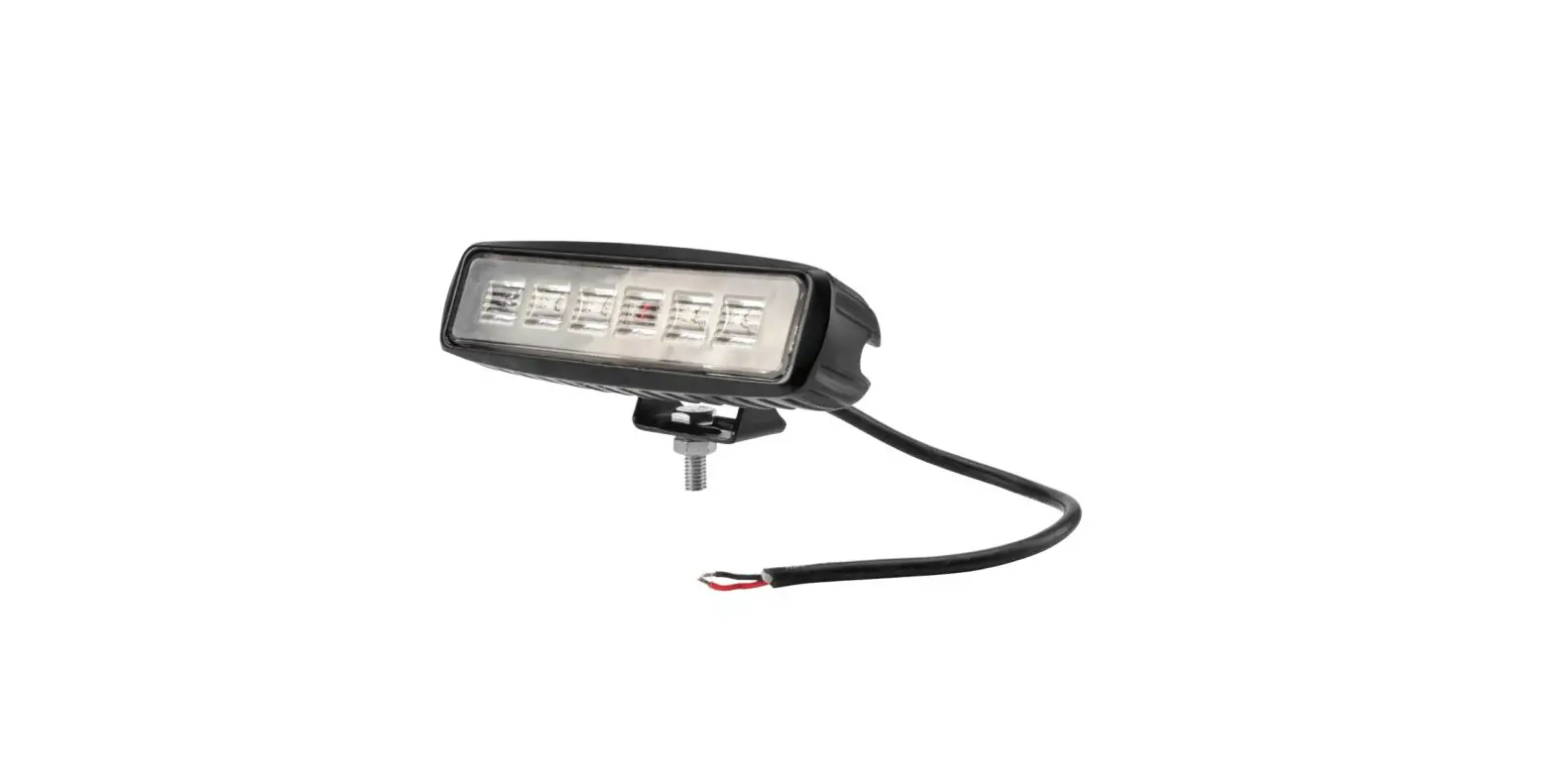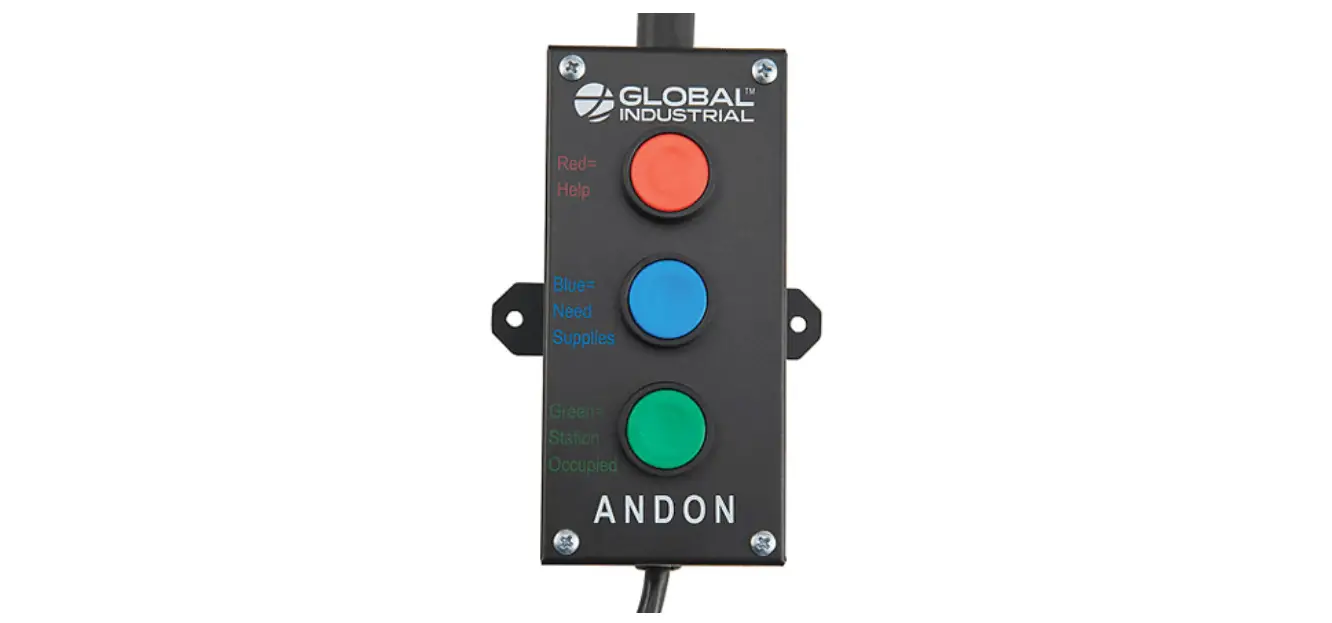

GLOBAL INDUSTRIAL 493758 Workbench Stack Light

Assembly Instructions
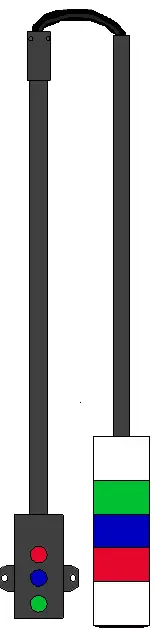
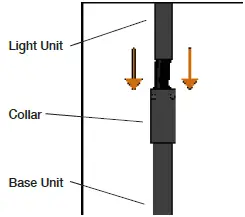
- Feed the wires from the light into the end of the pole of the base through the collar. Insert the end of the pole on the light unit into the collar on the base unit.

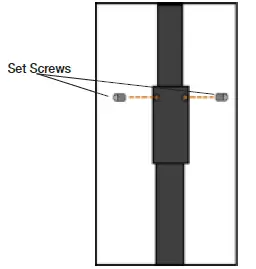
- Insert and tighten the set screws on the collar. Ensure that the light unit is snugly held by the set screws.

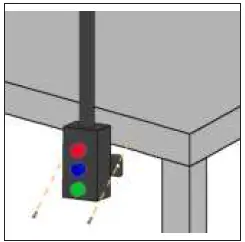
- Using (2) fasteners (Not Included), feed fasteners through the bracket on the base, and drill or insert fasteners into mounting surface, table, or wall.
If the Stack Light is not sturdy with only the screws at the base, use zip ties to secure the top of the pole to other upright supports in the area.
NOTE: Only mount on flat surfaces.
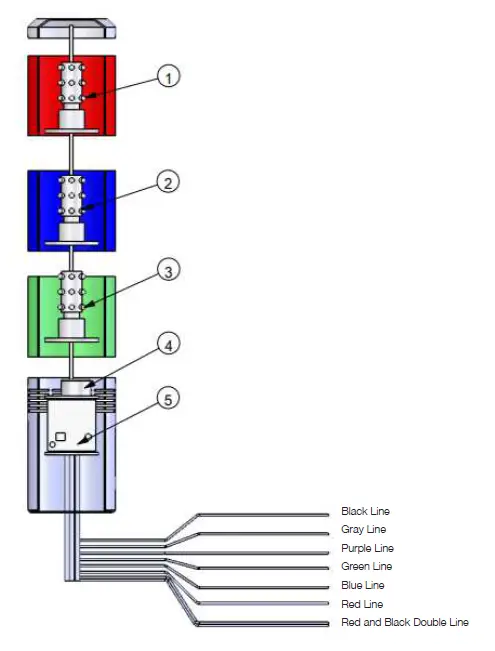
Electrical Diagram
- Red Light LEDs
- Blue Light LEDs
- Green Light LEDs
- Buzzer
- Circuit Board