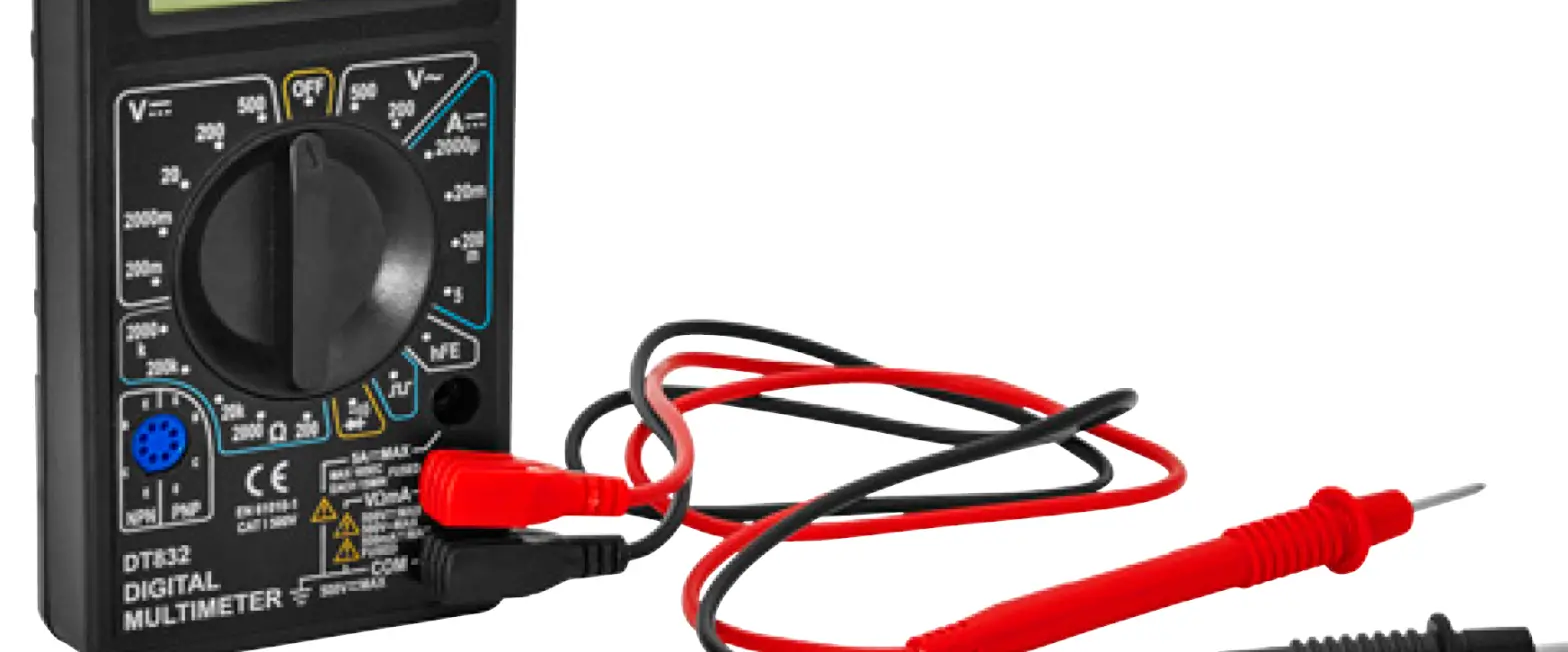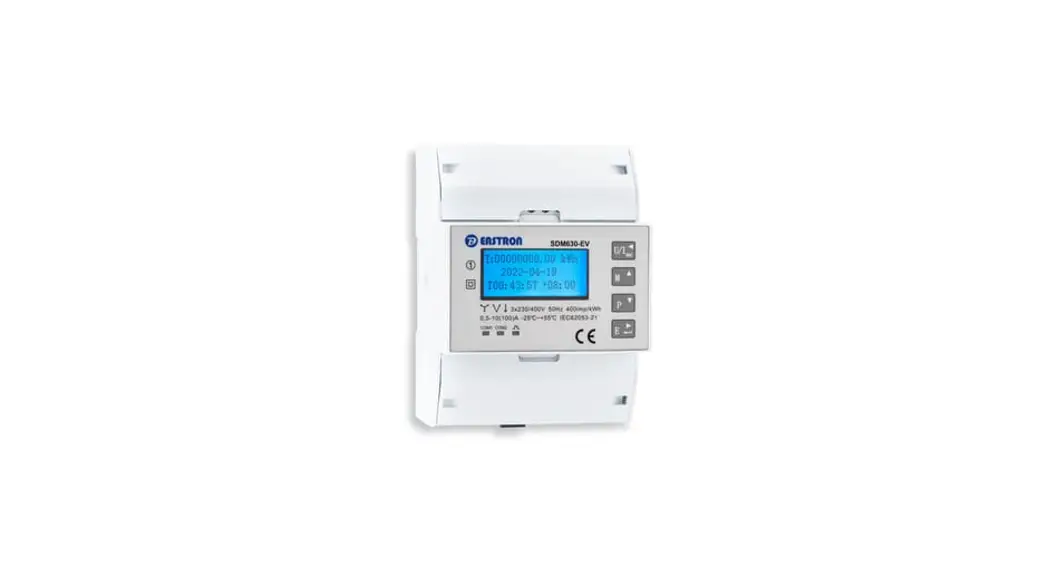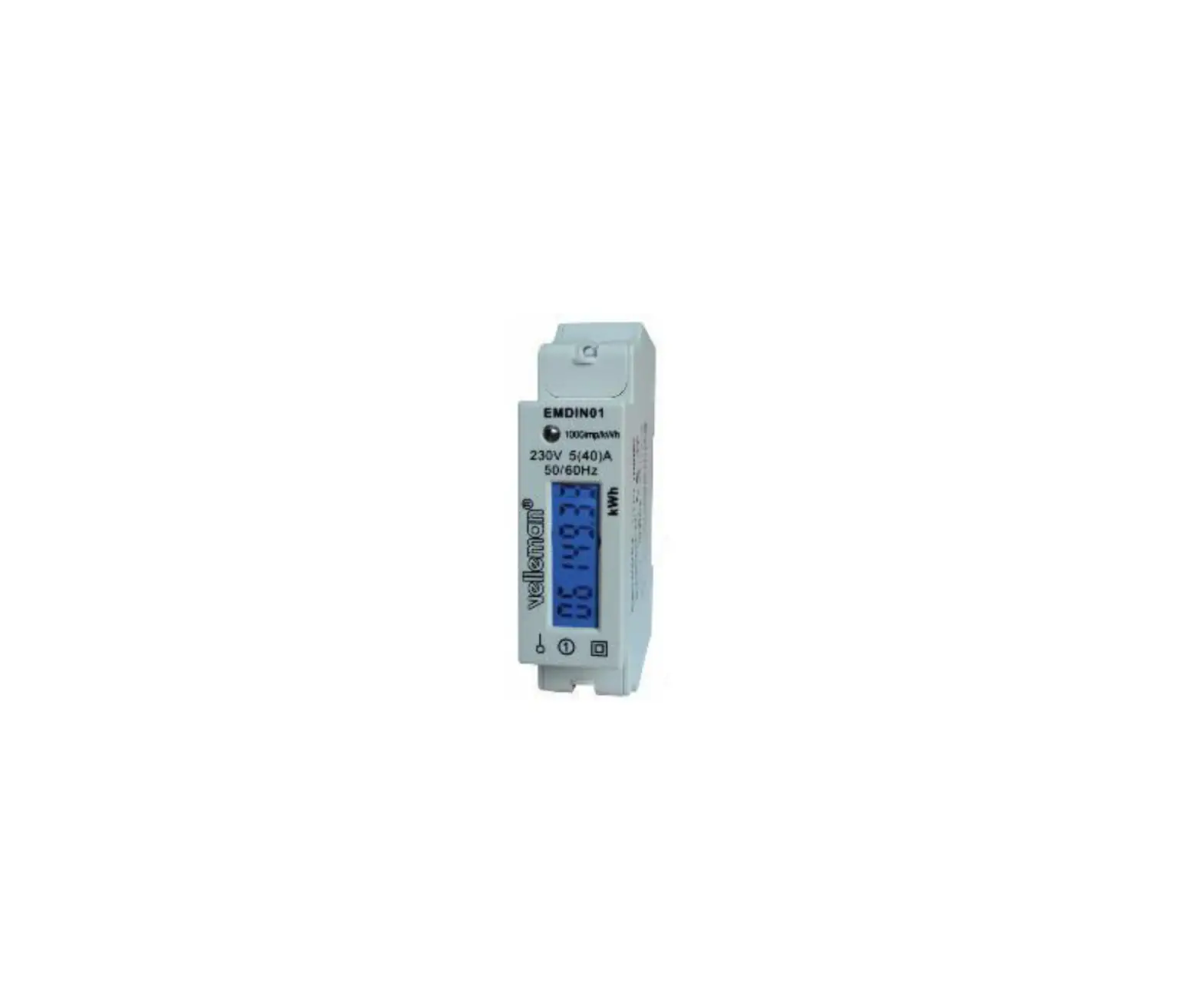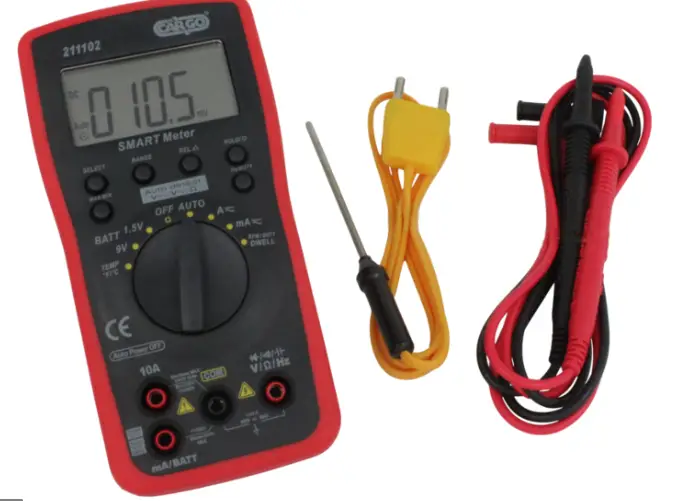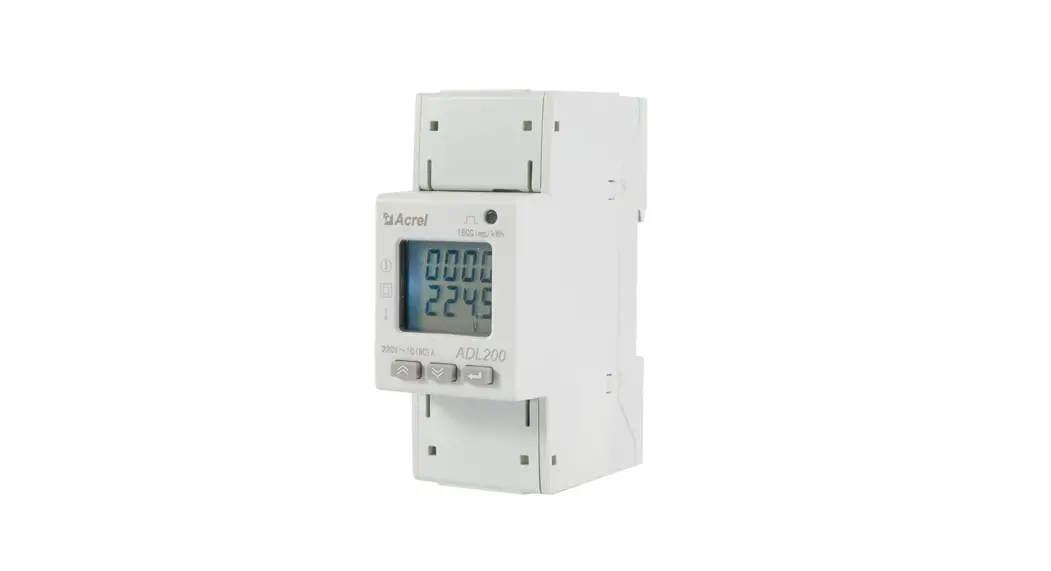

ADL200 Digital Multi Meter Electric Power Meter Din Rail Smart Meter
Instruction Manual
Installation and operation instruction V1.3
Declaration
The copyright is the property of Acrel. Any information in any paragraph or section cannot be extracted, copied or otherwise reproduced or propagated. Otherwise offenders
shall take all consequences.
All rights are reserved.
Acrel reserves the right to modify the product specifications herein without notification. Please consult the local agent about the latest specifications before placing a purchase order.
Overview
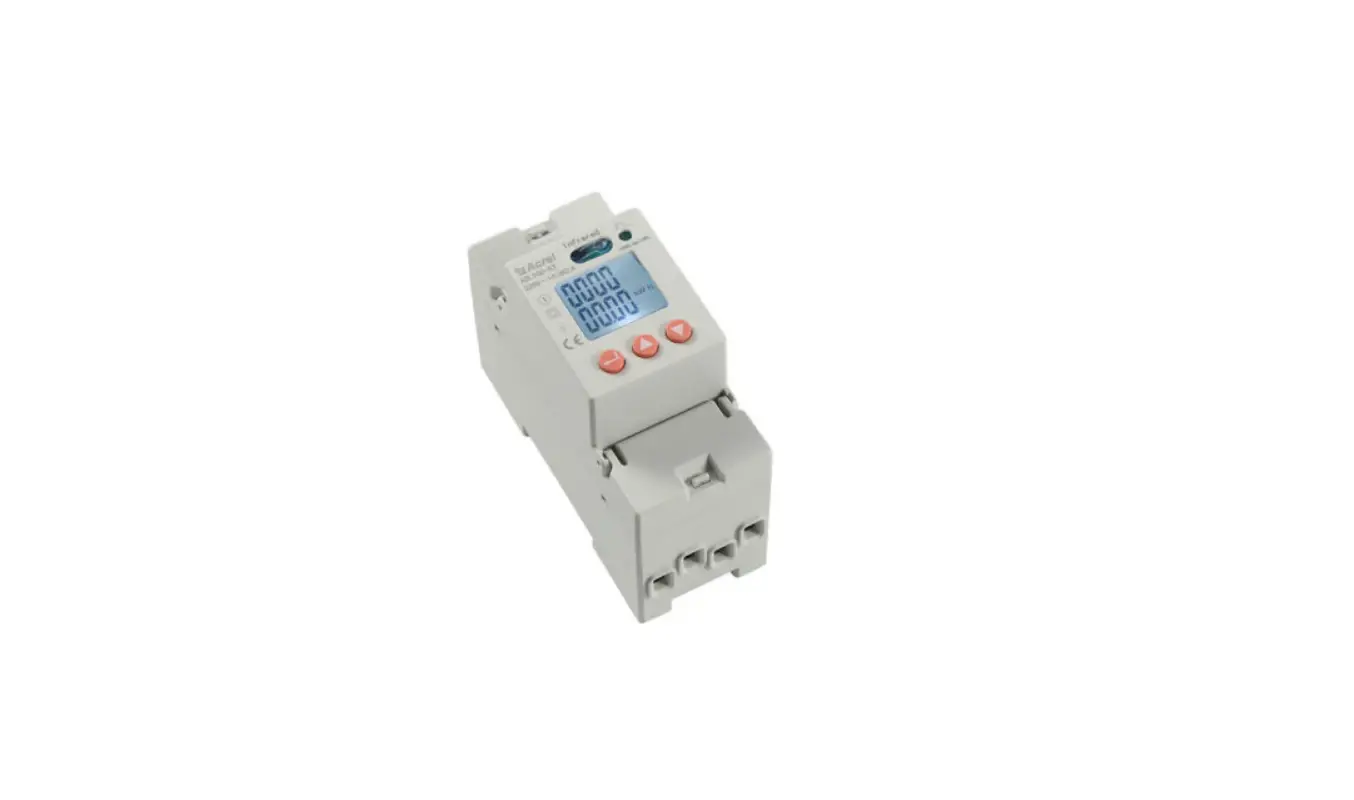
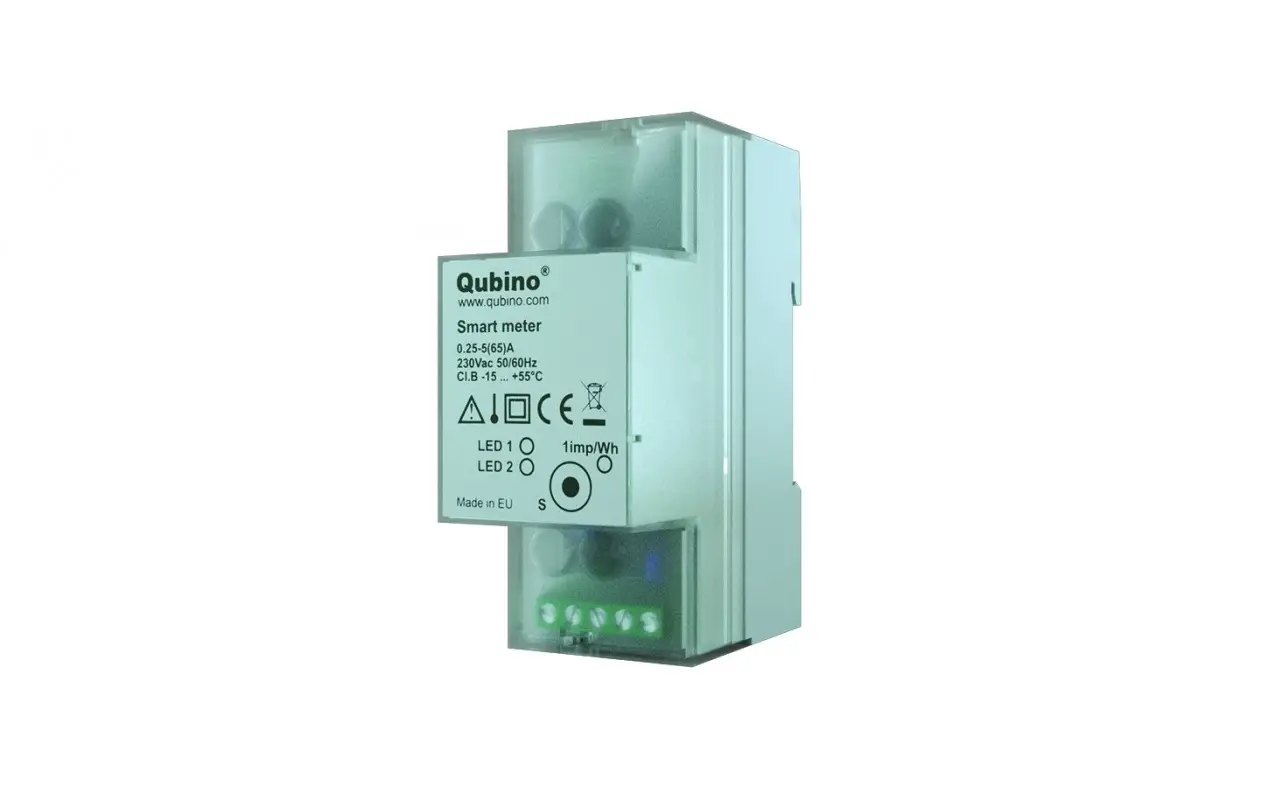
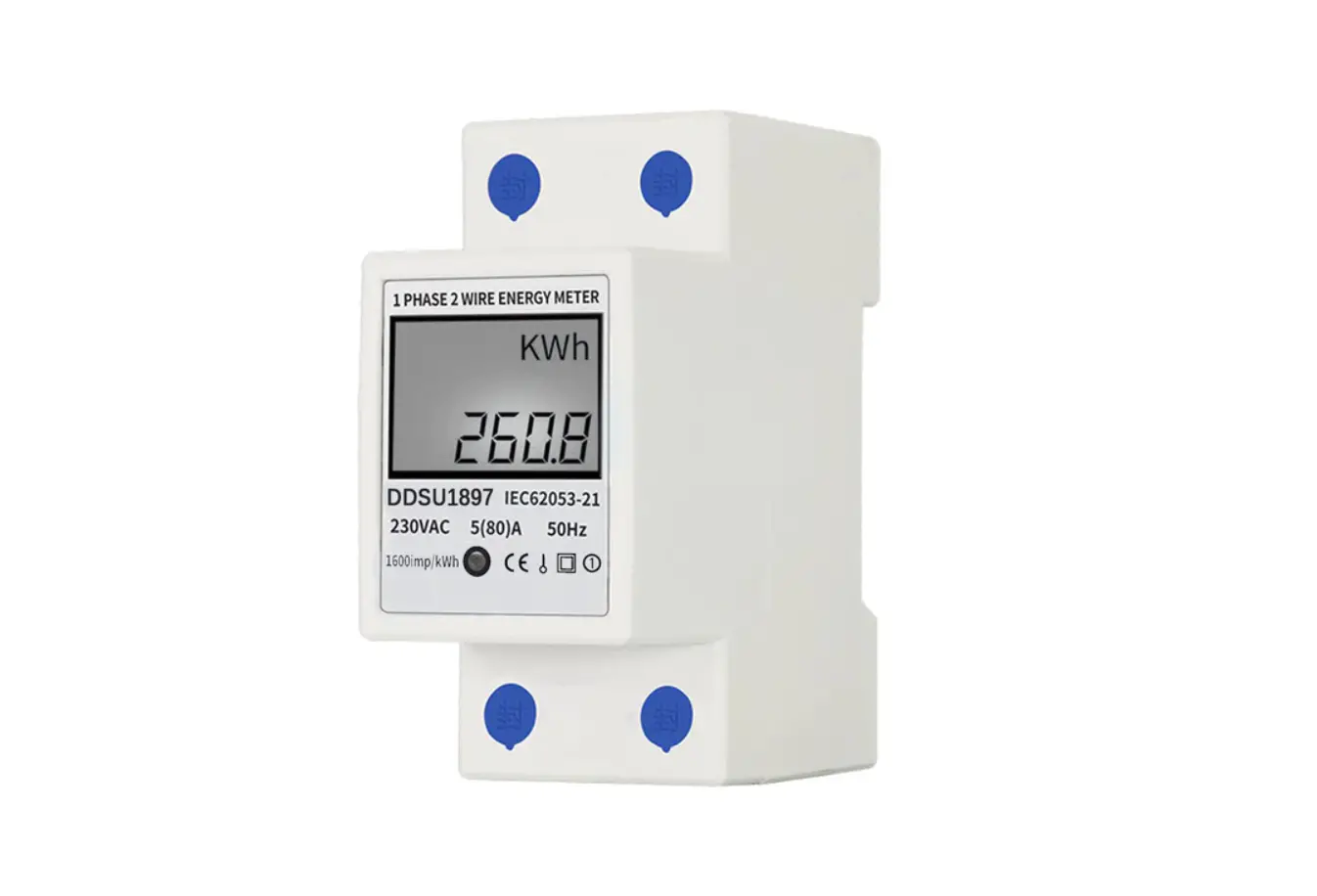
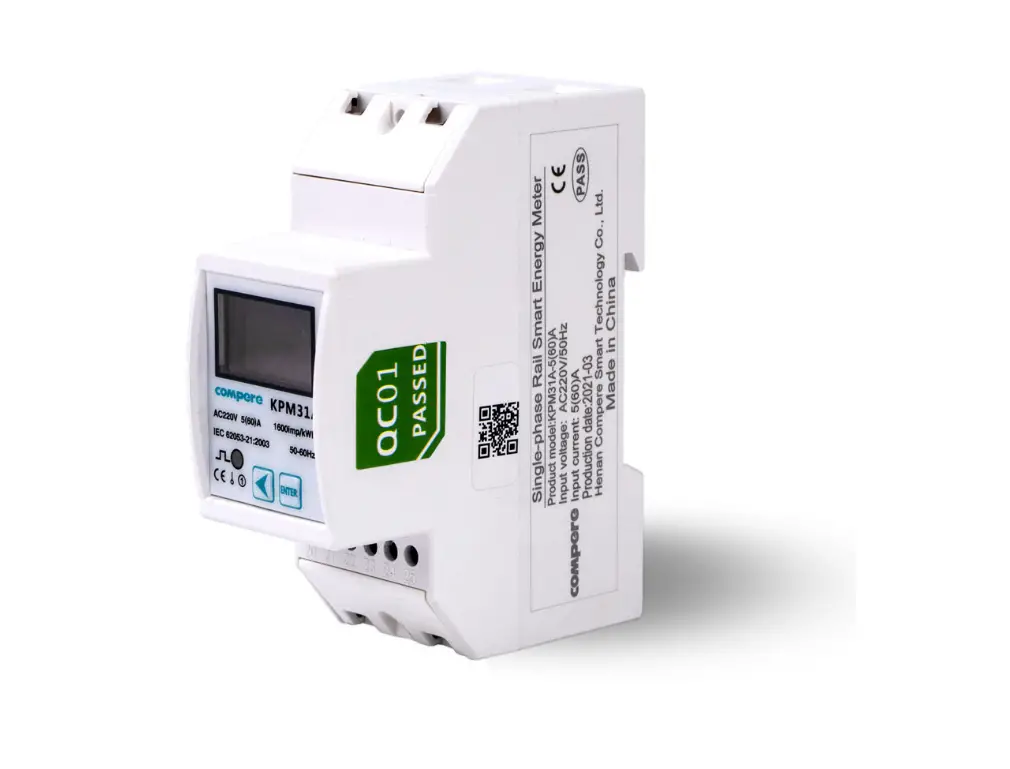
ADL200 single phase electric meter is designed for single phase active energy measurement on low voltage system, in the same time it can measure the electrical parameters like voltage, current, power and so on. There is also RS485 can be chosen. This electricity meter has advantages of smaller volume, high precision, good EMC, easily installing etc, All meters meet the related technical requirements of electricity meter in the IEC62053-21、IEC62053-22 standards.
Function
| Function | Function description | Function provide |
| Measurement of kWh | Single-phase active kWh (positive and negative),3 months historical energy data frozen storage | ■ |
| Measurement of electrical parameters | Voltage, Current, Active power, Reactive power, Apparent power, Power factor and Frequency | ■ |
| LCD Display | 8 bits section LCD display | ■ |
| Key programming | 3 keys to set parameters like code, address, baud rate, multi-tariff and communication protocol | ■ |
| Pulse output | Active energy pulse output | ■ |
| Multi-tariff | Adapt 4 time zones, 2 time interval lists, 14 time interval by day and 4 tariff rates | □F |
| Communication | Communication interface: RS485, Communication protocol: MODBUS-RTU | ■ |
Technical parameter
3.1 Electric performance
| Input voltage | Reference voltage | AC 220V |
| Voltage range | AC 75~260V | |
| Reference frequency | 50Hz | |
| Power consumption | <10VA | |
| Input current | Basic current | 10A |
| Maximum current | 80A | |
| Starting current | 4‰Ib | |
| Consumption | <4VA | |
| Measurement performance | Accuracy of measuring | 1 class |
| Range of measuring | 000000.00~99999999kWh | |
| Clock accuracy | Error≤0.5s/d | |
| Active pulse | Pulse width | 80±20ms |
| Pulse constant | 1000imp/kWh | |
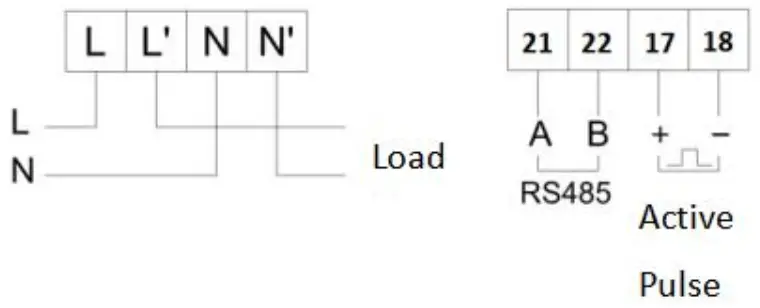
| Communicati on | Interface | RS485(A+、B-) |
| Connection mode | Shielded twisted pair conductors | |
| Protocol | MODBUS-RTU | |
3.2 Mechanical performance
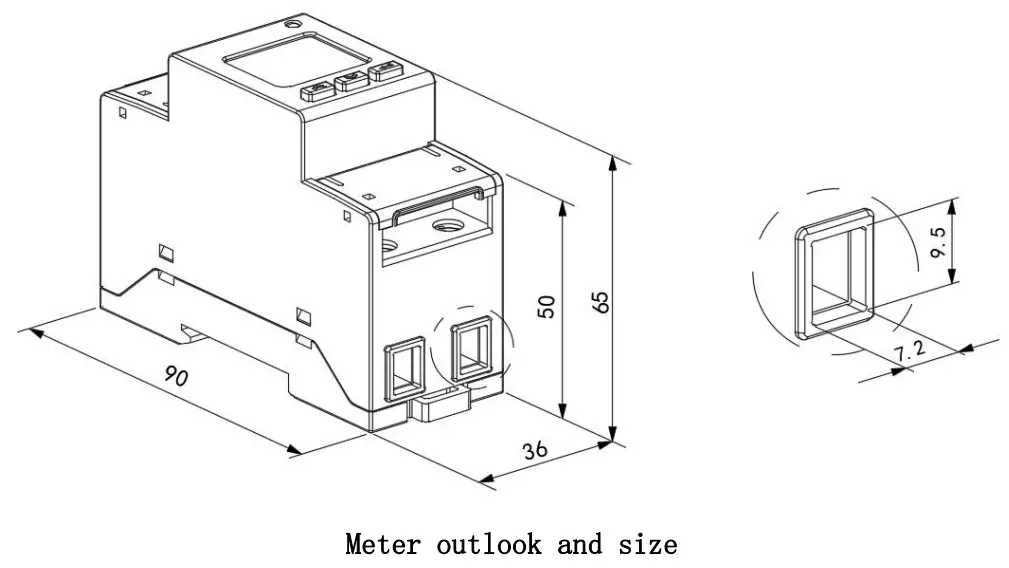
| Outline | Length × Width × Height | 90mm×36mm×65mm |
| Strong current terminal Torque | <1.8Nm | |
3. 3 Work environment
| Temperature range | Work temperature | -25℃~55℃ |
| Storage Temperature | -40℃~70℃ | |
| Relative humidity | ≤95%(No condensation) | |
| Altitude | <2000m | |
Outline (unit: mm)
Wiring and installing
Diagnosis, analysis and elimination of common faults
6.1 Auxiliary power failure
Failure performance: the meter flashes and does not light up after being powered on.
Troubleshooting:
- Check whether the wiring of the auxiliary power supply is consistent with the wiring diagram of the instrument, and whether the wiring is loose or falling off;
- Use a multimeter to measure whether the input voltage value of the auxiliary power supply is within the normal working voltage range of the instrument.
6.2 Signal input failure
Failure performance: After the meter is powered on, the display power or energy count is not accurate.
Troubleshooting: Switch the display interface of the meter to the power (active P, power factor λ) interface, check whether the power display is negative and whether the power factor is between 0.9-0.95, and then check whether the input and output of the current signal line are reversed ( That is, the incoming line of the current must be consistent with the incoming end of the instrument), And consistent with the wiring on the meter.
6.3 communication failure
Failure performance: After the meter is powered on, it cannot communicate with the host computer normally.
Troubleshooting:
- The voltage value between the communication output A and B of the measuring instrument should be between +(4.4-4.5)V;
- Check whether the communication wiring method is correctly wired according to the wiring diagram (that is, the communication terminal A/B of the instrument should correspond to the communication serial port A/B);
Operation and display
7.1 Key description
| Key icon | Key name | Key function |
 | Key up | View voltage and current in the view interface Up and flashing shift in the programming interface |
 | Key down | View power in the view interface Scroll down and modify flashing bits in the programming interface |
|
| Key setting | View electrical energy in the viewing interface Long press 3S to enter/exit the menu Short press OK in the programming interface to save the settings |
7.2 display description
Show total energy when connected. Change information while pressing down key. Display information as following:
| U、I、F、Time、MODBUS Address、Baud、parity、Version、ALL-display; |
| Total power active power total factor reactive powertotal apparent powertotal |
 | Total active energy, forward active total energy, reverse active total energy, total active spike energy, total active peak energy, total active flat energy, total active valley energy, total reactive energy, forward reactive total energy, reverse total reactive energy, total reactive spike energy, total reactive peak energy, total reactive flat energy, total reactive valley energy. |
Note:
- Listed above are the names of all display interfaces of the ADL200 meter with double rate function. Three buttons can switch different types of display content, the switching sequence is as described above;
- For the ADL200 meter without the double rate function, it does not display the date, time and various types of time-sharing energy (the energy in the four rate periods of sharp, peak, flat and valley).
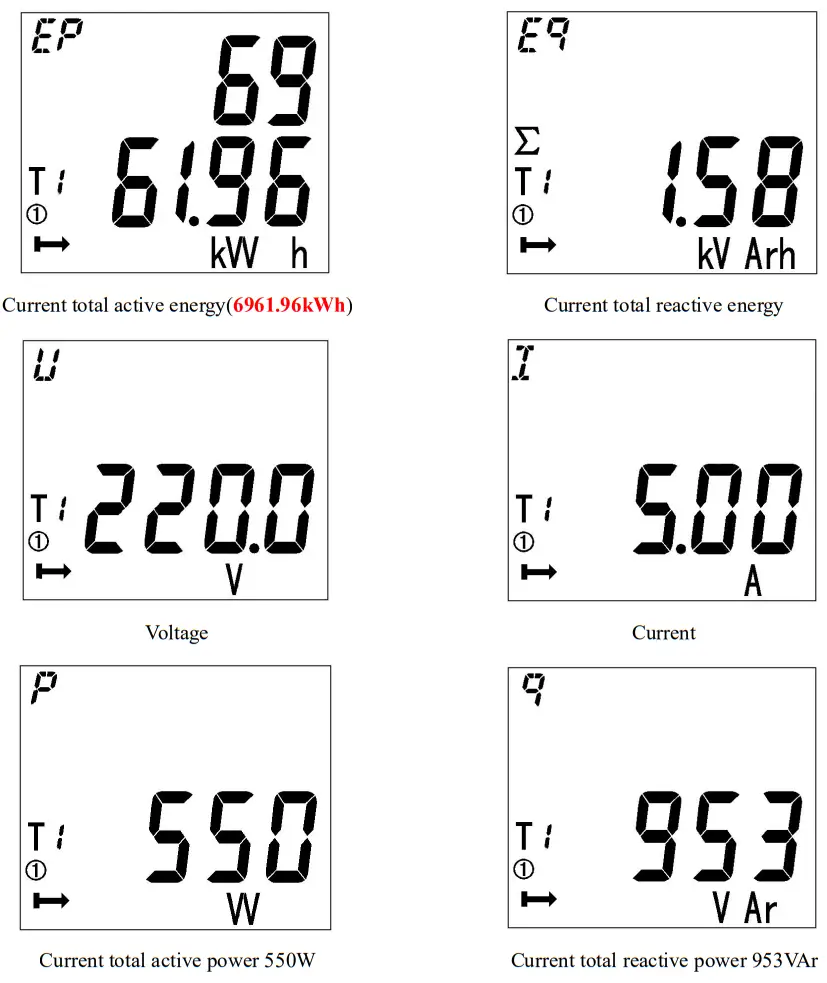
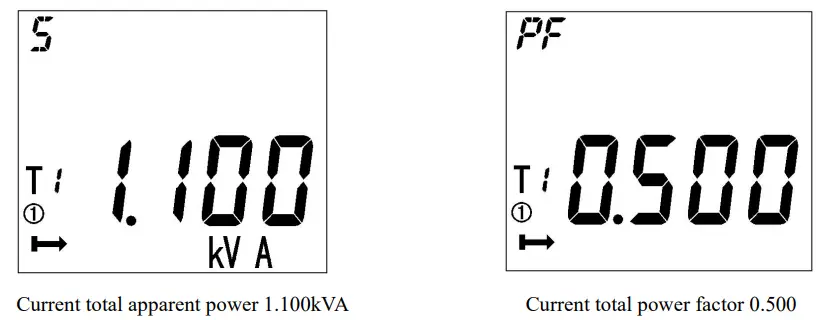
Note:The above is just a part of the display interface. The display mode of other interfaces is similar to the above figure. You can judge the display meaning according to the information displayed on the interface.
7.3Programming display menu
Press at any main menu and get in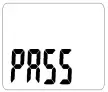 interface, and then press show
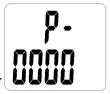 , and enter the code. If you enter a wrong code, it will show“0000”and enter the code again; and if you enter a right code, you can set the parameter. After setting the parameter, it will show
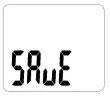 and save the change by pressing
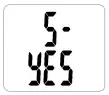 and quit without save by pressing
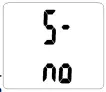 .
.
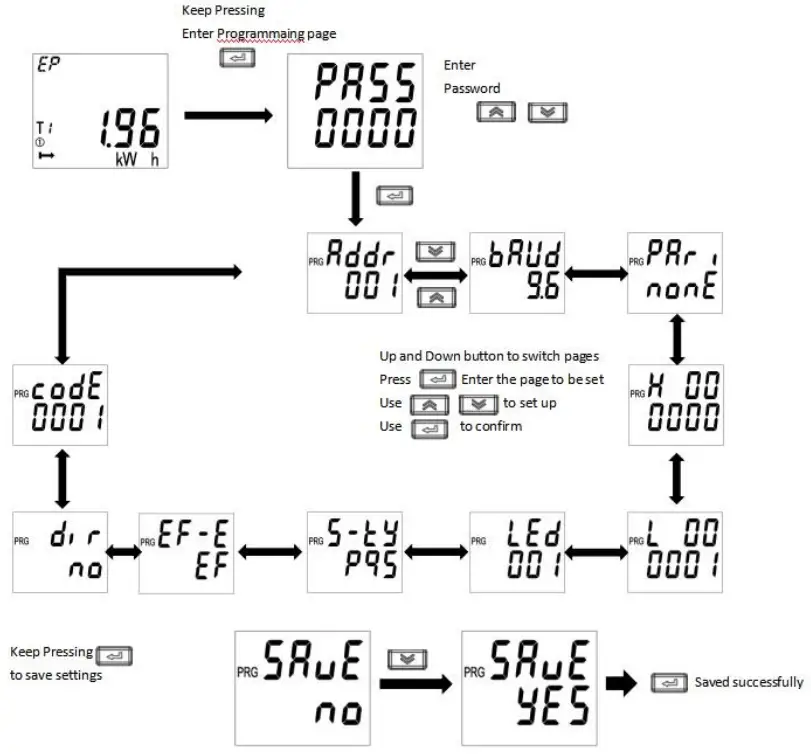
7.4 Item can be set
Setting item description
| Mum | Secondly menu | ||
| Symbol | Meaning | Range | |
| 1 | ADDR | Communication address | 1-254 |
| 2 | Baud | Baud setting | 1200、2400、4800、9600、19200、 38400 |
| 3 | Pari | Parity setting | None、Odd、Even |
| 4 | LED | Background light setting | 0-255 minutes, 0 ever bright |
| 5 | S-TY | Apparent power calculation | PQS,RMS |
| 6 | EF-E | Set multi-tariff | EF-YES |
| E-NO | |||
| 7 | DIR | Current direction | no-forward yes-reverse |
| 8 | CoDE | Code setting | 1-9999 |
Communication description
8.1 Communication protocol
The meters adapt Modbus . Please refer to the relevant standards for more information. The multi-tariff data mean nothing when multi-tariff function (F) is not applied.
8.2 MODBUS Address list
| Address | Variable | Length | Attributes | Note |
| 0000H | Current combined total active energy | 4 | R | unit:0.01kWh |
| 0002H | Current combined spike active energy | 4 | R | |
| 0004H | Current combined peak active energy | 4 | R | |
| 0006H | Current combined flat active energy | 4 | R | |
| 0008H | Current combined valley active energy | 4 | R | |
| 000AH | Code | 2 | R | |
| 000BH | Voltage | 2 | R | unit:0.1V |
| 000CH | Current | 2 | R | unit:0.01A |
| 000DH | Active power | 2 | R | unit:0.001kW |
| 000EH | Reactive power | 2 | R | unit:0.001kvar |
| 000FH | Apparent power | 2 | R | unit:0.001kVA |
| 0010H | power factor | 2 | R | unit:0.001 |
| 0011H | Frequency | 2 | R | unit:0.01Hz |
| 0012H | Year, month | 2 | R/W | |
| 0013H | Day, hour | 2 | R/W | |
| 0014H | Minute, second | 2 | R/W | |
| 0015H | Address | 1 | R/W | 0~254 |
| 0015H | Communication baud rate | 1 | R/W | 00:1200 01:2400 02:4800 03:9600 04:19200 05:38400 |
| 0016H | light time | 2 | R/W | |
| 0017H~ 0021H | Reserve | |||
| 0022H | Total active energy of last month | 4 | R | unit:0.01kWh |
| 0024H | Spike active energy of last month | 4 | R | |
| 0026H | Peak active energy of last month | 4 | R | |
| 0028H | Flat active energy of last month | 4 | R | |
| 002AH | Valley active energy of last month | 4 | R | |
| 002CH | Total active energy of last 2 month | 4 | R | |
| 002EH | Spike active energy of last 2 month | 4 | R | |
| 0030H | Peak active energy of last 2 month | 4 | R | |
| 0032H | Flat active energy of last 2 month | 4 | R | |
| 0034H | Valley active energy of last 2 month | 4 | R | |
| 0036H | Total active energy of last 3 month | 4 | R | |
| 0038H | Spike active energy of last 3 month | 4 | R | |
| 003AH | Peak active energy of last 3 month | 4 | R | |
| 003CH | Flat active energy of last 3 month | 4 | R | |
| 003EH | Valley active energy of last 3 month | 4 | R | |
| 0040H~ 0044H | reserve | |||
| 0045H | status | 2 | R/W | Bit0:0-E-no, 1-EF-YES;Bit1:0-forward, 1-reverse; Bit3:0-PQS 1-RMS. |
| 0046H~ 0047H | reserve | |||
| 0048H | parity | 2 | R | 0000:None 0002:Even |
| 0049H | reserve | |||
| 004AH | ||||
| 004BH | ||||
| 004CH~0067H | reserve | |||
| 0068H | Current forward active total energy | 4 | R | unit:0.01kWh |
| 006AH | Current forward active spike energy | 4 | R | |
| 006CH | Current forward active peak energy | 4 | R | |
| 006EH | Current forward active flat energy | 4 | R | |
| 0070H | Current forward active valley energy | 4 | R | |
| 0072H | Current reversing active total energy | 4 | R | |
| 0074H | Current reversing active spike energy | 4 | R | |
| 0076H | Current reversing Active peak energy | 4 | R | |
| 0078H | Current reversing active flat energy | 4 | R | |
| 007AH | Current reversing Active valley energy | 4 | R | |
| 007C~0 0AFH | reserve | |||
| 00B0H | Current total reactive energy | 4 | R | |
| 00B2H | Current spike reactive energy | 4 | R | |
| 00B4H | Current peak reactive energy | 4 | R | |
| 00B6H | Current flat reactive energy | 4 | R | |
| 00B8H | Current valley reactive energy | 4 | R | unit:0.01kVarh |
| 00BAH | Current forward reactive total energy | 4 | R | |
| 00BCH | Current forward reactive spike energy | 4 | R | |
| 00BEH | Current forward reactive peak energy | 4 | R | |
| 00C0H | Current forward reactive flat energy | 4 | R | |
| 00C2H | Current forward reactive valley energy | 4 | R | |
| 00C4H | Current reversing reactive total energy | 4 | R | |
| 00C6H | Current reversing reactive spike energy | 4 | R | |
| 00C8H | Current reversing reactive peak energy | 4 | R | |
| 00CAH | Current reversing reactive flat energy | 4 | R | |
| 00CCH | Current reversing reactive valley energy | 4 | R | |
| 00CEH~ 52FFH | reserve | |||
| 5300H | Voltage | 4 | R | Float |
| 5302H | Current | 4 | R | |
| 5304H | Active power | 4 | R | |
| 5306H | Reactive power | 4 | R | |
| 5308H | Apparent power | 4 | R | |
| 530AH | power factor | 4 | R | |
| 530CH | Frequency | 4 | R | |