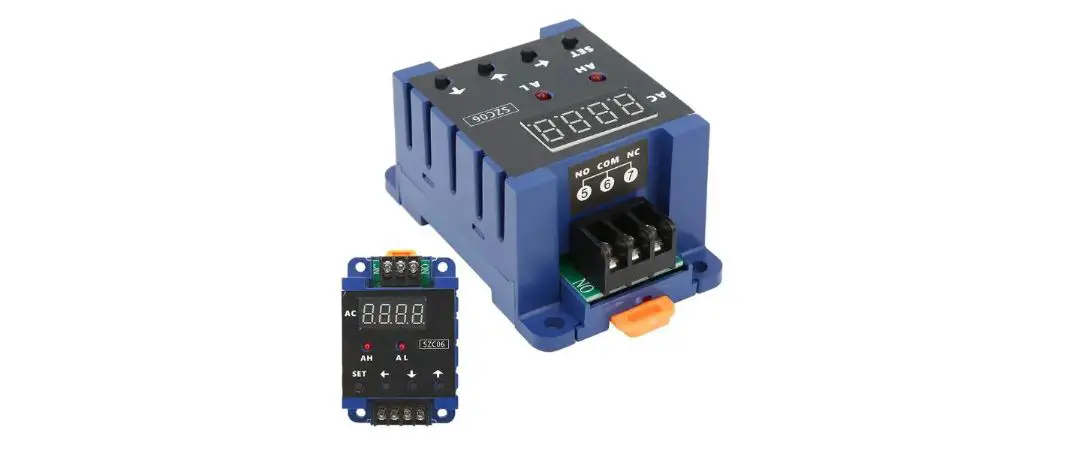
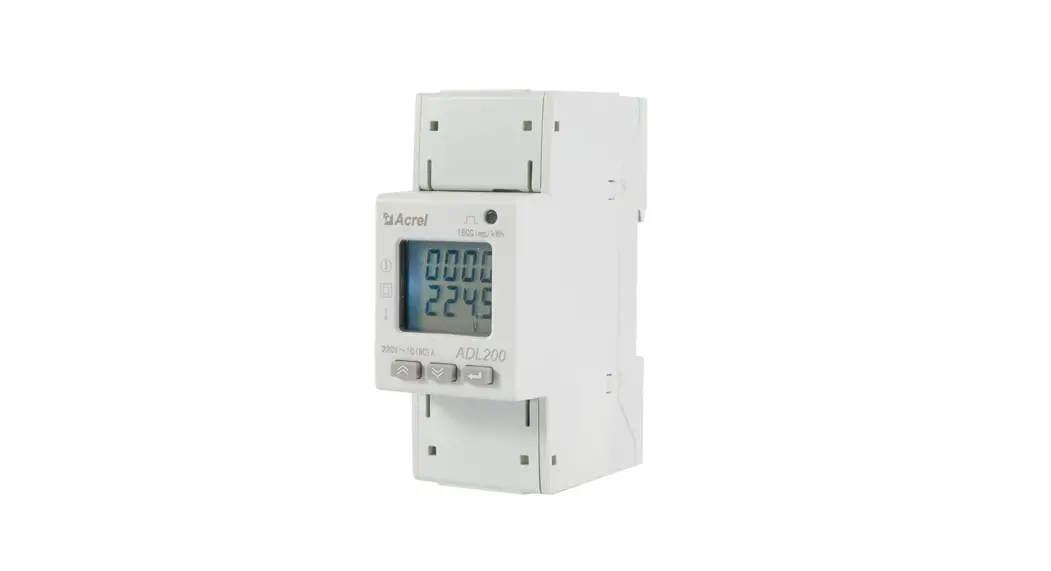
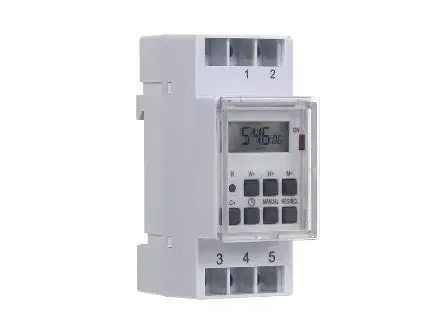
SZC06 100A Din Rail Digital Ammeter
Din Rail Digital Ammeter 100A Model: SZC06 User Manual
The Din Rail Digital Ammeter is designed for measuring and
displaying a single current in an electrical circuit. It can be
attached to a relay alarm output and has alarm delay and alarm
return functions. The instrument also has real-time current
monitoring.
- SET: Press and hold this button for 2 seconds
to enter the setting mode, and then click to switch to the next
parameter settings. - <: Click this key to move the cursor one
bit to the left. - ⌃: Press this key to decrement the value of
the menu parameter. - ⌄: Press this key to increment the value of
the menu parameter. - SET + <: Press these 2 keys for 2 seconds
at the same time to set the range (the maximum display current
value).
The transformer is 100/5A, set 100, 200A/5A, set 200, and so
on…
The menu function allows you to set the upper and lower limit
alarm, alarm return, and alarm delay function. The following
parameters can be set:
| Code | Parameter Name | Setup Instructions |
|---|---|---|
| 1 | Upper limit alarm value | Set the maximum value for the alarm. When the display value is greater than this value, the output relay will alarm. |
| 2 | Lower limit alarm value | Set the minimum value for the alarm. When the display value is lower than this value, the output relay will alarm. |
| 3 | Alarm return value | Set the difference between the upper and lower limit alarm values. For example, if the upper limit is set to 150 and the current drops to 120A, the alarm will be canceled. The return value is 150-120 = 30. |
| 4 | Generate alarm delay value | Set the delay time for the alarm to generate. |
| 5 | Release the alarm delay value | Set the time for the alarm to release. |
| 6 | Set ON: lock after alarm Set OFF: alarm is not locked | Choose whether to lock the alarm after it has been triggered or not. |
Alarm Relay Wiring Diagram:
The instrument requires an auxiliary power supply, input signal,
and wiring to be connected in order to function correctly. Please
ensure that the corresponding values of the auxiliary power supply
are matched. The transformer cannot pass through multiple routes at
the same time, as this will affect the measurement results. The
contact capacity is 6A/250VAC, 6A/30VDC.
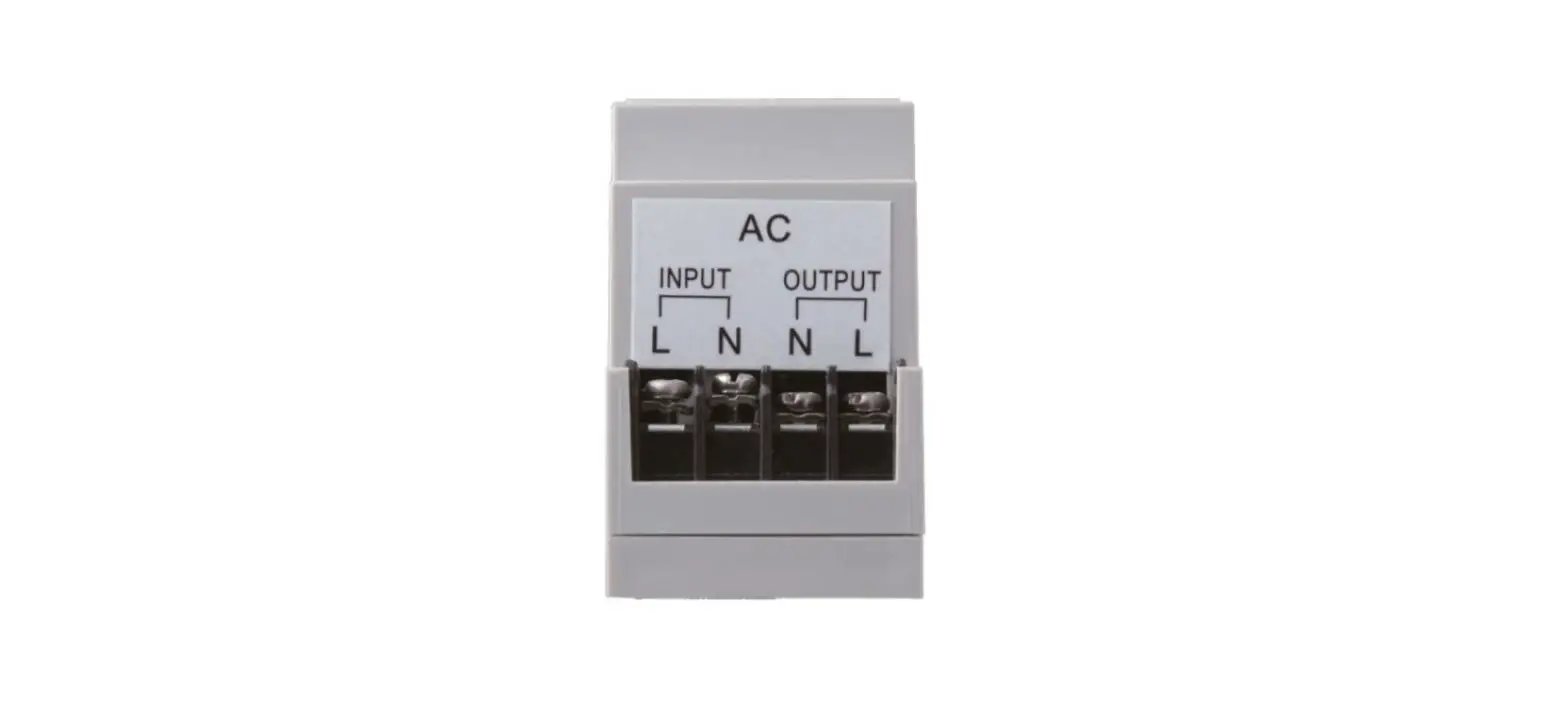
- POWER: Instrument auxiliary power supply
- INPUT: Current signal input
- CT: Connect to the current transformer
- OUT: Relay alarm output
- NO COM NC: Contact capacity 6A/250VAC;
6A/30VDC
Precautions:
- Before powering on, please double-check that the auxiliary
power supply, input signal, and wiring of the instrument are
correct. - The transformer cannot pass through multiple routes at the same
time, which will affect the measurement results. - The contact capacity is 6A/250VAC, 6A/30VDC.
Product Usage Instructions:
- Connect the instrument to an auxiliary power supply, input
signal, and wiring in accordance with the wiring diagram provided
in the user manual. - Press and hold the SET button for 2 seconds to enter the
setting mode. Use the < and ⌄ buttons to move the cursor and set
the required parameters. - To set the range (the maximum display current value), press and
hold the SET and < buttons for 2 seconds at the same time. - The upper and lower limit alarm values can be set using
parameters 1 and 2. The alarm return value can be set using
parameter 3. - Parameters 4 and 5 allow you to set the delay time for the
alarm to generate and release, respectively. - Parameter 6 allows you to choose whether to lock the alarm
after it has been triggered or not. - Ensure that the instrument is used to measure a single current
and that the transformer does not pass through multiple routes at
the same time.
Din Rail Digital Ammeter 100A Model: SZC06 User Manual
Ammeter Relay Button Description:
SET SET button; press and hold for 2 seconds to enter the setting mode, and then click to switch to
the next parameter settings.
< Left shift key; Click this key to move the cursor one bit to the left.
^
Down key; Press this key to decrement the value of the menu parameter.
^ Increase key; press this key to increment the value of the menu parameter.
SET + < Press these 2 keys for 2 seconds at the same time to set the range. (That is, the
maximum display current value) The transformer is 100/5A, set 100, 200A/5A, set 200, and so on…
Menu Function Description:
(Can set the upper and lower limit alarm, alarm return, alarm delay function)
Code
Parameter Name
Setup Instructions
Upper limit alarm value Overcurrent alarm Lower limit alarm value Undercurrent alarm Alarm return value For example, the upper limit is set to 150
When the display value is greater than this value, the output relay will alarm When the display value is lower than this value, the output relay will alarm For example, when the conveyor belt motor is blocked, the current exceeds 150A
Return difference set 30 Alarm if the difference exceeds 150A; The current drops to 120A to cancel the alarm Return value = 150-120 = 30
Generate alarm delay value
Release the alarm delay value
Set ON: lock after alarm Set OFF: alarm is not locked
We set an upper limit of 150A, and the feeder stops when it exceeds 150A. The return difference is set to 30, and the conveyor belt is motorized After the current drops to 120A (upper limit 150 return 30 = 120) The feeder then works. Delay before triggering (alarm after lasting more than N seconds) Delay after power failure (delay disconnection alarm) Alarm lock; keep alerting after the alarm is generated Alarm is also generated when the non-alarm condition is transferred
Alarm Relay Wiring Diagram:
Instrument auxiliary power supply
POWER
Current signal input INPUT
110-220V AC power supply
Connect to the current transformer CT
Relay alarm output OUT
NO COM NC
Contact capacity 6A/250VAC; 6A/30VDC
Basic Functions:
The current smart meter is used for the measurement and display of a single current in an electrical circuit, and can be attached to a relay alarm output.
Alarm delay and alarm return can be set. Real time current monitoring, alarm output function.
Precautions:
1. Before powering on, please reconfirm whether the auxiliary power supply, input signal, and wiring of the instrument are correct. (The corresponding value of the auxiliary power supply must be matched, otherwise the instrument will be burned out).
2. Monitoring a single current, the transformer cannot pass through multiple routes at the same time, which will affect the measurement results.
3. Contact capacity 6A/250VAC, 6A/30VDC.