 User Manual
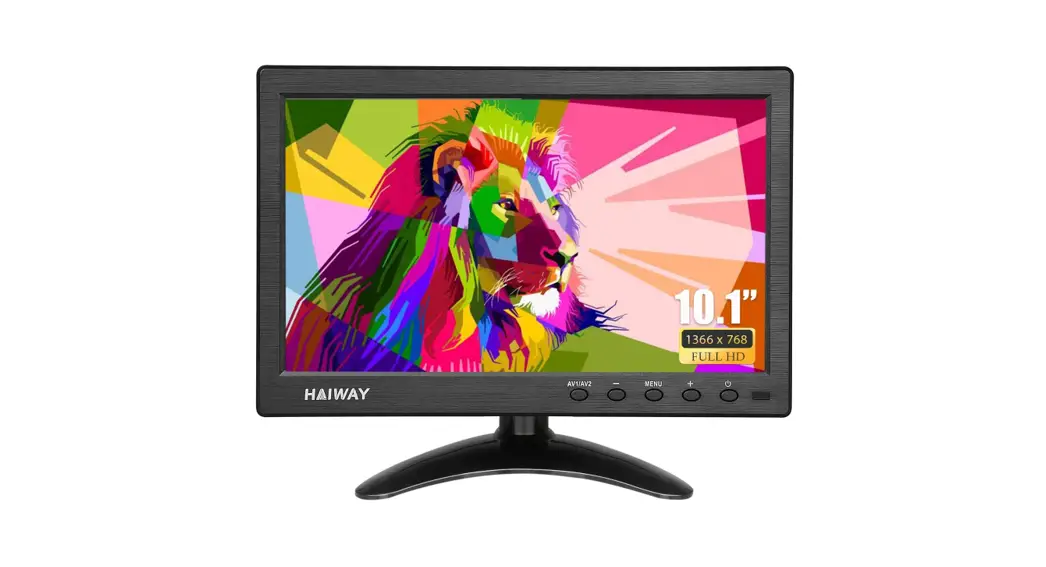
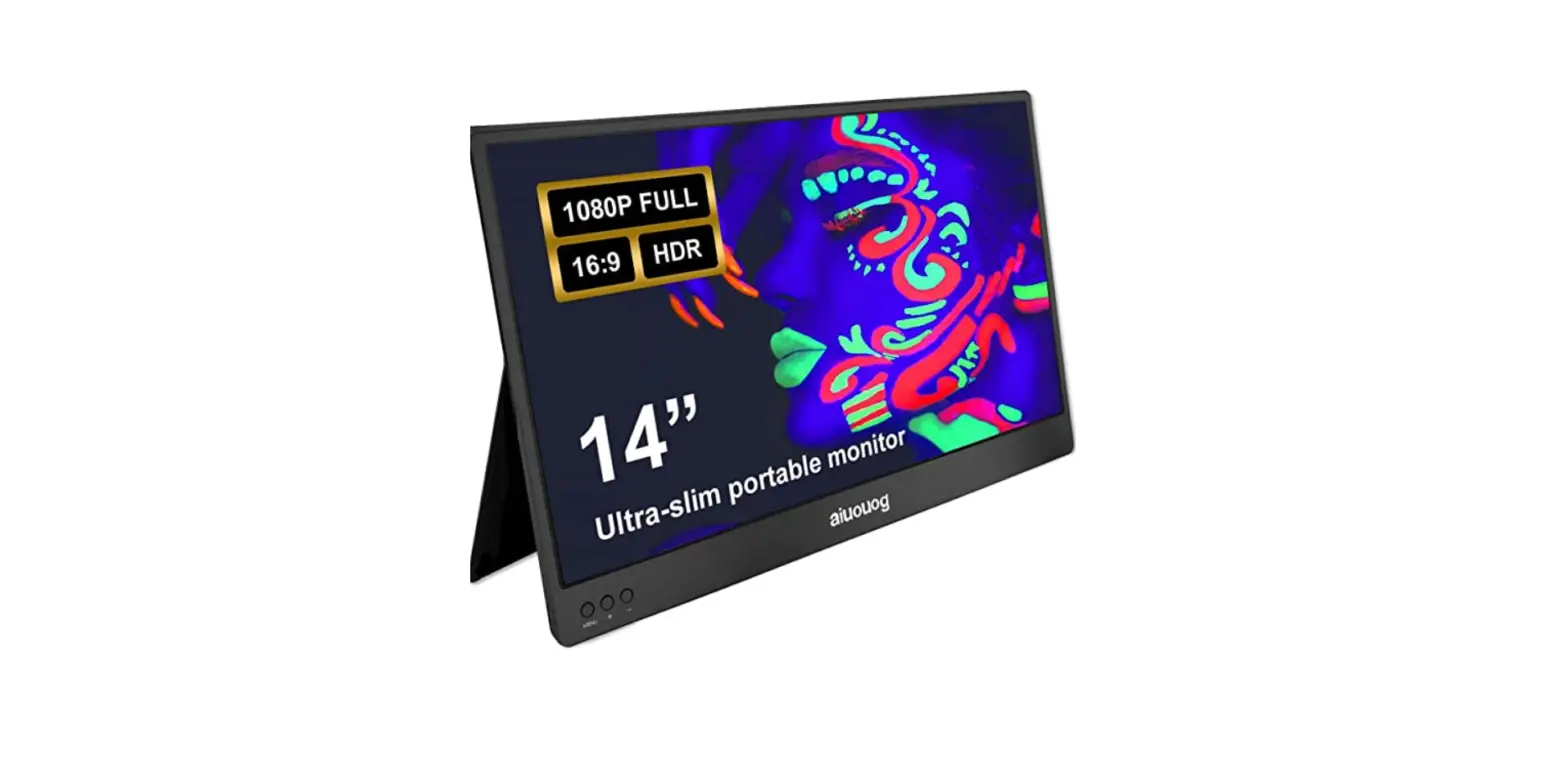
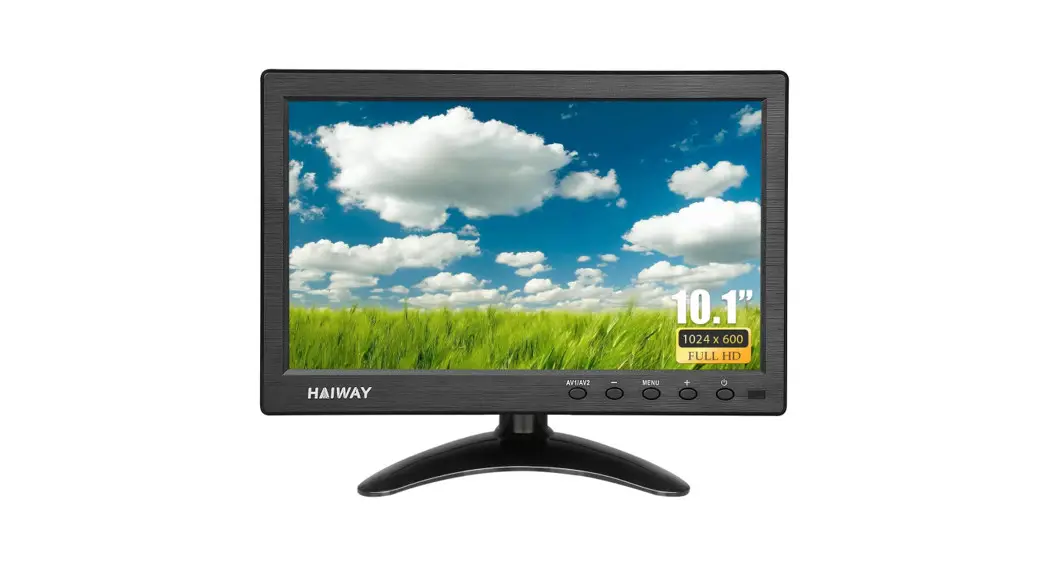
10.1″ Inch Monitor
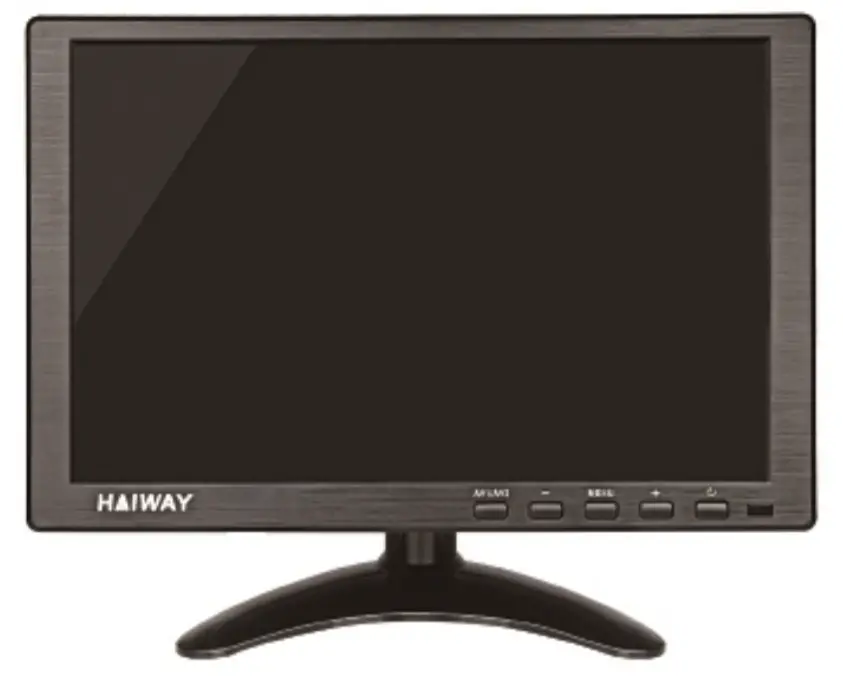
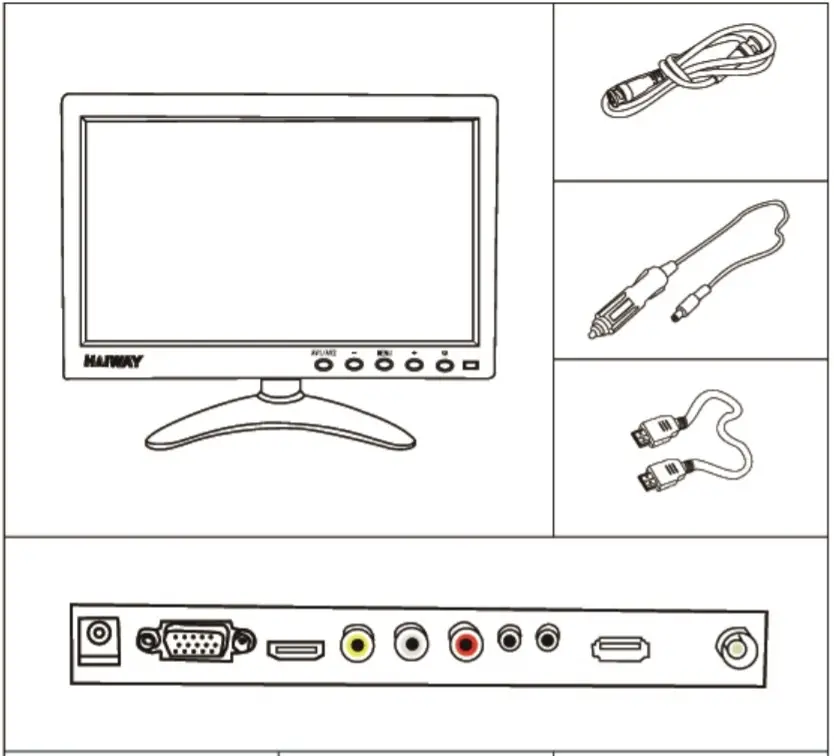
Package Included
- Screen

- Monitor Stand & Stand Accessory

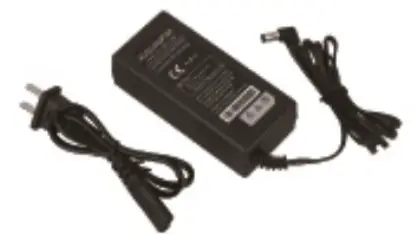
- AC ADAPTER

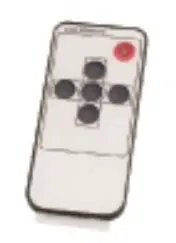
- Remote Control

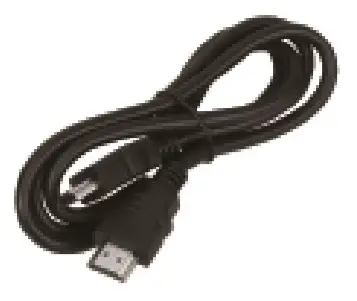
- HDMI CABLE

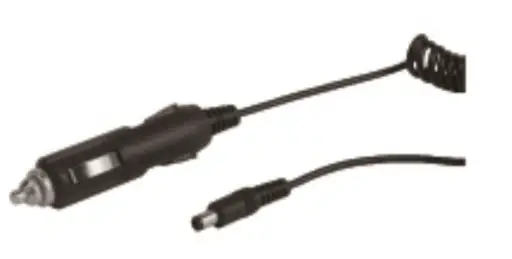
- Vehicle Power Adaptor

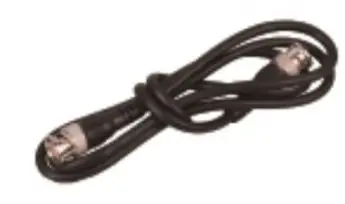
- BNC CABLE

- Stand-Sticke



Instruction
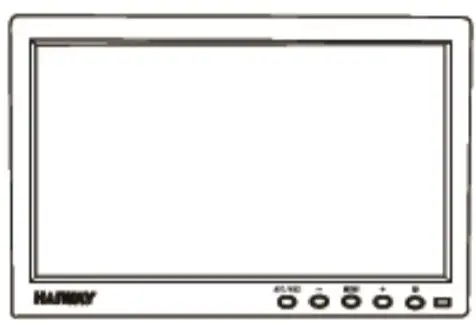

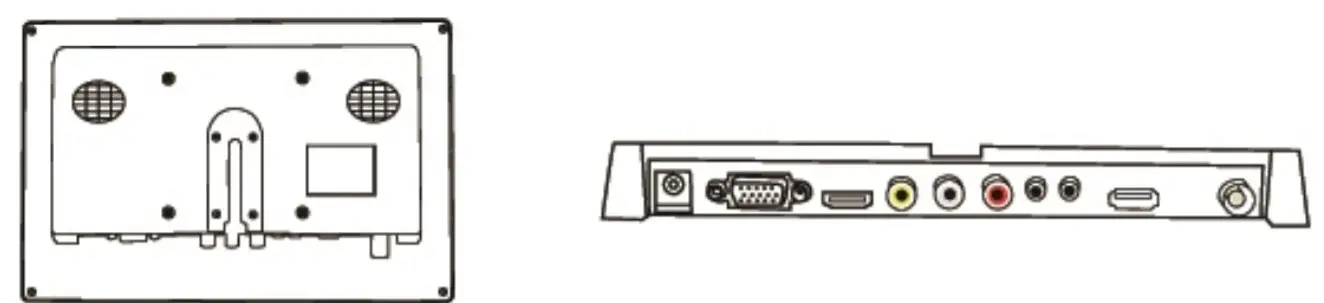
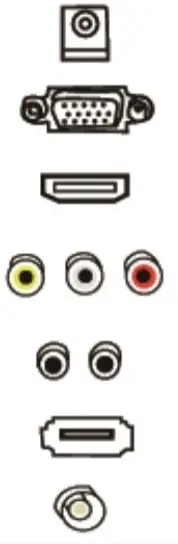 | Ac Adapter Plug |
| VGA Interface | |
| USB Interface | |
| AV Interface | |
| Audio Interface | |
| H DM I Interface | |
| BNC Interface |
Application
| Security Camera | X-Box | Raspberry-Pi |
| Nintendo Switch | PS4 | Computer |
| Security System | TV-BOX | SNAKE-CAMERA |
Monitor Stand Installation
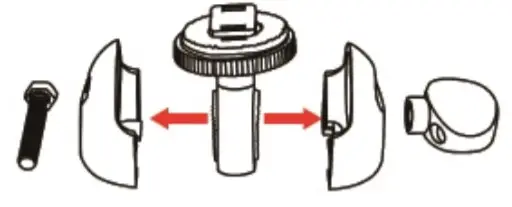
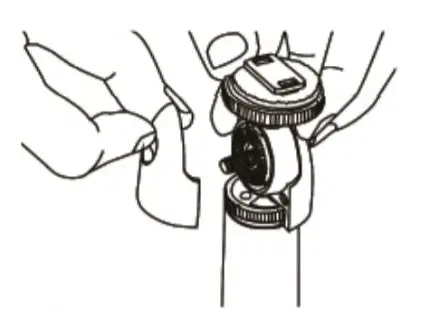
- Turn the screw

- Disassemble the parts

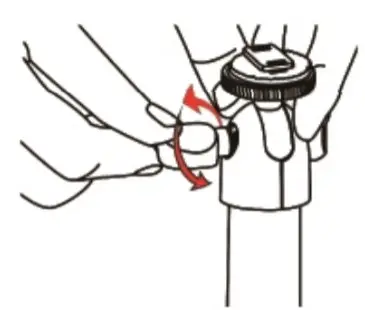
- Put the parts on the stand

- Turn the screw in the opposite direction

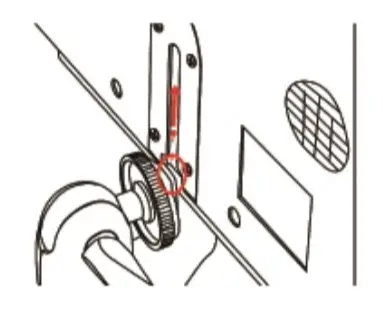
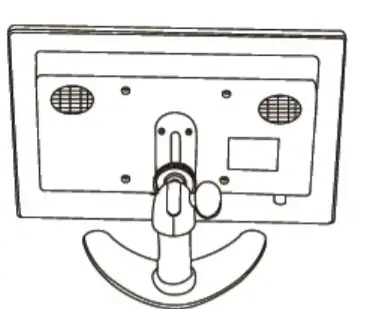
- Set up the mount to the screen

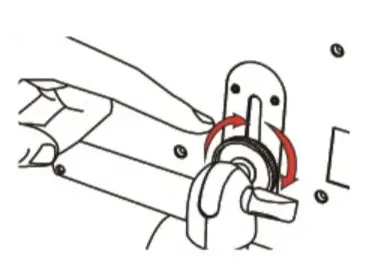
- Adjust the height and turn the gear

- Done! the backside

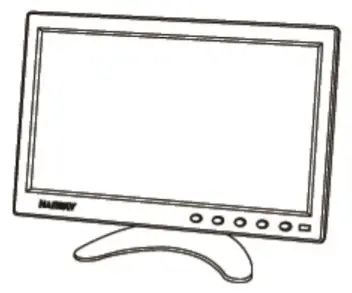
- The front side


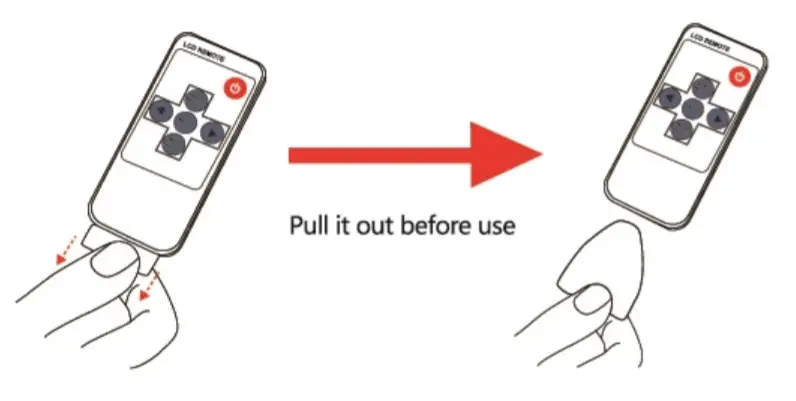
Remote Controller To Use
Specification
| Video-Input Interface | VGA/H DM I/BNC/USB |
| Aspect Ratio | 16:9 |
| Resolution | 1024*600/1366*768/1920*1080 |
| Viewing Angle | Wide View Angle 178 Degree |
| Brightness | 400 cd/m2 |
| Contrast Ratio | 400:1/600:1 |
| Response Time | 10ms |
| Power Input | DC 12V-1.0A |
| Power Mode Support | Power Adapter |
| Speaker | lOw(Max)*2 |
| OSD Menu Language Options | English |
| VGA Interface | Support 15 PIN VGA Input connect with PC |
| New Weight | 1350g |
| Adjustable Stand | Landscape |
| TY System | PAL, NTSC |
Service Support
Thank you for purchasing our product
If you are having difficulty using it, please feel free to contact us. We are always here to help. Your satisfaction is our priority!
Contact us
 Email: [email protected]
 Facebook: Haiway
HAIWAY Service Support