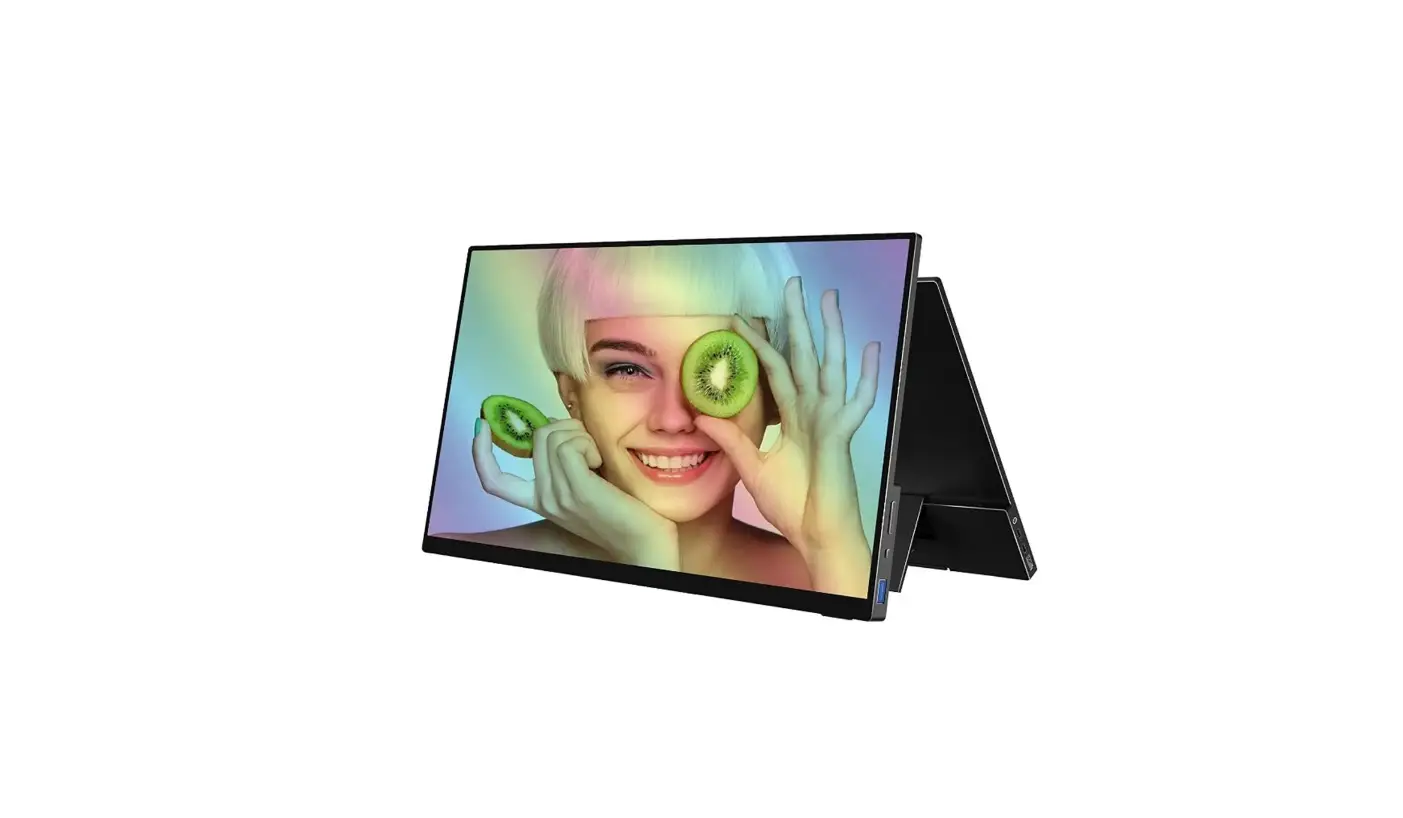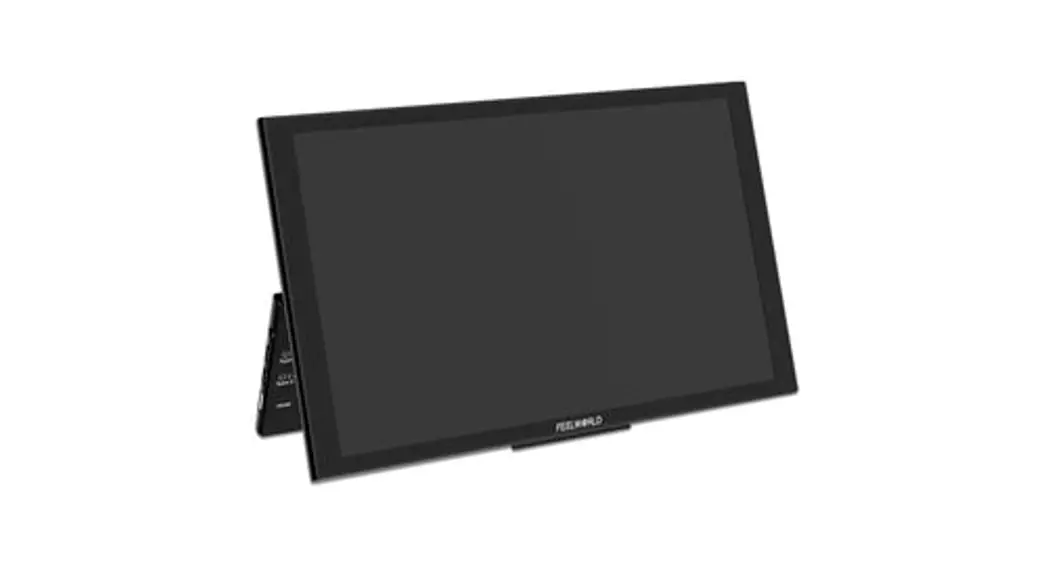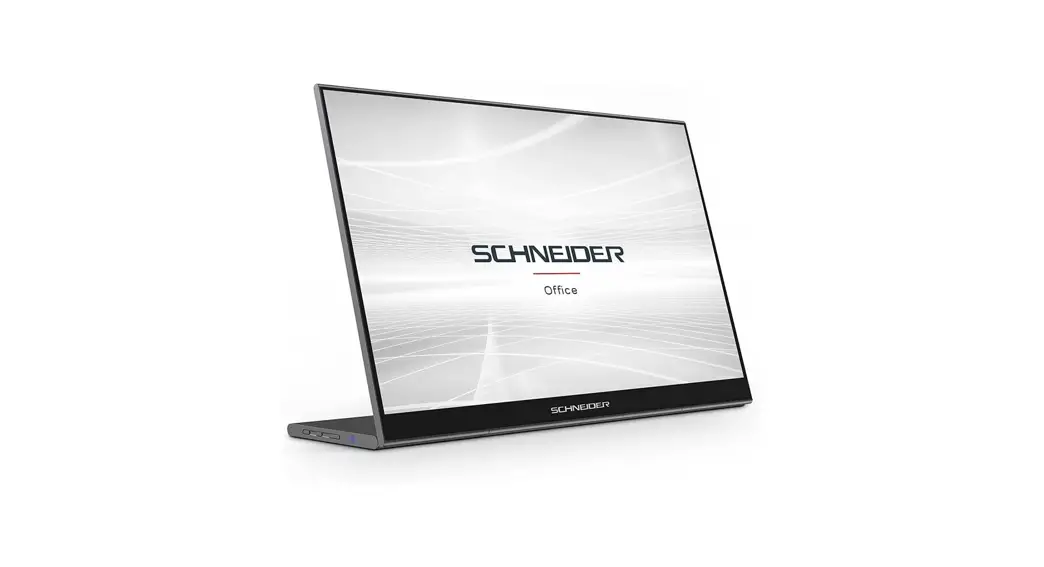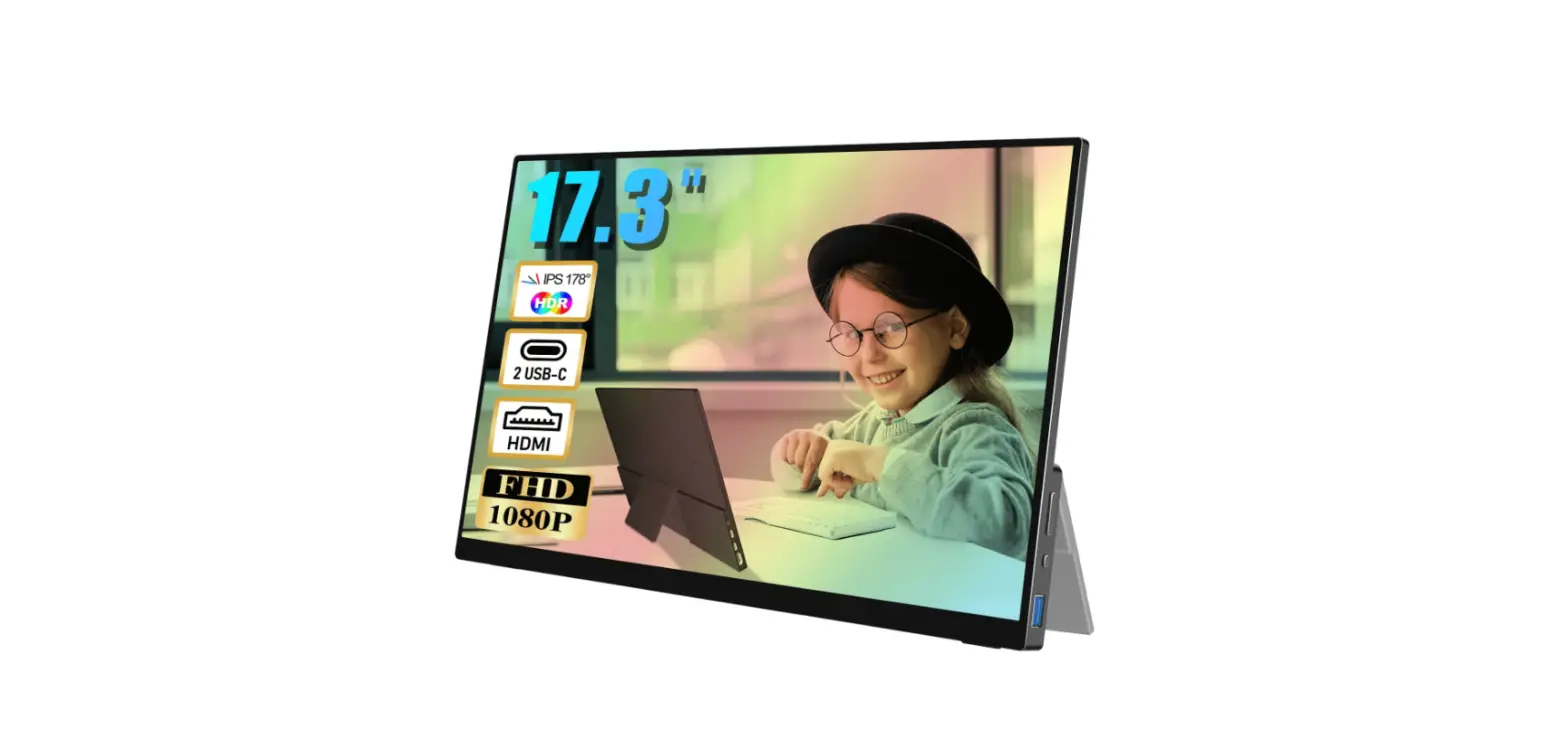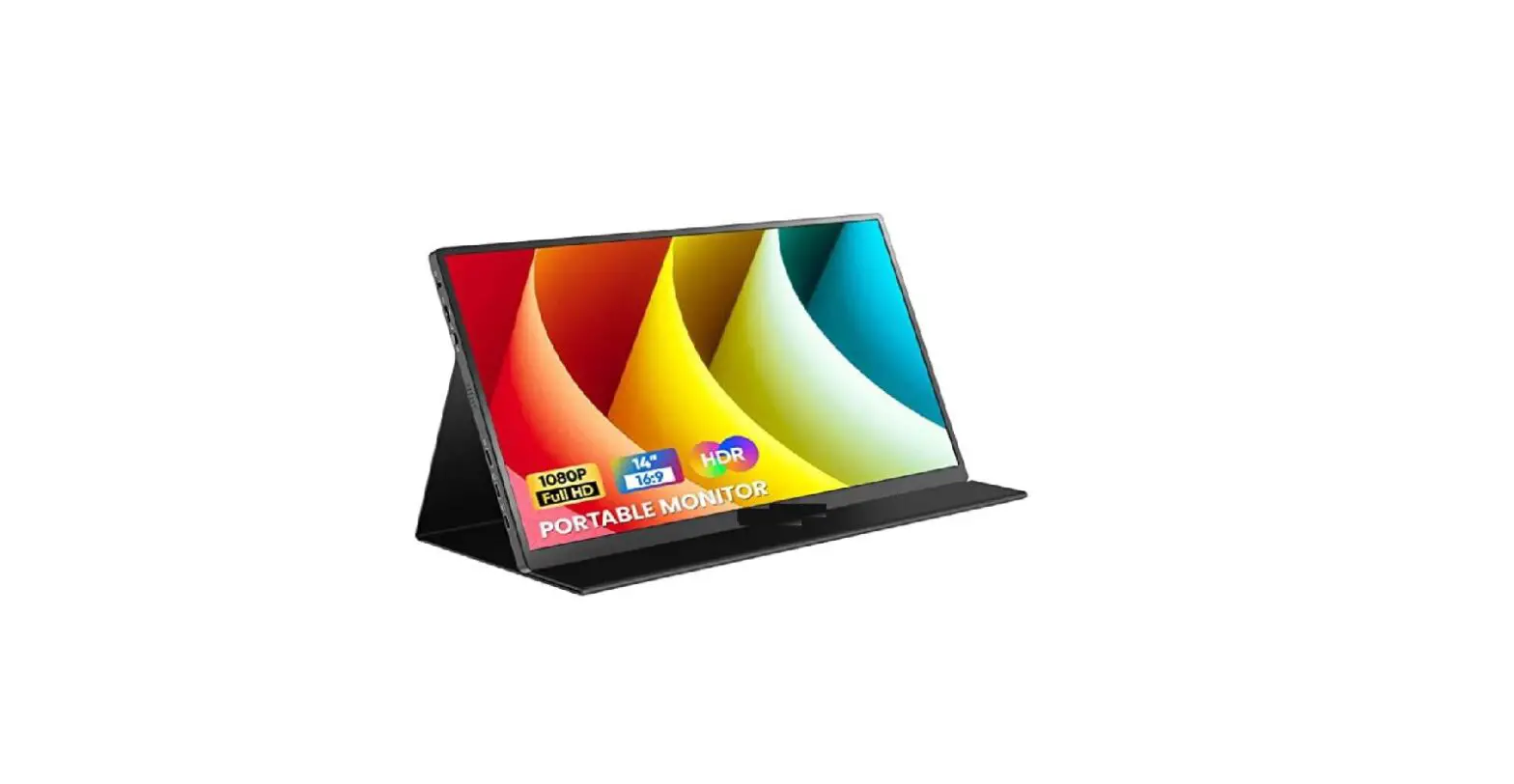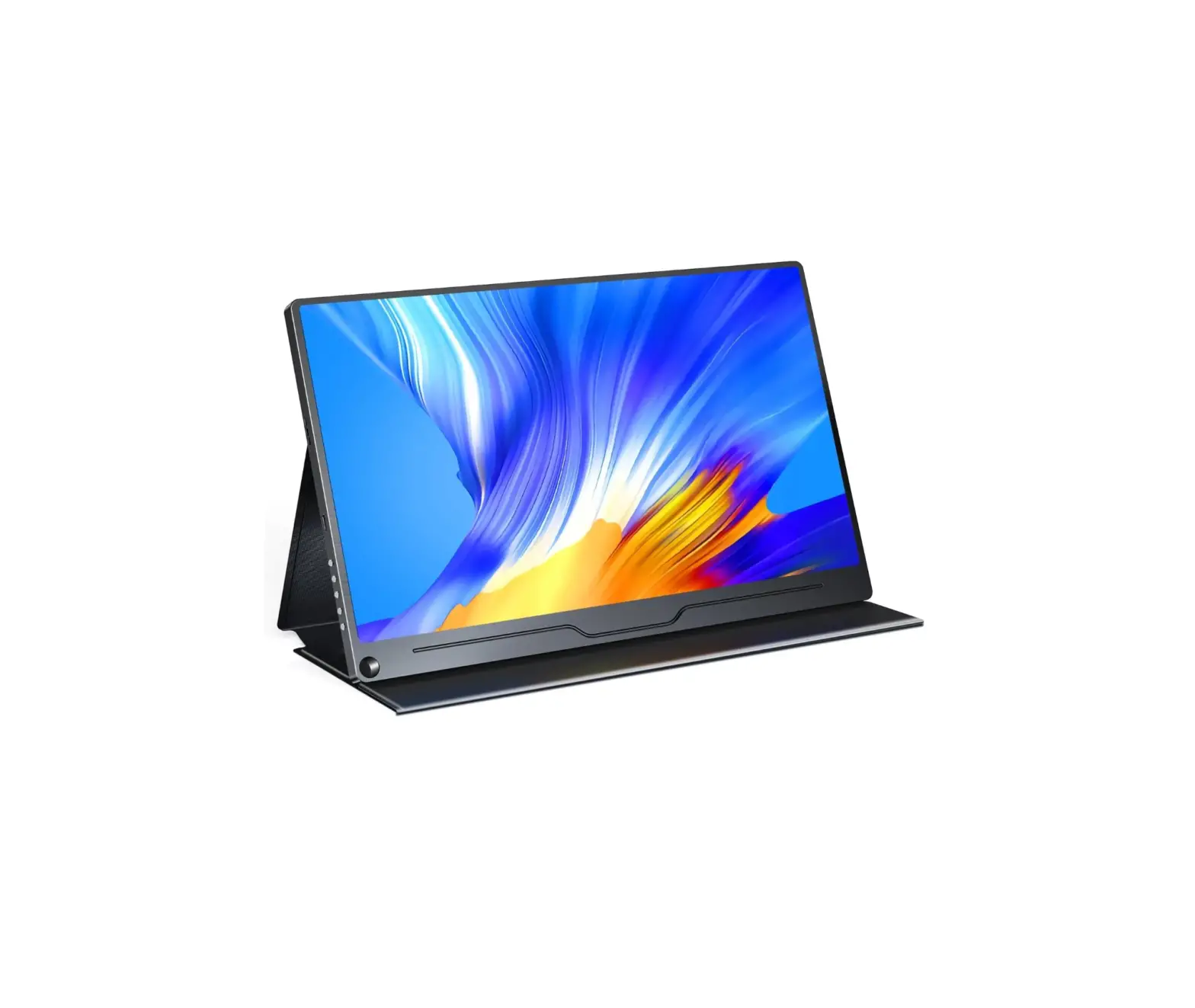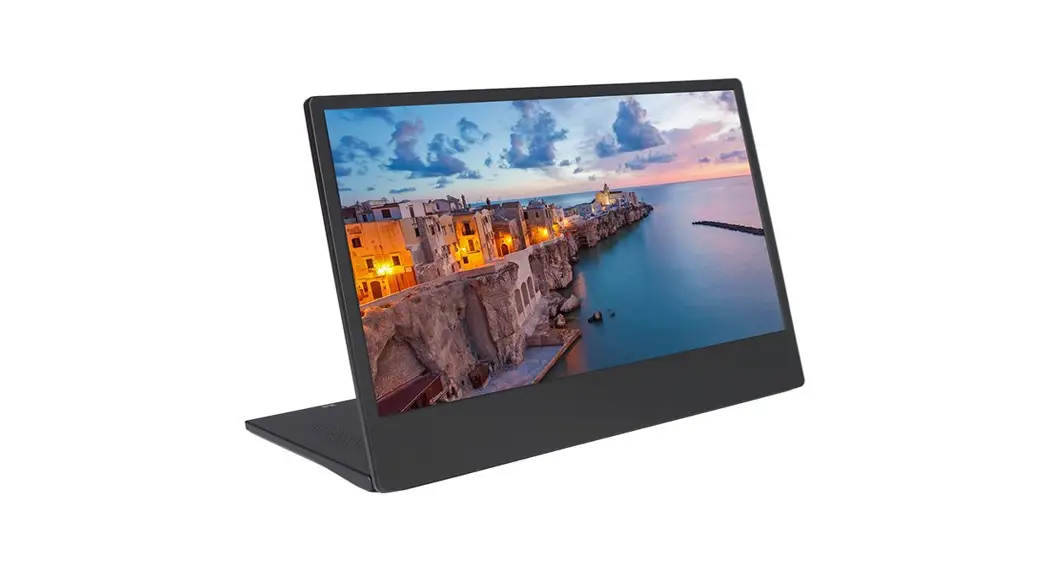
Tennex 15.8 Inch Portable Monitor User Manual
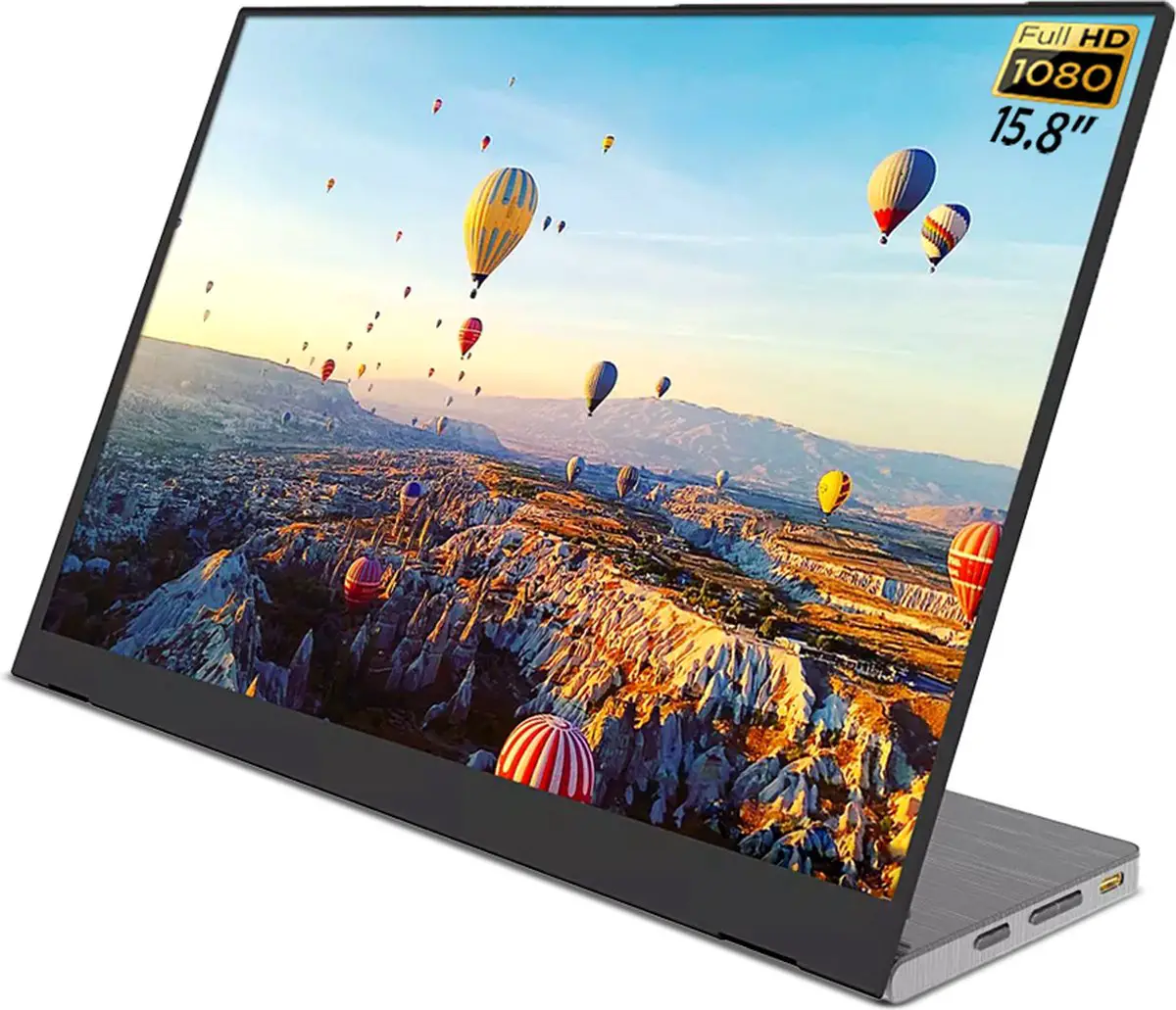
Please read this instruction carefully before using this product and keep it for future reference.
Accessories list
- USB to Type – c

- Type-c

- HDMI cable

- User Manual




Interface
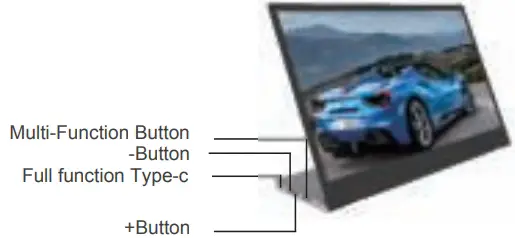
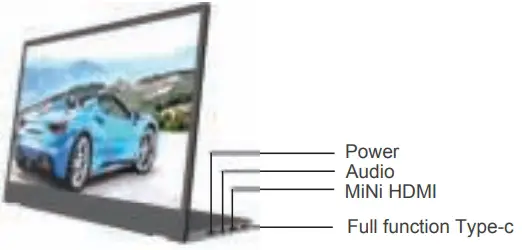
Multi-Function Button
- .Menu
- Confirm
- Short press once to back secondary menu
- Long press 2s back to primary menu
+Button
- Hot key of volume+
- Value+
- Loop
-Button
- Hot key of volume
- Value
- Loop
Power
- Power on/off
Interface function
 Full Function Type-C Port:
For power, video and audio signal
 Note: Please check if the Type C of your laptop is a full-featured Type C port. If it is just a Type C for charging, it will not available for one Type c connection.
MiNi HDMI Support to connect various HDMI signal output devices desktop computer/game console/docking station /Same screen /PS4/PS3XBOX, etc.)
Indicator status
Power indicator
The device is working when the indicator is on
Support with Type-c mobile phone model
| HUAWEI | P30,P30 Pro,Mate 30,Mate 30 ProP20,P20 Pro,P20 RS,Mate 20,Mate20 X.,Mate 20 Pro,Mate RS,Mate 10,Mate 10 glory V20gloryNote 10 |
| SAMSUNG | Galaxy S8,Galaxy S8 + Galaxy S9,Galaxy S9 +Galaxy S10,GalaxyS10+ Galaxy Note 8.Galaxy Note9Galaxy Note 10,Galaxy Note 10+ |
| SMARTISAN | Smartisan R1 Smartisan Pro 2SSmartisan Pro3 |
| SONY | Xperia 1Xperia 1(J9110) |
| ONE-PLUS | OnePlus 7 OnePlus 7 Pro |
| NOKIA | NOKIA 9 PureView |
| OPPO | R17 PRO |
| More models | Continue updating…. |
Fully functional Type-c computer models are supported
| APPLE | Macbook 12,Macbook 2015 Macbook 2016,Macbook 2017 Pro Mac bookAir 2018 ,iPad Pro 2018 |
| HUAWEI | Mate book X ,Mate book X Pro Mate book E,Matebook D Matebook 13,glory MagicBook |
| MUM | Air12.5,Air 13.3, Pro15.6,M1Ulgame book |
| LENOVO | SaviorY7000,Y7000P,Y900K,Youga 6 Pro Thinkpad X1,Carbon,Youga,M11X 720 |
| ASUS | Lingrao3,Lingrao3Pro,U4100,LingraoXseries,U4100UN AU5100UQ |
| HP | HP Spectrel3 ,Envyl3,Shadow elf4 Pro EliteBook 1050G1.EliteBook Folio G1 |
| DELL | XPS13, XPS15,Latitude 5285,G3/G5/G7 series , |
| MICROSOFT | Surfacebook2 ,SurfaceGo |
| RAZER | Blane stealthLingren/Lingren stalker |
| Google Pixebook | |
| More models | Continue updating…. |
| Note: Support with desktop/laptop with HDMI output /mini PC/ set-top box directly connected to monitor | |
Monitor connected to mobile phone
- Confirm whether the phone supports full-function Type-c.
- Connect the phone and the monitor by Type-c cable.
- If the power supply is insufficient, please supply additional power for the monitor

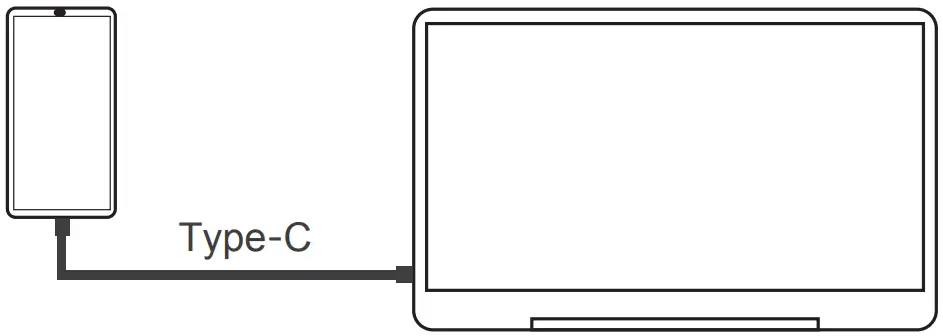
How to use mobile video push
Cell phone screen – select computer mode (some phones only have cell phone mode, no computer mode,Does not affect display usage)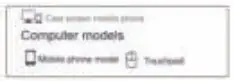
Monitor connection to computer
Type – C line connection
- Confirm whether the PC supports full-function Type-c
- Connect the monitor with PC by just 1 Type-c cable
- If the power supply is insufficient, please supply additional power for the monitor.
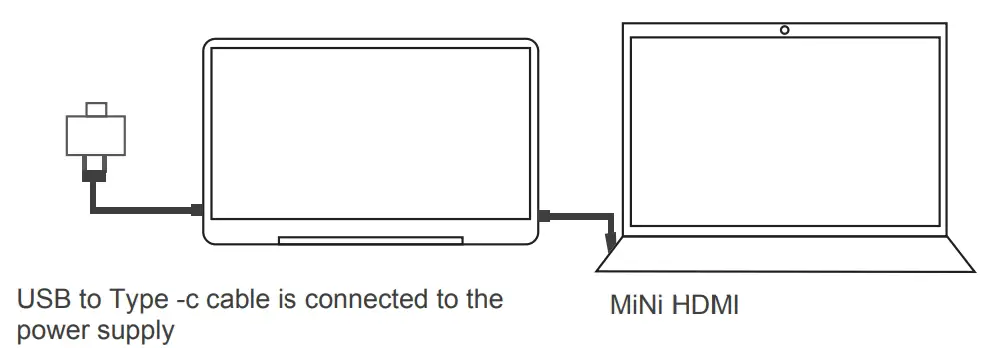
MiNi HDMI cable connection
- . Power for the monitor.
- Connect your HDMI Device with our monitor.

Product Parameter
| Product Parameter | Product Type | Multi-function portable display |
| Product positioning | Portable and practical | |
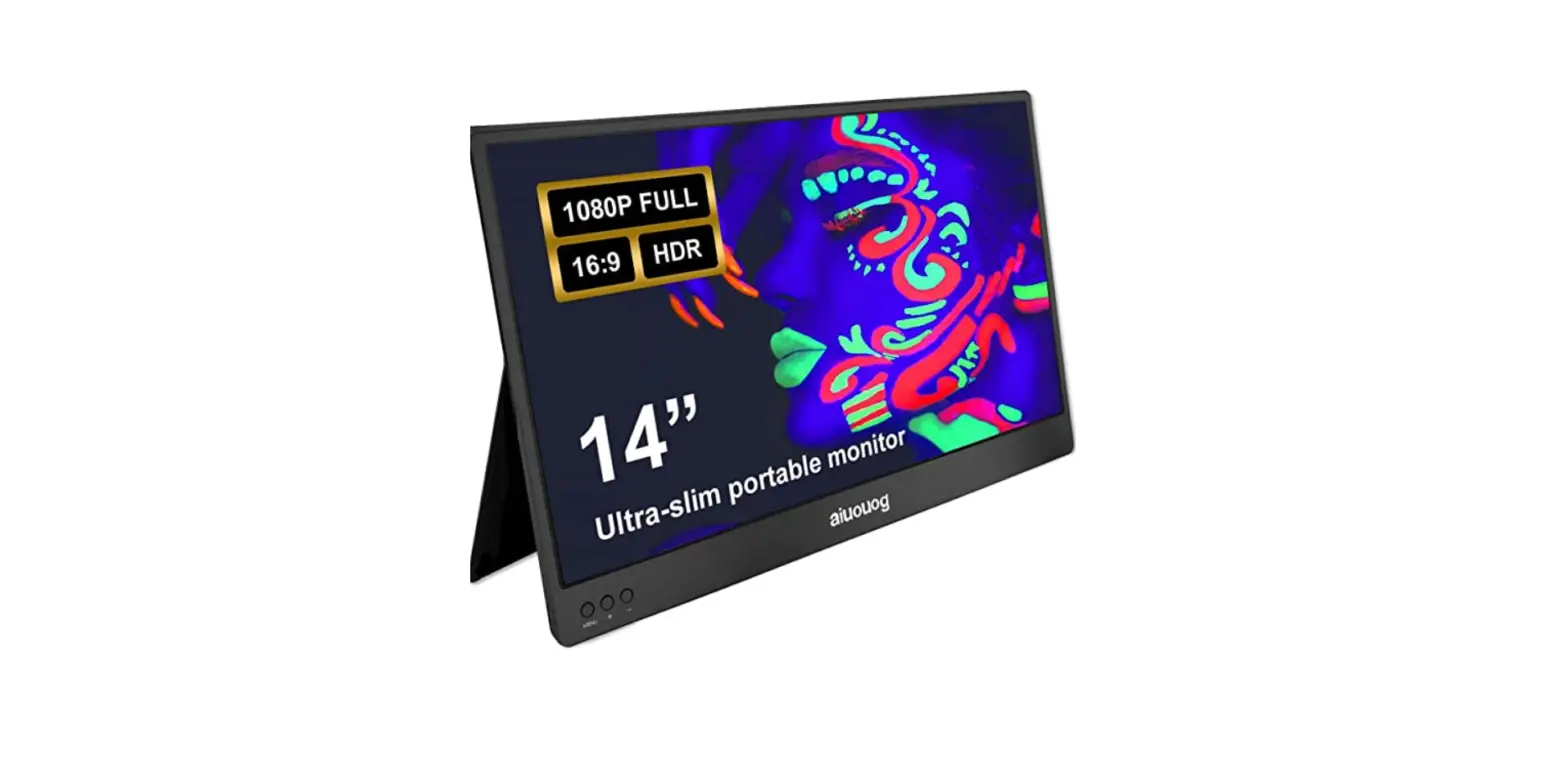
| Screen size | 14″ | |
| Best resolution | 1920’1080P | |
| Aspect ratio | 16:09 | |
| Colour gamut | 72%RGB | |
| Base support function | 1-90.rotate | |
| Interface | Type -c(full funciton) | 2 |
| HDMI | 1 | |
| Facade | Specification | Gift box |
| Colour | Black | |
| Product size | 324*209″15.2/5.2mm | |
| Gift boX size | 401’280*56mm | |
| Device weight | 650g | |
| Power needed | 5V 2A | |
Features:
| ||
FAQ
| No display after connecting the HDMI signal line? |
| Rewire or replace the signal line |
| How do you use extend mode of the monitor? |
| Start – Settings – monitor Settings – multiple monitors, and then set different options on this screen |
| The screen flashes, sometimes normal, sometimes abnormal? |
| . If the power supply is insufficient, check whether the supply voltage current is sufficient |
| How to change the monitor to portrait mode? |
|
| When I connect the Type-c cable, there is no signal |
|
| My monitor repeatedly turns on and off |
|
Note: if there are other problems or other faults, please contact customer service. Please do not disassemble the host by yourself!