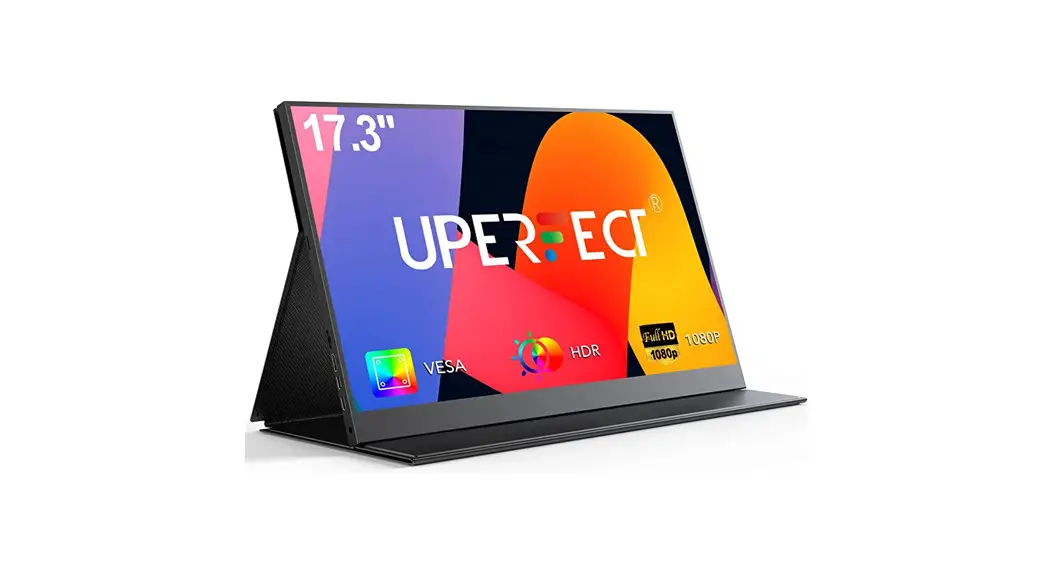
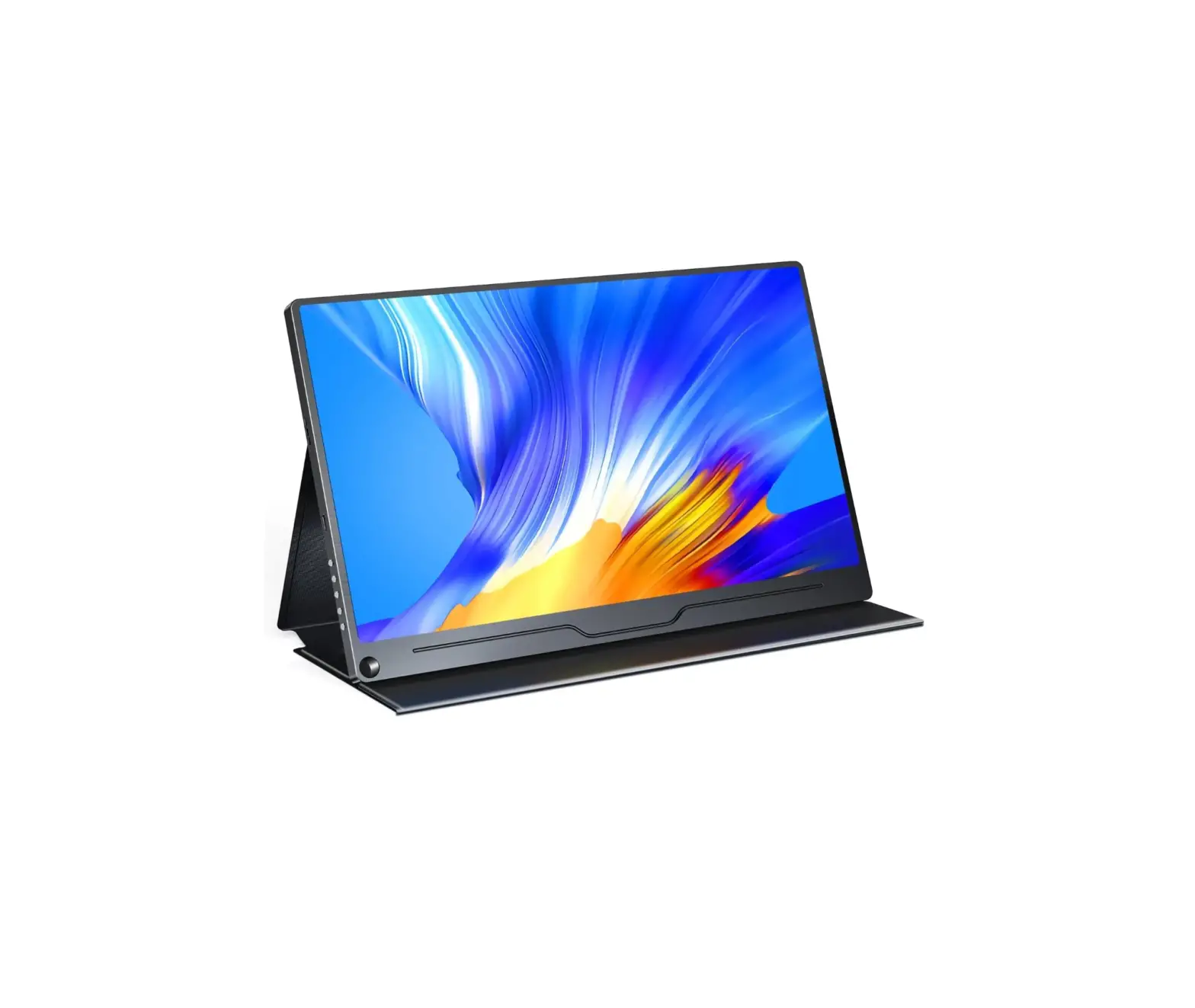
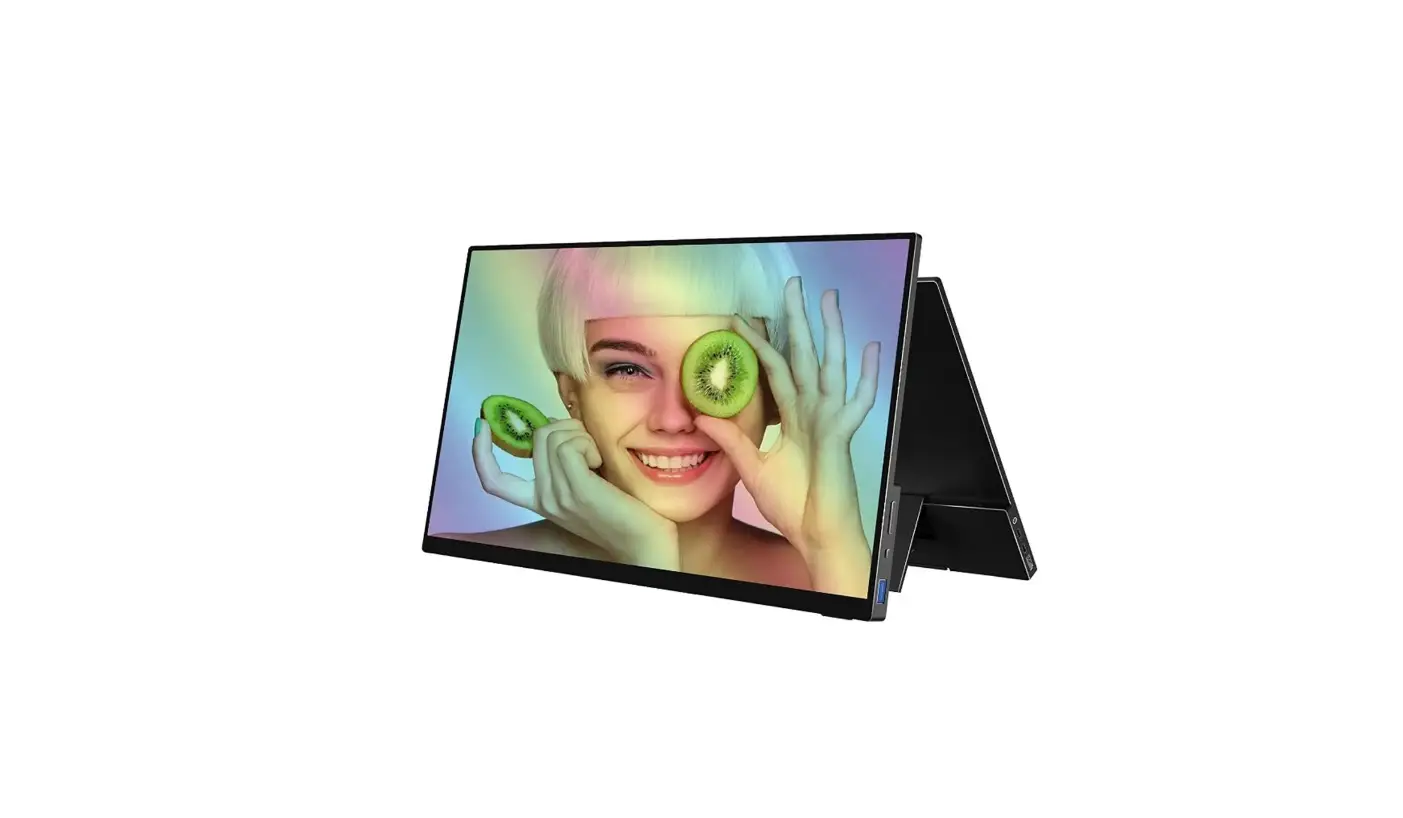
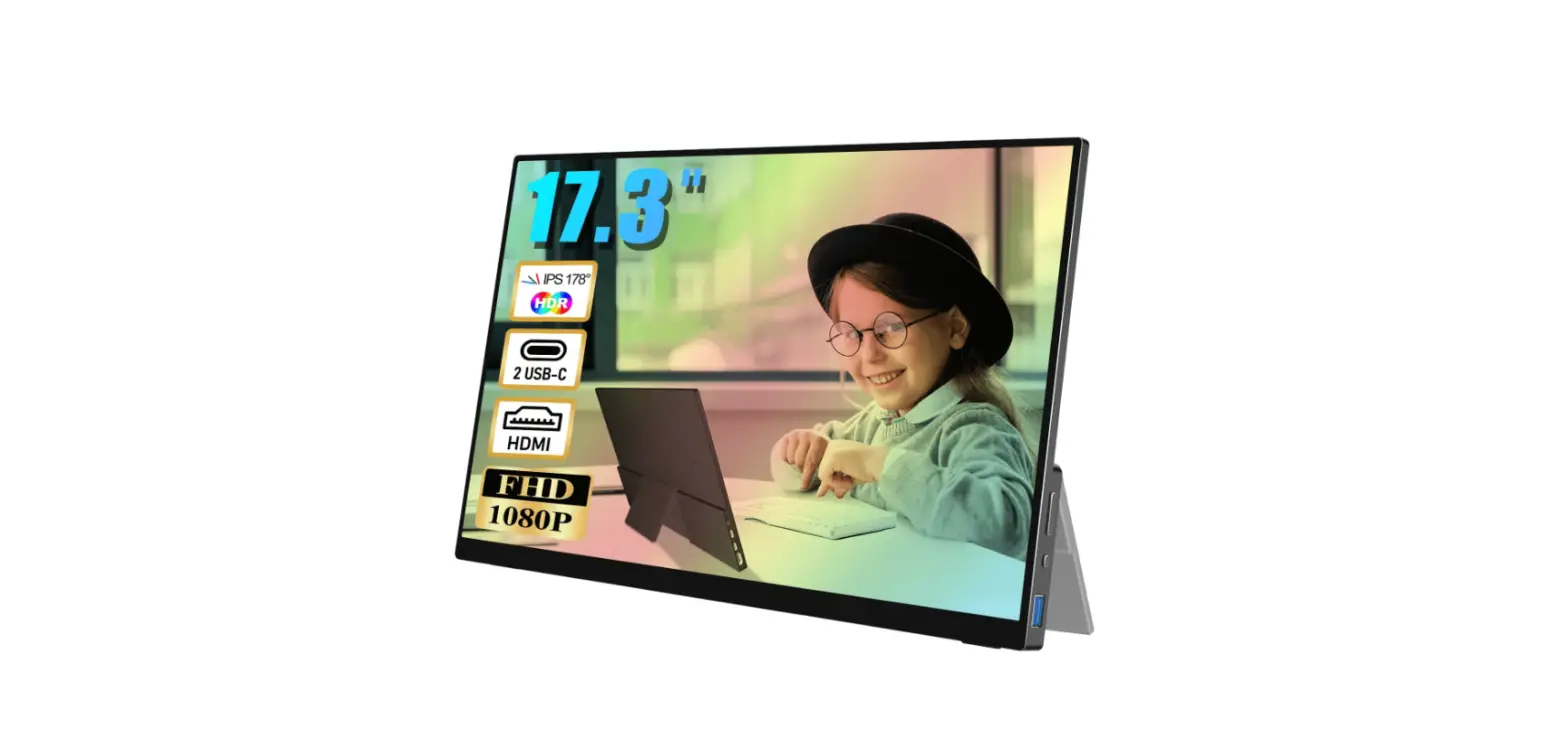
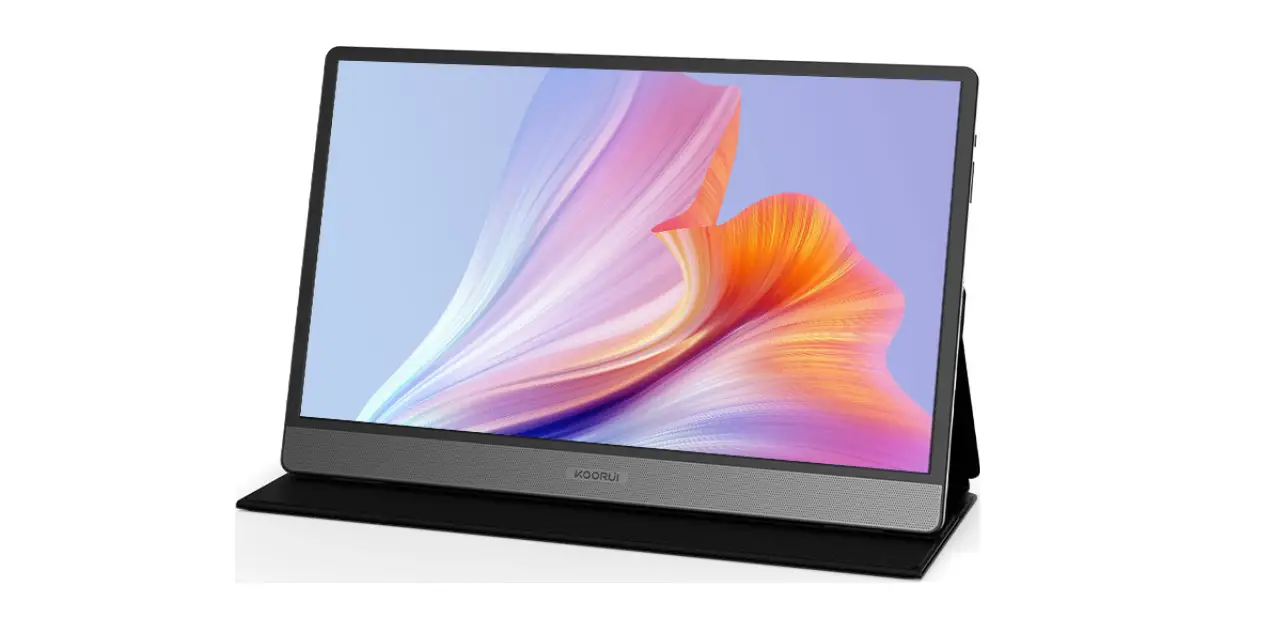
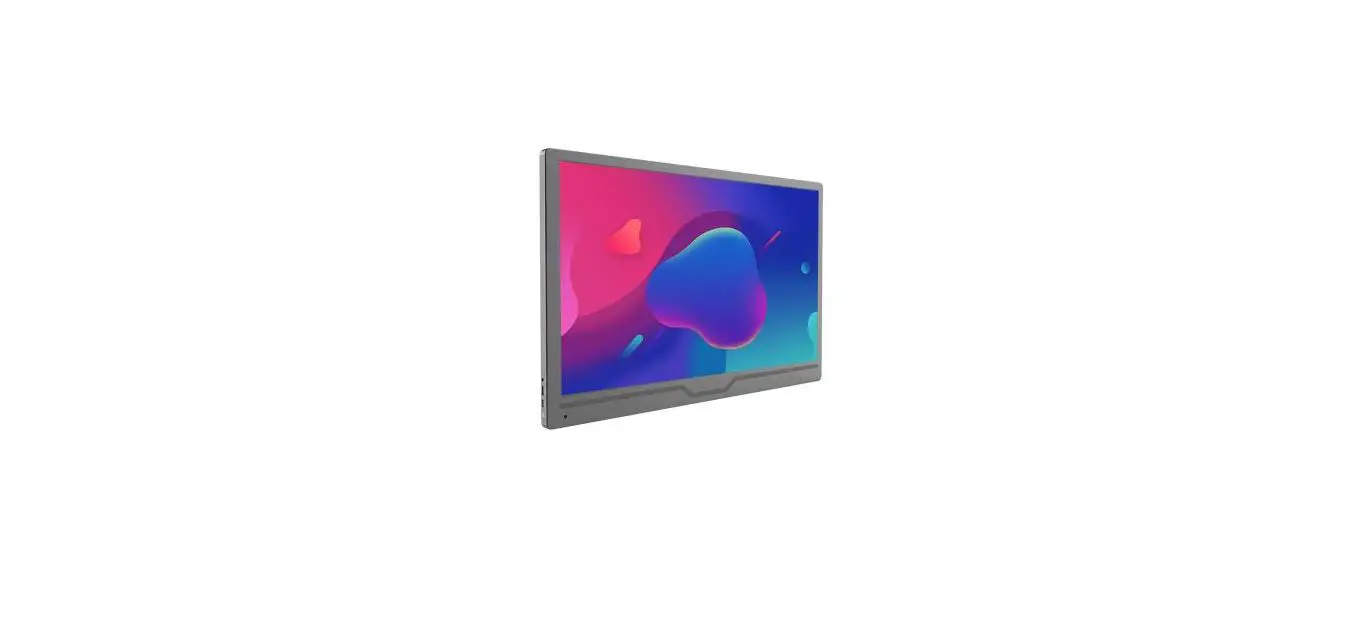
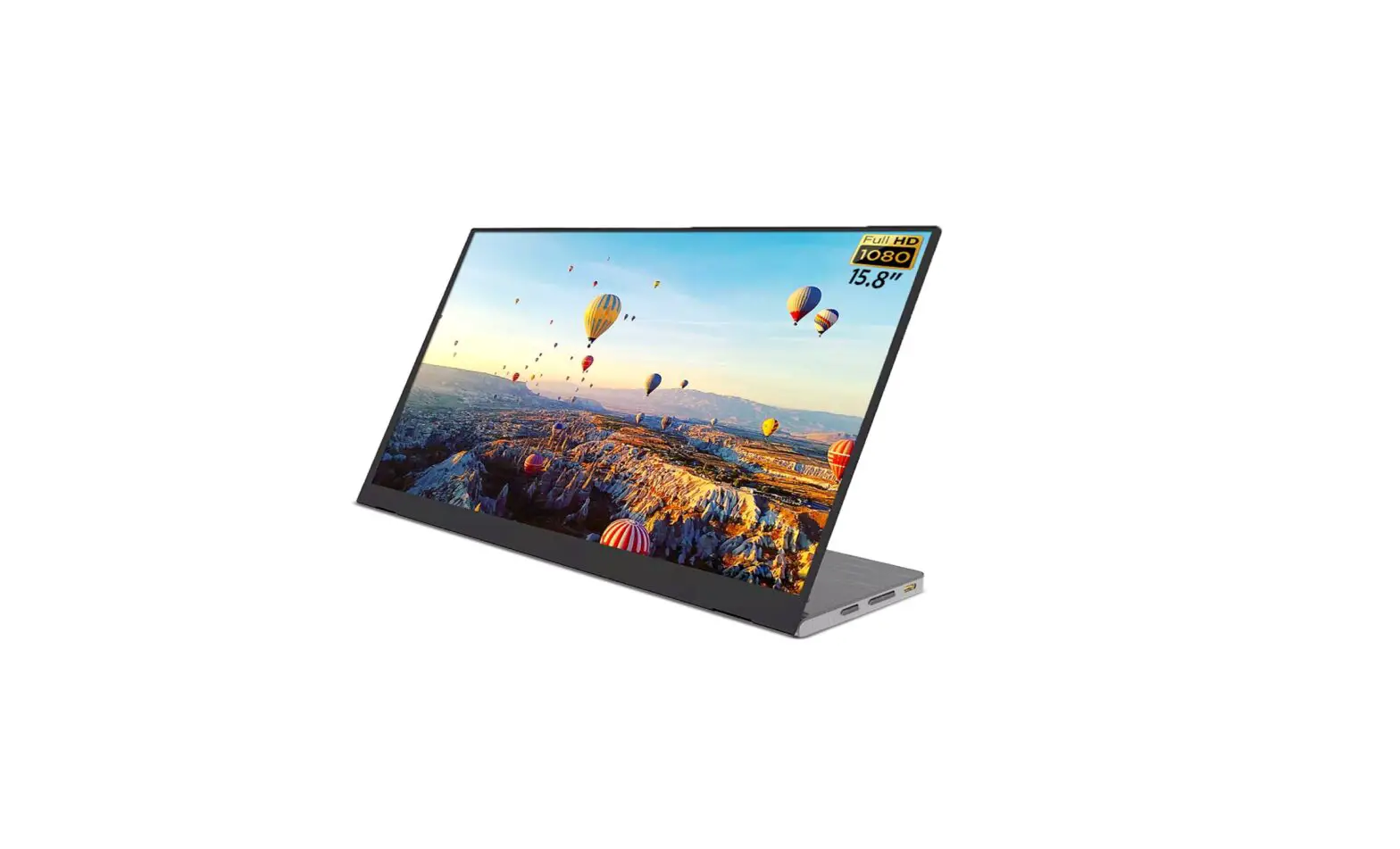
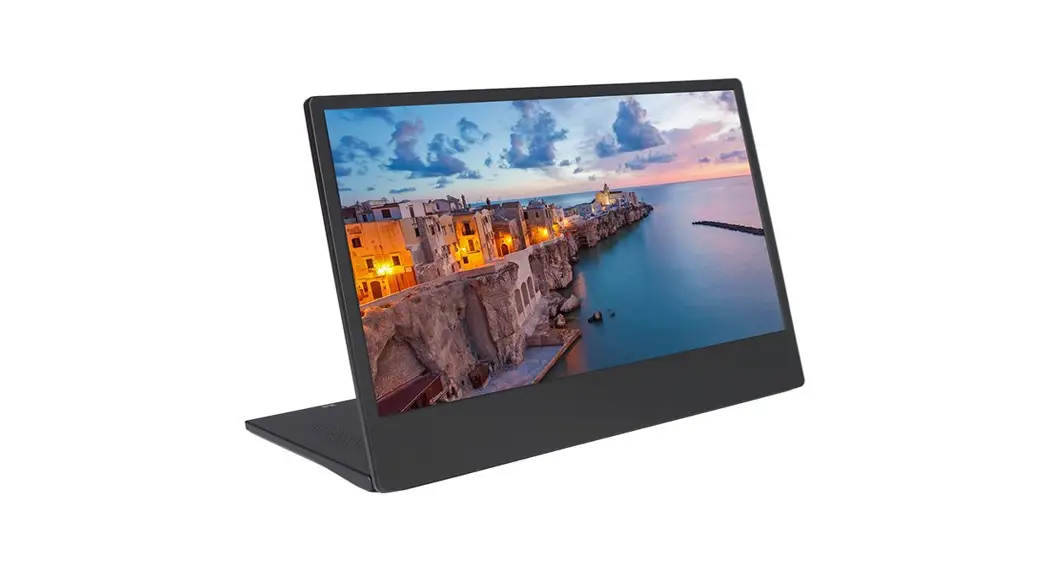
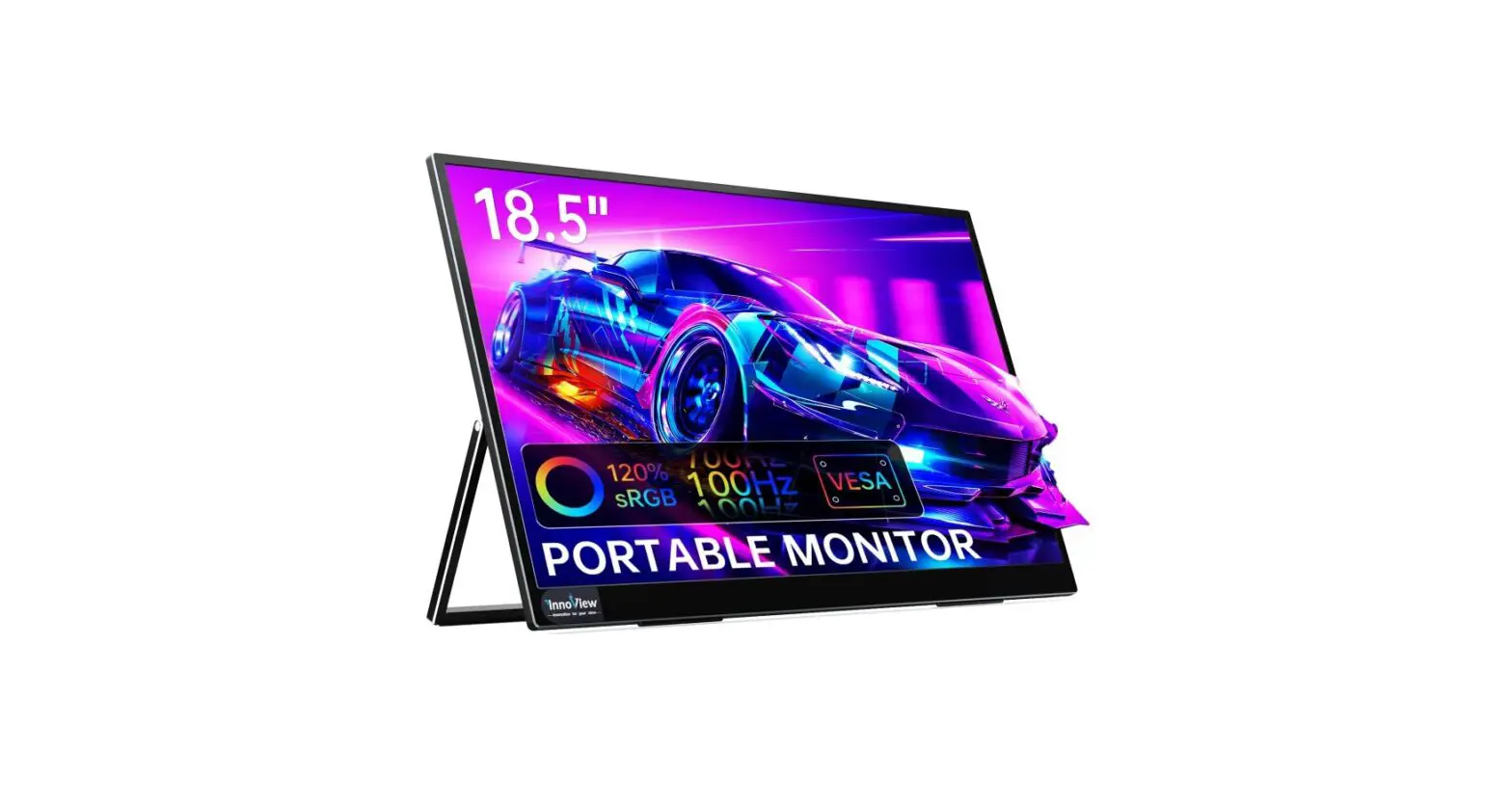
M185T01 18.5 Inch 1080P Portable Monitor
Product Information
The product is a display that allows for High Dynamic Range
(HDR) and Wide Color Gamut (WCG) settings. The HDR and WCG settings
can be turned on or off as desired. The display also allows for
customization of the scale and layout of text, apps, and other
items with a recommended scaling of 125%. The resolution of the
display is 1920×1080, with options for landscape and portrait
orientation, as well as extended desktop and main display settings.
The display also has advanced graphics settings.
Product Usage Instructions
- To turn on or off HDR and WCG settings, navigate to the Display
settings. - To change the size of text, apps, and other items, go to Scale
and Layout settings and adjust the scaling to 125% or desired
size. - To adjust advanced scaling settings, go to Advanced Scaling
Settings. - To change the resolution of the display, go to Resolution
settings and select the recommended 1920×1080 or desired
resolution. - To adjust the orientation of the display, go to Orientation
settings and select landscape or portrait mode. - To extend the desktop to this display, go to Display settings
and select “Extend Desktop to This Display.” - To make this display the main display, go to Display settings
and select “Make This My Main Display.” - To access advanced display settings, go to Advanced Display
Settings. - To adjust graphics settings, navigate to Graphics
Settings.
Display
HDR and WCG Off
HDR and WCG settings Scale and layout Change the size of text,apps,and other items 125% Andvanced scaling settings Resolution 1920*1080(Recommended) Orientation Landscape Portrait Landscape(flipped) Portrait(flipped) Extend desktop to this display Make this my main display Andvanced display settings Graphics settings