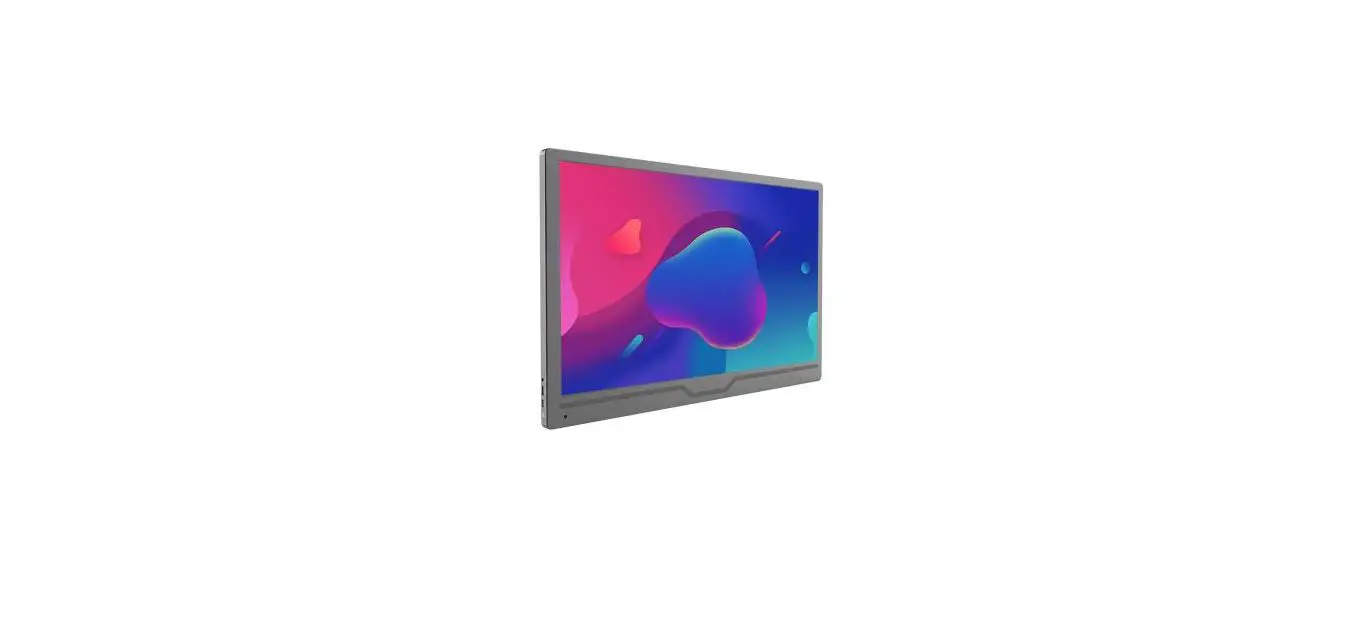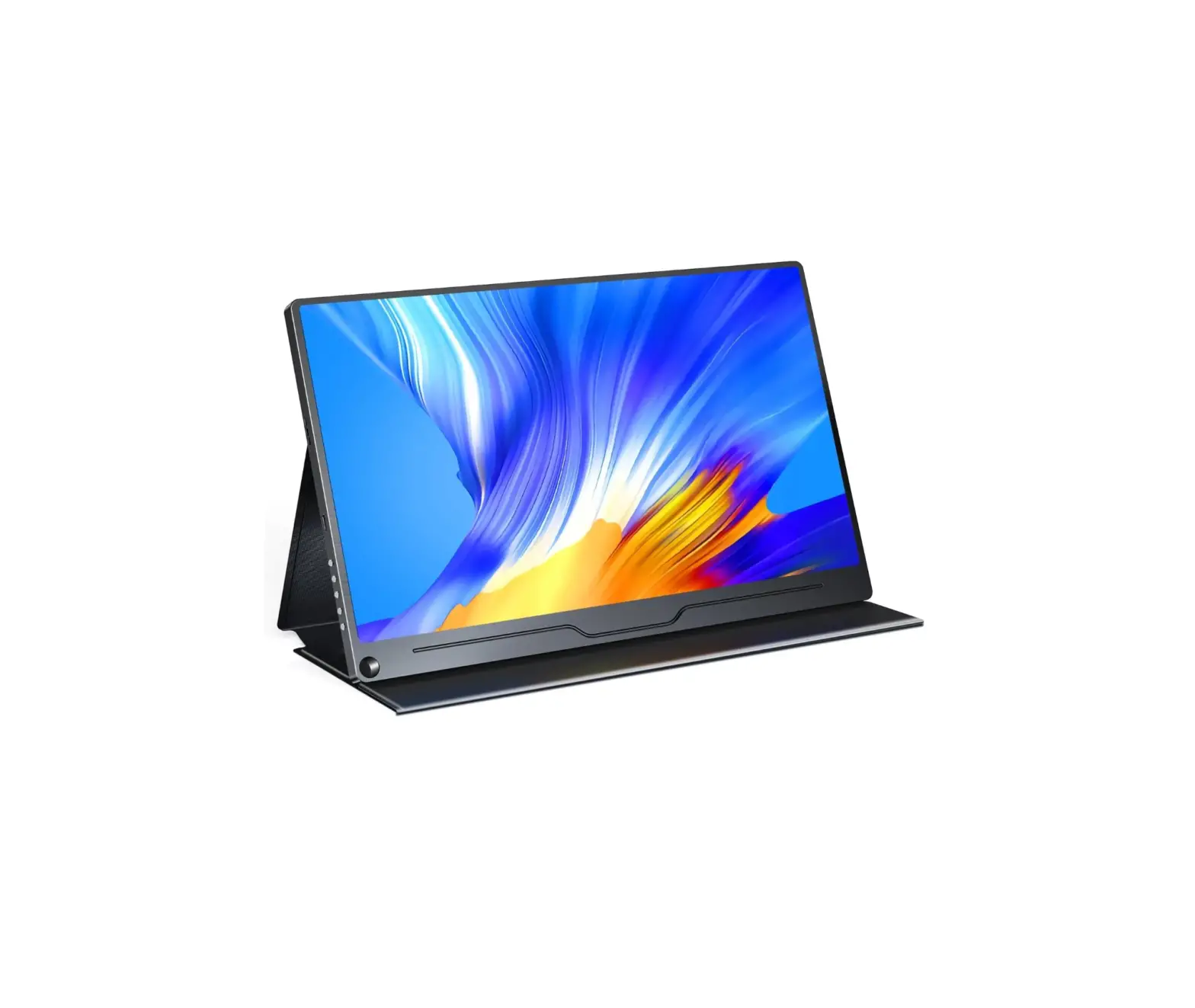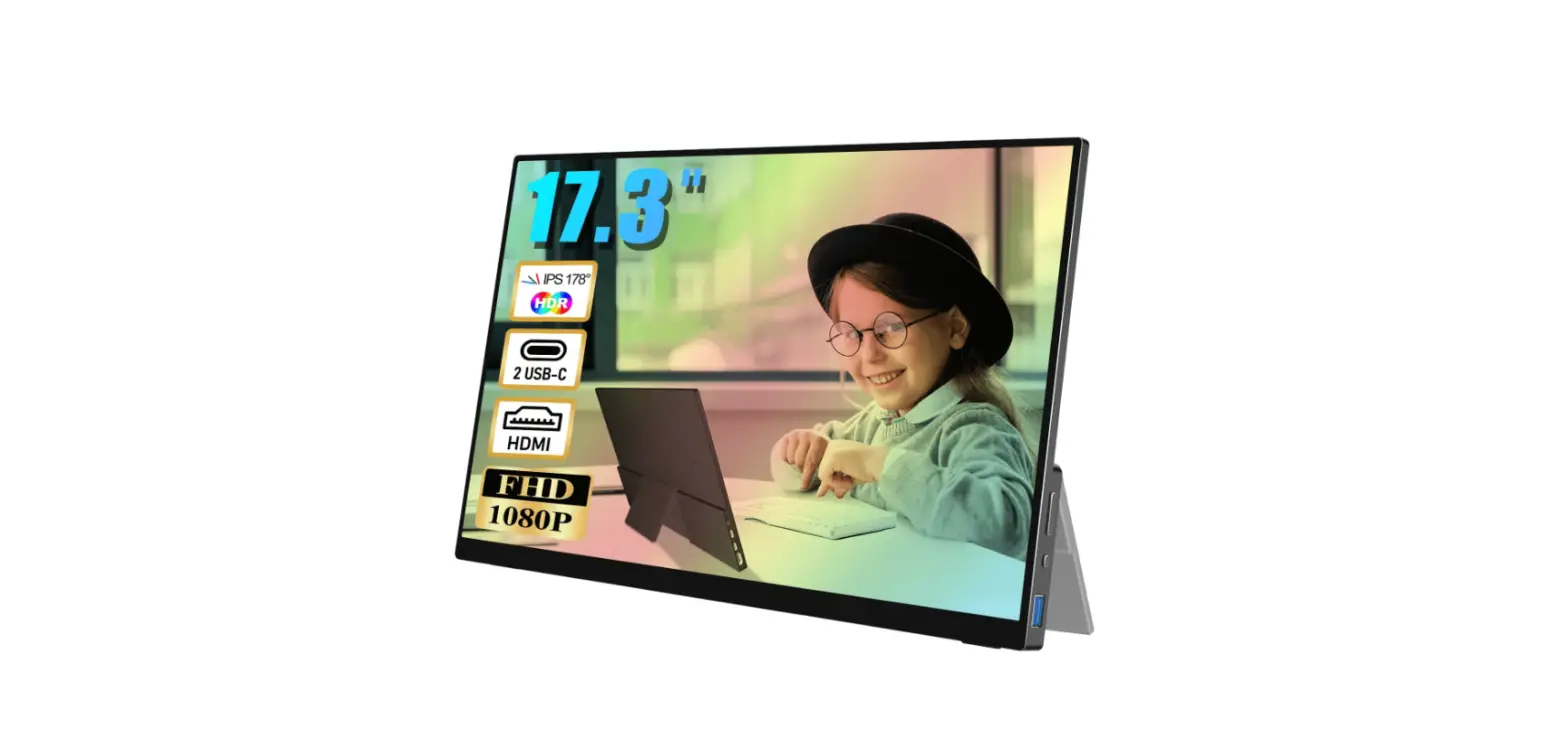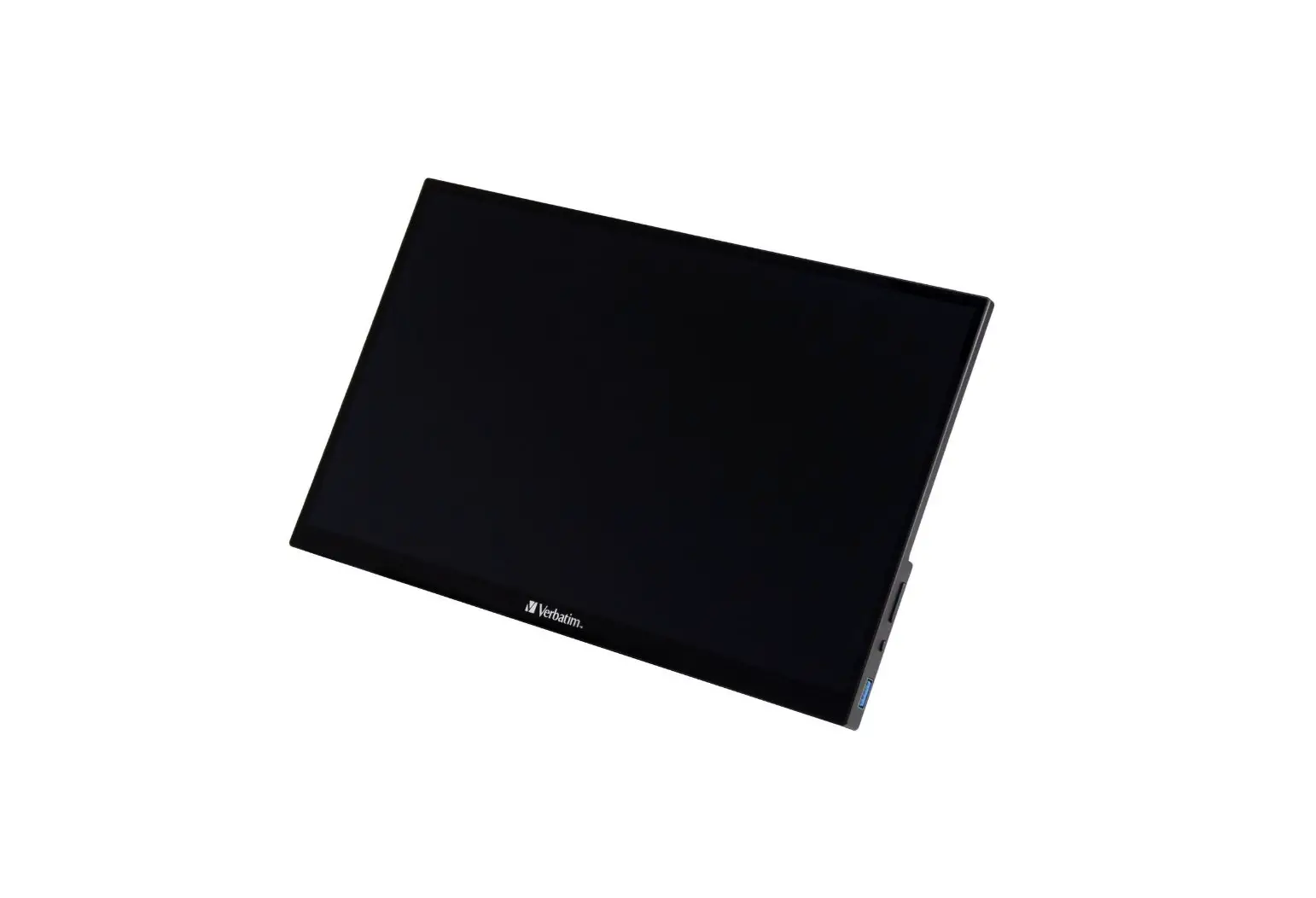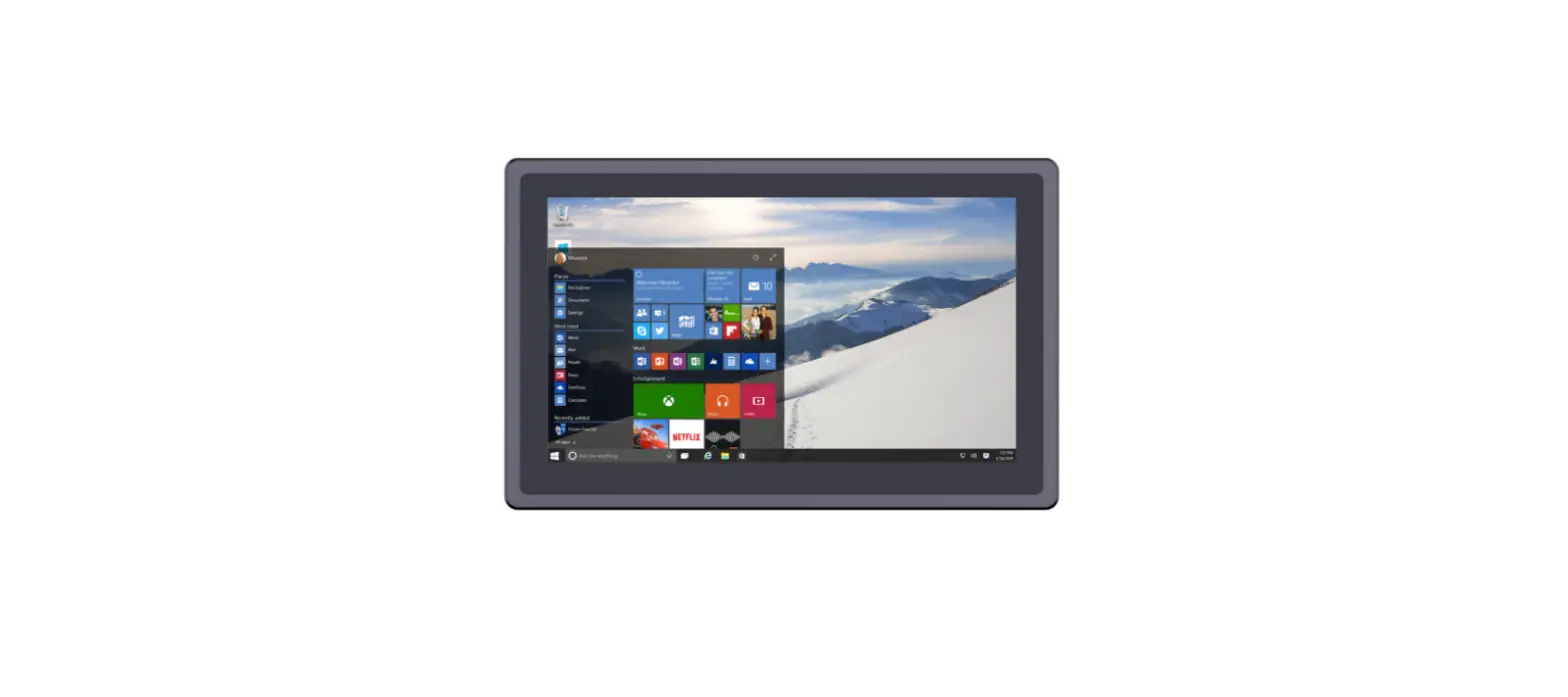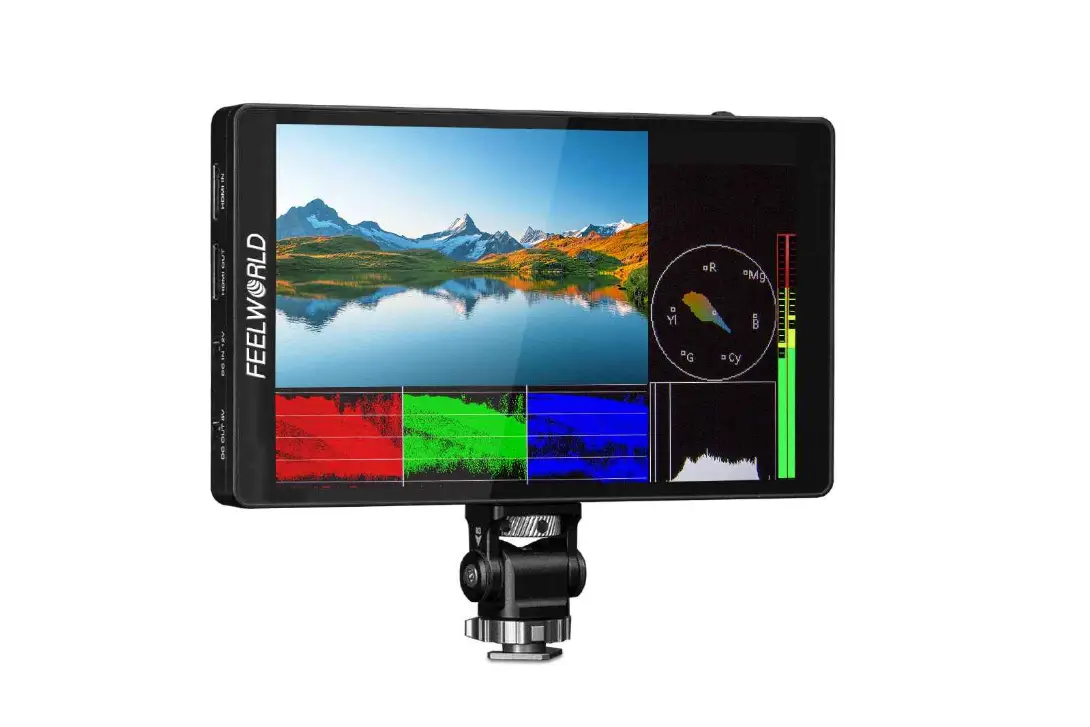
 BW-PCM7-8 15.6-inch Touch Portable Monitor
User Manual
Overview
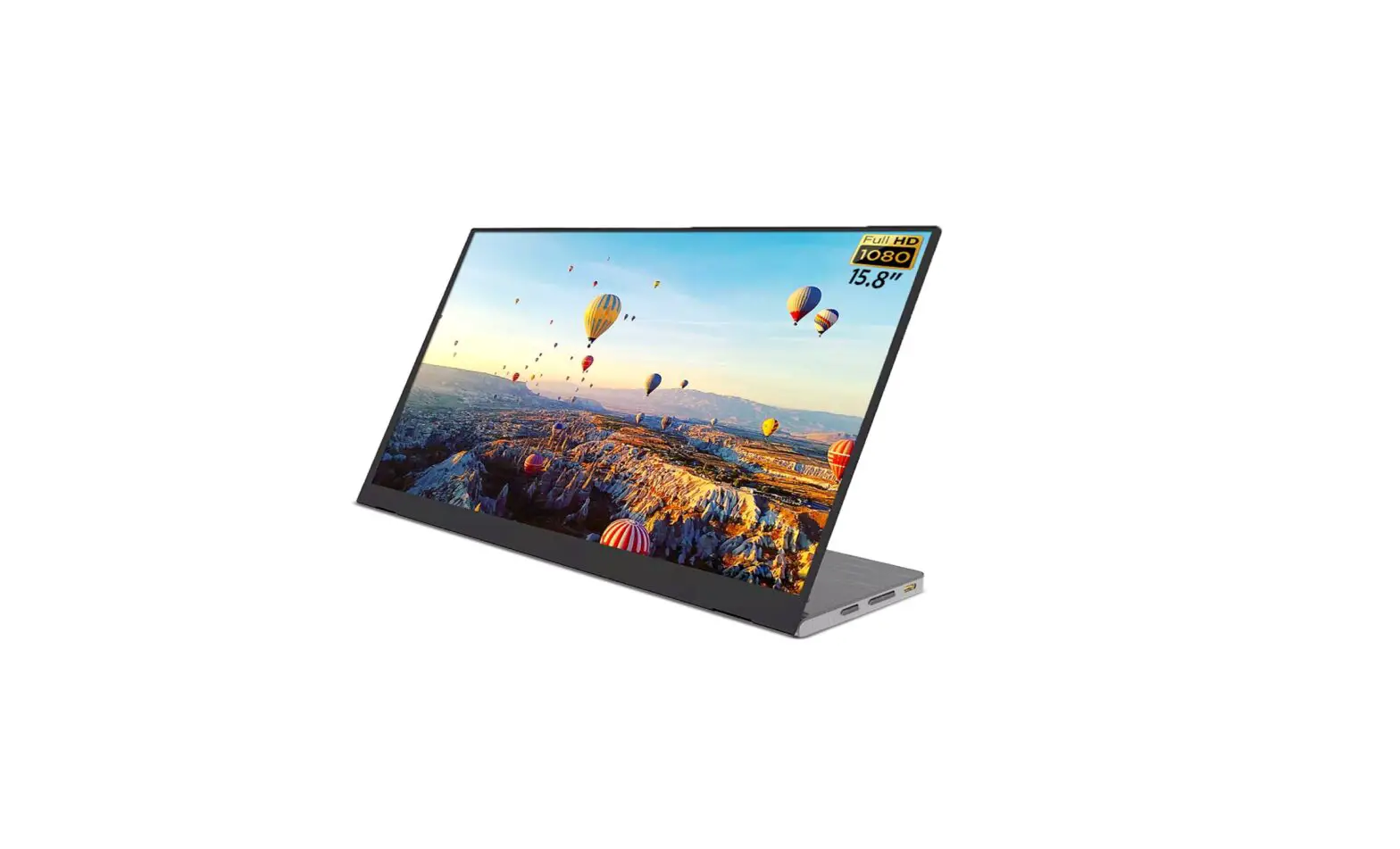
| Feature | BW-PCM7 | BW-PCM8 |
| Display Type | 15.6″ | 14″ |
| Resolution | 1920*1080 FHD /60Hz | 1920*1080 FHD |
| Color gamut | 72% NTSC | 72% NTSC |
| Type C Power Input | DC 5V = 3A | DC 5V = 3A |
| HDMI | 1.4 | 1.4 |
| Type C | 3.1 | 3.1 |
| MINI HDMI | ✓ | ✓ |
| Touch screen | ✓ | ✓ |
| Horizontal and vertical screen | ✓ | ✓ |
| Reverse charging | ✓ | ✓ |
| Type C full-feature (power input and data transfer) | ✓ | ✓ |
| USB-A Port (connecting peripherals) | ✓ | ✓ |
| 3.5mm audio output | ✓ | ✓ |
Interface function
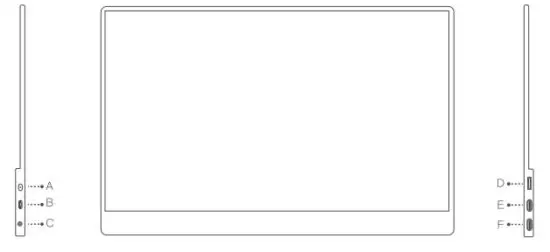
| Number | Interface | function |
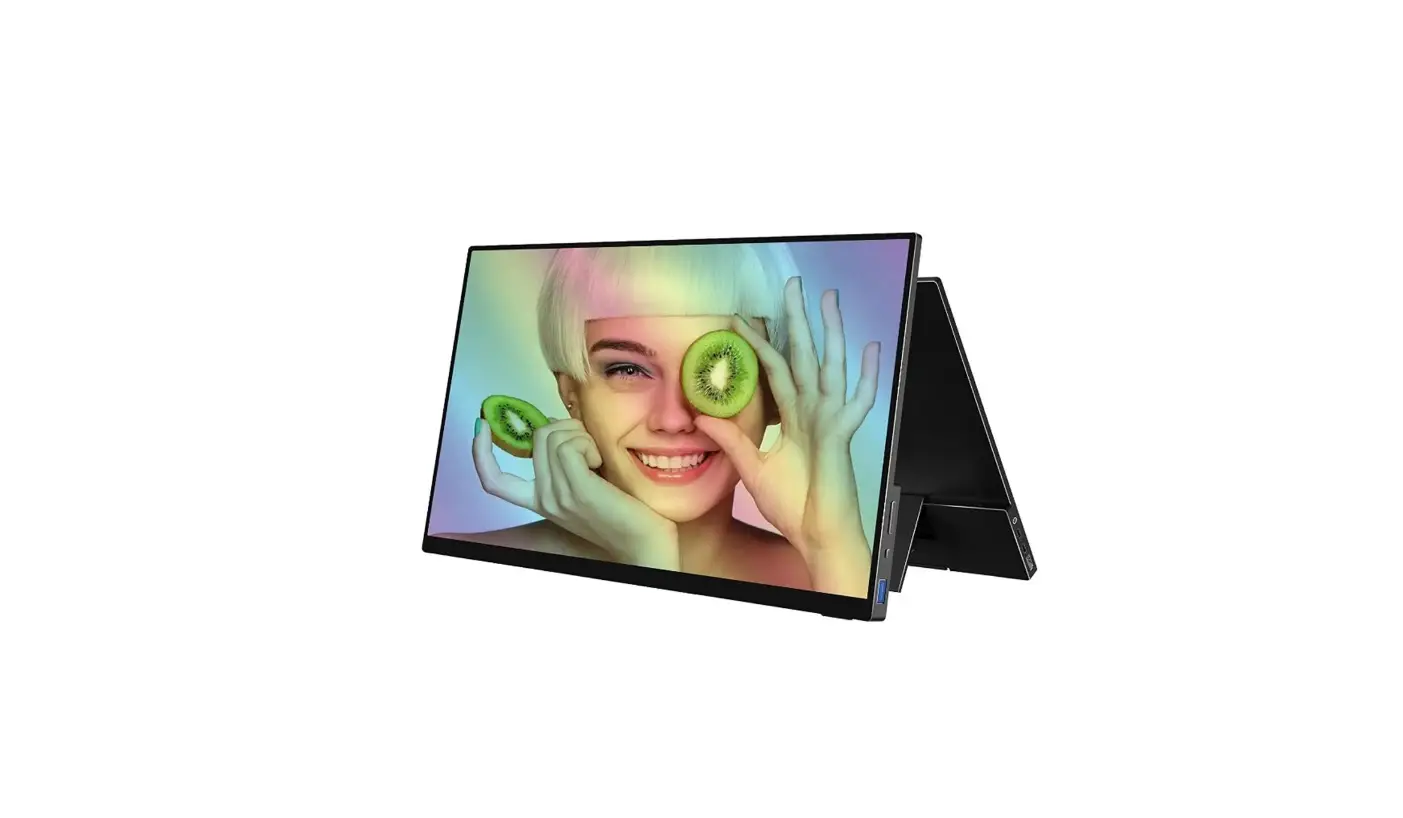
| A | Power/Back button | Long press for 3 seconds to turn on/ off the display Short press to return |
| B | Type C | Connect mouse, keyboard, U disk or other USB devices |
| C | Audio | Headphone/audio extension interface |
| D | MINI HDMI | Support audio and video signal transmission |
| EF | USB Type C full function | Support audio and video signal transmission, touch signal transmission, support positive and negative insertion, and support reverse charging compatible with PD2.0 power supply protocol. (It is not possible to transmit data or charge on both interfaces at the same time) |
Basic Operation
OSD Touch Menu
Short press the power button or touch the menu area with two fingers to swipe down to open the OSD menu on the screen, short press the power button or touch the exit button in the menu to exit the touch menu on the screen (the menu will automatically exit after 8 seconds), and the users of the various functions of the display can Custom touch adjustment.
| Icon | Features |
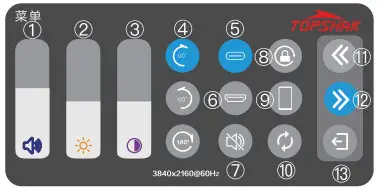 | 6 Volume adjustment, Brightness adjustment; 3 Contrast adjustment; ® Rotation direction; ® USB Type-C connection display; © mini HDMI connection display; © Mute switch; C) Gravity sensor switch; 6 Mobile phone display in the same proportion; 6 Restore factory settings (3) Move up the menu; © Move down the menu; 0 Exit the menu; |
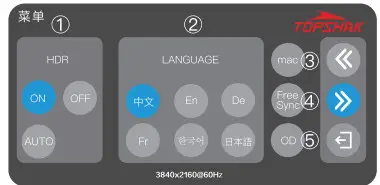 | C) The ON, OFF, and AUTO of HDR can be switched; (2) The language can be set. Support Chinese, French, English, Korean, German, Japanese; © Connect to Apple computer; C) Enter FreeSync; © Speed up the response time; |
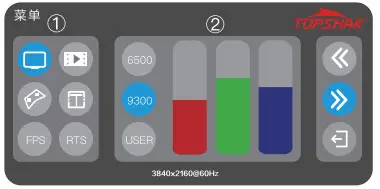 | ® Switch the theme mode of the screen. Mode is standard, movie, game, document; (:) Adjust the hue of the display. 6500k, 9300k, each RGB parameter can be adjusted individually; |
Signal Input
Connect to a computer with a Type-C interface
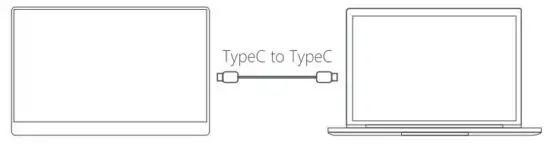
A. Because the output power and interface display support of different brands of computers are different, if the display is abnormal after connection, please try to use external power supply or check the support status of the computer model.
B. When connecting to a computer with Windows 10 system, if the screen display is abnormal, please turn off HDR in the computer system settings or turn on HDR in the display menu.
Connect to a mobile phone with a Type-C output interface

A. When there is no external power supply, the mobile phone supplies power to the display, the energy-saving mode is activated, and the display brightness is automatically adjusted to 30%. The user can adjust the display brightness and volume according to the output power of the mobile phone.
B. Since the output power of each brand of mobile phone is different if the display is abnormal after connection, please use an external power supply.
C. In order to ensure that the monitor and mobile phone can get enough working current, please use the original power supply.
D. When an external power supply is used, the display can charge the phone in reverse.
Connect to Nintendo Switch

A. In the case of an external power supply, the monitor supports a one-wire connection to the Switch host with standard wiring materials and the Switch TV mode is turned on. B. When an external 5V power supply is connected, the external power supply supplies power to the display. Switch runs the program with the body battery and the display output is 720P.
C. When an external 15V PD protocol power supply is connected, the external power supply supplies power to the display and the Switch at the same time, the battery of the Switch body is in a charging state, and the display output is 1080P.
D. When the external power supply supplies power to the display and the Switch at the same time, the PD power supply must be 45W and above.
E. The connected game device does not have the touch function.
Connect to a computer with an HDMI interface
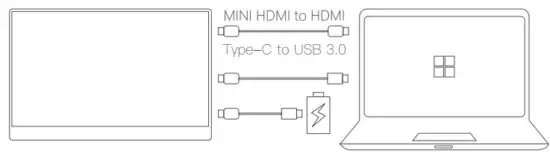
A. For a computer with an HDMI interface, you need to connect the HDMI cable first.
B. To realize the touch function, you need to connect the USB to a Type-C cable.
C. The USB interface power supply of some computers may be insufficient, and an external original power supply is required.
Note:
A. When both Type-C is full-function interfaces, the two interfaces can be switched without worry, but both interfaces cannot be powered or both interfaces can transmit data at the same time; in general, please connect Type-C first The interface supplies power to the device;
B. When connecting the HDMI cable, please connect the power supply first, and then connect the HDMI to ensure the smooth transmission of the signal;
C. When the monitor is connected to the external power supply, the menu operation settings will automatically save the current settings. When you do not use an external power supply next time if the screen displays abnormally, please external power supply; after the menu is adjusted to the factory state, it can be used normally.
 SCHEUFER Technologies GmbH
Address: Hertleinstrasse 37, 91052, Erlangen, Germany
E-mail: [email protected]
 VISHTEC UK Co.,Ltd
Address: Unit G25 Waterfront Studios, 1DockRoad, London, E16 lAH
E-mail: [email protected]