
User Manual
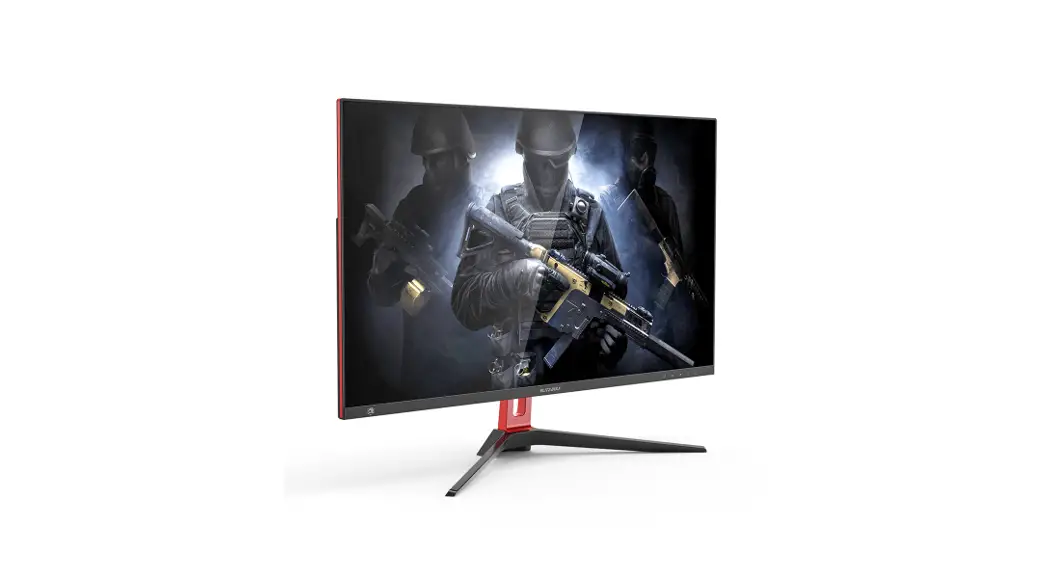
BW-GM2
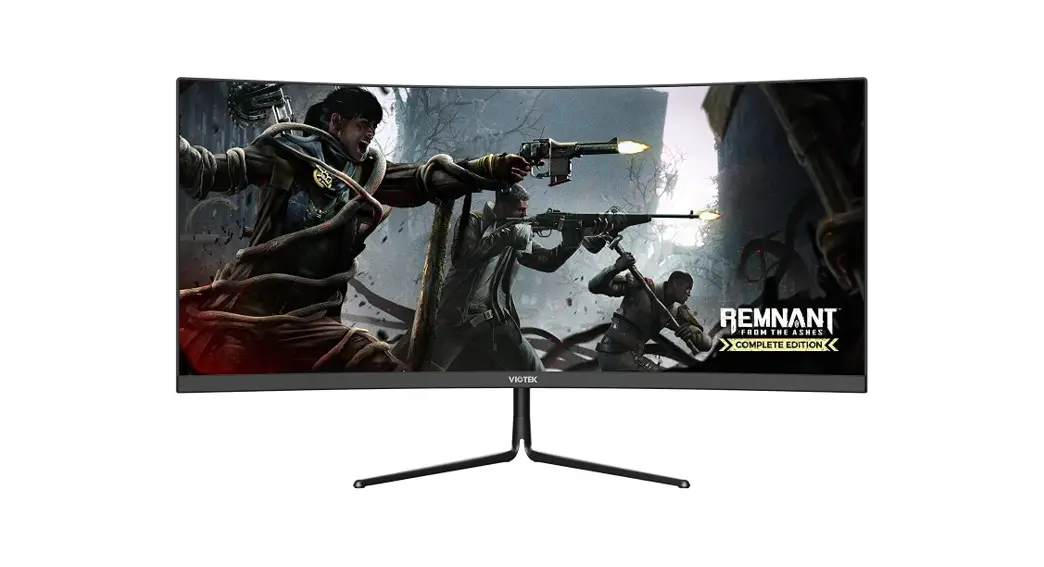
Specification
| Model | BW-GM2 |
| Screen Size | 27 Inch |
| Curvature | Flat |
| Resolution | 2560X1440 |
| Zoom | 16: 9 |
| Lighting Effect | Single Red Glow |
| Display Mode | VA |
| Range of Working Temperature | 000-40°C |
| Storage Temperature Range | -20°C-60°C |
| Relative Humidity | 20% |
| Brightness | 300cd/m2 |
| Brightness Uniformity | 90% |
| Best Perspective | H: 178 V: 178 |
| Scanning Frequency | 144hz |
| Grayscale Response Time | >2ms |
| Power Supply | DC12V = 4A |
| Net Weight | 3.94kg |
| Size | 615.1*453.8*179.5mm |
Installation
Accessories
| power cable | 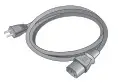 | Base | 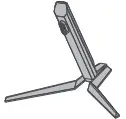 |
| Signal line | 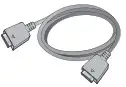 | Warranty Card |  |
| User manual |  |
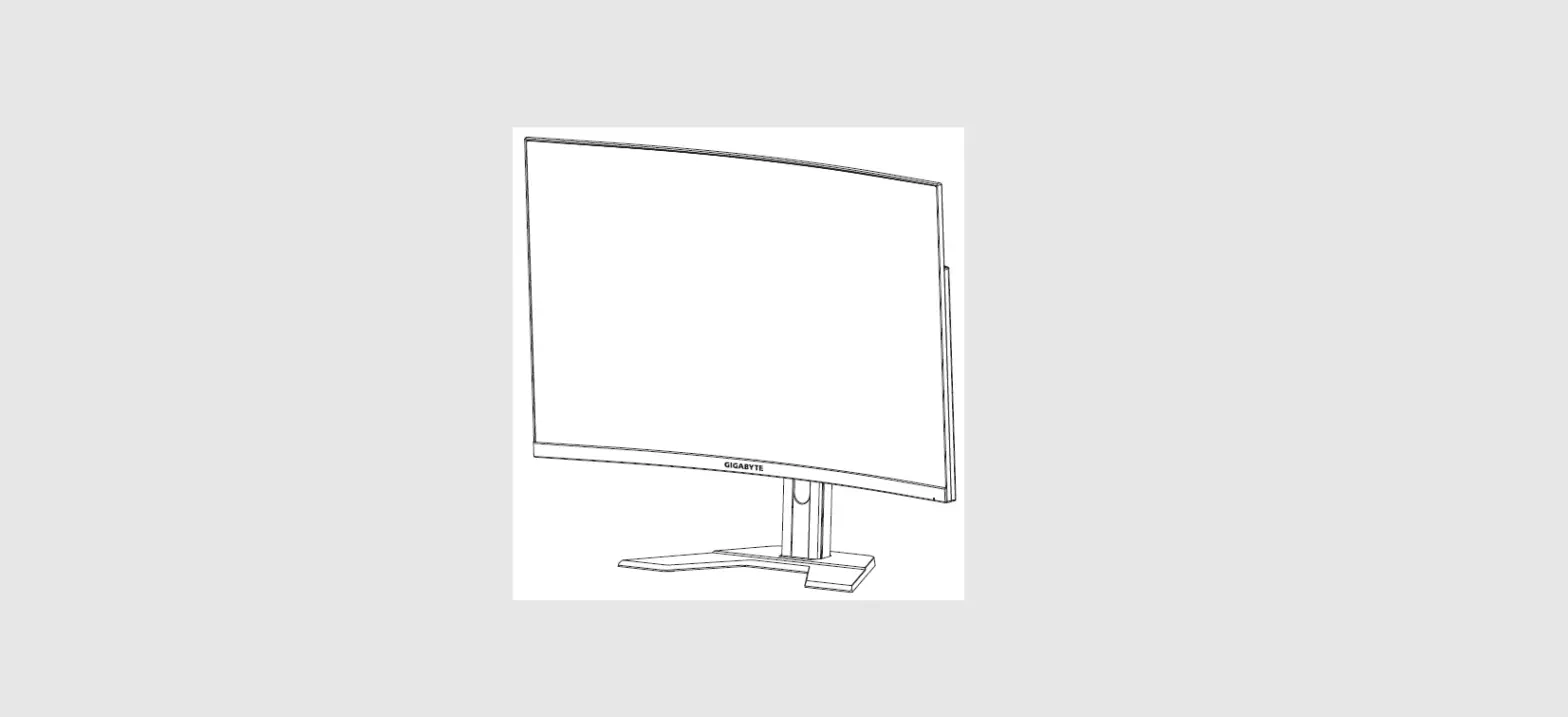
Angle adjustment:
The screen can be tilted forward and backward, tilting 5±2° forward and 15±2° backward. When adjusting the angle of the monitor, be careful not to touch or press the screen area.
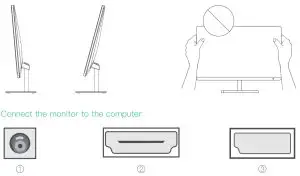
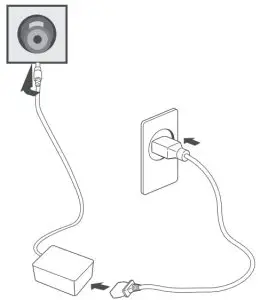
- Power Plug:
Connect the power cord of the monitor to the Power port on the back of the monitor
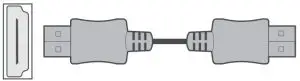
- HDMI Interface:
Connect the HDMI cable to the HDMI IN port on the back of the monitor
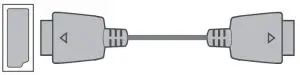
- DP Interface:
Connect the PD cable to the PD IN port on the back of the monitor
Function definition:
Icons | Function | Hotkey |
M | Pop up the main menu | / |
 | When the menu is opened, as the left function selection key, the value of the progress bar decreases. When the menu is closed, it acts as the designated shortcut mode hotkey. | ECO mode Change |
 | When the menu is opened, as the left function selection key, the progress bar value increases. When the menu is closed, it acts as the designated shortcut mode hotkey. | Crosshair appear |
E | Return to the previous menu (when the main menu is the main menu, exit the entire menu) | Input Source HDMI / DP Change |
0 | Press this button to turn on/off the power of the monitor | / |
Indicator Light | Blue (normal power-on state) Blue flashing (power-saving standby state) |
Caution:
* Please place the machine on a stable surface, otherwise it may fall and be damaged.
* The altitude and tropical environment used by the adapter model are determined by the adapter. The warning signs are marked on the nameplate of the whole machine, indicating that the product is only suitable for safe use in areas with an altitude of 2000m and below.
* Do not use the plug when you have water on your hands, otherwise, it may easily cause electric shock; make sure that the plug is in good contact, poor contact may cause a fire.
* Please do not use a damaged power plug, and do not place the power cord near a heat source, otherwise it may cause electric shock or fire.
* When cleaning, please unplug the plug and use a soft cloth at the same time. Do not use industrial chemicals. Be careful not to let water enter the inside of the machine.
* Please do not disassemble the machine by yourself. If there is a fault, please contact a professional for repair. If you disassemble it by yourself, it may cause electric shock or fire.
* If there is an abnormal smell or sound inside the machine, cut off the power immediately, and contact professional maintenance personnel for repair. When not using this machine for a long time, please cut off the power of this machine, otherwise electric shock or fire may occur.