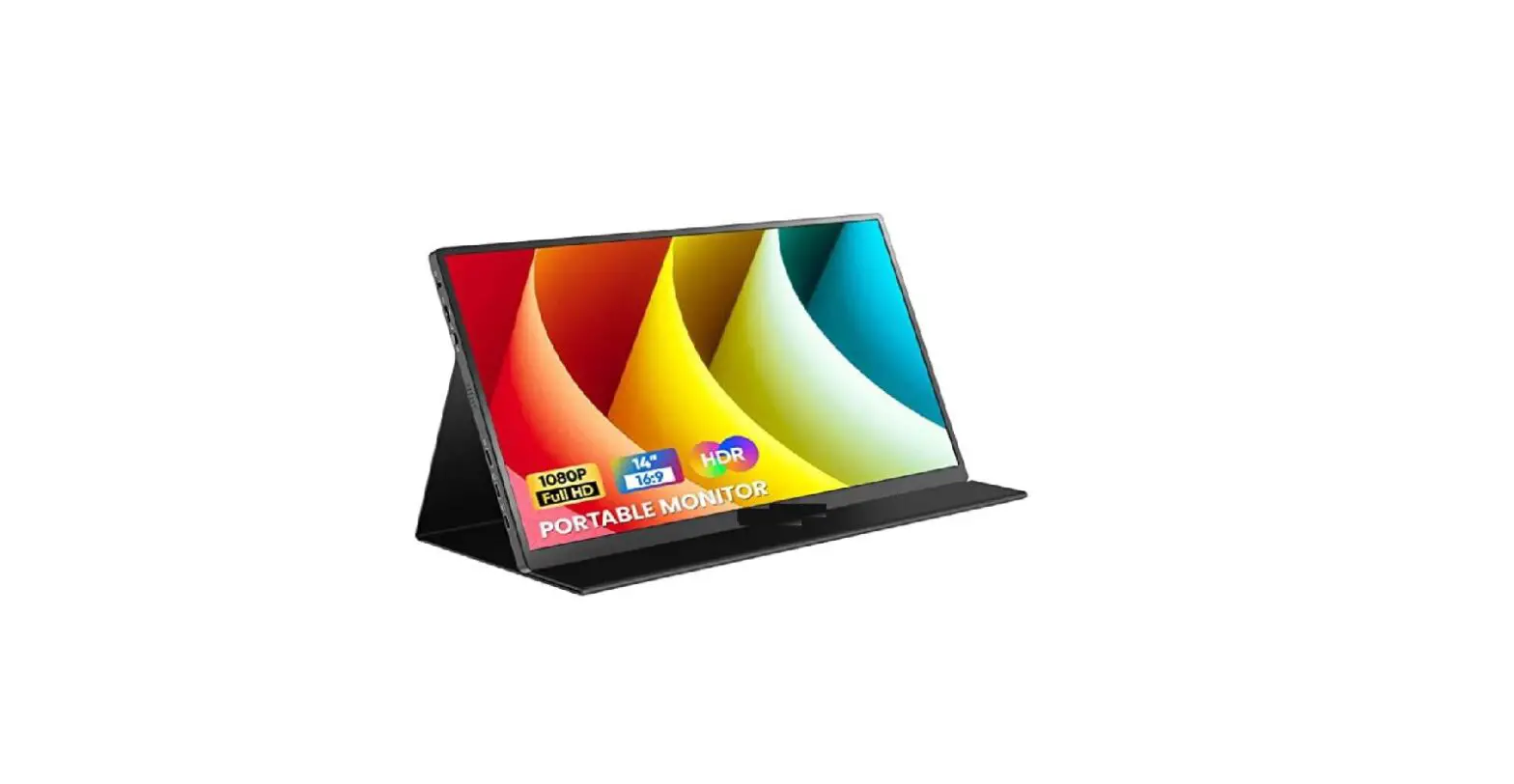
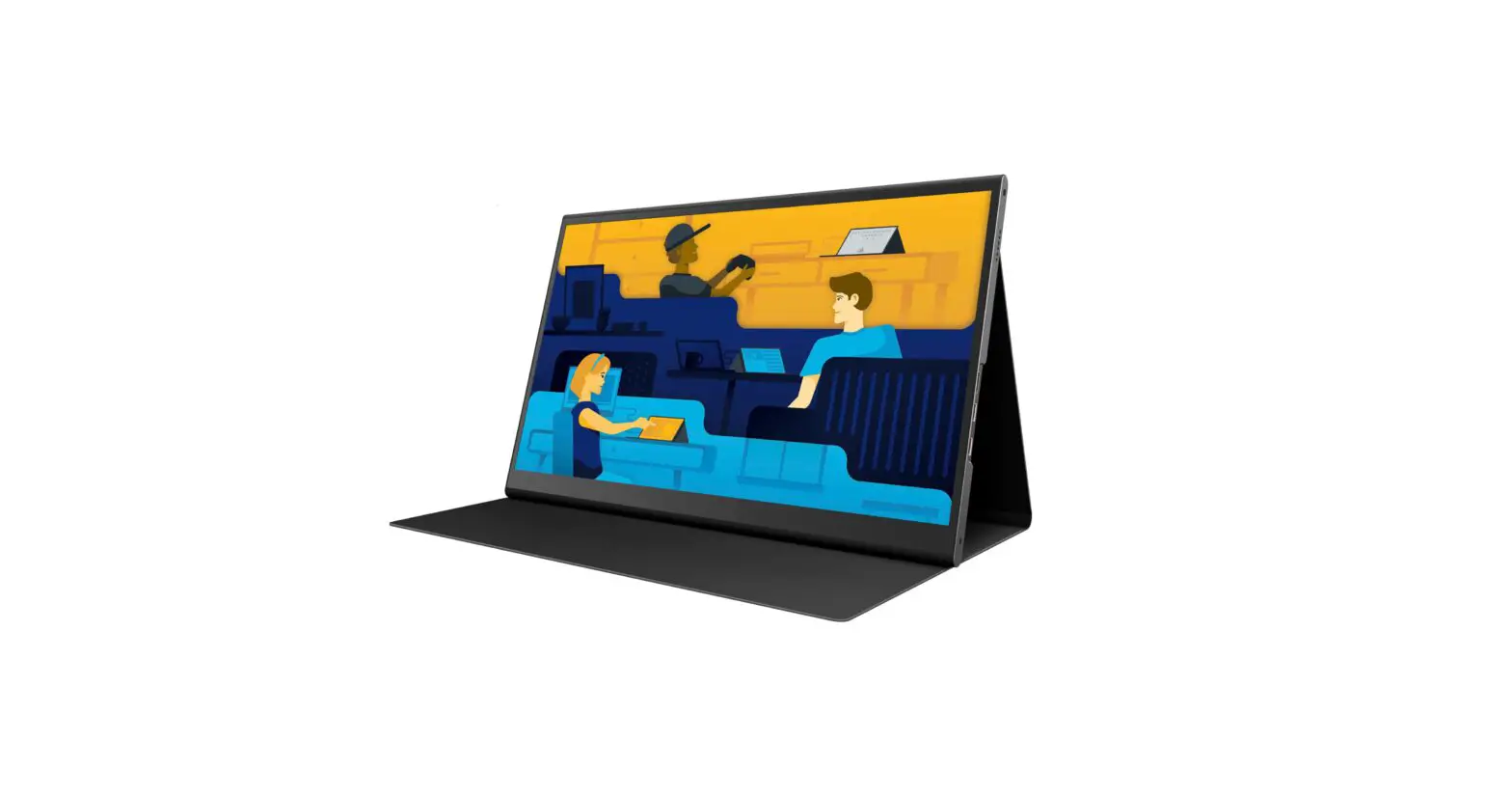
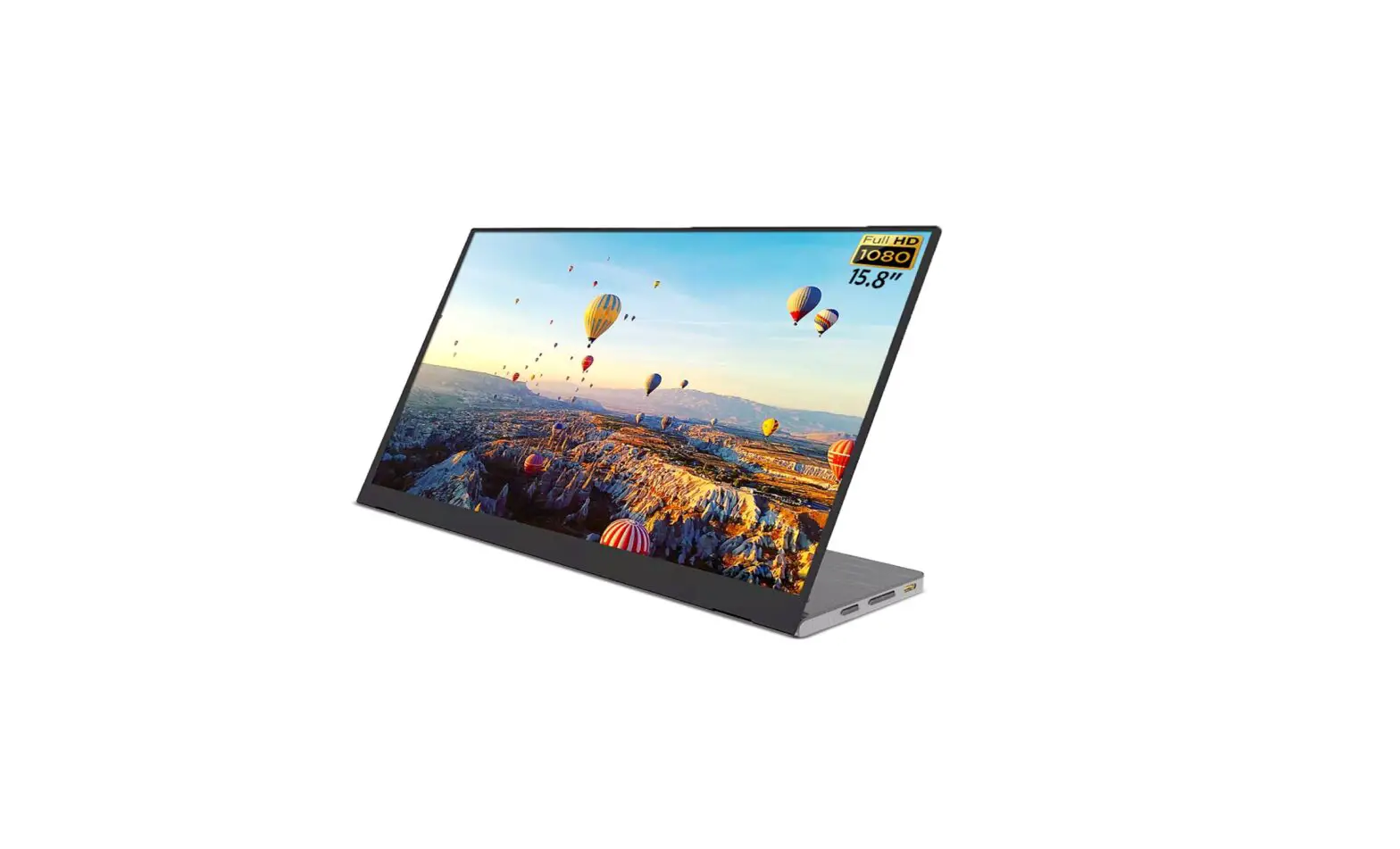
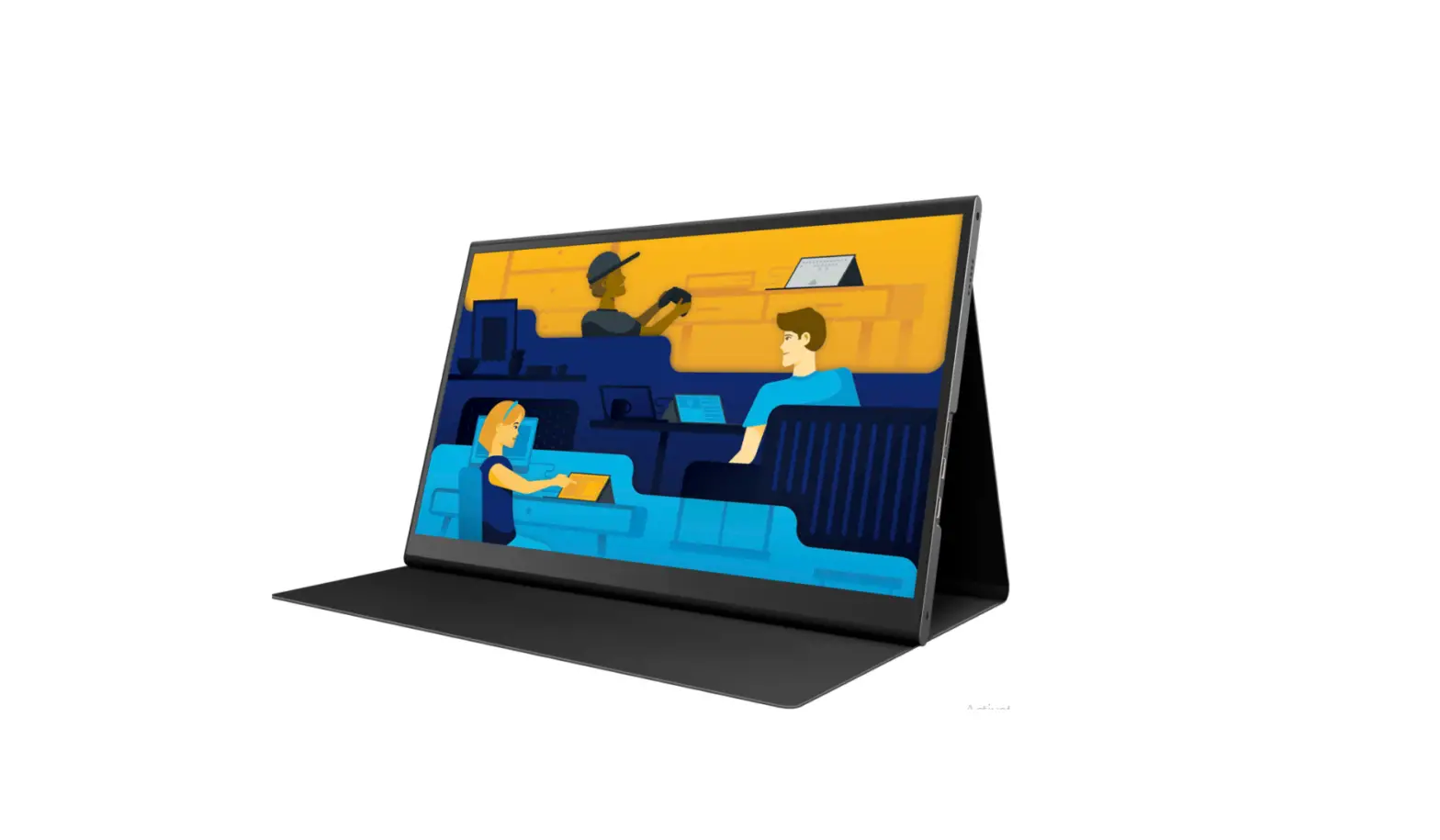
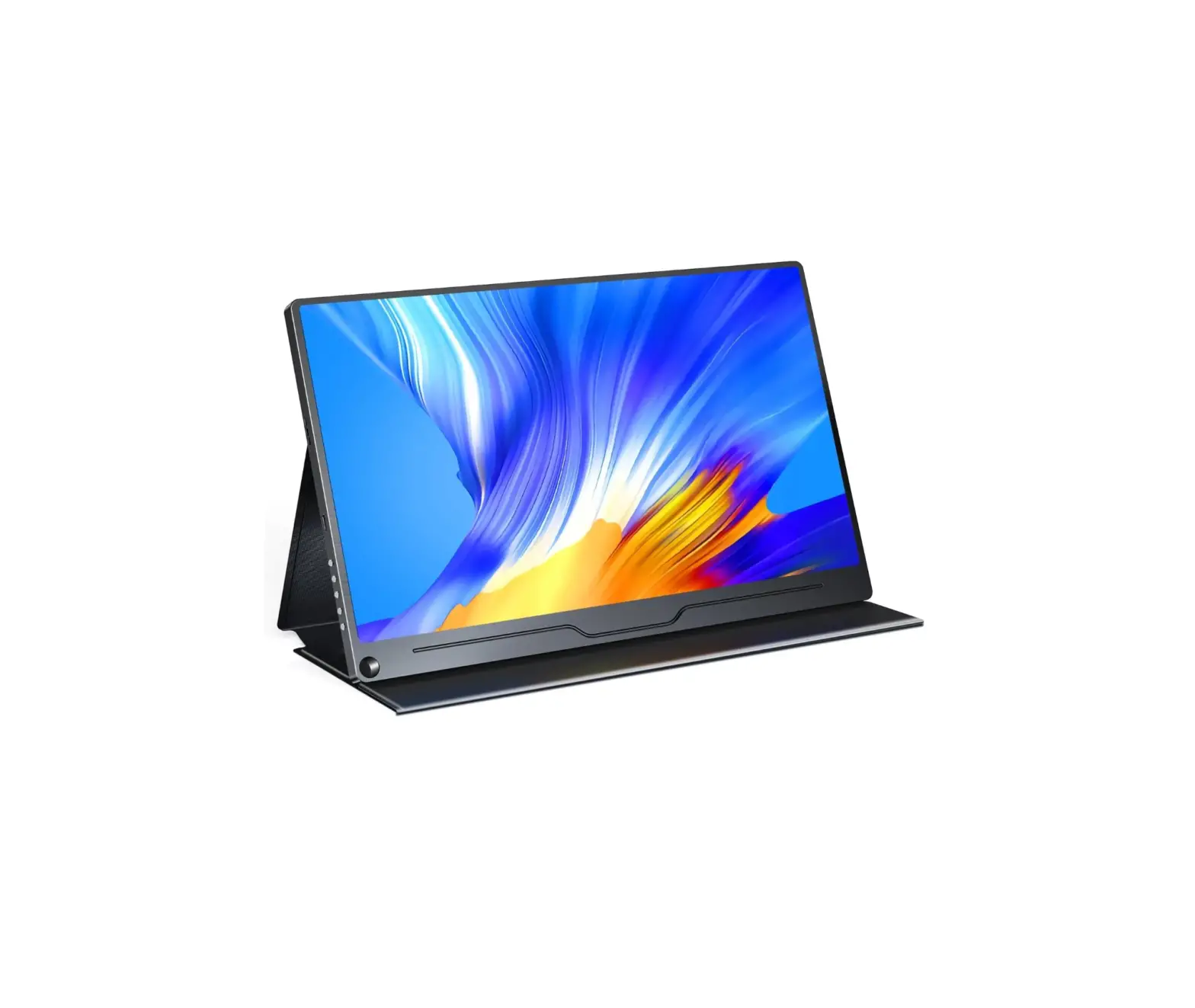
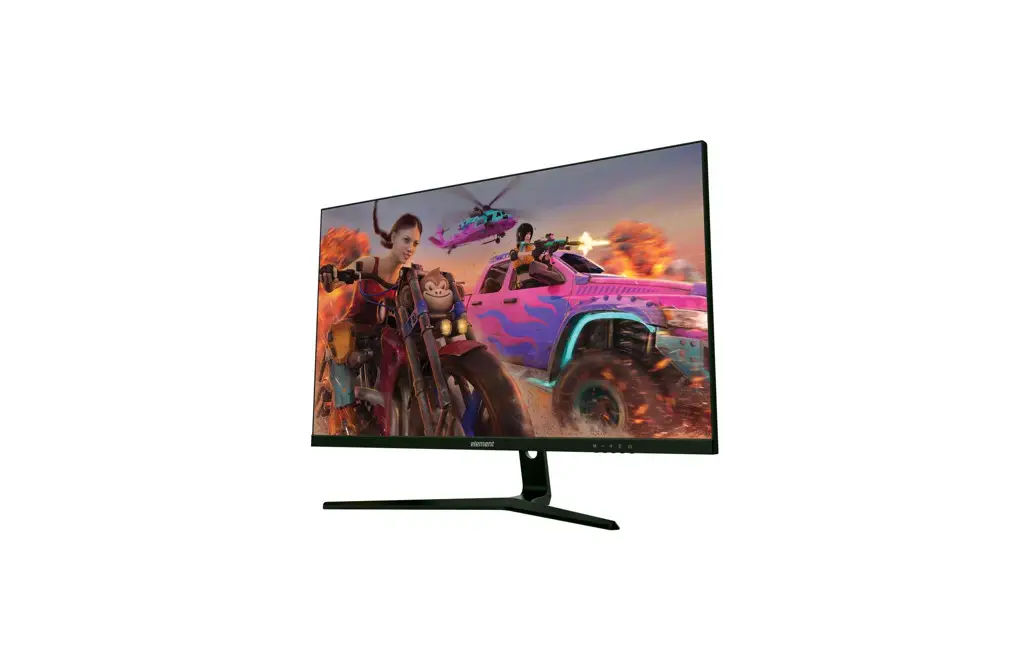
EM2PTAD15BS 15.6 Inch Portable Monitor
15.6 PORTABLE MONITOR
EM2PTAD15BS
USER MANUAL
To register your product, please visit www.elementelectronics.com/register
BENEFITS OF REGISTERING YOUR PRODUCT:
- 2 YEAR WARRANTY
- Support – Get assistance quickly by pre-registering your
product. - News & Offers – Take advantage of the latest news and
special offers from Element. - Updates – Stay current with important product updates and
notifications. - Warranty – Receive a 2 year warranty with product
registration*
*1-year manufacturer warranty with purchase or 2 year warranty
with product registration within 90 days of purchase.
WE’RE HERE TO HELP
Find resources and get help for product setup, connecting
devices, technical issues, downloading manuals and more! We’re
available 24 hours a day, 7 days a week
Visit our website: elementelectronics.com
Call us at: 1.888.842.3577
Email us at: [email protected]
TABLE OF CONTENTS
- What’s in the box – 4
- Getting started – 4
- How to use the folio case – 5
- Common connectivity options – 6
- Device compatibility – 7
- On-screen display (OSD) – 8
- Troubleshooting – 9
- Specifications – 10
- FCC statement & disclosures – 11
- Warranty – 12
- Safety instructions – 14
WHAT’S IN THE BOX
- 15.6 Portable Monitor
- USB-C to USB-C cable
- Mini HDMI to HDMI cable
- USB power adapter
- USB to USB-C power cable
GETTING STARTED
- Connect the USB-C to USB-C cable to the monitor and your
device. - Connect the Mini HDMI to HDMI cable to the monitor and your
device (if applicable). - Connect the USB power adapter to a power outlet.
- Connect the USB to USB-C power cable to the monitor and the USB
power adapter. - Press the power button on the monitor to turn it on.
- The monitor is now ready to use.
HOW TO USE THE FOLIO CASE
The folio case provides protection and can be used to support
the monitor as a stand. Its integrated design is built-in to the
monitor and should not be removed.
- Align the folio case with the opening at the top and the screen
facing forward. - With the folio case open, stand the screen up and place it in a
groove of the cover. - Adjust the screen to your desired angle by placing in either of
the grooves.
COMMON CONNECTIVITY OPTIONS
Illustrations are for example purposes only. Compatible devices
and functionality may vary. Please visit elementelectronics.com for
more details on compatibility.
- Connect to USB-C Devices:
- USB-C to USB-C Cable
- USB-C to USB Cable
- USB Power Adapter
- Mini HDMI to HDMI Cable
- Connect to iOS Devices:
- USB-C to USB Cable
- Mini HDMI to HDMI Cable
- Lightning to HDMI Adapter (not included)
- USB Power Adapter
DEVICE COMPATIBILITY
| Device | Connection Type | USB Power Supply Required? | Touchscreen Function |
|---|---|---|---|
| Windows devices with USB-C (DP Alt Mode) | USB-C to USB-C cable | No* | Yes |
| Mac computer with USB-C (DP Alt Mode) | USB-C to USB-C cable | No* | N/A |
| USB-C phone or tablet | USB-C to USB-C cable | No* | No |
| iOS device via Lightning to HDMI adapter (not included) | Mini HDMI to HDMI Cable | Yes | No |
| Game console | HDMI | Yes* | No |
*Power supply may be required to power the monitor if the source
device does not have adequate power supply.
ON SCREEN DISPLAY (OSD)
- Brightness – adjusts the brightness of the display
- Contrast – adjusts the contrast of the display
- Luminance Setup – adjusts the brightness of the darkest parts
of the display - Black Level – adjusts the picture settings for different
uses - HDR – toggles HDR on/off for greater color contrast
FOR SUPPORT, VISIT ELEMENTELECTRONICS.COM/SUPPORT
TROUBLESHOOTING
If you are experiencing issues with your monitor, please visit
elementelectronics.com/support
for troubleshooting assistance. You can also contact our customer
service team for additional support.
SPECIFICATIONS
- Screen Size: 15.6 inches
- Resolution: 1920 x 1080
- Aspect Ratio: 16:9
- Refresh Rate: 60 Hz
- Inputs: USB-C, Mini HDMI
- Power Consumption: 10 W
FCC STATEMENT & DISCLOSURES
This device complies with Part 15 of the FCC Rules. Operation is
subject to the following two conditions: (1) this device may not
cause harmful interference, and (2) this device must accept any
interference received, including interference that may cause
undesired operation.
WARRANTY
This monitor comes with a 1-year manufacturer warranty with
purchase or a 2-year warranty with product registration within 90
days of purchase.
SAFETY INSTRUCTIONS
Please read and follow all safety instructions provided in the
user manual before using this monitor.
15.6″ PORTABLE MONITOR
EM2PTAD15BS
USER MANUAL
LET’S REGISTER YOUR PRODUCT
It’s super easy, just head on over
www
to elementelectronicscom/register
BENEFITS OF REGISTERING YOUR PRODUCT:
2 YEAR
WARRANTY
Support
Get assistance quickly by
pre-registering your product.
News & Offers
Take advantage of the latest news and special offers
from Element.
Updates
Stay current with important product updates and notifications.
Warranty
Receive a 2 year warranty
with product registration*
WE’RE HERE TO HELP
Find resources and get help for product setup, connecting devices, technical issues, downloading manuals and more!
We’re available 24 hours a day, 7 days a week
elementelectronics.com
1.888.842.3577
*1-year manufacturer warranty with purchase or 2 year warranty with product registration within 90 days of purchase.
TABLE OF CONTENTS
What’s in the box 4 Getting started 4 How to use the folio case 5 Common connectivity options 6 Device compatibility 7 On-screen display (OSD) 8 Troubleshooting 9 Specifications 10 FCC statement & disclosures 11 Warranty 12 Safety instructions 14
FOR SUPPORT, VISIT
ELEMENTELECTRONICS.COM/SUPPORT
3
WHAT’S IN THE BOX
156″ Portable Monitor
USB-C to USB-C cable
Mini HDMI to HDMI cable
USB power adapter
USB to USB-C power cable
GETTING STARTED
4
1
3
5
8
3
2
6
9
7 10
1 Screen Monitor display.
2 Folio case /stand Protects your device and acts as an integrated stand.
3 Stereo speaker For sound. Adjust volume via the OSD.
4 LED indicator light Lights red when the monitor is in standby mode. Lights green when the monitor is ready to receive signal.
5 button Quick press to increase screen brightness, or when within the OSD move your selection choice up or increase a value.
6 button Quick press to decrease screen brightness, or when within the OSD, move your selection choice down or decrease a value.
7 Power/on-screen display (OSD) button Press to power the monitor on or press and hold for 3 seconds to power off. When the monitor is on, press to activate the OSD. Within the OSD, press to confirm your selection.
8 Mini HDMI input Accepts HDMI video signal.
9 USB-C video input Accepts video signal from compatible USB-C devices.
10 USB-C power input Accepts power via the included USB power supply or other compatible power supply capable of outputting at least 15W.
4
USER MANUAL
HOW TO USE THE FOLIO CASE
The folio case provides protection and can be used to support the monitor as a stand. Its integrated design is built-in to the monitor and should not be removed.
Step 1:
Align the folio case with the opening at the top and the screen facing forward.
Step 2:
With the folio case open, stand the screen up and place it in a groove of the cover.
Step 3:
Adjust the screen to your desired angle by placing in either of the grooves.
FOR SUPPORT, VISIT
ELEMENTELECTRONICS.COM/SUPPORT
5
COMMON CONNECTIVITY OPTIONS
Connect to USB-C Devices
USB-C to USB-C Cable
· For compatible USB-C devices with DP Alt Mode.
· Power adapter (included) may be required to power the monitor if source device does not have adequate power supply.
· Touchscreen functionality is supported by compatible USB-C (DP Alt Mode) Windows devices only.
Connect to HDMI® Devices
USB-C to USB Cable
USB Power Adapter
Mini HDMI to HDMI Cable
· Power adapter (included) must be used to power the monitor.
· Touchscreen functionality is not supported for this connection type.
Connect to iOS Devices
USB-C to USB Cable Mini HDMI to HDMI Cable
· Power adapter (included) must be used to power the monitor.
· Touchscreen functionality is not supported for this connection type.
Lightning to HDMI Adapter (not included)
USB Power Adapter
Illustrations are for example purposes only. Compatible devices and functionality may vary. Please visit elementelectronics.com for more details on compatibility.
6
USER MANUAL
DEVICE COMPATIBILITY
Device
Connection Type
USB Power Supply Required?
Touchscreen Function
Windows devices with USB-C (DP Alt Mode)
USB-C to USB-C cable
No*
Yes
Mac computer with USB-C (DP Alt Mode)
USB-C to USB-C cable
No*
Yes Limited functionality, with 1-point touch recognition.
USB-C phone or tablet
USB-C to USB-C cable
No*
No
HDMI via
iOS device
Lightning to HDMI adapter
Yes
No
(not included)
Game console
HDMI
Yes
No
*Power supply may be required to power the monitor if the source device does not have adequate power supply.
FOR SUPPORT, VISIT
ELEMENTELECTRONICS.COM/SUPPORT
7
ON SCREEN DISPLAY (OSD)
Brightness
Adjusts the brightness of the display
Contrast
Luminance Setup
Black Level
Picture Mode
Adjusts the contrast of the display Adjusts the brightness of the darkest parts of the display Adjusts the picture settings for different uses
HDR
Toggles HDR on/off for greater color contrast
Color Temp
Adjusts the color temperature mode
Color Setup
Red Green Blue
Adjusts the brightness of each color
Blue Light Filter Adjusts the level of blue light emitted by the display
Language
Changes the language used in the OSD
OSD Setup
H. Position V. Position Timeout
Adjusts the horizontal position of the OSD Adjusts the vertical position of the OSD Adjusts the time before the OSD deactivates
Transparency
Adjusts the transparency level of the OSD
Image Setup
Image Ratio Overdrive Adaptive Sync
Adjusts the proportion of display width to height Toggles overdrive on/off to accelerate response time Toggles variable refresh rate technology on/off
Input Signal
Changes the input source
Other Settings
Volume Mute
Adjusts the volume output of the speakers Toggles the mute function of the speakers on/off
Reset
Resets the monitor to factory settings
8
USER MANUAL
TROUBLESHOOTING
Problem
Possible Reason
Solution
The start-up screen is flashing on and off
Insufficient power supply
Use the included power supply or ensure your power source is outputting at least 15W
The touchscreen isn’t working
Incompatible host device
Ensure your host device can receive touch data via USB-C. Note that touch data cannot be transferred over a HDMI connection
No screen image
If the LED indicator is not on
If the LED indicator is green
The screen flashes, blurs or appears distorted
The host device is outputting an incompatible signal
Poor connection
Turn on the monitor with the power button
The monitor isn’t recognizing the signal, so try reconnecting the cable and ensuring the host device is outputting an image
Ensure your host device is set to 920 x 1080 resolution and 60 Hz refresh rate, or other compatible resolution
Reconnect the cable
The speakers aren’t working
Mute function is on
Change the mute setting in the OSD
The monitor is not selected as the audio device
On your host device, make sure the monitor is selected as the audio output device
FOR SUPPORT, VISIT
ELEMENTELECTRONICS.COM/SUPPORT
9
SPECIFICATIONS
Screen Size
15.6″ diagonally
Panel Type
IPS
Touchscreen
10-point touch for compatible devices
Native Resolution 1920 x 1080
Refresh Rate
60 Hz
Response Time
3 ms (with overdrive function on)
Brightness
270 cd/m2
Contrast Ratio
1000:1
Aspect Ratio
16:9
Display Colors
16.7 million
Speakers
Stereo, 1W x 2
Viewing Angle
178°(H) x 178°(V)
Power Input
5V/3A (15W)
Inputs
USB-C (for power) x 1, USB-C (for display) x 1, Mini HDMI x 1
*Specifications are subject to change without notice.
10
USER MANUAL
FCC statement 1. This device complies with Part 15 of the FCC Rules. Operation is subject to the following two conditions:
(1) This device may not cause harmful interference, and
(2) This device must accept any interference received, including interference that may cause undesired operation.
2. Changes or modifications not expressly approved by the party responsible for compliance could void the user’s authority to operate the equipment.
NOTE: This equipment has been tested and found to comply with the limits for a Class B digital device, pursuant to Part 15 of the FCC Rules. These limits are designed to provide reasonable protection against harmful interference in a residential installation.
This equipment generates uses and can radiate radio frequency energy and, if not installed and used in accordance with the instructions, may cause harmful interference to radio communications. However, there is no guarantee that interference will not occur in a particular installation. If this equipment does cause harmful interference to radio or television reception, which can be determined by turning the equipment off and on, the user is encouraged to try to correct the interference by one or more of the following measures:
· Reorient or relocate the receiving antenna.
· Increase the separation between the equipment and receiver.
· Connect the equipment into an outlet on a circuit different from that to which the receiver is connected.
· Consult the dealer or an experienced radio/TV technician for help.
FCC radiation exposure statement
This equipment complies with FCC/IC radiation exposure limits set forth for an uncontrolled environment. This equipment should be installed and operated with minimum distance 20cm between the radiator & your body.
The terms HDMI, HDMI High-Definition Multimedia Interface, HDMI Trade dress and the HDMI Logos are trademarks or registered trademarks of HDMI Licensing Administrator, Inc.
Microsoft and Windows are trademarks of the Microsoft group of companies.
FOR SUPPORT, VISIT
ELEMENTELECTRONICS.COM/SUPPORT
11
ELEMENT LIMITED WARRANTY TO ORIGINAL CUSTOMER
Element LCD Monitors All Models (the “Product”)
This Product (including any accessories included in the original packaging) as supplied and distributed in new condition, is warranted by Element TV Company, LP (“Element”) to the original purchaser of the Product (the “Original Customer” or “you”) against defects in material and workmanship (“Warranty”) as follows:
1. WARRANTY SERVICE (Parts, Labor and/or Replacement):
A. ONE-YEAR WARRANTY: For a period of one (1) year from the date of the Original Customer purchase (“the Warranty Period”), if this Product or any of its parts are determined by Element or an Element authorized customer service provider to be defective in material or workmanship, Element will, at its sole discretion and option: (i) supply, at no charge to the Original Customer, new or rebuilt replacement parts in exchange for defective parts, (ii) repair the Product and pay the labor charges of such Element authorized service provider for same, at no charge to the Original Customer, (iii) replace the Product with a new or refurbished product of similar or better quality, at no charge to the Original Customer, or (iv) refund the original purchase price of the Product (excluding tax) to the Original Customer. After the Warranty Period, the Original Customer must pay for all parts, labor and replacement costs associated with the Product, regardless of any defects in the Product.
B. LIMITED EXTENDED WARRANTY THROUGH PRODUCT REGISTRATION: If and only if the Original Customer registers the Product at wwwelementelectronicscom within ninety (90) days of the original purchase date of such Product, then the Warranty Period discussed in subpart 1.A. above shall be extended to a period of two (2) years from the date of original purchase by the Original Customer. If the Product is not registered as provided for in this paragraph, then the standard one-year Warranty Period shall apply.
C. SHIPPING COSTS: Notwithstanding the foregoing, during the applicable Warranty Period (as set forth in subparts 1.A. and 1.B., above) the Original Customer is responsible for any shipping or transportation charges incurred to ship or otherwise deliver the Product or part(s) to Element or an Element authorized service provider for diagnosis, repair or replacement. The Original Customer shall not return the Product to Element without Element’s prior written consent. Element recommends that the Original Customer insure the Product for its full replacement cost when shipping.
D. TIMING AND PROCEDURE: Before Warranty service can commence, the Original Customer must contact Element for problem determination and service procedures. Proof of purchase in the form of a bill of sale or receipted invoice, evidencing that the Product is within the applicable Warranty Period set forth above, MUST be presented to an Element authorized customer service provider in order to obtain the requested service. Please call the Toll-Free Customer Service Line at (888) 842-3577 to obtain Warranty Service and Troubleshooting information. Please have your model and serial number available, along with your date of purchase of the Product. You can also visit us online at: wwwelementelectronicscom.
12
USER MANUAL
2. EXCLUSIONS AND LIMITATIONS TO WARRANTY SERVICE
This Warranty covers manufacturing defects in materials and workmanship encountered in the normal, non-commercial use of the Product, and does not cover (a) damage or failure caused by or attributable to Product abuse or misuse, failure to follow instructions, safety information, and warnings accompanying the Product; (b) improper installation or maintenance, alteration, accident, or excess voltage or current; (c) any damage caused by using non-authorized parts or service facilities for repair of Products (however, for avoidance of doubt, using non-authorized parts or service facilities will not, in and of itself, void the Warranty); (d) onsite customer instruction or adjustments; (e) transportation, shipping, delivery, insurance, installation or set-up costs; (f) costs of product removal, transportation or reinstallation costs; (g) ordinary wear and tear, cosmetic damage or damage due to acts of nature, including but not limited to water, floods, wind, tornado, earthquake or fire, or due to damage caused by automobile accidents or extraordinary impact events, such as dropping or crushing; (h) commercial use of the Product; or (i) modification of the Product or to any part of the Product. In addition, this Warranty does not cover images “burnt” into the screen.
This Warranty applies to the Original Customer only and does not cover Products sold AS IS or WITH ALL FAULTS, or consumables (e.g., fuses, batteries, bulbs etc.). The Warranty is invalid if the factory-applied serial number has been altered or removed from the Product. This Warranty is valid only in the United States and Canada, and only applies to products purchased and serviced in the United States and Canada. All replaced parts and Products, and Products on which a refund is made, become the property of Element. The addition of equipment or features to the Product that are not manufactured or recommended by Element could affect the intended function of the Product, and therefore may void the Warranty. The Warranty is contingent upon the proper use, maintenance and care of the Product. The Warranty may be void if the Product has been used in a manner contradictory to or in violation of the terms of the user’s manual, warnings or instructions accompanying the Product.
This Warranty is made in lieu of and supersedes all other warranties or conditions of merchantability or fitness for a particular purpose or general use, whether express, implied, collateral, statutory, or provided by common law, the Uniform Commercial Code or otherwise. Element further disclaims all warranties after the end of the applicable Warranty Period set forth above. No other express warranty or guaranty given by any other person, firm or entity with respect to the Product shall be binding on Element. Repair, replacement, or refund of the original purchase price, at Element’s sole discretion, are the exclusive remedies of the customer. Element shall not be liable for any incidental or consequential damages caused by the use, misuse or inability to use the Product. These include but are not limited to any damages in the form of lost profits, loss of use, legal fees, economic loss, personal injuries, or any other damages caused by circumstances beyond the control of Element. Notwithstanding the foregoing, the customer’s recovery shall not exceed the purchase price of the Product. This Warranty shall not extend to anyone other than the original customer who purchased the Product, and is not transferrable. No person is authorized to alter, extend or waive the Warranty of Element.
Some states do not allow the exclusion or limitation of incidental or consequential damages, or allow limitations on warranties, so the above limitations or exclusions may not apply to you. This Warranty gives you specific rights, and you may have other rights, which vary from state to state. The exclusions and limitations to the Warranty apply to
FOR SUPPORT, VISIT
ELEMENTELECTRONICS.COM/SUPPORT
13
the maximum extent permitted by law and unless restricted or prohibited by law. Where any term of this Warranty is prohibited by applicable law, it shall be null and void, but the remainder of this Warranty shall remain in effect.
PLEASE DIRECT ALL CORRESPONDENCE TO:
Element TV Company, LP Customer Service
·
·
(888) 842-3577
www.elementelectronics.com
·
PLEASE CONTACT CUSTOMER SERVICE TO CONFIRM ADDRESSES· AND PROCEDURES FOR WARRANTY SERVICE.
Safety instructions
· ·
1. Read these instructions.
2. Keep these instructions.
·
3. Heed all warnings. 4. Follow all instructions.
amplifiers) that produce heat. ·
5. Do not use this apparatus near water.
6. Clean only with dry cloth.
7. Do not block any ventilation openings. Install in accordance with the manufacturer’s
instructions.
If the provided plug does not fit into
8. Do not install near any heat sources such as radiators, heat registers, stoves, or other
apparatus (including amplifiers) that produce heat.
·
9. Do not defeat the safety purpose of the polarized or grounding-type plug. A polarized
plug has two blades with one wider than the other. A grounding type plug has two blades
and a third grounding prong. The wide blade or the third prong ar·e provided for your safety.
If the provided plug does not fit into your outlet, consult an electricisapnecfiofierdrebypltahecemmaneunfatcotufre.
the obsolete outlet.
· bracket, or table specified by the
10. Protect the power cord from being walked on or pinched particularly at plugs,
convenience receptacles, and the point where it exits from the apparatus.
11. Only use attachments/accessories specified by the manufacturer.
12. Use only with the cart, stand, tripod, bracket, or table specified by the manufacturer, or sold with the apparatus. When a cart is used, use caution when moving the cart/apparatus combination to avoid injury from tip-over.
13. Unplug this apparatus during lightning storms or when unused for long periods of time.
14. Refer all servicing to qualified service personnel. Servicing is required when the apparatus has been damaged in any way, such as power-supply cord or plug damaged, liquid has been spilled or objects have fallen into the apparatus, the apparatus has been exposed to rain or moisture, does not operate normally, or has been dropped.
14
USER MANUAL
No naked flame sources, such
at.
C).
WCA)RNING: To reduce the risk of fire or electric shock, do not expose this apparatus to
rain or mC)o. isture.
shock, do not remove the cover (or back) as
ot fit into
WARCN) ING: To reduce the risk of electric shock, do not remove cover (or back) as there
Refer sesahrroveckic,ndinoognouttsoreemqro-uvesaethlierfivceoidcveerp(aoebrrbslaeocknp) anasertl.s inside. Refer servicing to qualified personnel.
Refer servicing to qualified personnel.
e.
y the
TThhisisliglhitgninhgtfnlasinh wgithflaarrsowhhewadith arrowhead symbol within an equilateral triangle is intended to
aTlheirstlitghhetnuinsegrfltaoshthweitphrearsreonwcheeoadf non-insulated “dangerous voltage” within the product’s
enclosure that may be of sufficient magnitude to constitute a risk of electric shock.
may be of sufficient magnitude to constitute
The exclamation point within an equilateral triangle is intended to alert the user
to the presence of import ant operating and maintenance instructions in the literature
may beaocfcsoumffipciaennyt imngagtnhietuadpeptloiacnocnes.titute
This equipment is a Class Il or double insulated electrical appliance. It has been designed in such a way that it does not require a safety connection to electrical earth.
This product contains electrical or electronic materials. The presence of these materials may, if not disposed of properly, have potential adverse effects on the environment and human health. Presence of this label on the product means it should be disposed of as unsorted waste and must be collected separately. As a consumer, are responsible for ensuring that this product is disposed of properly.
Element offers environmentally responsible options to recycle your unwanted consumer electronics device. More information can be found by visiting:
www.elementelectronics.com/sustainability
FOR SUPPORT, VISIT
ELEMENTELECTRONICS.COM/SUPPORT
15
Bring it homeTM
Element, the Element Logo, and Bring it home are trademarks of Element Brand Holding, LLC. ©2023, Element Brand Holding, LLC,
All Rights Reserved.
 Element Electronics Home - TVs, Audio, Home Entertainment, Appliances
 Element Electronics Home - TVs, Audio, Home Entertainment, Appliances