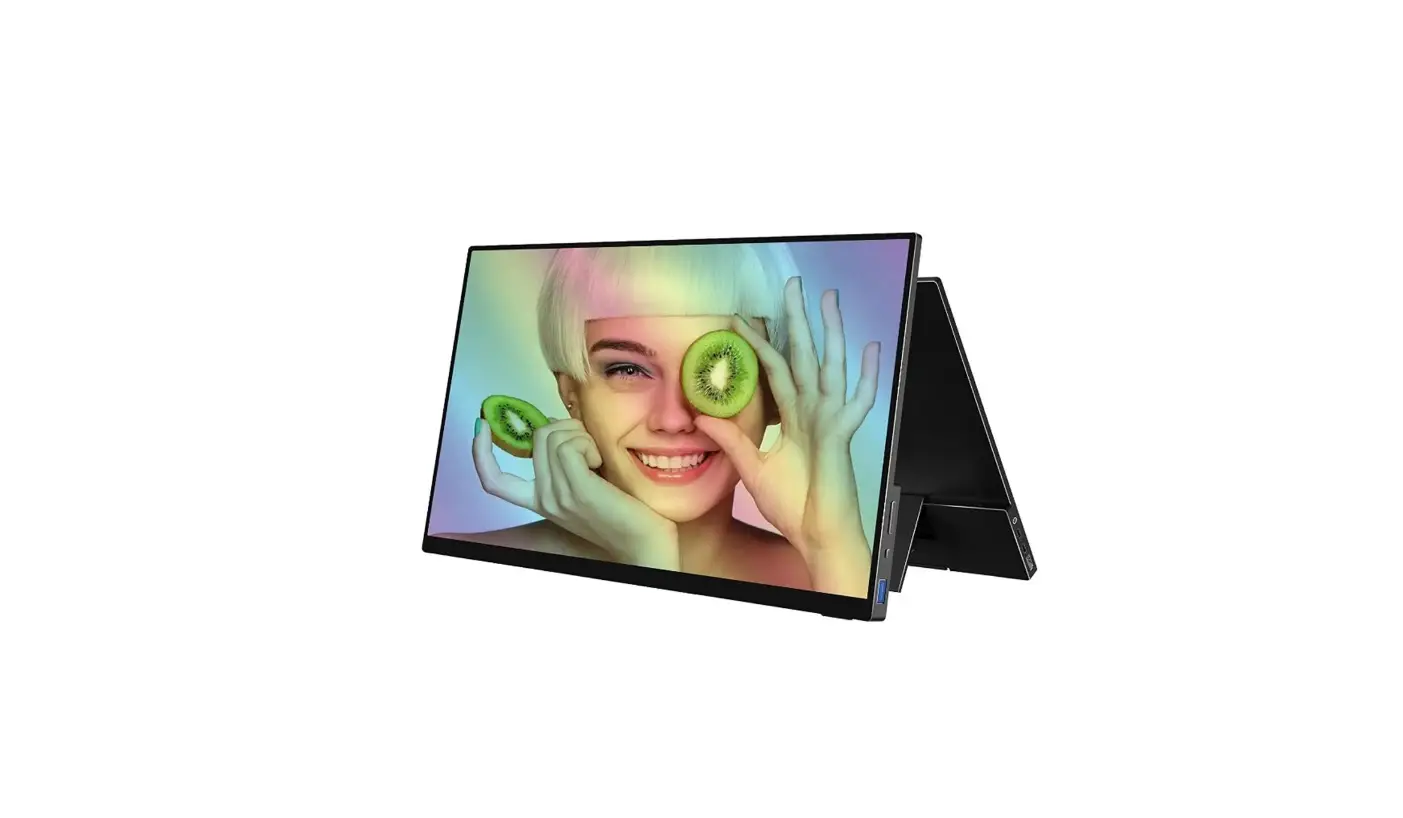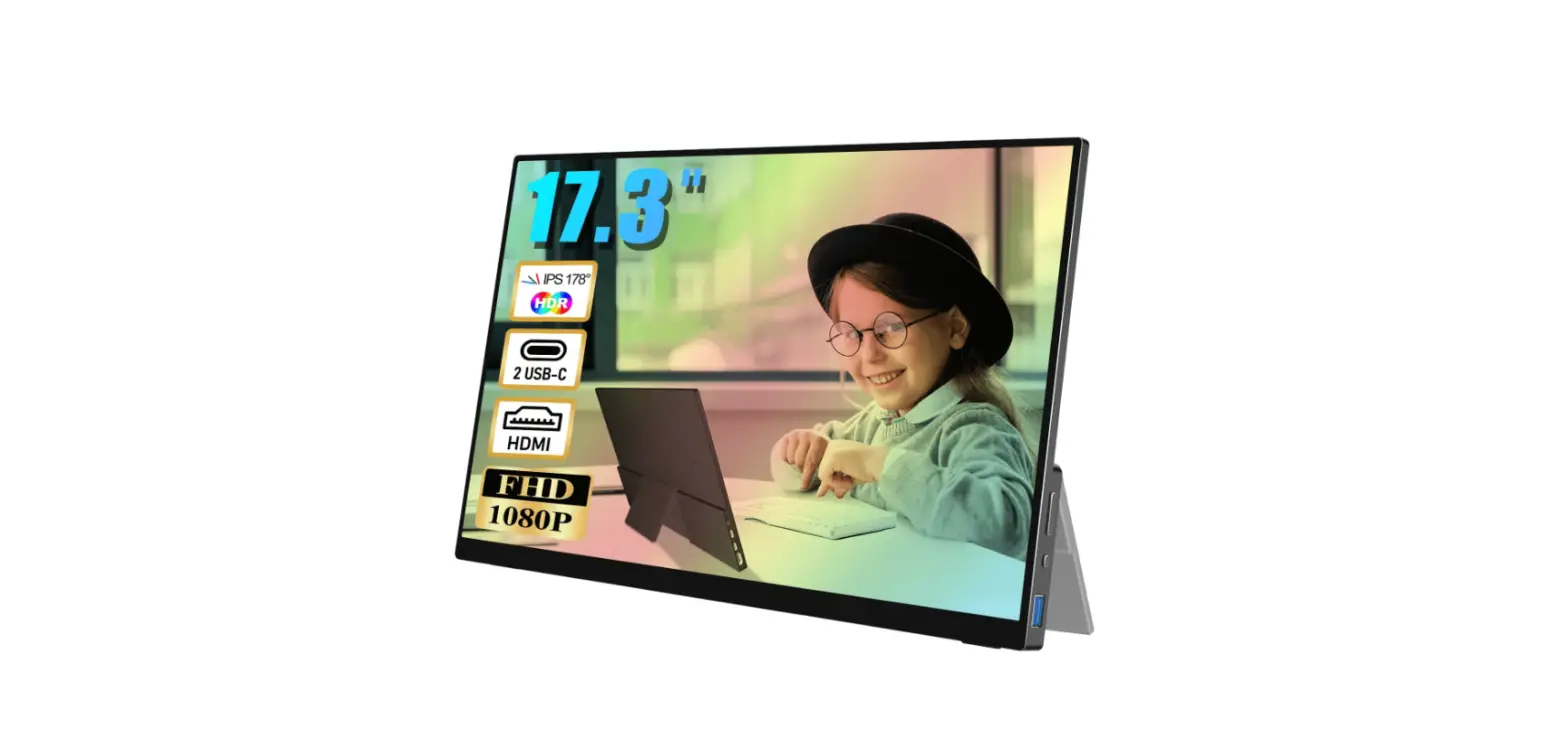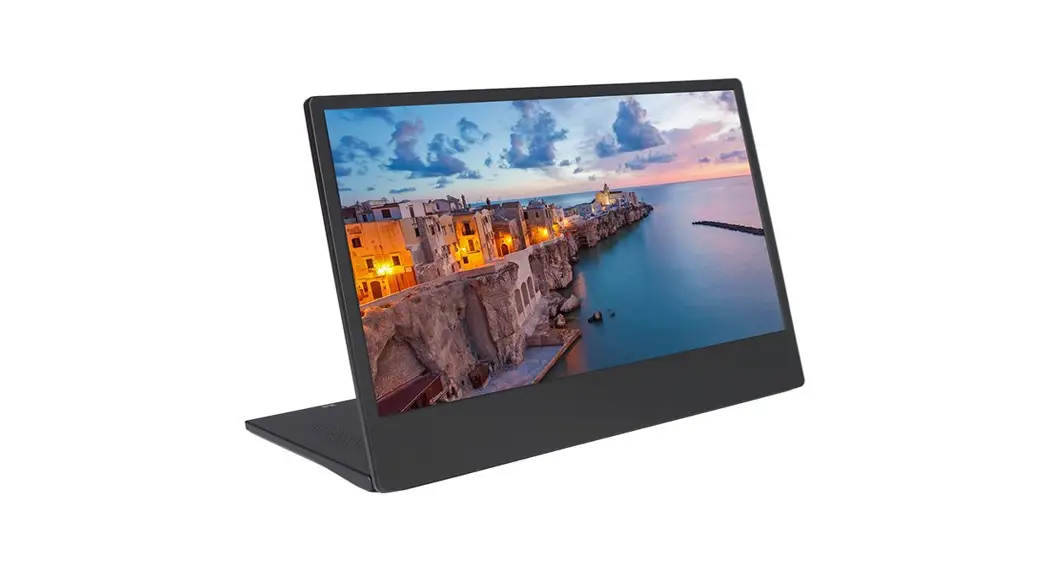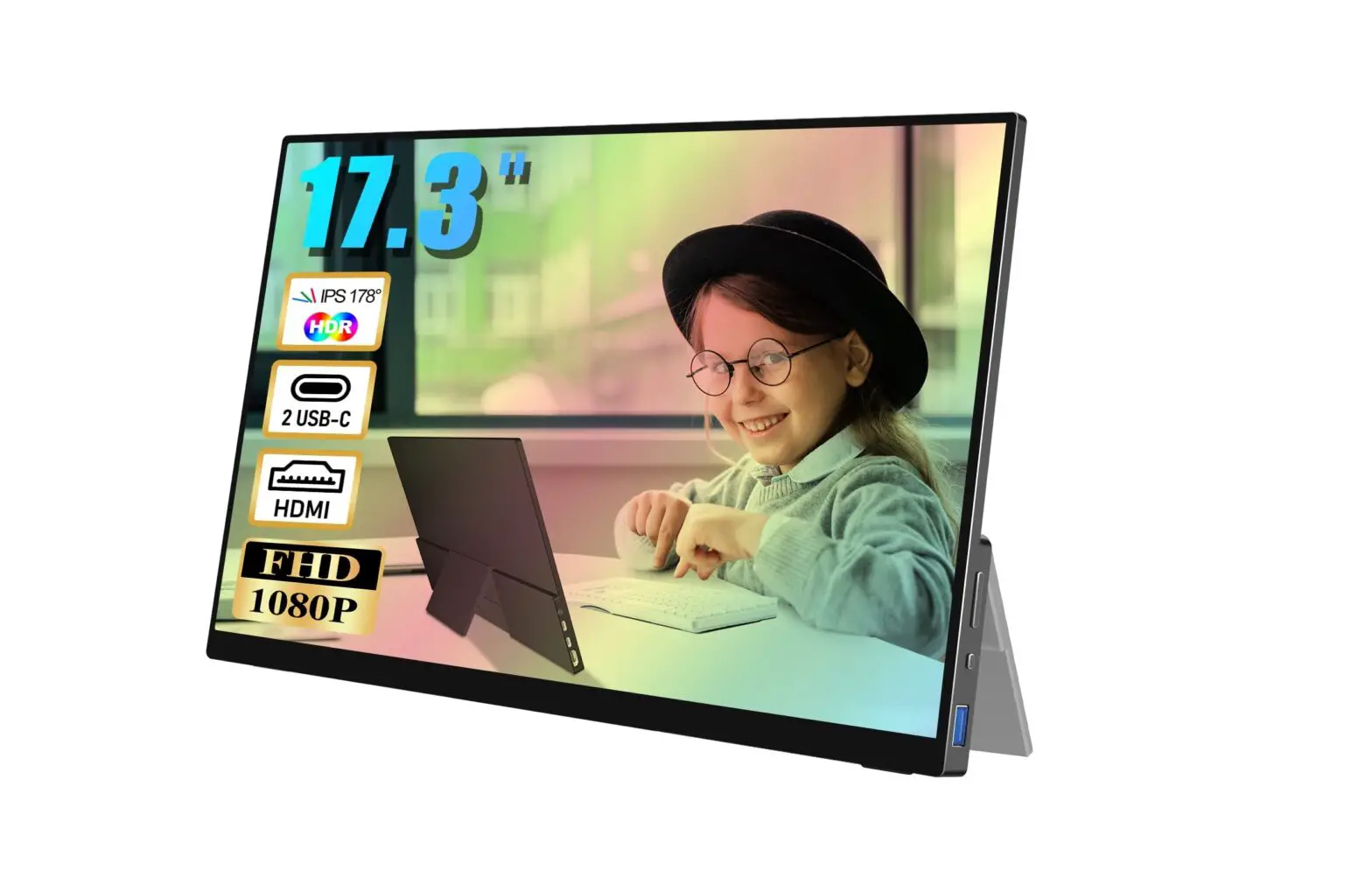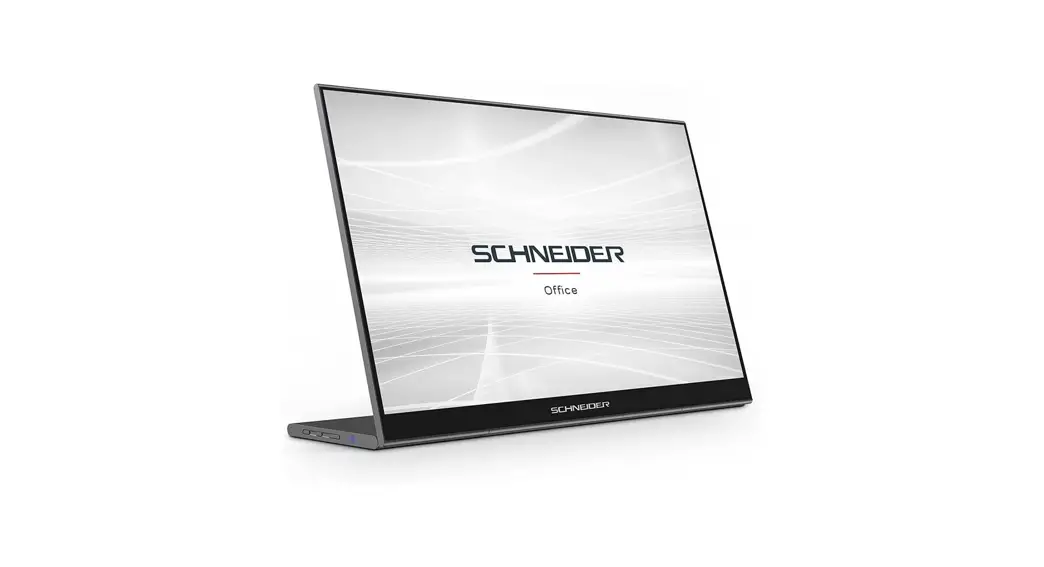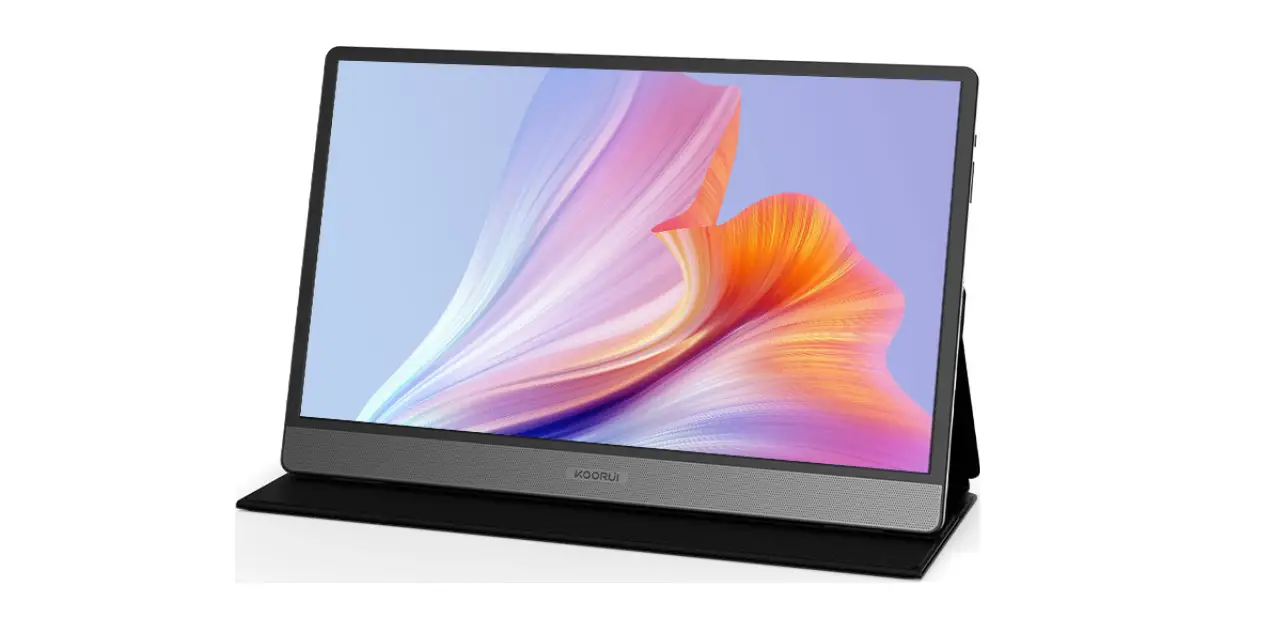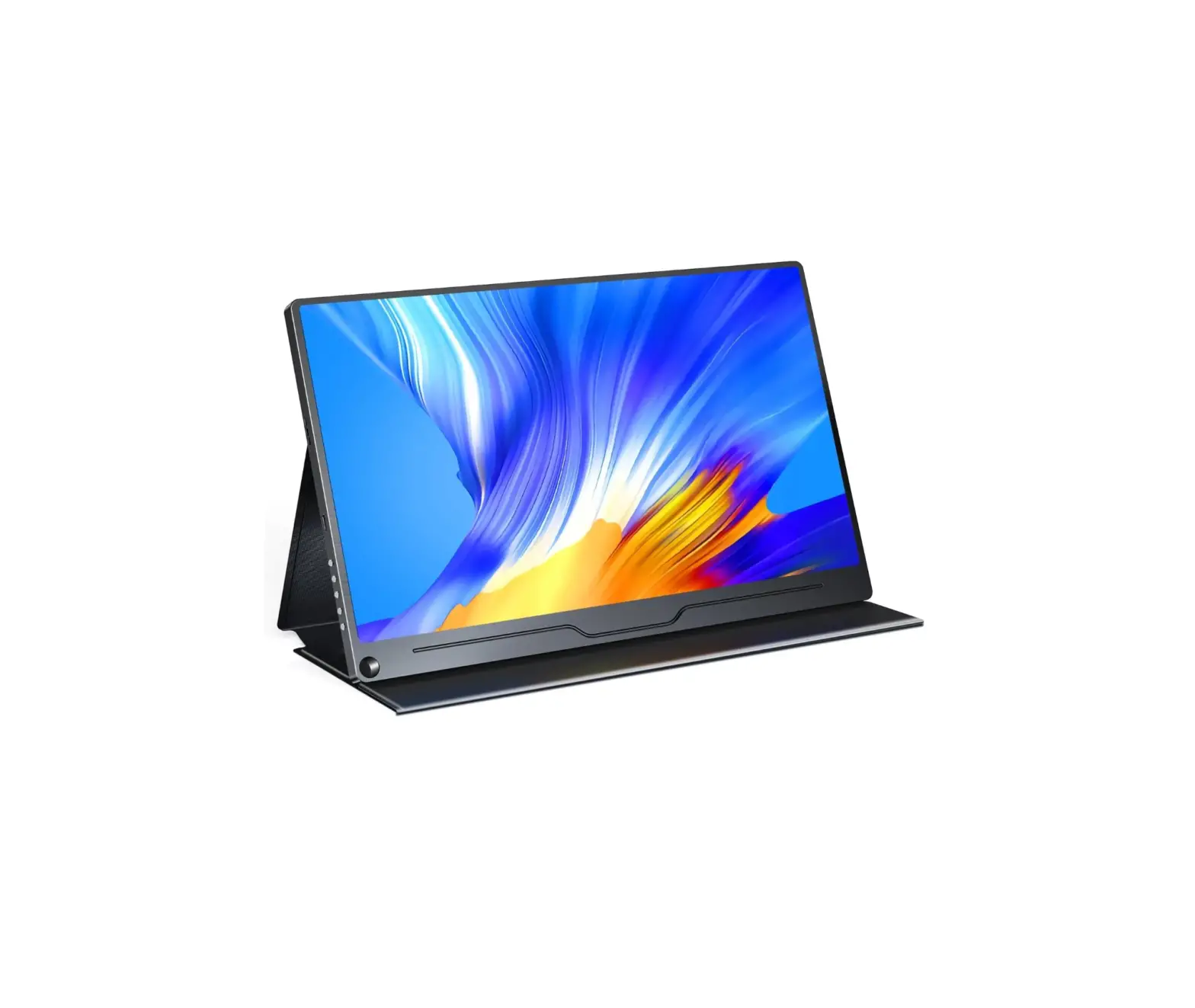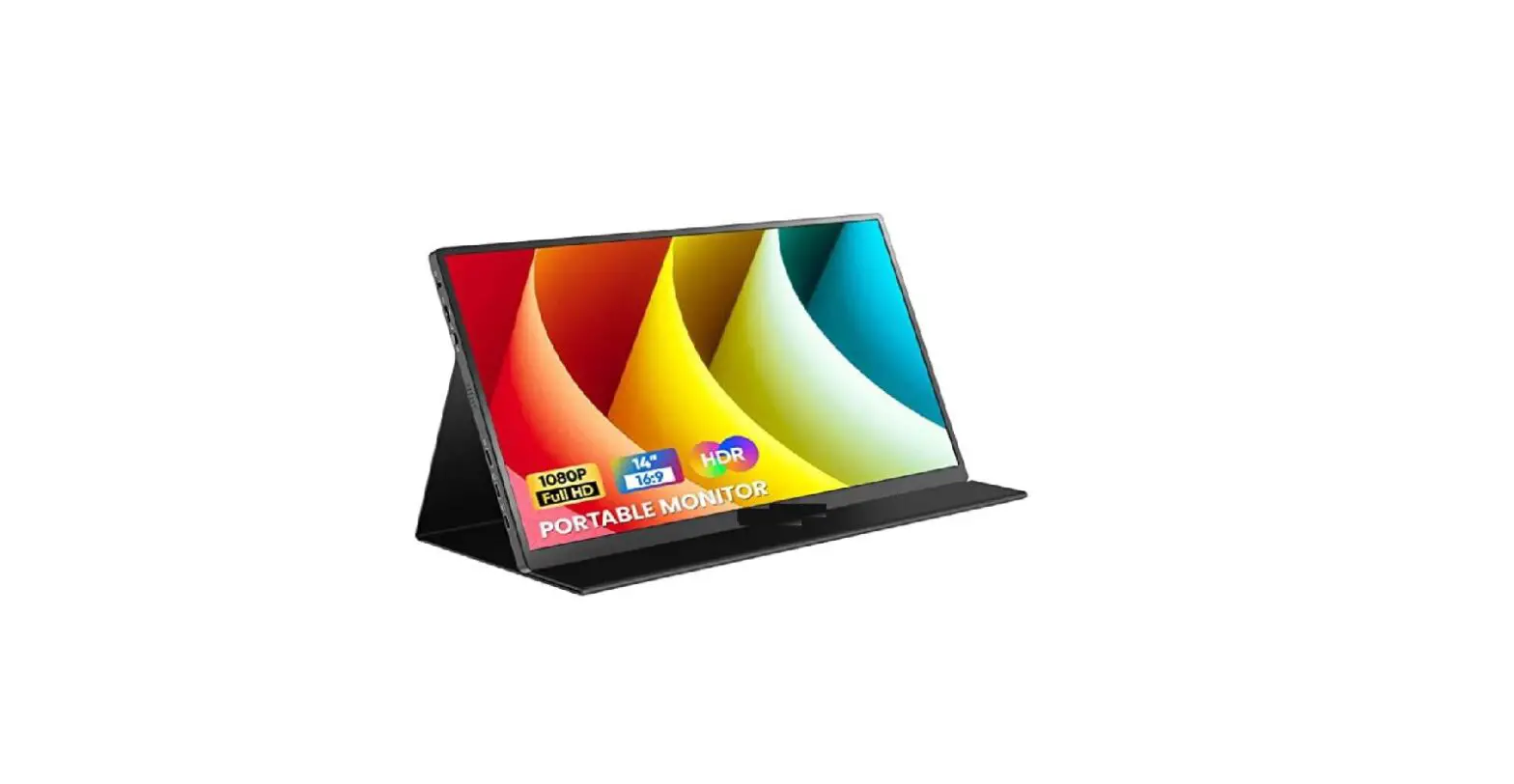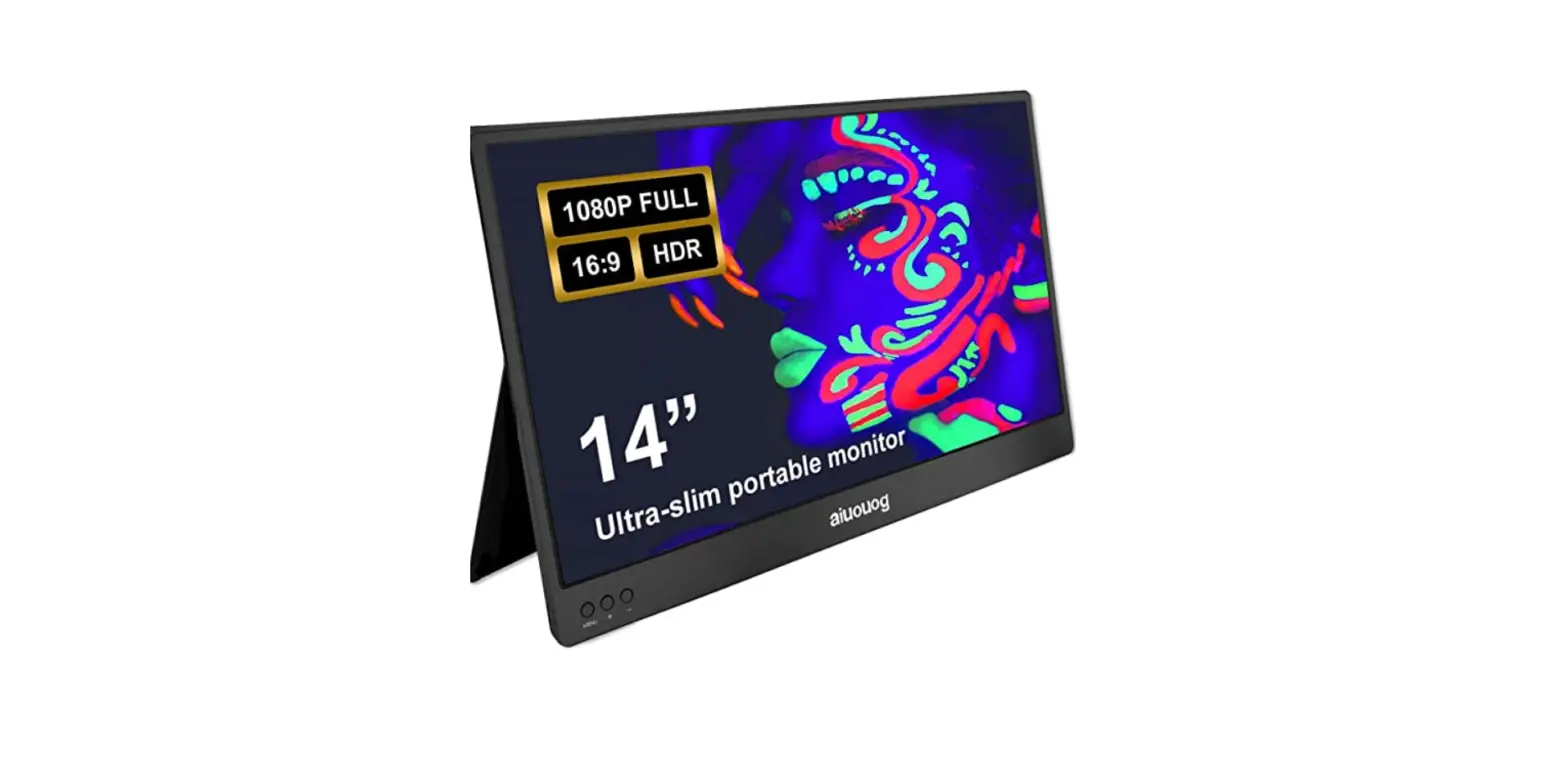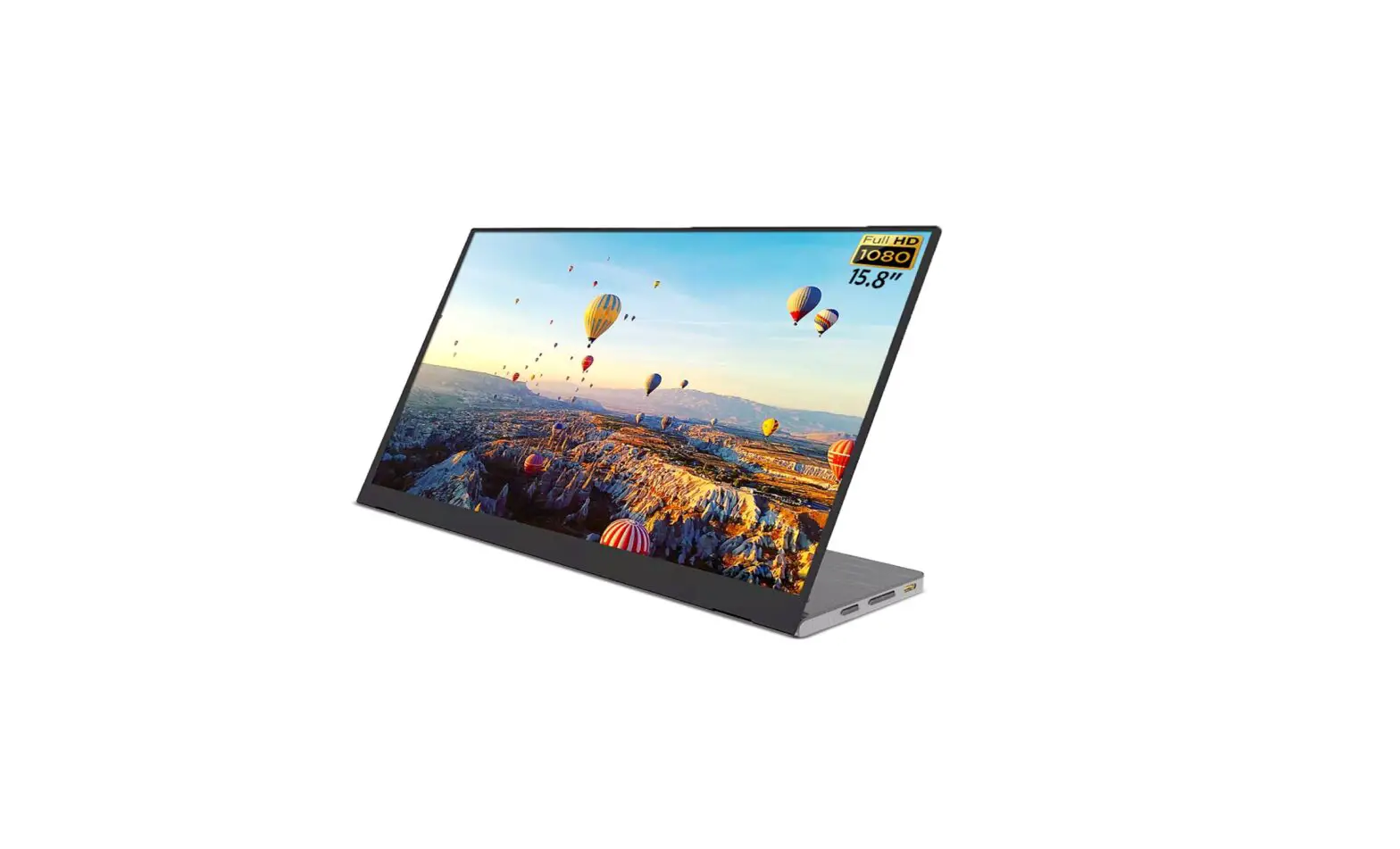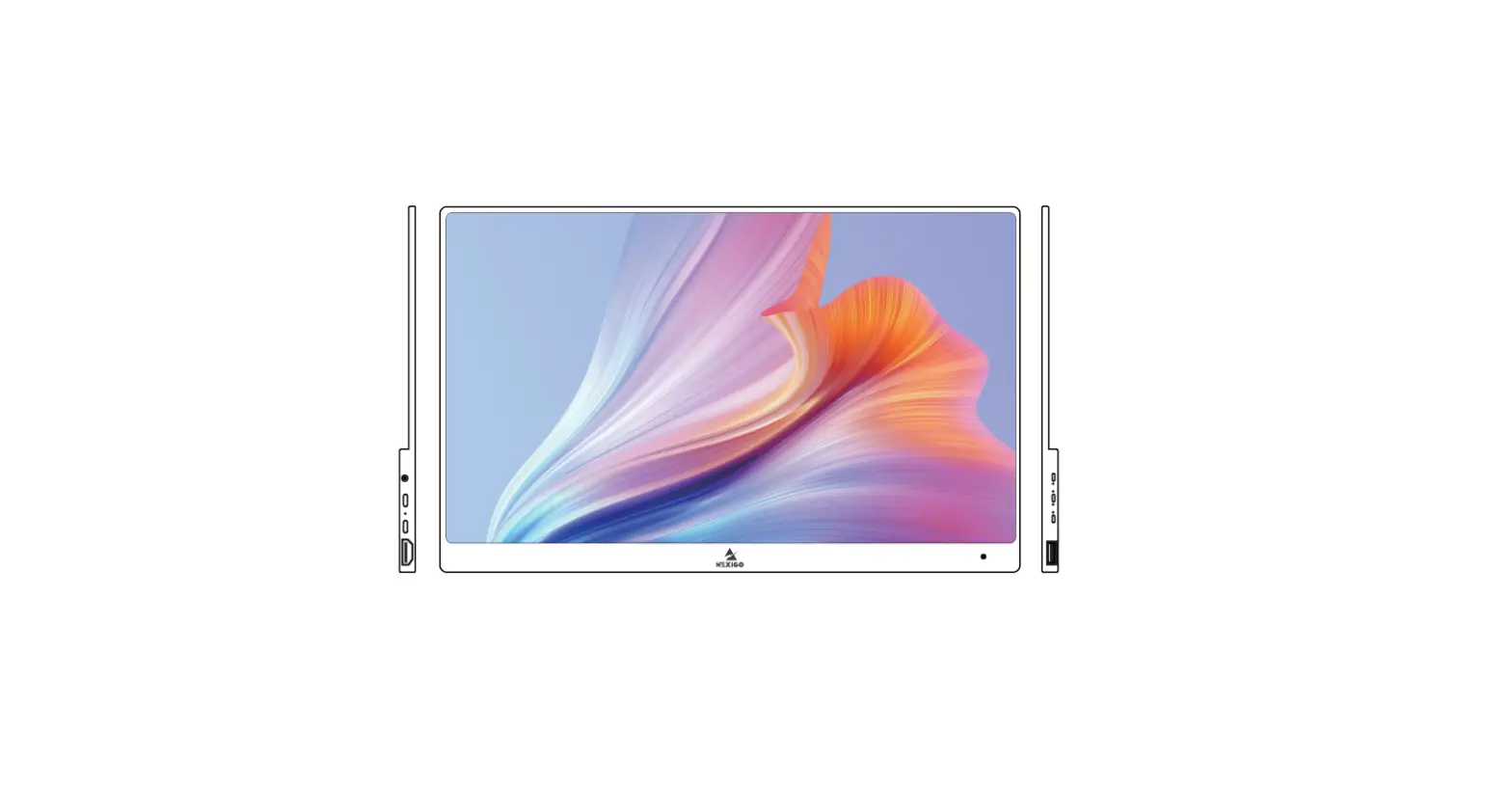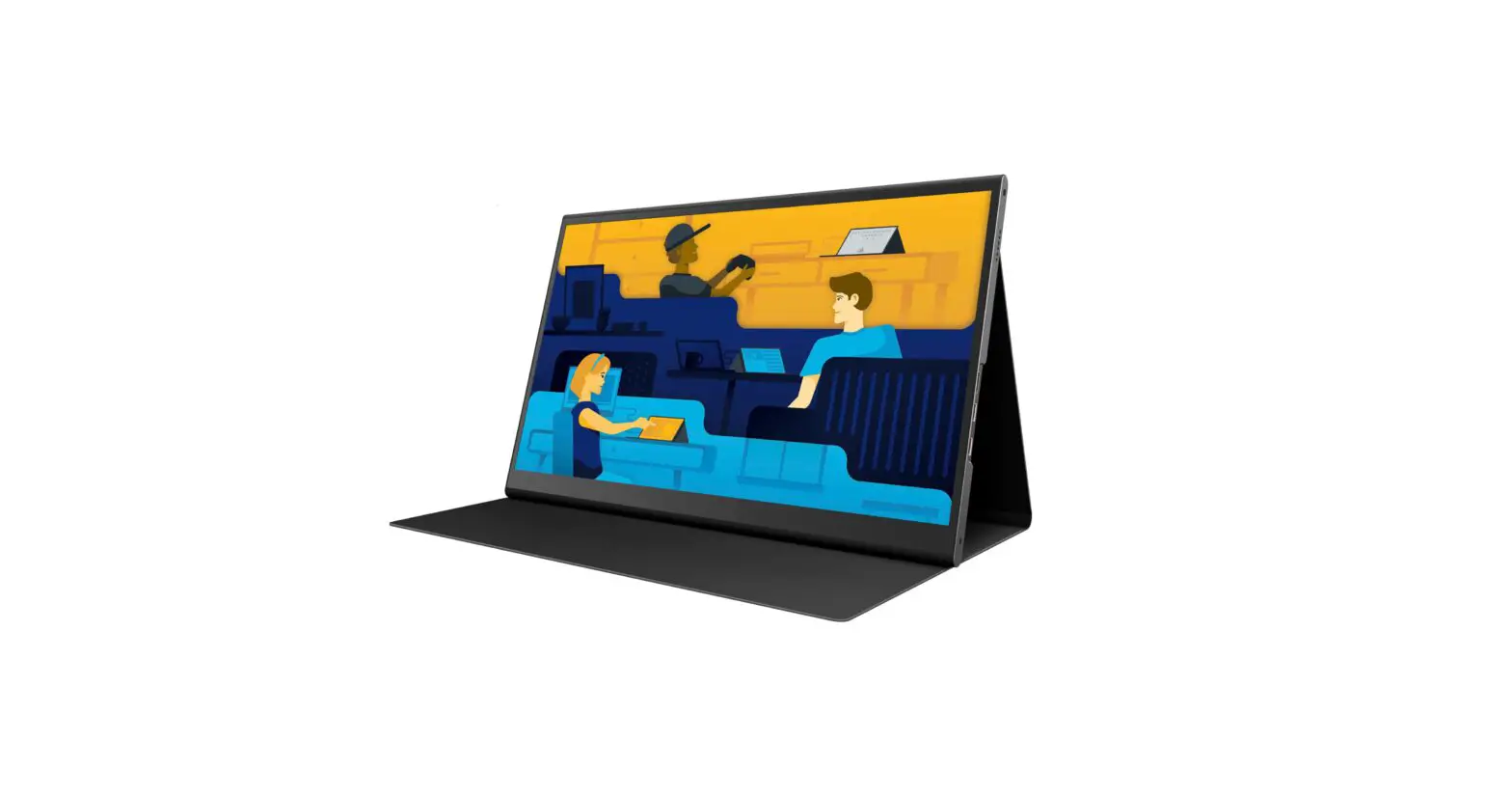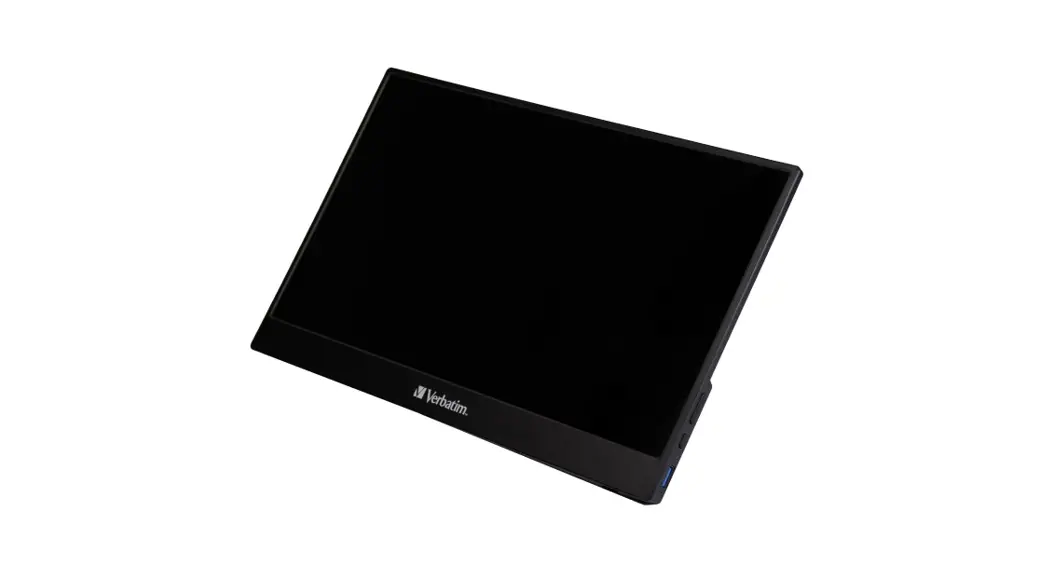
GEOYEAO EVP-301 Portable Monitor 15.6 inch VESA USB-C Laptop User Manual

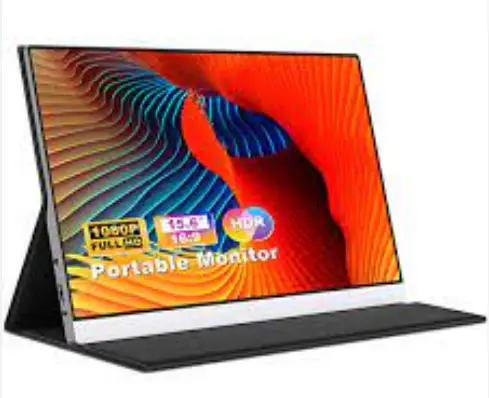
How to set up a monitor to a laptop
Step 1: Figure out what outputs your laptop supports.
It’s likely going to be HDMI, mini-HDMI, a USB-C port with Thunderbolt and / or Display Port support, DisplayPort, or Mini DisplayPort. If you have an older computer, it may be VGA or DVI (the ones that are covered in holes). If you’re not sure what ports you have, a quick Google search can help you out. You should be able to find a list on the manufacturer’s website or in reviews of your laptop model.
- Not all USB-C ports support DisplayPort and Thunderbolt 3, so double-check that on the manufacturer’s You can also look for symbols next to the port.
Step 2: Power the portable monitor and connect the portable monitor’s video input
You can expect to find Mini HDMI and USB-C inputs on the monitors.
- Every time you use the portable monitor, be sure to power the monitor
Step 3: Ensure your laptop’s connections and monitor’s connections are the same
If your laptop lack a common connection, don’t panic. You can easily purchase an adapter to pair them. Common examples of adapters include:
Mini DisplayPort-to-DisplayPort VGA-to-HDMI
DVI-to-HDMI
HDMI-to-DisplayPort DisplayPort-to-HDMI USB-C-to-HDMI
Once you attach your external display to your laptop with the appropriate cable (or adapter and cable), you may be required to press some keys on your keyboard for it to function properly. This shortcut key varies based on the laptop brand you own. Generally speaking, you’ll want to hold the Fn key while simultaneously pressing F3, F4, F5, F7, F8. F9, or F10.
At this point, your two devices should be seamlessly connected. Now, you’ll have to set your display settings to your liking so you can choose what’s best for your workflow.
How to Connect a Smartphone to a Portable Monitor
Method 1: Connect A Phone to A Monitor with One Cable
Make Sure You Have a Compatible Phone
Using a single USB C cable to connect your smartphone with our portable monitor, your
devices need to feature a USB C port enabled by DisplayPort Alt Mode (DP Alt Mode). Moreover, the USB C cable also needs to arrive with the Alt Mode capability to transfer the video signals. (It is recommended that you use the USB-C cable included in the package)
Tips: Some smartphones that include the DisplayPort capability have the Samsung Galaxy Note Series, Samsung Galaxy S series, flagship HTC U series, Huawei Mate, and Huawei P series. In addition, some of the smartphones from the LG G & V series and the Razer and ROGH phone also include this functionality. You can also go through following page compatible list to find out the other DP Alt Mode Compatible Devices.
After confirming that both devices are compatible, it’s time to set up our cell phone with the monitor:
- At first, connect portable monitor to an electric outlet since it’s not battery Turn on the portable monitor.
- Now connect the one end of the DP ALT mode capable USB C with the phone and another end to the port of the portable monitor.
- If your Android device is running on OS 10 or later, turn on the Desktop Mode from the settings. You should find it under the Developers Option.
- Turn on the mirror screen if you are using the older Android versions or your phone doesn’t include a Desktop
That’s it; now you should see the phone’s interface on the portable monitor. The interface may vary depending on the smartphone you are using.
Method 2: Connect with IOS/Android HDMI Adapter
Don’t worry if your phone is DP Alt Mode enabled even if the phone doesn’t include the Desktop Mode, you can still cast the phone screen on the portable monitor. All you need is an IOS/Android HDMI adapter. Let’s see how to connect your smartphone to a portable monitor using the adapter.
- Connect the portable monitor to the electric
- Connect your iPhone or Android phone to the monitor through the IOS/Android 3 IN 1 adapter.
- Power the adapter with a USB
- Scan the QR Code for device matching if adapter
- Now you should see the phone’s display on the monitor’s
Note that you can only mirror the phone’s screen to the portable monitor following this way, and you cannot enjoy the touch function. Put the phone in landscape mode to get a full-screen view on the portable monitor.
- Different adapter has different requirements, if the screen can’t cast via connect with the adapter, you can contact the adapter’s retailer for detailed
Compatible list
| Device name | Device type | Operating system |
| Apple iMac (Mid 2017) and newer | All-in-one PC | macOS |
| Apple iMac Pro | All-in-one PC | macOS |
| Apple Mac Mini (Late 2018) and newer | Mini PC | macOS |
| Intel NUC[lower-alpha 1] | Nettop | Windows |
| ASRock Thunderbolt 3 AIC | AIC | Windows 8-10 |
| Asus ThunderboltEX 3 Thunderbolt 3 AIC | AIC | Windows 8-10 |
| Gigabyte GC-ALPINE RIDGE (rev. 1.0) | AIC | Windows 8-10 |
| Gigabyte GC-ALPINE RIDGE (rev. 2.0) | AIC | Windows 8-10 |
| Gigabyte GC-TITAN RIDGE (rev. 1.0) | AIC | Windows 10 RS3 or later |
| MSI Thunderbolt M3 Thunderbolt 3 AIC | AIC | Windows 8-10 |
| Device name | Device type | Operating system |
| Apple MacBook Pro (Late 2016) and newer | laptop | macOS |
| Apple MacBook Air (Late 2018) and newer | laptop | macOS |
| Razer Blade Stealth Series (All) | laptop | Windows 10 |
| Dell Latitude 7373, Dell Inspiron 5570 | laptop | Windows 10 |
| Dell Latitude 5490,5400 (2019) | laptop | Windows 10/Linux >= 4.19 |
| Dell XPS 12 (9250) Dell XPS 13 (9350, 9360, 9370) Dell XPS 13 2-in-1 (9365) Dell XPS 15 (9550, 9560, 9570) Dell XPS 15 2-in-1 (9575) |
laptop |
Windows 10/Ubuntu |
| HP EliteBook Folio G1 | laptop | Windows 10 |
| HP Spectre 13 | laptop | Windows 10 |
| HP Zbook | laptop | Windows 10 |
| HP Zbook Studio | laptop | Windows 10 |
| Lenovo Thinkpad E580 | laptop | Windows 10 |
| Lenovo Thinkpad T470 | laptop | Windows 10 |
| Lenovo Thinkpad T470s | laptop | Windows 10 |
| Lenovo Thinkpad T480 | laptop | Windows 10 |
| Lenovo Thinkpad T480s | laptop | Windows 10 |
| Lenovo Thinkpad X1 Carbon (2017) | laptop | Windows 10 |
| Lenovo Thinkpad X1 Carbon (2018) | laptop | Windows 10 |
| Lenovo Thinkpad X1 Carbon (2019) | laptop | Windows 10 |
| Asus Zenbook 3 | laptop | Windows 10 |
| Acer Swift 5 | laptop | Windows 10 |
| MSI GS60 6QE | laptop | Windows 10 |
| Gigabyte Aero 15x | laptop | Windows 10 |
| Gigabyte Aero 15 x9 | laptop | Windows 10 |
| Gigabyte Aero 15 x9 | laptop | Windows 10 |
| Device name | Device type | Operating system |
| HP Spectre x360 | 2-in-1 convertible | macOS |
| HP Zbook Studio x360 | 2-in-1 convertible | macOS |
| Dell XPS 13 2-in-1 (9365) Dell XPS 15 2-in-1 (9575) | 2-in-1 convertible | macOS |
| Huawei MateBook | 2-in-1 detachable | Windows 8-10 |
| Medion Akoya s4403 | 2-in-1 convertible | Windows 8-10 |
Devices with DisplayPort Alternate Mode over USB-C
| Device name | Device type | Operating system |
| Asus Zen AiO | All-in-one PC | Windows 10 |
| Asus Chromebox 3 | Chromebox | Chrome OS |
| Intel NUC (i3 models) | Nettop | Windows |
| Zotac PI225 | Mini PC | Windows 10 (Linux works as well) |
| Sunix UPD2018 | AIC | Windows 7-10 |
| Device name | Device type | Operating system |
| Any Chrome OS device that implements Type-C, including: Google Chromebook Pixel (2015) | laptop | Chrome OS |
| Acer Swift 5 | laptop | Windows 10 |
| Acer TravelMate P2 | laptop | Windows 10 |
| Apple MacBook (Early 2015) and newer | laptop | macOS |
| HP ProBook 430 G6 | laptop | Linux |
| Lenovo Legion Y520, Y530, Y7000, Y740 | laptop | Windows 10/Linux |
| Lenovo ThinkPad A485, A285 | laptop | Windows 10 |
| Lenovo ThinkPad E485, E585 | laptop | Windows 10 |
| Lenovo ThinkPad X270 | laptop | Windows 10 |
| Xiaomi Mi Notebook Air 12,5″ | laptop | Windows 10/Linux |
| Xiaomi Mi Notebook Air 13,3″ | laptop | Windows 10/Linux |
| Xiaomi Mi Notebook Pro 15,6 | laptop | Windows 10/Linux |
| Device name | Device type | Operating system |
| Google Pixelbook | 2-in-1 convertible | Chrome OS |
| Google Pixel Slate | 2-in-1 detachable | Chrome OS |
| Acer Chromebook R13 | 2-in-1 convertible | Chrome OS |
| HP Chromebook x2 | 2-in-1 detachable | Chrome OS |
| HP Envy 13 x360 (2019) | laptop/tablet | Windows 10 |
| HP Envy 13 x360 (2018) | laptop/tablet | Windows 10 |
| Acer Chromebook Tab 10 | tablet | Chrome OS |
| Acer Nitro 5 Spin | 2-in-1 convertible | Windows 10 |
| Acer Spin 5 | 2-in-1 convertible | Windows 10 |
| Device name | Device type | Operating system |
| Lenovo Yoga 900 | 2-in-1 convertible | Windows 10 |
| Acer Switch 5 | 2-in-1 detachable | Windows 10 |
| Cube i7 Book | 2-in-1 detachable | Windows 10 |
| Microsoft Surface Book 2 | 2-in-1 detachable | Windows 10 |
| Microsoft Surface Go | 2-in-1 detachable | Windows 10 |
| Samsung Galaxy TabPro S | 2-in-1 detachable | Windows 10 |
| Dell Inspiron 13 7000 2-in-1 | 2-in-1 convertible | Windows 10 |
The 3rd-gen iPad Pro is the first iPad to drop the Lightning connector in favor of the USB-C port in November 2018. This was followed by the 4th-gen iPad Air in October 2020, and 6th-gen iPad mini in September 2021.
| Device name | Desktop Mode | Device type | Operating system | Release date |
| Lenovo TAB6 5G | – | tablet | Android | 2021 |
| Samsung Galaxy Tab S4 | Samsung DeX | tablet | Android | 2021 |
| Samsung Galaxy Tab S5e | Samsung DeX | tablet | Android | 2019 |
| Samsung Galaxy Tab S6 (excluding Lite model) | Samsung DeX | tablet | Android | 2019 |
| Samsung Galaxy Tab S7 and S7+ | Samsung DeX | tablet | Android | 2020 |
| Samsung Galaxy Tab S8, S8+, S8 Ultra | Samsung DeX | tablet | Android | 2022 |
| Vivo Pad | – | tablet | Android | 2022 |
| iPad mini (6th generation) | – | tablet | iOS | 2021 |
| iPad Air (4th generation) | – | tablet | iOS | 2020 |
| iPad Air (5th generation) | – | tablet | iOS | 2022 |
| iPad Pro (3rd generation) | – | tablet | iOS | 2018 |
| iPad Pro (4th generation) | – | tablet | iOS | 2020 |
| iPad Pro (5th generation) | – | tablet | iOS | 2021 |
As Android and, the now-defunct, Windows 10 Mobile are mobile operating systems, most manufacturers do not include support for wired video output. Even if support is present, it may not be prominently indicated on a device’s specification list.
All iOS devices (iPhone 4 and later, iPod touch 4th gen and later, iPad 1st gen and later) support wired video output. iOS devices, which traditionally did not use Micro USB or USB-C, are able to provide wired video output with adapters for the proprietary 30-pin dock connector (Apple 30-pin to VGA Adapter, Apple 30-pin Digital AV HDMI Adapter) and Lightning connector (Lightning to VGA Adapter, Lightning Digital AV HDMI Adapter).
The iPhone 4, iPad 1st gen, and iPod touch 4th gen (devices with Apple A4 system-on-chip) only display videos, photos, presentations, and slideshows on a secondary display, and cannot mirror the entire screen.
The iPhone 4S, iPad 2, iPad Mini 1st gen, iPod touch 5th gen (devices with Apple A5 system -on-chip) are the first devices that support screen mirroring.
A teardown revealed that the Lightning Digital AV Adapter contains an ARM system-on-chip (SoC), which decodes the output stream and sends it over HDMI. Currently, the maximum supported resolution is 1600 x 900.
Currently, the only iOS devices that use a USB-C connector and comply with Alternate Mode are iPad Pro (3rd gen and later), iPad Air (4th gen and later).
On iOS, major content service providers that allow screen mirroring in their apps include: Netflix, Amazon Prime, Hulu, Disney+, HBO Max, Tubi, Pluto TV etc. (as of Jan 2021).
On iOS, some content service providers (especially paid cable TV subscription companies that also provide a traditional set-top box) explicitly blocked screen mirroring in their apps. In such cases, DRM restrictions implemented in the app would either block the video from playing, or display a black screen with only audio playing. These apps include: ESPN, Now TV, All 4, My5, UKTV Play etc. (as of Jan 2021).
HTC, Samsung, Huawei have supported DisplayPort on most of their flagship HTC U series, Samsung Galaxy S series, Samsung Galaxy Note series, Huawei Mate series, Huawei P series phones.
LG formerly supported DisplayPort on their LG G series and LG V series phones, but dropped support in the G6, G7, V35, V40 phones. With the December 2018 software update, LG enabled DisplayPort output in G7, V35, V40 phones
Samsung’s DeX mode, Huawei’s Easy Projection, and Microsoft’s Continuum allow phones to offer a PC-like experience. In addition to regular screen mirroring, they allow apps to be used in multiple windows with a desktop-like interface when connected to an external display with keyboard and mouse.
The gaming-oriented smartphones, ROG Phone and Razer Phone, support DisplayPort. The ROG Phone, when connected to the Mobile Desktop Dock, outputs 4K UHD video through HDMI and DisplayPort. Razer’s Project Linda, a work-in-progress concept, allows a docked phone to power a laptop and run apps on a larger screen, with the phone acting as a touchpad or second screen for custom interfaces.
A bug introduced in Android Oreo resulted in performance issues (unreliable video/audio). This bug affects phones running stock Android (Razer Phone and Essential Phone) that have been updated from Android Nougat to Oreo.
Android 10’s first beta, released on 13 March 2019, introduced a native desktop mode, but it is hidden by default in the final release. LG made modifications to improve this desktop mode, and included it the LG V50 ThinQ and LG G8 ThinQ.
In Nov 2019, it was discovered through the Android source code that Google had explicitly blocked the DisplayPort function in the Pixel 4.
On devices with no native DisplayPort support, the DisplayLink Presenter app, when used with adapters and docking stations with DisplayLink chipsets, can provide limited screen mirroring functionality. However, as a third-party solution, playback of HDCP-encrypted video content might be disabled.In May 2020, the Video Electronics Standards Association (VESA) released version 2.0 of DisplayPort Alternate Mode (Alt Mode), which enables up to 16K video output over USB 4 Type-C ports.
| Brand | Initial support | Models | Comments |
| Early adopter. Provides | |||
| consistent support | |||
| (all flagship models). | |||
| iPhone 4, iPad 1st gen, | |||
| iPod touch 4th gen | |||
| · Can only display videos, | |||
| photos, presentations, and | |||
| slideshows over the 30-pin | |||
| dock connector. | |||
| iPhone 4S, iPad 2 | |||
| · Supports screen mirroring | |||
| all iPhone, | over the 30-pin dock connector. | ||
| Apple | 2010 | iPod touch, iPad models | iPhone 5, iPad 4th gen, iPad Mini 1st gen, iPod |
| touch 5th gen and later | |||
| · Supports screen mirroring over the Lightning connector. | |||
| (all iOS devices released from | |||
| late 2012 onwards) | |||
| iPad Pro 3rd gen, iPad Air | |||
| 4th gen, iPad Mini 6th | |||
| gen and later | |||
| · Supports screen mirroring | |||
| over the USB-C connector, | |||
| complies with Alternate Mode. |
| Brand | Initial support | Models | Comments |
| HTC | 2016 | U series | Early adopter. Provides consistent support (at least 3 flagship models). |
| LG | 2016 | G series, V series | Early adopter. Dropped support in 2017-2018, but re-enabled support in 2019. |
| Huawei | 2017 | Mate series, P series | Provides consistent support (at least 3 flagship models). Has desktop mode. |
| Samsung | 2017 | Galaxy S series, Galaxy Note series, Galaxy Z series | Provides consistent support (at least 3 flagship models). Has desktop mode. |
| Asus | 2018 | ROG Phone series | Provides consistent support on ROG Phone series (at least 3 flagship models), but little support on other series. |
| Sony | 2019 | Xperia 1 series, Xperia 5 series, Xperia 10 series, Xperia Pro series | Late adopter. Provides consistent support on Xperia high-end series (at least 3 flagship models). |
| OnePlus | 2019 |
OnePlus series | Late adopter. Currently support – 7/7 Pro, 8/8 Pro (as of Aug 2020) |
|
Honor |
2020 |
Magic series | Spin-off brand from Huawei with access to Google Play Services, not affected by US sanctions against Huawei. |
| Oppo | 2018 | (see below) | Irregular, little to no support for both flagship & non-flagship series. |
| Brand | Initial support | Models | Comments |
| Xiaomi | _ | Some Black Shark models | Has not supported any flagship or non-flagship series. (need to verify support for Black Shark series) |
| | _ | N/A | The Pixel 4’s hardware might/might not support DisplayPort, but the function was disabled in software by Google. |
| Other brands (irregular support) |
_ |
(see below) | These brands do not release DisplayPort-supported models under a consistent product series and/or release schedule. · Oppo, Sharp, ZTE |
| These brands only started releasing | |||
| DisplayPort-supported models in | |||
| recent years. Brands with consistent | |||
| support will be moved to the rows | |||
| above. | |||
| Other brands (late adopters) | _ | (see below) | 2020 · Lenovo (2020 – present), Motorola |
| (2020 – present), Microsoft | |||
| (2020 – present) | |||
| 2021 | |||
| · Fairphone (2021 – present) |
| Device name | Desktop Mode | Device type | Operating system | Release date |
| Samsung Galaxy Z Fold 3 | Samsung DeX | foldable phablet | Android | 2021 |
| Samsung Galaxy Z Fold 2 Samsung Galaxy Z Fold 2 Samsung W21 (for Chinese market) |
Samsung DeX |
foldable phablet |
Android |
2020 |
| Samsung Galaxy Fold | Samsung DeX | foldable phablet | Android | 2019 |
| Microsoft Surface Duo 2 | foldable phablet | Android | 2021 | |
| Microsoft Surface Duo | foldable phablet | Android | 2020 | |
| Huawei P50 Pocket | Easy Projection | foldable phablet | Android | 2021 |
| Huawei Mate Xs | Easy Projection | foldable phablet | Android | 2020 |
| Huawei Mate X2 | Easy Projection | foldable phablet | Android | 2021 |
| Huawei Mate X | Easy Projection | foldable phablet | Android | 2019 |
| Honor Magic V | foldable phablet | Android | 2022 | |
| ZTE Nubia Red Magic 7 ZTE Nubia Red Magic 7 Pro | smartphone | Android | 2022 | |
| ZTE Nubia Red Magic 6S Pro | smartphone | Android | 2021 | |
| ZTE Axon 10 Pro | Easy Projection | foldable phablet | Android | 2019 |
| ZTE Axon 9 Pro | Easy Projection | foldable phablet | Android | 2018 |
| Xiaomi Black Shark 4 | Easy Projection | foldable phablet | Android | 2021 |
| Device name | Desktop Mode | Device type | Operating system | Release date |
| Xiaomi Black Shark 3 | smartphone | Android | 2020 | |
| Xiaomi Black Shark 2 | smartphone | Android | 2019 | |
| Sony Xperia Pro-I | smartphone | Android | 2021 | |
| Sony Xperia Pro | smartphone | Android | 2021 | |
| Sony Xperia 10 IV | smartphone | Android | 2022 | |
| Sony Xperia 10 III | smartphone | Android | 2021 | |
| Sony Xperia 5 II | smartphone | Android | 2021 | |
| Sony Xperia 5 | smartphone | Android | 2019 | |
| Sony Xperia 1 IV | smartphone | Android | 2022 | |
| Sony Xperia 1 III | smartphone | Android | 2021 | |
| Sony Xperia 1 II | smartphone | Android | 2020 | |
| Sony Xperia 1 | smartphone | Android | 2019 | |
| Smartisan R1 | smartphone | Android | 2018 | |
| Sharp Aquos zero5G basic | foldable phablet | Android | 2020 | |
| Sharp Aquos R5G | foldable phablet | Android | 2020 | |
| Samsung Galaxy S22 Samsung Galaxy S22+ Samsung Galaxy S22 Ultra |
Samsung DeX | foldable phablet | Android | 2022 |
| Device name | Desktop Mode | Device type | Operating system | Release date |
| Samsung Galaxy S21 Samsung Galaxy S21+ Samsung Galaxy S21 Ultra |
Samsung DeX |
smartphone |
Android |
2021 |
| Samsung Galaxy S20 Samsung Galaxy S20+ Samsung Galaxy S20 Ultra |
Samsung DeX |
smartphone |
Android |
2020 |
| Samsung Galaxy S10e Samsung Galaxy S10 Samsung Galaxy S10+ |
Samsung DeX | smartphone | Android | 2019 |
| Samsung Galaxy S9 Samsung Galaxy S9+ | Samsung DeX | smartphone | Android | 2018 |
| Samsung Galaxy S8 Samsung Galaxy S8+ | Samsung DeX | smartphone | Android | 2017 |
| Samsung Galaxy Note 20 Samsung Galaxy Note 20 Ultra | Samsung DeX | smartphone | Android | 2020 |
| Samsung Galaxy Note 10 Samsung Galaxy Note 10+ | Samsung DeX | smartphone | Android | 2019 |
| Samsung Galaxy Note 9 | Samsung DeX | smartphone | Android | 2018 |
| Samsung Galaxy Note 8 | Samsung DeX | smartphone | Android | 2017 |
| Samsung Galaxy M52 5G | Samsung DeX | smartphone | Android | 2022 |
| Samsung Galaxy A90 5G | Samsung DeX | smartphone | Android | 2019 |
| Razer Phone 2 [lower-alpha 1] | smartphone | Android | 2018 | |
| Razer Phone [lower-alpha 1] | smartphone | Android | 2017 | |
| Purism Librem 5 | smartphone | Linux | 2020 |
| Device name | Desktop Mode | Device type | Operating system | Release date |
| PINE64 PinePhone | smartphone | Linux | 2020 | |
| Oppo Reno 10x Zoom Oppo Reno 5G | smartphone | Android | 2019 | |
| OPPO R17 Pro (OPPO RX17 Pro in Europe) |
smartphone |
Android |
2018 | |
| Oppo Find X3 Pro | smartphone | Android | 2021 | |
| OnePlus 9 OnePlus 9R OnePlus 9 Pro | Note: works on most 720p/1080p displays, crashes on 4K displays |
smartphone |
Android |
2021 |
| OnePlus 8 OnePlus 8 Pro | smartphone | Android | 2020 | |
| OnePlus 7 OnePlus 7 Pro | smartphone | Android | 2019 | |
| Motorola Edge+ | Yes | smartphone | Android | 2020 |
| Motorola Edge S (China variant) Moto G100 (global version for European market) |
Yes |
smartphone |
Android |
2021 |
| Motorola Edge 30 Pro (global variant) Motorola Edge+ 2022 (US variant) Motorola Edge X30 (China variant) |
Yes |
smartphone |
Android |
2022 |
| Motorola Edge 20 Pro | Yes | smartphone | Android | 2021 |
| Microsoft Lumia 950 Microsoft Lumia 950 XL | Continuum with Microsoft Display Dock | smartphone | Windows 10 Mobile | 2015 |
| Device name | Desktop Mode | Device type | Operating system | Release date |
| LG V60 | Yes | smartphone | Android | 2020 |
| LG V50 | Yes | smartphone | Android | 2019 |
| LG V40 (with Dec 2018 update) | smartphone | Android | 2018 | |
| LG V35 LG V35+ (with Dec 2018 update) | smartphone | Android | 2018 | |
| LG V30 LG V30+ | smartphone | Android | 2017 | |
| LG V20 | smartphone | Android | 2016 | |
| LG Q8 | smartphone | Android | 2017 | |
| LG G8 | Yes | smartphone | Android | 2019 |
| LG G7 LG G7+ (with Dec 2018 update) | smartphone | Android | 2018 | |
| LG G6 LG G6+ (with Dec 2018 update) *functionality has not been tested* |
smartphone |
Android |
2017 | |
| LG G5 | smartphone | Android | 2016 | |
| Lenovo Legion Phone Duel | smartphone | Android | 2020 | |
| Lenovo Legion Duel 2 | smartphone | Android | 2021 | |
| Lenovo Legion 2 Pro | smartphone | Android | 2021 | |
| Huawei P40 Huawei P40 Pro | Easy Projection | smartphone | Android | 2020 |
| Device name | Desktop Mode | Device type | Operating system | Release date |
| Huawei P30 Huawei P30 Pro | Easy Projection | smartphone | Android | 2019 |
| Huawei P20 Huawei P20 Pro | Easy Projection | smartphone | Android | 2018 |
| Huawei Mate 40 Pro | Easy Projection | smartphone | Android | 2021 |
| Huawei Mate 30E Pro (China variant) | Easy Projection | smartphone | Android | 2020 |
| Huawei Mate 30 Huawei Mate 30 Pro Huawei Mate 30 RS Porsche Design |
Easy Projection |
smartphone |
Android |
2019 |
| Huawei Mate 20 Huawei Mate 20 X Huawei Mate 20 Pro |
Easy Projection |
smartphone |
Android |
2018 |
| Huawei Mate 10 Huawei Mate 10 Pro | Easy Projection | smartphone | Android | 2017 |
| Huawei Honor View 20 | Easy Projection | smartphone | Android | 2018 |
| Huawei Honor View 10 | Easy Projection | smartphone | Android | 2018 |
| HTC U19e | smartphone | Android | 2019 | |
| HTC U12+ | smartphone | Android | 2018 | |
| HTC U11 HTC U11+ | smartphone | Android | 2017 | |
| HTC U Ultra | smartphone | Android | 2017 | |
| HTC Exodus 1 | smartphone | Android | 2018 | |
| HTC 10 | smartphone | Android | 2016 |
| Device name | Desktop Mode | Device type | Operating system | Release date |
| HP Elite x3 | Continuum with HP Desk Dock, HP Lap Dock | smartphone | Windows 10 Mobile | 2016 |
| Honor Magic4, Magic4 Pro, Magic4 Ultimate | smartphone | Android | 2022 | |
| Honor Magic 3, Pro, Pro+ | smartphone | Android | 2021 | |
| Honor 30 Pro Honor 30 Pro+ | smartphone | Android | 2020 | |
| Essential Phone [lower-alpha 1] | smartphone | Android | 2017 | |
| BQ Aquaris X2 | smartphone | Android | 2018 | |
| BlackBerry Key2 | smartphone | Android | 2018 | |
| Asus ZenFone AR Asus ZenFone Ares (rebranded Taiwan variant of ZenFone AR) |
smartphone |
Android |
2017 | |
| Asus ZenFone 3 Ultra | smartphone | Android | 2016 | |
| Asus ROG Phone II | Mobile Desktop Dock, TwinView Dock, WiGig® Dock | smartphone | Android | 2019 |
| Asus ROG Phone 5 Asus ROG Phone 5s | Mobile Desktop Dock, TwinView Dock, WiGig® Dock | smartphone | Android | 2021 |
|
Asus ROG Phone 3 | Mobile Desktop Dock, TwinView Dock, WiGig® Dock |
smartphone |
Android |
2020 |