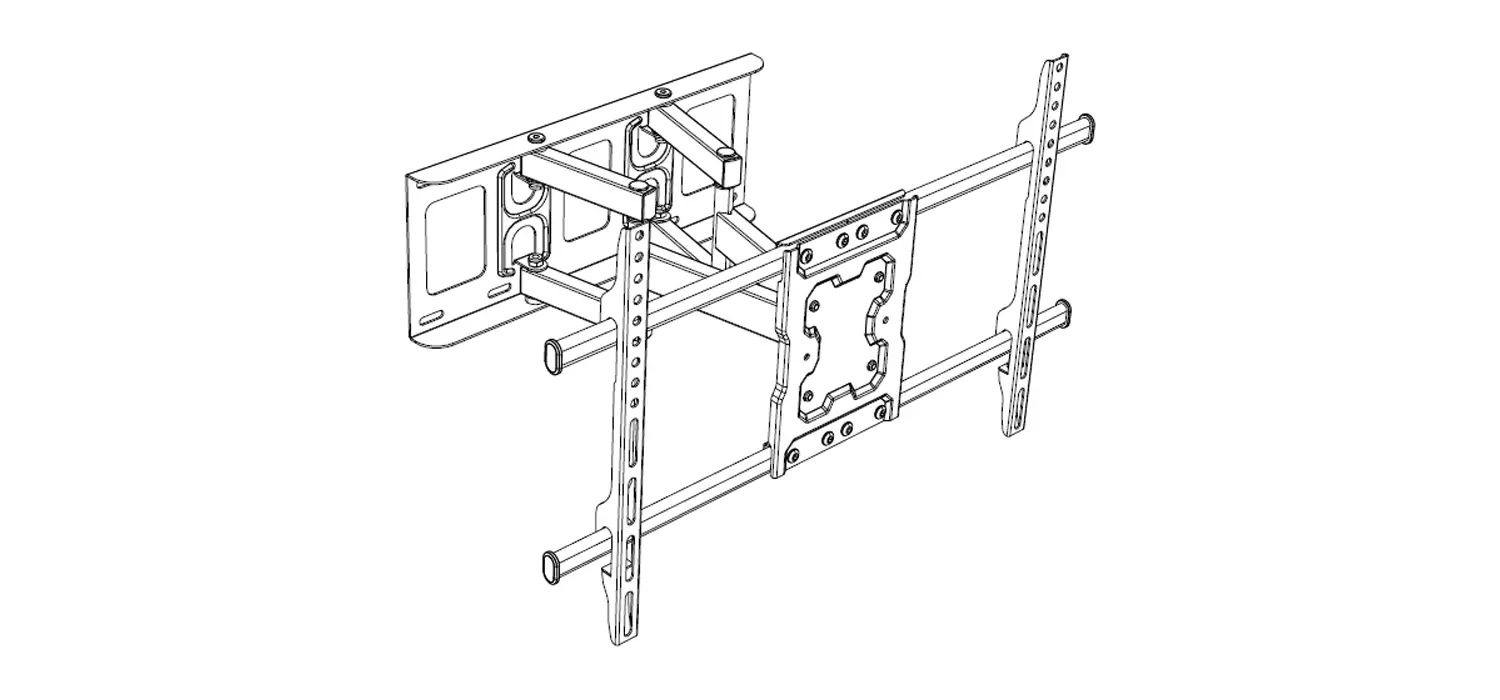
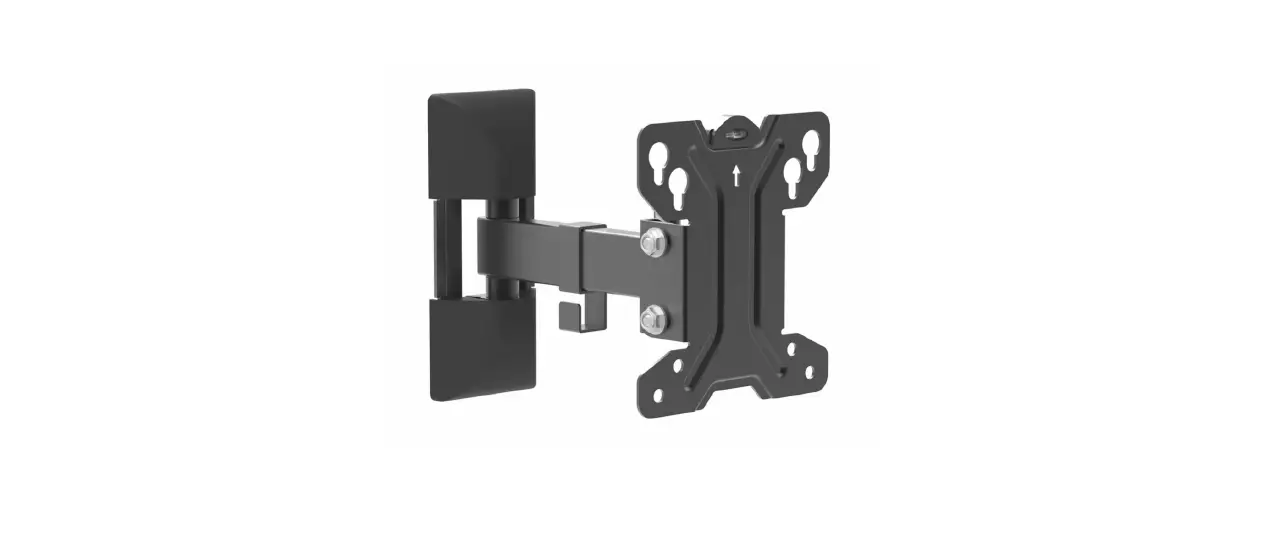
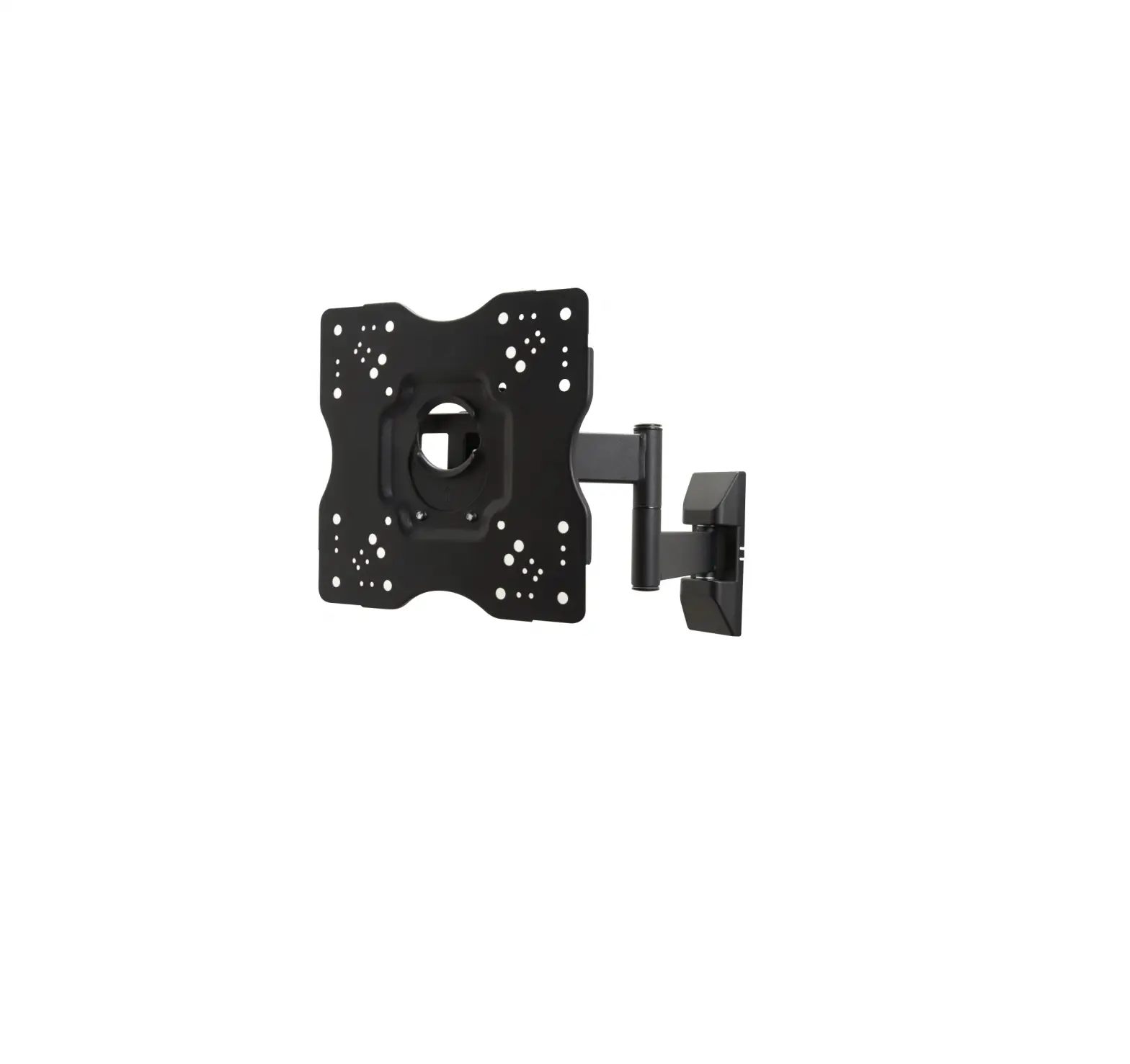
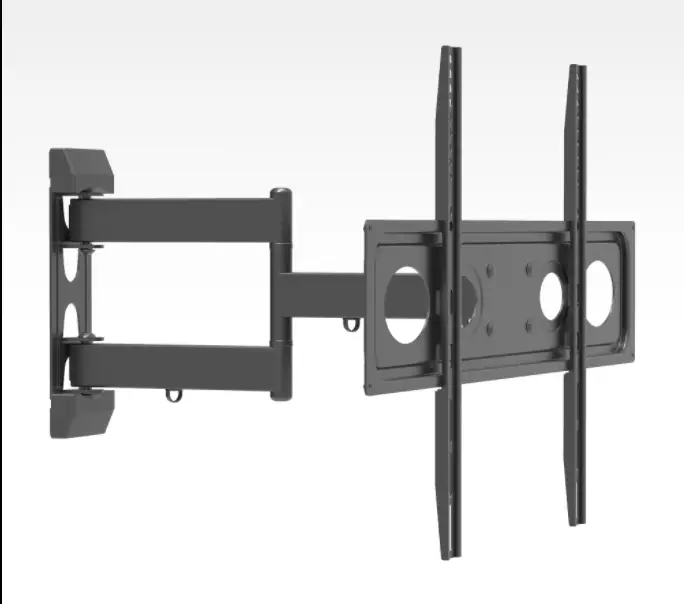
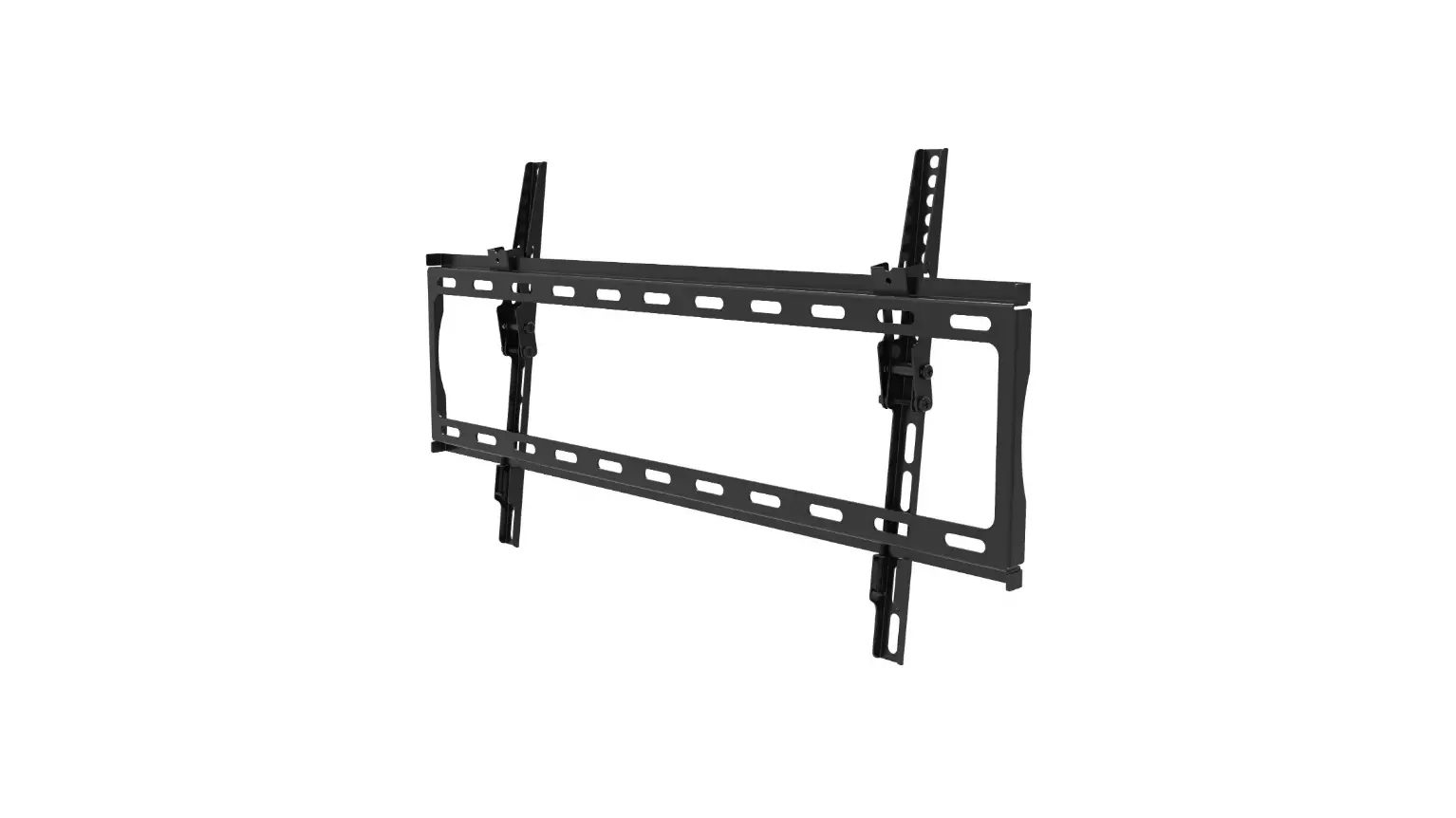
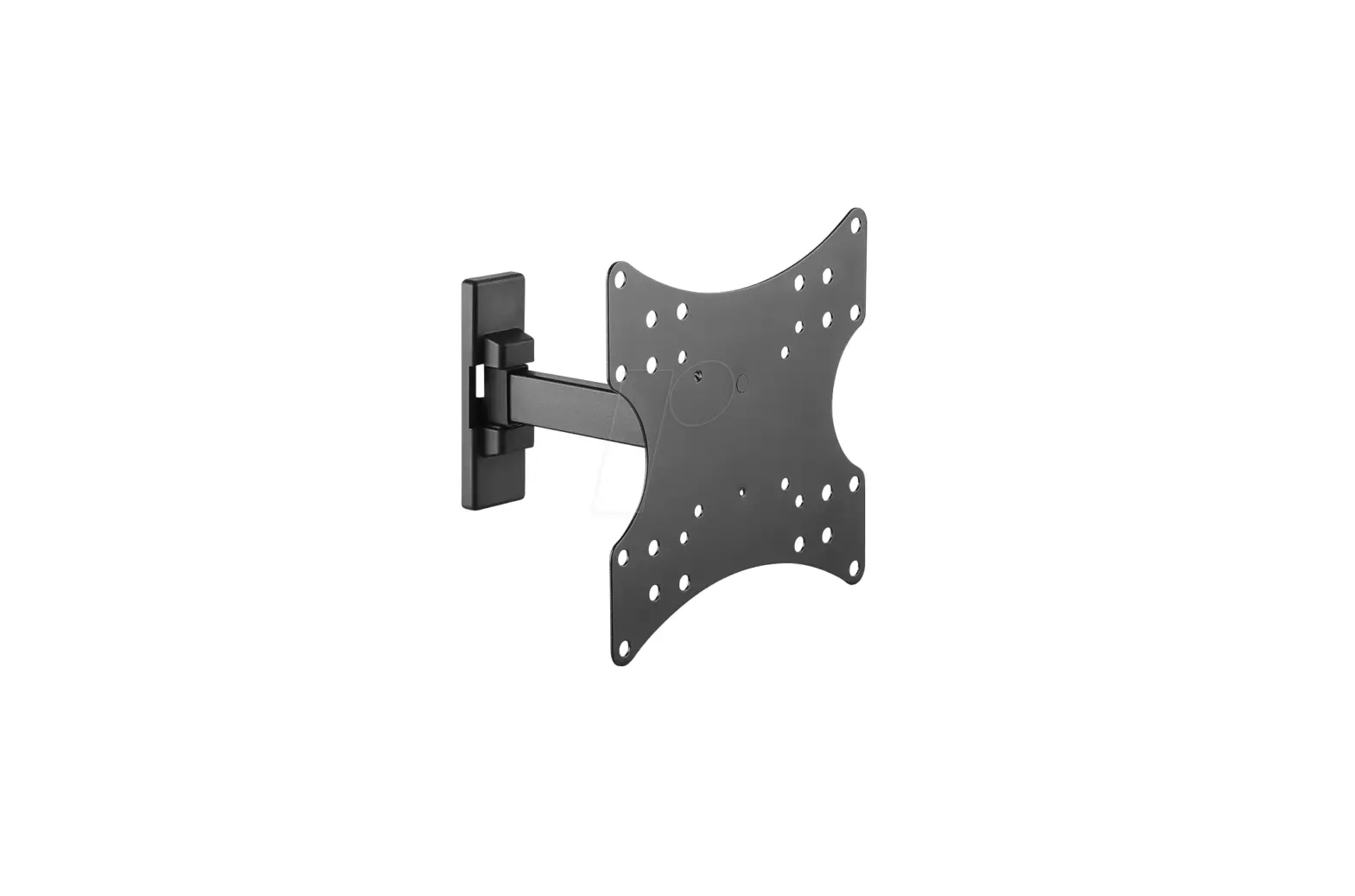
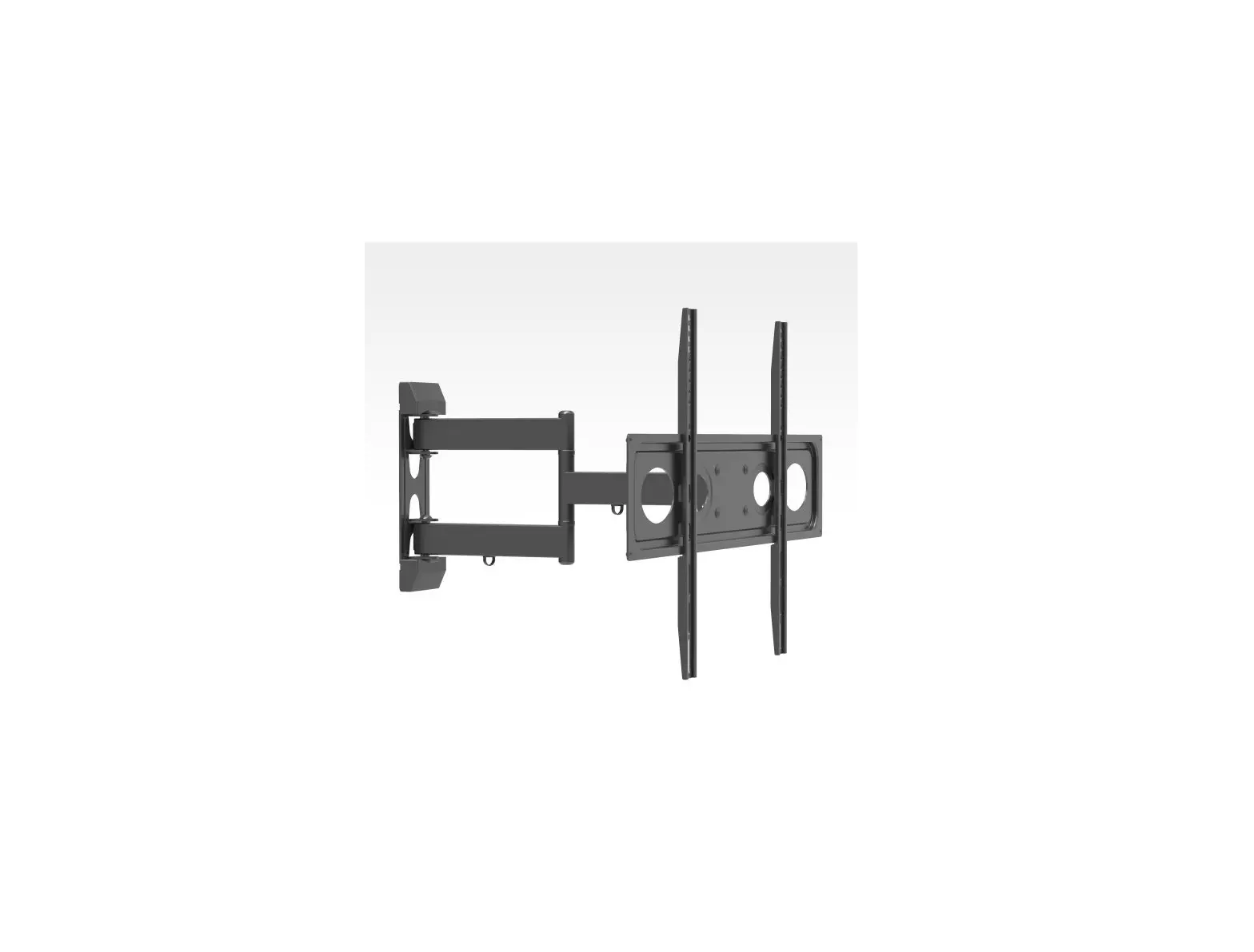
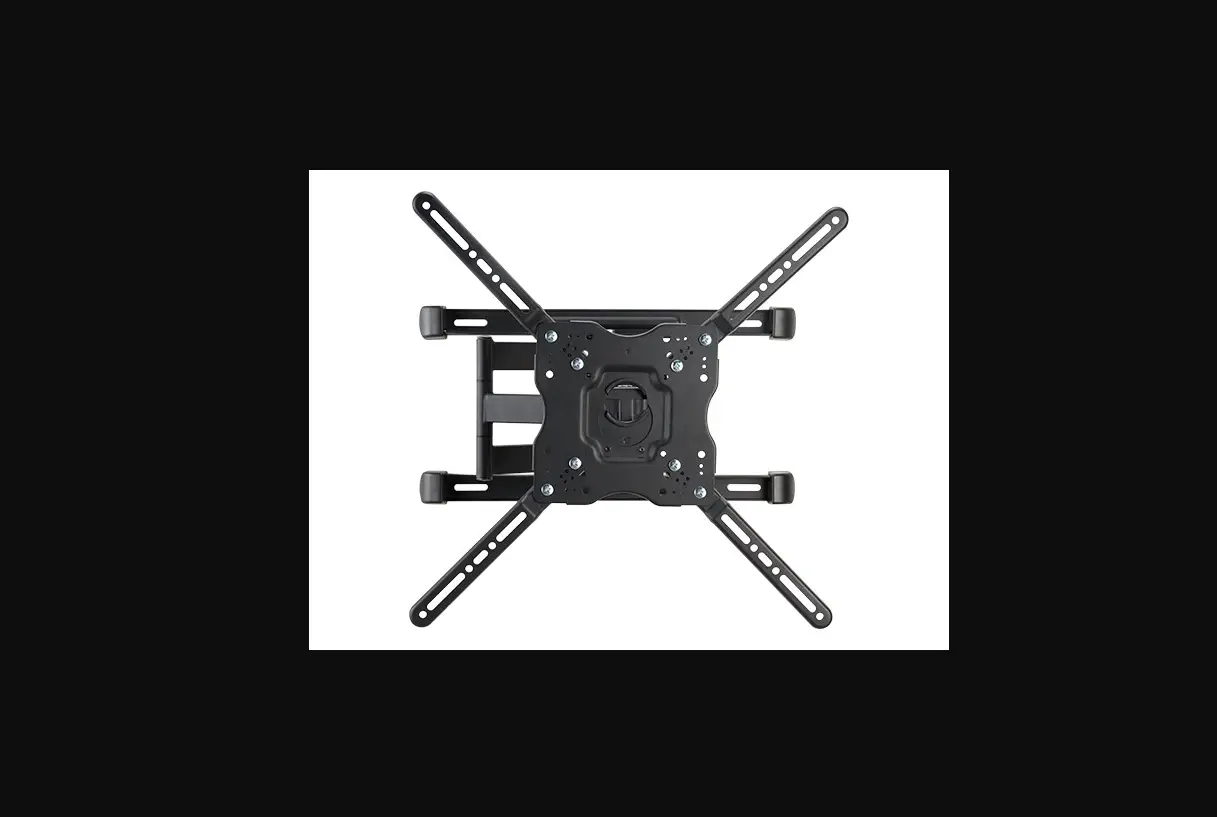
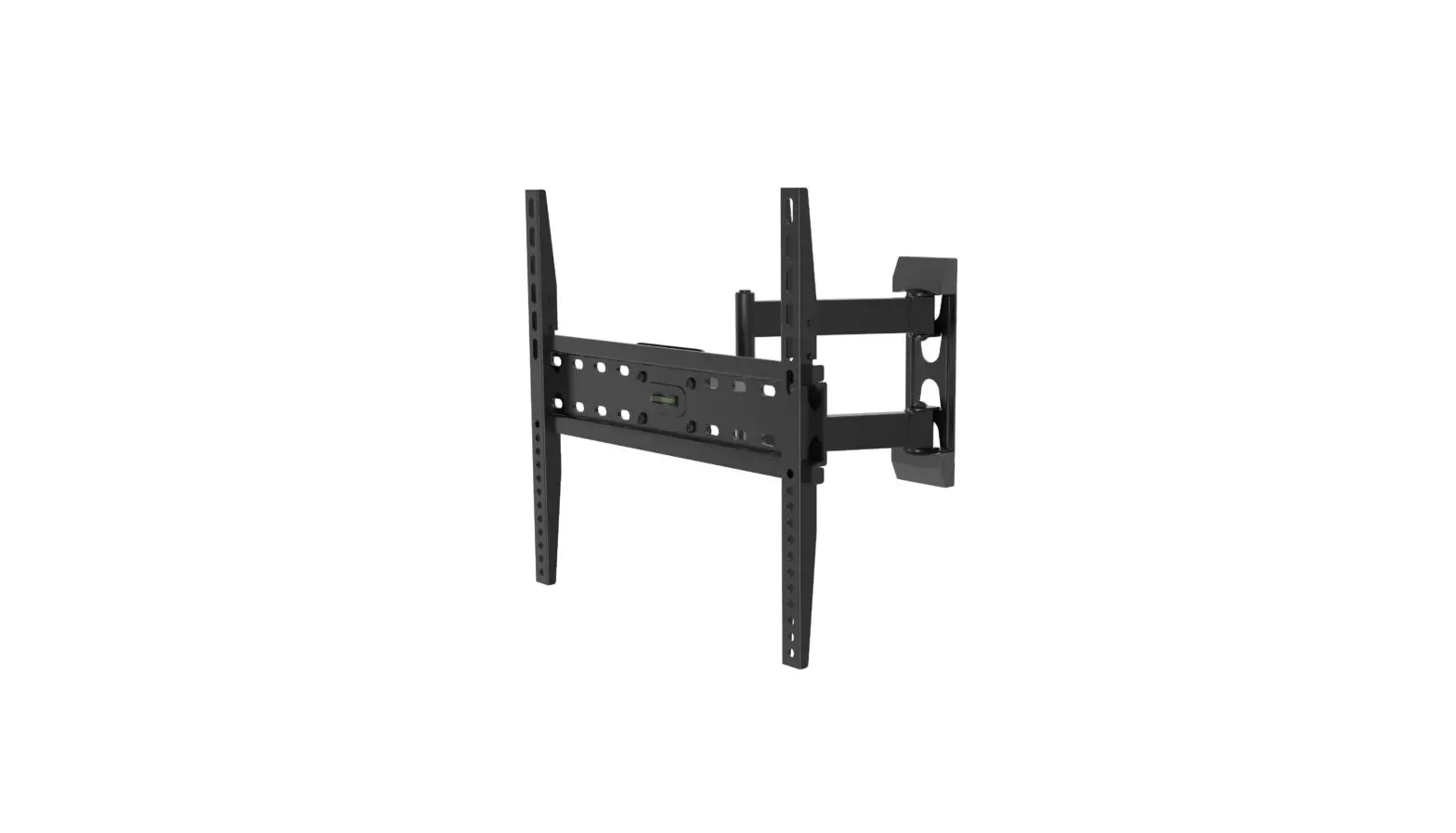
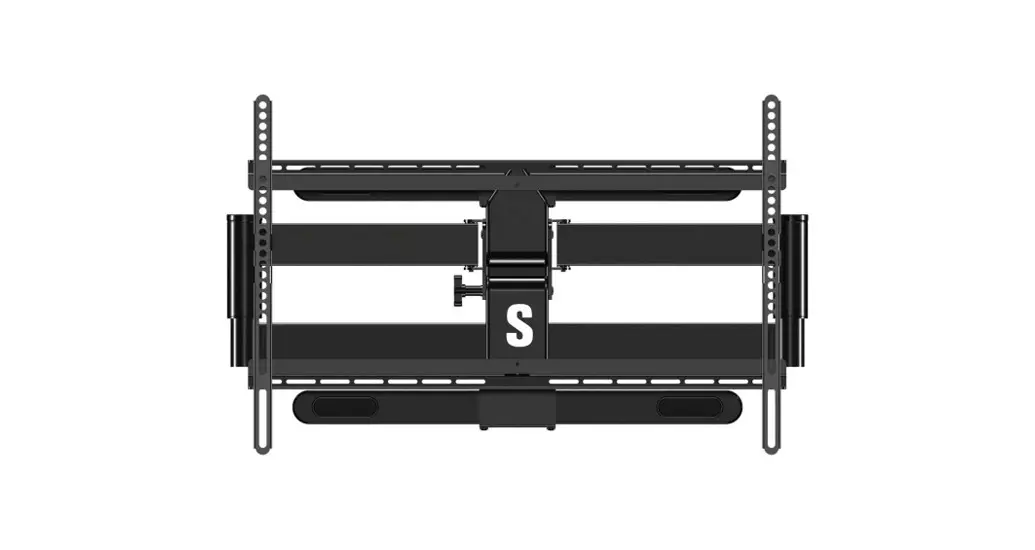
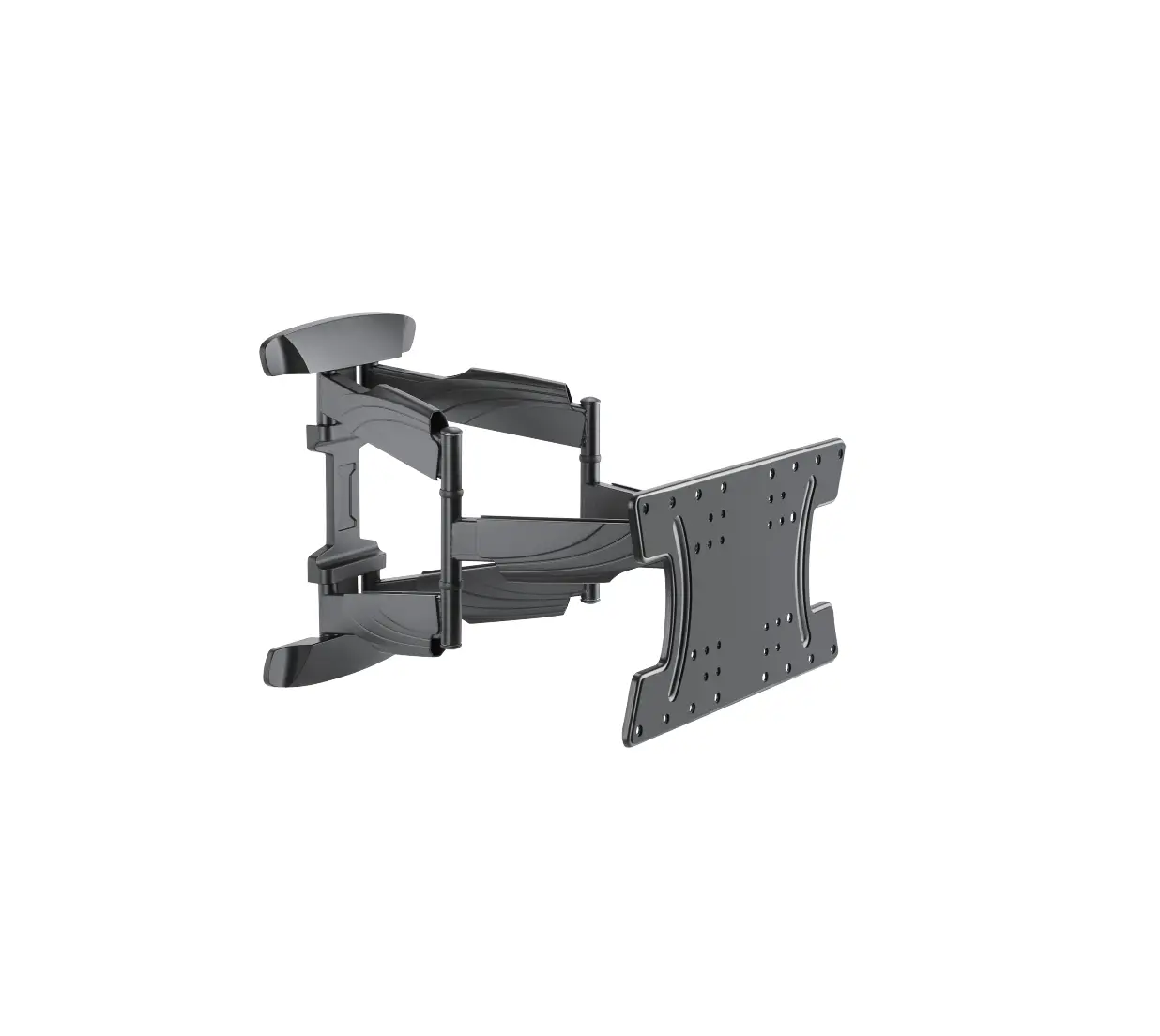
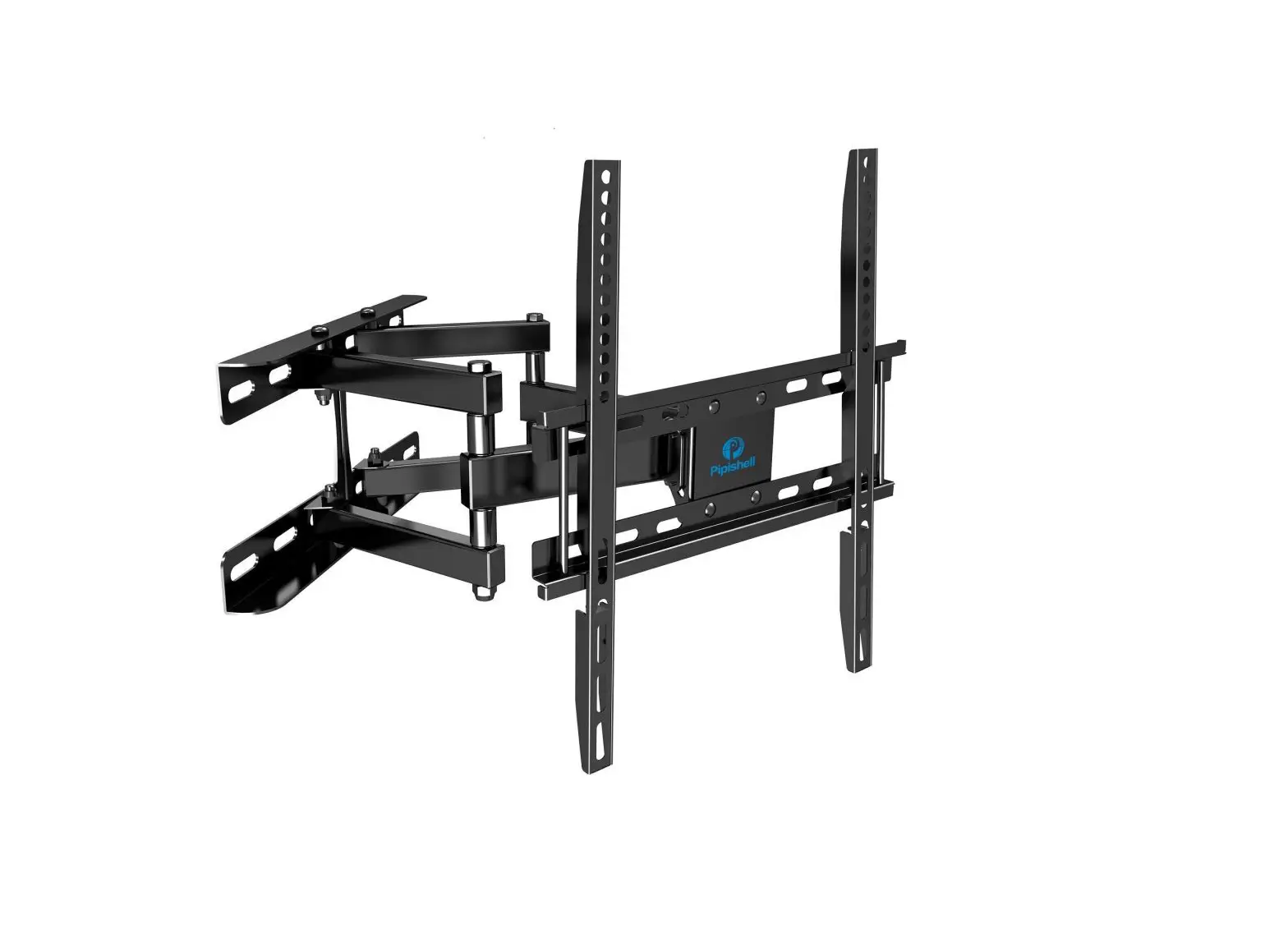
PISF1 Full Motion TV Monitor Wall Mount
Product Information:
Product Name: PISF1
Installation Instruction Version: 1.0
Manufacturer: Pipishell
Contact Information:
- Telephone: 800-556-9829 (Mon-Fri 10am – 6pm PST)
- Email: [email protected]
(US/CA/DE/UK/FR/IT/ES/JP/AU)
Warning:
Improper installation or assembly can result in severe personal
injury and property damage. Please read the following warnings
before beginning.
If you have any concerns or questions, please contact a
qualified installer. Do not install or assemble if the product or
hardware is damaged or missing. Not all parts and hardware included
must be used. If you require replacement parts, contact customer
service at [email protected]. This product may contain moving
parts. Use with caution. DO NOT install into drywall alone.
Tools Needed (Not Included):
- Stud Finder
- Tape measure
- Pencil
- Drill
- Hammer
- 1/8 in.(3 mm) Wood Drill
- 25/64 in.(10mm) Concrete Drill
- 25/64 in.(10 mm) Socket Wrench
- Screw Driver
Supplied Parts:
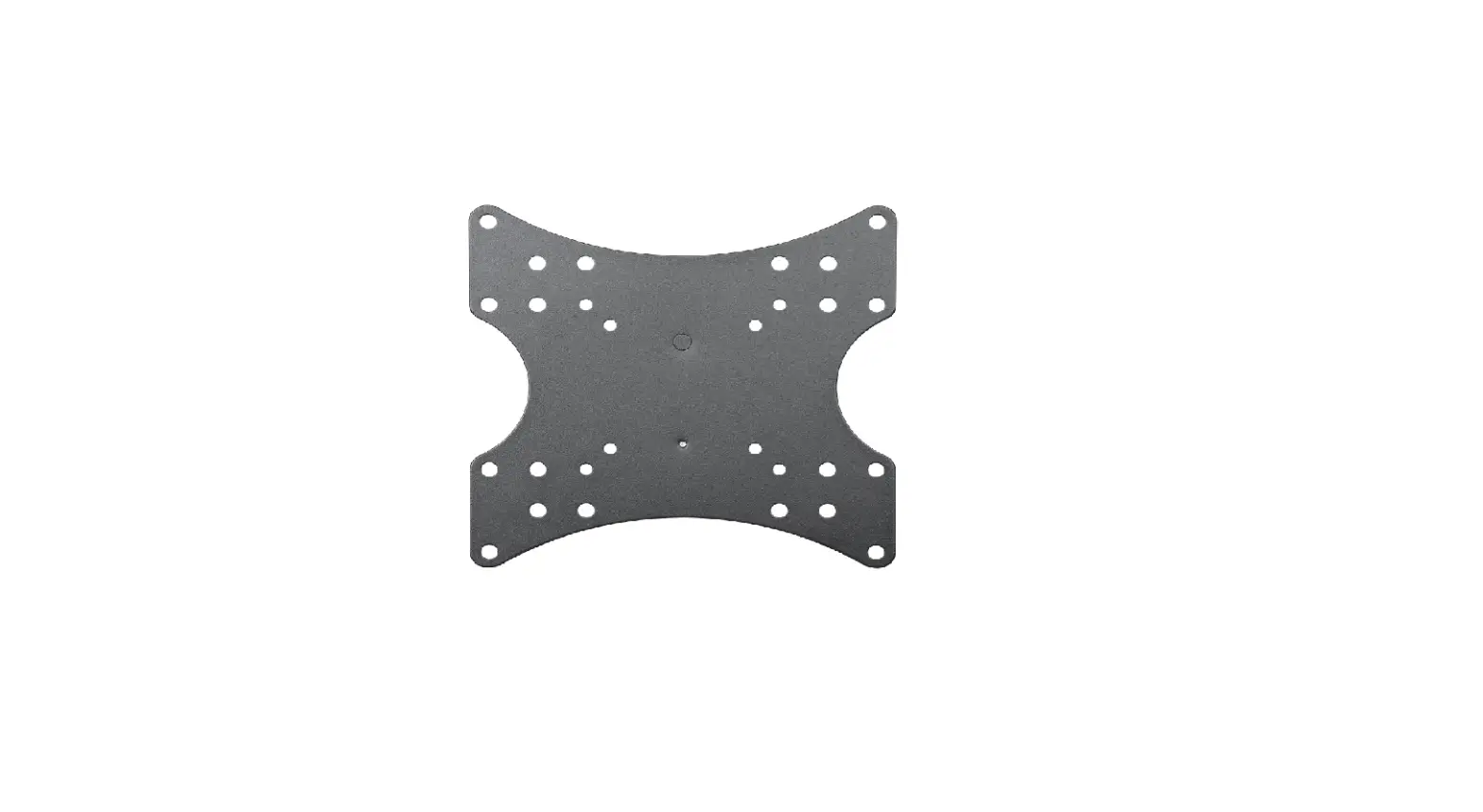
- TV Bracket – 02 X1
- Wall plate and Arm – 01 X1
- Extender Brackets – 03 X4
Supplied Hardware:
- Hardware for Attaching Wall Plate to Wall:
- Lag Bolts M6X60 – x2
- Carriage Bolts M6 x 12 – x2
- Nuts M6 – x4
- Wall Anchor – x2
- Hardware for Attaching TV Bracket to TV:
- M4-5-6 Spacers:
- Spacers L10mm – x4
- Spacers L5mm – x4
- Philips Screws:
- M4 x 15mm – x4
- M4 x 30mm – x4
- M6 x 15mm – x4
- M6 x 30mm – x4
- M8 x 15mm – x4
- M8 x 30mm – x4
- M4-5-6 Spacers:
Product Usage Instructions:
Step 1: Measure VESA
Measure the distance between the holes located at the back of
your TV (these measures may form the shape of a square or a
rectangle) and check that these measurements are within the VESA
range for this wall mount. VESA is an international standard used
by TV manufacturers to determine compatibility with wall
mounts.
Step 2-1: Choose the Combination that Applies to your VESA
Determine which TV bracket option (A, B, or C) to use based on
your TV hole pattern measurements from Step 2.
- Option A: For VESA hole pattern – 75 mm x 75 mm and 100 mm x
100 mm - Option B: For VESA hole pattern – 200 mm x 200 mm
- Option C: For VESA hole pattern – 200 mm x 100 mm
Step 2-2: Select TV Hardware
- Bolt diameter: Hand thread bolts into threaded inserts on the
back of the TV to determine the correct bolt diameter (M4, M6,
M8). - Bolt length: Verify adequate thread engagement with bolts or
bolts/spacers combination. We recommend thread engagement by at
least 5 turns. Ensure the bolt length is neither too short nor too
long to hold the TV securely without damaging it. - Bolt and spacer combination: Spacers may be needed to combine
with bolts for various situations such as adding distance to the
wall, irregular back of the TV, or inserting into specific
areas.
Step 2-3: Attach the TV Bracket
Follow the instructions provided in the user manual to attach
the TV bracket to your TV using the selected hardware.
Installation Instruction V1.0
PISF1
Thank you for choosing our product! We strive to provide the best quality and services for our customers. Would you kindly share your experience on Amazon if you are satisfied? Should you have any issues, please don’t hesitate to contact us. Telephone800-556-9829 Mon-Fri 10am – 6pm (PST) (USA) (CAN) [email protected] (US/CA/DE/UK/FR/IT/ES/JP/AU)
WARNING
WARNING! SEVERE PERSONAL INJURY AND PROPERTY DAMAGE CAN RESULT FROM IMPROPER INSTALLATION OR ASSEMBLY. READ FOLLOWING WARNINGS BEFORE BEGINNING.
If you do not understand the instructions or have any concerns or questions, please contact a qualified installer. Do not install or assemble if the product or hardware is damaged or missing. Not all parts and hardware included must be used. lf you require replacement parts, contact customer service at [email protected] This product may contain moving parts. Use with caution. DO NOT install into drywall alone.
Tools Needed (Not lncluded)
Stud Finder Tape measure
Pencil
Drill
Hammer
1/8 in.(3 mm) Wood Drill
25/64 in.(10mm) Concrete Drill
Supplied Parts
25/64 in.(10 mm) Socket Wrench
Screw Driver
TV Bracket
02 X1
Wall plate and Arm
01 X1
Extender Brackets
03 X4
1
Supplied Hardwar
Hardware for Attaching Wall Plate to Wall
Lag Bolts M6X60
Washers Ø6mm
Carriage Bolts M6 x 12
Nuts M6
x2
x2
x4
x4
A1
A2
G
H
Wall Anchor
x2
A3
! CAUTION!
These anchors are for concrete or brick walls ONLY. DO NOT use them in drywall or wood studs.
Hardware for Attaching TV Bracket to TV
Washers Ø6mm
M4-5-6
Spacers Spacers L10mm L5mm
Philips Screws M4 x 15mm M4 x 30mm
Philips Screws M6 x 15mm M6 x 30mm
Philips Screws M8 x 15mm M8 x 30mm
x4
x4
x4
x4
x4
x4
x4
x4
x4
B1
B2
C
D1 D2
E1
E2
F1
F2
2
Height
Step 1 Measure VESA
Measure the distance between the holes located at the back of your TV (these measures may form the shape of a square, or a rectangle) and check that these taken measures are within the VESA (*) range for this wall mount. (*) VESA: International standard established by the TV manufacturers used to determine if LCD/LED TVs are compatible with wall mounts.
Width
Step 2-1 Choose the Combination that Applies to your VESA
Determine which TV bracket option A, B, or Cto use based on your TV hole pattern measurements from STEP 2.
A
100 mm 75 mm
B
200 mm
C
200 mm
100 mm
200 mm 100mm 75 mm
for VESA hole pattern: 75 mm X 75 mm 100mm X 100mm
for VESA hole pattern: 200 mm X 200 mm
Step 2-2 Select TV Hardware
for VESA hole pattern: 200 mm X 100 mm
1 Bolt diameter: hand thread bolts into threaded inserts on the back of TV to determine the
correct bolt diameter(M4, M6, M8)
2 Bolt length: verify adequate thread engagement with bolts or bolts/spacers combination.
We recommend thread engagement by at least 5 turns. – Too short will not hold the TV. – Too long will damage the TV.
Too Short
Too Long
Correct
Correct
3
Step 2-2 Select TV hardware
3 Bolt and spacer combination: spacers sometimes are needed to combine with bolts for several situations as below:
TV back
TV back Add distance to wall
TV back Irregular back
TV back Insert
Step 2-3 Attach the TV Bracket
for VESA hole pattern: 75 mm X 75 mm 100mm X 100mm
Cables
B1 D1/E1/F1
G H
for VESA hole pattern: 200 mm X 200 mm
or
for VESA hole pattern: 200 mm X 100 mm
4
D1/E1/F1 B1
D2/E2/F2 B1 B2/C
Step 3A Wall Plate Install (Concrete Wall)
CAUTION :
These anchors are for concrete or brick walls ONLY. DO NOT use them in drywall or wood studs.
3A-1
3A-2
Anchor A3
01
Position the wall plate at your desired height, level the wall plate and mark the pilot hole locations.
3A-1
Drill 2 pilot holes using a 25/64 in.(10 mm) diameter drill bit. Make sure the depth is not less than 2.75in. (70mm)
Drill pilot holes
70mm
ø10mm
A3
A2
A1
A3
Install wall plate using lag bolts A1, washers A2 and anchors A3. Tighten the lag bolts until they are pulled firmly against the wall plate.
5
25/64 in.(10 mm) Socket Wrench
Step 3B Wall Plate Install (Wood stud)
CAUTION :
These anchors are for concrete or brick walls ONLY. DO NOT use them in drywall or wood studs.
3B-1
3B-2
Use a stud finder(not included)to locate wood studs. Mark the edge and center locations.
3B-3
01 Position the wall plate at your desired height and lineup the holes with your stud center line. Level the wall plate and mark the holes.
60mm
3B-4
Install the wall plate 01 using lag bolts A1 and washer A2. Tighten the lag bolts A1 until they are pulled firmly against the wall plate 01.
ø3mm Drill 2 pilot holes using a 1/8 in.(3 mm) diameter drill bit. Make sure the depth is not less than 2.36in. (60mm)
A1
A2
01
25/64 in.(10 mm) Socket Wrench
6
Step 4 Hang the TV onto the wall plate
Take this apart.
Mounting your TV to the brackets and lock it.
If needed, the TV can be tilted +5/-15 degrees and rotate 360 degrees from left to right.
+5°/-15°
360°
7