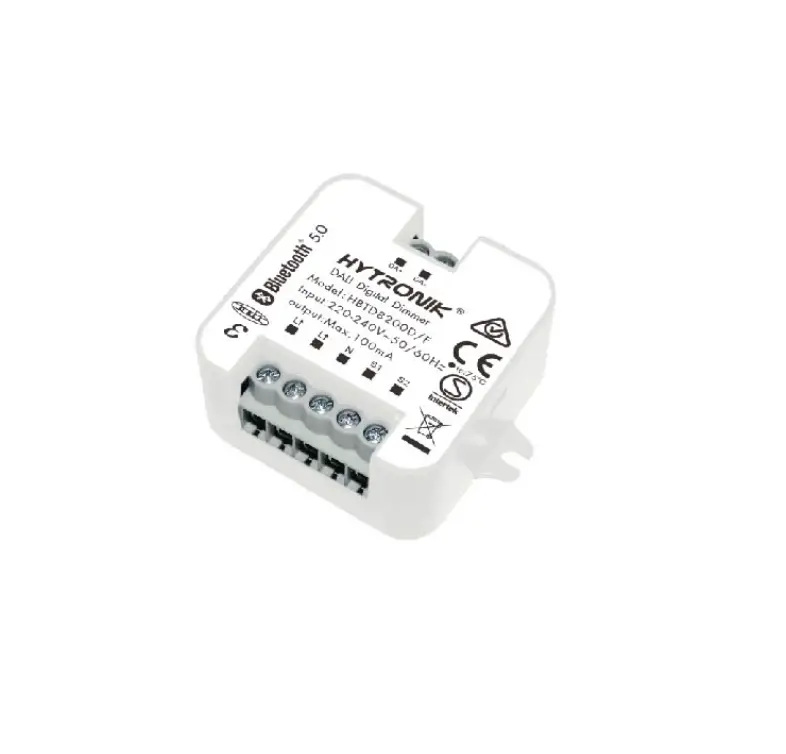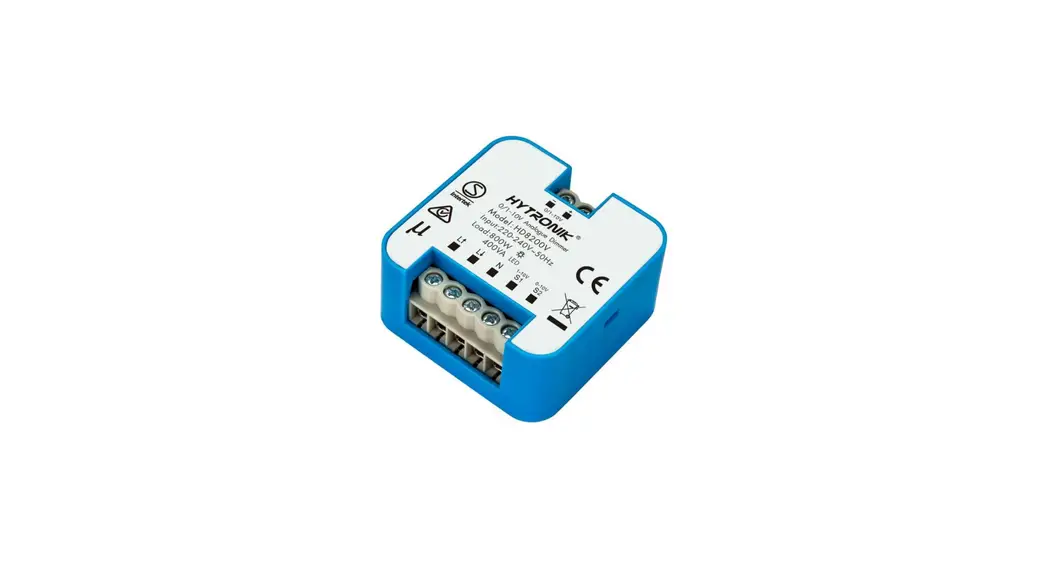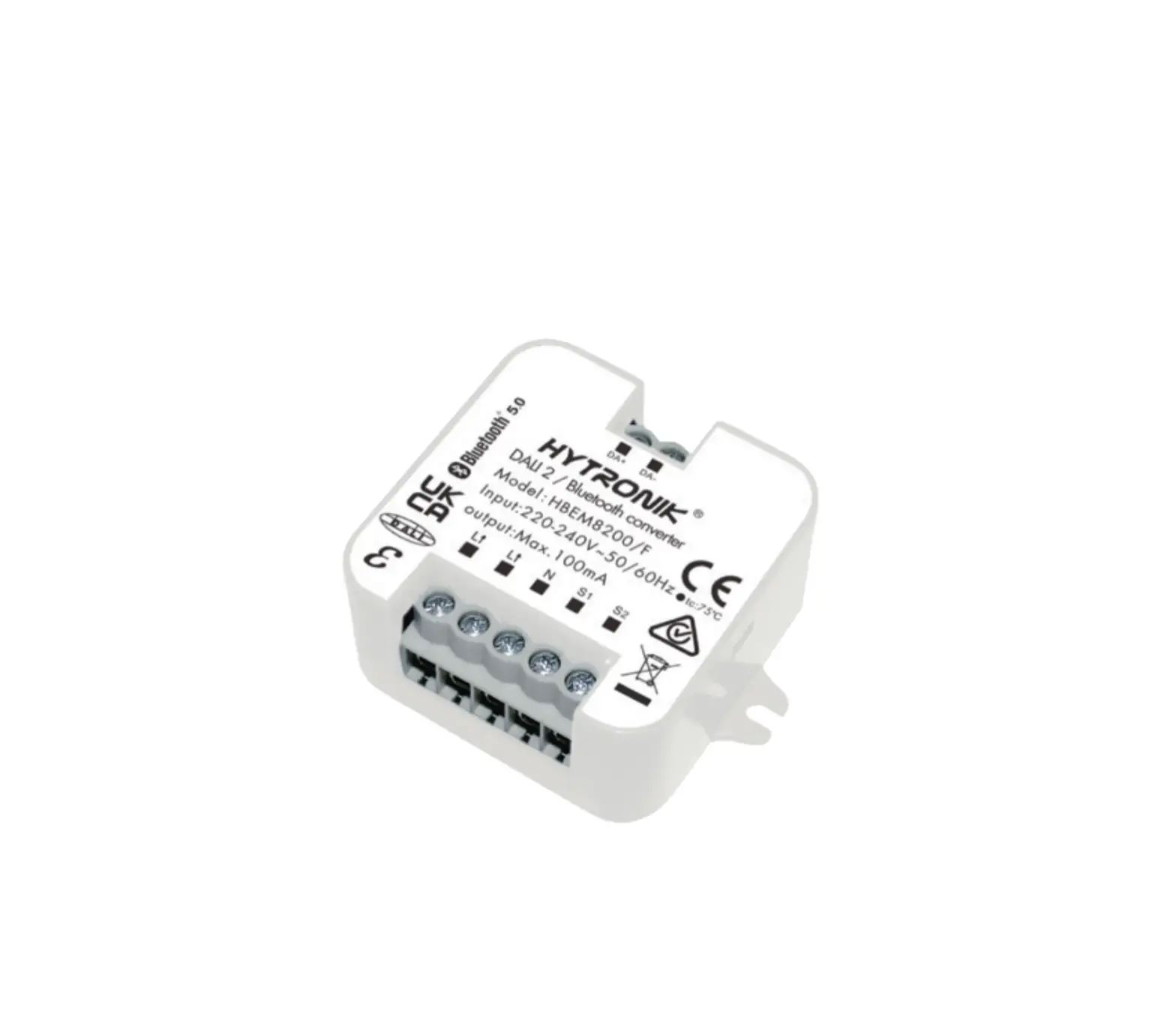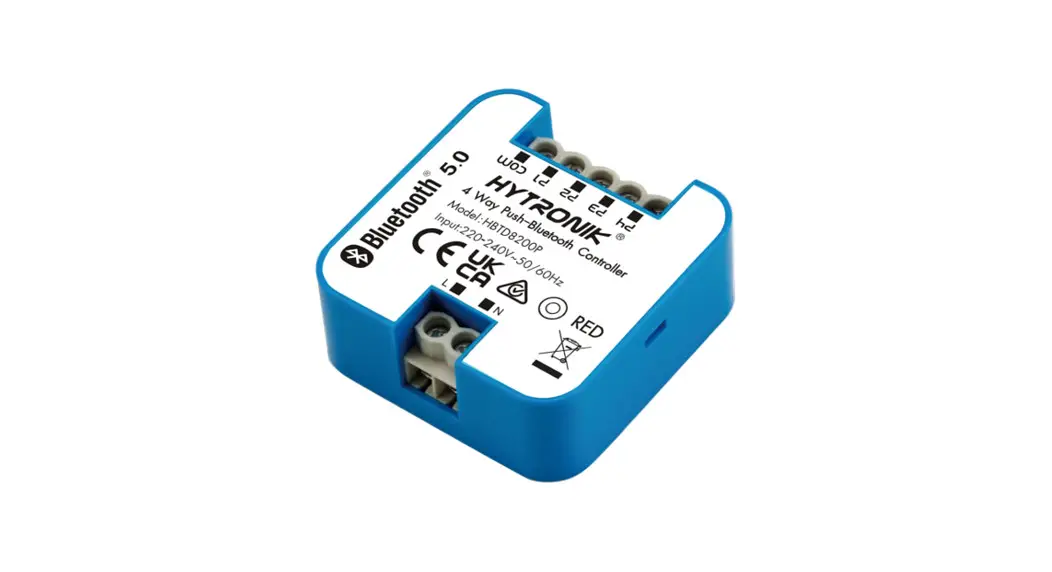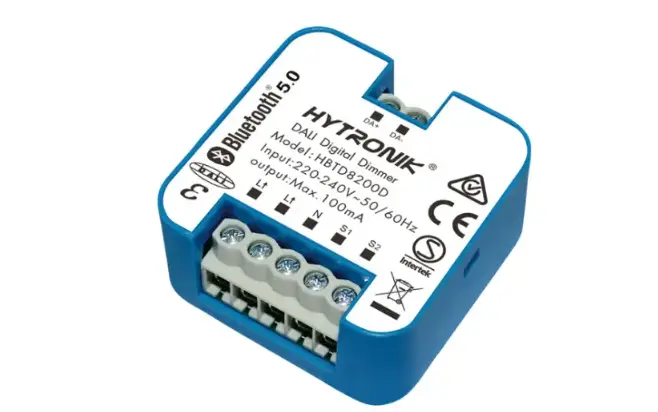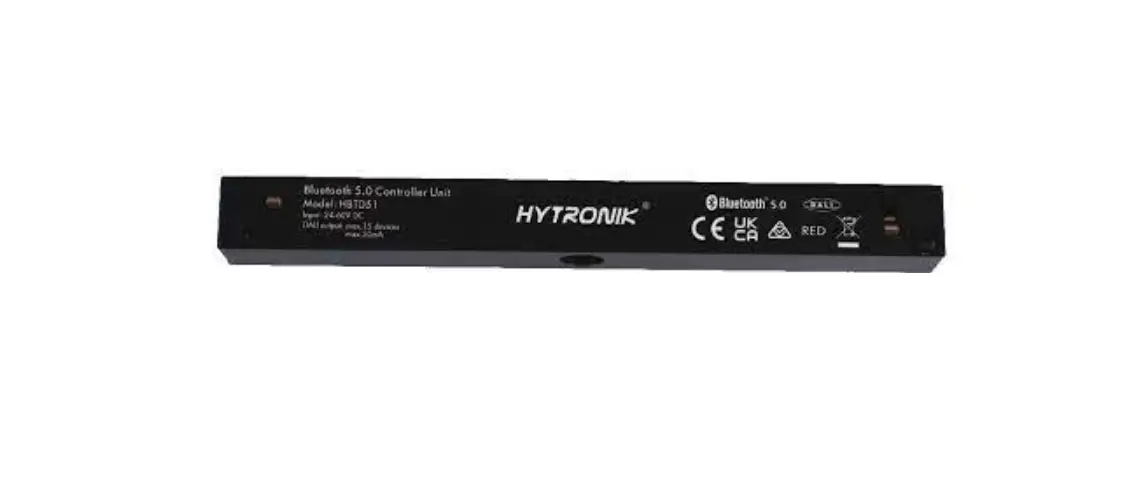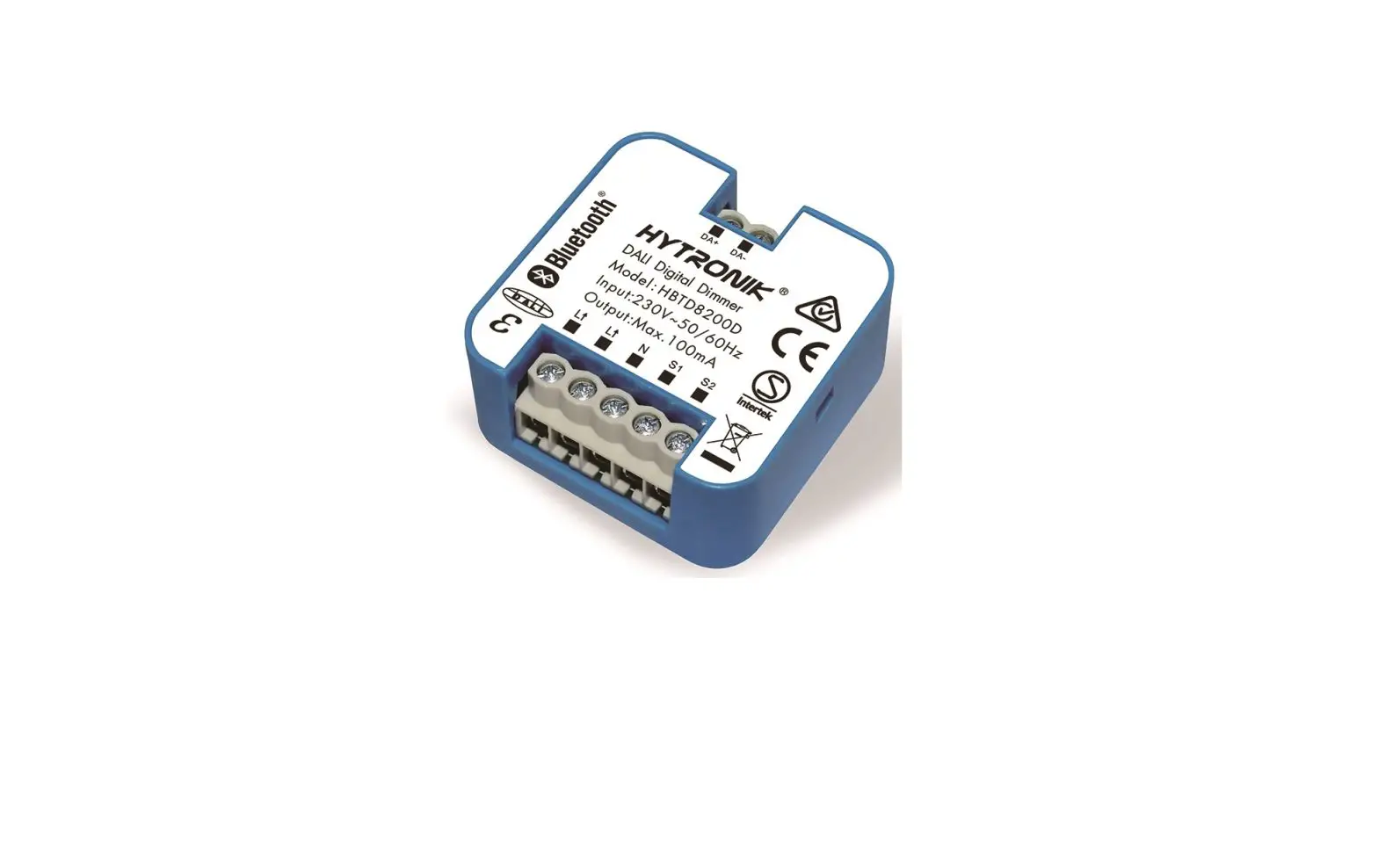
HYTRONIK Bluetooth Receiver Node – DALI Version Instruction Manual
Technical Specifications
| Product type |  DALI Digitial Receiver Node (Flush mount) DALI Digitial Receiver Node (Flush mount) |
| Mains voltage | 220~240VAC 50/60Hz |
| Rated load | Max.100mA, 50 devices |
| Stand-by power | <0.5W |
| Operation frequency | 2.4 GHz – 2.483 GHz |
| Transmission power | 4 dBm |
| Range (Typical) | 10 ~ 30m |
| Protocol | 5.0 SIG Mesh |
| Operation temperature | Ta: -20°C ~ +45°C |
| Case temperature Max.) | Tc: +75°C |
| Storage temperature | -20°C ~ +60°C |
| Max. relative humidity | 20 ~ 90% |
| IP rating | IP20 |
| Impulse withstand oltage | 2.5KV |
| Duty type | S1 |
| Insulation material | PTI material group IIIa |
| Glow wire | level 3, 850°C |
| Protection | Built-in protection provide |
| Insulation | Class II Pollution degree 2 |
| EMC standard (EMC) | EN55015, EN61547, EN61000-3-2, EN61000-3-3 |
| Safety standard (LVD) | IEC 61058-1, EN 61058-1, IEC 61058-1-2 EN 61058-1-2, AS/NZS 61058.1 |
| Radio Equipment (RED) | EN300 328, EN301489-1, EN301489-17, EN62479 |
Download the App
Free App for set-up and commissioning
5.0 SIG mesh
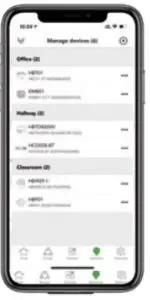

iOS 10.0 or later

Android 5.0 or later
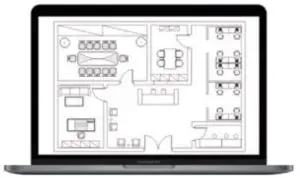
Web app/platform:
iot.koolmesh.com
Dimming Interface Operation Notes
Switch-Dim
The provided Switch-Dim interface allows for a simple dimming method using commercially available non-latching (momentary) wall switches. Detailed Push switch configurations can be set on Koolmesh app.
| Switch Function | Action | Descriptions |
| Push switch | Short press (<1 second) Short press has to be longer than 0.1s, or it will be invalid. | – Turn on/off – Recall a scene – Turn on only – Exit manual mode – Turn off only – Do nothing |
| Double push | – Turn on only – Exit manual mode – Turn off only – Do nothing – Recall a scene | |
| Long press (≥1 second) | – Dimming – Colour tuning – Do nothing | |
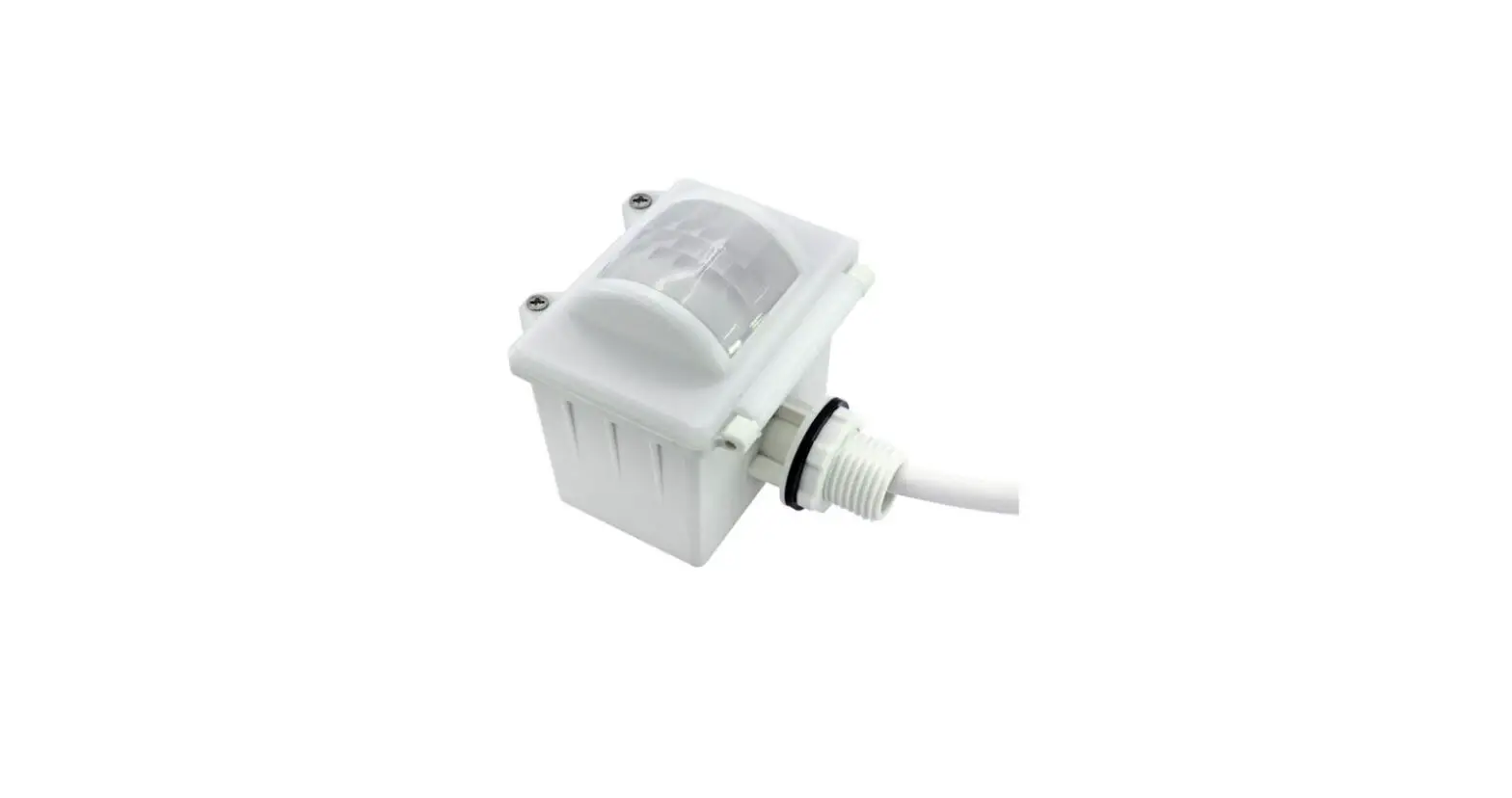
| Simulate sensor | / | – Upgrade a normal on/off motion sensor to a Bluetooth controlled motion sensor |
Installation
Warnings:
- Installation must be carried out by a qualified engineer in accordance with local regulations.
- Disconnect power supply before installing.
- Ensure environmental conditions are suitable for electronic equipment.
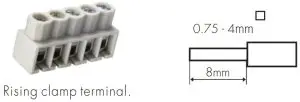
Wire Preparation
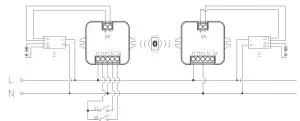
Wiring Diagram
Additional Information / Documents
- To learn more about detailed product features/functions, please refer to www.hytronik.com/download ->knowledge ->Introduction of App Scenes and Product Functions
- Regarding precautions for Bluetooth product installation and operation, please kindly refer to www.hytronik.com/download ->knowledge ->Bluetooth Products – Precautions for Product Installation and Operation
- Data sheet is subject to change without notice. Please always refer to the most recent release on www.hytronik.com/products/bluetooth technology ->Bluetooth Sensor ->Receiver Nodes
- Regarding Hytronik standard guarantee policy, please refer to www.hytronik.com/download ->knowledge ->Hytronik Standard Guarantee Policy.