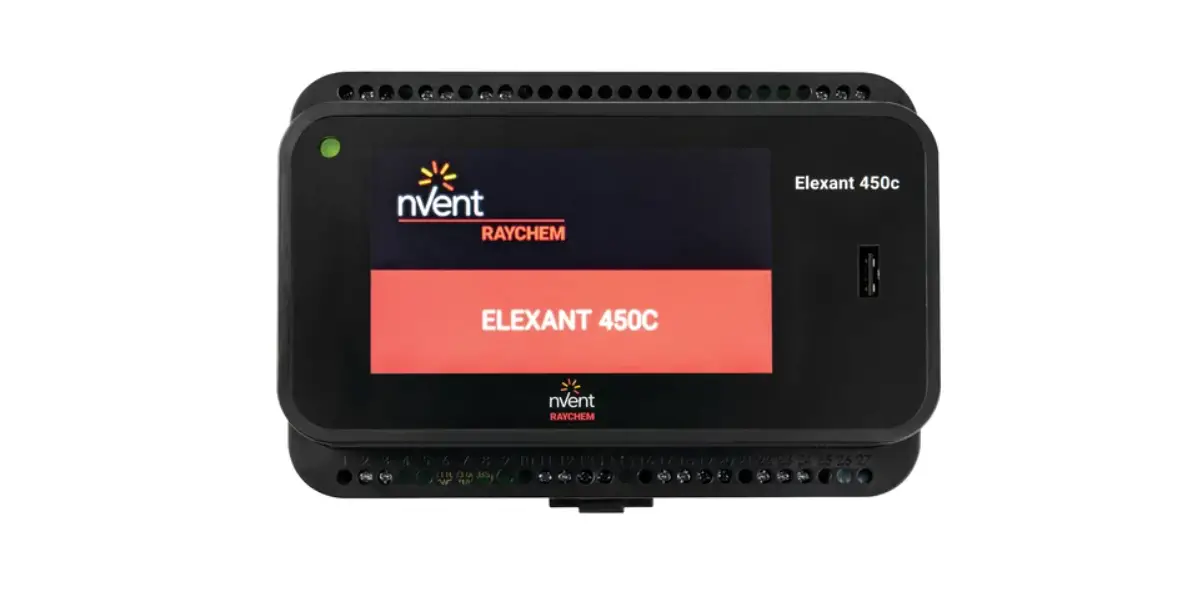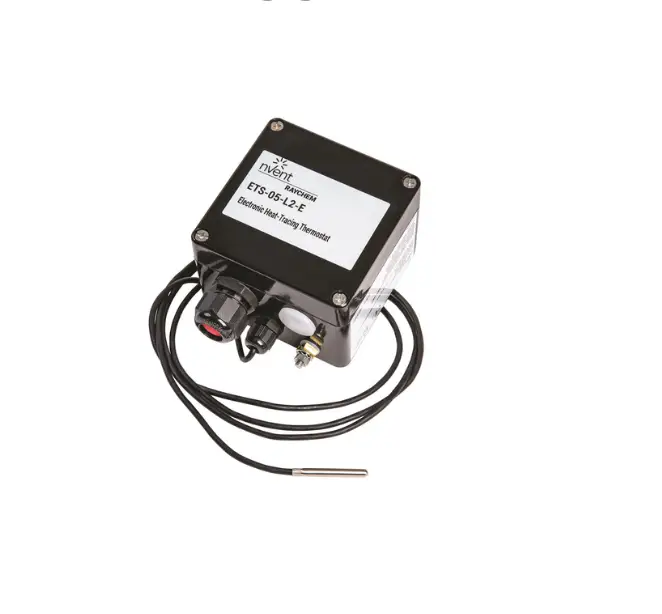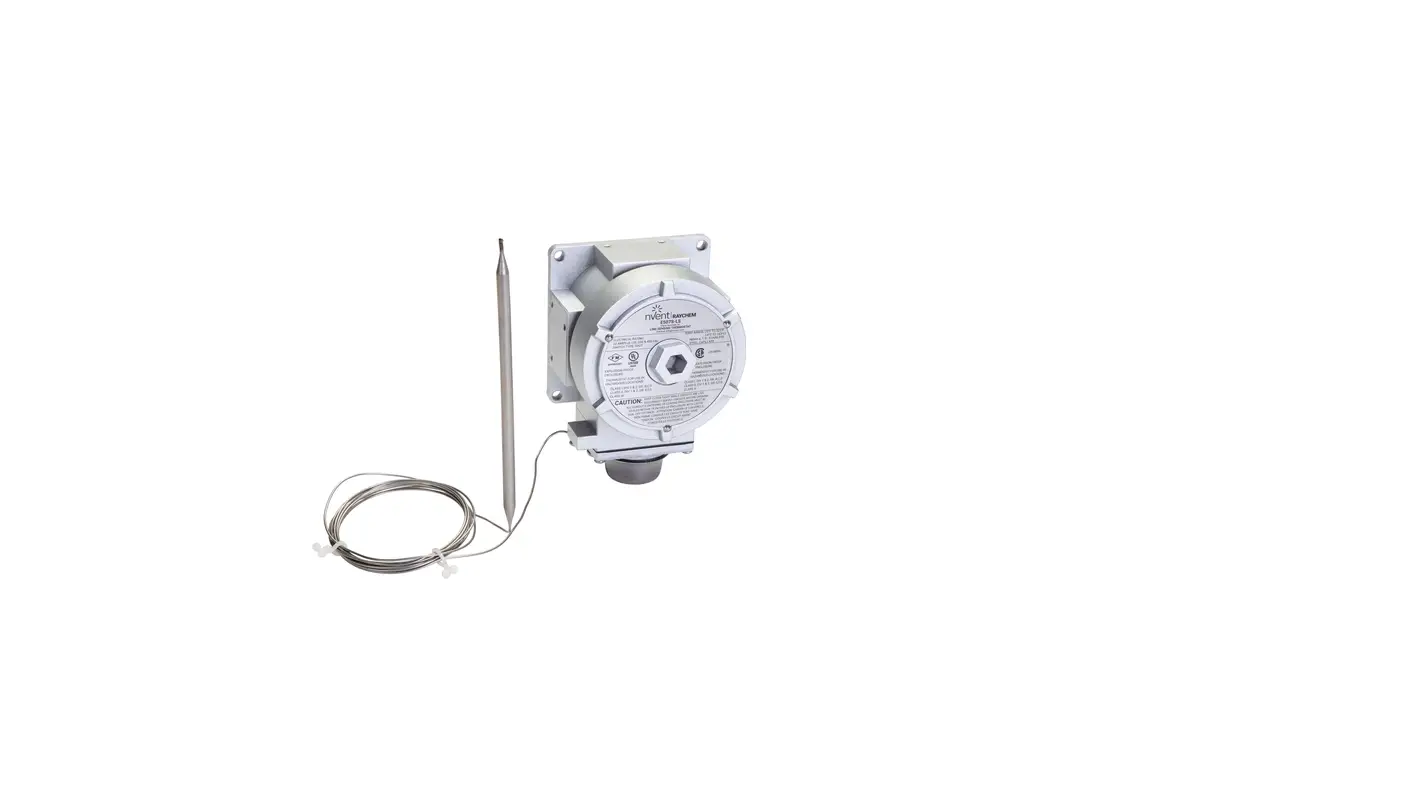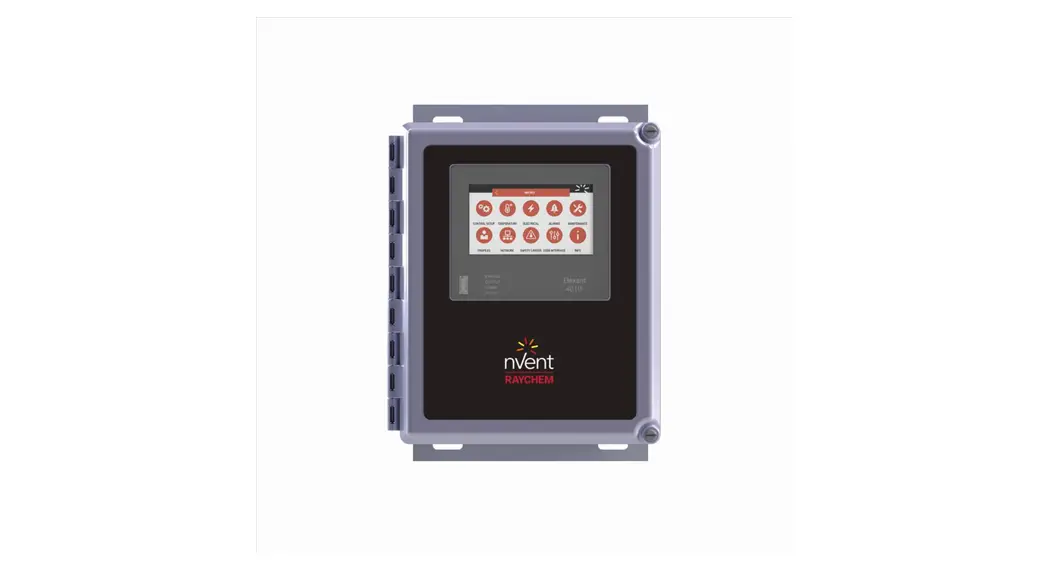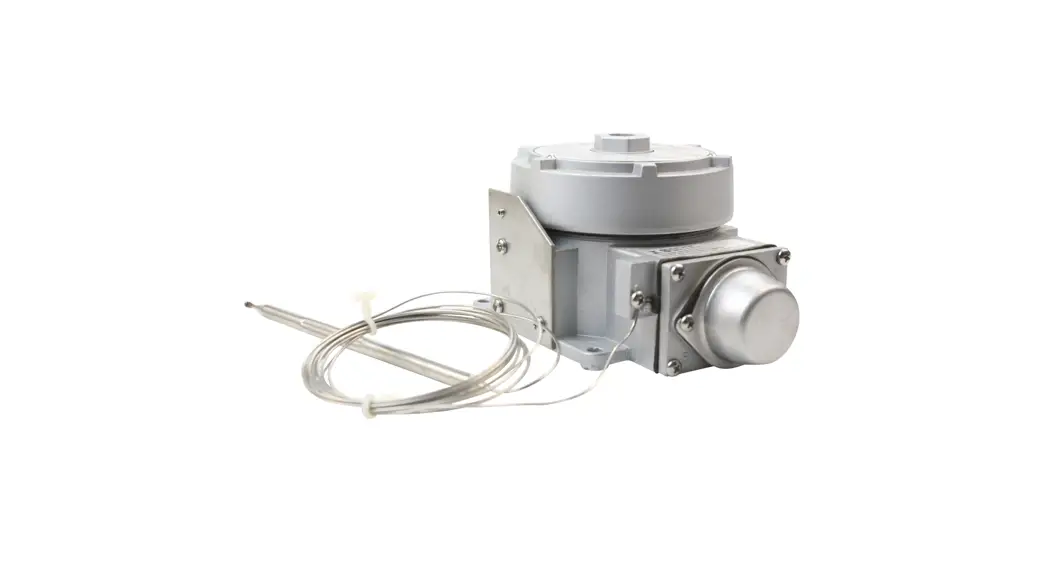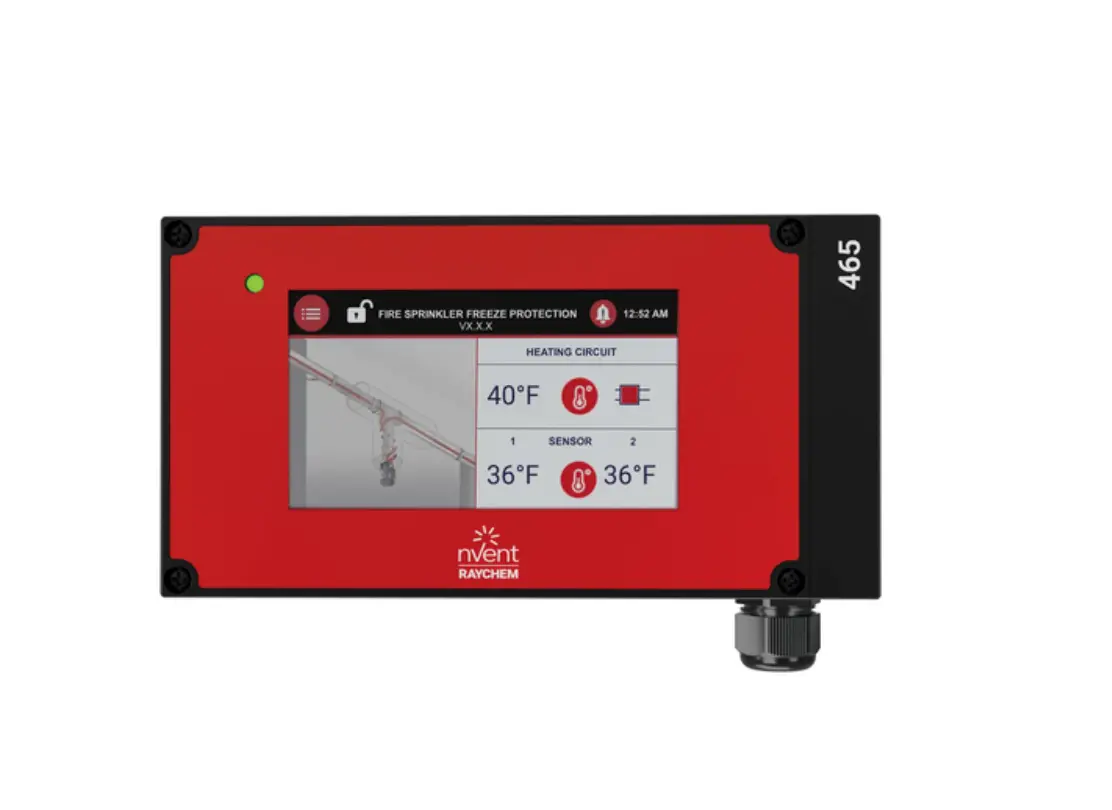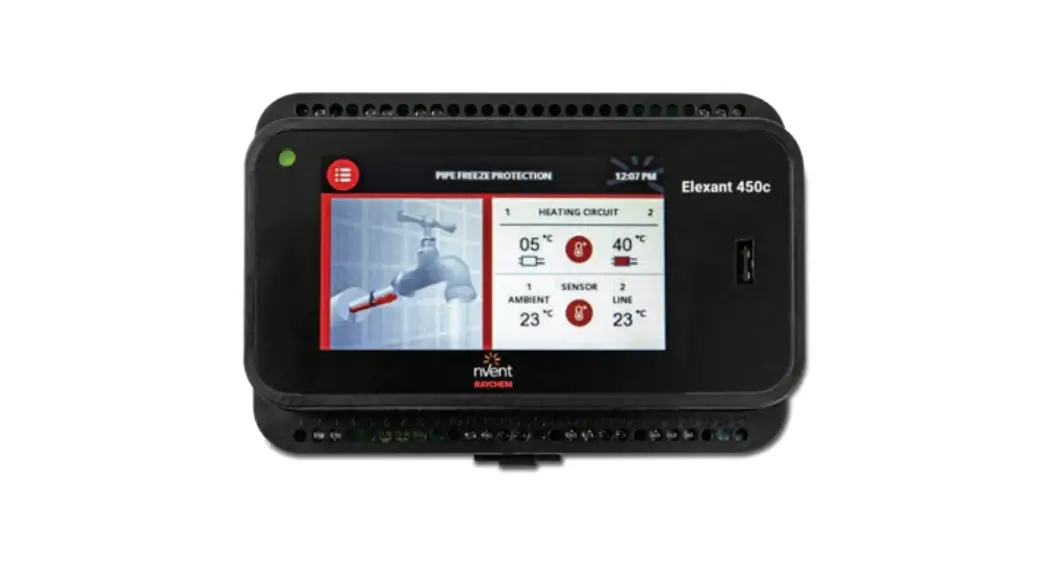
 Elegant 450c
CONNECT AND PROTECT
Operation Manual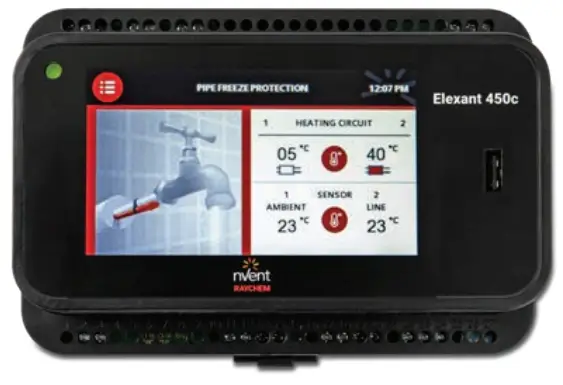
PROGRAM START
| Quickstart: | Navigation: SELECTION back ( <- ) or next ( -> ) |
| Language selection | Select your language from the language menu: EN; DE; NL; DA; FR; IT; SV; NO; FI; RU; CZ; PL; SK; LT next ( -> ) |
| Checking sensor connection | The unit is automatically executing a connection check of sensors 1 and 2. If there is no sensor connected, the unit will stop the Quickstart process. In this case, power off, connect a sensor, and power on again. Note: 1 Sensor needs to be connected at least. back ( <- ) or next ( -> ) |
| Country selection | Select a country in this menu: DE; AT; CH; GB; FR; IT; PL; CZ; DK; SE; BE; RU; NO; LT; SK; NL; FI; IE back ( <- ) or next ( -> ) |
| Date input | Use the +/- button to select the day, month, and year. back ( <- ) or next ( -> ) |
| Time input | Use the +/- button to set the hour and minute. back ( <- ) or next ( -> ) |
| Select heating cable type* | Select the installed pipe freeze protection heating cable: 10XL2-ZH / 15XL2-ZH / 26XL2-ZH / 31XL2-ZH / FS-10C-2X / Other systems back ( <- ) or next ( -> ) |
| Operation mode* | Select an operation mode: AMBIENT: Ambient temperature measurement. The operation will be based on PASC (Proportional ambient temperature system control). The unit is working in an energy efficiency mode depending on the outside temperature to operate the heating cable based on an internally calculated duty cycle. LINE: Pipe/line temperature measurement. Assignment of sensors: Sensor 1 for heating circuit 1; sensor 2 for heating circuit 2; a revision of this assignment can be done later in the parameter settings. back ( <- ) or next ( -> ) |
| Parameter settings | Default values are set for each parameter. Change the default values by clicking on the arrow sign for each value and entering a new value. back ( <- ) or next ( -> ) |
| Pipe diameter* | Select pipe diameter from the range DN 10 up to DN 125. back ( <- ) |
| Set min. ambient temperature* | The minimum ambient temperature is the minimum expected temperature outside the building. This parameter influences the duty cycle duration. Use the +/- keys to select a temperature. Clicking on the “back” icon ( <- ) will store the value and show it in plumbing settings. Value Range: From –40°C to 0°C back ( <- ) |
| Set temperature* | Select the temperature using the +/- keys. The minimum temperature is 0°C and the max. temperature is +80°C back ( <- ) |
| Test program start | YES: The test program runs for 30 minutes, during which all parameters will be ignored to check the heating cable and connection on site. You can stop the test program at any time. Quickstart completed -> Main screen NO: Quickstart completed – > Main screen |
* Note: During Quickstart, the selected parameter is valid for the heating circuits (zone) 1 and 2. An adjustment per heating circuit (zone) can be done for each individual heating zone in the parameter setting menu after Quickstart is completed.
Main Screen
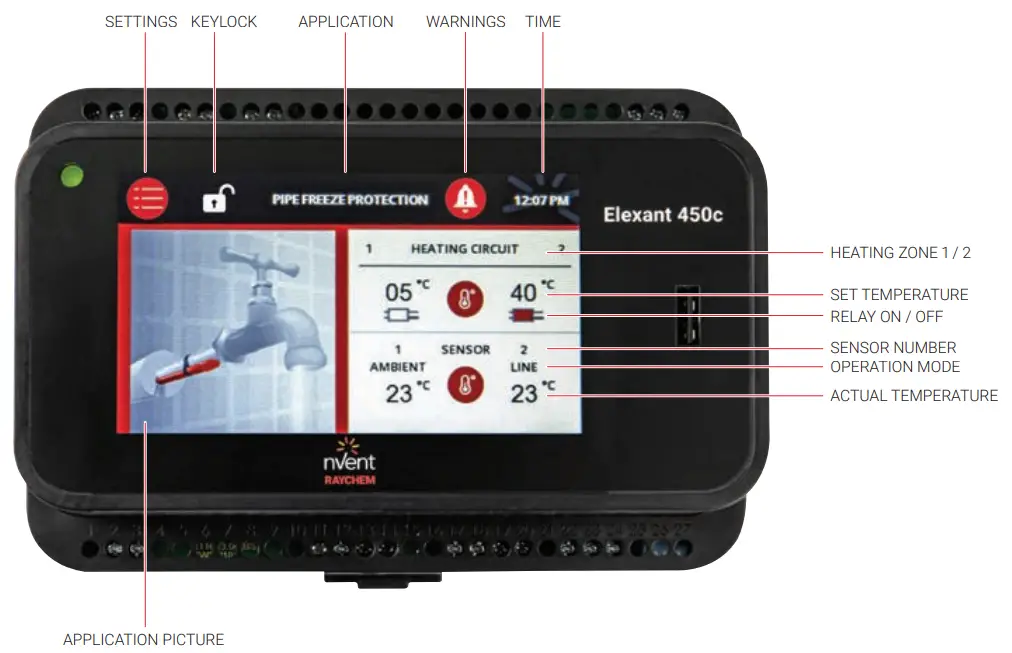
PARAMETER SETTINGS
| System | |
| Information | General info about the unit name, commissioning date, firmware version, nVent contact info per country, and unit serial number. |
| Test program | Test program YES: The test program runs for 30 minutes, during which all parameters will be ignored to check the heating cable and the connection on site. You can stop the test program at any time. NO: Back to main menu settings |
| Reset | Confirm: Activate the Quick install menu and return all settings to factory settings. The Quickstart process restarts automatically. Cancel: Back to main menu settings |
| Service | Access for nVent service team |
| Status | Info on the current status of the control unit: Sensor 1: Open/short or temperature value Sensor 2: Open/short or temperature value SET Point temperature: Value in °C Duty cycle: Value will be displayed only in PASC mode Operation mode: LINE / PASC (heating circuit 1 / heating circuit 2) |
| Key lock | The unit´s parameter input can be protected by a key lock; Access code: 3000. When the key lock is “On”, the setup and timer menus’ are protected by a password. The unit can be unlocked by entering the pre-defined password (3000). After 10 minutes of inactivity on-screen or when the Lock “on” key is pressed, the unit will automatically lock itself. To deactivate the Key lock function, enter code 3000 and activate “OFF”. The key lock code cannot be changed. |
| Heating Cable & Pipe | ||||
| Heating zone 1 Example | Heating zone 2 Example | Parameters | Note | |
| Mode | ON | / ON | AMBIENT Sensor: ON/OFF LINE Sensor: ON/OFF Default:— Heating circuit 1: ON; OFF Heating circuit 2: ON; OFF Default: — | Individual adjustments per heating zone. Assign a sensor to each heating zone by activating the check mark. AMBIENT: Ambient temperature measurement by PASC – proportional ambient temperature measurement. Energy-saving mode; is recommended for multiple pipe segments. LINE: Pipe temperature measurement. |
| Setpoint | +3°C | / +3°C | NTC Sensor: Range: 0°C to +80°C PT100 Sensor (with sensor module SM-PT100-2) Range: 0°C to +245°C Default: +3°C | The set temperature is the temperature to ensure protect the pipe from freezing or to maintain a certain pipe temperature. Select the temperature using the + / – keys for each heating circuit zone individually. |
| Heating Cable & Pipe | ||||
| Heating zone 1 Example | Heating zone 2 Example | Parameters | Note | |
| Min. expected ambient temperature | –15°C | / –15°C | Range: –40°C to 0°C Default: –15°C | Sensor PASC (AMBIENT) The temperature is the minimal outdoor temperature to be expected and will be used for the ambient temperature (PASC) algorithm only. It will set the correct duty cycle for an optimized and energy-saving operation. If the ambient temperature is below this set point, the relay is 100% ON. Select the temperature by using the + / – keys. |
| Cable type XL-TRACE -1 | 15XL2-ZH | Heating cable range: 10XL2-ZH 15XL2-ZH 26XL2-ZH 31XL2-ZH FS-C10-2X Other systems Default: — | Select the type of nVent RAYCHEM heating cable used in your installation, connected to heating zone 1. Another system can be used if the heating cable type is not known or listed. | |
| Cable type XL-TRACE -2 | 15XL2-ZH | Heating cable range: 10XL2-ZH 15XL2-ZH 26XL2-ZH 31XL2-ZH FS-C10-2X Other systems Default: — | Select the type of nVent RAYCHEM heating cable used in your installation, connected to heating zone 2. Another system can be used if the heating cable type is not known or listed. | |
| Pipe diameter | DN 25 | / DN 25 | Range: DN 10 – DN 125 Default: DN 25 | Assign the correct pipe diameter per heating zone 1 and/or 2. You can change the value from DN 10 up to DN 125. This has an impact on the ambient temperature sensing mode to define the correct duty cycle. Note: In the case of multiple pipe sizes per heating zone, select the bigger size of the pipe network. |
| Low-temperature alarm | 0°C | / 0°C | Standard NTC Sensor: Range: –40°C to +78°C Default: 0°C PT-100 Sensor with SM-PT-100-2: Range: –40°C to +245°C Default: 0°C | To determine the low-temperature limit. When the value is reached, a warning will appear on the screen. The buzzer tone will be active. The relay will be continuously ON and will not interrupt the unit’s functioning. The info status main screen will show the actual pipe temperature. |
| High-temperature alarm | +65°C | +65°C | Standard NTC Sensor: Range : +2°C to +90°C Default: +65°C PT-100 Sensor with SM-PT-100-2: Range: +2°C to +250°C Default: +65°C | To determine the high-temperature limit; A warning will appear on the screen when the value is reached. The relay will be continuously OFF and will not interrupt the unit’s functioning. Value range: +2°C to +90°C /Standard NTC sensor +2°C to +250°C /Sensor module SM-PT-100-2 for PT-100 |
| Heating Cable & Pipe | ||||
| Heating zone 1 Example | Heating zone 2 Example | Parameters | Note | |
| Heating in case of sensor error | ON | / ON | Fail-Safe: ON/OFF Default: ON | In case of a sensor error (short/open) the heating output (Relay) can be switched OFF by activating a checkmark per heating zone. Default: ON; the heating system will not be switched OFF in sensor failure mode. |
| Hysteresis | 2 K | / 2K | Range: 1 – 5 Default: 2K | Adjustable hysteresis above-set point. |
| General Settings | ||
| Language | Choose your language from the language menu. | Languages: EN; DE; NL; DA; FR; IT; SV; NO; FI; RU; CZ; PL; SK; LT |
| Country | Select a country in this menu. Your selection defines the default values used for time format, pipe diameter and insulation thickness, and customer contact data. | Countries DE; AT; CH; GB; FR; IT; PL; CZ; DK; SE; BE; RU; NO; LT; SK; NL; FI; IE |
| Date | Use the up/down arrow keys to select the year. After a power break of more than 10 days, you need to re-enter the date. | Default: 00;00,2018 |
| Time | Use up/down arrow keys to set hour and minute. After a power break of more than 10 days, you need to re-enter the time. | Default: 00:00 |
| Alarm tone | An alarm tone will go off inside the unit indicating an error condition. Activate/deactivate the alarm tone by pressing ON/OFF. Note: Alarm messages will be displayed and the alarm relay will switch any time in case of a malfunction. | Default: OFF |
FACTORY SETTINGS (DEFAULT)
| Language | English |
| Country | None; To be selected |
| Date | 01/01/2018 or last saved date |
| Time | 00:00 or last saved time |
| Operation mode | To be selected |
| Heating cable type | To be selected |
| Pipe diameter | DN 25 |
| Insulation thickness | 30 mm |
| SET temperature | +3°C |
| Minimum ambient temperature | –15°C |
| Heating in sensor failure mode | ON |
| Low-temperature limit | –40°C |
| High-temperature limit | +85°C |
| Low-temperature alarm | 0°C |
| High-temperature alarm | +65°C |
| Alarm sound | OFF |
| Key lock | ON |
ERROR / ALARMS AND TROUBLESHOOTING
| Error Code | Elegant 450C | Remedy |
| E:2.1 | SENSOR_1_OPEN | Check sensor connection |
| E:2.2 | SENSOR_1_SHORT | Check the sensor and replace it |
| E:2.3 | SENSOR_2_OPEN | Check sensor connection |
| E:2.4 | SENSOR_2_SHORT | Check the sensor and replace it |
| E:3.1 | SENSOR_1_TEMP_HIGH | Sensor 1 High-temperature alarm |
| E:3.2 | SENSOR_2_TEMP_HIGH | Sensor 2 High-temperature alarm |
| E:4.1 | SENSOR_1_TEMP_LOW | Sensor 1 Low-temperature alarm |
| E:4.2 | SENSOR_2_TEMP_LOW | Sensor 2 Low-temperature alarm |
| E:5 | n/a | |
| E:6.0 | n/a | |
| E:6.1 | INTERNAL_ERROR | Replace unit |
| E:6.2 | INTERNAL_ERROR_RTC | Replace unit |
| E:6.3 | INTERNAL_ERROR_PM | Replace unit |
| E:6.4 | INTERNAL_ERROR_ADC | Replace unit |
| E:6.5 | INTERNAL_ERROR_IP | Replace unit |
| E:6.6 | n/a |
Belgique
Tel +32 16 21 35 02
Fax +32 16 21 36 04
[email protected]
Nederland
Tel 0800 0224978
Fax 0800 0224993
[email protected]
Our powerful portfolio of brands:
| CADDA | ERICO | HOFFMAN | RAYCHEM | SCHROFF | TRACER |
©2021 nVent. All nVent marks and logos are owned or licensed by nVent Services GmbH or its affiliates. All other trademarks are the property of their respective owners.
nVent reserves the right to change specifications without notice.
RAYCHEM-OM-EU1838-ELEXANT450c-ML-2108
 Electrical Heat Tracing | Heat Tracing | nVent RAYCHEM