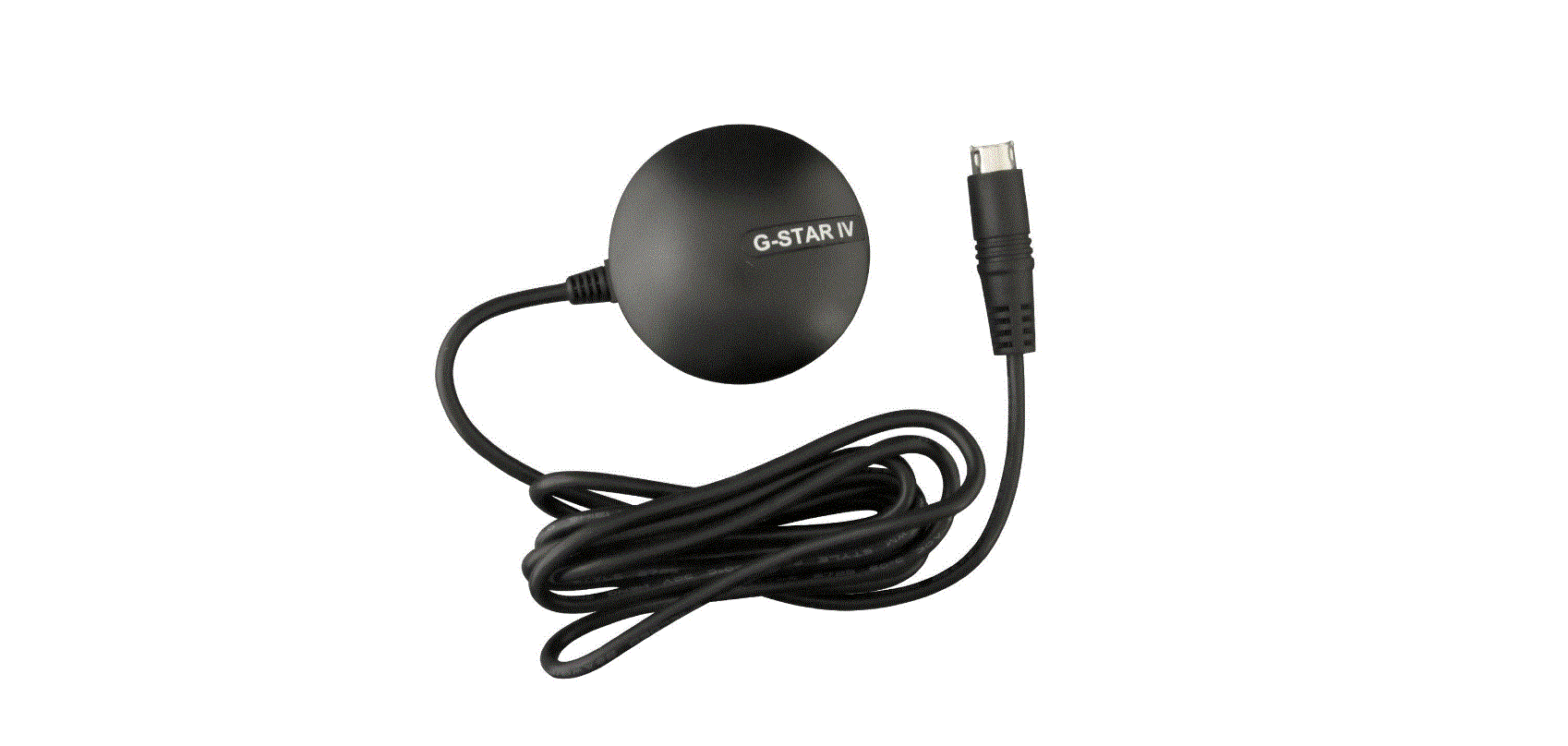
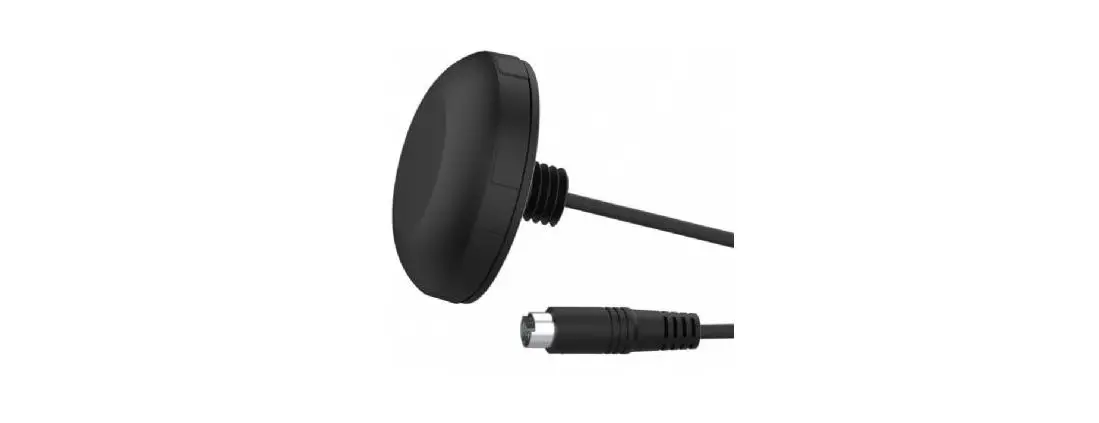
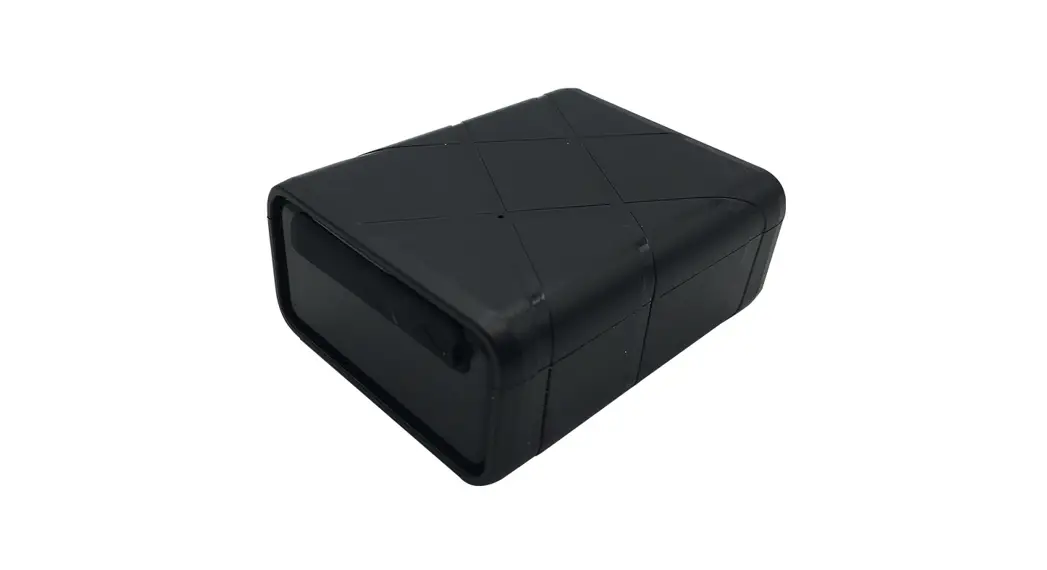
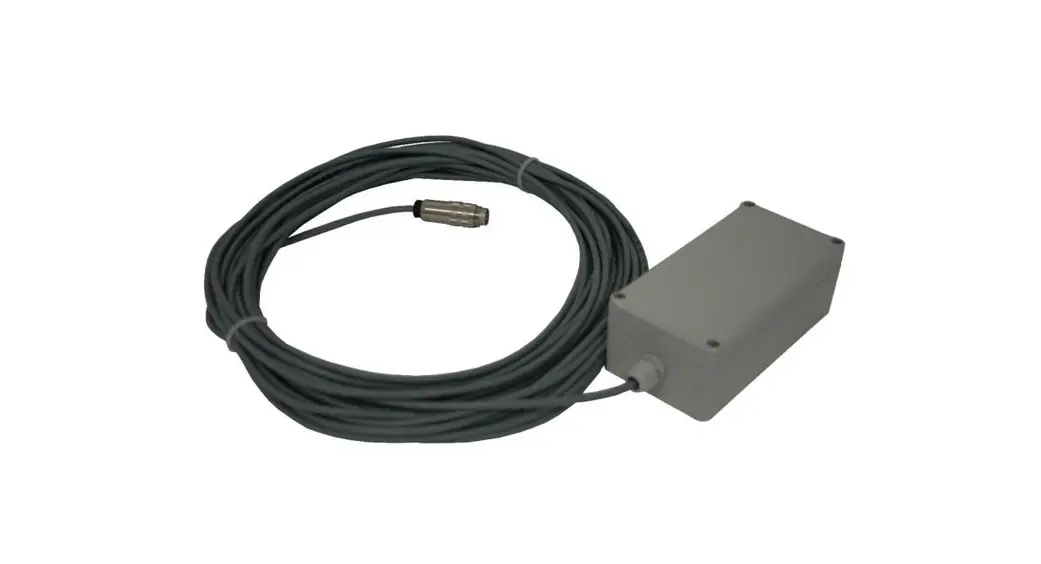
GPSR-1 GPS Receiver
Product Information
| Characteristic | Description |
|---|---|
| Manufacturer | ELKO EP, s.r.o. |
| Country of Origin | Czech Republic |
| Revision | 02-1/2022 Rev.: 0 |
Technical Parameters
| Parameter | Value |
|---|---|
| Connected | Two-wire, does not depend on polarity |
| Max. voltage on conductors | DC 10 V |
| Working temperature | – |
| Storage temperature | – |
| Covers | IP65 screwless clamps |
| Terminal plate | – |
| Cross-section of connecting conductors | 0.2 – 0.75 mm2 / cable + core: 0.25 – 0.34 mm2 |
| About the connection cable | – |
| Dimension | 98 x 62 x 34 mm |
| Weight | 96 g |
| Reception area | Whole world |
Function
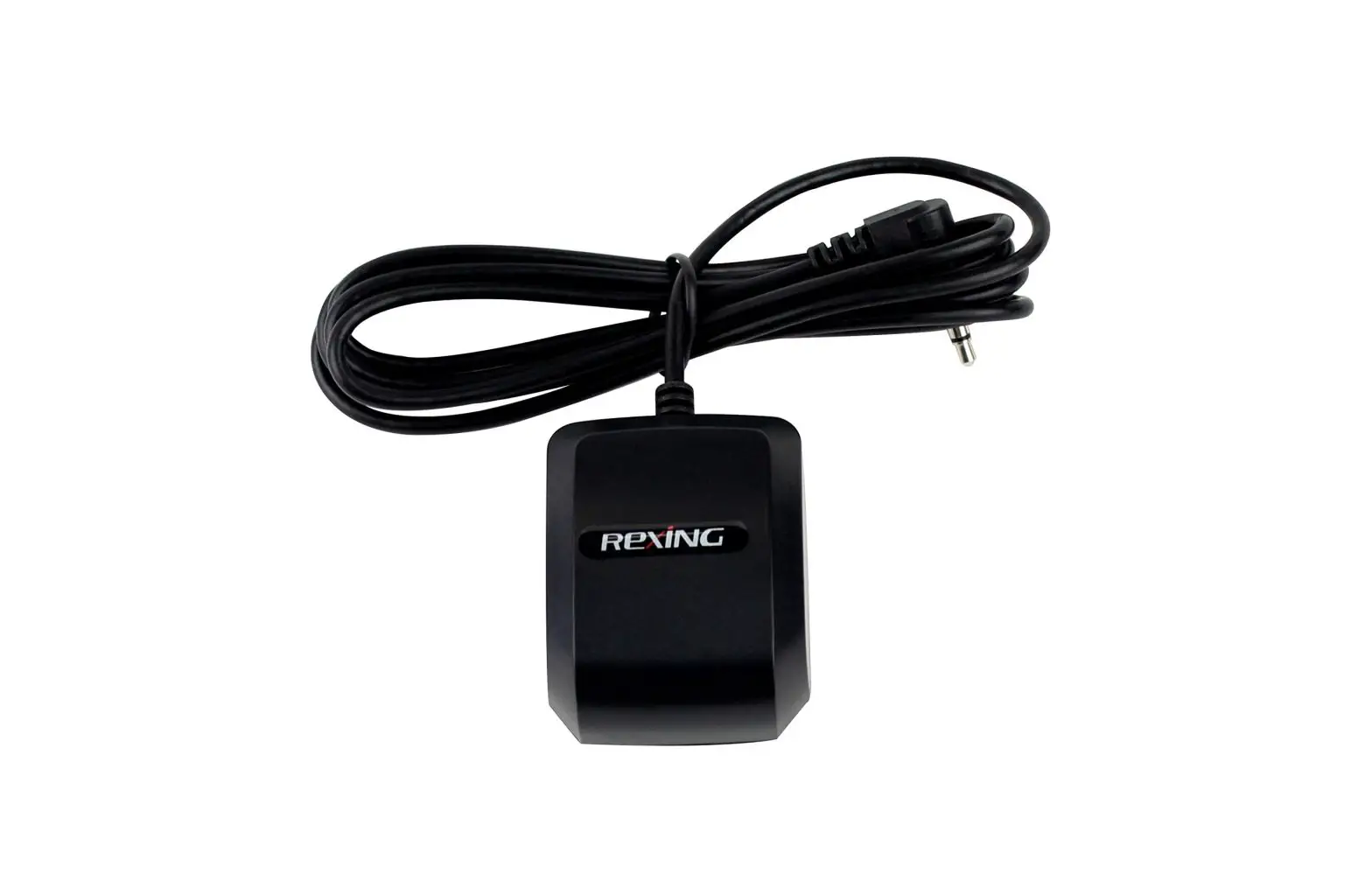
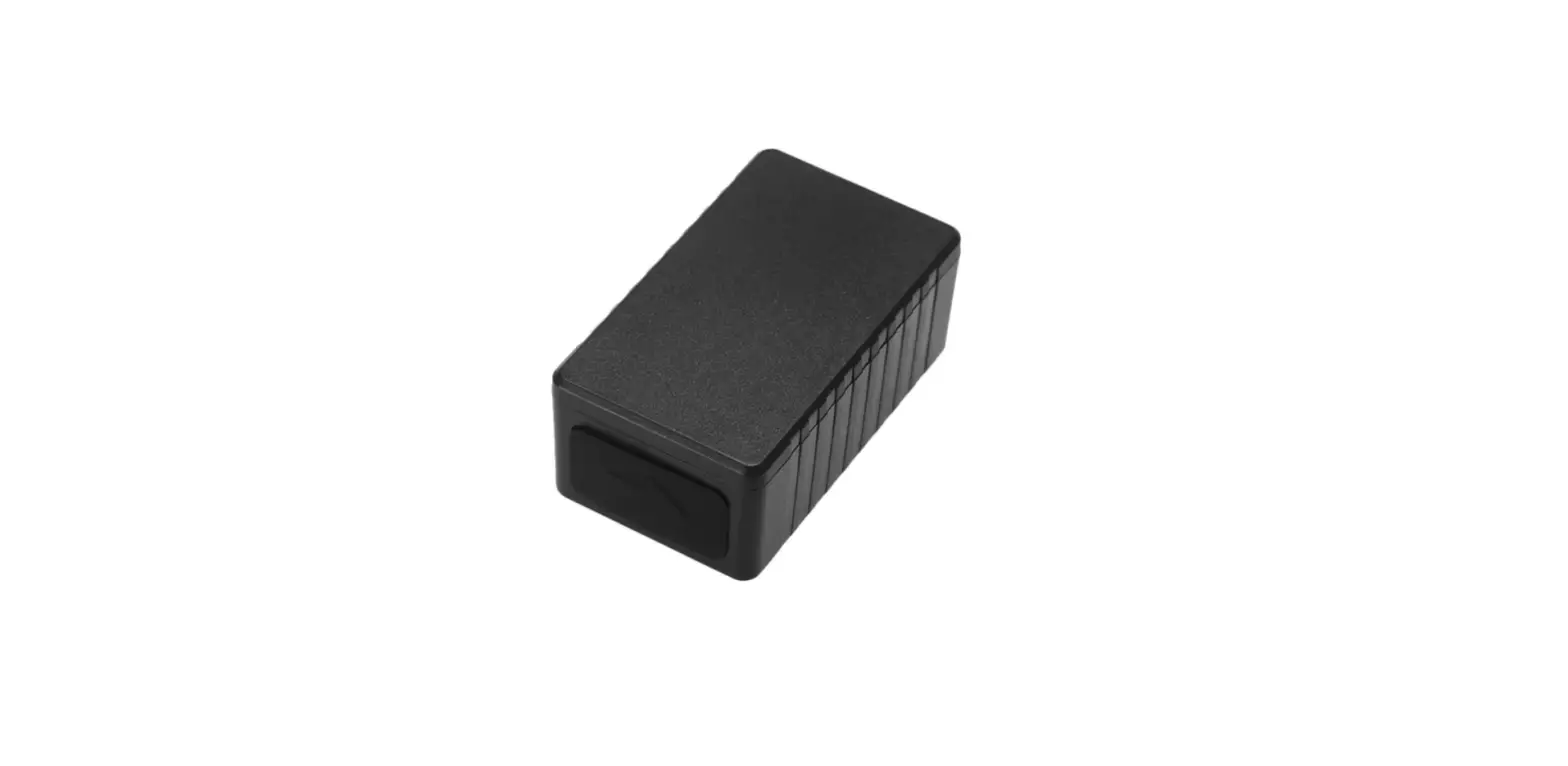
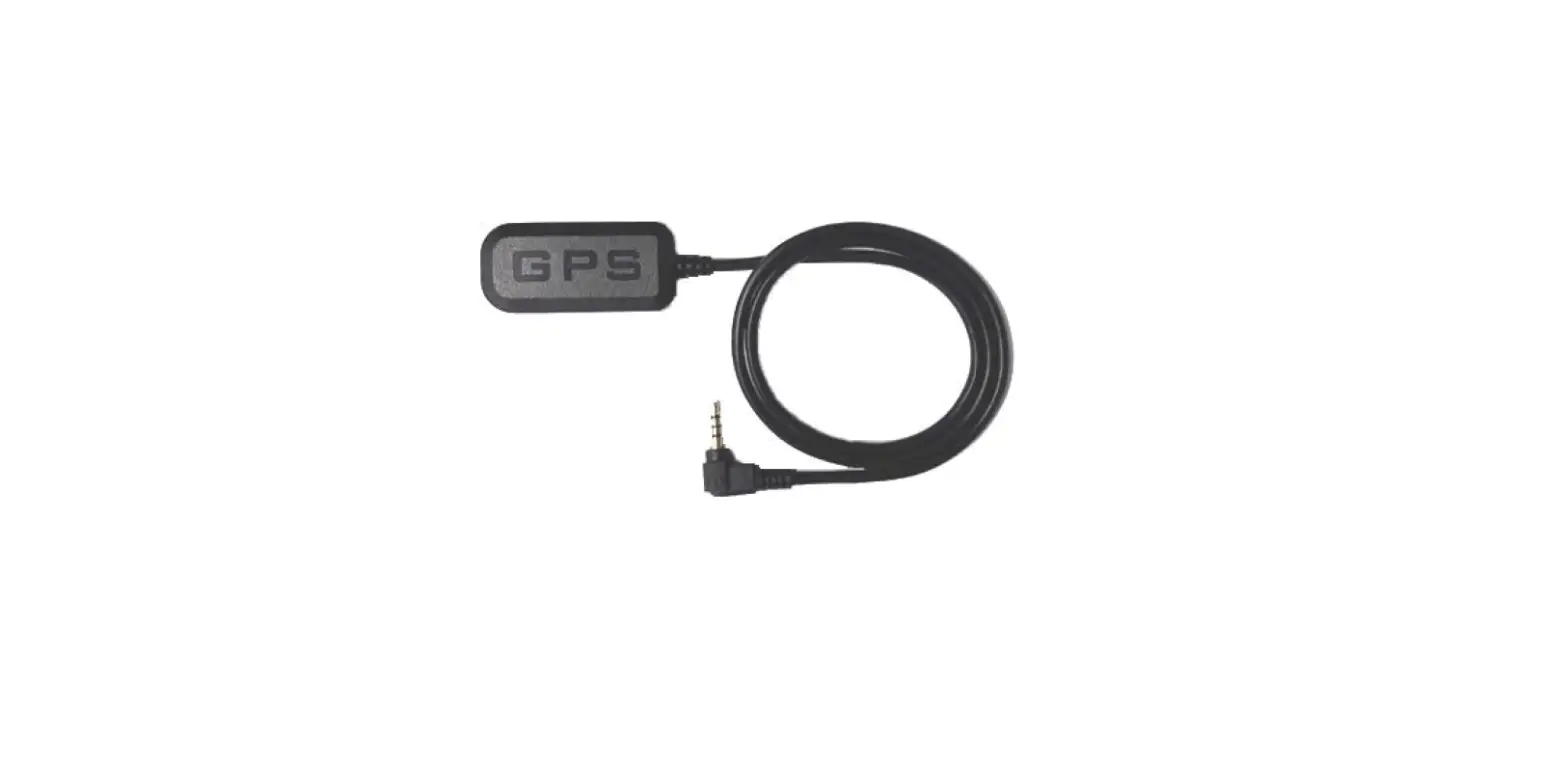
GPSR-1 is designed to receive and decode the GPS signal. The
correct operation is indicated by the red LED flashing at an
interval of 1 second.
Warning
If a shielded cable is used, connect the shield to terminal
G.
Product Usage Instructions
To connect the GPSR-1 with SHT-6:
- Connect the connection terminals with SHT-6.
- Observe the indication of operating states.
- Check the sync indication.
- Set the desired time zone using the DIP switches.
To install the GPSR-1:
- Ensure the LED indication is functioning properly.
- Follow the reception direction for optimal performance.
Note: The green LED indicates synchronization time and
information that the GPS signal is OK.
ELKO EP, s.r.o.
Palackého 493 769 01 Holesov, Vsetuly Czech Republic Tel.: +420 573 514 211 e-mail: [email protected] www.elkoep.com
Made in Czech Republic
02-1/2022 Rev.: 0
Characteristics
· GPS module, designed for synchronization of switching clock SHT-6. · Two-wire connection using screwless terminals – no matter the polarity! · Connection cable length up to 100m. · Optical indication of module functional states. · It broadcasts time information in DCF 77 format. · Setting the time zone of the DIP switch (UTC-12 to UTC+14). · Choice of one of 40 time zones · The receiver is only compatible with the new SHT-6G version (EAN: · 8595188182751) and firmware 2.37 or higher
Description
3 1
LED
4
max. 100 m 2
LED
123 456
Connection with SHT-6
1. Connection terminals with SHT-6 2. Indication of operating states 3. Sync indication 4. DIP switches to set the time zone
GPSR-1 Receiver GPS
Installation
· It must be mounted so that there are no obstacles between the GPS receiver and the direction of reception (trees, roofs of buildings, etc.)
· There must not be any transformers, contactor relays, fluorescent lamps, etc., placed in the immediate vicinity of the GPS receiver (about 1m)
· Do not install GPS receiver near metal objects, el. cables, etc.
LED indication
EN
Reception direction Reception direction Reception direction
A1 G B1 B2 Un
GPSR-1
red LED (under cover) Failure of internal circuits Searching for GPS signal Synchronization time. Information GPS signal OK
– sending time information
green LED –
(1s)
A2 16 15 18
If a shielded cable is used, connect the shield to terminal G.
Technical parameters
GPSR-1
Connected: Max. voltage on conductors: Other information Working temperature: Storage temperature: Covers: Terminal plate: Cross-section of connecting conductors: About the connection cable: Dimension: Weight: Reception area:
two-wire, it does not depend on polarity DC 10 V
-20.. +55 °C -30.. +70 °C
IP65 screwless clamps drat: 0.2 – 0.75 mm2 / cable + core: 0.25 – 0.34 mm2
max. 6.5 mm 98 x 62 x 34 mm
96 g whole world
Function
GPSR-1 is designed to receive and decode the signal GPS. The correct operation is indicated by the red LED flashing at interval 1s.
Warning
Installation and connection should only be carried out by a qualified installer or electrician, who is thoroughly familiar with these instructions and functions of device. Before starting the installation, please make sure that the device is de-energized and the main switch is in the off position. For installation and setting use screw-driver cca 2 mm. The device is fully-electronic – installation should be carried out according to this fact. Non-problematic function depends also on the way of transportation, storing and handling. In case of any signs of destruction, deformation, non-function or missing part, don´t install and claim at your seller it is possible to dismount the device after its lifetime, recycle, or store in protective dump.
1 / 1
Overview of time zones
Set up time zones
Function
0
TEST LED + DIP switches
1 UTC
2 UTC+1
3 UTC+2
4 UTC+3
5 UTC+3:30
6 UTC+4
7 UTC+4:30
8 UTC+5
9 UTC+5:30
10 UTC+5:45
11 UTC+6
12 UTC+6:30
13 UTC+7
14 UTC+8
15 UTC+8:45
16 UTC+9
17 UTC+9:30
18 UTC+10
19 UTC+10:30
20 UTC+11
21 UTC+11:30
22 UTC+12
23 UTC+12:45
24 UTC+13
25 UTC+14
26 UTC-12
27 UTC-11
28 UTC-10
29 UTC-9:30
30 UTC-9
31 UTC-8
32 UTC-7
33 UTC-6
34 UTC-5
35 UTC-4:30
36 UTC-4
37 UTC-3:30
38 UTC-3
39 UTC-2
40 UTC-1
41…61 not used
62 TEST communication
63 TEST LED + DIP switches
DIP-1
OFF OFF OFF OFF OFF OFF OFF OFF OFF OFF OFF OFF OFF OFF OFF OFF OFF OFF OFF OFF OFF OFF OFF OFF OFF OFF OFF OFF OFF OFF OFF OFF ON ON ON ON ON ON ON ON ON
ON ON
DIP-2
OFF OFF OFF OFF OFF OFF OFF OFF OFF OFF OFF OFF OFF OFF OFF OFF ON ON ON ON ON ON ON ON ON ON ON ON ON ON ON ON OFF OFF OFF OFF OFF OFF OFF OFF OFF
ON ON
DIP-3
OFF OFF OFF OFF OFF OFF OFF OFF ON ON ON ON ON ON ON ON OFF OFF OFF OFF OFF OFF OFF OFF ON ON ON ON ON ON ON ON OFF OFF OFF OFF OFF OFF OFF OFF ON
ON ON
DIP-4
OFF OFF OFF OFF ON ON ON ON OFF OFF OFF OFF ON ON ON ON OFF OFF OFF OFF ON ON ON ON OFF OFF OFF OFF ON ON ON ON OFF OFF OFF OFF ON ON ON ON OFF
ON ON
DIP-5
OFF OFF ON ON OFF OFF ON ON OFF OFF ON ON OFF OFF ON ON OFF OFF ON ON OFF OFF ON ON OFF OFF ON ON OFF OFF ON ON OFF OFF ON ON OFF OFF ON ON OFF
ON ON
DIP-6
OFF ON OFF ON OFF ON OFF ON OFF ON OFF ON OFF ON OFF ON OFF ON OFF ON OFF ON OFF ON OFF ON OFF ON OFF ON OFF ON OFF ON OFF ON OFF ON OFF ON OFF
OFF ON
 ELKO EP - Global relay manufacturer • ELKO EP