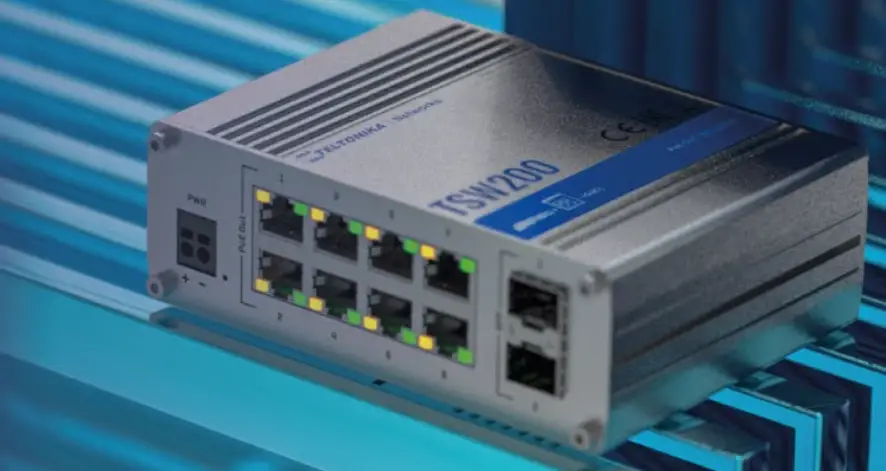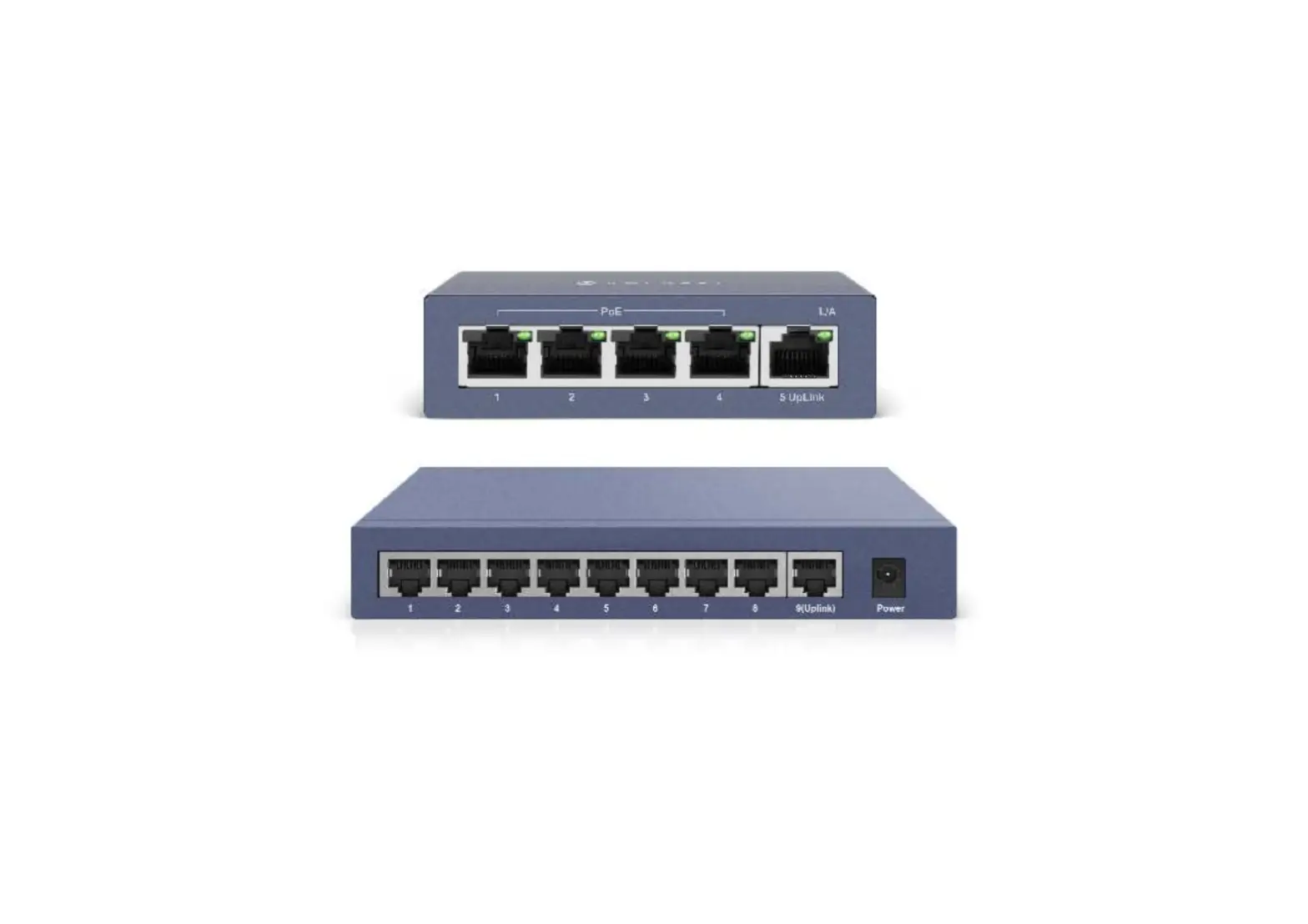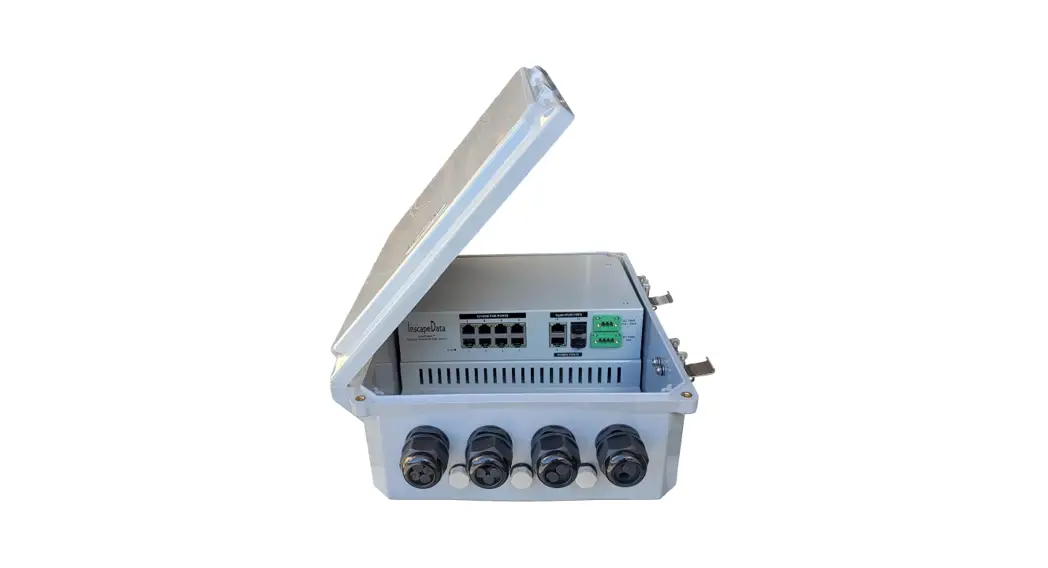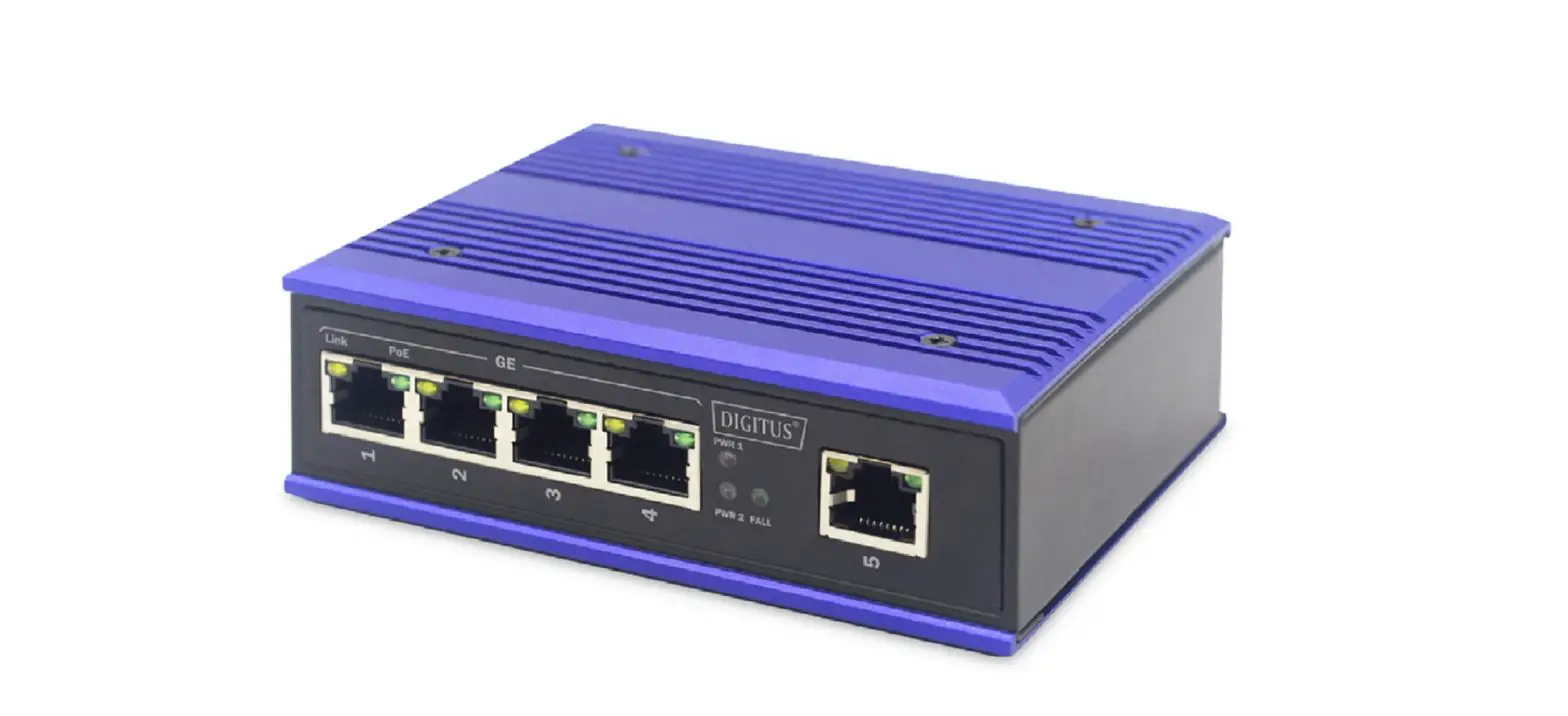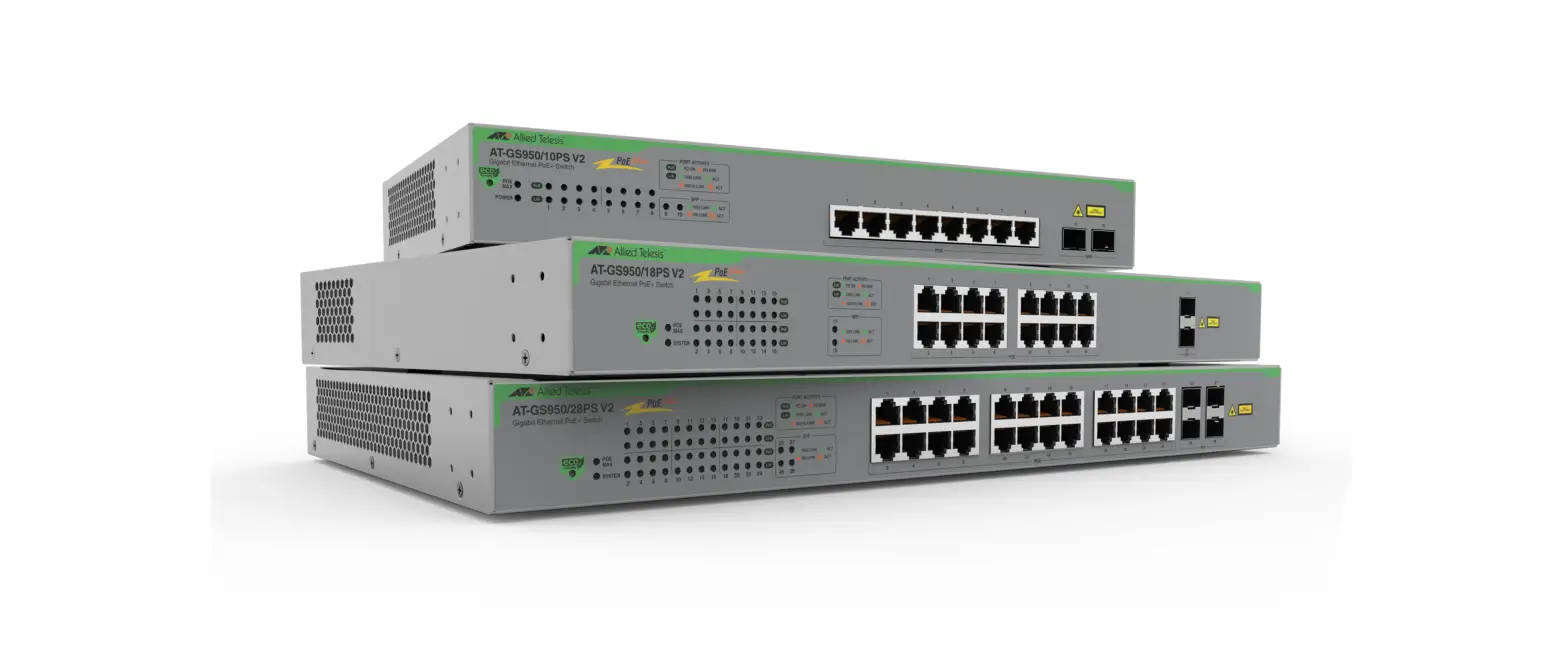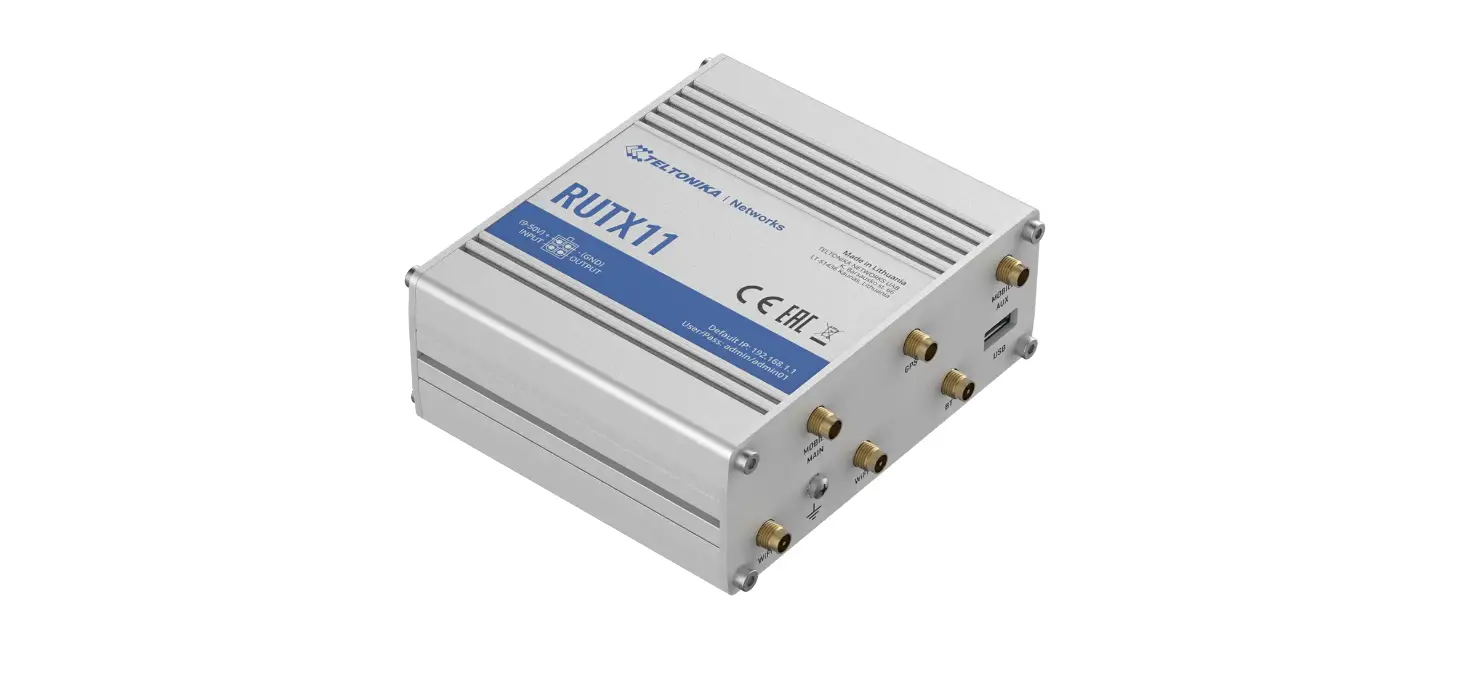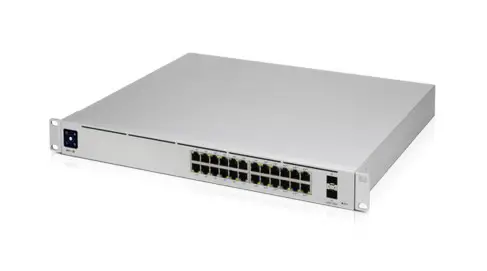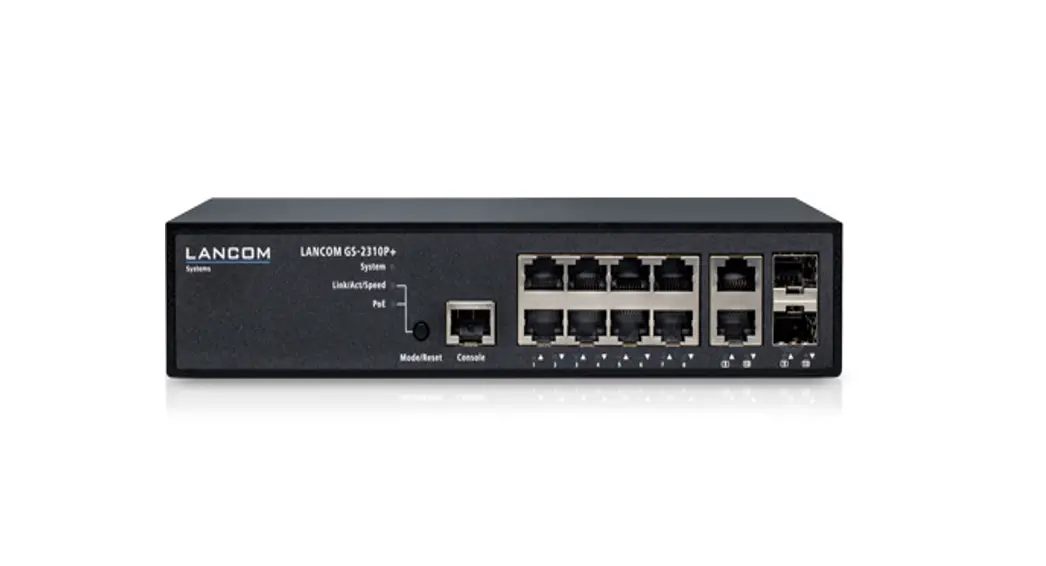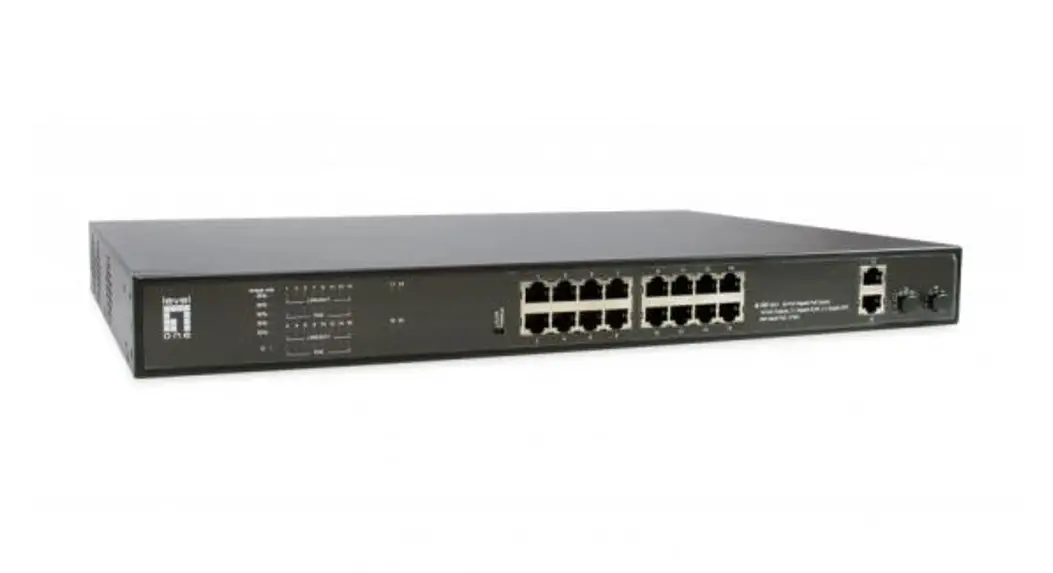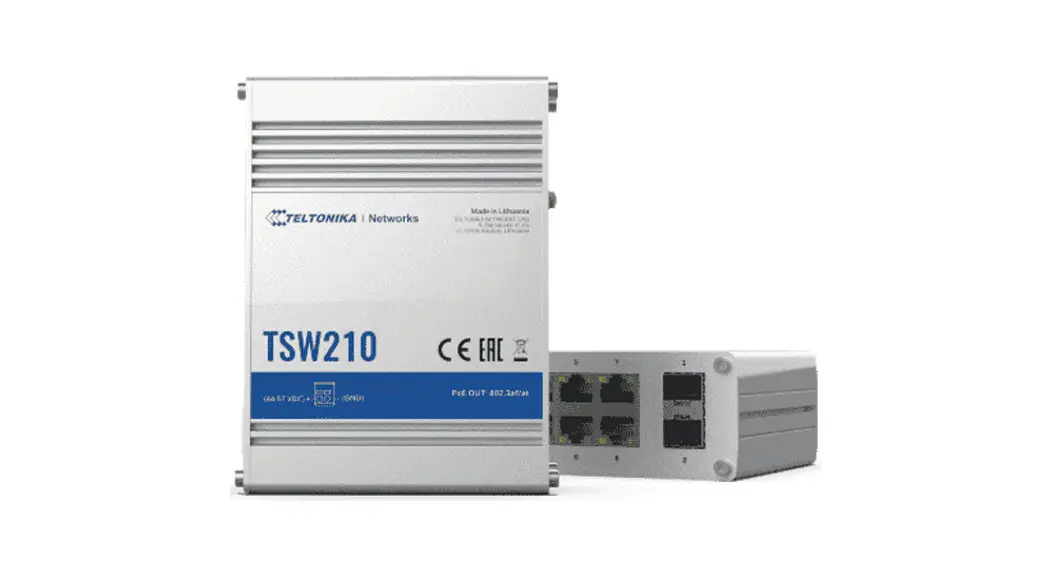

WPX9926 PoE Switch
User Manual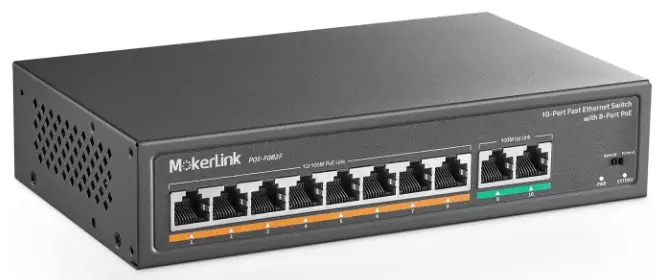
Troubleshooting
The following table shows the status of the AP’s LED indicators.
| WPX9926 LED Descriptions | |||
| LED Indicative | Color | Status | Description |
| Power | Amber | Solid Light | System is booting up |
| Light off | System booted | ||
| Green | Solid Light | System is ready | |
| Light off | Power off | ||
| 5G | Green | Solid Light | Comfiest to WLAN port |
| Blinking | WLAN activity present | ||
| Light off | No activity or power off | ||
| 2.4G | Green | Solid Light | Connect to WLAN port |
| Blinking | WL4N activity present | ||
| Light off | No activity or power off | ||
| LAN1 (PoE in) | Green | Solid Light | Devote connected to LAN port at 10/100/1000Mbps for 1GBE port or 10/10011000/2500Mbps for 2.59SE port. |
| Blinking_ | LAW Activity present | ||
| Light off | Not connected | ||
| LAN2 | Green | Solid Light | Devisor connected to LAN port at 10/100/1000Mbps BE port |
| Blinking | LAN Activity present | ||
| Light off | Not Connected | ||
| SFP | Green | Solid Light | Contacted |
| Light off | Not connected | ||
If the AP fails to connect to the cloud server, please check the following:
- Ensure that the Ethernet cable is plugged into the LAN 1(PoE) port, and LAN1 LED is NOT OFF.
- If the AP fails to get a valid IP address from the local DHCP server, ensure that the DHCP service is ENABLED on your router.
- Ensure there is Internet connectivity on the local LAN network to which the AP is connected
Getting AP online
Step 1: Power up
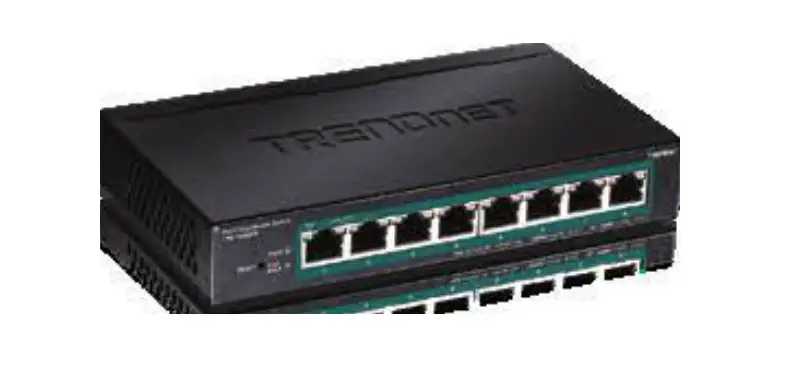
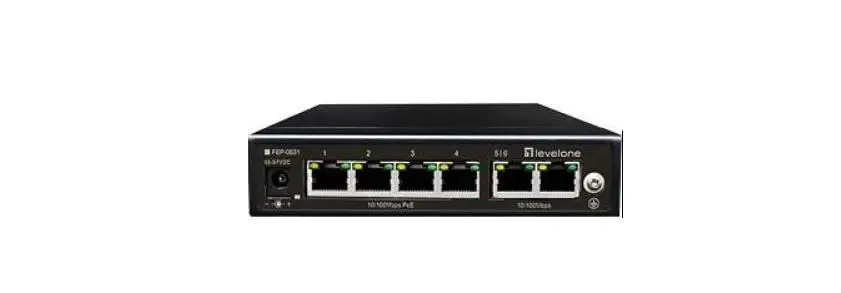
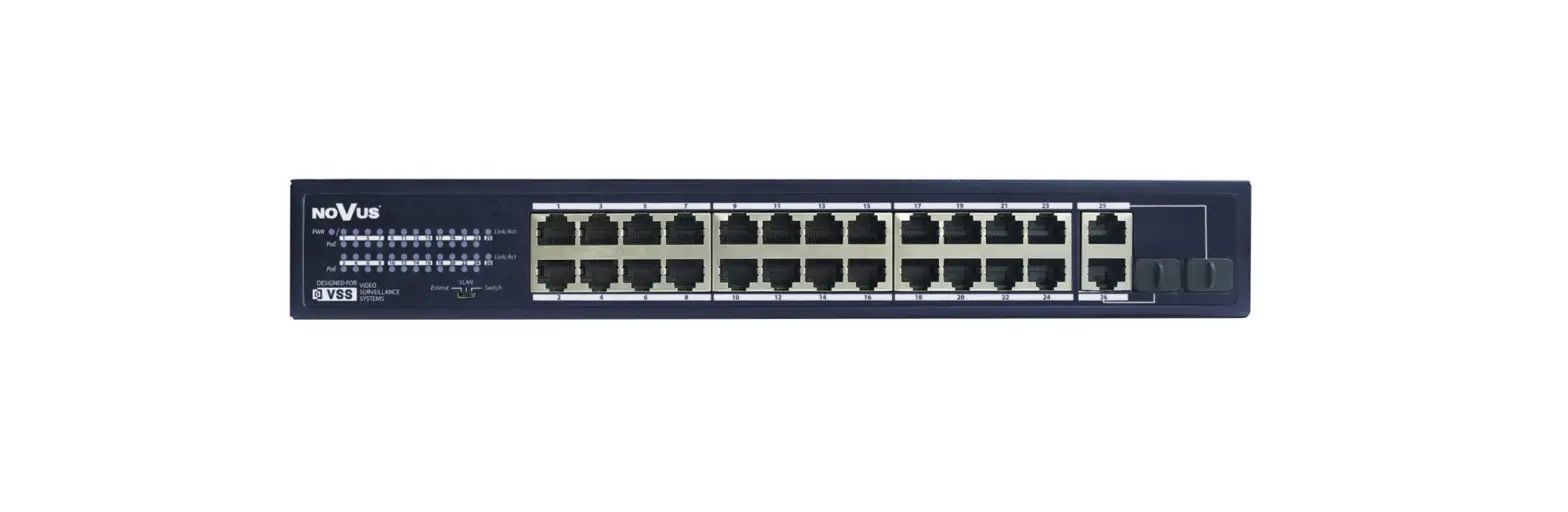
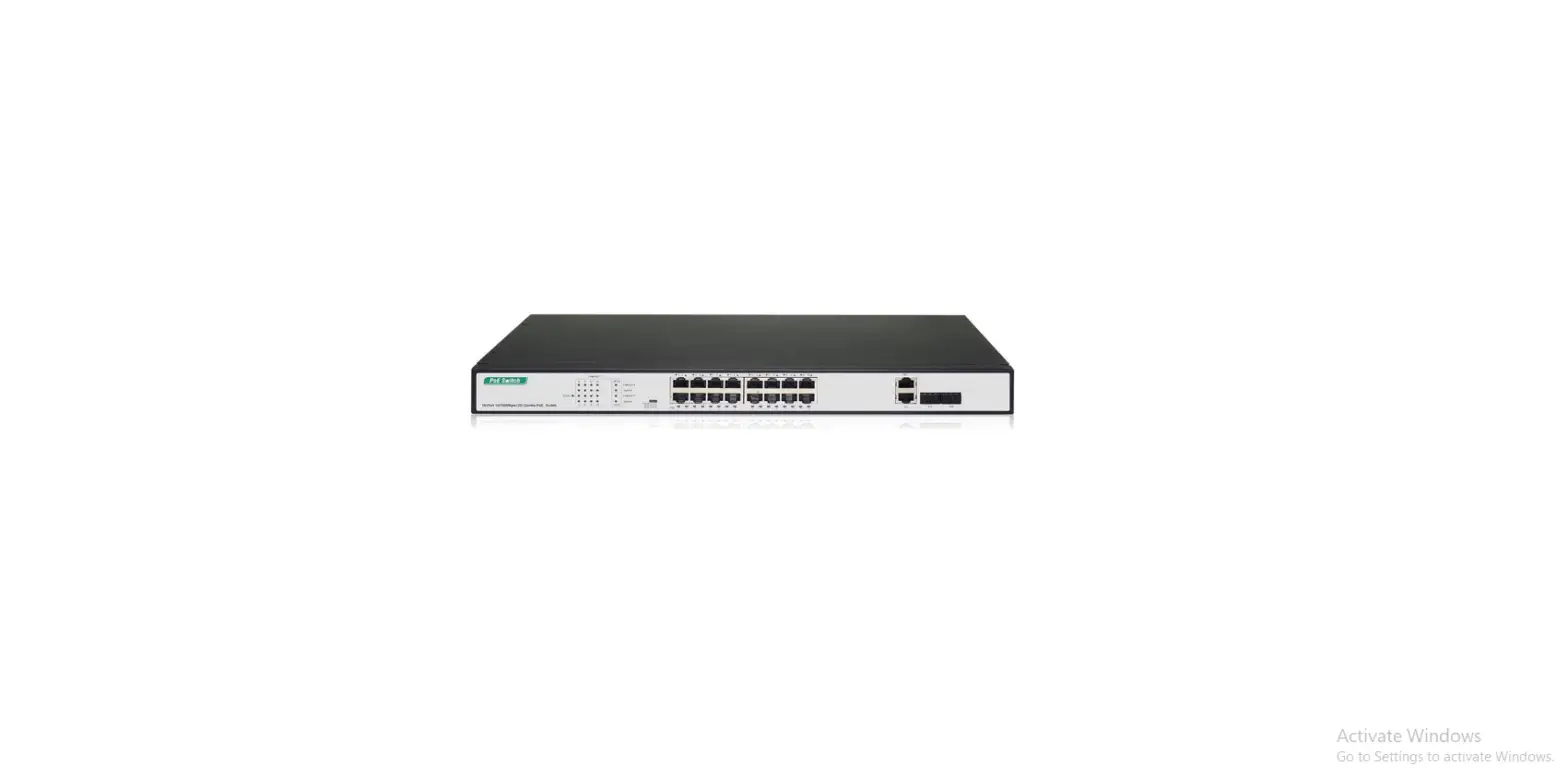
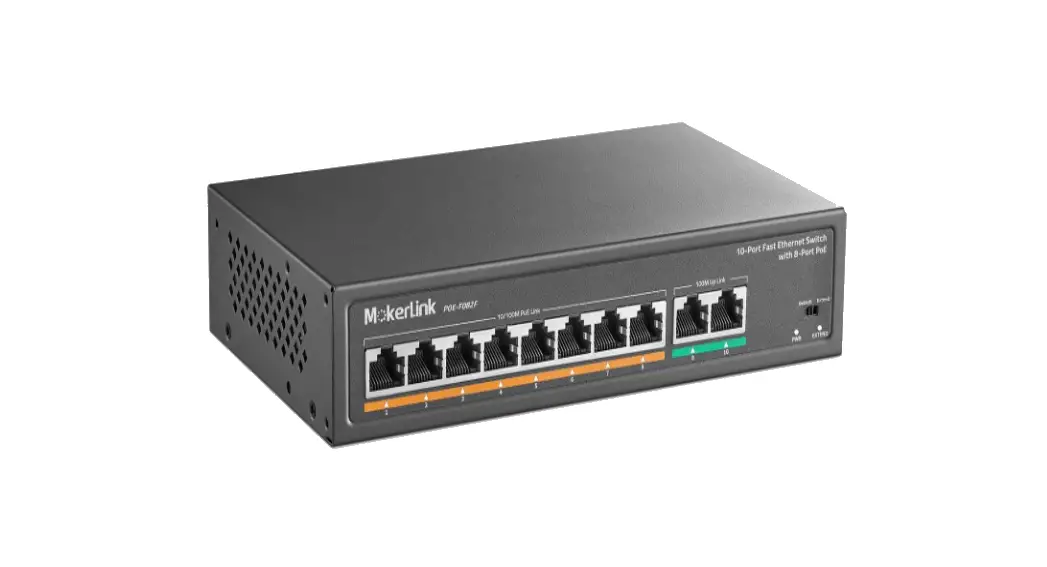
Using PoE, plug one end of the Ethernet cable into the PoE switch or injector and plug the other end into the LAN 1(PoE) port.
Step 2: Connect to the network
Make sure the PoE switch or injector is connected to your LAN network with Internet access.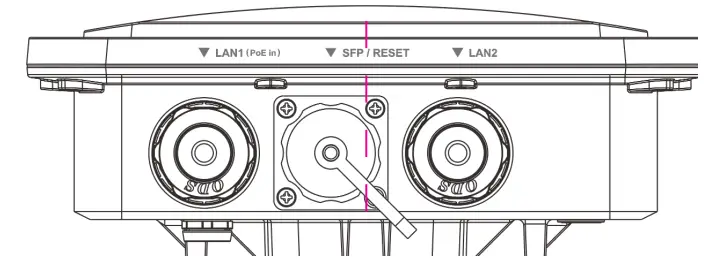
Step 3: Check the LED status
Wait for a few minutes until the Power LED turns solid Green and LAN1 LED turns Blinking. The AP is then online for operation.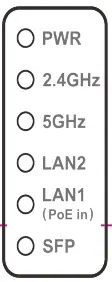
Federal Communication Commission Interference Statement
This product has been tested and found to comply with the limits for a Class A digital device pursuant to Part 15 of the FCC Rules. These limits are designed to provide reasonable protection against harmful interference when the equipment is operated in a commercial environment. This product generates, uses, and can radiate radio frequency energy and, if not installed and used in accordance with the manufacturer’s instruction manual, may cause harmful interference with radio communications. Operation of this product in a residential area is likely to cause harmful interference, in which case you will be required to correct the interference at your own expense.
FCC Caution This device complies with Part 15 of the FCC Rules. Operation is subject to the following two conditions: (1) This device may not cause harmful interference, and (2) this device must accept any interference received, including interference that may cause undesired operation.
Non-modification Statement: Changes or modifications not expressly approved by the party responsible for compliance could void the user’s authority to operate the equipment.
FCC Radiation Exposure Statement:
This equipment complies with FCC radiation exposure limits set forth for an uncontrolled environment. This equipment should be installed and operated with minimum distance 20cm between the radiator & your body..