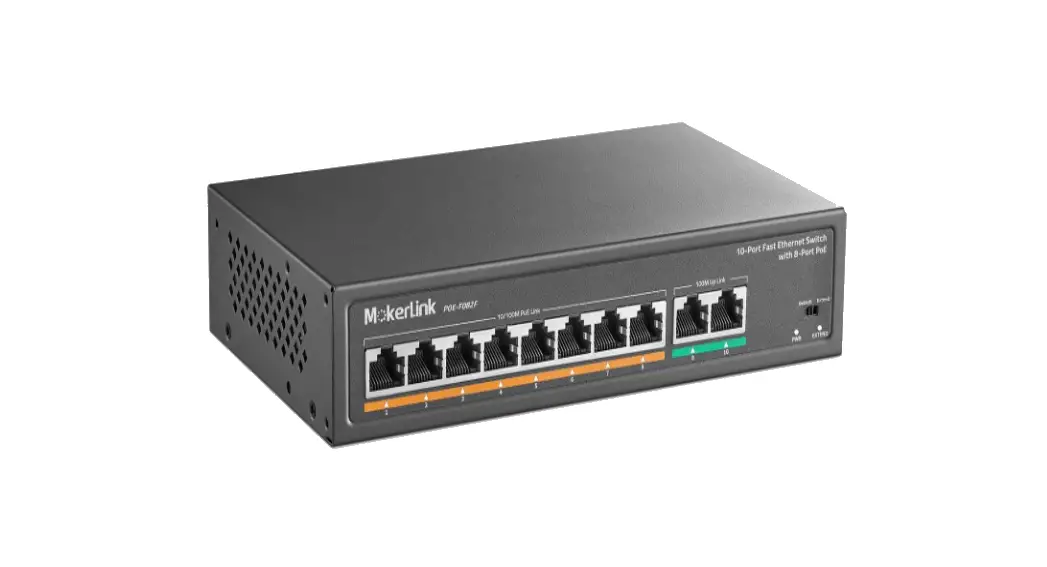
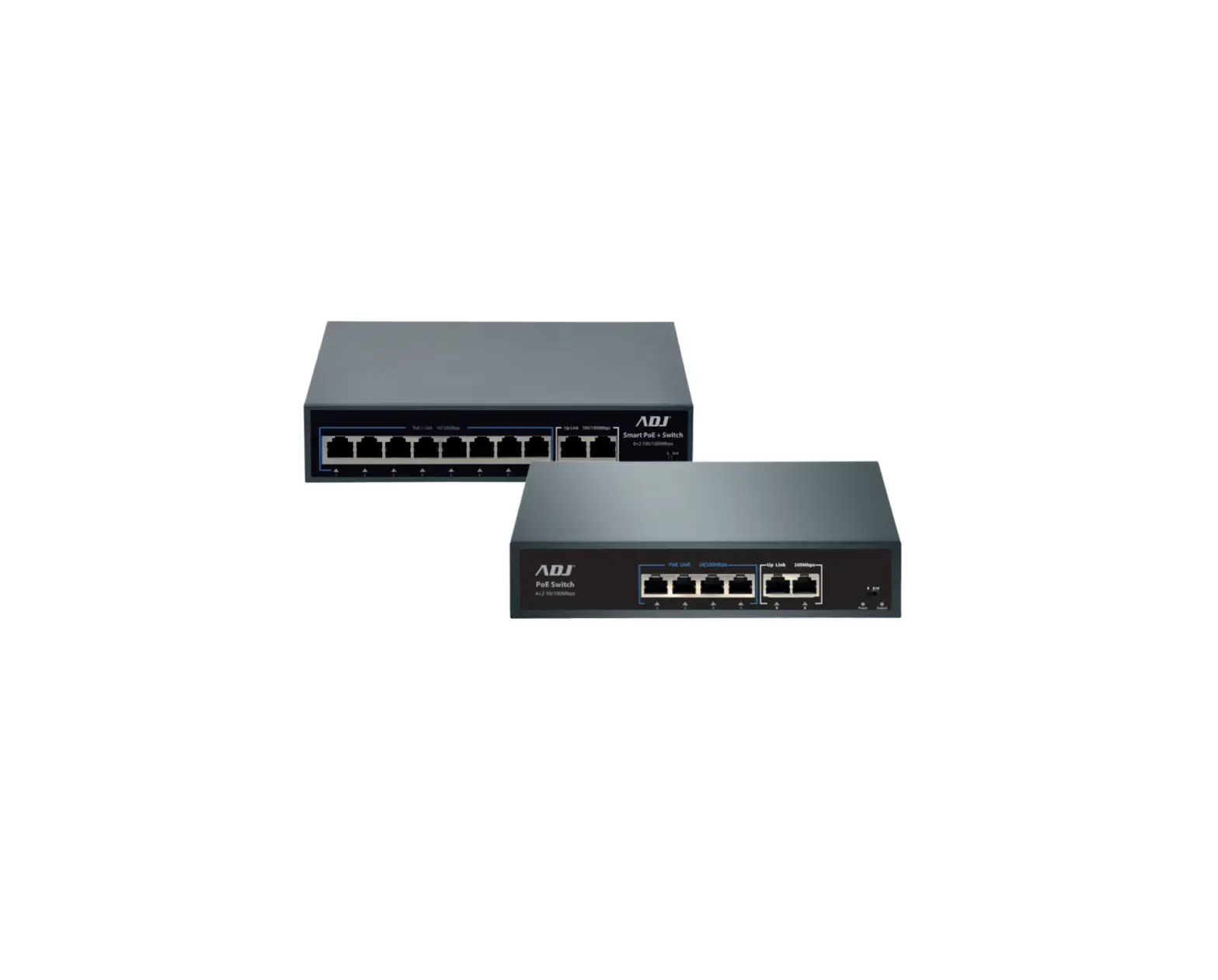
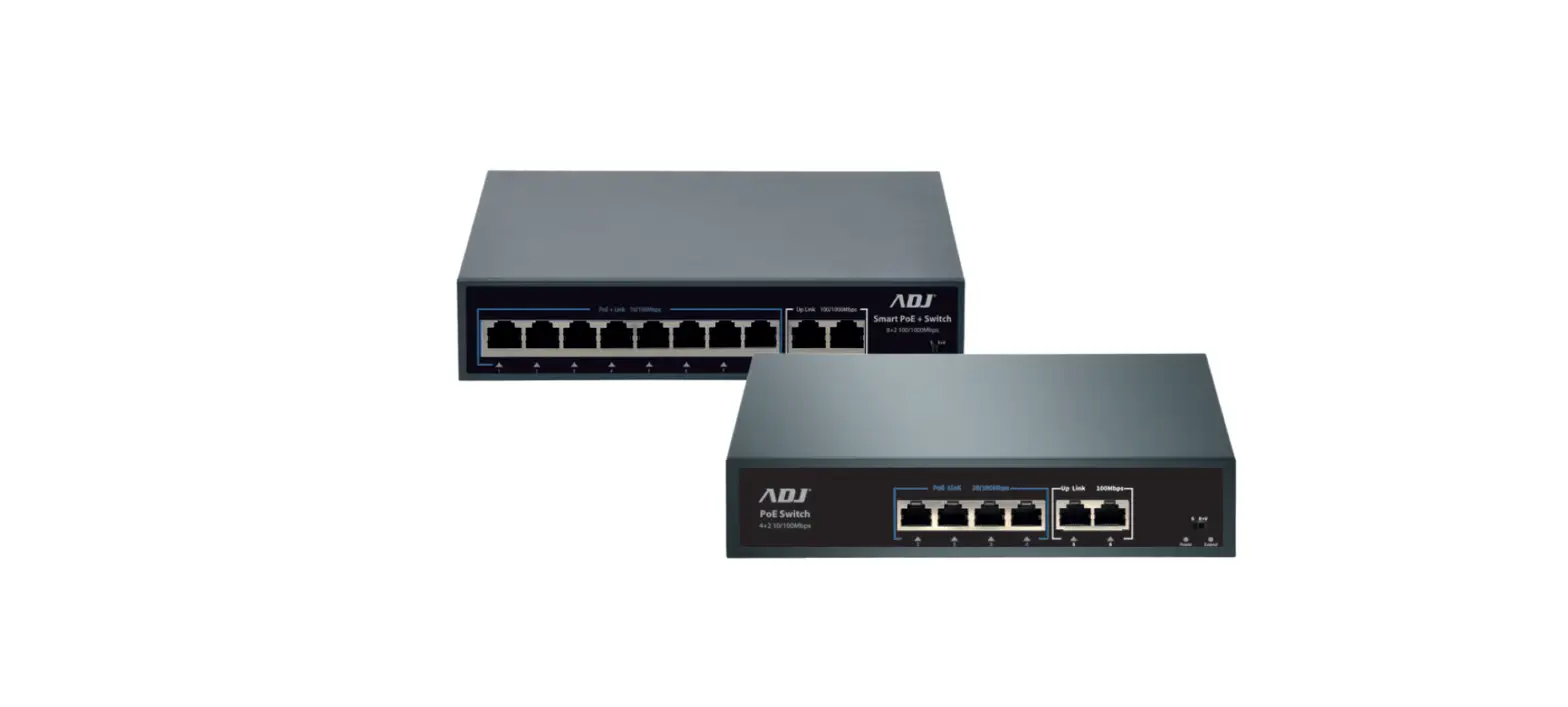
UTP3-SW0401-TP60 4 Port PoE Switch
Product Information: 4 Port PoE Switch (One Port Uplink)
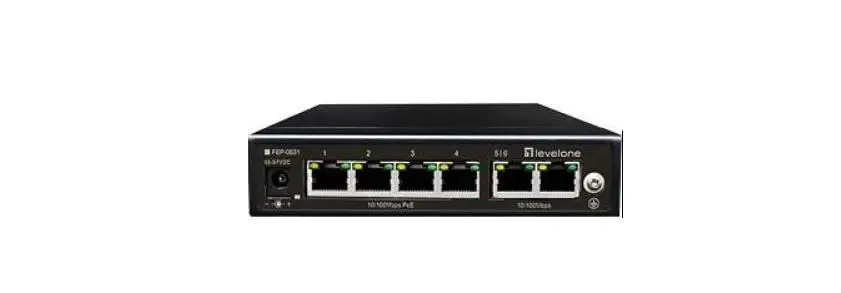
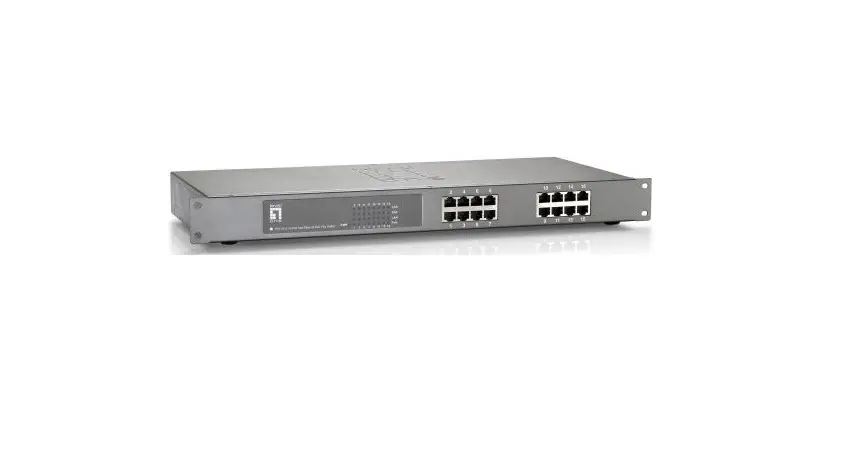
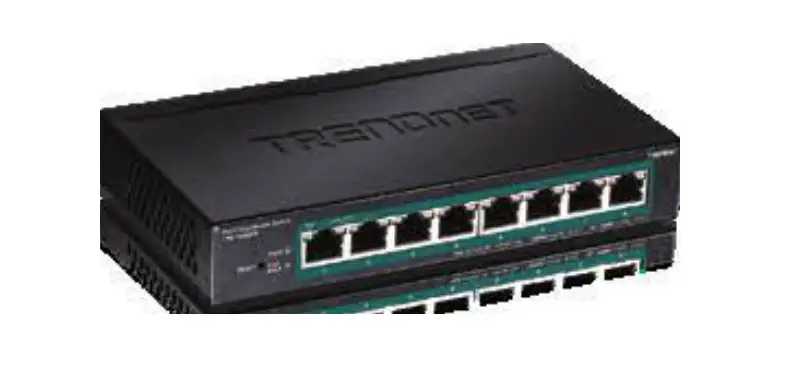
The 4 Port PoE Switch is an Ethernet switch with 4 10/100Base-TX
Ethernet ports (PoE ports) and 1 10/100Base-TX uplink port. It
supports standards IEEE802.3af/at, with single port maximum output
of 30W. It also features a one-key CCTV mode that allows 1-4
downlink ports to communicate only with uplink ports, extending the
transmission distance up to 250m (10Mbps). The switch has 6KV surge
protection, 8KV ESD immunity and anti-interference, making it easy
and secure to install with wall mount, desktop and Kensington
security slot options. It is also plug and play.
Product Usage Instructions
Before installing the 4 Port PoE Switch, ensure that the
following items are available: Power adapter, AC power cord,
accessory, user’s manual.
Installation Steps:
- Turn off signal power and device power before installation.
Installation with power will damage the transmission
equipment. - Connect the Ethernet equipment to the switch via a standard
Cat5e/6 network cable to ensure the transmission distance is up to
100m. - Connect the power adapter to the switch and a power
outlet. - Check that the Ethernet equipment has power and is working
properly. - Turn the dial to the left to enter CCTV mode after restarting
the equipment.
Connection Interface:
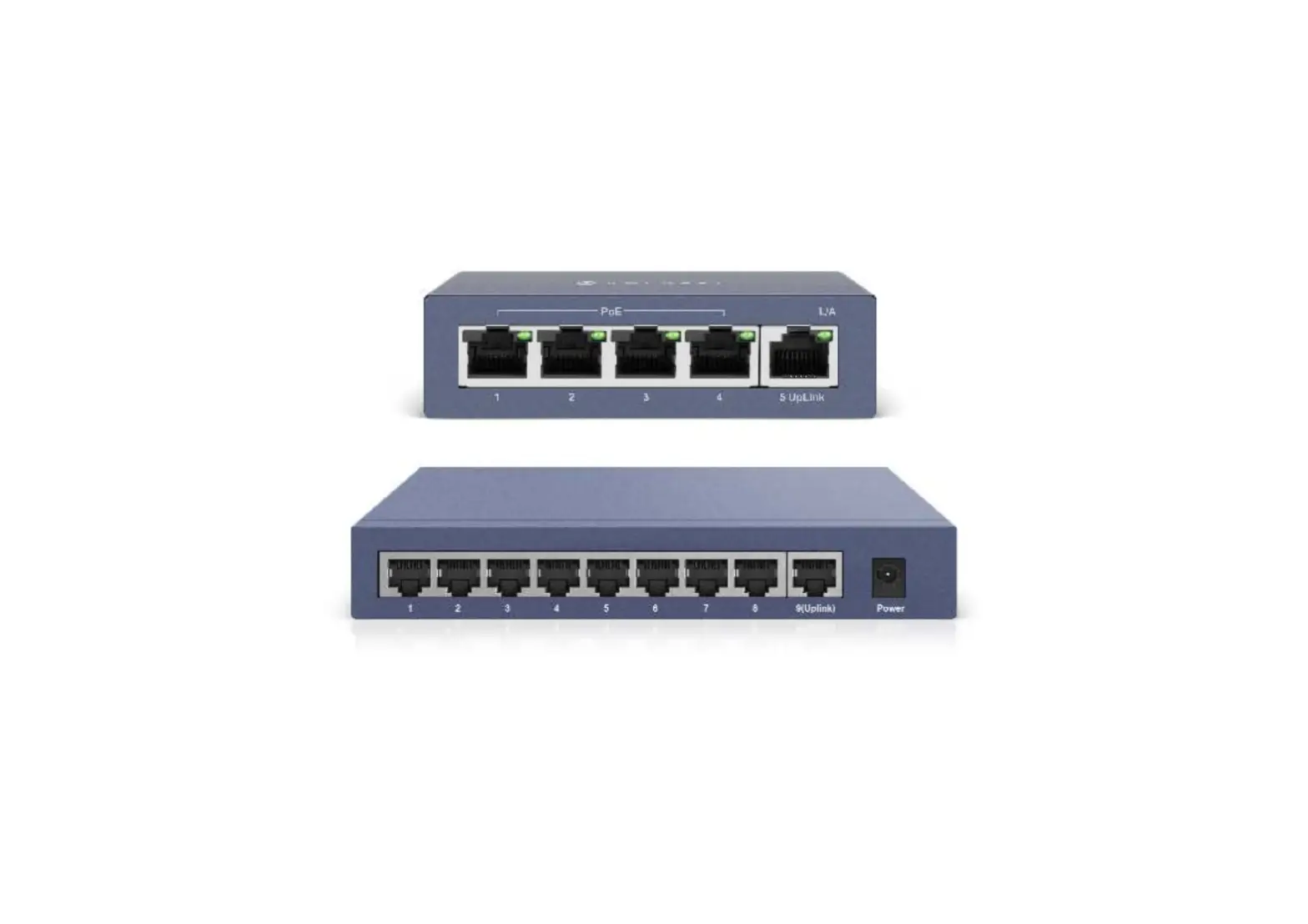
The switch has 4 downlink PoE Ethernet ports, 1 uplink Ethernet
port, and an input port for the power adapter. The switch also has
a Kensington lock for additional security.
Problem Solving:
If there are issues with the switch, ensure that it is installed
in accordance with the manufacturer’s installation guide and that
the cable order RJ45 meets EIA/TIA568A or 568B standards. Each PoE
port can provide PoE equipment with a maximum power of less than
30W. Do not connect PoE equipment with a power greater than 30 W.
If the issue persists, replace the equipment with a working 4-port
PoE switch and contact your provider.
4 Port PoE Switch (One Port Uplink)
User’s manual
4 Port PoE Ethernet Switch is a switch that is aimed at Ethernet high-definition surveillance and security system of Ethernet projects. The product fully combines the features of security surveillance, provides forwarding capability of fast packets and abundant backplane bandwidth, ensuring clear image and smooth transmission. The protection circuit against surges and ESD can improve the stability of the product. The product supports a model of IP CCTV, can achieve a VLAN, control a network storm, protecting information security, prevent viral transmission and Ethernet attack, fully satisfy Ethernet video security surveillance system and Ethernet project needs.
Version 1.0
Application
can
Switch
Ethernet
4port PoE
LCD
PoE IP Camera
PoE dome camera PoE IP Camera PoE PTZ camera
Network wire Cat5/5e/6
NVR
Feature
4 10/100Base-TX Ethernet ports (PoE ports) and 1 10/100Base-TX uplink port; Supports standards IEEE802.3af/at, single port 30W max output. One-key CCTV mode: 1~4 downlink ports can only communicate with uplink ports, extend the transmission distance up to 250m (10Mbps) 6KV surge protection, 8KV ESD immunity and anti-interference. Easy and secure installation: wall mount, desktop, Kensington security slot; Plug and play.
Important
The transmission distance is related to the connected cable. We suggest a standard Cat5e/6 network cable, so the Transmission distance can be up to 100m.
1
switch diagram
front side
rear side
4 Port PoE Switch
CCTV way
Can indicated light
Lateral
Can
input port
Downlink PoE
Puerto Ethernet
uplink
Puerto Ethernet
I usually
Kensington lock
Description :
1) The equipment must be grounded according to the request. 2) Turn the dial to the left, the equipment can enter CCTV mode after restarting the equipment.
installation steps
Check the following items before installation; if it is missing, contact the dealer. 4 Port PoE Switch
Power adapter AC power cord Accessory User’s manual
1 PC 1 PC 1 PC 1 game
1 game
Follow the installation steps below
1) Please turn off signal power and show device power before installation, installation with power will damage the transmission equipment;
2) Use a network cable to connect the PoE IP camera and 1ÿ4 downlink ports of the product respectively; 3) Use a network cable to connect the equipment to the gateway and the NVR or computer; 4) Turn on the equipment; 5) Check whether the installation is correct, the equipment is in good condition, the connection is stable, then provide power to the
system; 6) Make sure the Ethernet equipment has power and is working properly.
2
4 Port PoE Switch
Specificationsÿ
Energy
Model Power supply
voltage range
Consumption
Ethernet
Speed transmission distance
Switch status indicator protection level
Ethernet Standard exchange capacity Packet forwarding rate
packet buffer MAC address
power light
ethernet port light
Watchdog Module Light Group Pluse
ESD
Working Environment
Mechanic
The specificationchange
anti thu- nder level
Work temperature
Storage temperature
Humidity (not condescending) Dimension(L* In * H) outside shell Color
Weight
I don’t know will notice
Description
Power adapter
DC48V ~ 54V ÿ 5W
Port 1-4: Default: 10/100Mbps; CCTV: 10 Mbps;
Uplink port: 100 Mbps
Port 1-4: Default: 0 ÿ 100m;
CCTV: 0 ~ 250 m;
UPLINK: 100m
IEEE 802.3 / 802.3u / 802.3af / at
1.0 Gbps 0.74 Mpps
768K 2k
1pc(red)
2 pieces (yellow and green) on RJ45, yellow indicates PoE,
verde indica Link / Act
1pc (green), green means CCTV Level 3
Standard: IEC61000-4-4
contact discharge 6KV Air Discharge Level 8KV Standard: IEC61000-4-2
6KV Standard: IEC61000-4-5
– 10 ÿ ~ 55 ÿ – 40 ÿ ~ 85 ÿ
0 ~ 95%
135 mm × 85,6 mm × 27 mm
galvanized sheet
Grey 315 g
3
connection interface
Problem solving
4 Port PoE Switch
Follow the steps if the computer has problems. Make sure the equipment is installed in accordance with the manufacturer’s installation guide. Confirm that the cable order RJ45 meets EIA/TIA568A or 568B standards. Each PoE port can provide PoE equipment with a maximum power of less than 30W, please do not connect PoE equipment with a power greater than 30 W. Replace the equipment with a working 4-port PoE switch to check if the equipment is damaged.
Contact your provider if the problem persists.
Connector production method
Instruments to use: cable crimper, network tester. The wire sequence of the RJ45 plug must comply with EIA / TIA568A o 568B. 1) Remove the 2cm long insulating layer and 4-pair bare UTP cable; 2) Separate the 4 pairs of UTP cables and stretch them; 3) Align the 8 pieces of wires according to EIA/TIA 568A or 568B; 4) Cut the wires to leave 1.5 cm of bare wire; 5) Plug 8 wires into the RJ45 socket, make sure each wire is on each pin;
6) Use the wire crimper to crimp it;
7) Repeat the 5 steps above to make the other end; 8) Please use a network tester to test the cable if it works.
pin color
1
White green
2
Green
3
white / orange
4
Blue
5
White blue
6
orange
7
White Brown
8
Brown
Pin
1
2 3 4 5 6 7 8
Color
white / orange
orange White green
Blue White blue Green White Brown Brown
EIA / TIA 568A
EIA / TIA 568B
Important
When you choose RJ45, please make sure if one end is EIA/TIA568A, the other end must be EIA/TIA568A as well. When you choose RJ45, make sure that if one end is EIA/TIA568B, the other end must also be EIA/TIA568B.
4