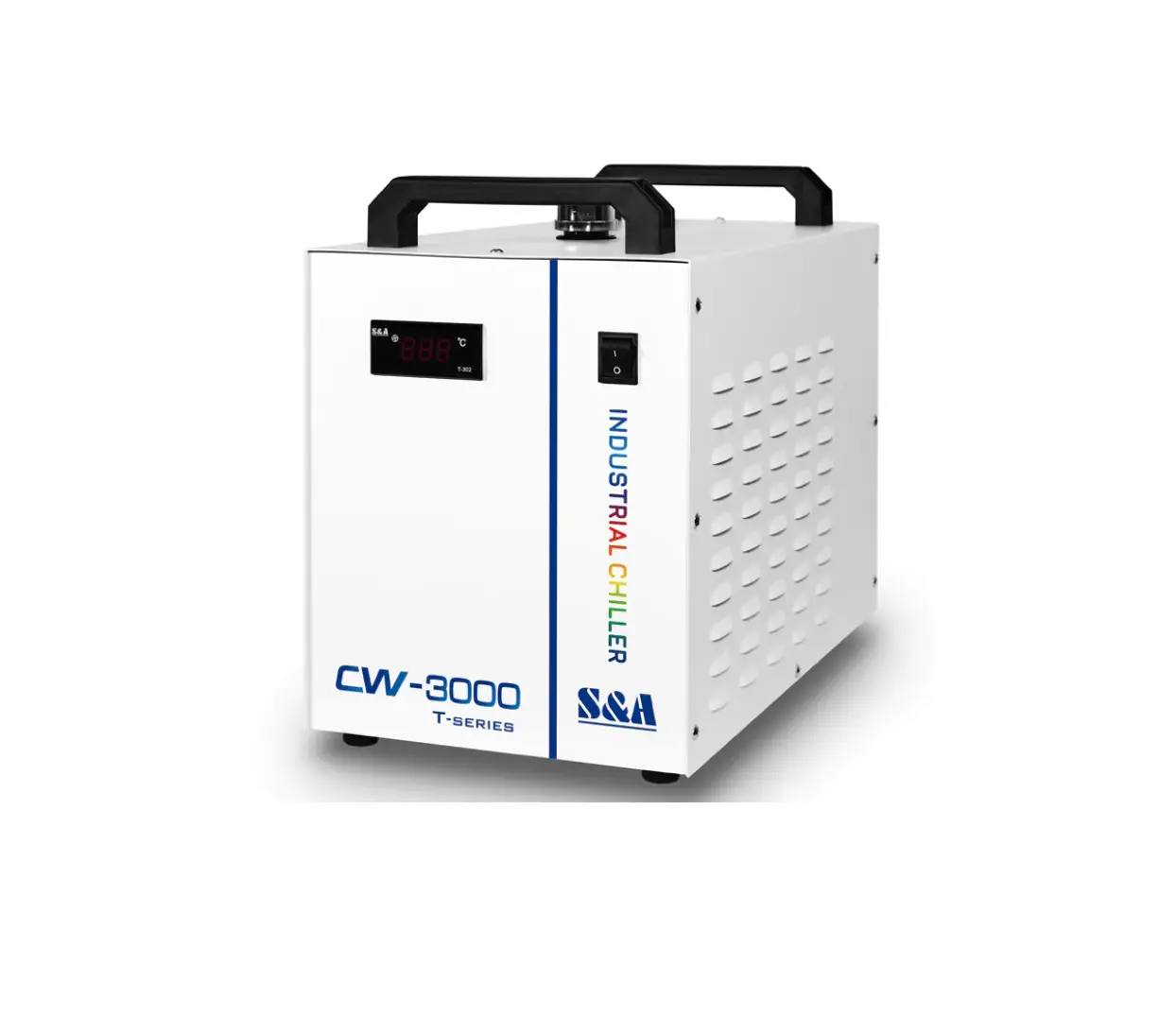
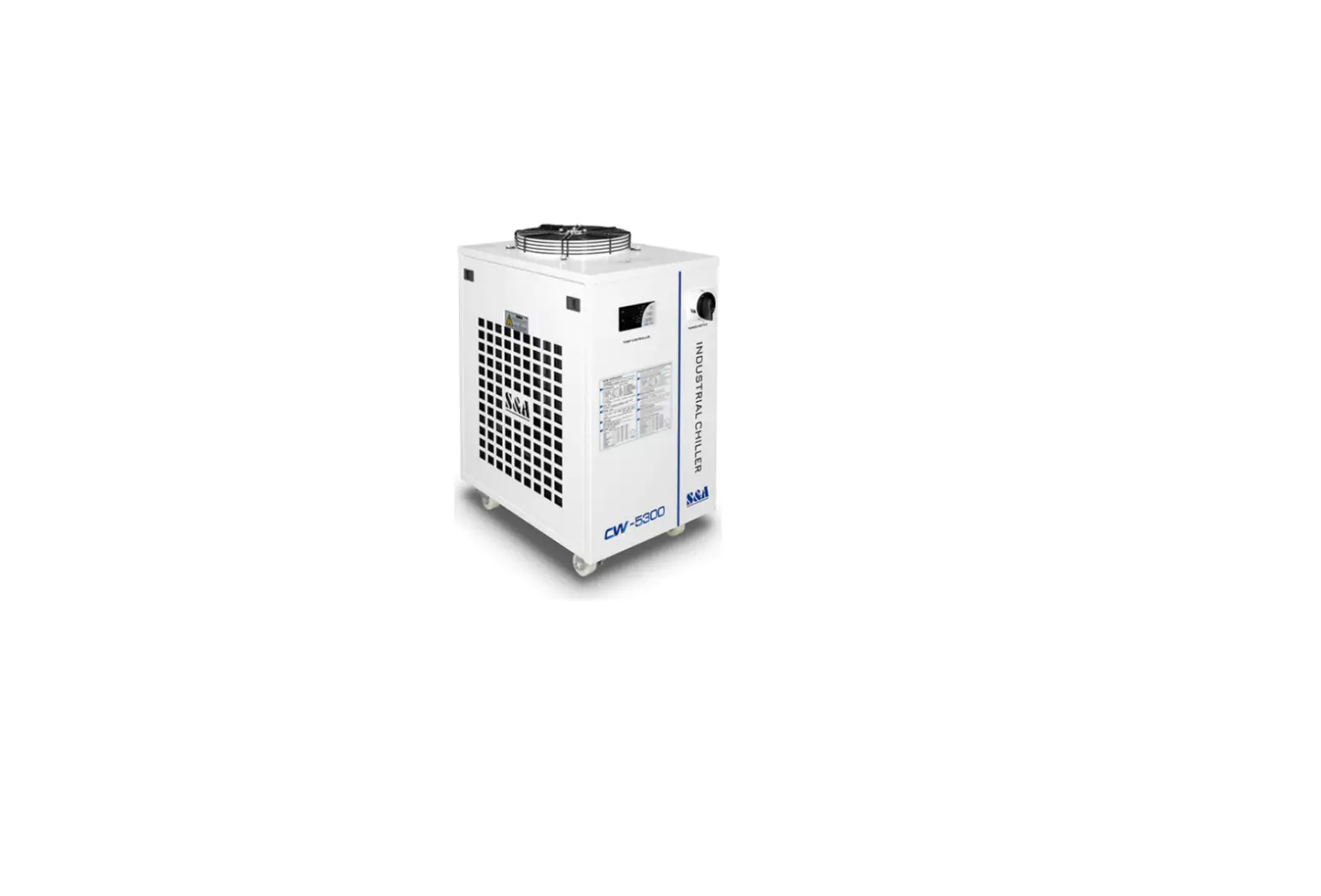
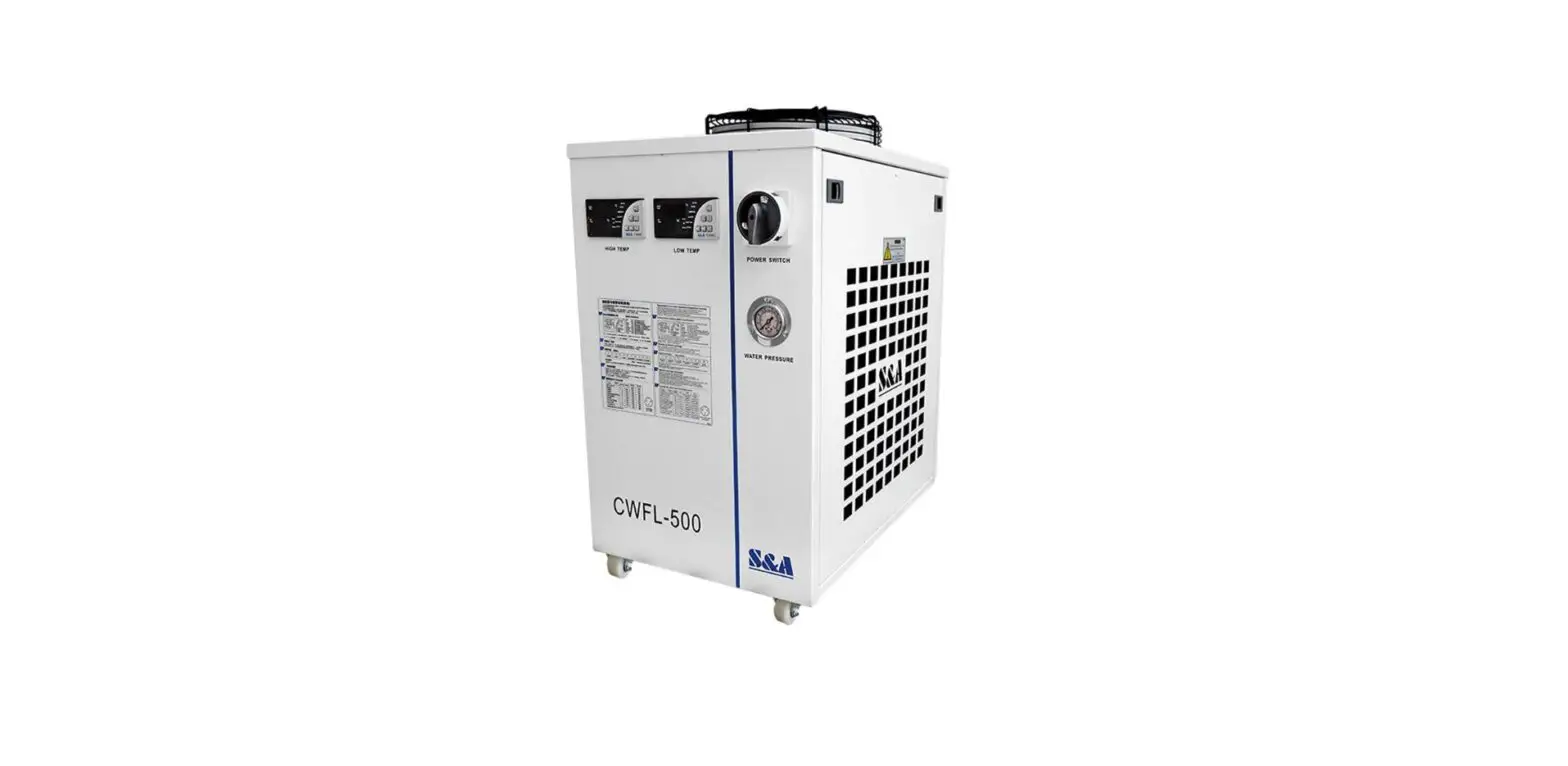
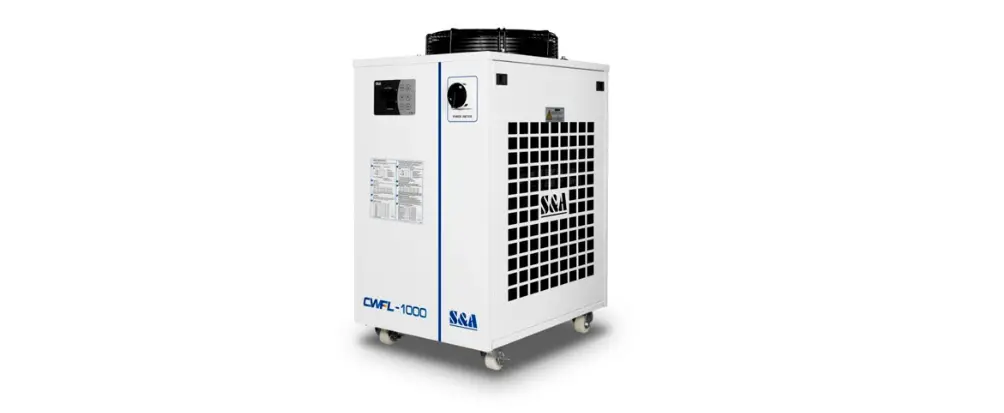
DZ5000 Industrial Chiller
Product Information:
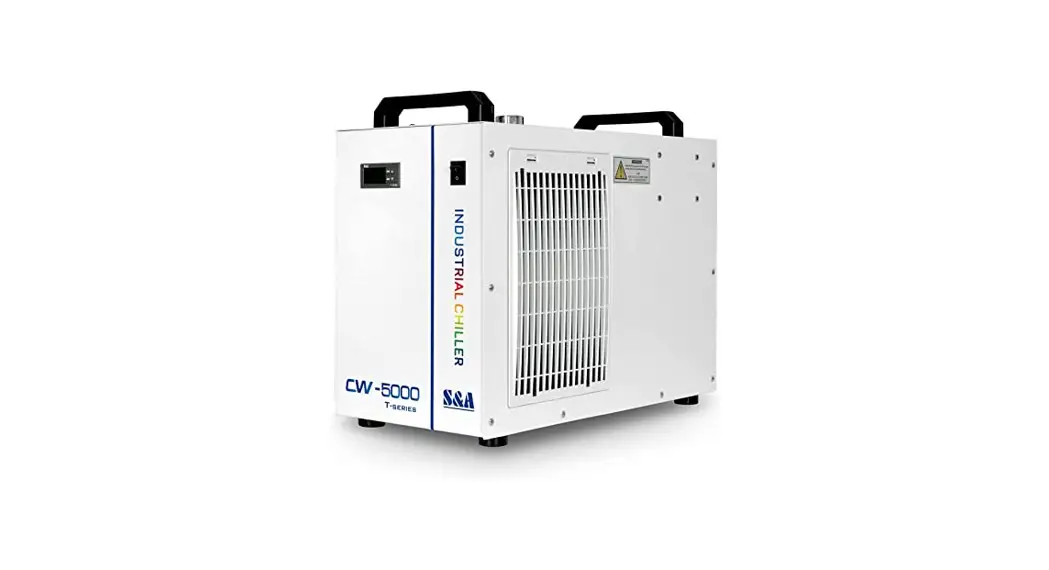
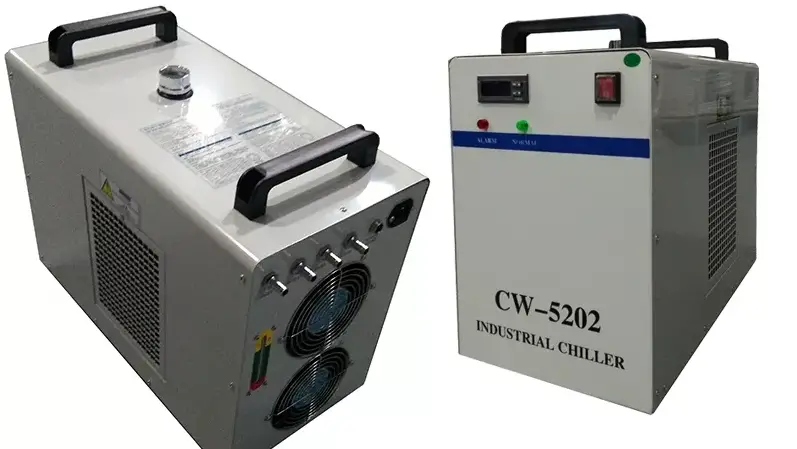
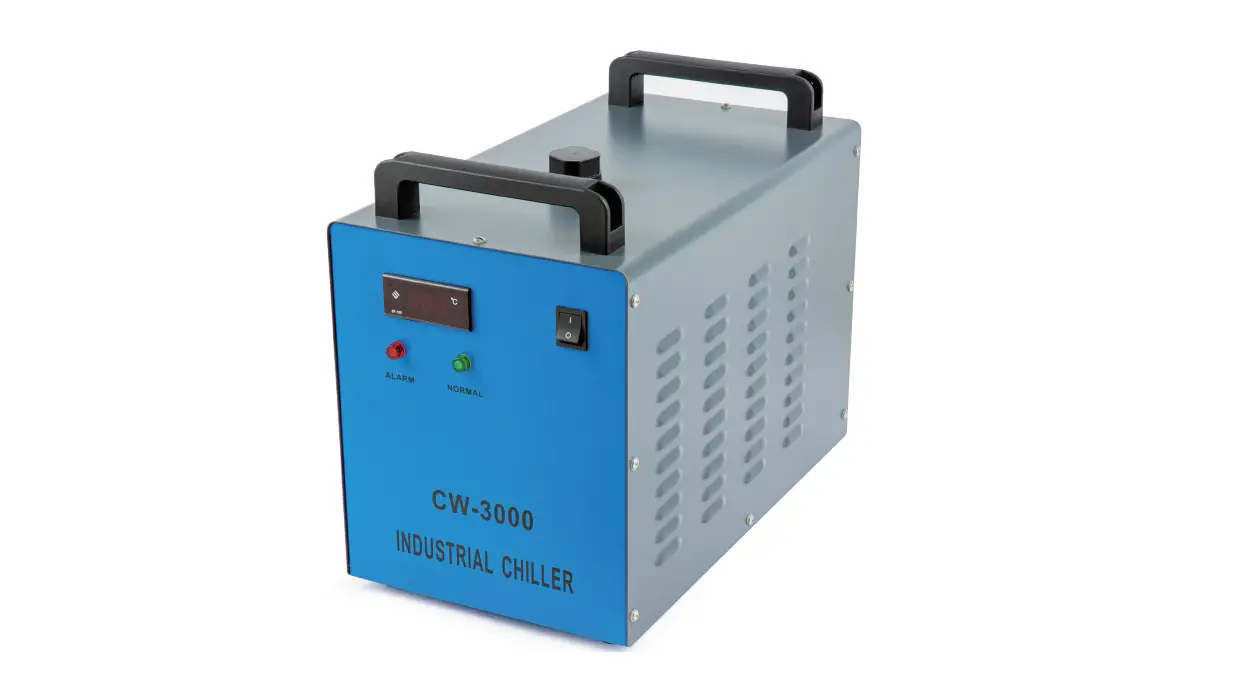
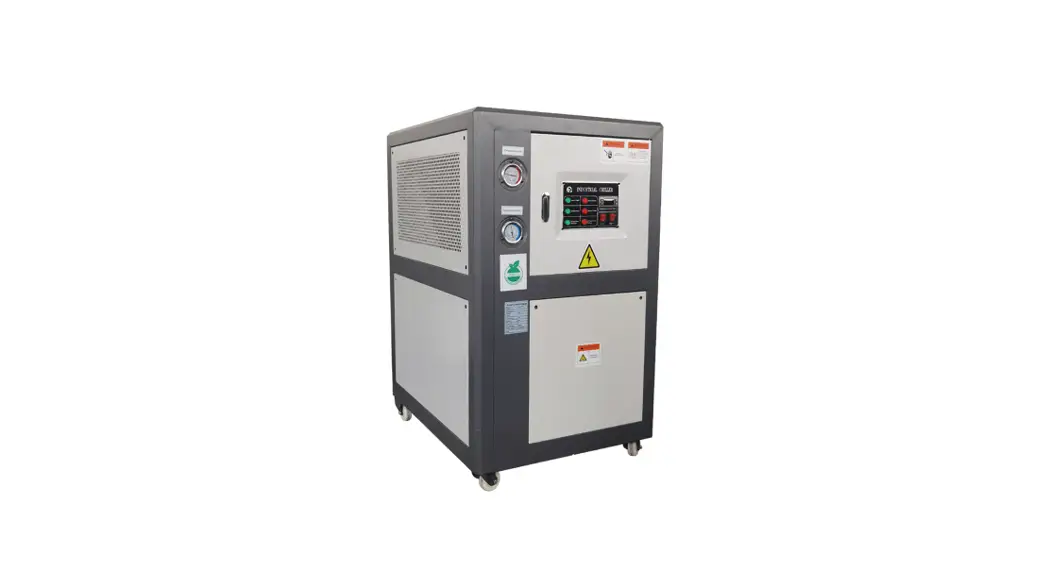
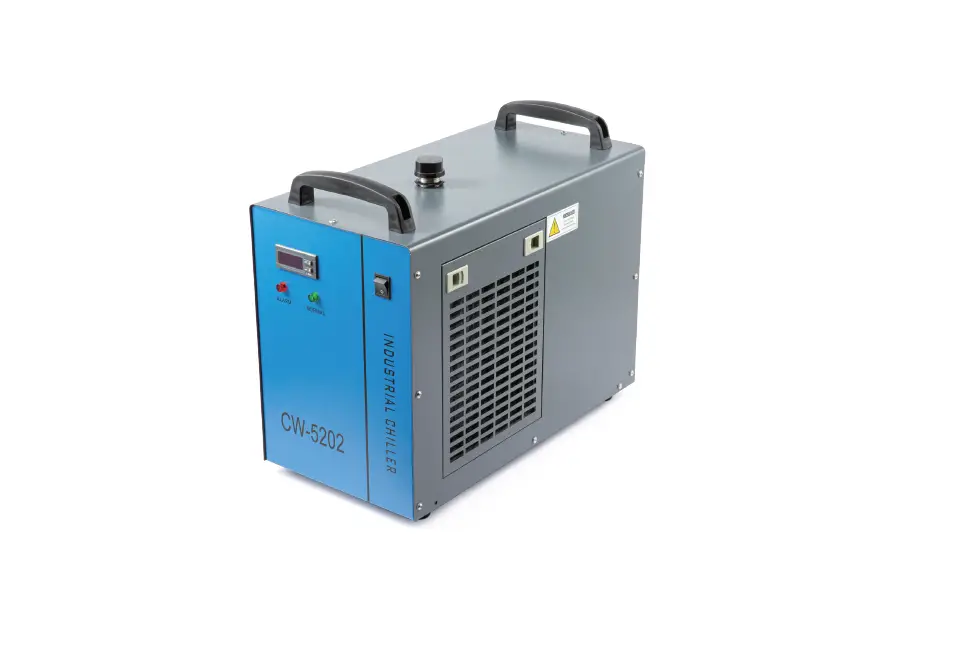
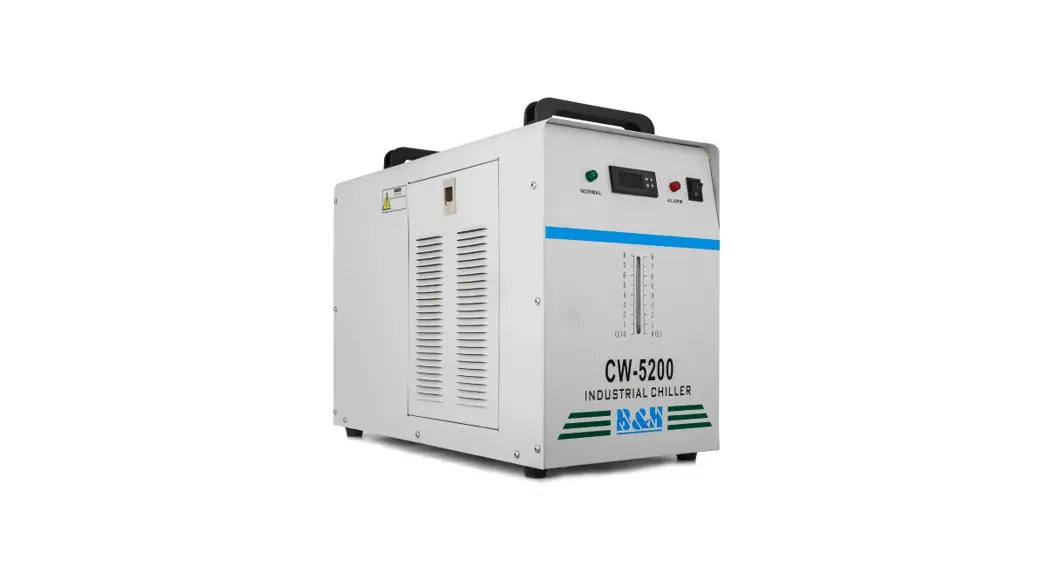
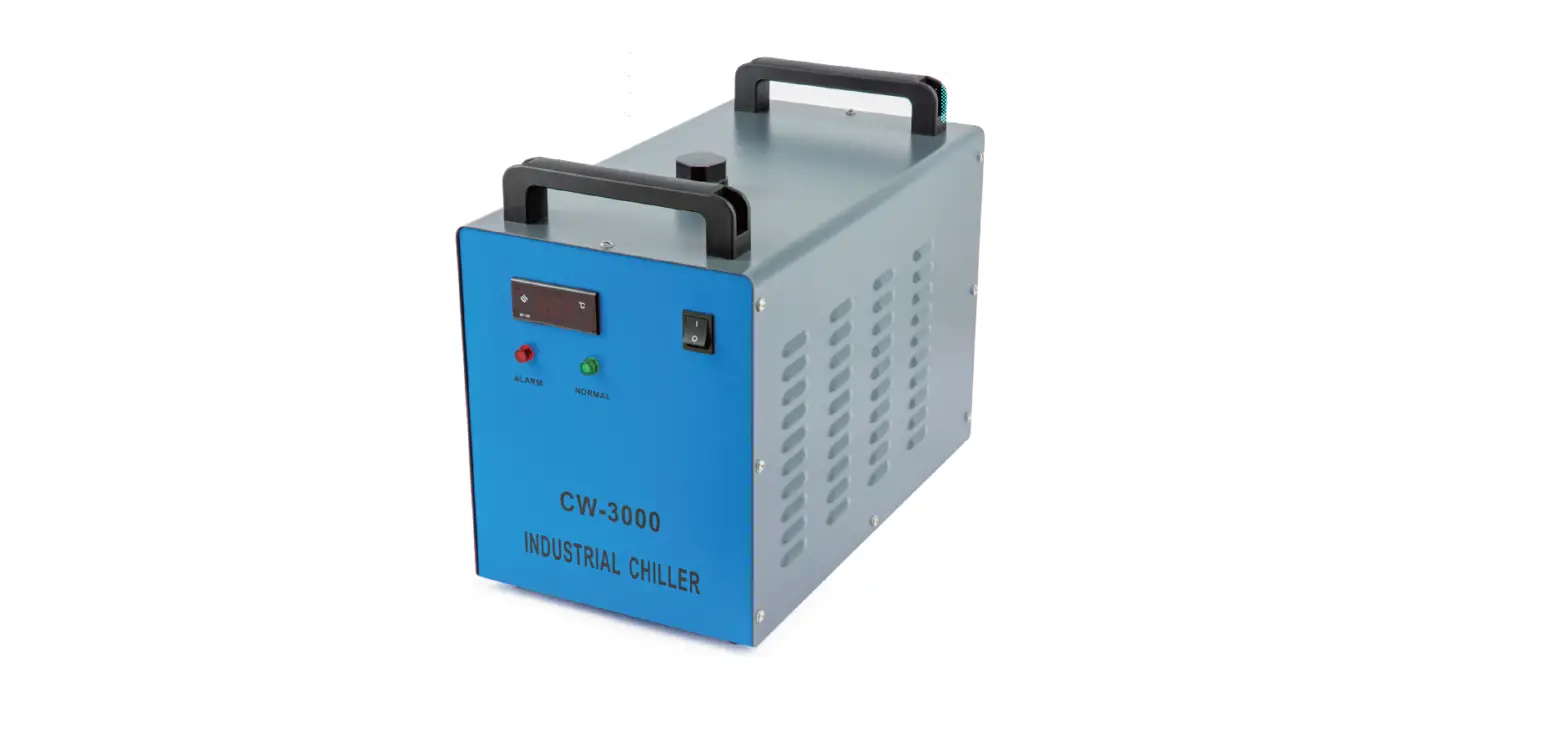
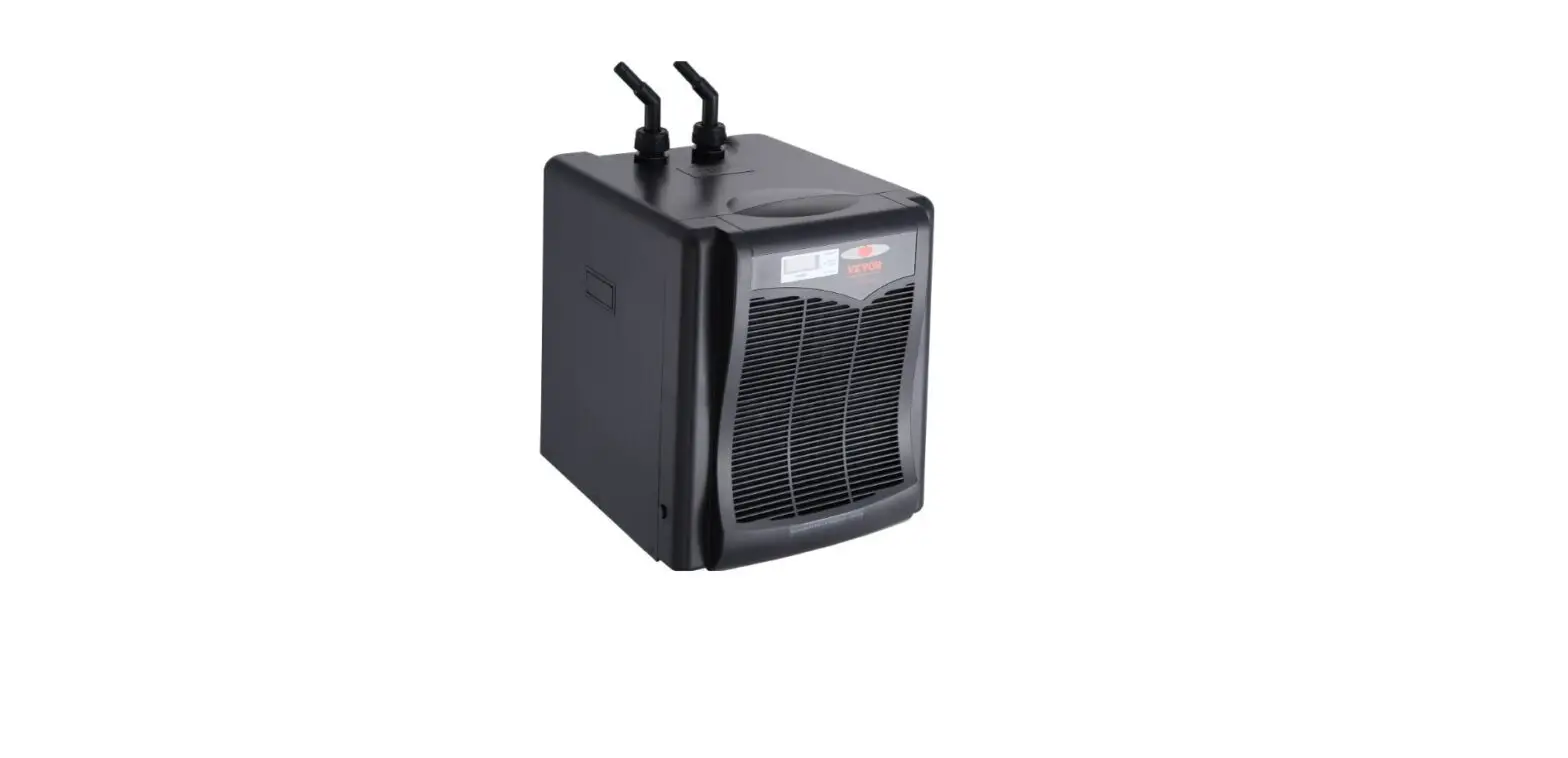
The DZ5000/5200LS-QX Industrial Chiller is a powerful cooling
machine designed for industrial use. It is equipped with a
temperature controller, flow alarm, power switch, air inlet with
filter gauze, power socket with fuse, alarm output terminal,
cooling water outlet, cooling water inlet, air outlet, water level
gauge, and outfal. The chiller operates on a voltage range of
200-250V (100-130V for AC110V model) and has an average operating
current of up to 6-10 amps (10-15 amps for AC110V model). The
chiller is designed to work with a power frequency of either 50Hz
or 60Hz.
Product Usage Instructions:
- Ensure proper electrical connections: Make sure the power
supply and electrical outlet are in good contact and the earth wire
is firmly grounded. The instantaneous operating current of the
chiller can be high, so ensure the power supply can handle it. - Maintain stable voltage: The refrigeration compressor is
sensitive to power supply and voltage fluctuations. Ensure there is
a stable and normal voltage supply within the range of 200-250V
(100-130V for AC110V model). Customization is available for wider
voltage ranges. - Choose the correct power frequency: Select the model with a
power frequency of either 50Hz or 60Hz according to the actual
circumstances. - Ensure proper ventilation: Make sure the air inlet and air
outlet have good ventilation. Keep at least 30cm of space between
obstructions and the air outlet at the back of the cooler. Leave at
least 8cm of space between obstructions and the side air
inlet. - Clean the filter screen regularly: It is essential to clean the
dust gauze regularly to prevent blockage and potential breakdown of
the chiller. - Manage condensate water: In high humidity environments,
condensate water may generate on the surface of water circular
pipes and cooled components. If this occurs, adjust the water
temperature or keep the pipes and cooled parts warm. - Professional use only: This appliance is intended for
professional use only. It should not be used by children or persons
with reduced physical, sensory, or mental capabilities unless
supervised or instructed.
Installation:
- Check the machine and accessories: Open the package and ensure
the machine is intact and all necessary accessories are
included. - Add cooling water: Open the injection port and slowly add
cooling water, observing the water level gauge to prevent overflow.
If cooling carbon steel equipment, add an appropriate amount of
cooling water additive. In cold areas, consider using noncorrosive
antifreeze fluid. - Connect water inlet and outlet pipes: Connect the water inlet
and outlet pipes according to system conditions. - Power on the chiller: Plug in the power and turn on the power
switch. Ensure there is water in the water tank before starting up
the chiller. When the power switch is turned on, the circulation
pump of the chiller will start working.
DZ5000/ 5200LS-QX INDUSTRIAL CHILLER
USER MANUAL
Contents
<1> Cautions —————————————————————- 3 <2> Parts introduction ————————————————— 4 <3> Installation ———————————————————— 5 <4> Operation and parameters adjustment ———————- 6 <5> Flow alarm and output ports ———————————– 10 <6> Specifications ——————————————————- 11 <7> Simple troubleshooting —————————————— 13
1
<1> Cautions
1. Please ensure that the power supply and electrical outlet are in good contact and the earth wire must be firmly grounded! Although the average operating current of the chiller is small, the instantaneous operating current could be up to 6 ~ 10amps sometimes (The instantaneous operating current of models of AC110V power supply are possible to be up to 10 ~ 15amps).
2. Please make sure there is stable and normal voltage for the working chiller! As the refrigeration compressor is more sensitive to the power supply and voltage, so the operating voltage of our standard product is 200 ~ 250V (110V model is of 100 ~130V). If you do need a wider operating voltage range, customization is available for us.
3. Unmatched power frequency can cause the chiller damage! Please choose the model of 50Hz or 60Hz according to actual circumstances.
4. To protect the pump, it’s strictly forbidden to run the chiller without water in the storage water tank! The new machine is packed after draining the whole water in the tank, so please make sure the tank has water inside before the machine starts, otherwise, it’s easy to have the pump damaged. When the water level is below the green (NORMAL) range of the water level gauge, the cooling capacity of our chiller will go down slightly. Hence please ensure the water level is within the green (NORMAL) range. To drain through a circulating pump is strictly prohibited!
5. Please be sure that the air inlet and air outlet are in good ventilation! There must be at least 30cm from obstructions to the air outlet which is in the back of the cooler and should leave at least 8cm between obstructions and the side air inlet.
6. The filter screen must be regularly cleaned! It’s essential to unpick and wash the dust gauze, or the serious blockage will cause breakdown of the chiller.
7. Please pay attention to the effect of the condensate water! With greater ambient humidity, when the water temperature is lower than the ambient temperature, the condensate water will generate on the surface of water circular pipes and the cooled components. If above circumstance appears, it is recommended to set a higher water temperature or keep pipes and cooled parts warm.
2
8. Professional use only! The appliance is not to be used by children or persons with reduced physical, sensory or mental capabilities, or lack of experience and knowledge, unless they have been given supervision or instruction, children are being supervised not to play with the appliance!
<2> Parts introduction
TEMPERATURE CONTROLLER
FLOW ALAMR (RED) NORMAL FLOW (GREEN)
POWER SWITCH
AIR INLET (FILTER GAUZE)
POWER SOCKET (WITH FUSE)
ALARM OUTPUT TERMINAL COOLING WATER OUTLET COOLING WATER INLET
AIR OUTLET WATER LEVEL GAUGE
OUTFALL
3
<3> Installation
It is very simple to install this industrial cooling machine. The installation for the first time of the new machine can be carried out by following steps:
1. Open the package to check if the machine is intact and all the necessary accessories are completed.
2. Open the injection port to feed cooling water. (Do not let the water spill over!) Observing the water level gauge and adding water slowly, be careful not to have the water overflowed! For the cooling of carbon steel equipment, the water should be added an appropriate amount of cooling water additive (anti-corrosion water aqua). Working in the cold north area, it’s better to use noncorrosive antifreeze fluid.
3. According to system conditions, please connect the water inlet and outlet pipe well.
4. Plug in the power, and turn on the power switch. (Do not start up without water in the water tank!) (1) Power switch is turned on, and the circulation pump of the chiller starts working.
The first time of operation may cause more bubbles in the pipe leading to a flow alarming occasionally, but running for a few minutes later, it will go back to normal. (2) After the first boot, you must immediately check whether the water pipe leaks. (3) Power switched on, if the water temperature is below the set value, it is normal that fans and other components of the machine do not work. The temperature controller will automatically control the working conditions of the compressor, magnetic valve, fans, and other parts based on the set controlling parameters. (4) As it takes a longer time to start over the compressor and other components, according to different conditions, the time is range from seconds to minutes, so do not turn off the power again frequently. 5. Check the water level in the water tank. The first startup of the new chiller empties the air in the water pipe, leading a slight water level decline, but in order to keep the water level in the green area, it’s allowed to add adequate water again. Please observe and record the current water level, and inspect it again after the chiller running for a period of time, if the water level drops obviously, please re-inspect the water pipeline leakage. 6. Adjust parameters of temperature controller. CW-5000/5200 series uses an intelligent thermostat. Normally users do not need to adjust it. If it is really necessary, please refer to page 15, “Operating status and parameters adjustment.”
4
<4> Operation status and parameters adjustment
The new T503 intelligent temperature controller does not need to adjust the controlling parameters under normal circumstances. It will self-adjust controlling parameters according to room temperature for meeting equipment cooling requirements.
The new T504 intelligent temperature controller is selected constant temperature control mode as factory setting with the water temperature at 25 . Users can adjust it as needed.
T503 and T504 controllers are of the same functions and structure except for factory parameters setting.
1. Temperature controller panel description
(1). Indicators D1, D2 (as shown) of thermostat working state D1 ON: thermostat works in intelligent control mode; D1 OFF: thermostat works in temperature control mode; D1 FLASHES: thermostat works in parameters setting mode or displays value of room temperature; D2 ON: chiller works in refrigerating state; D2 OFF: chiller works in the insulation working state; D2 FLASHES: chiller works in the energy-saving state;
(2). Press button will show the room temperature, 6 seconds later to display the restore defaults. (Meanwhile, D1 is flashing, displaying room temperature.)
(3). keys are for adjusting the display status of the controller, parameters selection and adjustment.
(4). RST key: enter key. (5). SET key: function setting key.
5
2. Restore to factory settings
Before machine startup, please press and hold button until the controller displays rE, 6 seconds later after releasing the button, the controller works in normal order. Then all parameters settings of the controller have been restored to factory settings.
3. Alarm function
(1) Alarm Display:
E1 Over high
room temperature
E2 Over high
water temperature
E3 Over low
water temperature
E4 Room temperature sensor failure
E5 Water temperature sensor failure
When alarm occurs, the error code and the temperature will be alternately displayed. (2) To suspend the alarm:
In alarming state, the alarm sound could be suspended by pressing any button, but the alarm display remains until the alarm condition is eliminated.
4. Thermostat parameters list
Order Code
Item
Range
T-503 Temperature
Controller Factory Setting
T-504 Temperature
Controller Factory Setting
1
F0
Temperature setting
F9~F8
25
25
2
F1
Temperature Difference values
-15~+5
-2
-2
3
F2
Cooling hysteresis
0.1~3.0
0.8
0.1
4
F3
Way of control
0~1
1
0
5
F4
Alarm for over high water temperature
1~20
10
10
6
F5
Alarm for over low water temperature
1~20
15
15
7
F6
Alarm for over high room temperature
40~50
45
45
8
F7
Password
00~99
8
8
9
F8
The allowed highest water temperature
F0~40
30
30
10
F9
The allowed lowest water temperature
1~F0
20
20
Note
Constant temperature
control effecting Intelligent control effecting
1: intelligent 0: constant temperature
6
5. General settings adjustment
Press the SET buttonSETto enter into the user-defined state. Meanwhile, D1 flashes to indicate that the controller is in parameters setup status. (1) Under intelligent mode, the control panel displays the temperature difference value between water and air (F1). (2) Under constant temperature mode, the control panel displays the set temperature value (F0). At this moment, press key to change settings. After modifying the value, press the ENTER button (RST) to save and exit, then new parameters take effect, or press SET key (SET) to exit without saving parameters. If there is no more action within 20 seconds, it will automatically exit modifying status without saving parameters.
6. Advanced settings adjustment
(1) Press and hold the key while pressing SET button (SET) for 5 seconds until 0 displayed. Then press button to select the password have been set, and then click the SET button (SET) again, if the password is correct, F0 would be shown, entering the set status, D1 flashing to indicate that the controller is under parameters setup status. What if the password is incorrect, then the panel returns to the temperature display.
(2) Enter setup state, press key to enter and select set items circularly, or press to go in the contrary direction of circulation. Select an item, click SET button (SET) to proceed next parameters modifying, original settings being displayed, then press key to modify parameter values, and press SET button (SET) to return to the previous setup menu. Press ENTER button (RST) at any time to exit parameters setup with saving modified parameters and return to temperature display, then the chiller runs under the new parameters. If no button is pressed within 20 seconds, the controller will automatically exit the parameters setup without saving the modified parameters.
Note:
1. During parameters setting condition, the system still runs under original parameters.
2. Under the temperature control mode, the water temperature is controlled by (F0) parameters;
3. Under Intelligent control mode, the water temperature will be automatically adjusted according to temperature changes. The temperature difference is commanded by (F1) parameter.
7
7. Advanced parameters adjustment case:
Order Code
1
F0
2
F1
3
F2
4
F3
5
F4
6
F5
7
F6
8
F7
9
F8
10
F9
Item
Temperature setting
Temperature Difference values
Cooling hysteresis
Way of control Alarm for over high water temperature Alarm for over low
water temperature Alarm for over high Room temperature
Password The allowed highest water temperature The allowed lowest water temperature
Vcaalusee 1in
Value in case 2
28
Value in case 3
25
T-503 Temperature
controller Factory Setting
25
T-504 Temperature
controller Factory Setting
25
-3
-2
-2
0.5
2.0
1.0
0.8
0.1
1
0
0
1
0
10
5
4
10
10
10
10
14
15
15
45
45
45
45
45
8
8
8
8
8
31
30
30
30
30
25
5
5
20
20
(1) Case 1: cooling water temperature is controlled by intelligent mode. Requiring water temperature to be between 25 to 31. The ambient temperature keeping constant, when the set water temperature is 3 lower than the ambient, the fluctuation will not exceed ± 0.5 . There will be an alert when the water temperature is 10 lower or higher than the target. (e.g. when the ambient temperature is 30.0, cooling water temperature is between 27.5 to 26.5, if the ambient temperature is up to 30.5, the water temperature will be between 28.0 to 27.0.)
(2) Case 2: cooling water temperature is controlled by constant mode. Requiring water temperature is constant at 28, and the fluctuation does not exceed ±2. The alarm of over high water temperature will be on when the water temperature is 5 higher than normal, and the alarm of over low water temperature will be on when the water temperature is 10 lower than normal.
(3) Case 3: cooling water temperature is controlled by constant mode. Requiring water temperature is constant at 25, and the fluctuation does not exceed ±1. The over-high water temperature will be on the water temperature is higher than 30, and the alarm of over low water temperature will be on when the water temperature is lower than 10 . (No matter what is the ambient temperature, the cooling water temperature is constant from 24.0 to 26.0)
8
<5> Flow alarm and output ports
In order to guarantee the equipment will not be damaged while cooling water circulation is out of control, 5000/5200series chillers possesses an unique low flow alarm protection. (1) Flow alarm output ports and the wiring diagram
(2) Flow alarm causes of circulating cooling water and working state
Circulating pump works
properly
Normal flow
indicator
ON
Flow alarm indicator
OFF
Buzzer
Output ports H1, H2
NOT RING
DISCONNECTION
Output ports H1, H3
BREAKOVER
Blocked cooling water
circulation loop Alarm of water
shortage Faulted circulating pump
Power interruption
OFF OFF OFF
ON
RING
BREAKOVER DISCONNECTION
ON
RING
BREAKOVER DISCONNECTION
ON
RING
BREAKOVER DISCONNECTION
BREAKOVER DISCONNECTION
Note: The flow alarm is connected to the normally open relay and normally closed relay contacts, requiring operating current less than 5A, working voltage less than 300V.
9
<6> Specifications
1.DZ5000LS-QX
Voltage
AC 1P 220V AC 1P 220V AC 1P 110V AC 1P 220V AC 1P 220V AC 1P 110V AC 1P 220V AC 1P 220V AC 1P 110V
Frequency
50Hz
60Hz
60Hz
50Hz
60Hz
60Hz
50Hz
60Hz
60Hz
Current
1.4~2.1A
3.5~5.6A
1~4.8A
3.5~5.6A
1.4~2.1A
3.5~5.6A
Compressor 0.295KW
0.38KW
0.305KW 0.295KW
0.38KW
0.305KW 0.295KW
0.38KW
0.305KW
power
0.40HP
0.52HP
0.41HP
0.40HP
0.52HP
0.41HP
0.40HP
0.52HP
0.41HP
Refrigeration capacity
2361Btu/h 0.692KW 595Kcal/h
2999Btu/h 0.879KW 756Kcal/h
2866Btu/h 0.84KW 722Kcal/h
2361Btu/h 0.692KW 595Kcal/h
2999Btu/h 0.879KW 756Kcal/h
2866Btu/h 0.84KW 722Kcal/h
2361Btu/h 0.692KW 595Kcal/h
2999Btu/h 0.879KW 756Kcal/h
2866Btu/h 0.84KW 722Kcal/h
Refrigerant
R-134a
Refrigerant charge
300g
320g
280g
300g
320g
280g
300g
320g
280g
Precision
±0.3
Reducer
Capillary
Protection
Overcurrent protection for compressor, flow alarm, over temperature alarm
Pump power
0.03KW
0.05KW
0.1KW
Tank capacity
6 L
Inlet and outlet
External Ø10mm brass connector
Ø10mm speedy connector
Max. lift
10M
12M
25M
Max. flow
10L/min
13L/min
16L/min
N.W
24Kgs
G.W
27Kgs
Dimension
58 X29X47 cm (L X W X H)
Package dimension
70 X43X58 cm (L X W X H)
* With heating and higher temperature precision functions are optional.
10
2. DZ5200LS-QX
Voltage
AC 1P 220V AC 1P 220V AC 1P 110V AC 1P 220V AC 1P 220V AC 1P 110V AC 1P 220V AC 1P 220V AC 1P 110V
Frequency
50Hz
60Hz
60Hz
50Hz
60Hz
60Hz
50Hz
60Hz
60Hz
Current
2.4~3.1A 2.6~3.3A 4.5~6.5A 2.4~3.1A 2.6~3.3A 4.5~6.5A 2.4~3.1A 2.6~3.3A 4.5~6.5A
Compressor
0.52KW
0.5KW
0.68KW
0.52KW
0.5KW
0.68KW
0.52KW
0.5KW
0.68KW
power
0.71HP
0.68HP
0.93HP
0.71HP
0.68HP
0.93HP
0.71HP
0.68HP
0.93HP
Refrigeration capacity
5084Btu/h 4982Btu/h 5186Btu/h 5084Btu/h 4982Btu/h 5186Btu/h 5084Btu/h 4982Btu/h 5186Btu/h
1.49KW
1.46KW
1.52KW
1.49KW
1.46KW
1.52KW
1.49KW
1.46KW
1.52KW
1281Kcal/h 1256Kcal/h 1307Kcal/h 1281Kcal/h 1256Kcal/h 1307Kcal/h 1281Kcal/h 1256Kcal/h 1307Kcal/h
Refrigerant
R-22/R-134a/R-410a
Refrigerant charge
360g
380g
350g
360g
380g
350g
360g
380g
350g
Precision
±0.3
Reducer
Capillary
Protection
Overcurrent protection for compressor, flow alarm, over temperature alarm
Pump power
0.03KW
0.05KW
0.1KW
Tank capacity
6 L
Inlet and outlet
External Ø10mm brass connector
Ø10mm speedy connector
Max. lift
10M
12M
25M
Max. flow
10L/min
13L/min
16L/min
N.W
26Kgs
G.W
29Kgs
Dimension
58 X29X47 cm (L X W X H)
Package dimension
70 X43X58 cm (L X W X H)
* With heating and higher temperature precision functions are optional.
11
<7> Simple troubleshooting
Failure
Machine turned on but unelectrified
Flow Alarm (panel red light is on)use a water pipe directly connect to the water outlet and inlet but still without
water flowing
Ultra-high temperature alarm
Alarm for ultra-high room temperature Serious problem of condensate water Water drains slowly from outfall during
water changing
Failure Cause Power cord is not plugged in place
Fuse burnt-out
Water level in the storage water tank is too low
Water circulation pipes are blocked or a pipe bending deformation.
Blocked dust gauze, bad thermolysis Poor ventilation for air outlet and inlet
Voltage is extremely low or astable Improper parameter settings on thermostat Switch the power frequently
Excessive heat load The working ambient temperature is too high for the chiller Water temperature is much lower than ambient temperature, with high humidity Injection port is not open
Approach Check and ensure the power interface and the power plug is plugged in place and in good
contact. Pull out the fuse box from the power supply interface of the chiller, check the fuse, replace with spare fuse if necessary and check whether the power supply voltage is stable; Check and ensure the power interface and the power plug is plugged in
place and in good contact. Check the water level gauge display, add water until the level shown in the green area; And check whether water circulation
pipe leaks.
Check water circulation pipe
Unpick and wash the dust gauze regularly
To ensure a smooth ventilation for air outlet and inlet
To improve the power supply circuit or use a voltage regulator To reset controlling parameters
or restore factory settings To ensure there is sufficient time
for refrigeration (more than 5 minuets) Reduce the heat load or use other model with larger cooling
capacity To improve the ventilation to guarantee that the machine is
running under 40. Increase water temperature or to preserve heat for pipeline
Open the injection port
12
www.vevor.com
Contact: [email protected] Call us: (+626) 275-4507 (For USA) (+44) 1173182739 (For Europe)(+001) 626 275-4507 (For Other Countries) Working Time: Mon-Fri 8:00 am to 5:00 pm
 TOUGH TOOLS, HALF PRICE | VEVOR US