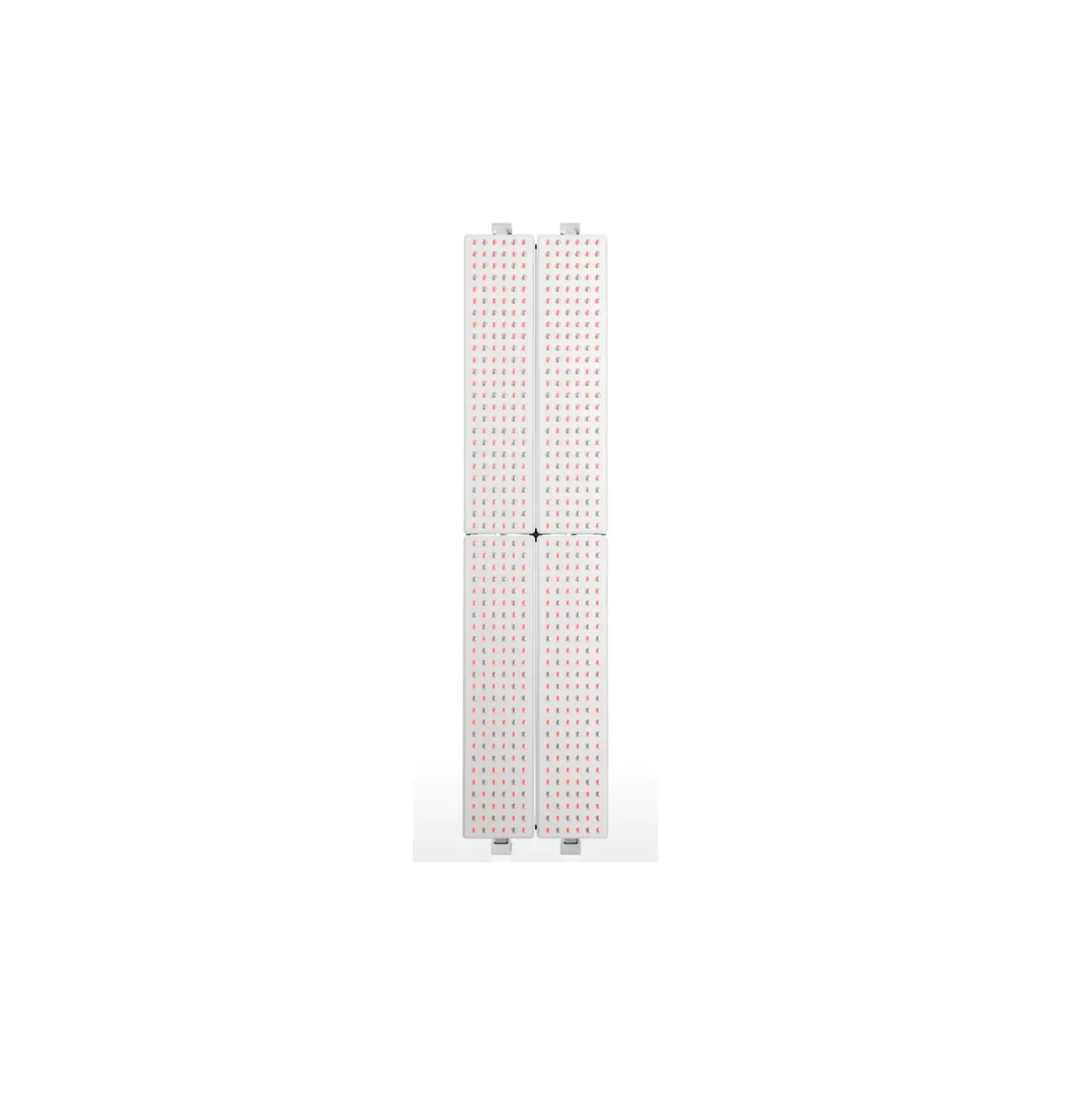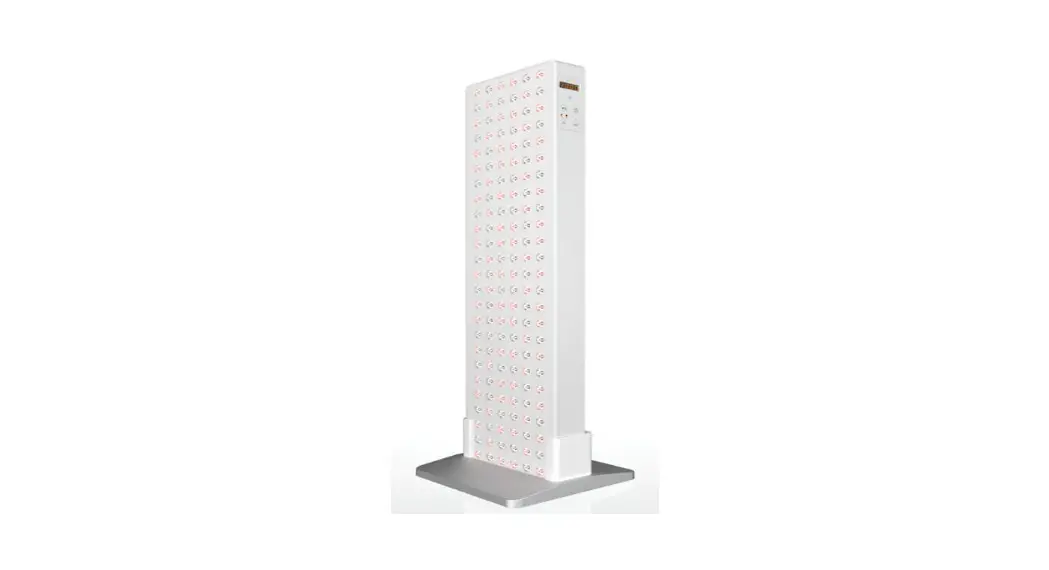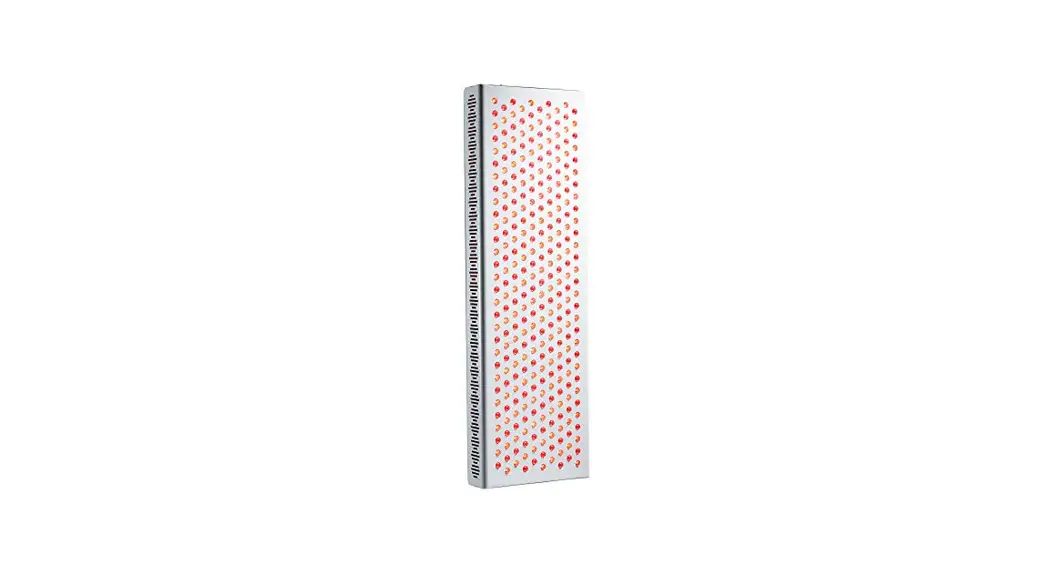
 JV-MKT-DOC-3746 Solo Boot 3.0 Full Body LED Red Light Therapy Kit
User Guide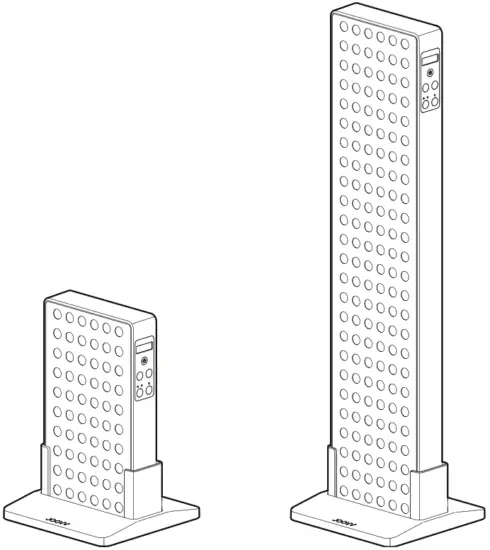
Install Device
Step 1
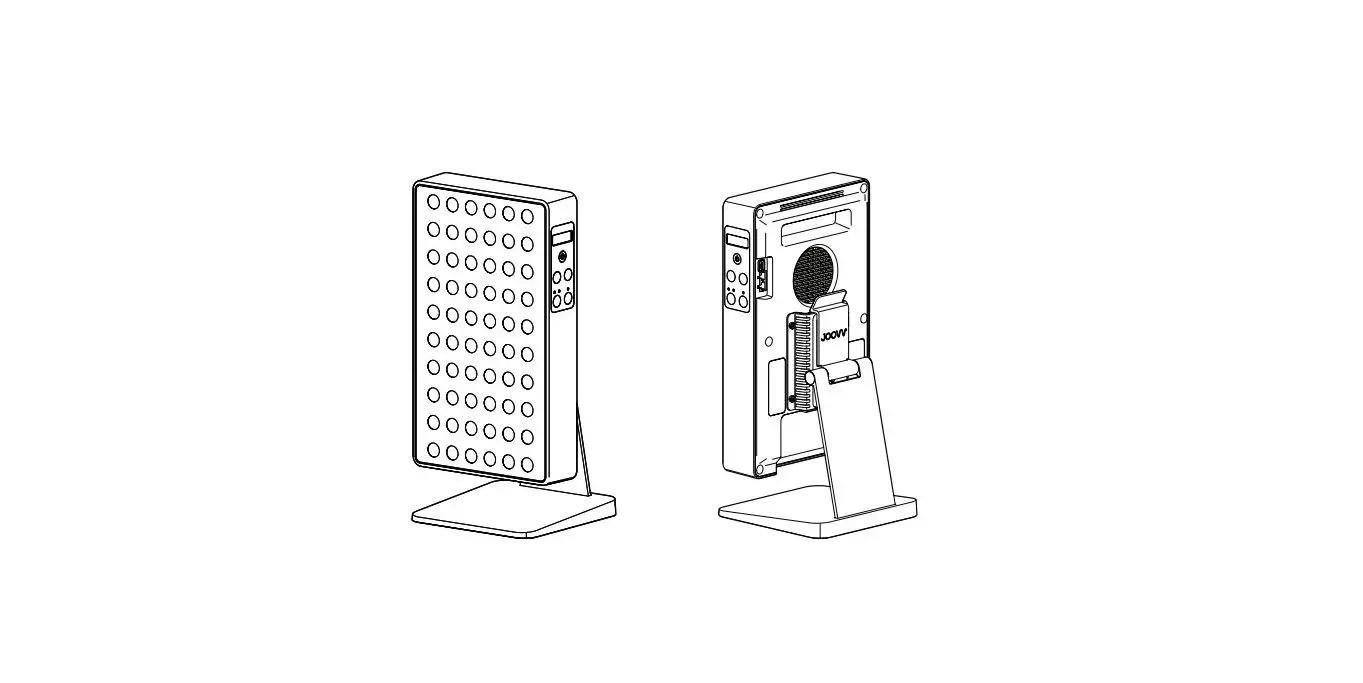
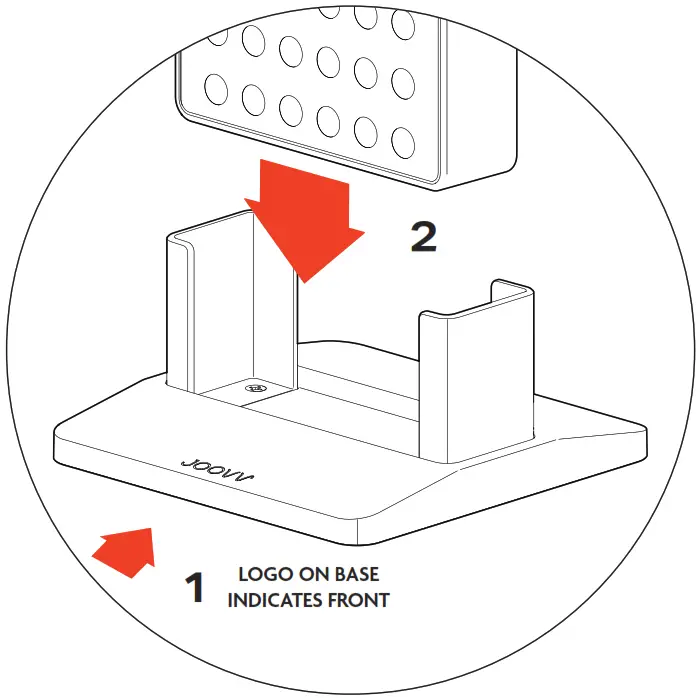
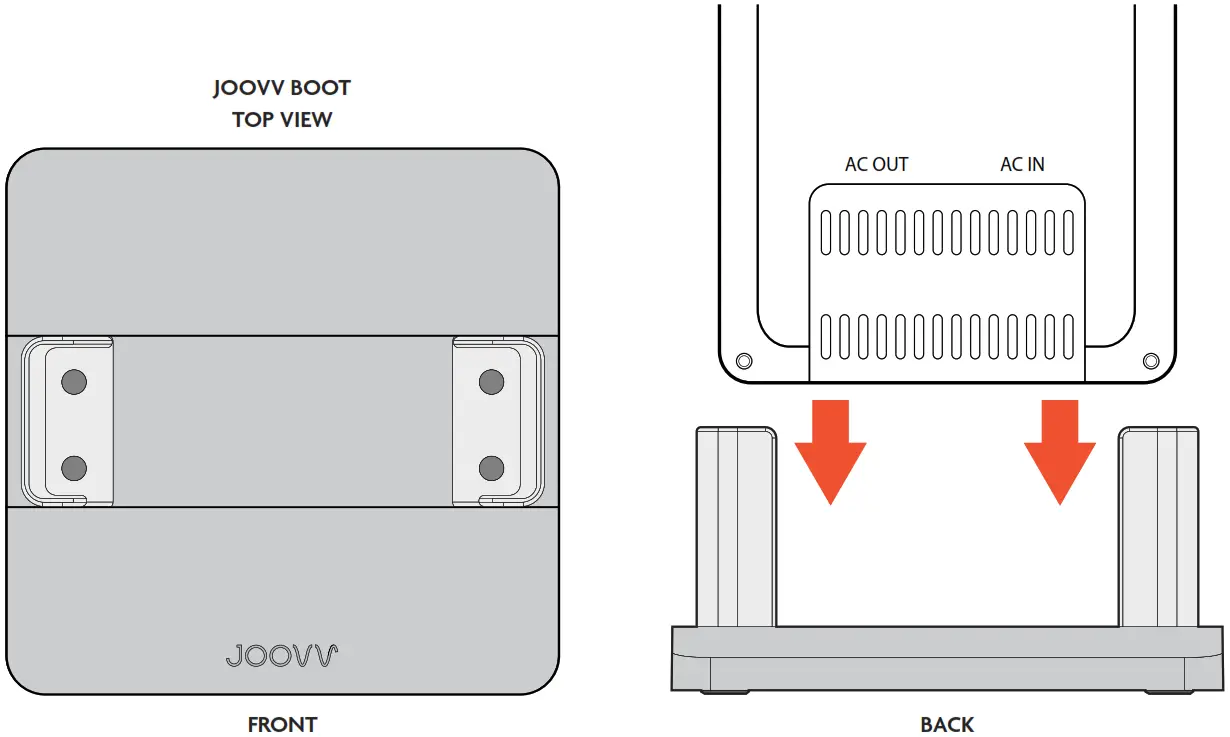
Place the Boot accessory on a flat surface and identify the front of the Boot by finding the Joovv Logo mark.
Step 2
Using both hands, slide your device down into the Boot. Note, that the device LEDs should be facing forward toward the front of the device as shown.
Congratulations! You’re now ready to begin Joovvin’! Refer to your Joovv device User Manual for operating instructions. When moving your device and Boot accessory, the device should first be removed from the Boot. Note, that the Joovv Boot accessory is designed only to be used on a flat level surface.
| Revision History | ||
| Date | Revision # | Description of Changes |
| Jan-21 | JV-MKT-DOC-3746 (Ver.0) | Ver.0 Release to market |
Warranty
All Joovv mounting accessories are covered by a 2-year limited warranty. Please visit our website at https://joovv.com/pages/joovv-limited-warranty for details of the limited warranty. To register your product, visit https://joovv.com/pages/joovv-limited-warranty for instructions. Failure to register will not affect your limited warranty rights.
Return Policy
All mounting accessories come with a 60-day return period. If you’re not satisfied with your purchase within the first 60 days, please visit our website at https://joovv.com/pages/returns for additional
details.
Contact Information
 Joovv, Inc.
940 Calle Amanecer, Suite D,
San Clemente, CA 92673, USA.
Email us: [email protected]
Website: www.joovv.com
Online Setup instructions: www.joovv.com/setup
joovv.com
JV-MKT-DOC-3746 VER.0
 Red and Infrared LED Light Therapy Devices | Joovv
 Red and Infrared LED Light Therapy Devices | Joovv