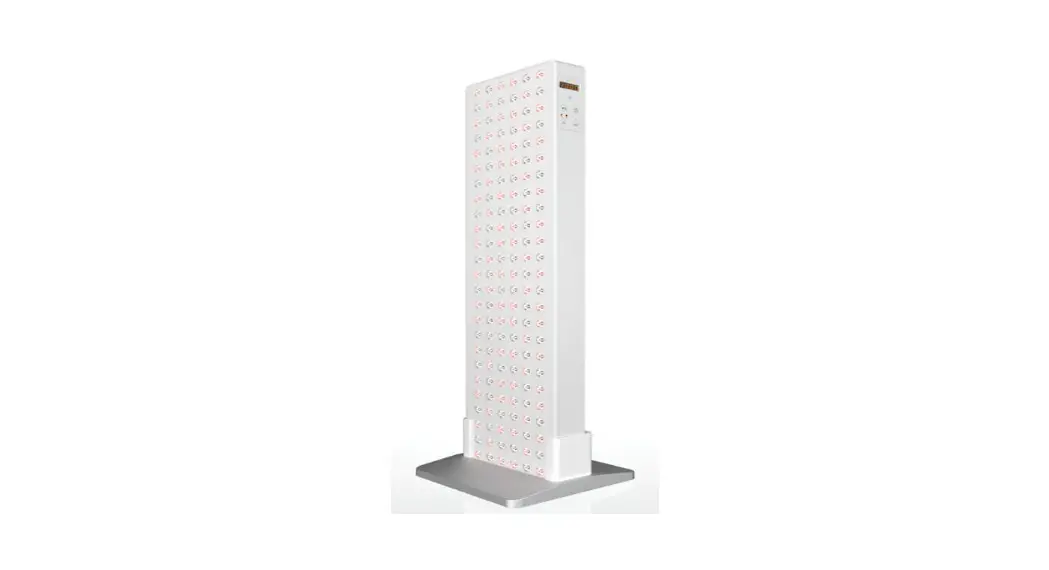
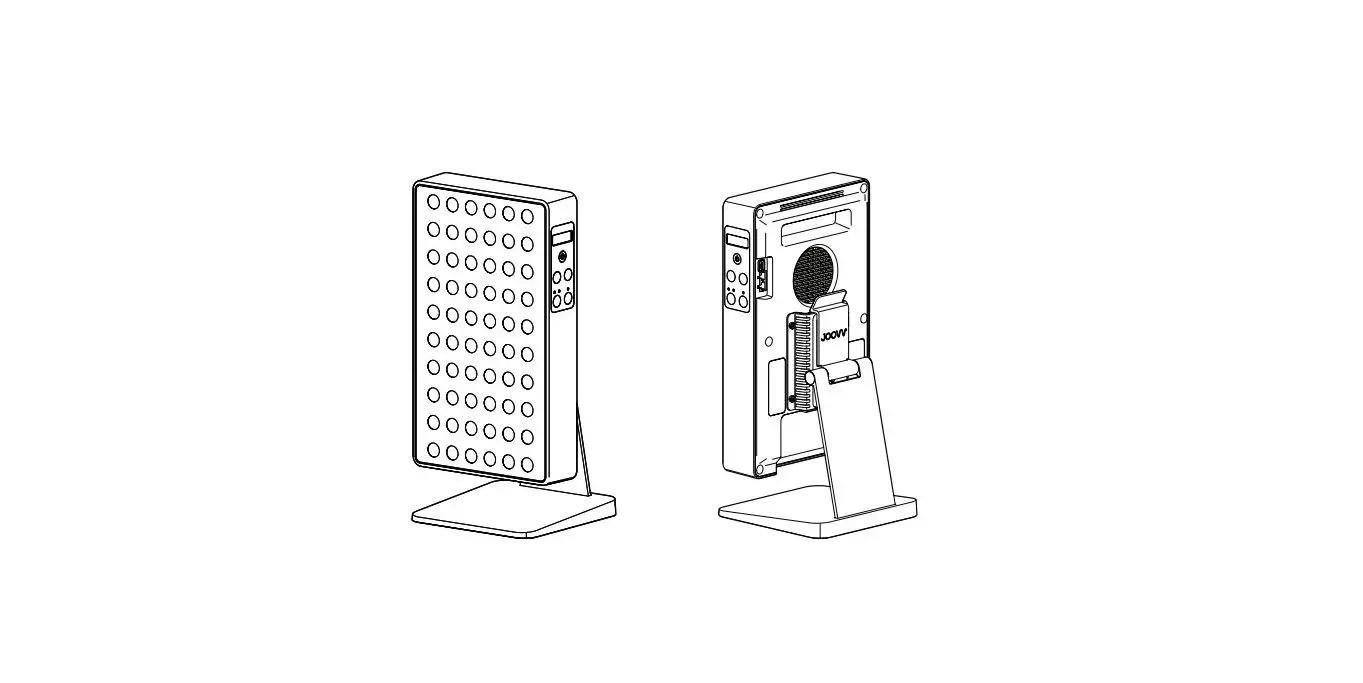
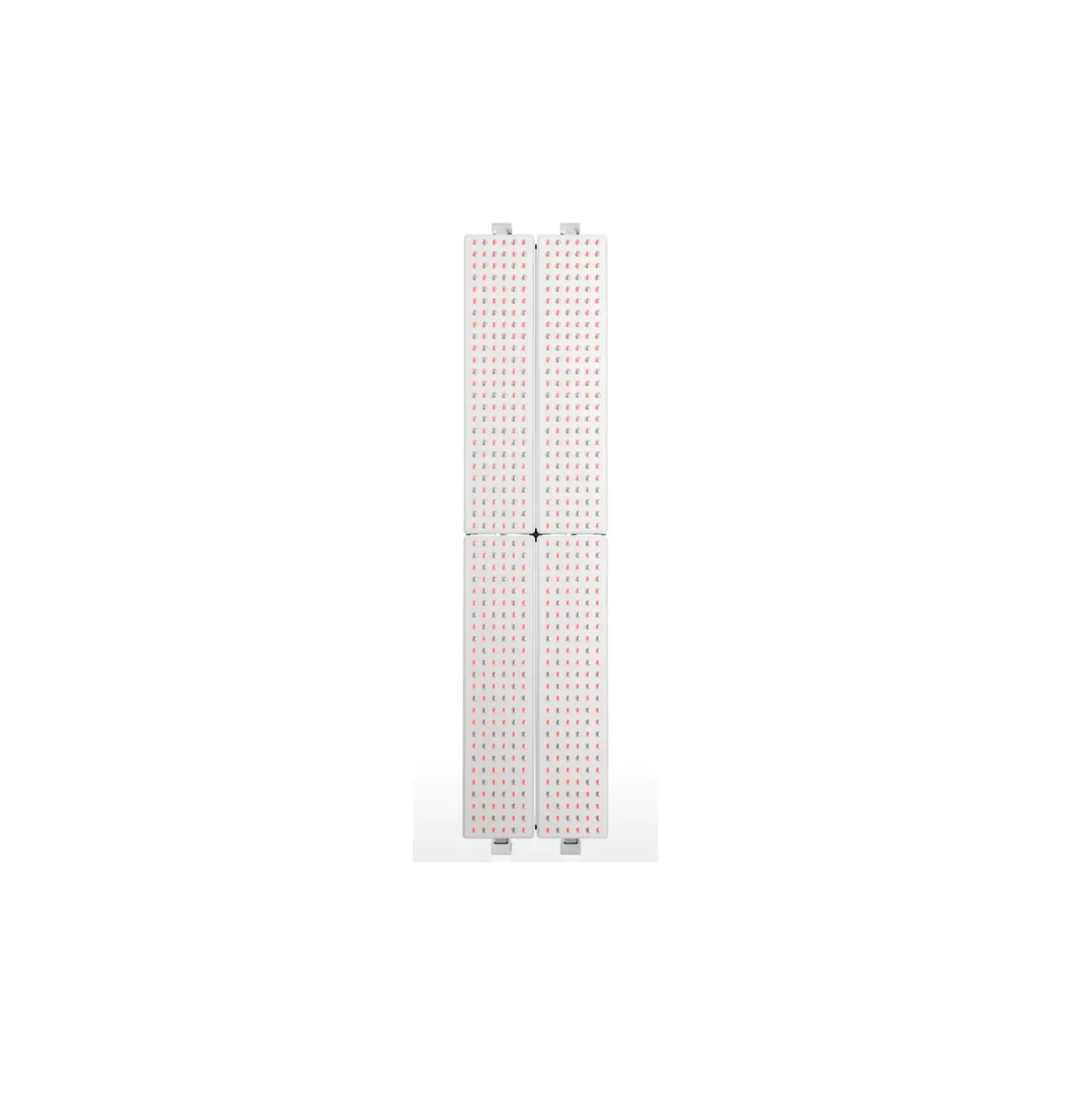
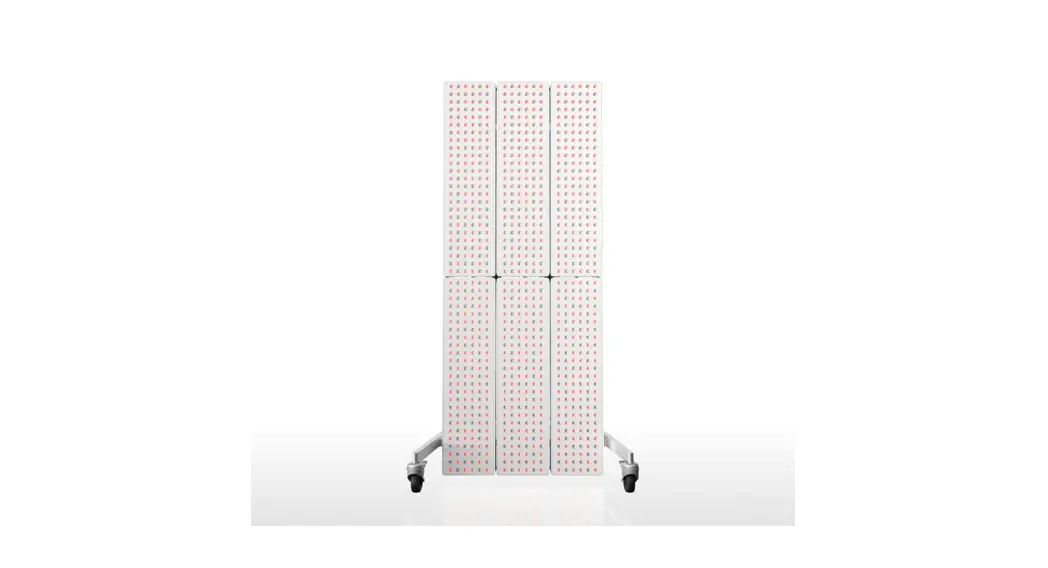
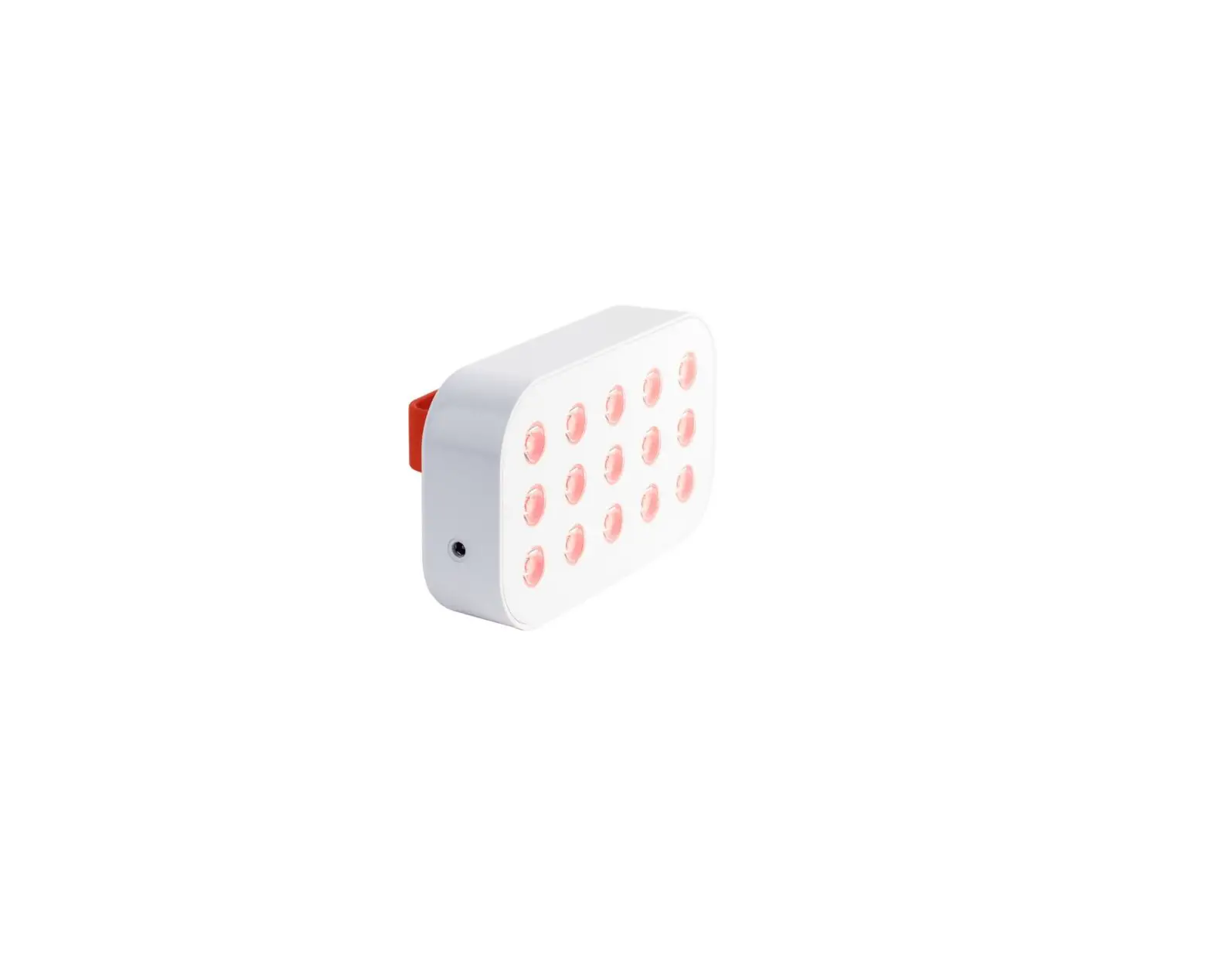
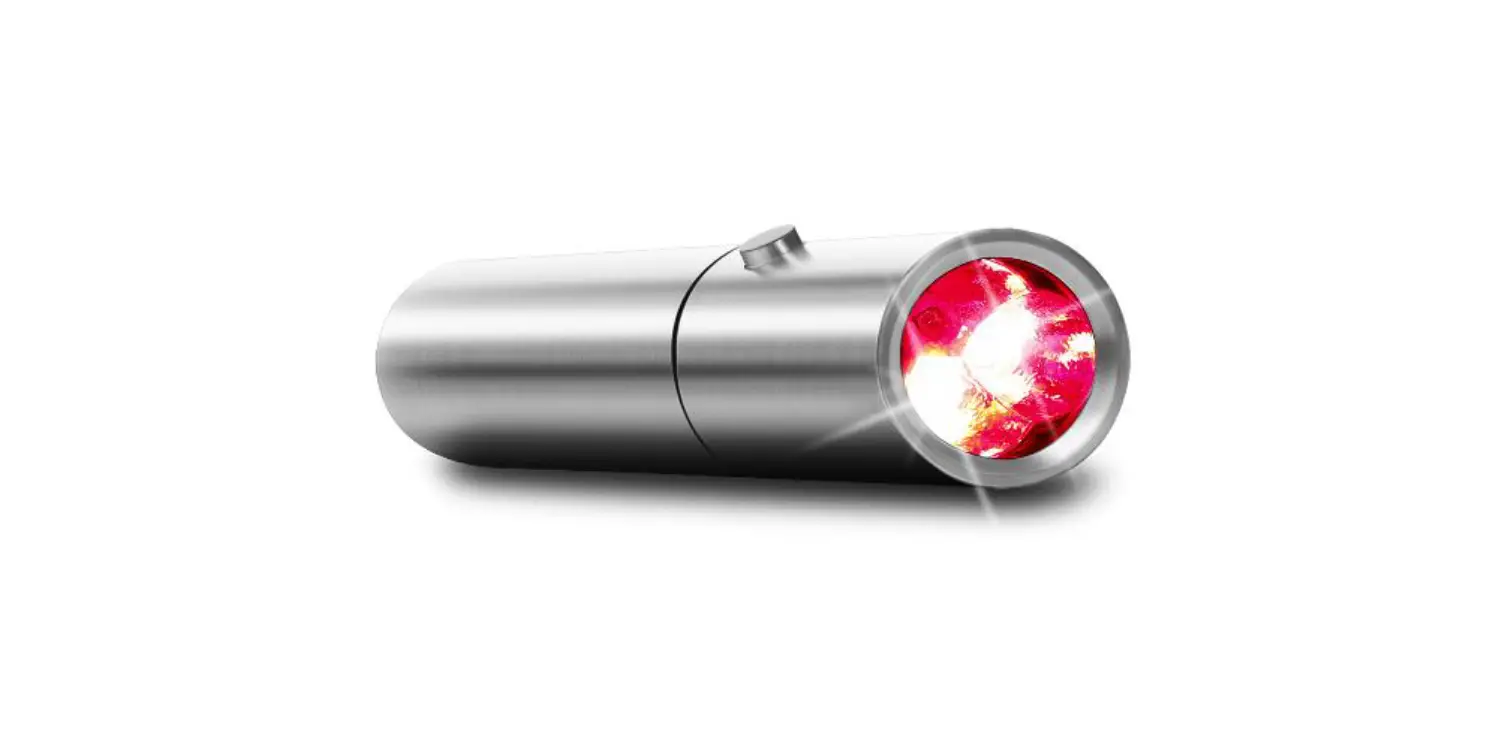
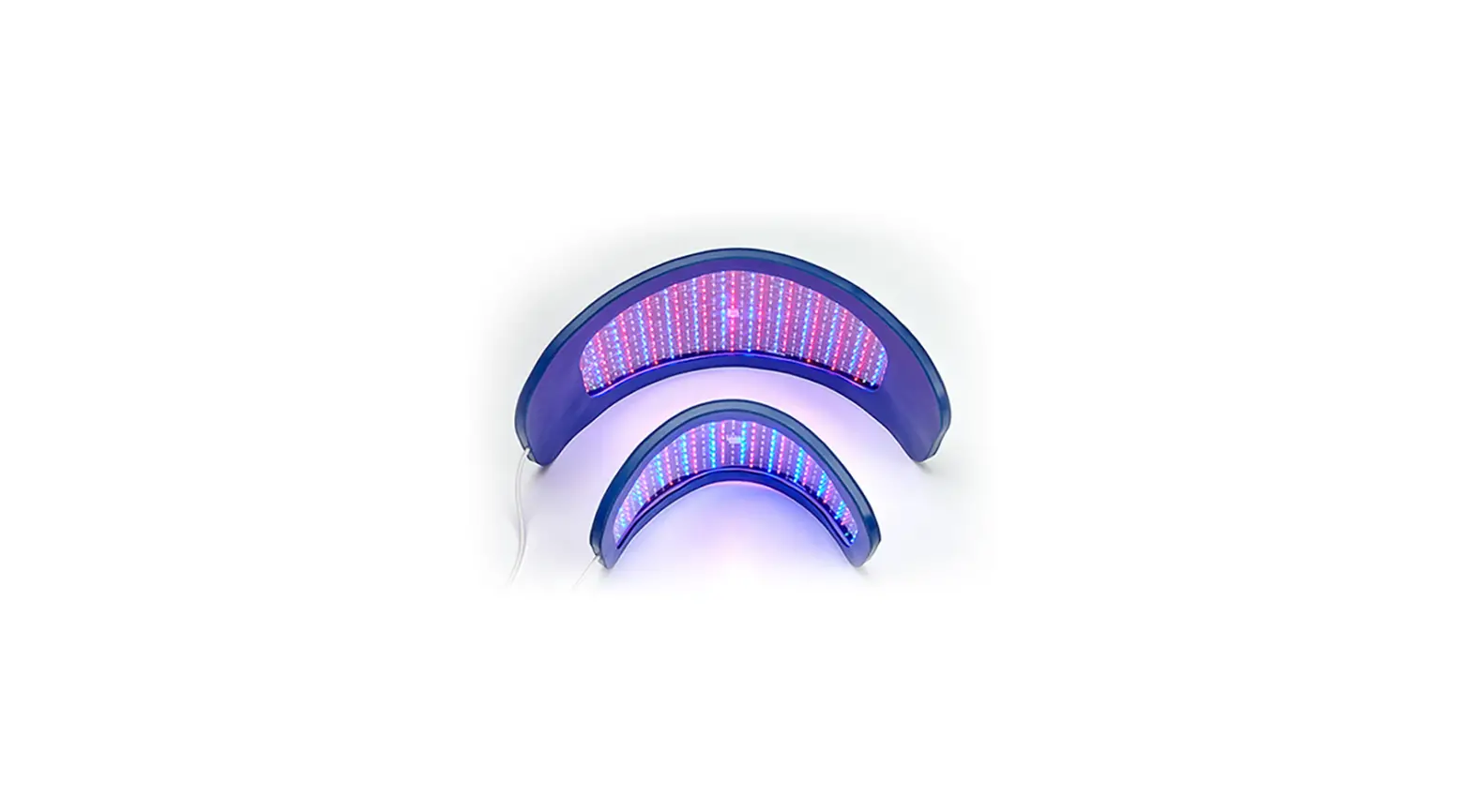
3.0 Red Light Therapy System
Product Information: Door Mount System
The Door Mount System is a device used to mount Solo and Mini
Devices on a door. The system comes with a Pole Kit, Slider Mount,
Top Assembly, Bottom Assembly, Cover Cap, M6 Screw, M4 Pole Screw,
4mm Allen Key, M3 Allen Key, 25 Upper Bracket Arm, 1 3/4 Top Hook,
1 3/4 Bottom Hook, Vertical Alignment Plug, 4 Plug, Horizontal
Alignment Plug, and O-Ring for Mini Oversized Door Kit. The Spacer
Kit is included with Half Max – Quad Setup Kits. The Door Mount
System can be configured in Half Max, Duo, Max, and Quad
configurations.
Product Usage Instructions
1 Pole Setup
Step 1: Connect Pole Upright. Connect the Top
and Bottom sections of the Pole Upright by inserting the Top
section into the coupler portion of the Bottom section and securely
fastening using the M4 screw (H). Note that over-tightening the M4
screw (H) can make it difficult for the Slider Mount to pass
through the coupler section of the Pole Upright. When initially
installing the Slider Mount keep the M4 screws (H) semi-tight to
allow the Pole Uprights to flex slightly. After positioning the
Slider Mount to the dedicated height, the M4 screws can be fully
tightened.
Step 2: Install the Slider Mount(s) attachment
to Pole Upright. Turn knob counterclockwise ~1 turn and pull out to
slide on the pole.
Step 3: Connect top and bottom assembly to Pole
Upright using M6 Screw with Allen Key.
Step 4: Install Door system on door as shown in
the illustration below.
Step 5: To secure the Bottom Assembly hook to
the door, pull the strap through the buckle to tighten. Once pulled
tight, roll up the excess strap and hide using the Cover Cap.
Step 6: To adjust the Slider Mount, turn the
knob counterclockwise ~1 turn and pull out. Slide the mount up or
down based on your desired height. To secure the Slider Mount,
tighten the knob by turning it clockwise until hand tight.
Step 7: While holding the device as shown,
align the device over the Slider Mount keyholes and slide the
device down onto the Slider Mount to secure.
Step 8: To remove the Solo or Mini Device from
the Slider Mount, follow the steps illustrated below.
2 Pole Setup
To configure a 2 Pole Setup, repeat steps found in the 1 Pole
Setup. After completing your setup and installing your devices,
refer to page [18] for installing the alignment plugs. Reference
the Mini & Solo User Manual for wire diagram and cable
installation.
Door Mount System
Assembly Guide
Warnings and Safety Please review the following safety information prior to assembling your Joovv Door Mount System. Attempting to assemble and use this equipment without fully understanding its features and functions may result in unsafe operating conditions. Some Warnings and Cautions are also inserted within the manual where they are most meaningful. Notes are also located throughout the manual to provide additional information related to specific features. If you have a question regarding the installation, set up, operation, or maintenance, please contact Joovv Inc. at [email protected]. WARNINGS identify conditions or practices that could result in serious adverse reactions or potential safety hazards. CAUTIONS identify conditions or practices that could result in damage to the device or other equipment. Warnings · No modification of this system is allowed. · System is only meant to support applicable Joovv products. Cautions · Read user manual prior to use and keep for future reference. · Choking Hazard, small parts. Keep away from small Children. · For interior use only, storage or installation of the system in direct sunlight may cause the system to yellow or break down over time. Normal storage or installation
in window-lit rooms is acceptable. · Do not leave the system in any place that could be damaged by children, pets, pests, or liquids. If you suspect your system of devices is damaged, contact customer service at [email protected]. · Do not install system near heated surfaces such as nearby fireplaces or ceramic heaters. · Do not install or store system in humid or wet locations such as a sauna or wet sauna. · Remove the device before adjusting height of Slider Pole Mount. · When loosening the adjustment knob, do not exceed more than 1.5 turns counterclockwise to loosen. Additional turns can cause the Slider Pole Mount to fall. · Do not install more than 2 systems on a single door frame. · Make sure top and bottom door hooks are securely attached prior to mounting devices. · Do not use power tools to assembly parts in this kit. Safety Standards Conforms To: IEC 62471, 60601-2-57, 60601-1-11, 60601-1-6 & AAMI STD ES60601-1 Certified To: CSA STD C22.2 #60601-1
2
Table of Contents
Notices……………………………………………………………………………………………………………………………………….2 Parts List …………………………………………………………………………………………………………………………………….4 Door Configurations ………………………………………………………………………………………………………………..5 1 Pole Setup ……………………………………………………………………………………………………………………………….8 2 Pole Setup ……………………………………………………………………………………………………………………………. 15 Setting Slider Mount …………………………………………………………………………………………………………….. 16 Oversize Door Kit Assembly………………………………………………………………………………………………… 17 Adding Spacers to Mounted devices …………………………………………………………………………………. 18 Revision History……………………………………………………………………………………………………………………… 19 Warranty………………………………………………………………………………………………………………………………….. 19 Return Policy…………………………………………………………………………………………………………………………… 19 Contact Information……………………………………………………………………………………………………………… 19
3
Parts List
1 Pole Kit
A C
D E
B F
4
Insert this end
G H I J
A Upper Pole Section B Lower Pole Section + Coupler C Slider Mount D Top Assembly E Bottom Assembly F Cover Cap x2 G M6 Screw H M4 Pole Screw I 4mm Allen Key J M3 Allen Key K 25″ Upper Bracket Arm L 1 3/4 Top Hook M 1 3/4 Bottom Hook N 2.5mm Allen Key O Vertical Alignment Plug P 4 Plug Q Horizontal Alignment Plug R O-Ring for Mini
Oversized Door Kit*
25″ upper bracket arm
1 3/4″ top hook
L K
M
1 3/4″ bottom
hook
Spacer Kit
i Included with Half Max – Quad Setup Kits
O
P N
Q
R
* Sold Separately
Door Configurations
5
Half Max configuration
Duo configuration
6
Max configuration
Quad configuration
7
1 Pole Setup
Step 1 – Connect Pole Upright
Connect the Top and Bottom sections of the Pole Upright by inserting the Top section into the coupler portion of the Bottom section and securely fastening using the M4 screw (H) as shown.
Note, over tightening the M4 screw (H) can make it difficult for the Slider
Mount to pass through the coupler
section of the Pole Upright.
When initially installing the Slider
Mount keep the M4 screws (H) semi
H
tight to allow the Pole Uprights
to flex slightly. After positioning
the Slider Mount to the dedicated
height, the M4 screws can be fully
tightened.
8
Step 2
Install the Slider Mount(s) attachment to Pole Upright. Turn knob counterclockwise ~1 turn and pullout to slide on the pole.
Step 3
Connect top and bottom assembly to Pole Upright using M6 Screw with Allen Key.
TURN TO LOOSEN
1X
PULL OUT
WARNING!
Do not use power tools to assembly parts in this kit.
9
Step 4
Install Door system on door as shown in the illustration below.
Door side view 10
Step 5
To secure the Bottom Assembly hook to the door, pull the strap through the buckle to tighten. Once pulled tight, roll up the excess strap and hide using the Cover Cap.
1
2
i For easier access keep strap loose until device, AC power cable(s) and spacers are installed.
11
Step 6
To adjust the Slider Mount, turn the knob counterclockwise ~1 turn and pull out. Slide the mount up or down based on your desired height. To secure the Slider Mount tighten the knob by turning it clockwise until hand tight.
1
2
3
SLIDE UP OR DOWN FOR DESIRED HEIGHT
12
1X
TURN TO LOOSEN
4
PULL OUT
1X
TURN TO TIGHTEN
WARNING!
When loosening the adjustment knob, do not exceed more than 1.5 turns counterclockwise to loosen. Additional turns can cause the Slider Pole Mount to fall.
Step 7
While holding the device as shown below, align the device over the Slider Mount keyholes and slide the device down onto the Slider Mount to secure.
13
Step 8
To remove the Solo or Mini Device from the Slider Mount, follow the steps illustrated below.
1
PUSH HANDLE
2
LIFT DEVICE WHILE
PUSHING SAFETY HANDLE
3 PULL DEVICE AWAY FROM MOUNT
HOLD DEVICE LIKE THIS
14
2 Pole Setup
To configure a 2 Pole Setup, repeat steps found on page [8] for the 1 Pole Setup. After completing your setup and installing your devices, refer to page [18] for installing the alignment plugs.
1 Pole 2 Pole
i Reference the Mini & Solo User Manual for wire diagram and cable installation.
15
Setting Slider Mount on Pole for Specific Configurations
For the Duo and Half Max configuration set the top Slider Mount
so 11 holes are showing from the top
of the Pole Upright.
For the Duo configuration set the bottom Slider Mount so 5 holes are showing from the bottom of the Pole Upright.
For the Half Max set the bottom Slider Mount at 17 holes from the bottom.
Note: the Solo will be the bottom device.
Half-Max
Duo
15 holes down from
top
11 holes down from
top
16
Oversize Door Options & Installation
For doors that are taller than 84” up to 96” and thicker than 1- 3/8” up to 1 3/4” Joovv offers an Oversize Door Kit that can be purchased at Joovv.com.
To install Oversized Door Hook, follow instructions illustrated below.
Included Door Hook
1 7/16″
Oversized Door Hook
1 3/4″
1 Remove top Door Hook from Bracket Arm and replace with Oversized Door Hook.
2 For doors that are taller than 84″ up to 96″, remove and replace the Bracket Arm with Oversized Arm.
2x
2x
2x
3 For the bottom Door Hook, remove the strap from the buckle, and install the Oversized Door Hook.
CHOOSE CORRECT PAIR OF HOLES FOR DOOR HEIGHT
2x
17
Adding Spacers to Mounted Devices
Spacers help keep the separate devices aligned and immobile. See illustration below for Spacer insert locations.
L
M
N
i
When using the spacer kit with the Joovv Mini, utilize the included O-Rings with your spacer kit before inserting.
Slide the O-Ring onto
the spacer plug
18
Revision History Date November 2020 June 2021 March 2022
Revision # JV-MKT-DOC-2804 (Ver.0) JV-MKT-DOC-2804 (Ver.1) JV-MKT-DOC-2804 (Ver.2)
Description of Changes Ver.0 Release to market Addition to pages 2, 4, 6, 12 – New Pole Kit Addition to page 8
Warranty All Joovv mounting accessories are covered by a 2-year limited warranty. Please visit our website at https://joovv.com/pages/warranty for details of the limited warranty. To register your product, visit https://joovv.com/pages/warranty for instructions. Failure to register will not affect your limited warranty rights.
Return Policy All mounting accessories come with a 60-day return period. If you’re not satisfied with your purchase within the first 60 days, please visit our website at https://joovv.com/pages/returns for additional details.
Contact Information Joovv, Inc. 940 Calle Amanecer, Suite D, San Clemente, CA 92673, USA. Email us: [email protected] Website: www.joovv.com Online Setup instructions: www.joovv.com/setup
19
joovv.com
JV-MKT-DOC-2804 VER.2
 Red and Infrared LED Light Therapy Devices | Joovv
 Red and Infrared LED Light Therapy Devices | Joovv