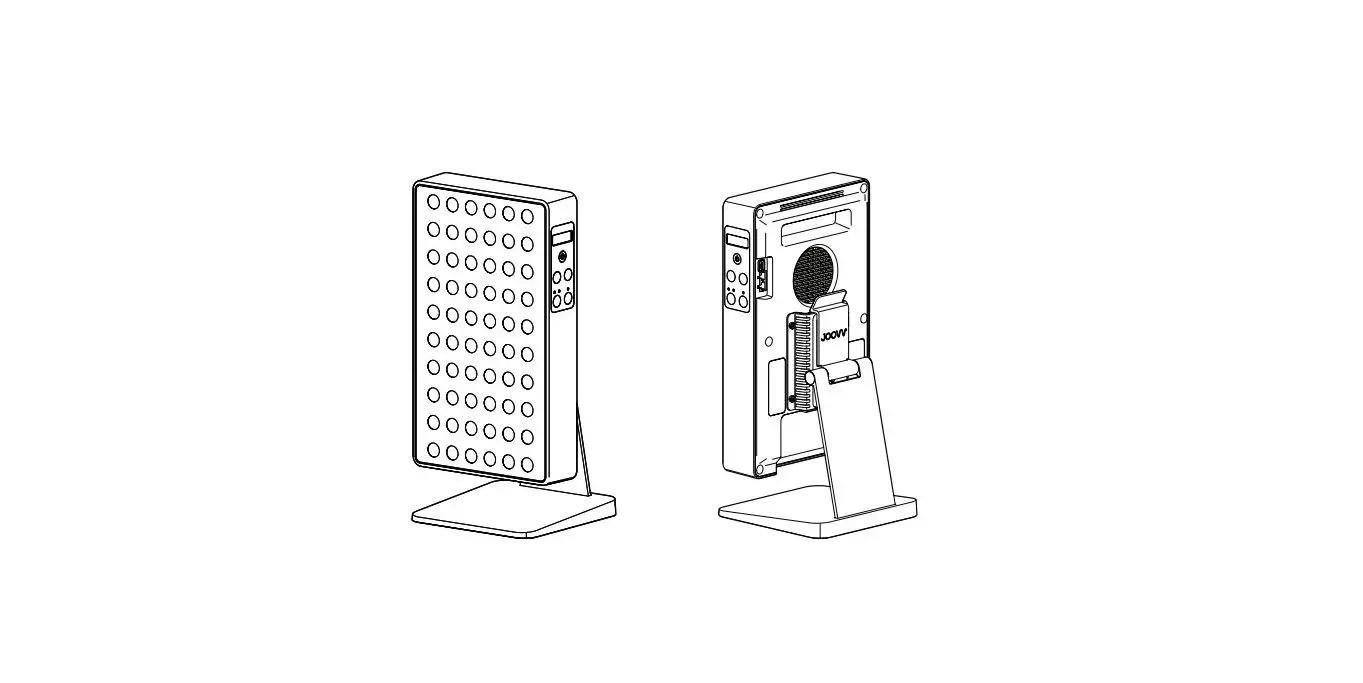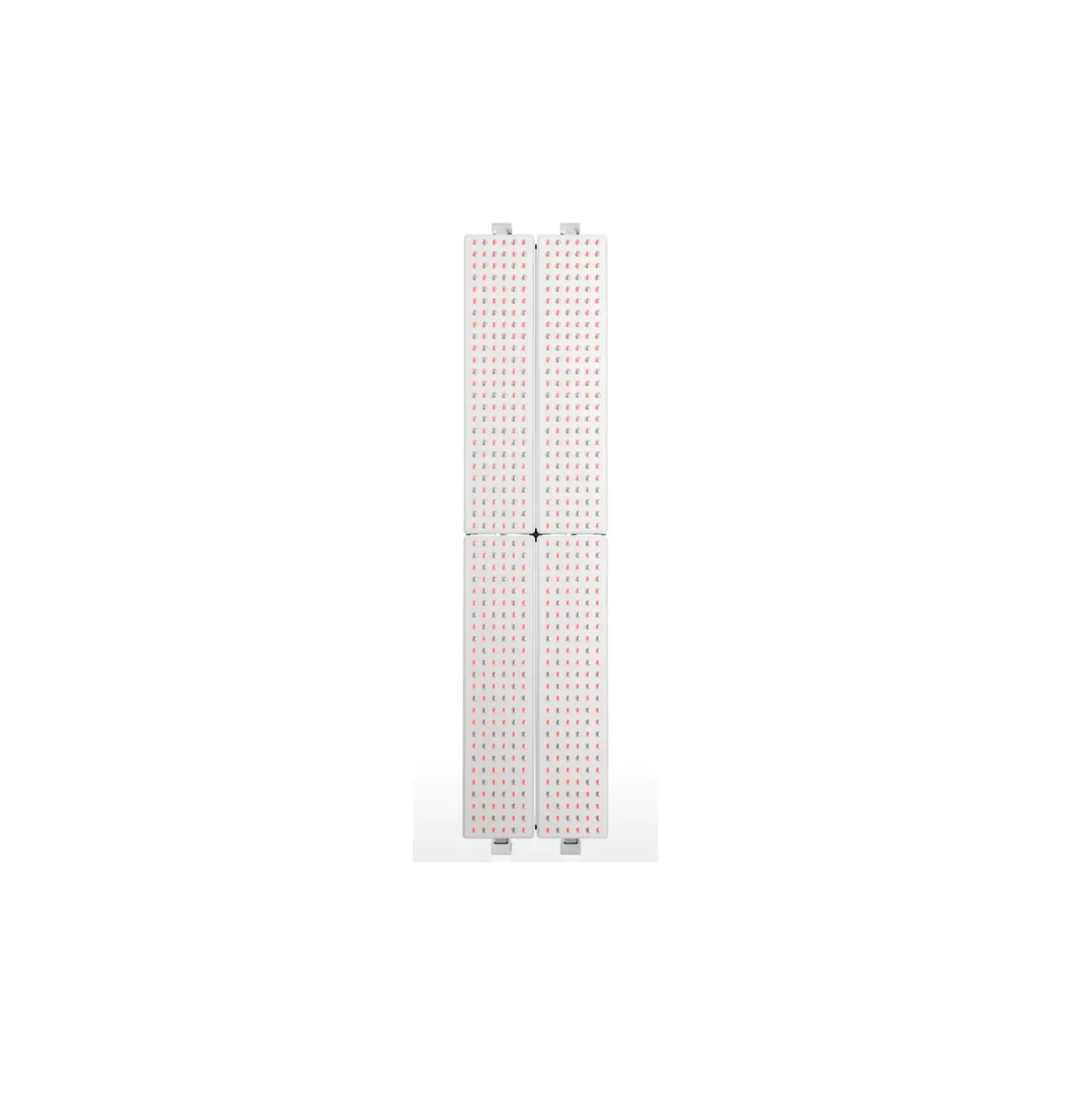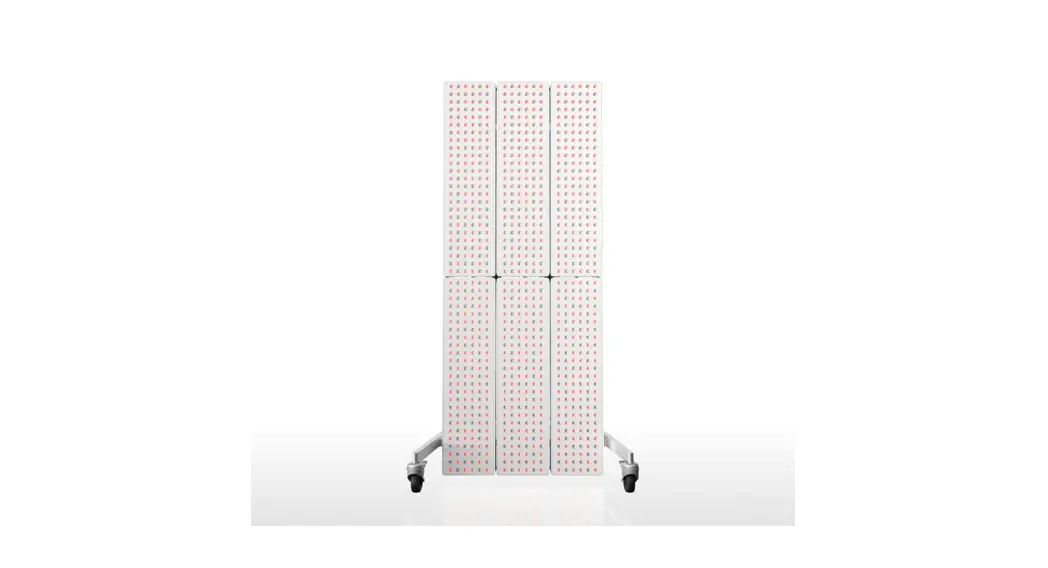
 Gen 3.0 Red Light Therapy System
User Guide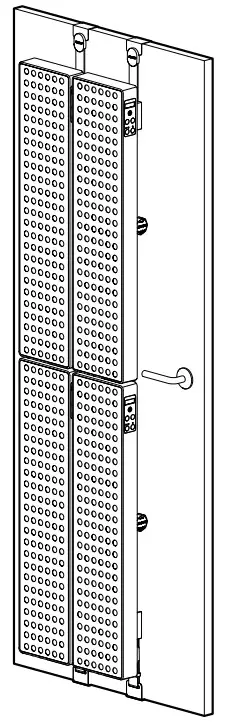 Spacer Kit
Gen 3.0 Quickstart Guide
Install Spacer Kit
Spacers help keep the separate devices aligned and immobile. See illustrations for Spacer insert locations.
Instructions
After completing your Mounting Accessory installation, locate the included Spacer Kit and insert alignment plugs as shown below for your Joovv device kit.
Note, included alignment plugs are specific to your chosen device kit, see back page for full list.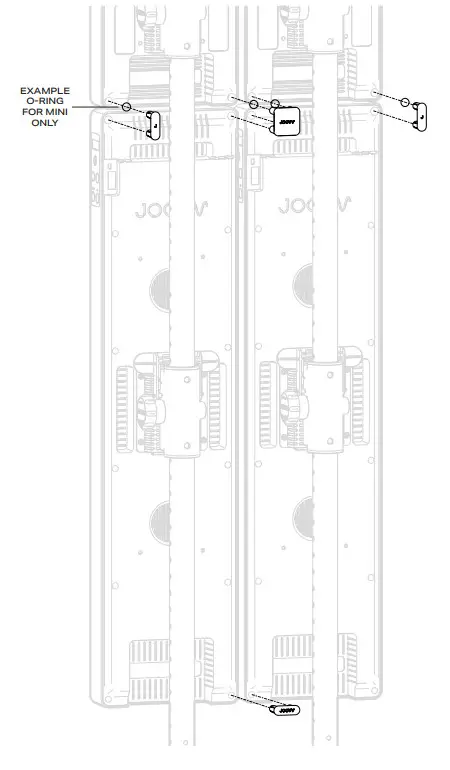
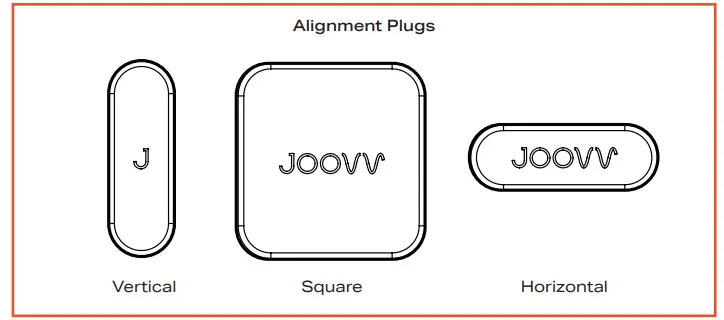
 When using the Spacer Kit with the Joovv Mini, utilize the included O-Rings with your Spacer Kit before inserting.
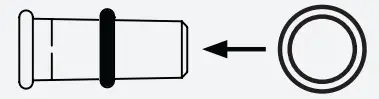 Slide the O-Ring onto the alignment plug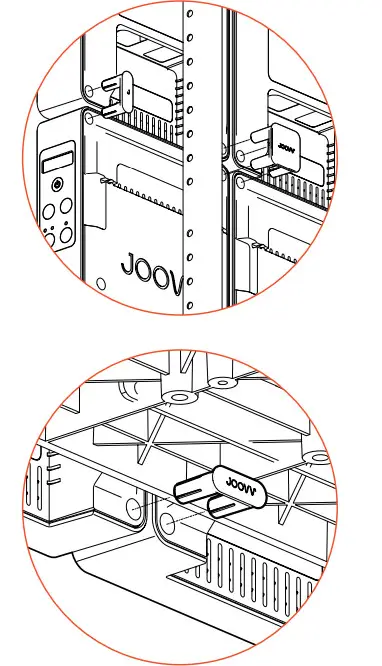
Spacer Kit Included Alignment Plugs
| Half Max Kit 3.0 | Max Kit 3.0 | Elite Kit 3.0 |
| Duo Kit 3.0 | Quad Kit 3.0 | • Vertical (2) |
| • Vertical (2) | • Vertical (2) | • Square (2) |
| • O-Rings (3) | • Square (1) | • Horizontal (4) |
| • Horizontal (2) | ||
| • O-Rings (7) |
Revision History
| Date | Revision # | Description of Changes |
| Jan-21 | JV-MKT-DOC-3744 (Ver.0) | Ver.0 Release to market |
| Oct-22 | JV-MKT-DOC-3744 (Ver.1) | Updated contact information |
Warranty
All Joovv mounting accessories are covered by a 2-year limited warranty. Please visit our website at https://joovv.com/pages/joovv-limited-warranty for details of the limited warranty.
To register your product, visit https://joovv.com/pages/joovv-limited-warranty for instructions. Failure to register will not affect your limited warranty rights.
Return Policy
All mounting accessories come with a 14-day return period (60-day return period when purchased as part of a device kit). If you’re not satisfied with your purchase within the first 14 days, please visit our website at https://joovv.com/pages/returns for additional details.
Contact Information Joovv, Inc.
3579 US-50, Suite 307
Carson City, NV 89701
USA
Email us: [email protected]
Website: www.joovv.com
Online Setup instructions: www.joovv.com/setup
joovv.com
 Red and Infrared LED Light Therapy Devices | Joovv
 Red and Infrared LED Light Therapy Devices | Joovv