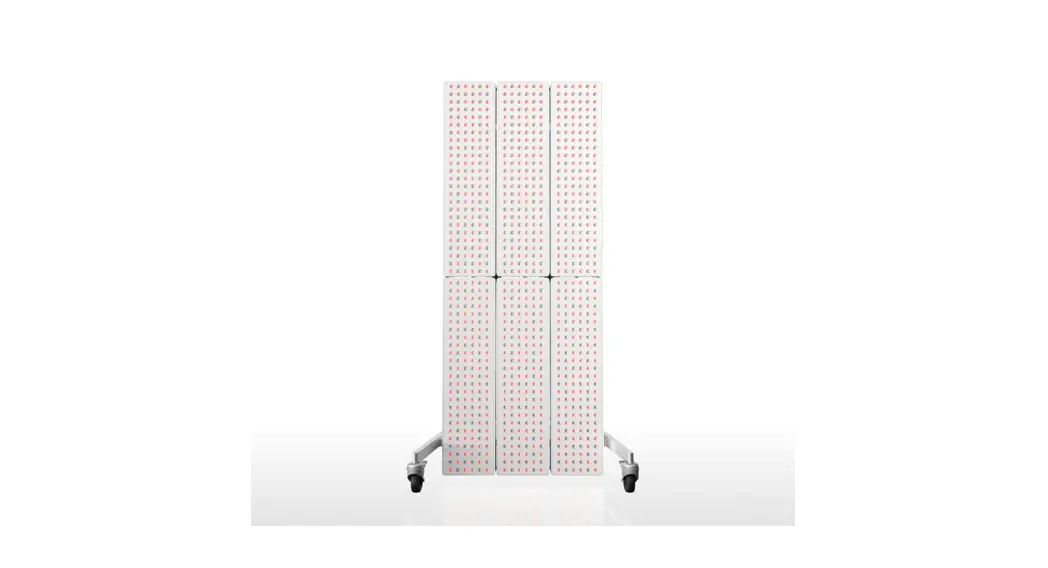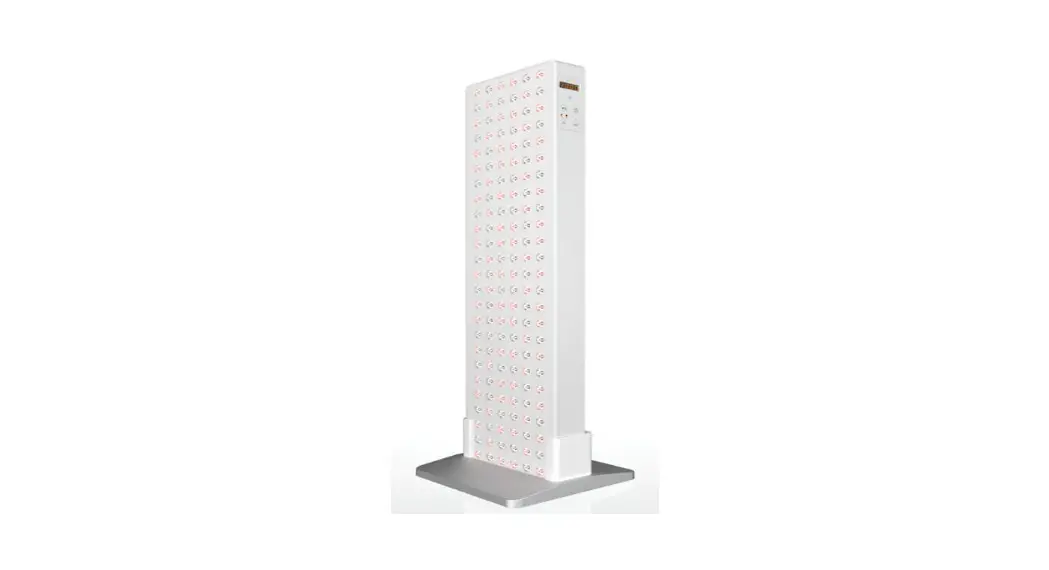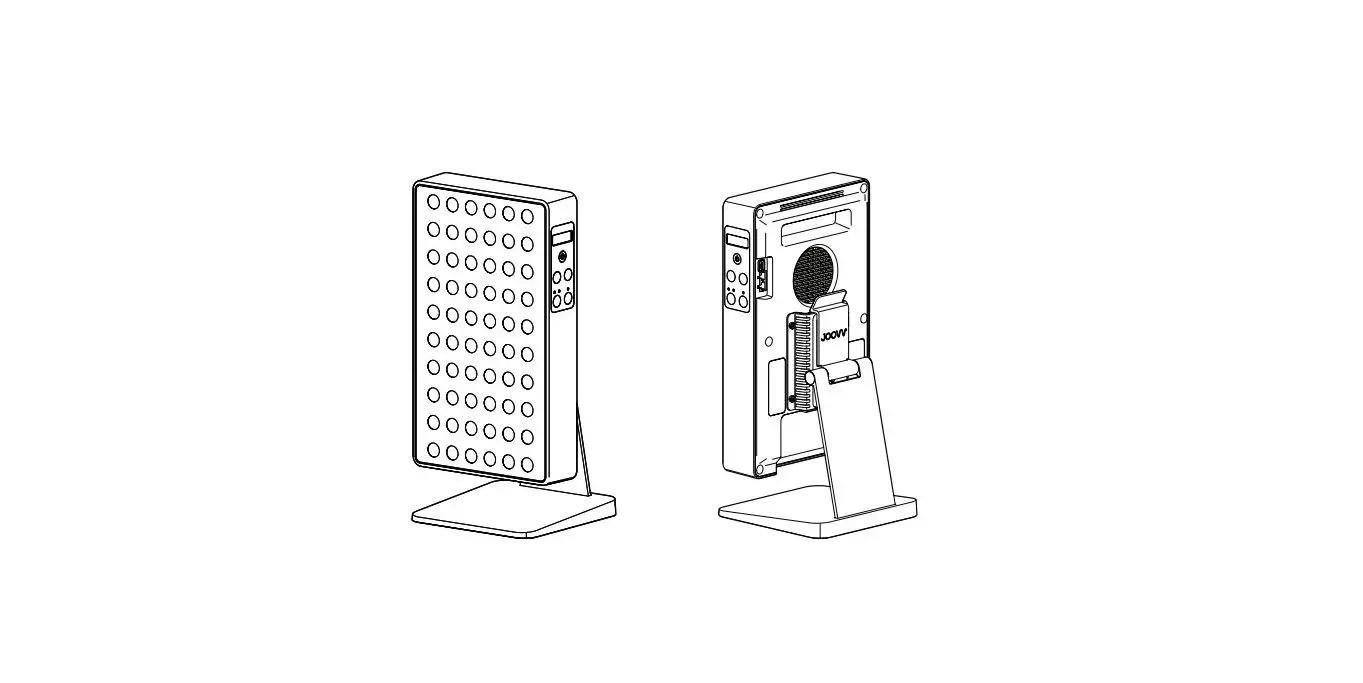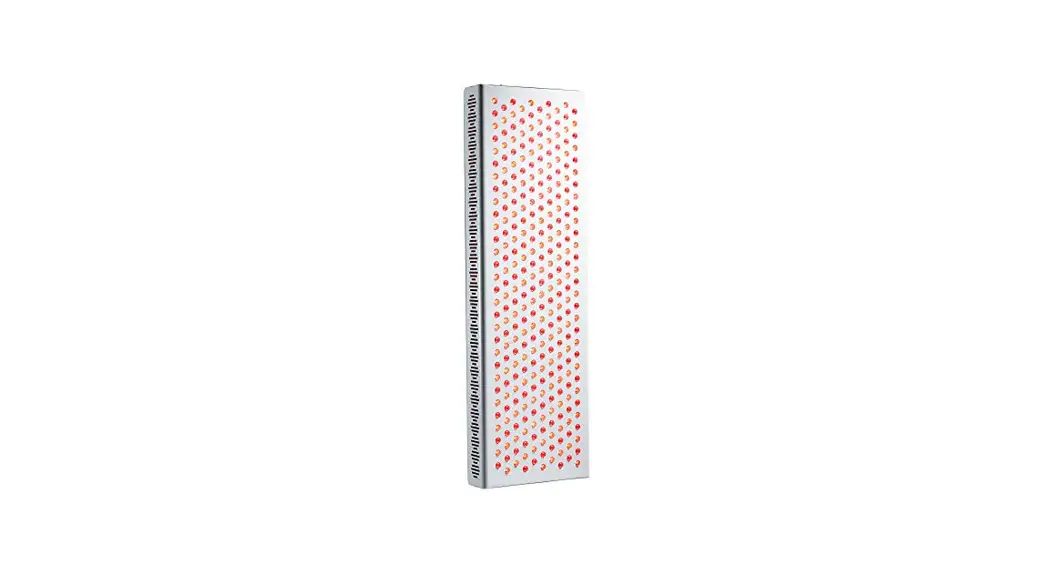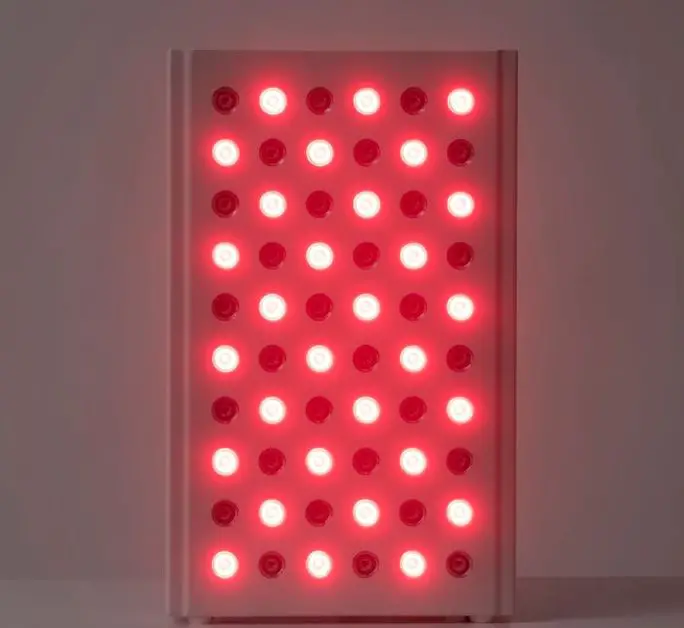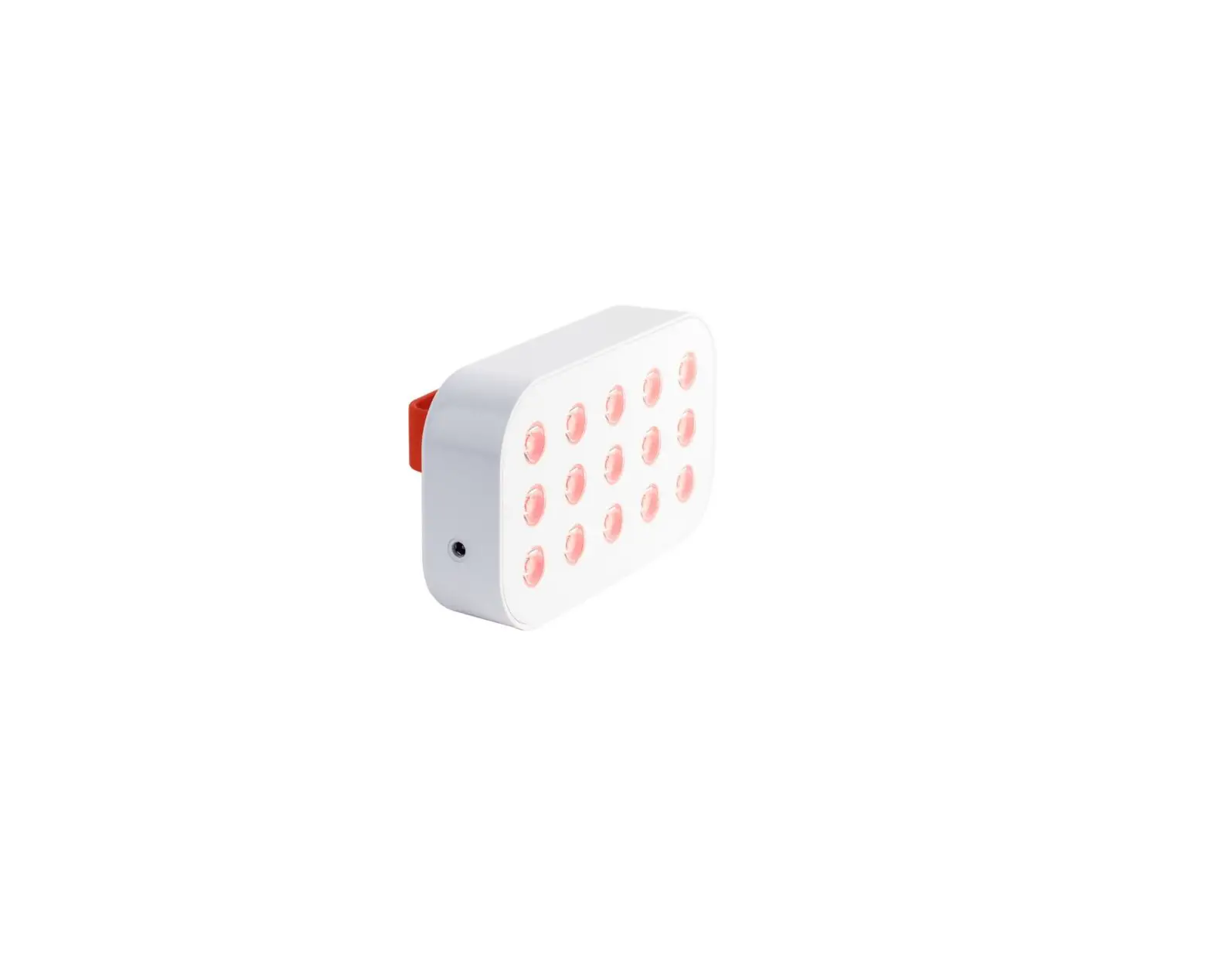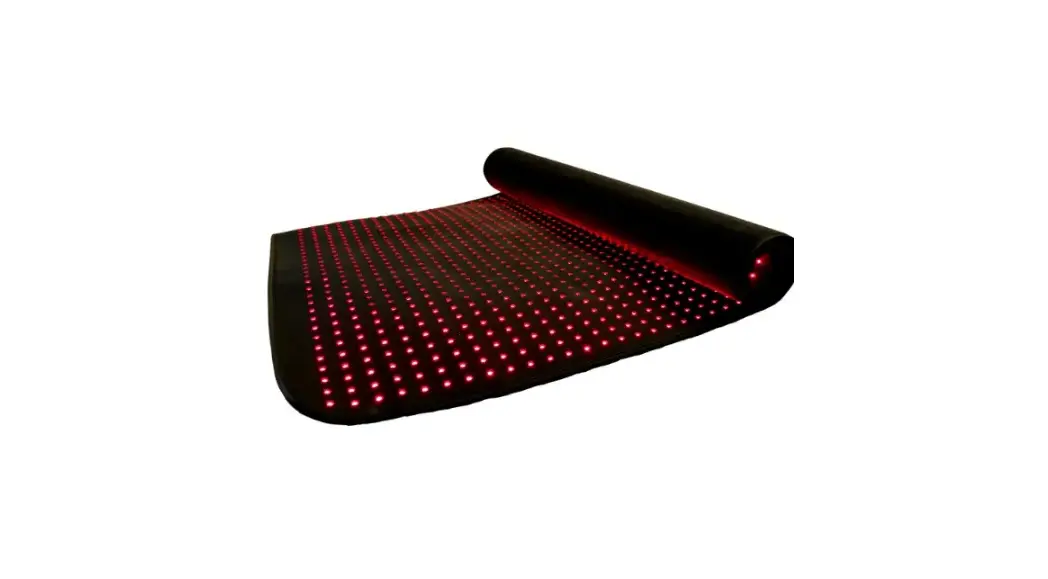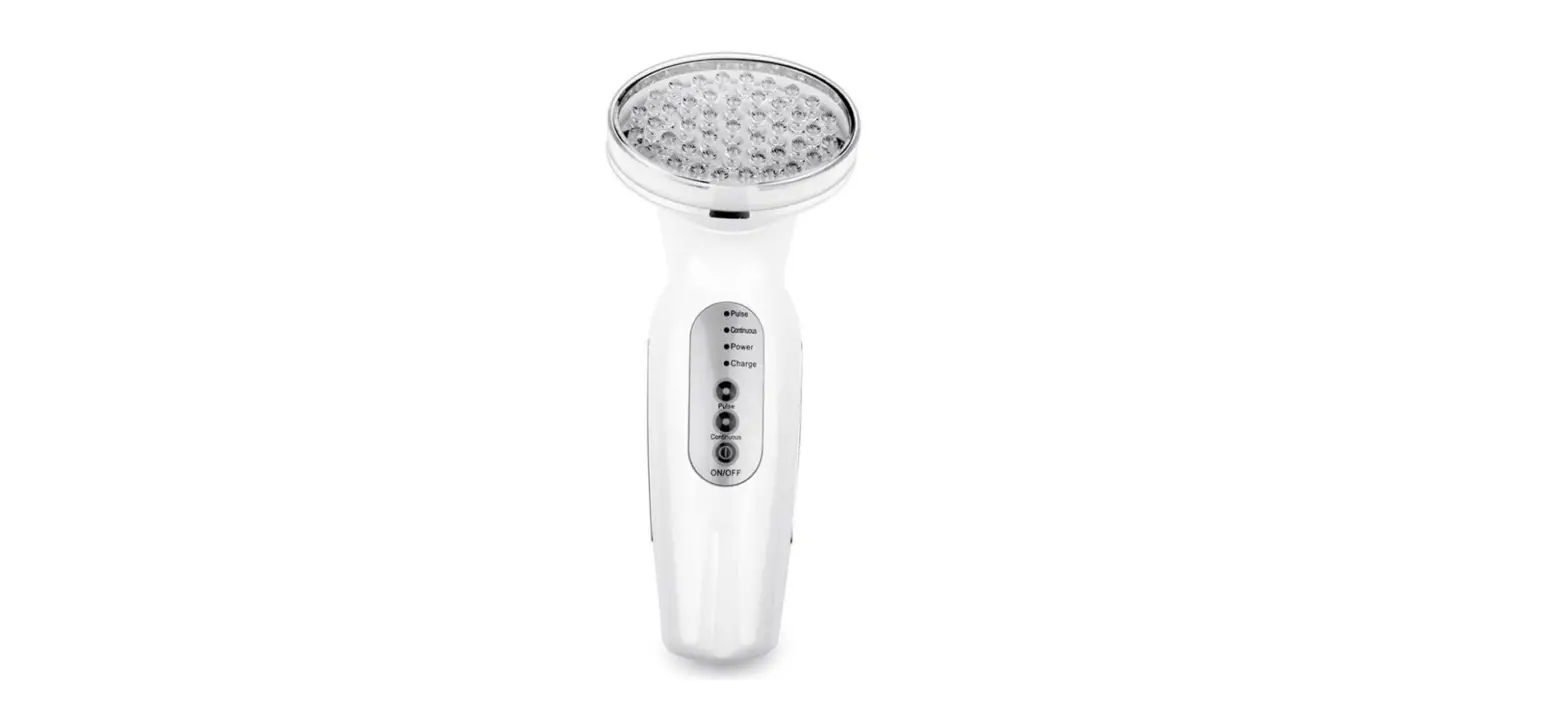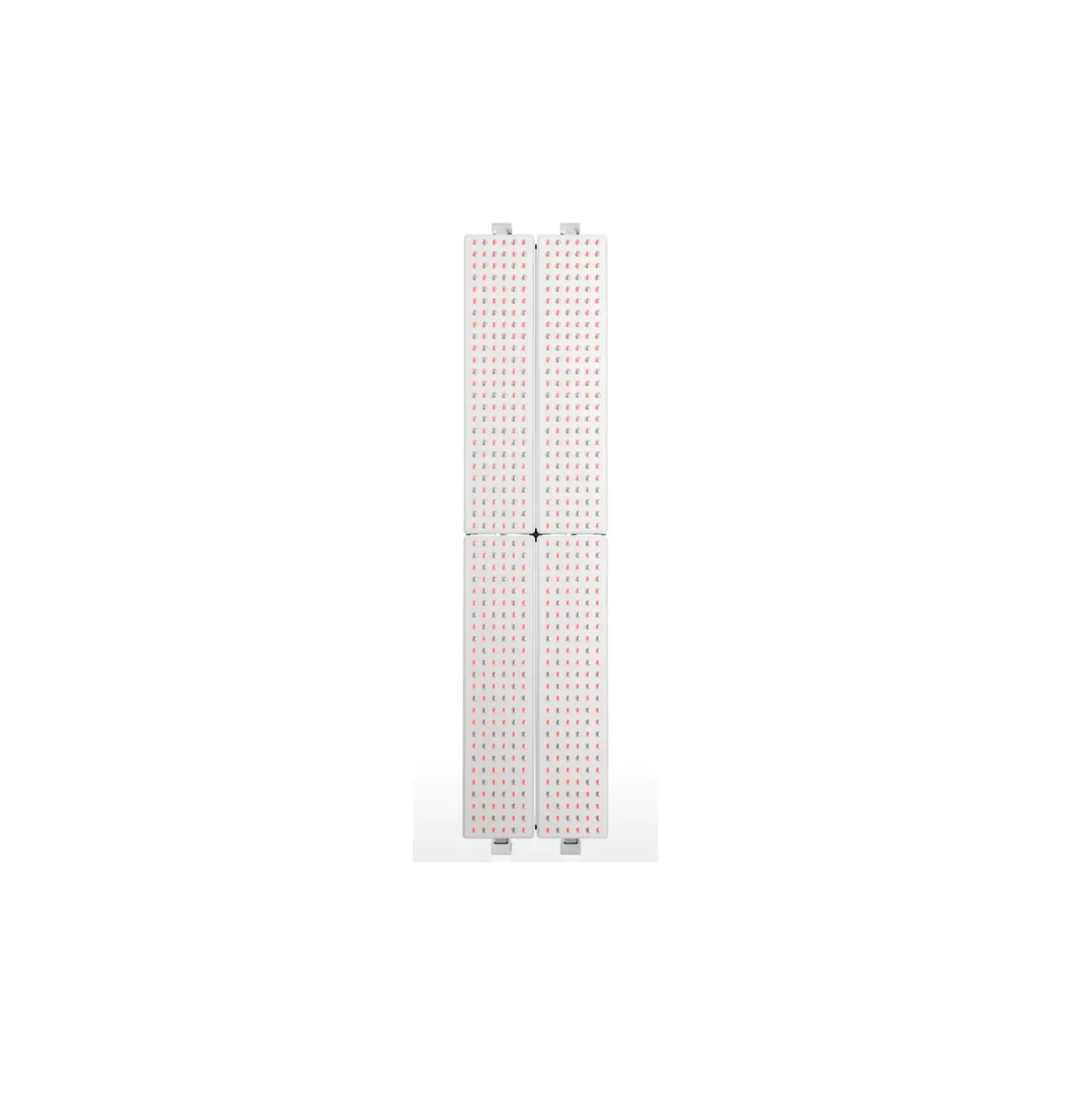
Joovv Quad 3.0 Full Body LED Red Light Therapy Kit
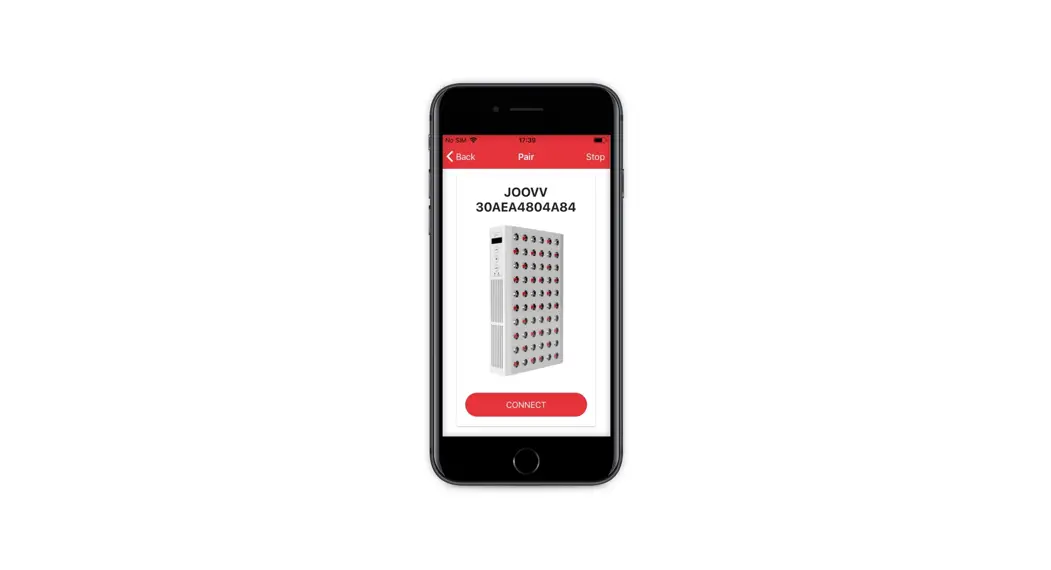
To pair your Multiple Device Setup using Bluetooth follow the steps listed below
Follow Device(s) (steps 1-3)
Step 1
After applying power to the device using the main AC power cord, reset device to Factory Mode by pressing the Power and Light Mode buttons together for 4 seconds.
Step 2
Press the Light Mode and Recovery+ buttons together for 3 seconds to program the device into Follow mode.
Step 3
Leave the device in this state and unplug the power cord.
The next time the device receives power it will search for the Lead device.
Repeat steps 1-3 for each Follow device in the configuration.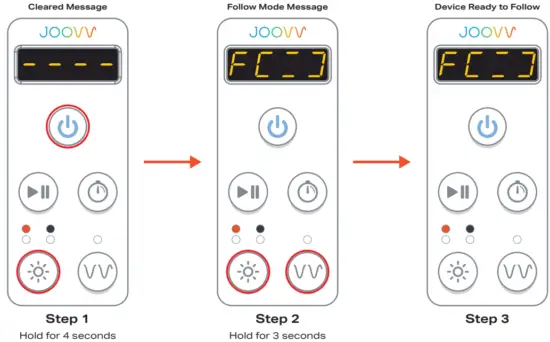
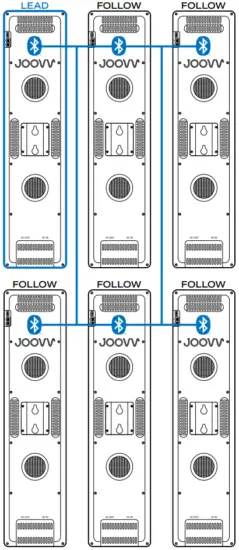
Bluetooth Pairing Steps for Multiple Device Setup.
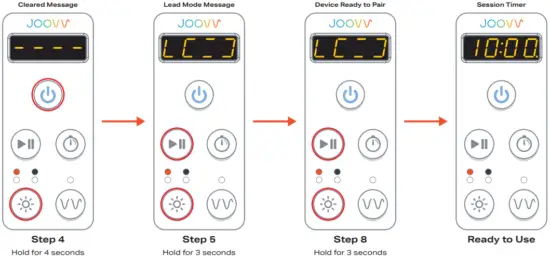
Lead Device (steps 4-6)
Step 4
After applying power to the device using the main AC power cord, reset device to Factory Mode by pressing the Power and Light Mode buttons together for 4 seconds.
Step 5
Press the Play/Pause and Light Mode buttons together for 3 seconds to program the device into Lead mode.
Step 6
Leave the device in this state and unplug the power cord.
The next time the device receives power it will start up as a Lead device.
Step 7
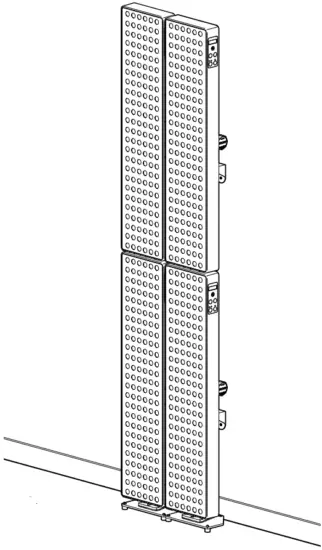
Mount device(s) and connect AC patch cables and main AC power cord following the Wire Diagram section on pages 29-32 of the User Manual.
Step 8
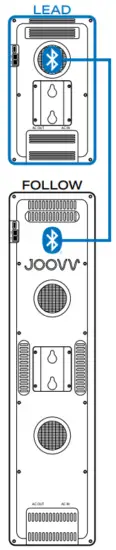
After applying power to the devices, press the Play/ Pause and Light Mode buttons together for 3 seconds on the Lead device to pair all devices. The devices will automatically pair and the Lead device will become the controllable device for the configuration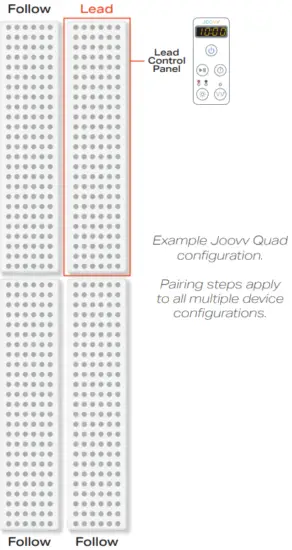
Joovv Half Max 3.0
Joovv Duo 3.0

Joovv Duo 3.0(horizontal)
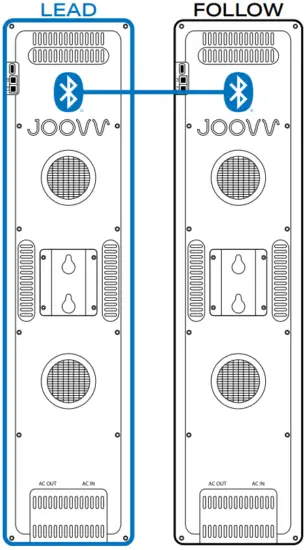
 The Horizontal Duo configuration is an alternative setup option and requires an additional accessory kit. Please reach out to [email protected] for more information.
Joovv Max 3.0
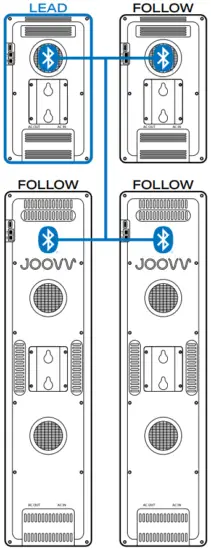
Joovv Quad 3.0
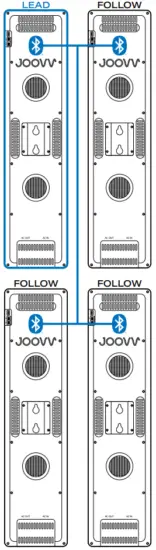
Joovv Elite 3.0
| Revision History | ||
| Date | Revision # | Description of Changes |
| December 2020 | JV-MKT-DOC-3522 (Ver.0) | Ver.0 Release to market |

 Red and Infrared LED Light Therapy Devices | Joovv