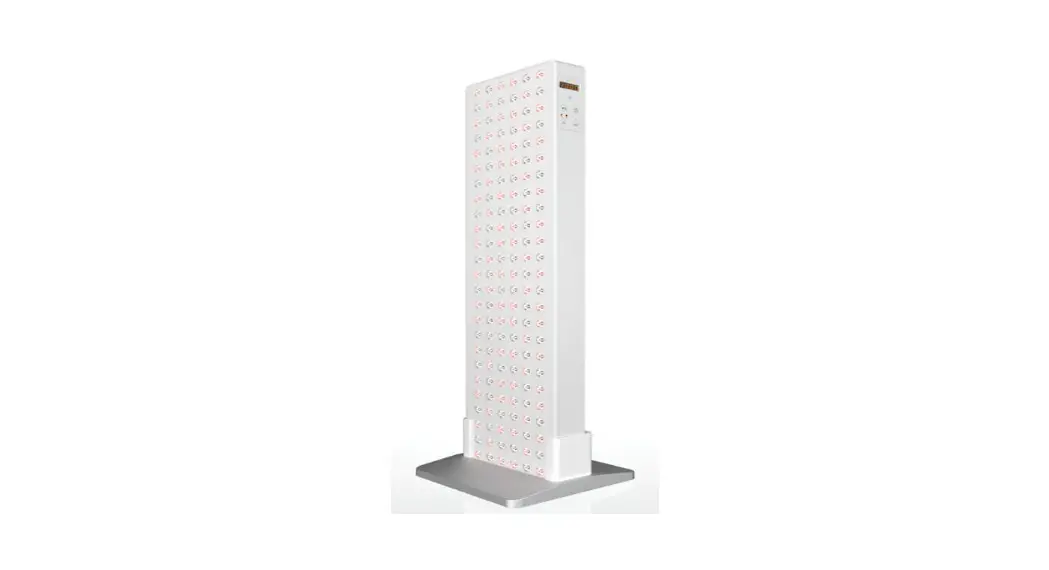
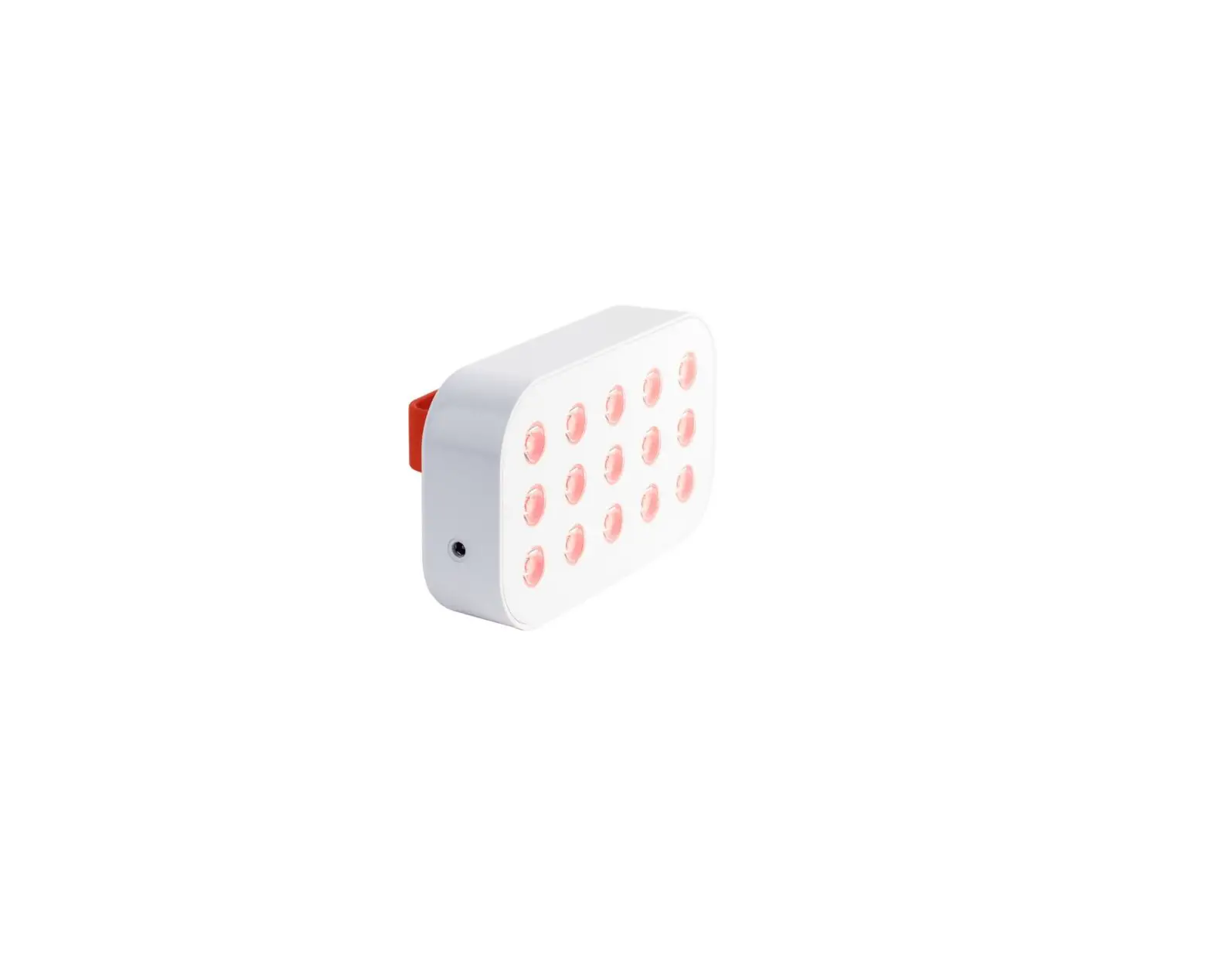
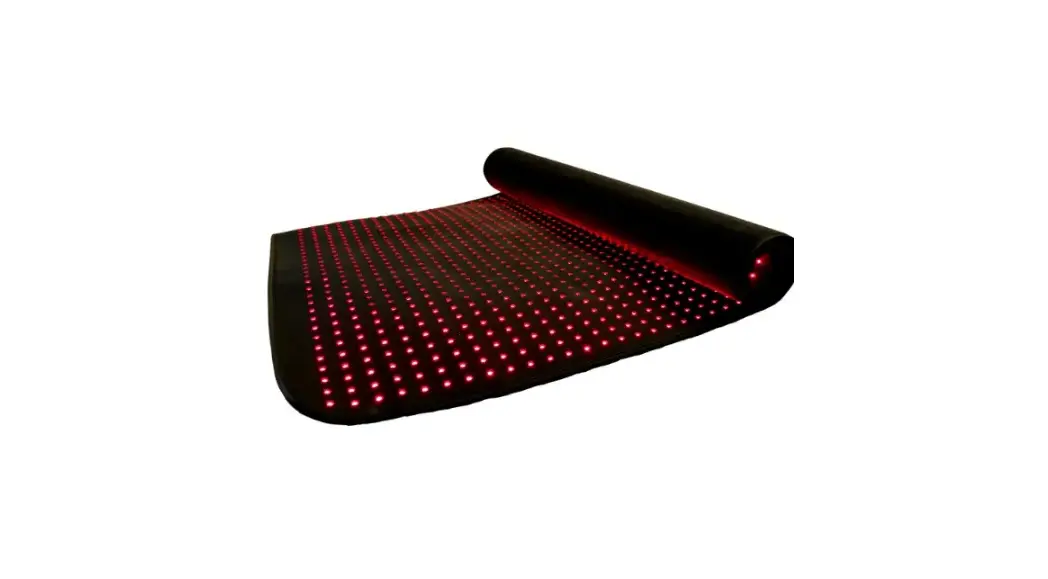
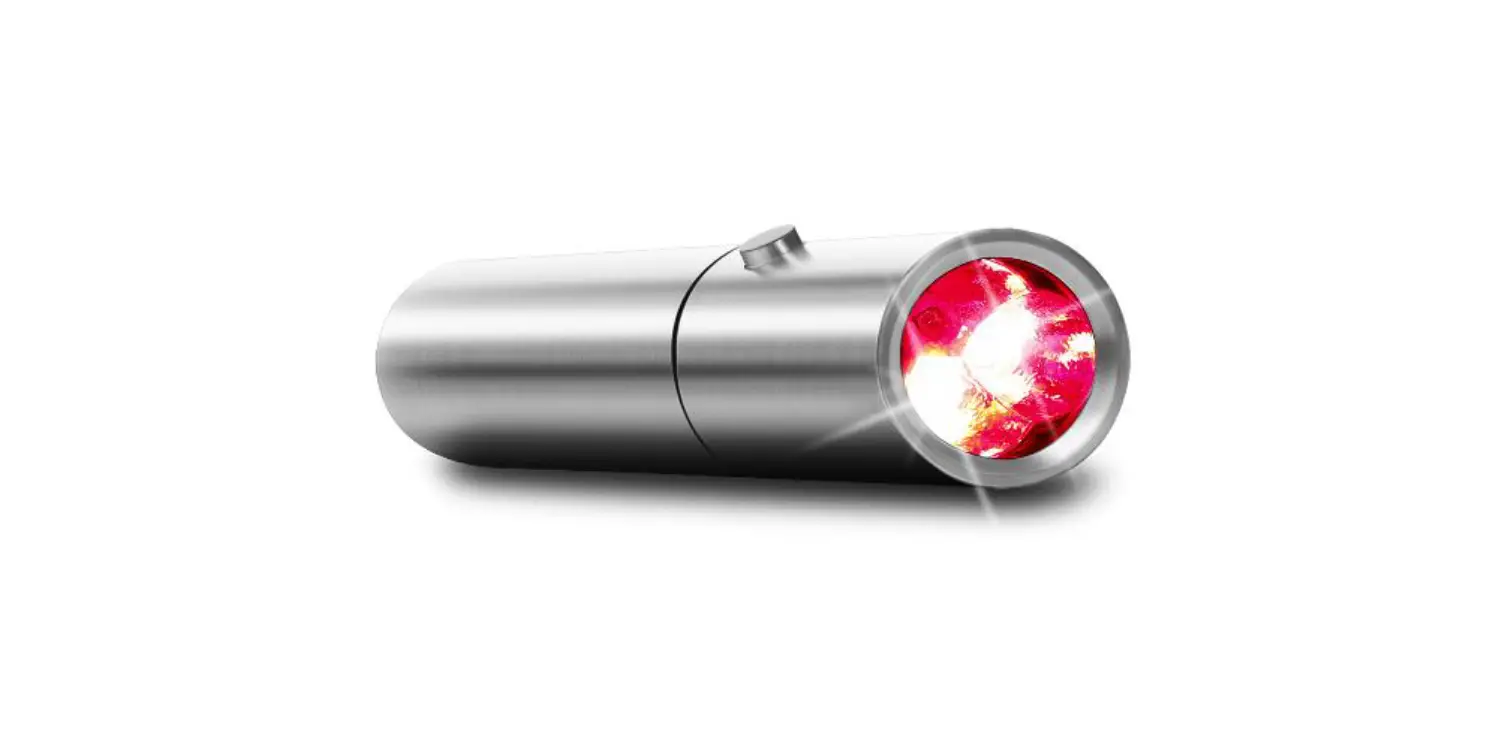
Mini Boot 3.0 Red Light Therapy System
Product Information: Mini & Solo Boot 3.0
The Mini & Solo Boot 3.0 is a mounting accessory designed to
hold Joovv devices. It is intended to be used on a flat and level
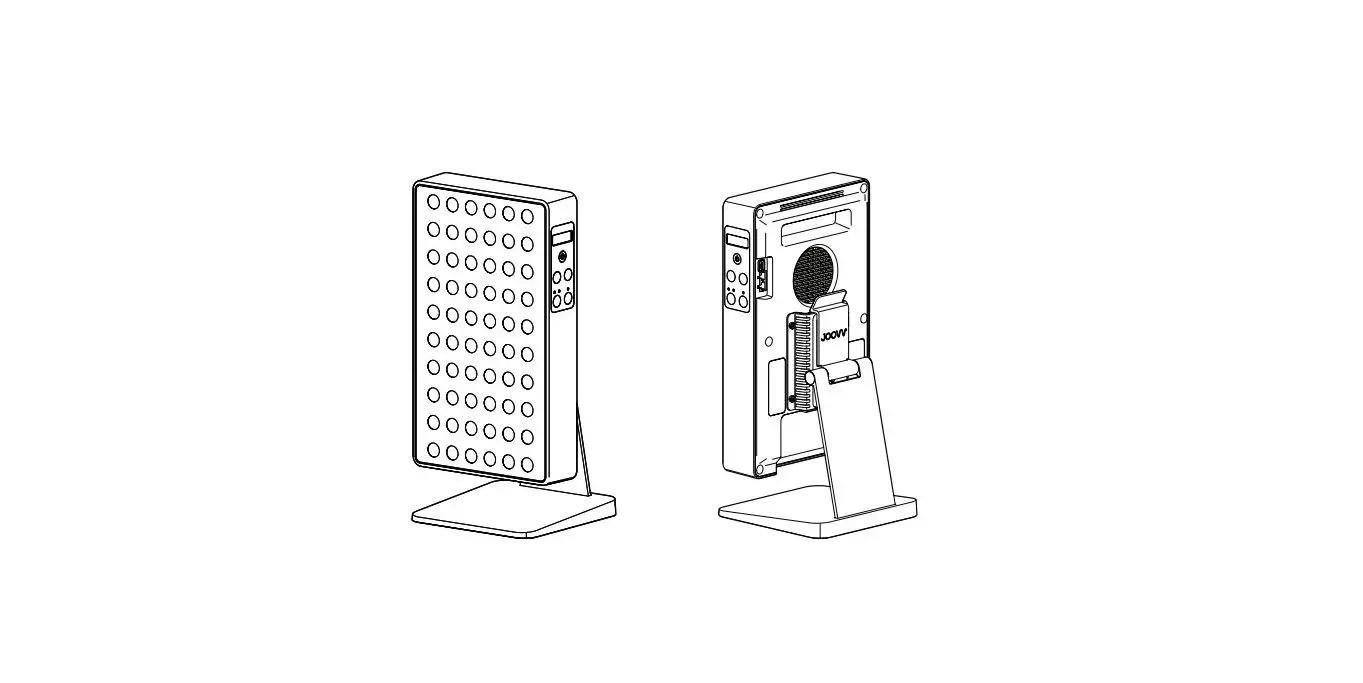
surface. The Boot accessory has a Joovv Logo mark on the front to
indicate the correct orientation for inserting the device, and the
device’s LEDs should be facing forward towards the front of the
Boot. The product comes with a 2-year limited warranty and a 14-day
return period.
Product Usage Instructions
- Place the Boot accessory on a flat surface and identify the
front of the Boot by finding the Joovv Logo mark. - Using both hands, slide your device down into the Boot with the
LEDs facing forward towards the front of the Boot. - When moving your device and Boot accessory, remove the device
from the Boot first. - Refer to your Joovv device User Manual for operating
instructions.
Warranty
All Joovv mounting accessories, including the Mini & Solo
Boot 3.0, are covered by a 2-year limited warranty. For details on
the limited warranty and how to register your product, please visit
https://joovv.com/pages/joovv-limited-warranty.
Return Policy
If you are not satisfied with your purchase of the Mini &
Solo Boot 3.0 within the first 14 days, you may return it. For
details on the return policy, please visit https://joovv.com/pages/returns.
Contact Information
- Joovv, Inc.
- 3579 US-50, Suite 307
- Carson City, NV 89701 USA
- Email: [email protected]
- Website: www.joovv.com
- Online Setup instructions: www.joovv.com/setup
Mini & Solo Boot 3.0
Quickstart Guide
Install Device
Step 1
Place the Boot accessory on a flat surface and identify the front of the Boot by finding the Joovv Logo mark.
Step 2
Using both hands, slide your device down into the Boot. Note,
the device LEDs should be facing forward toward the front of
the device as shown.
Congratulations! You’re now ready to begin Joovvin’! Refer to
2
your Joovv device User Manual for operating instructions.
i
When moving your device and Boot accessory, the device should first be removed from the Boot. Note, the Joovv Boot accessory is
designed only to be used on a flat level surface.
JOOVV BOOT TOP VIEW
1 LOGO ON BASE INDICATES FRONT
AC OUT
AC IN
FRONT
2
BACK
MINI & SOLO BOOT 3.0 QUICKSTART GUIDE
Revision History Date January 2021 October 2022
Revision # JV-MKT-DOC-3746 (Ver.0) JV-MKT-DOC-3746 (Ver.1)
Description of Changes Ver.0 Release to market Updated contact information
Warranty
All Joovv mounting accessories are covered by a 2-year limited warranty. Please visit our website at https://joovv.com/pages/joovv-limited-warranty for details of the limited warranty. To register your product, visit https://joovv.com/pages/joovv-limited-warranty for instructions. Failure to register will not affect your limited warranty rights.
Return Policy
All mounting accessories come with a 14-day return period (60-day return period when purchased as part of a device kit). If you’re not satisfied with your purchase within the first 14 days, please visit our website at https://joovv.com/pages/returns for additional details.
Contact Information
Joovv, Inc. 3579 US-50, Suite 307 Carson City, NV 89701 USA Email us: [email protected] Website: www.joovv.com Online Setup instructions: www.joovv.com/setup
3
MINI & SOLO BOOT 3.0 QUICKSTART GUIDE
joovv.com
JV-MKT-DOC-3746 VER.1
 Red and Infrared LED Light Therapy Devices | Joovv
 Red and Infrared LED Light Therapy Devices | Joovv