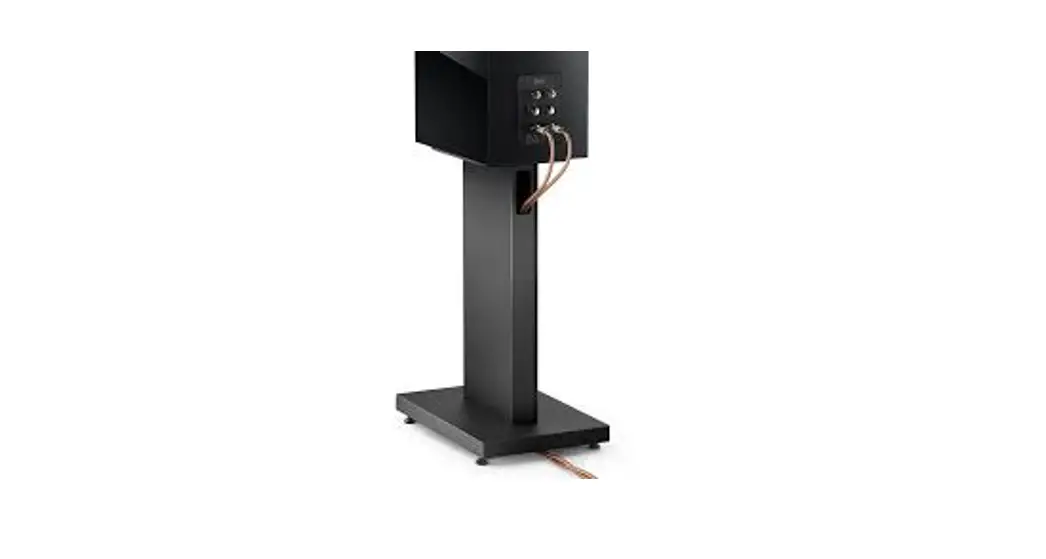
3.0 Retrofit Kit Boot Floor Stand
Product Information: Retrofit Kit, Boot Floor Stand
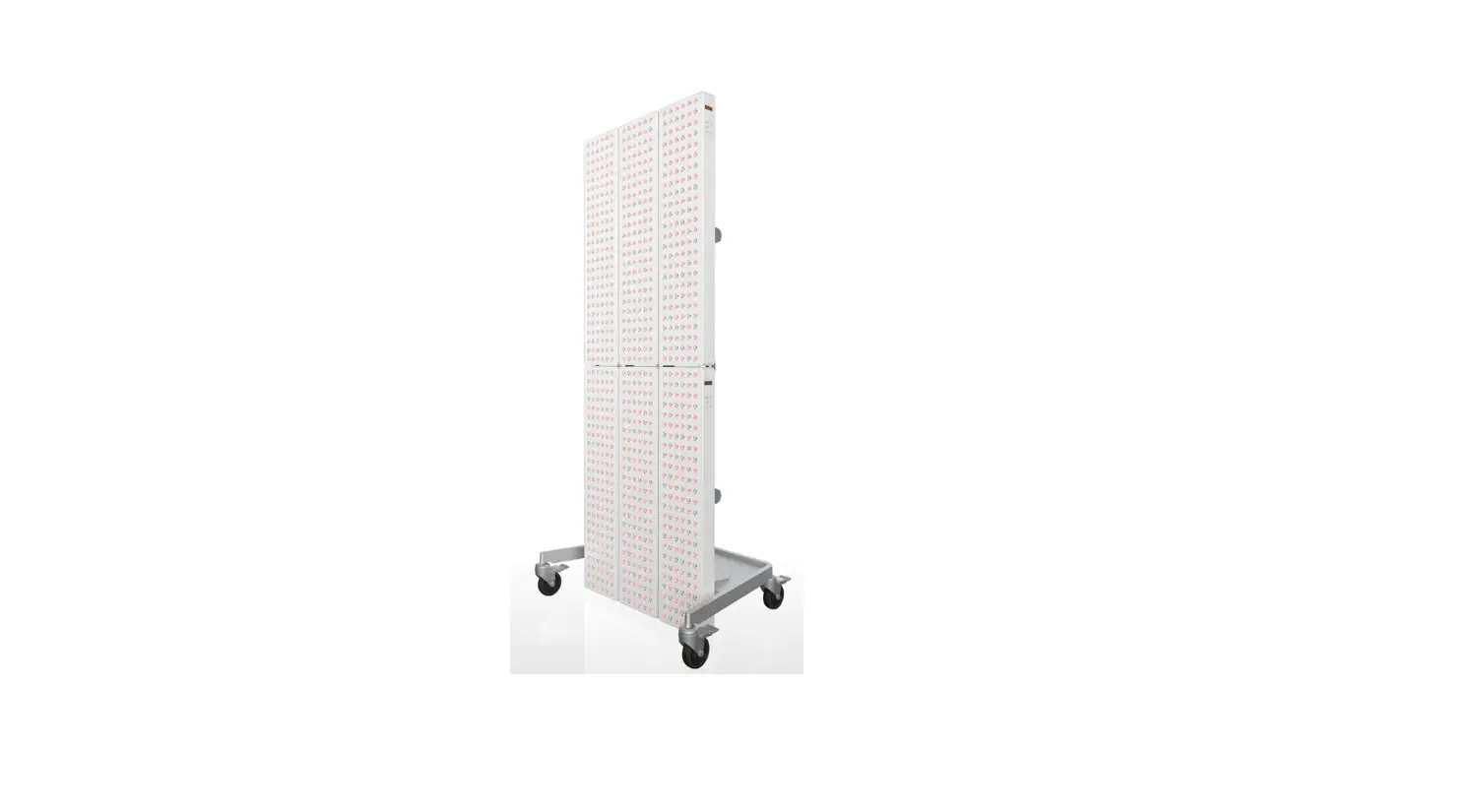
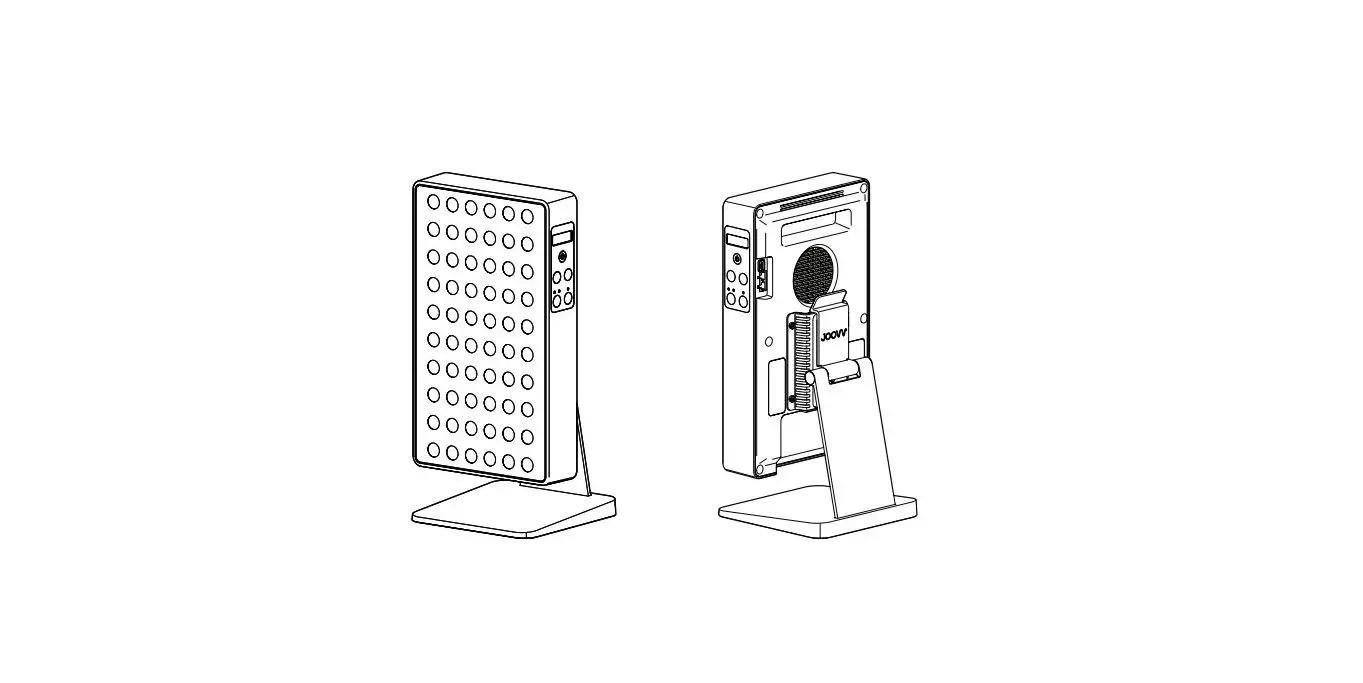
The Retrofit Kit, Boot Floor Stand is a mounting accessory for
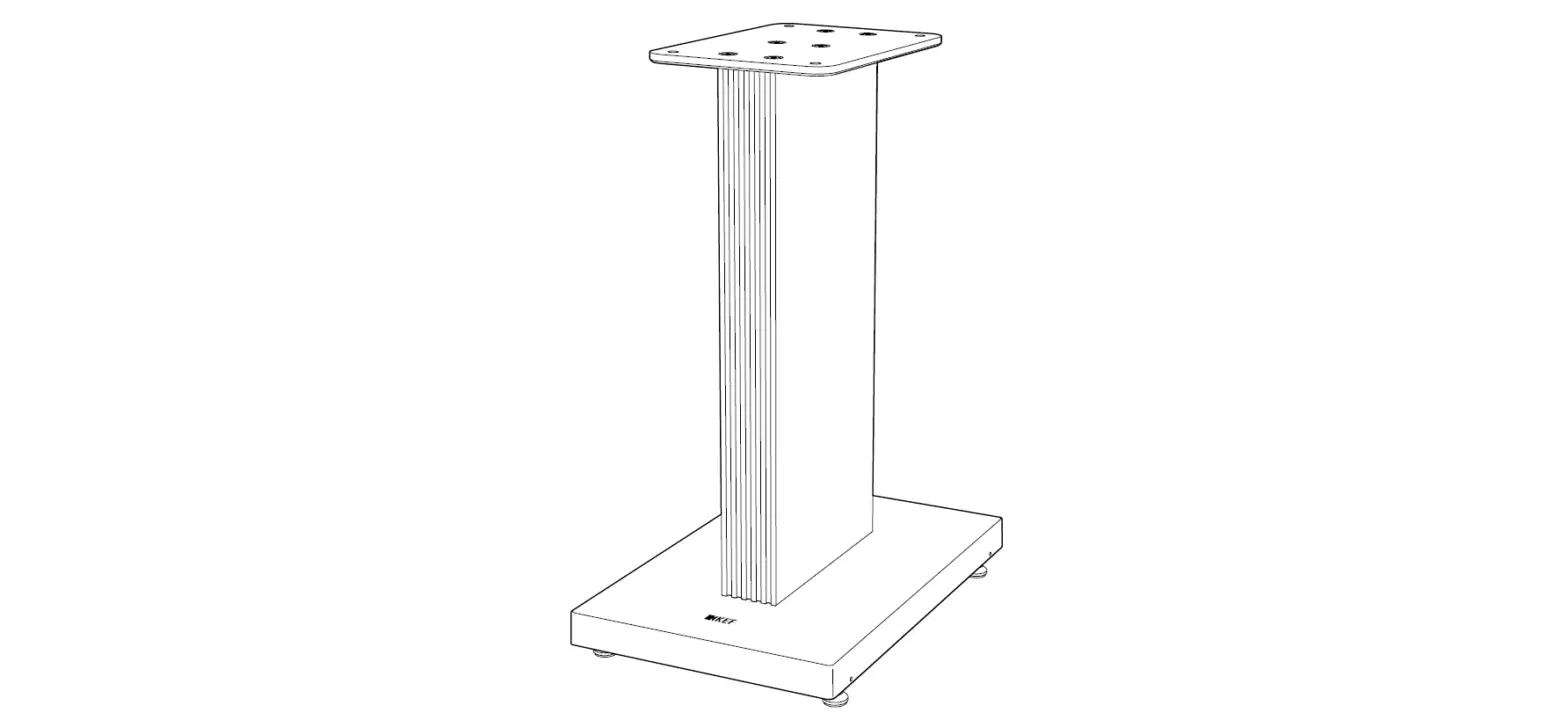
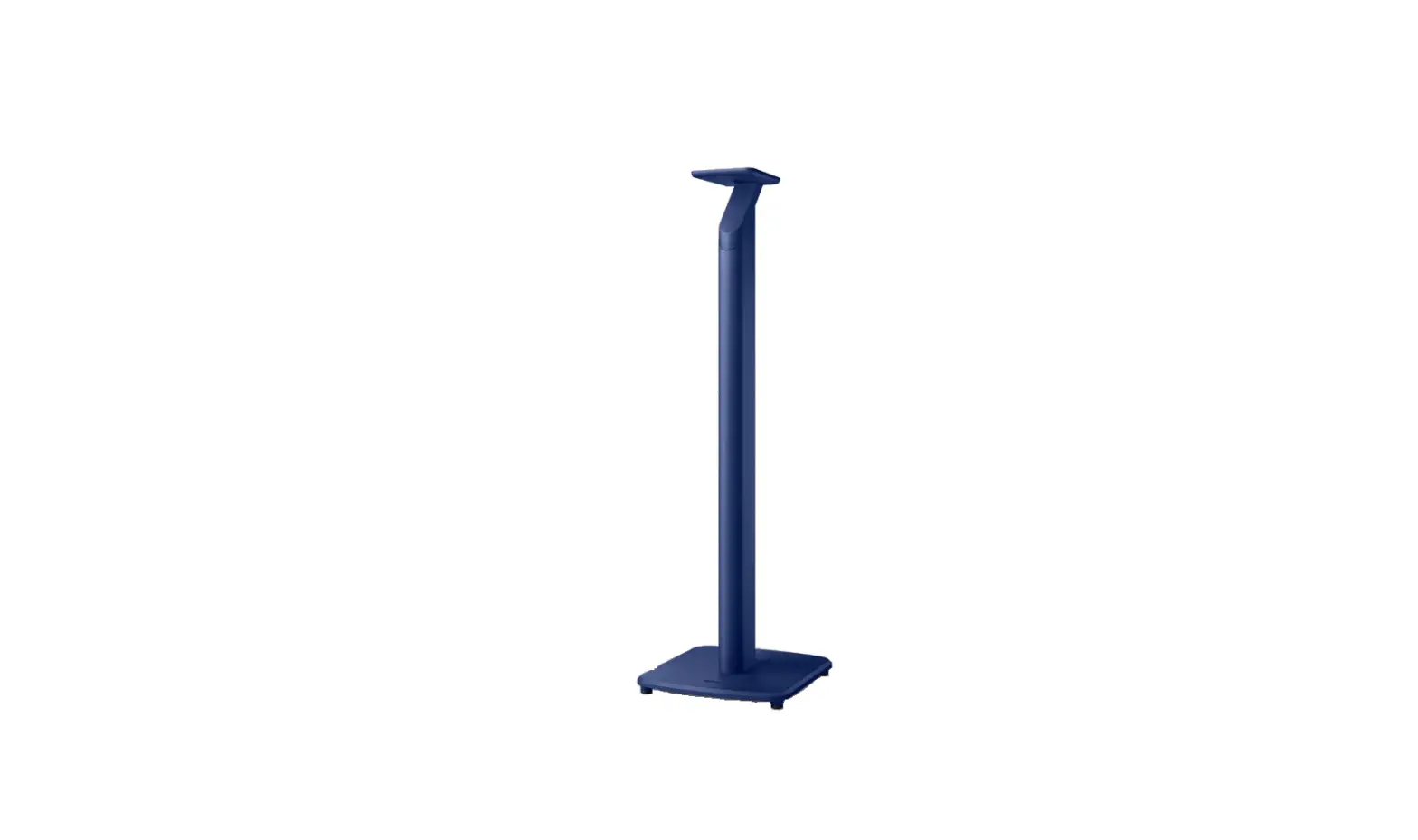
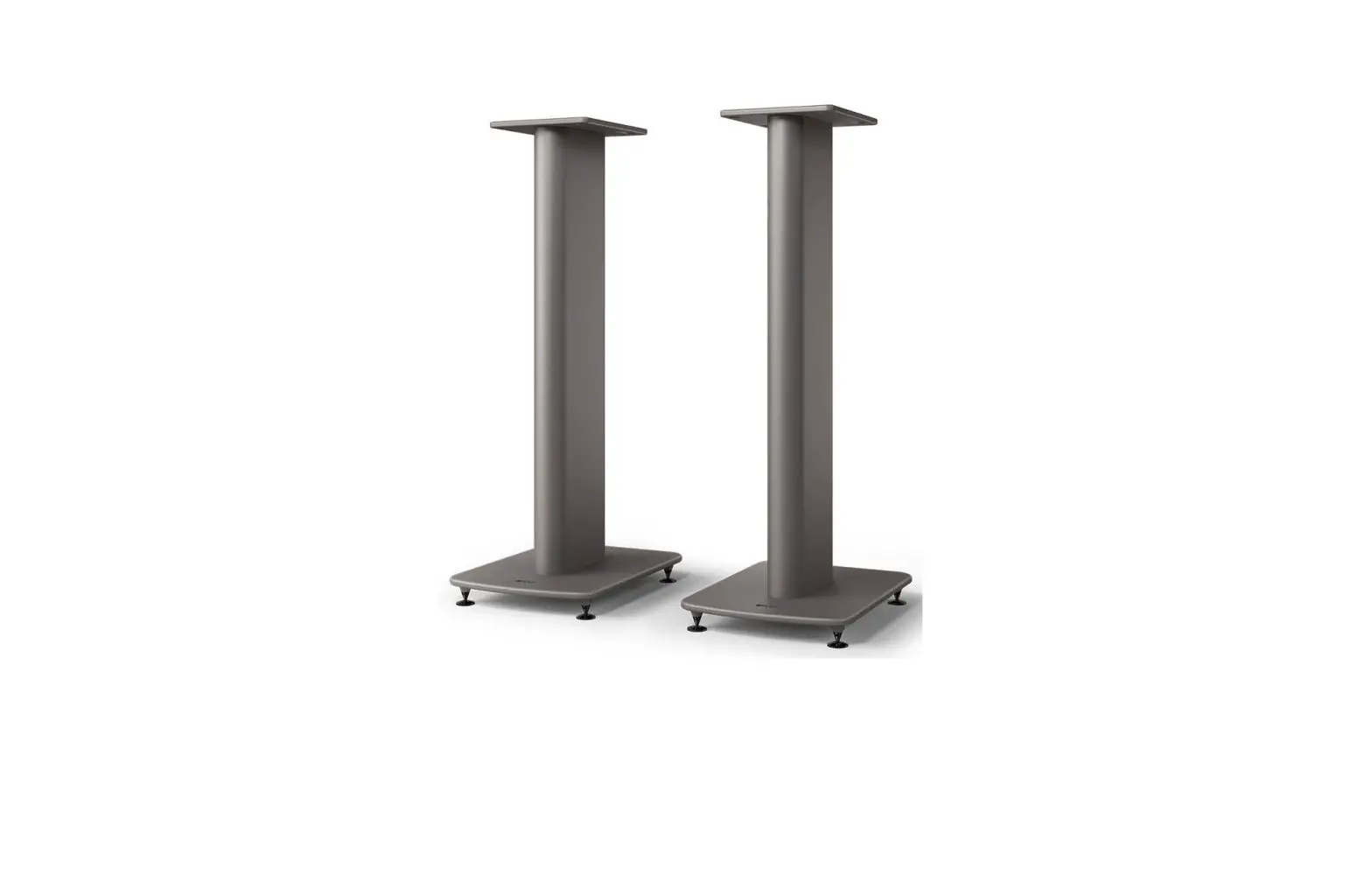
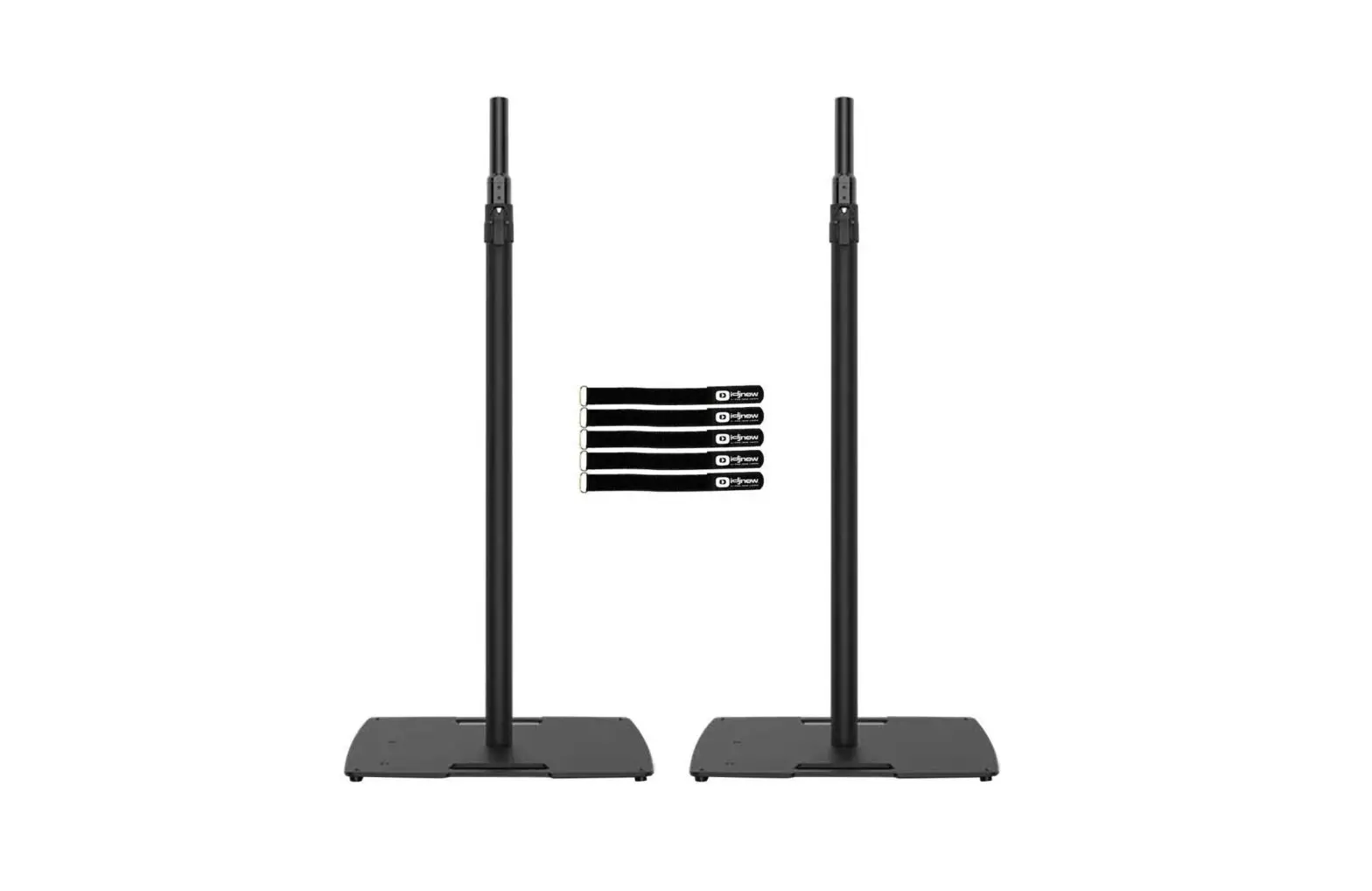
the Joovv device. It includes a Boot Spacer and a Boot Floor Stand
that can be used to elevate the Joovv device off the floor. The kit
comes with all the necessary hardware to install the Boot Spacer
and attach the device to the Boot Floor Stand.
Product Usage Instructions
Step 1: Lay the Joovv device face down on a
scratch-free surface. Locate the (2) Rear Bumpers at the bottom of
the device and remove them using the included 2.5 mm Allen Key.
Retain the two 4 mm screws.
Step 2: Place the Boot Spacer onto the bottom
of the device and align its holes with the device’s. Using the
screws from the Rear Bumpers and included Allen Key, attach the
Boot Spacer to the device securely.
Step 3: Place the Joovv device into the Boot
Floor Stand by sliding it down from above. The Joovv logo on the
stand indicates the front side, which should be on the same side as
the device LEDs.
Congratulations, your Joovv device is now ready to use with the
Boot Floor Stand.
Product Warranty and Return Policy
The Retrofit Kit, Boot Floor Stand is covered by a 2-year
limited warranty. If you’re not satisfied with your purchase, you
may return it within 14 days (60-day return period when purchased
as part of a device kit). For more information on warranty and
returns, visit joovv.com/pages/warranty and
joovv.com/pages/returns.
Contact Information
If you have any questions or need assistance with the product,
please contact Joovv, Inc. at the following:
- Address: 3579 US-50, Suite 307 Carson City, NV 89701 USA
- Email: [email protected]
- Website: www.joovv.com
- Online Setup Instructions: joovv.com/setup
Retrofit Kit, Boot Floor Stand
Quickstart Guide
Parts List
A Boot Spacer B Rear Bumper C 4 mm Screw D Allen Key
3.0 Boot Adapter
A
B D
*Located on Gen 2.0 Mini/Solo
C
*Located on Gen 2.0 Mini/Solo
2
RETROFIT KIT QUICKSTART GUIDE
3.0 Boot Adapter
Install Boot Adapter
Step 1
Lay device face down on a scratch free surface. Locate the (2) Rear Bumpers located at the bottom of the device, as shown.
Step 2
Use the included 2.5 mm Allen Key and remove both bottom Rear Bumpers from the device as shown below and retain the two 4 mm screws.
Lead Mode Neutral Follow Mode
3
B
Turn counter-clockwise with included Allen Key.
C
The two Rear Bumpers are no longer needed and can
be stored. RETROFIT KIT QUICKSTART GUIDE
Step 3 Place Boot Spacer onto the bottom of device and align the Boot Spacer holes with the device’s. Using the screws from the Rear Bumpers and included Allen Key, attach Boot Spacer to device securely.
A
C
Align Boot Spacer to device holes. Note, these are different holes than the
Rear Bumper.
Step 4 Place the device into the Boot Floor Stand by sliding it down from above. The Joovv logo on the stand indicates the front side, and should be on the same side as the device LEDs. Congratulations, you’re now ready to begin using your Joovv device with Boot Floor Stand!
Turn clockwise with included Allen Key.
Front 4
Back view RETROFIT KIT QUICKSTART GUIDE
Revision History Date April 2021 October 2022
Revision # JV-MKT-DOC-3747 (Ver.0) JV-MKT-DOC-3747 (Ver.1)
Description of Changes Ver.0 Release to market Updated contact information
Warranty
All Joovv mounting accessories are covered by a 2-year limited warranty. Please visit our website at https://joovv.com/pages/warranty for details of the limited warranty.
Return Policy All mounting accessories come with a 14-day return period (60-day return period when purchased as part of a device kit). If you’re not satisfied with your purchase within the first 14 days, please visit our website at https://joovv.com/pages/returns for additional details.
Contact Information
Joovv, Inc. 3579 US-50, Suite 307 Carson City, NV 89701 USA Email us: [email protected] Website: www.joovv.com Online Setup instructions: www.joovv.com/setup
5
RETROFIT KIT QUICKSTART GUIDE
joovv.com
JV-MKT-DOC-3747 VER.1
 Red and Infrared LED Light Therapy Devices | Joovv
 Red and Infrared LED Light Therapy Devices | Joovv