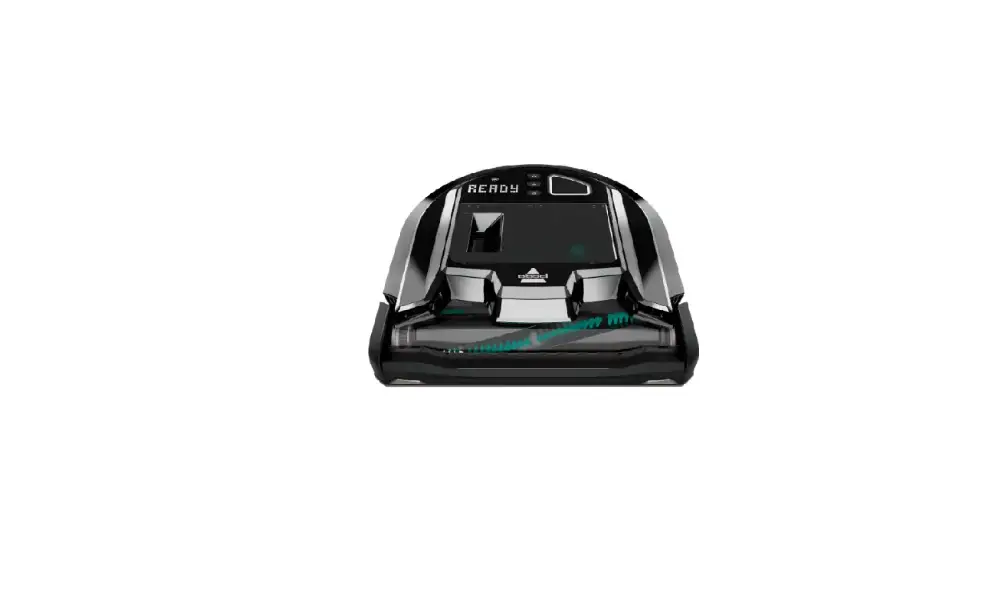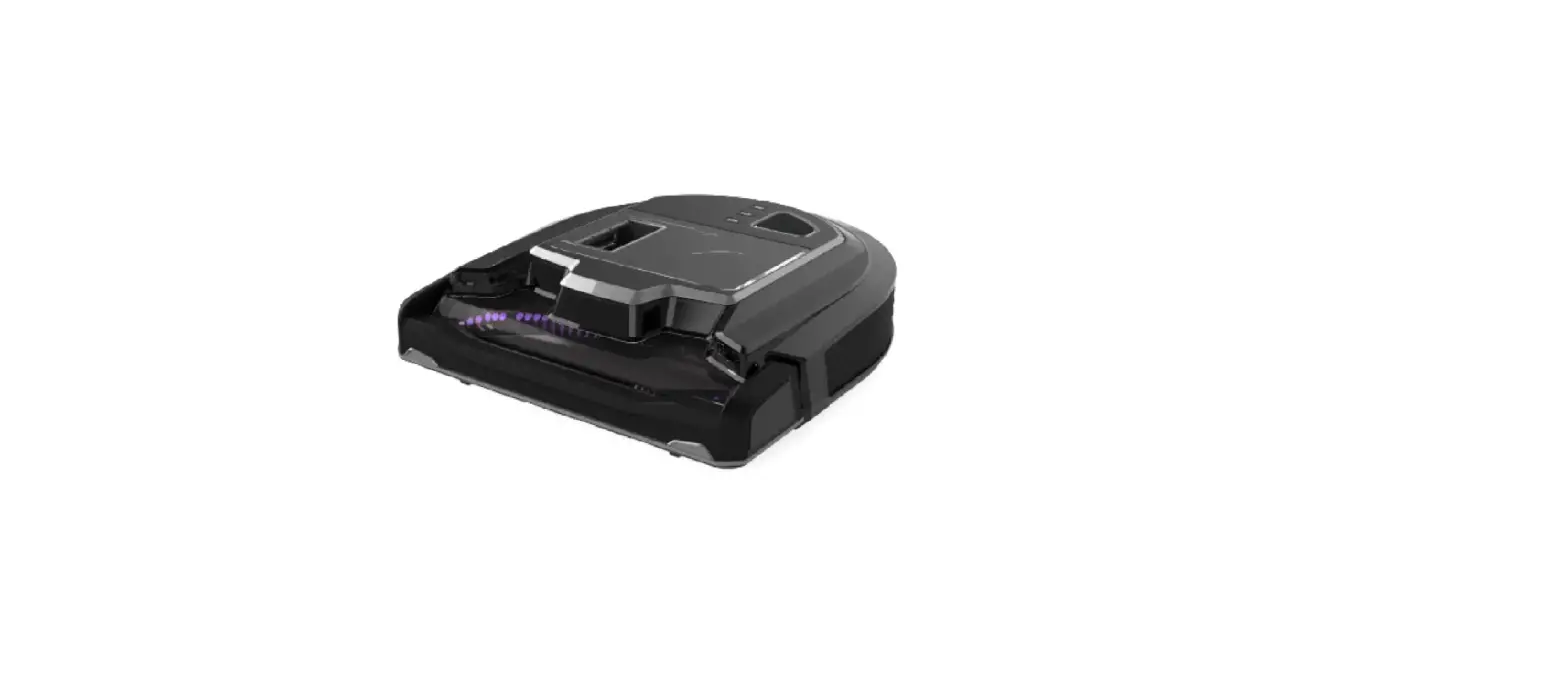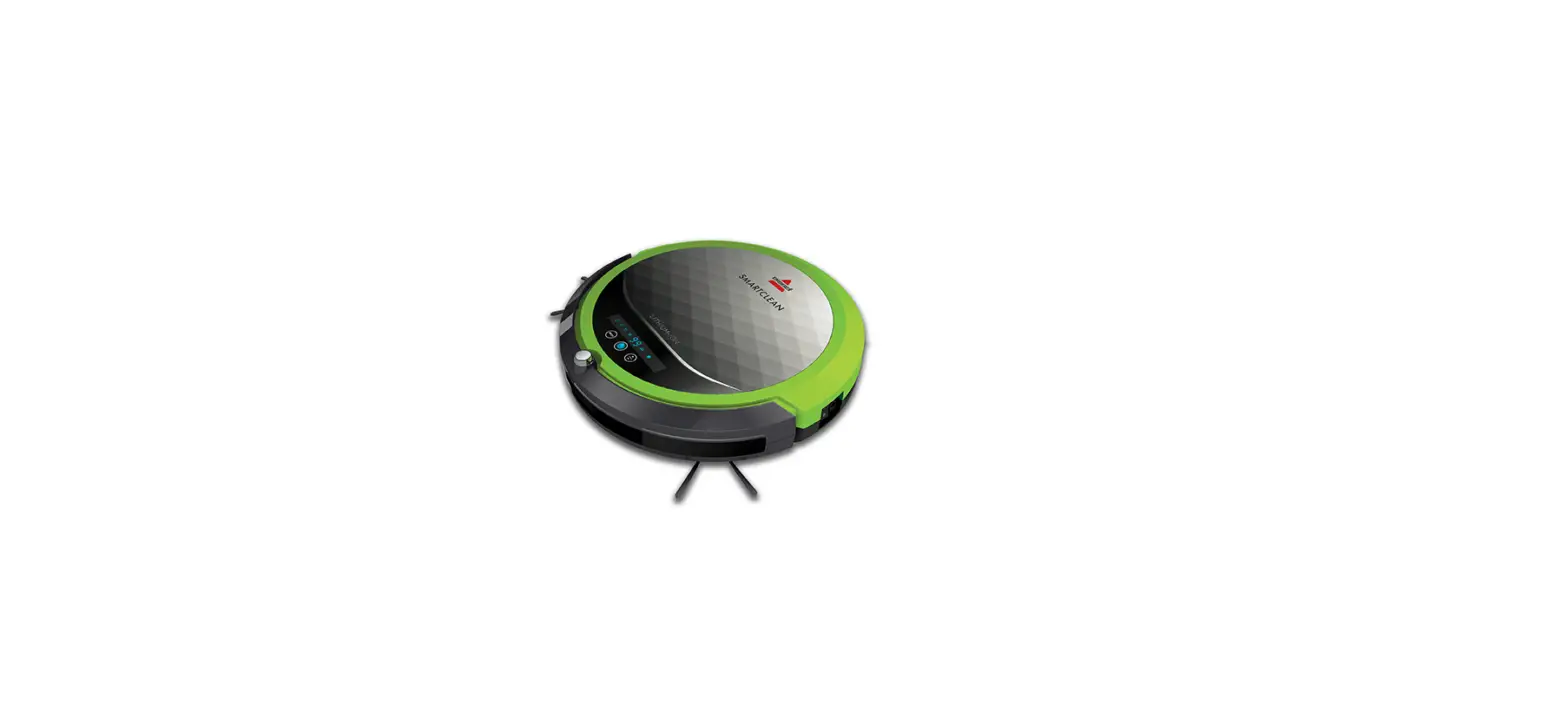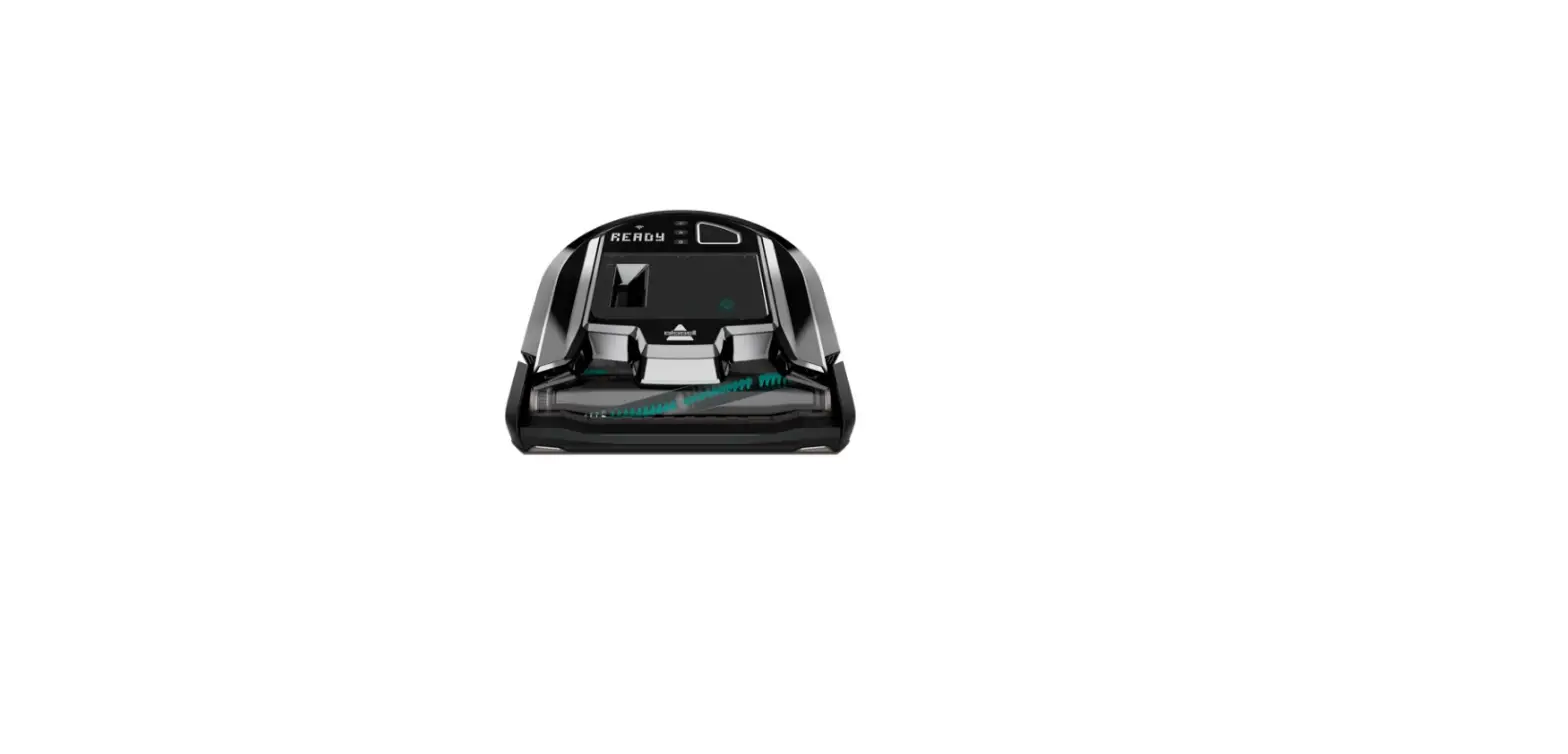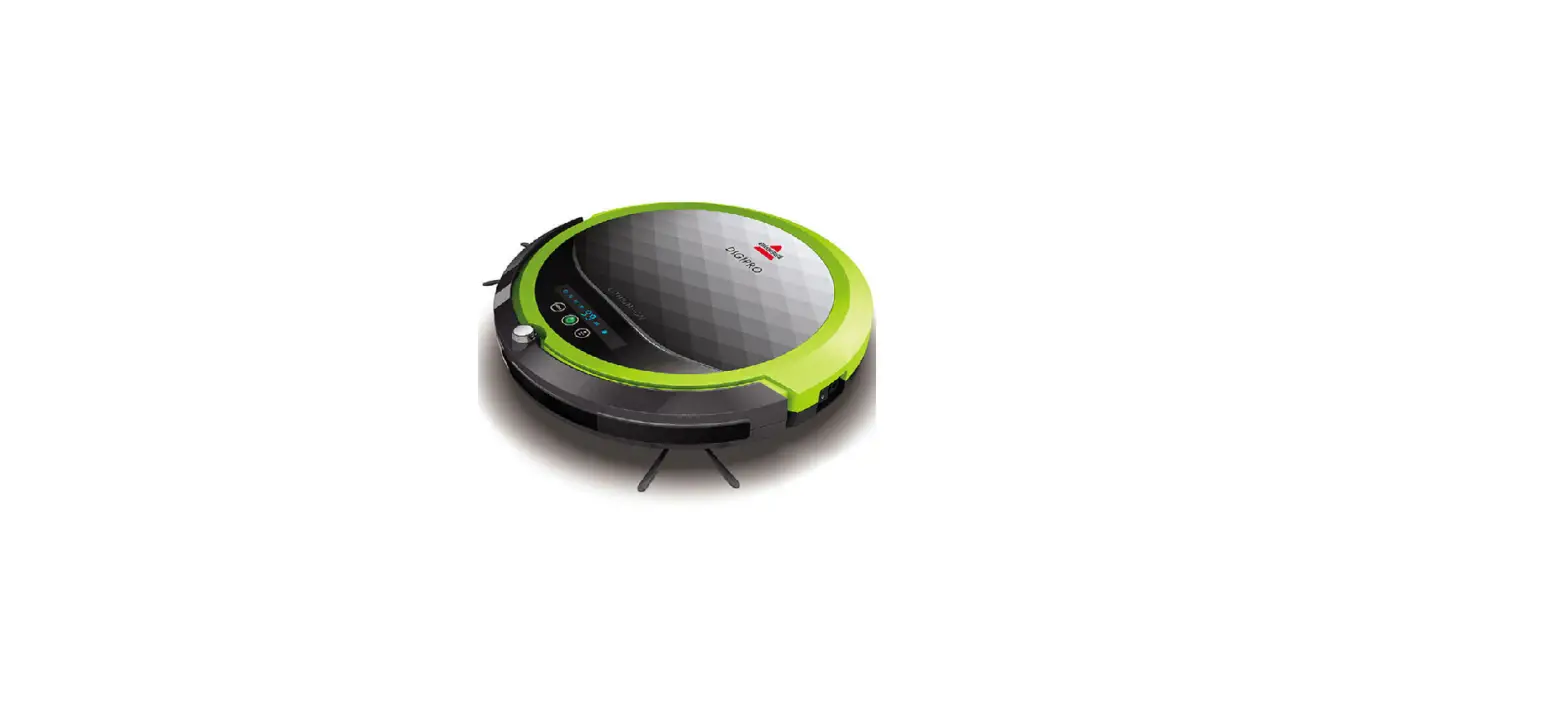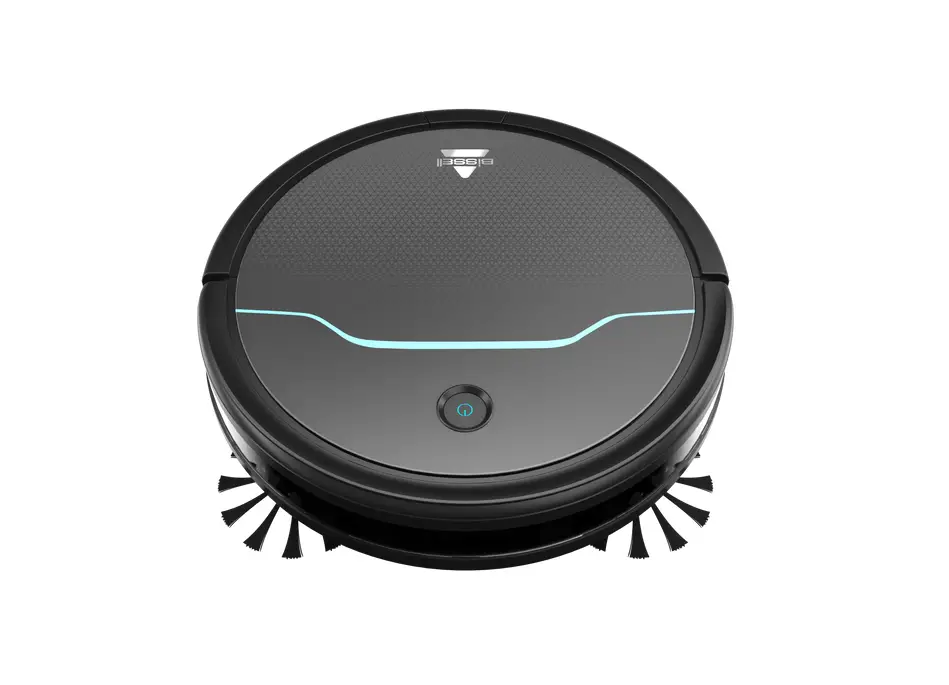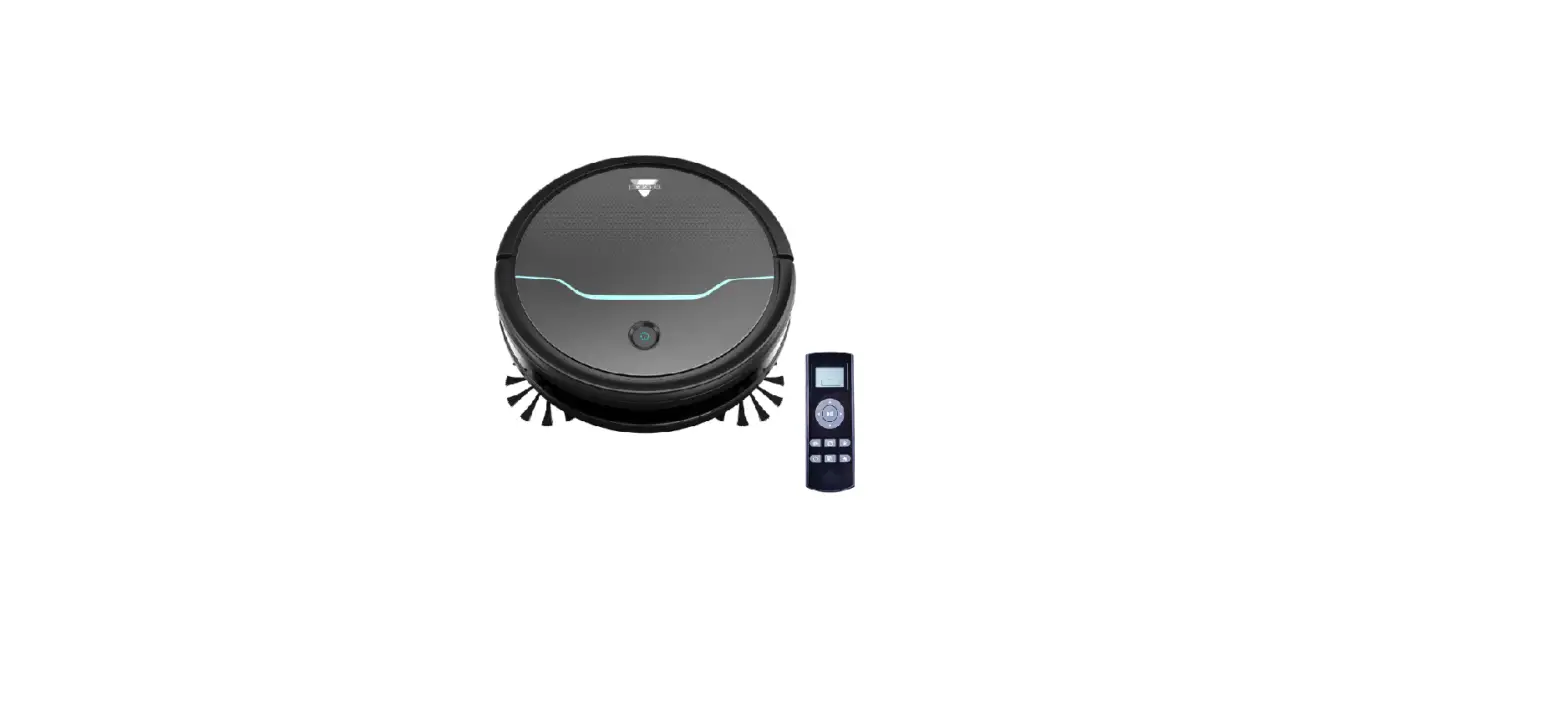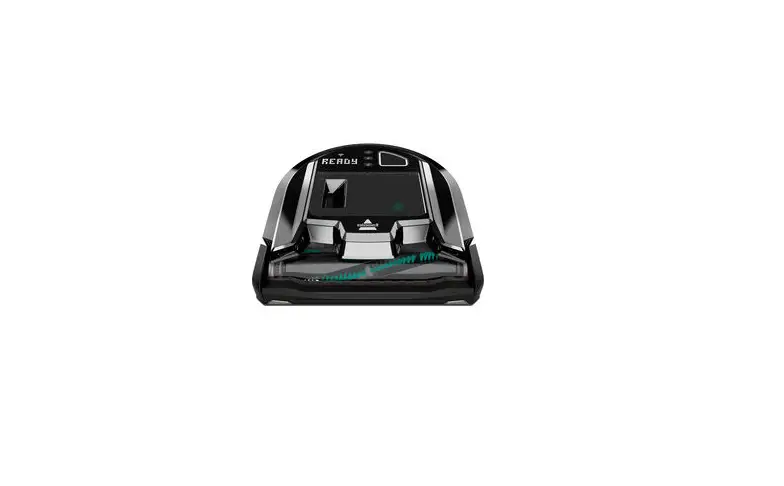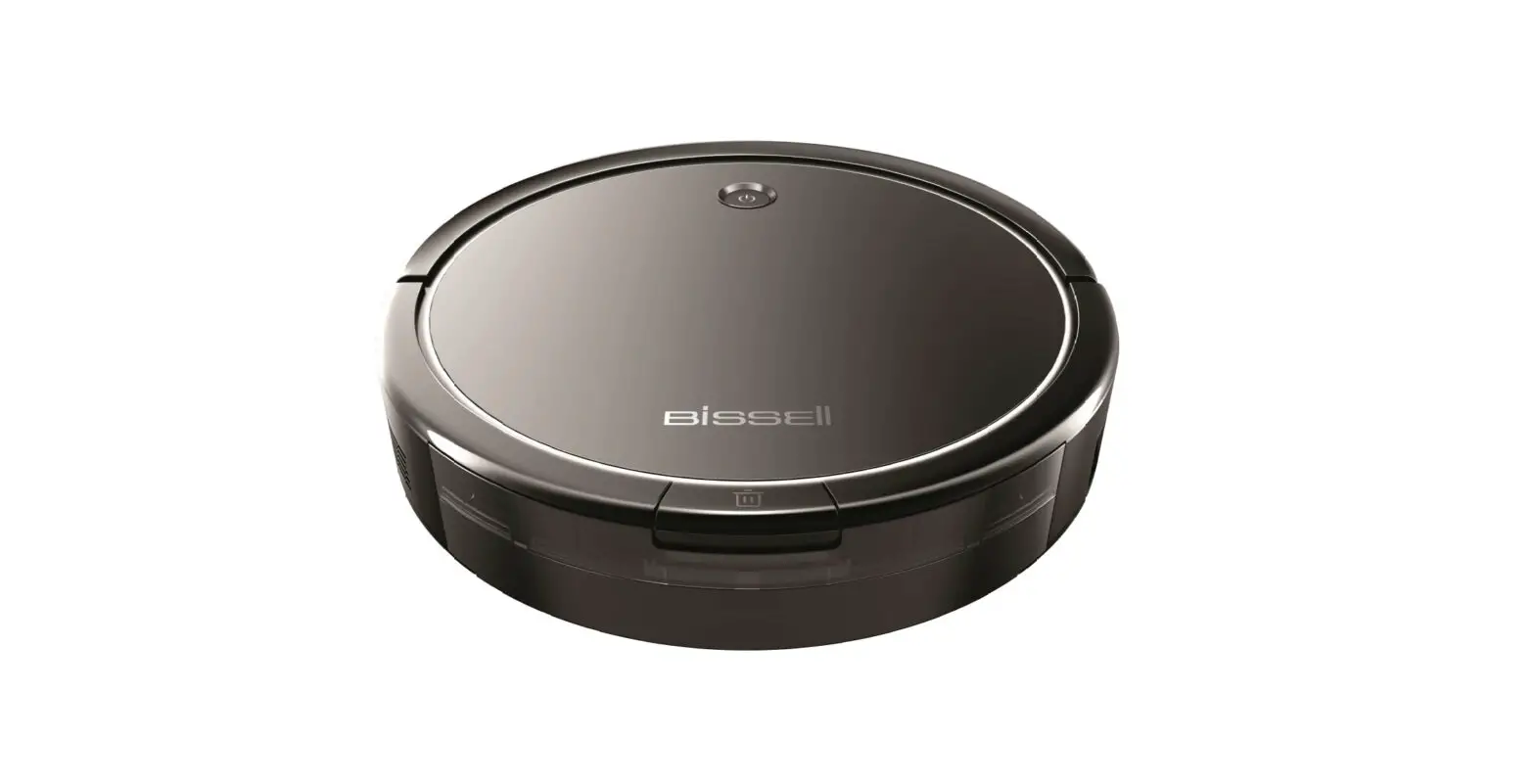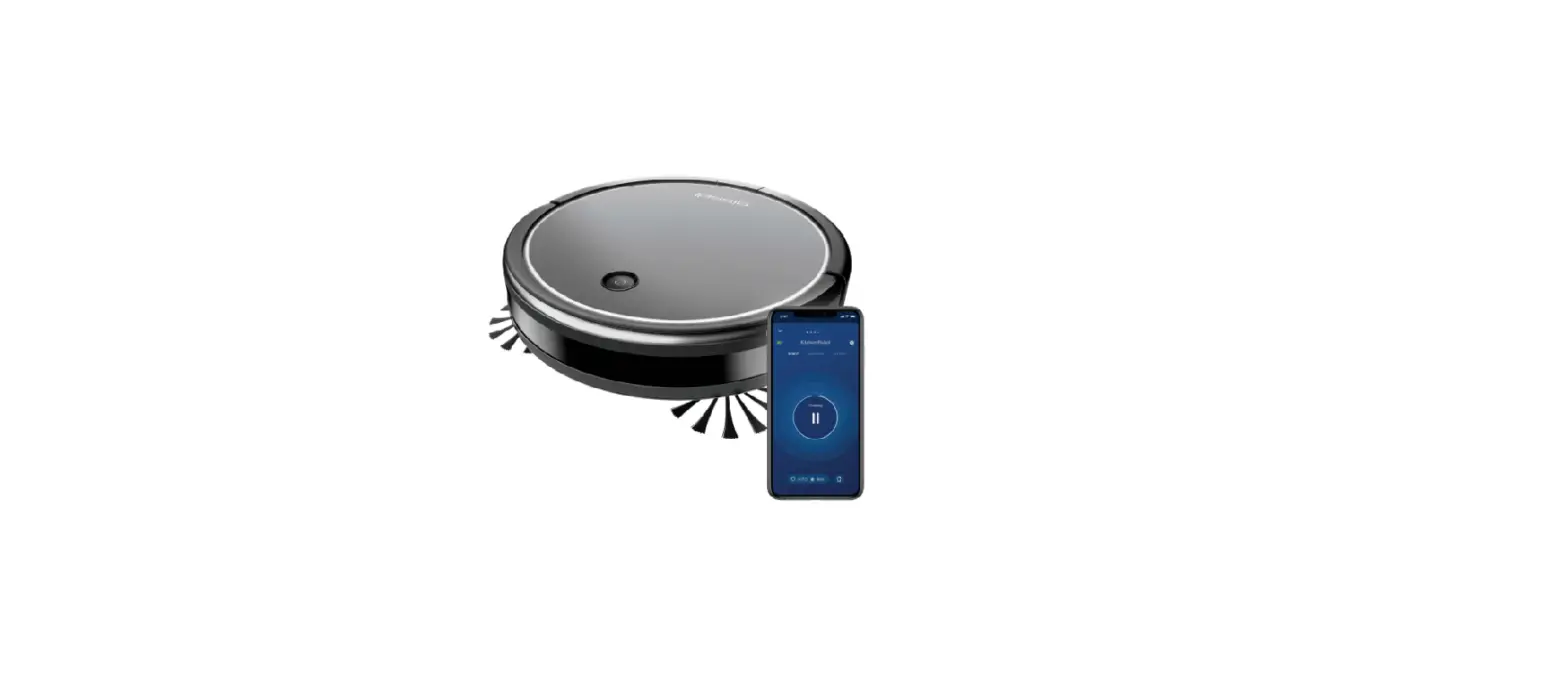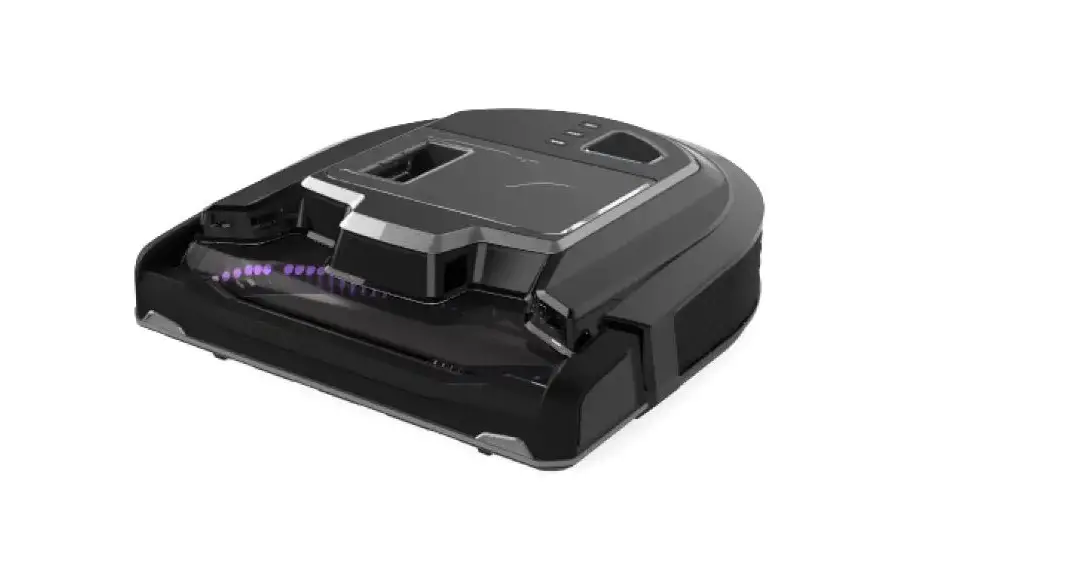
Please Note: The ICONpet Robot is not intended for use on plush, dense carpet or some rubber backed rugs
- Turn robot Off
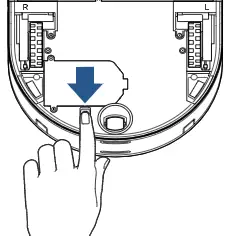
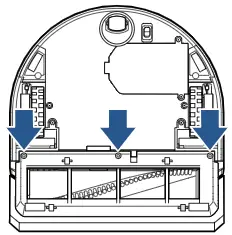
- Remove the 3 screws on the sole plate using a Philips-head screwdriver
- Rotate and lift off
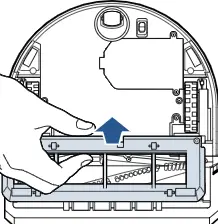
- Check the sole plate for damage
- The rollers & flexible wiper should rotate freely
- If the sole plate is damaged a replacement should be ordered
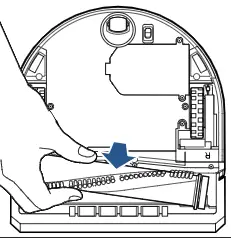
- Remove the brush by pulling up on the plastic endcap
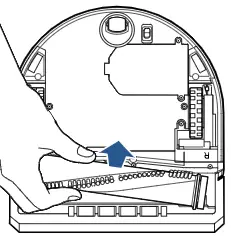
- Clean debris from brush and endcap
- The plastic endcap should spin freely
- If it does not spin freely, remove end cap and clear debris
- Reattach end cap
- Clear debris from the drive gear & brush housing area
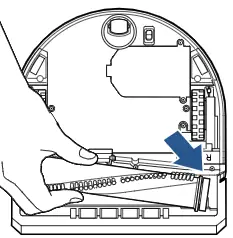
- Once clean, reinsert brush into the drive gear end first then slide plastic endcap into place
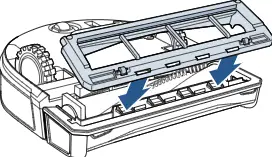
- Angle the sole plate aligning the slots with the tabs then rotate into place
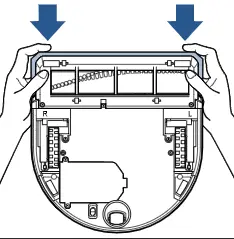
- Reinsert and secure the screws making sure not to over tighten
- Rotate brush roll by hand
- Compress the bumper several times to reset/realign robot
If your machine continues to have Brush Jammed errors, please Contact Us