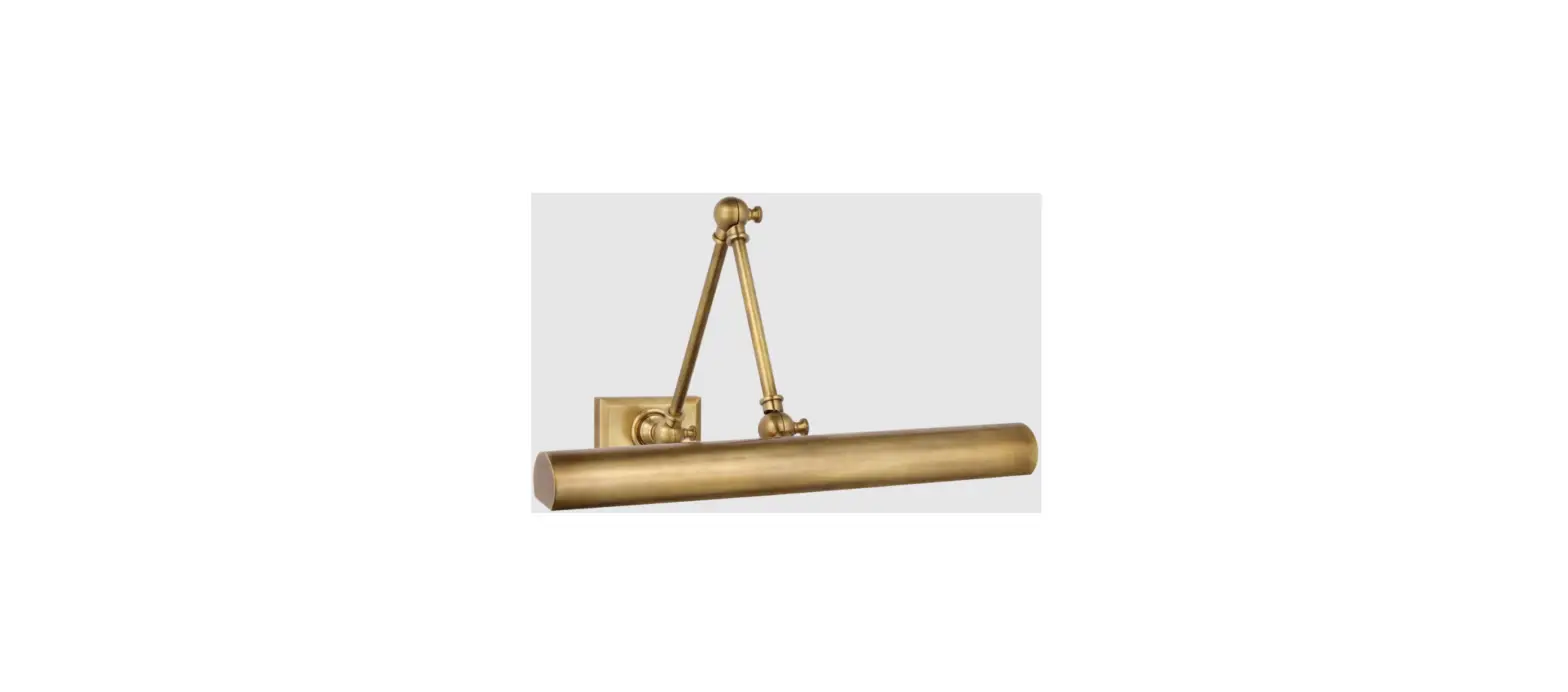
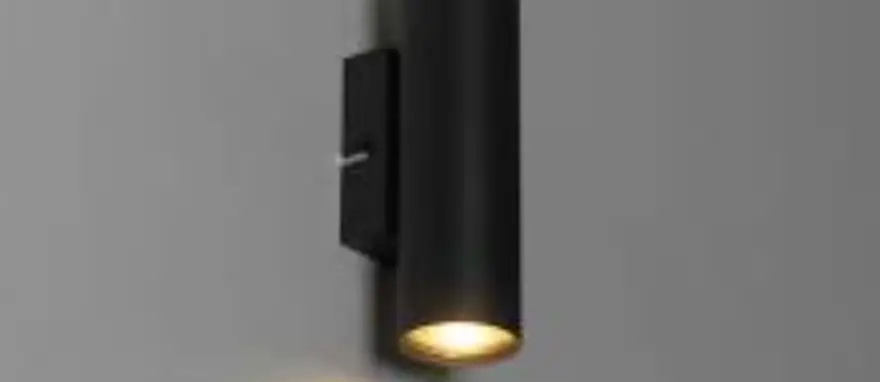
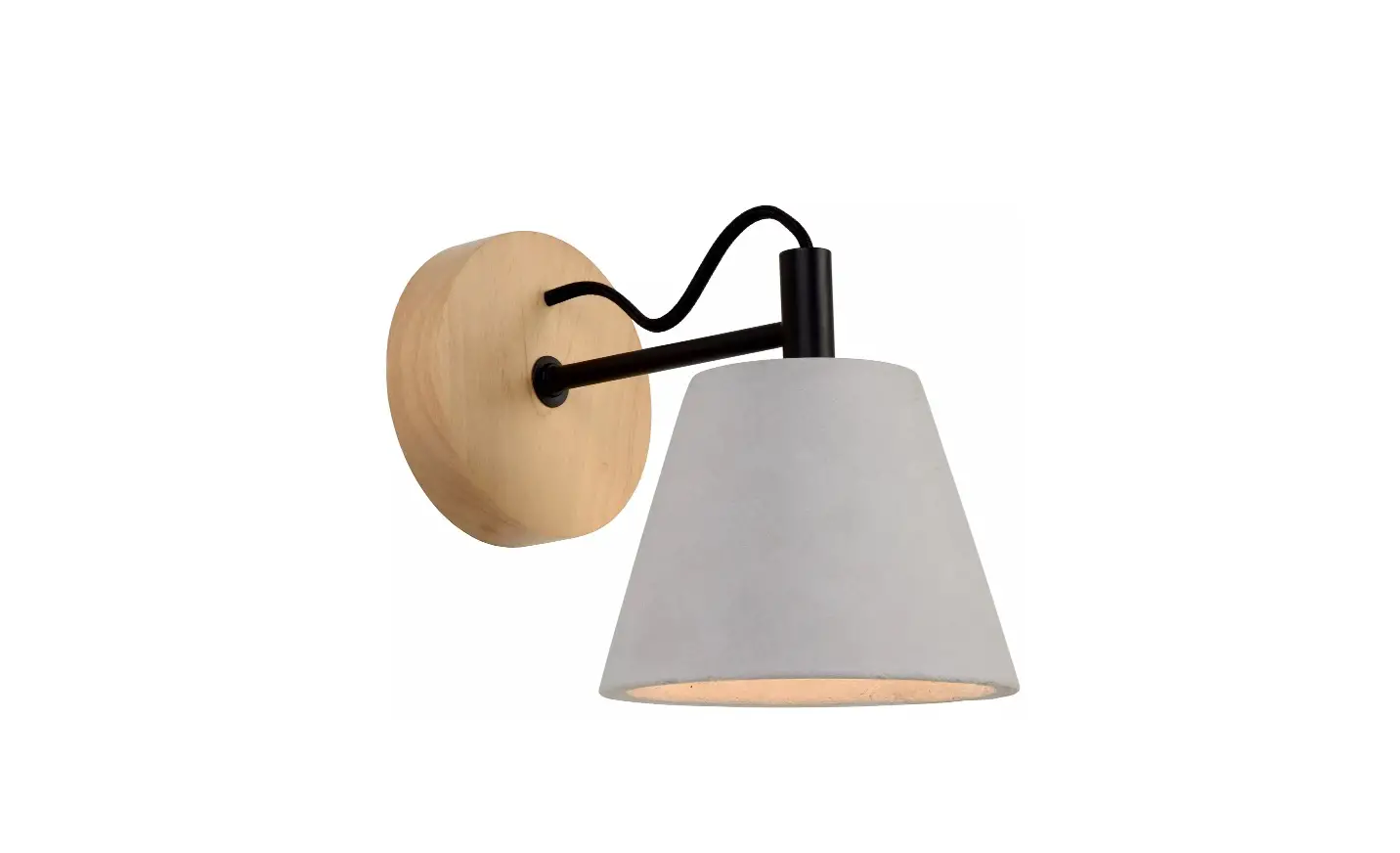
MF 2201 Wimberley Double Library Wall Light
Product Information:
Product Name: Wimberley Double Library Wall Light
Item Number: MF 2201
Includes: Mounting plate (A), fixture (D), screws (E), Loonsen
knobs (J)
Bulb: Not included
Instructions: This light fixture should be installed in
accordance with all applicable, local installation codes. Inspect
item and contents carefully before installation. Retain all
packaging material until installation is complete and approved.
Product Usage Instructions:
- Remove all parts from the box and place them on a clean, soft
surface. - Remove the mounting plate (A) from the fixture (D) by
unscrewing the screws (E). - Install the mounting plate (A) to the junction box and secure
it with the provided mounting screws (B). - Wrap the fixture ground wire (bare copper) around the green
grounding screw in the junction box and tighten it. - Connect the fixture wires to the corresponding wires in the
junction box (follow the color-coding or consult an electrician if
needed). - Securely tighten the wire connectors.
- Attach the fixture (D) to the mounting plate (A) by screwing it
back in place. - If included, assemble and attach any additional parts or
accessories according to the diagram. - Adjust the position of the fixture using the Loonsen knobs (J)
to your desired position, then tighten the knobs. - Install a compatible light bulb into the socket.
Care Instructions:
Clean the fixture using only a soft dry cloth or feather duster.
Do not use abrasive or chemical agents.
ASSEMBLY INSTRUCTIONS
C J
J
J F
ED
BA
G (Packaged separately)
H Bulb not included
Diagram 1
Wimberley Double Library Wall Light
Item # MF 2201
NOTICE:
This light fixture should be installed in accordance with all applicable, local installation codes, and by a person familiar with the construction and operation of it, as well as the hazards involved. Inspect item and contents carefully. If any damage or defect is found, do not install. Retain all packaging material until installation is complete and approved.
TOOLS REQUIRED (NOT INCLUDED):
Phillips Screwdriver
Slotted Screwdriver
Scissors
1. Carefully remove all parts from the box. Place on a clean, soft surface. 2. Remove mounting plate (A) from fixture (D) by removing screws (E). 3. Install mounting plate (A) to the junction box and secure with
mounting screws (B). 4. Wrap fixture ground wire (bare copper) around the green grounding
screw (see diagram 1). Tighten. Continue fixture ground wire and connect to supply ground wire (usually green or bare copper) using wire nut (C). NOTE: It is imperative that the fixture is grounded. 5. Connect fixture neutral wire (white) to the supply neutral wire (usually white) using wire nut (C). 6. Connect fixture hot wire (black) to the supply hot wire (usually black) using wire nut (C). CAUTION: Do not reverse the hot and neutral connections. 7. Make sure all wire connections are tight, then carefully tuck into the junction box. 8. Install fixture (D) to mounting plate (A) and secure with screws (E). 9. Remove socket ring (H) from socket (F). 10. Remove shade (G) from packaging and install to socket (F) by securing with socket ring (H). NOTE: If shade has additional packaging, carefully cut off from interior of shade to avoid damages.
M
US
LI ST ED
ASSEMBLY INSTRUCTIONS
C J
J
J F
ED
BA
G (Packaged separately)
H Bulb not included
Diagram 1
Wimberley Double Library Wall Light Item # MF 2201
NOTICE: This light fixture should be installed in accordance with all applicable, local installation codes, and by a person familiar with the construction and operation of it, as well as the hazards involved. Inspect item and contents carefully. If any damage or defect is found, do not install. Retain all packaging material until installation is complete and approved.
11. Loonsen knobs (J) to adjust fixture to desired position, then tighten knobs (J).
12. Install light bulb into socket.
Care Instructions: Clean only with a soft dry cloth or feather duster. Do not use abrasive or chemical agents.
M
US
LI ST ED