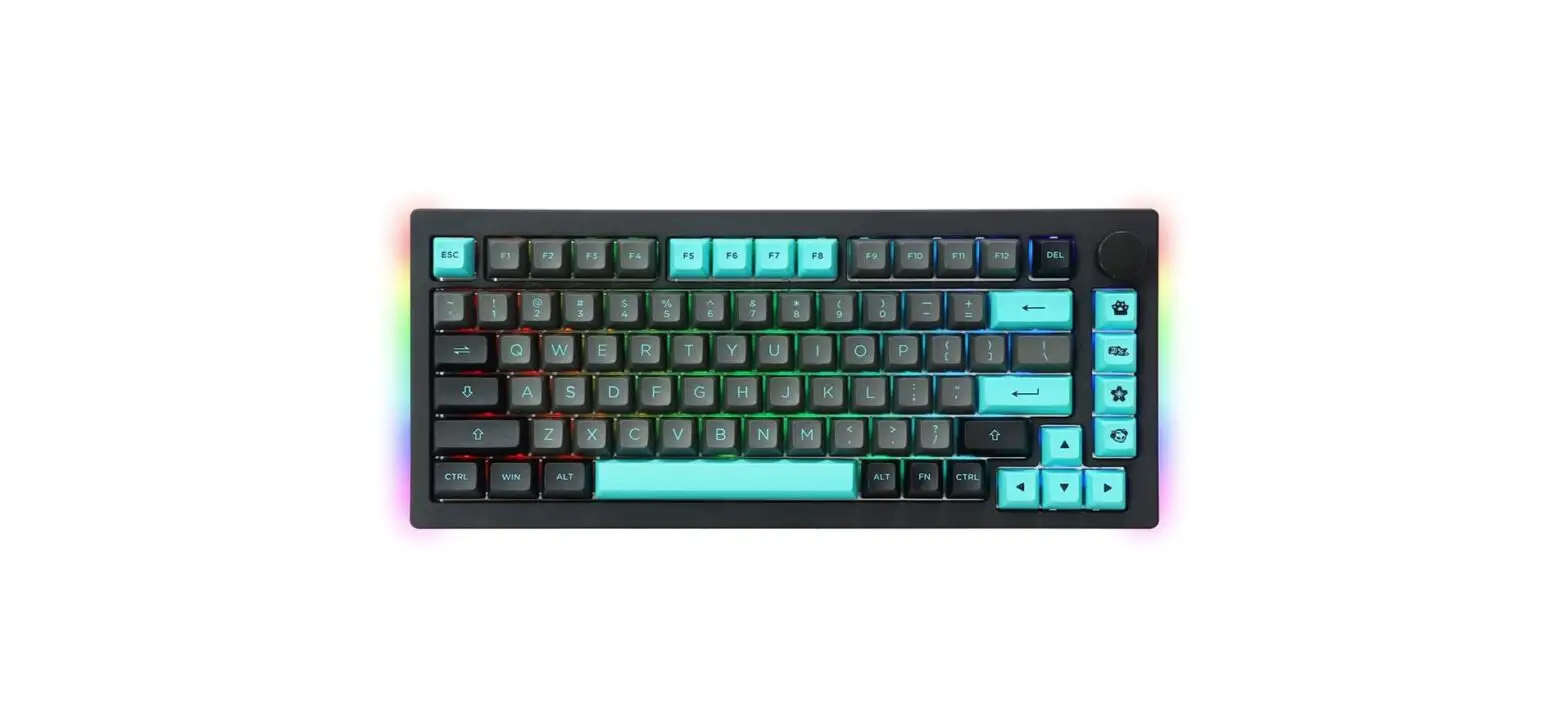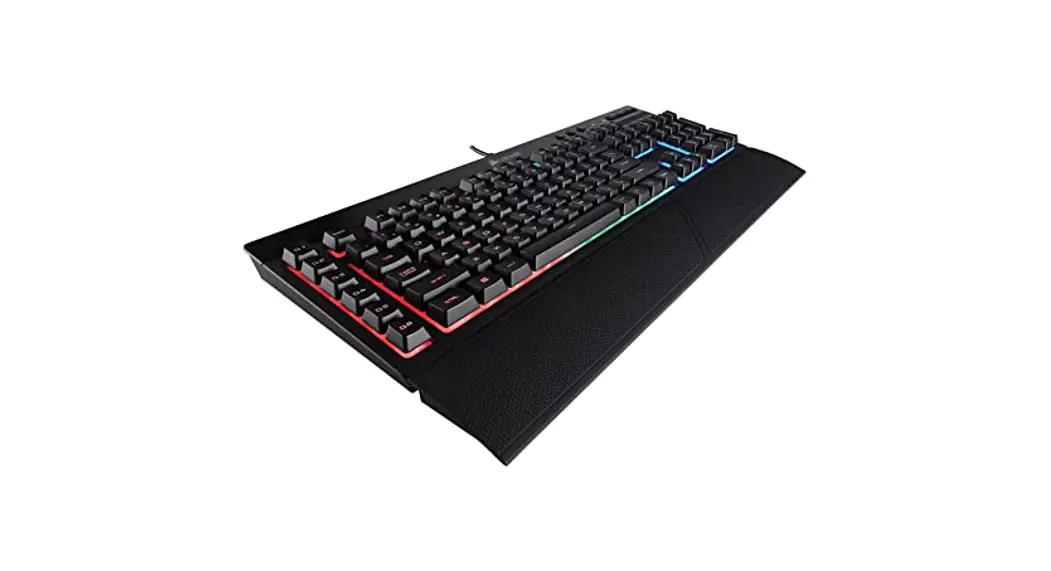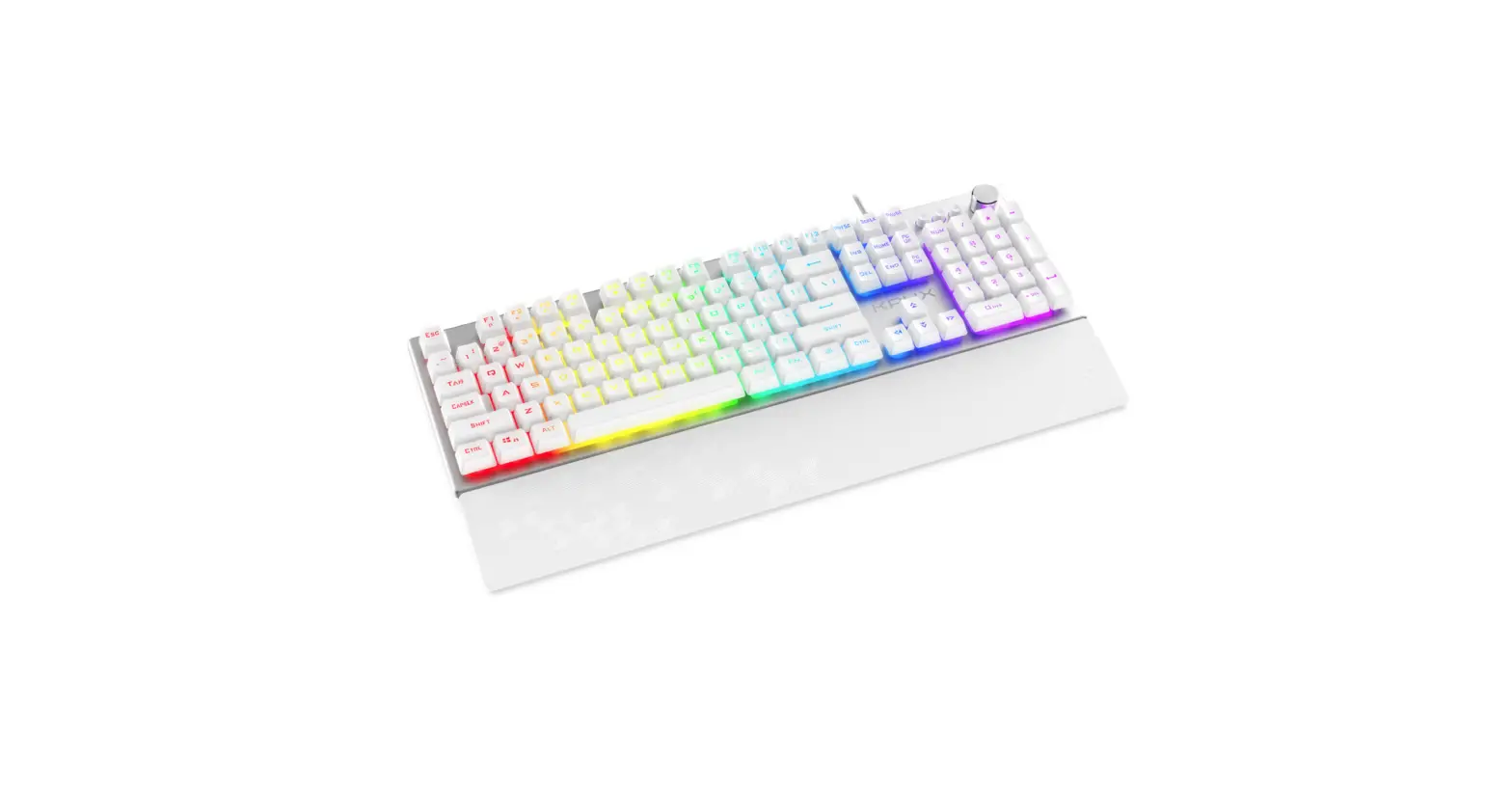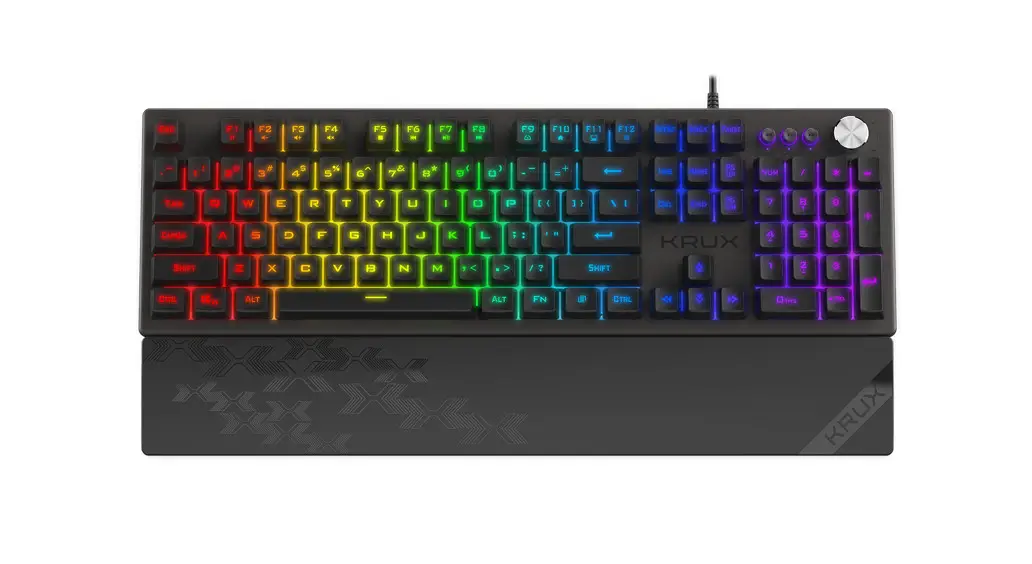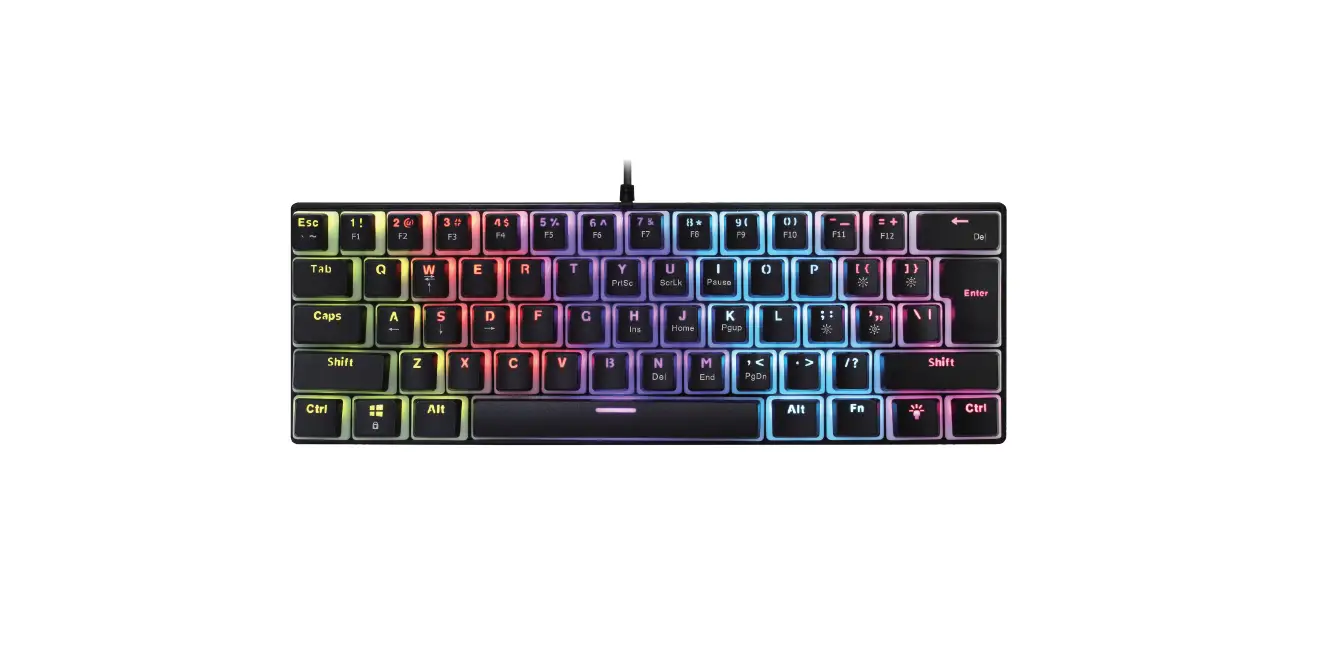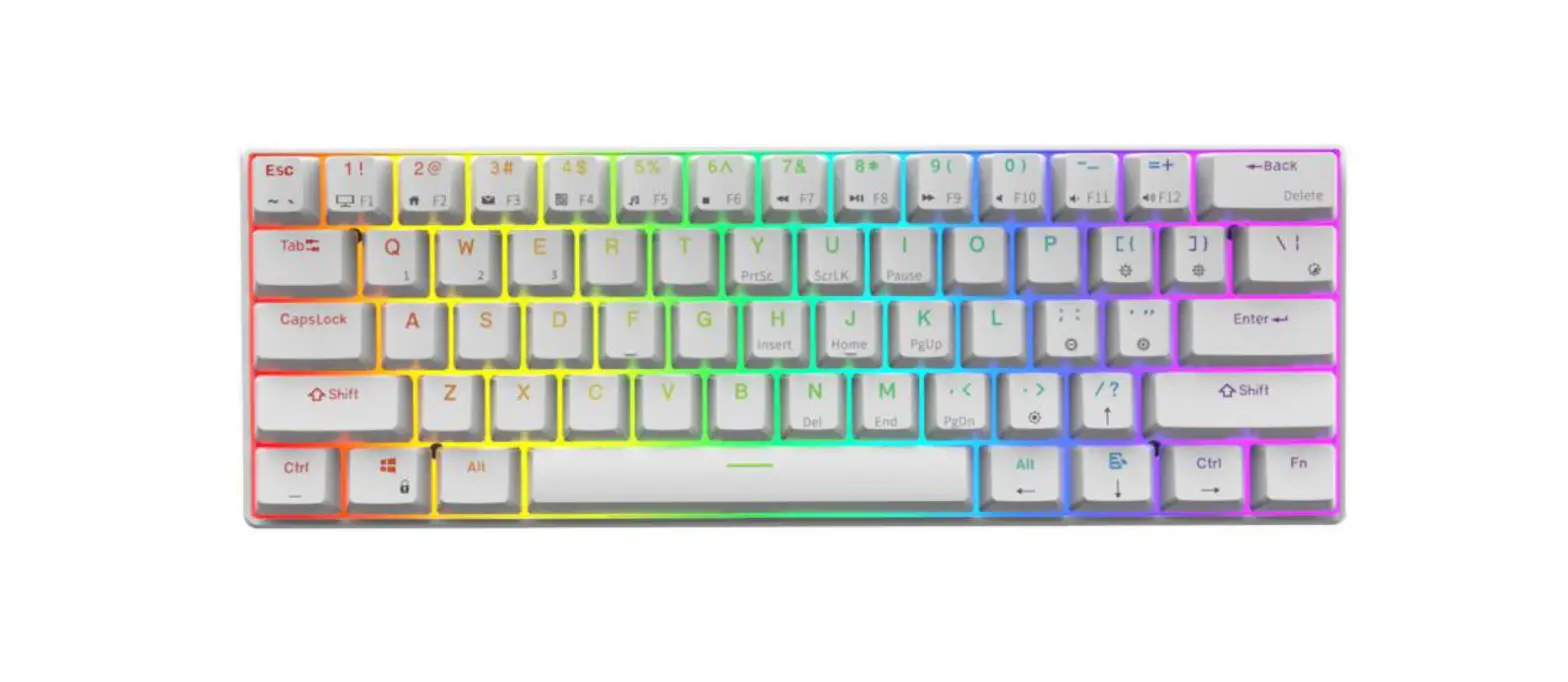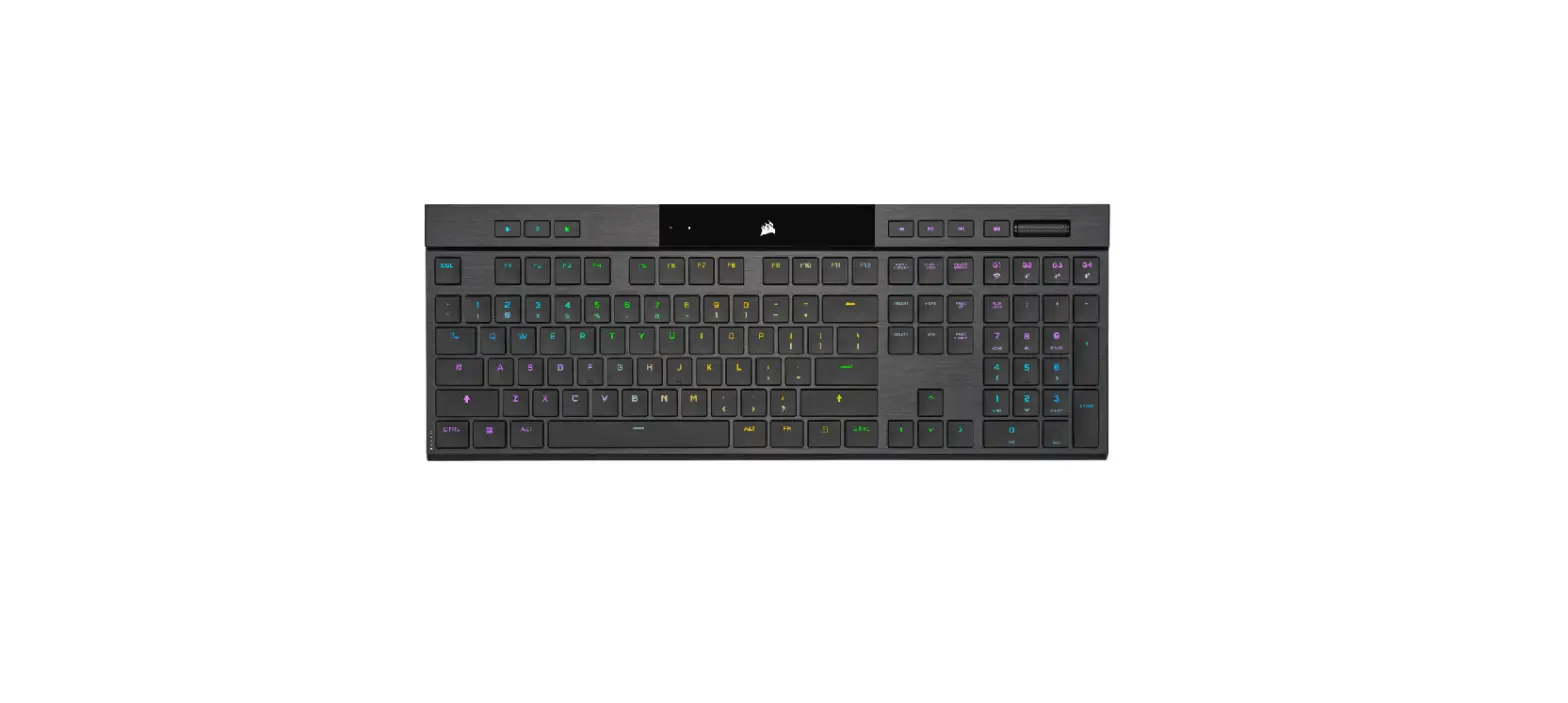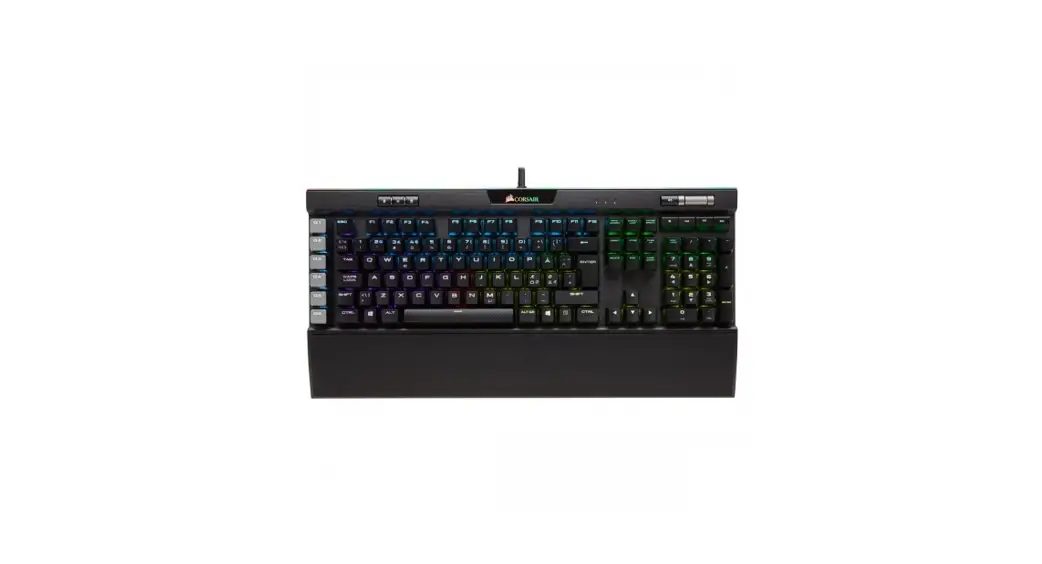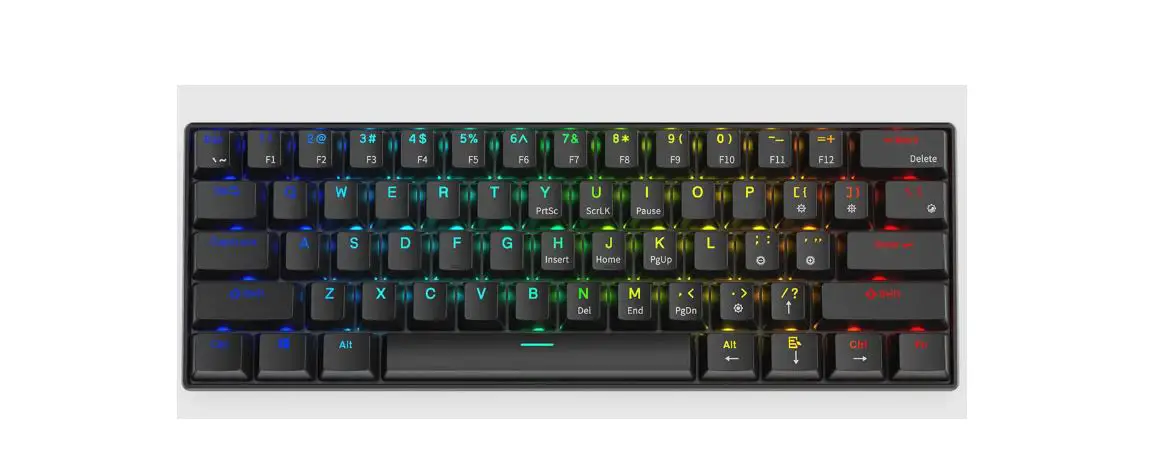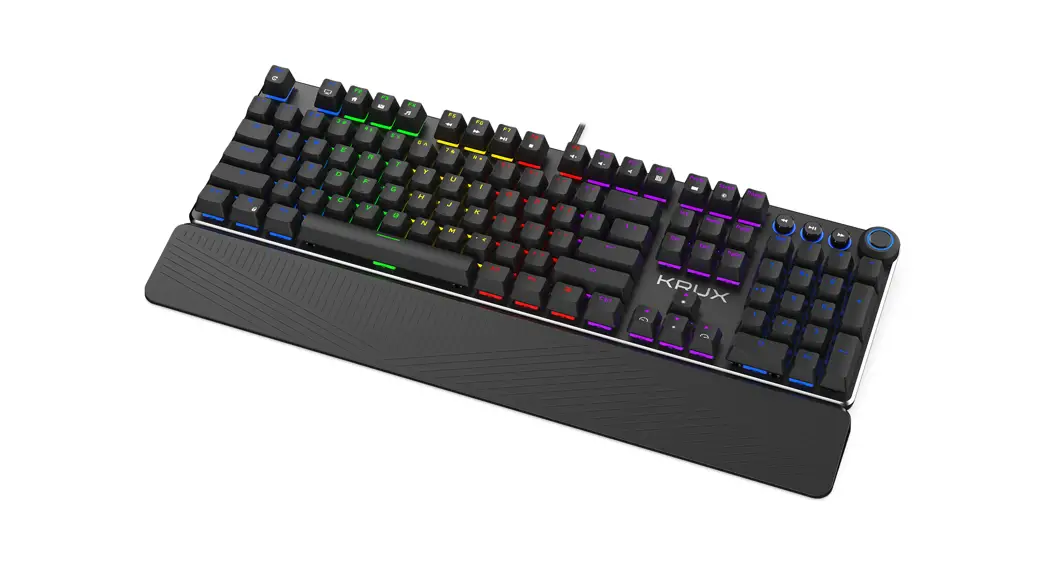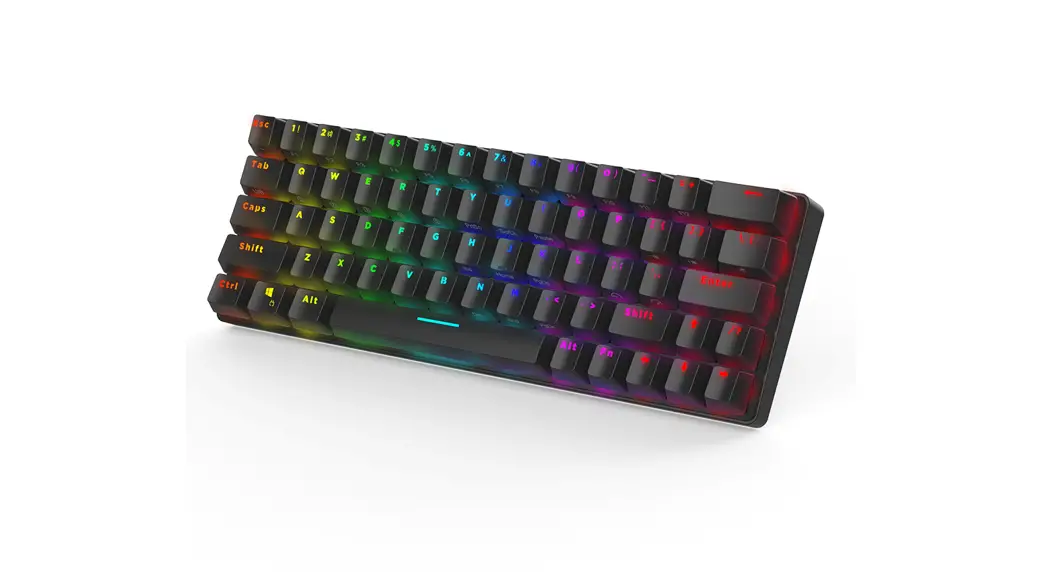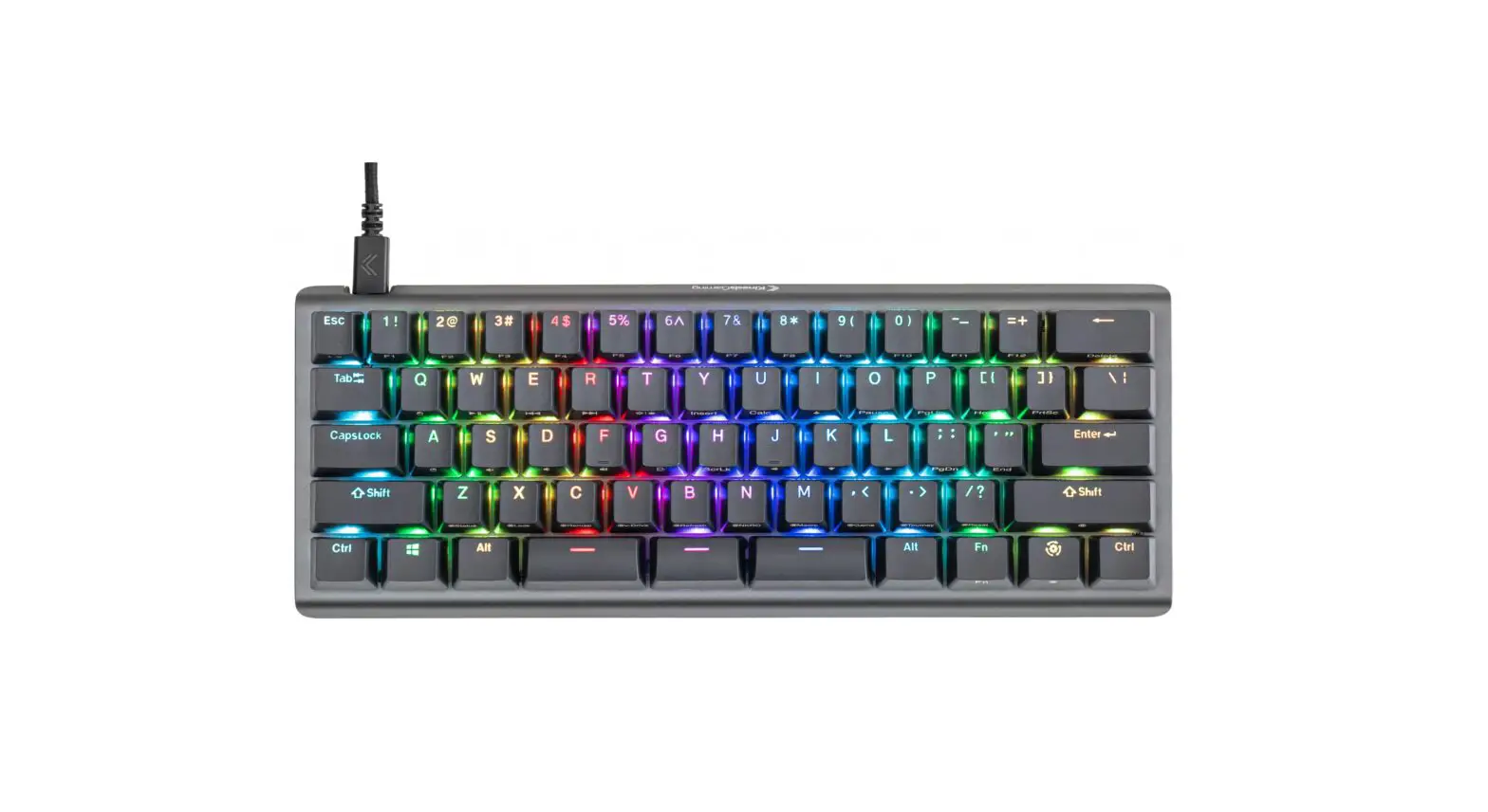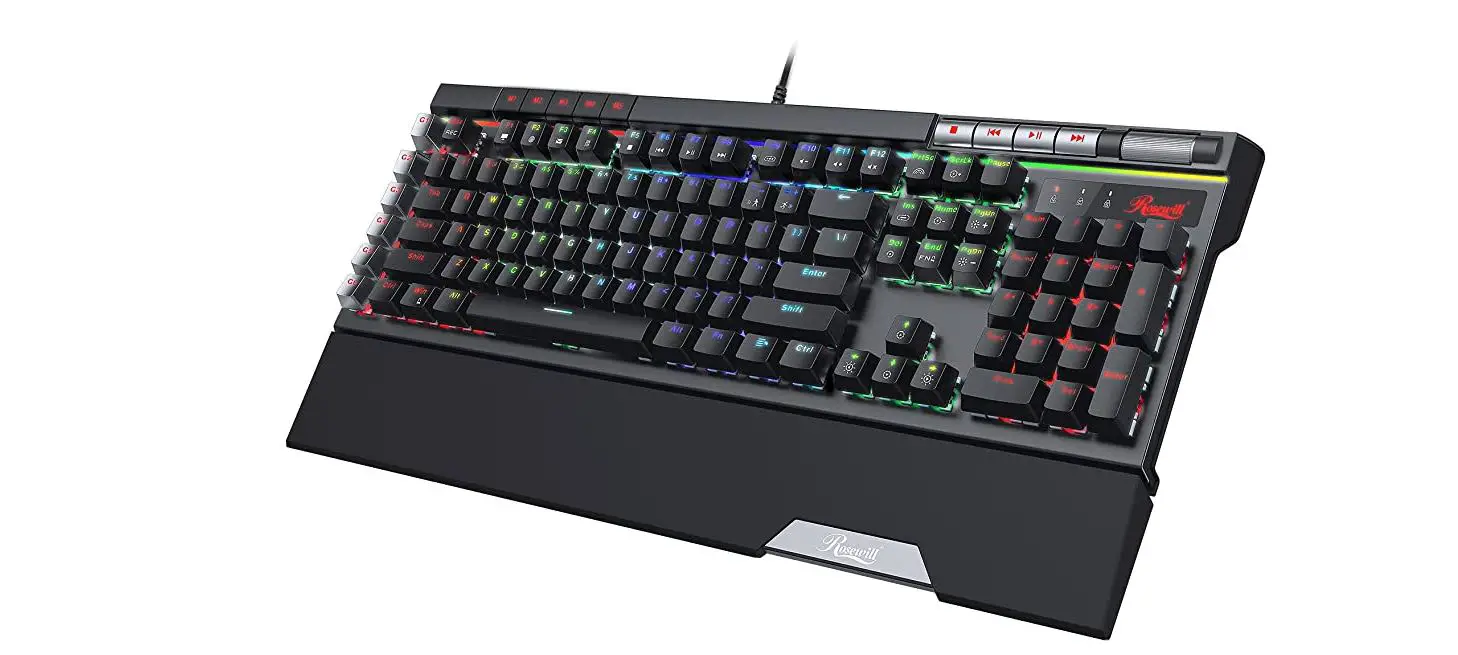

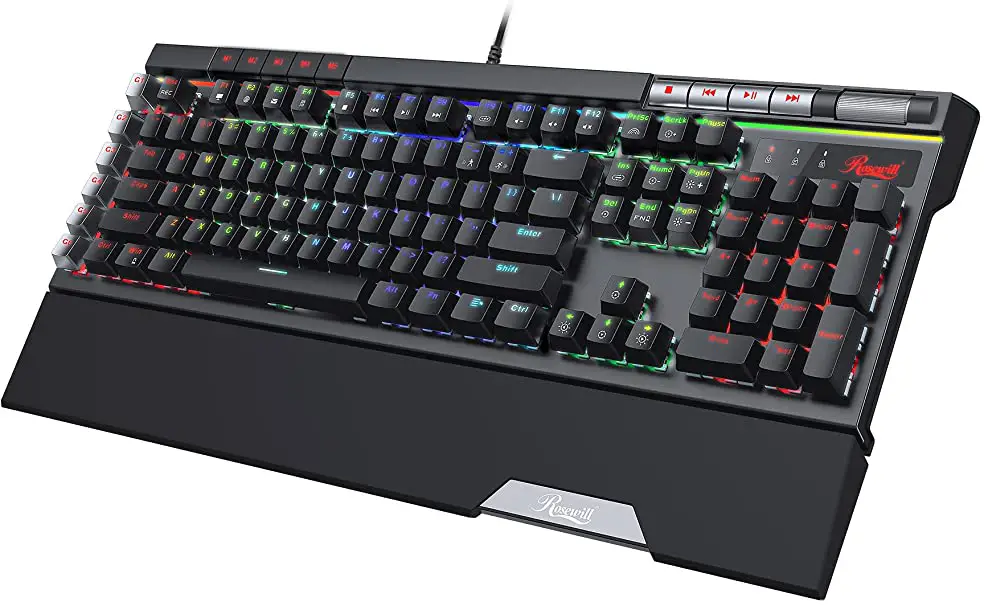
Rosewill BLITZ K50 RGB Series Wired Gaming Clicky Mechanical Keyboard
FEATURES
- Mechanical Outemu Switch
- 14 Pre-Programmed Backlight Effects
- 5 Dedicated Keys for Customized Backlight Modes
- 6 Macro Keys with Easy Macro Recording
- N-Key Rollover and 100% Anti-Ghosting Technology
- Scroll Wheel Volume Control
- 2-Port USB 2.0 Passthrough
- Software Suite for Customization Settings
- Ultra Slim Metallic Chassis with Detachable Palm Rest
SYSTEM REQUIREMENTS
- Windows XP / Windows Vista {32-bit/64-bit) / Windows 7 {32-bit/64-bit) / Windows 8 / Windows 10 and above
- USB 2.0 port
- Hard Drive Space: 2.55MB
SOFTWARE INSTALLATION
- Go to www.Rosewill.com
- Search for “BLITZ K50 RGB”
- Download and open “BLITZ K50 RGB Engine Suite.exe” to start the software installation program.
KEYBOARD CONTROLS
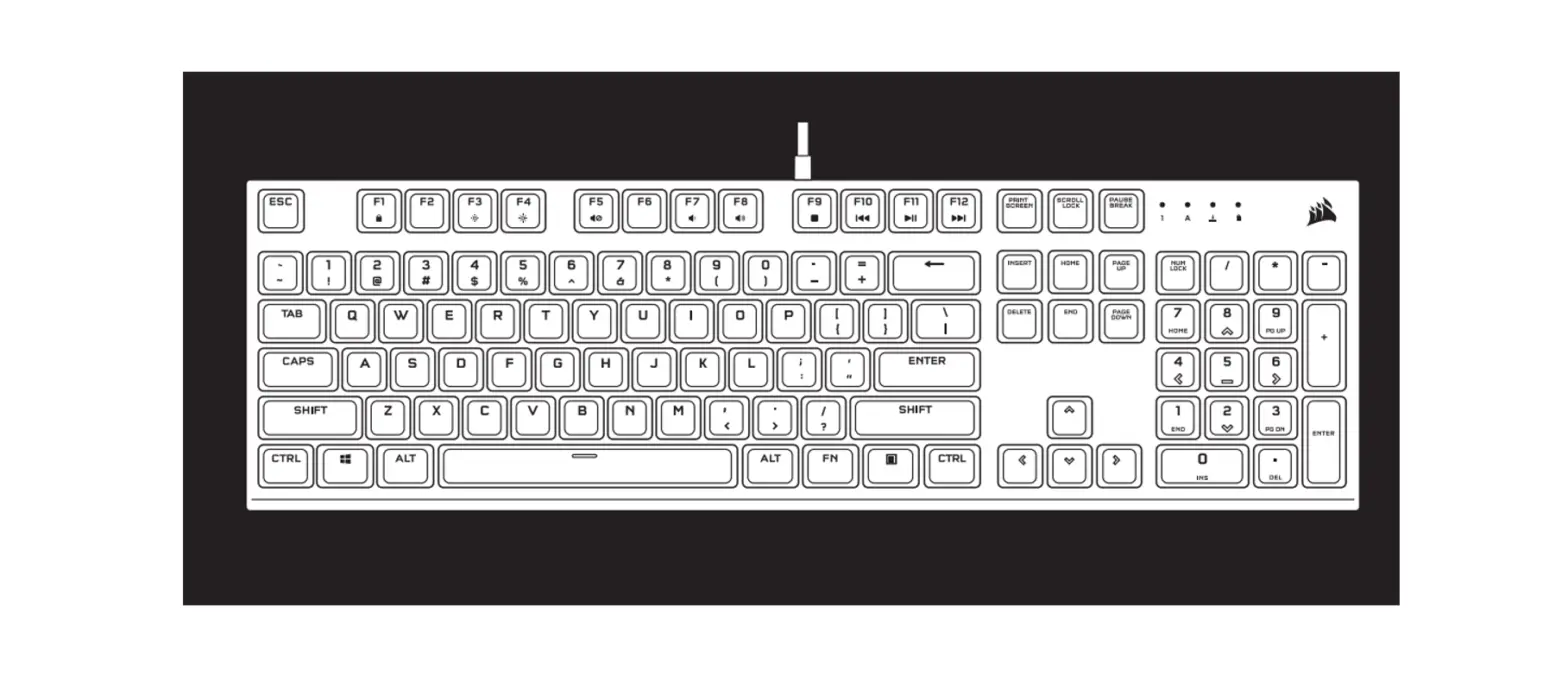
Function Hotkeys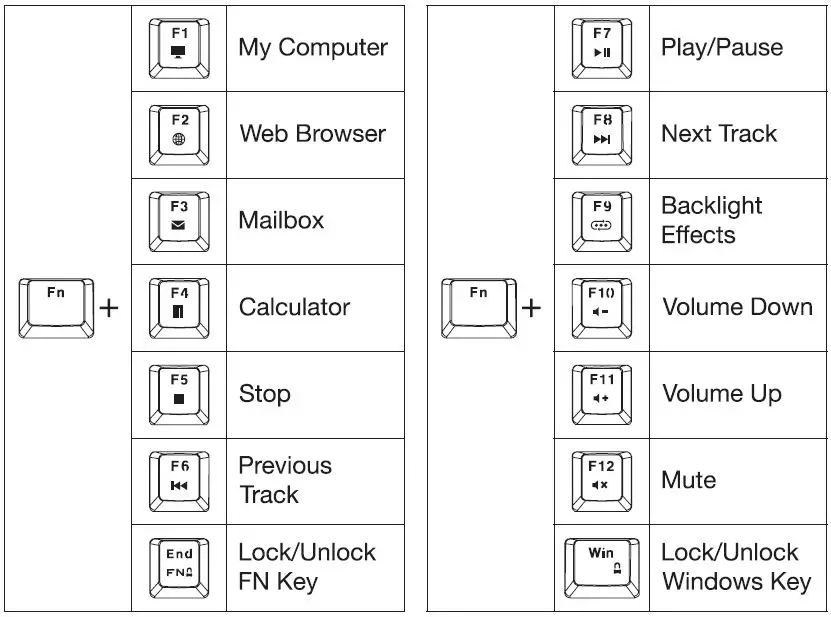
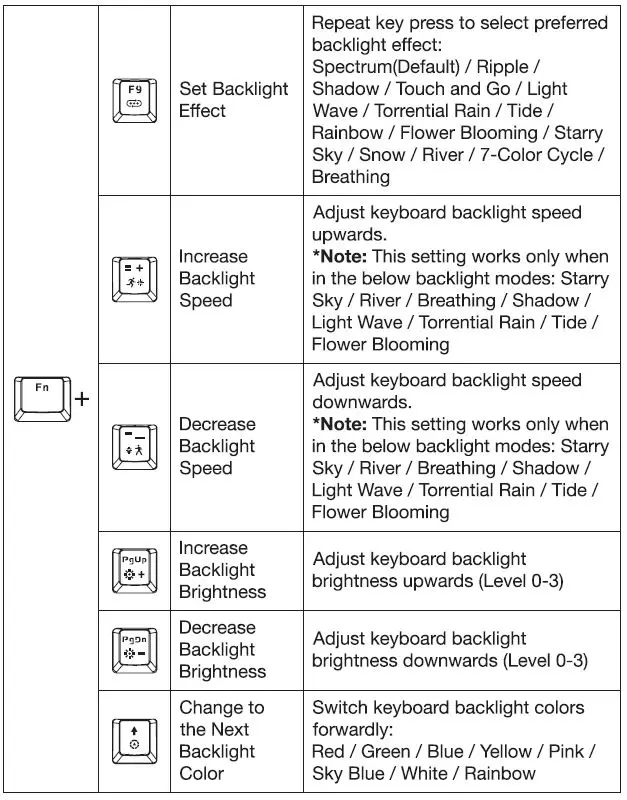
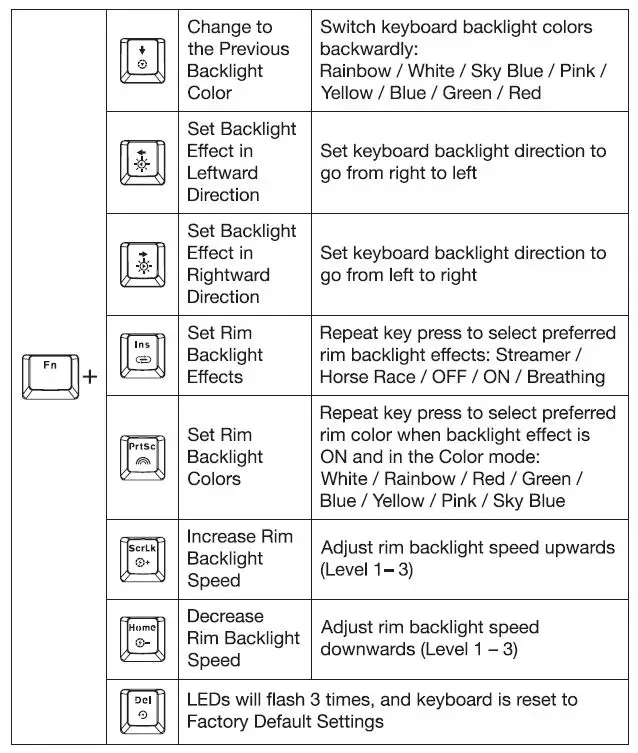
Backlight Controls
Plug the USB connector into a free USB port on your computer and power on to activate and customize backlight settings. You can control the backlight effects either directly on the keyboard or via the software suite.
Note: Effects may vary depending on combinations of operations.
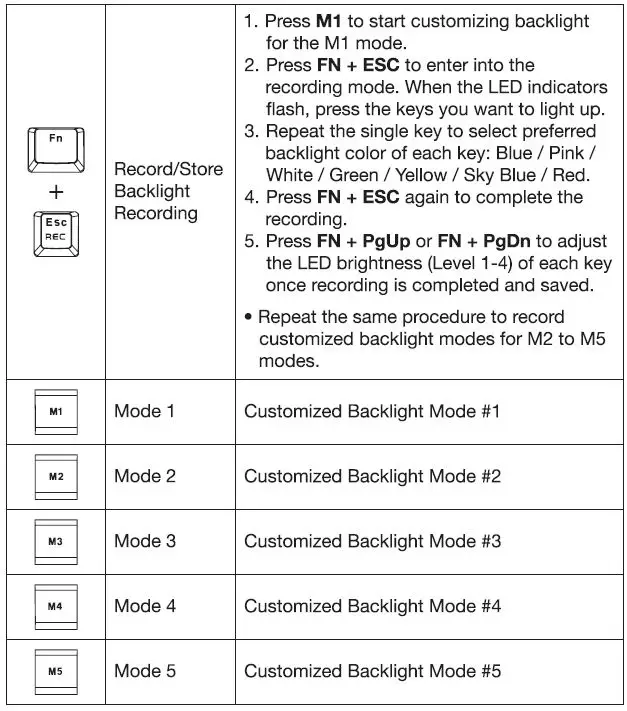
 Customized Backlight Modes (M1 – MS)
 Note:
Note:
- When in backlight customization mode, all LEDs are off by default.
- Functions of the keyboard will be disabled when entering the recording mode.
- Caps Lock, Num Lock, Scroll Lock and Windows Lock keys are not programmable for customized backlighting.
Customized Macro Keys (G1 – G6)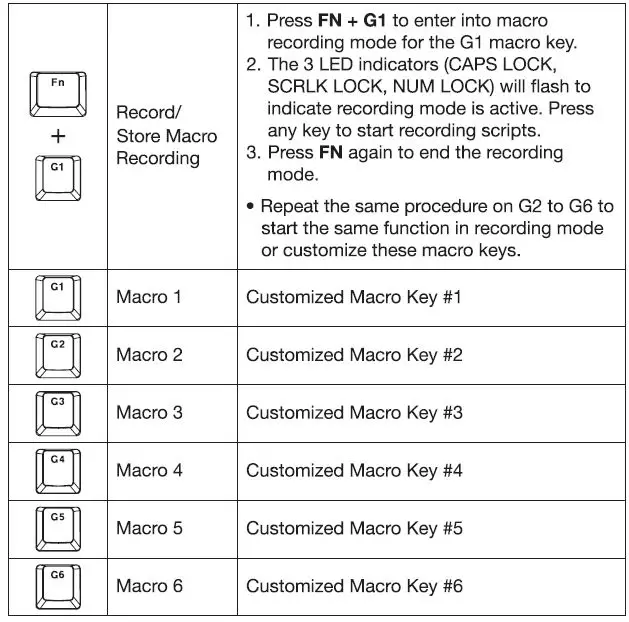
Note:
The USB connector has built-in memory chipset and will remember the backlight settings and key functions before being powered off.
Dedicated Media Keys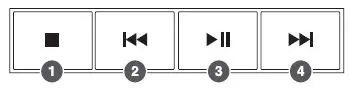
- Stop
- Previous Track
- Play/ Pause
- Next Track
Volume Control
Use the Scroll Wheel to control the volume on the fly.
SOFTWARE SUITE INSTRUCTIONS
Via the software suite, you can customize configurations and save profiles to maximize your gaming experience in every game you play.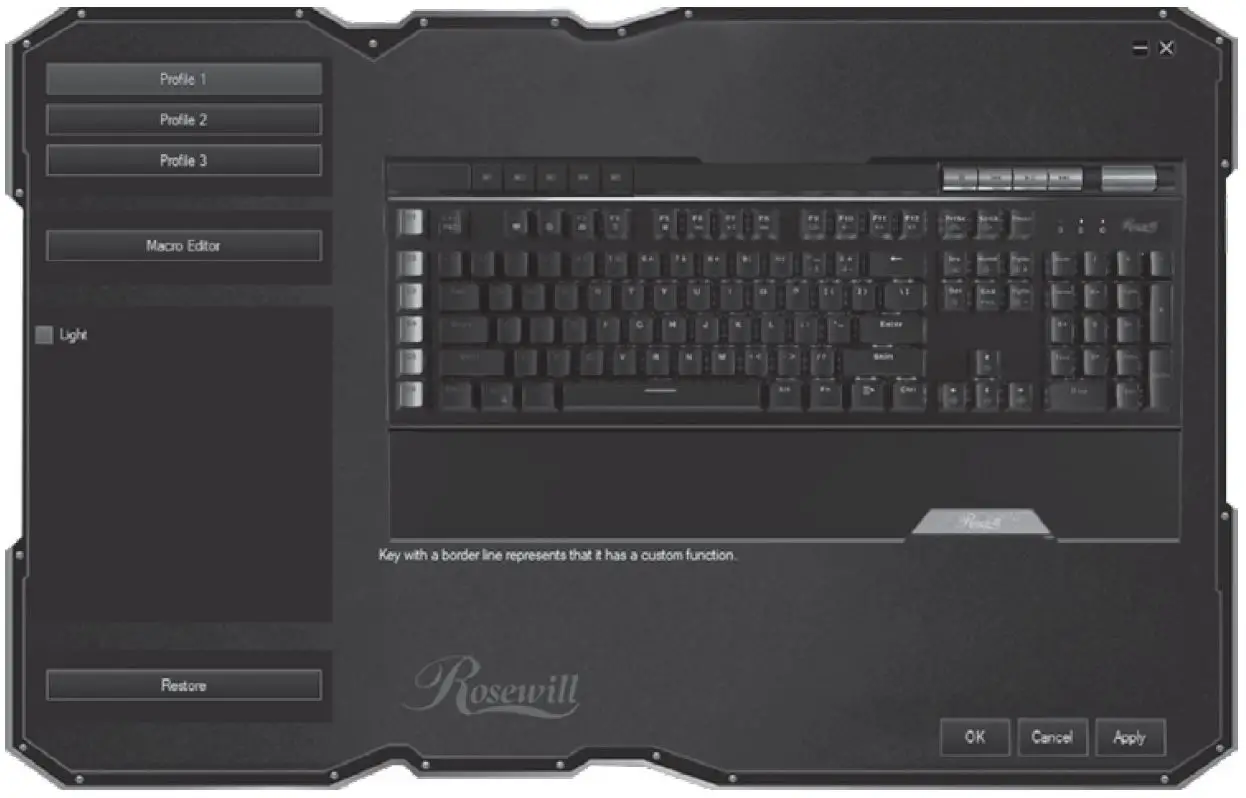
Profile 1 / 2 / 3: Create and configure customized key assignments. Save, edit and load your preferred profile instantly. Note: When in profile recording mode, turn off the backlight effect before starting programming the keys.
Macro Editor: Record scripts of key presses.
Light: Customize backlight effects and colors.
SPECIFICATIONS
| Model Name | BLIZT K50 RGB | BLITZ K50 RGB BR |
| Switch Type | Outemu Blue | Outemu Brown |
| Key Lifecycle | 50 Million Keystrokes | 50 Million Keystrokes |
| Total Travel | 4.0mm | 4.0mm |
| Behavior | Clicky | Tactile |
| Sound | Audible | Quiet |
| Actuation Point | 2.2mm | 2.0mm |
| Actuation Force | 65g | 65 g |
| Keyboard Layout | US 104 Keys | |
| Report Rate | 125 -1000 Hz | |
| Keycap Material | ABS | |
| Weight | 2.58 lbs {1.17 kg) | |
| Dimensions | 18.74 x 8.97 x 1.53 in (476 x 228 x 39 mm) | |
| Cable Length | 5.4 ft (1.65 m) | |
PACKAGE CONTENTS
- BLITZ K50 RGB Mechanical Gaming Keyboard
- Detachable Palm Rest
- User Manual
- Keycap Removal Kit
Technical Support Information techsupportOrosewill.com 1-800-575-9885 Please register your product at www.f0S9will.com for complete wan-anty information and support for your product.