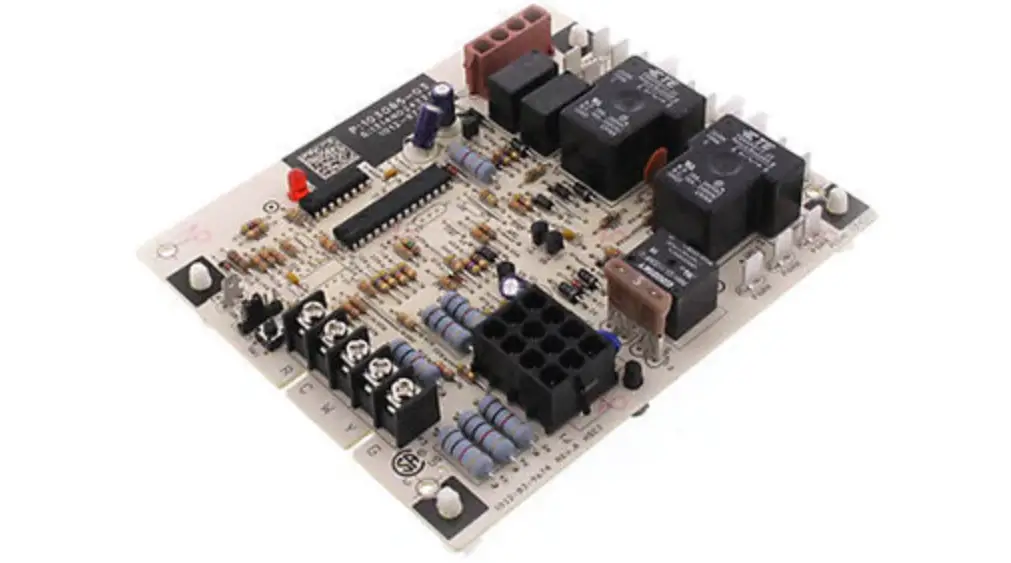
M1-5 Commercial Training Toolbox Tips
Product Information: Commercial Training Toolbox Tips
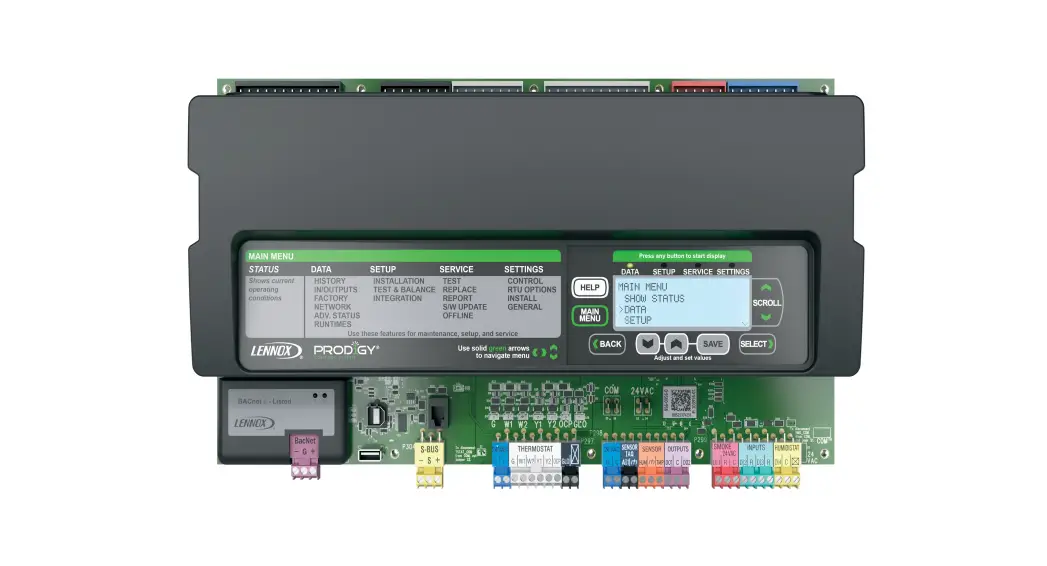
The Commercial Training Toolbox Tips provide guidance and advice
on how to test system cooling and heating on M1-5 through M1-8
controller. The product also offers self-service technical support
with no wait times. Customers can download the Training Toolbox
Tips app and register for technical training webinars by clicking
on the black logos below.
COM-01-050 is a specific training tip that guides users on how
to test blower and condenser fan operation. However, it is
important to note that these steps only test operation and do not
follow the sequence during a normal cooling call.
Product Usage Instructions: How to Test System Cooling and
Heating on M1-5 through M1-8 Controller
Follow the steps below to test blower and condenser fan
operation:
- Locate the M1-5 through M1-8 controller.
- Turn on the power supply to the controller.
- Press the “Cool” button on the controller.
- Check if the blower turns on. If it does not, turn off the
power supply and check the wiring connections. - Check if the condenser fan turns on. If it does not, turn off
the power supply and check the wiring connections. - If both the blower and condenser fan turn on, turn off the
power supply and repeat the test for the “Heat” button.
It is important to note that these steps only test operation and
do not follow the sequence during a normal cooling call. For more
detailed instructions, refer to the product user manual or contact
technical support.
COMMERCIAL TRAINING TOOLBOX TIPS
How to test system cooling and heating on M1-5 though M1-8 controller.
1 of 2 pages
Self-Service Technical Support with No Wait Times Click on the black logos below to download these apps
Download all Training Toolbox Tips Register for Technical Training Webinars
COM-01-050
Below are the steps to test blower and condenser fan operation. Please note these only test operation and do not follow
the sequence during a normal cooling call.
COM-01-050
 Lennox Commercial Technical Training