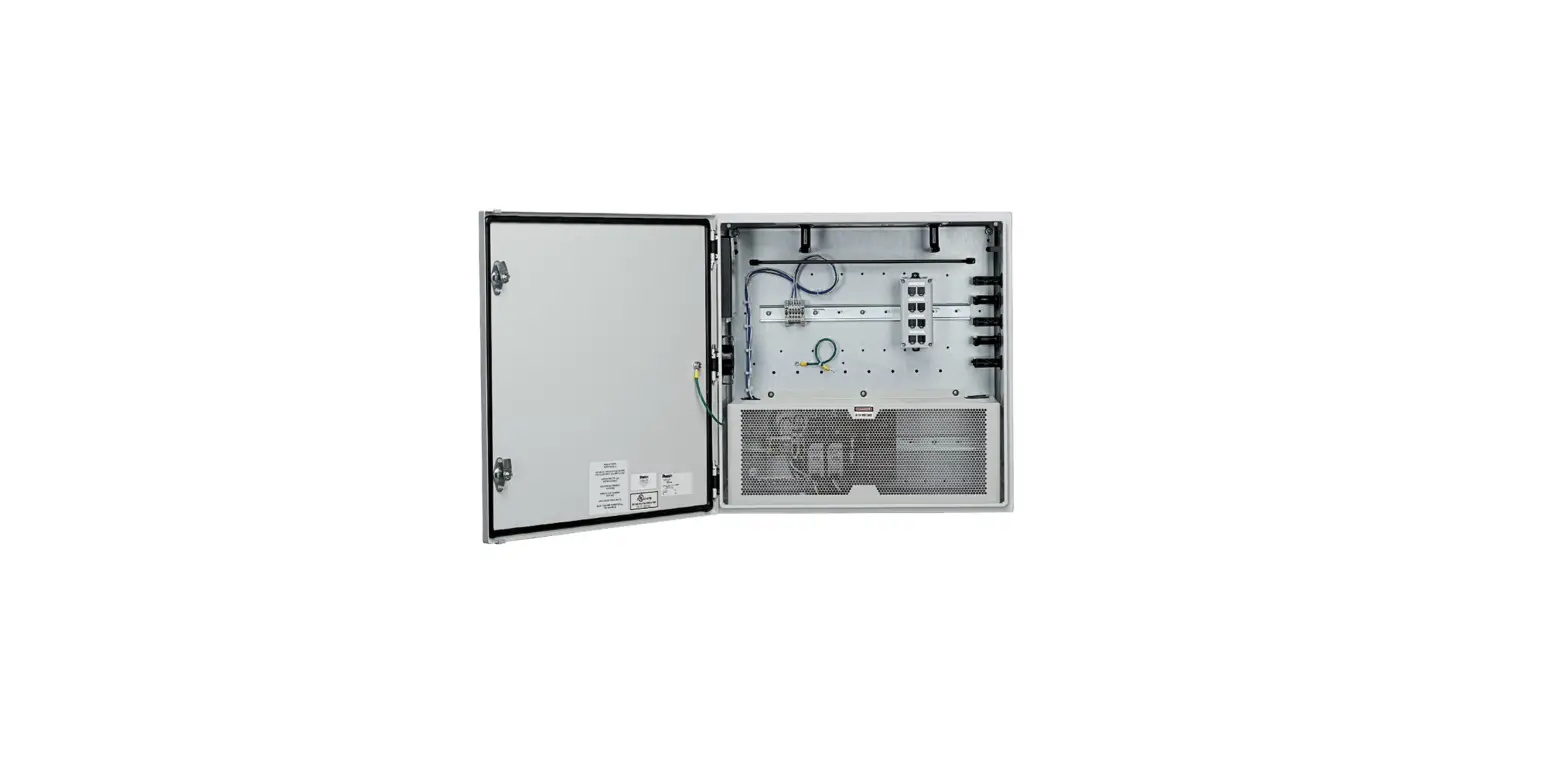
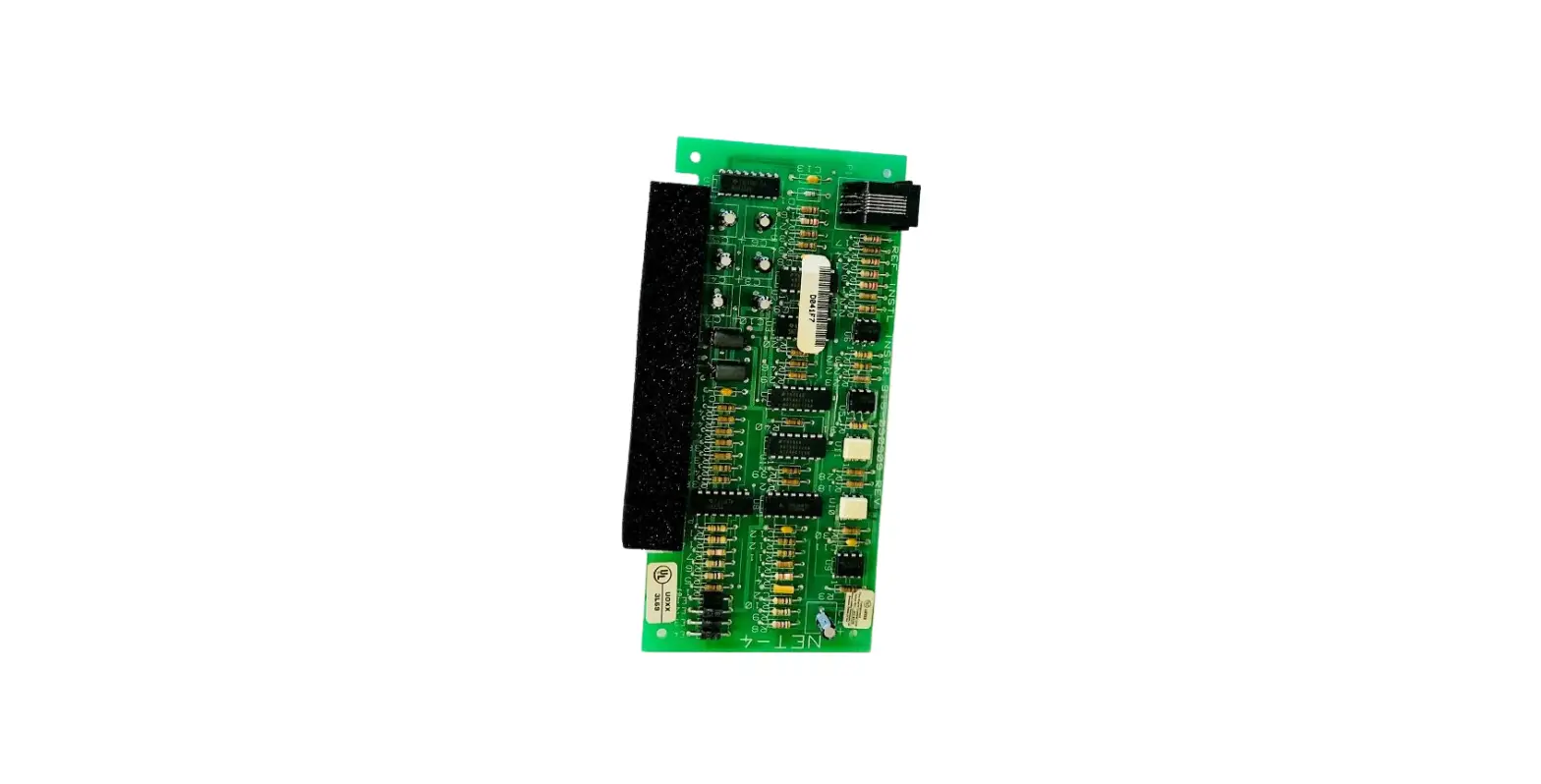
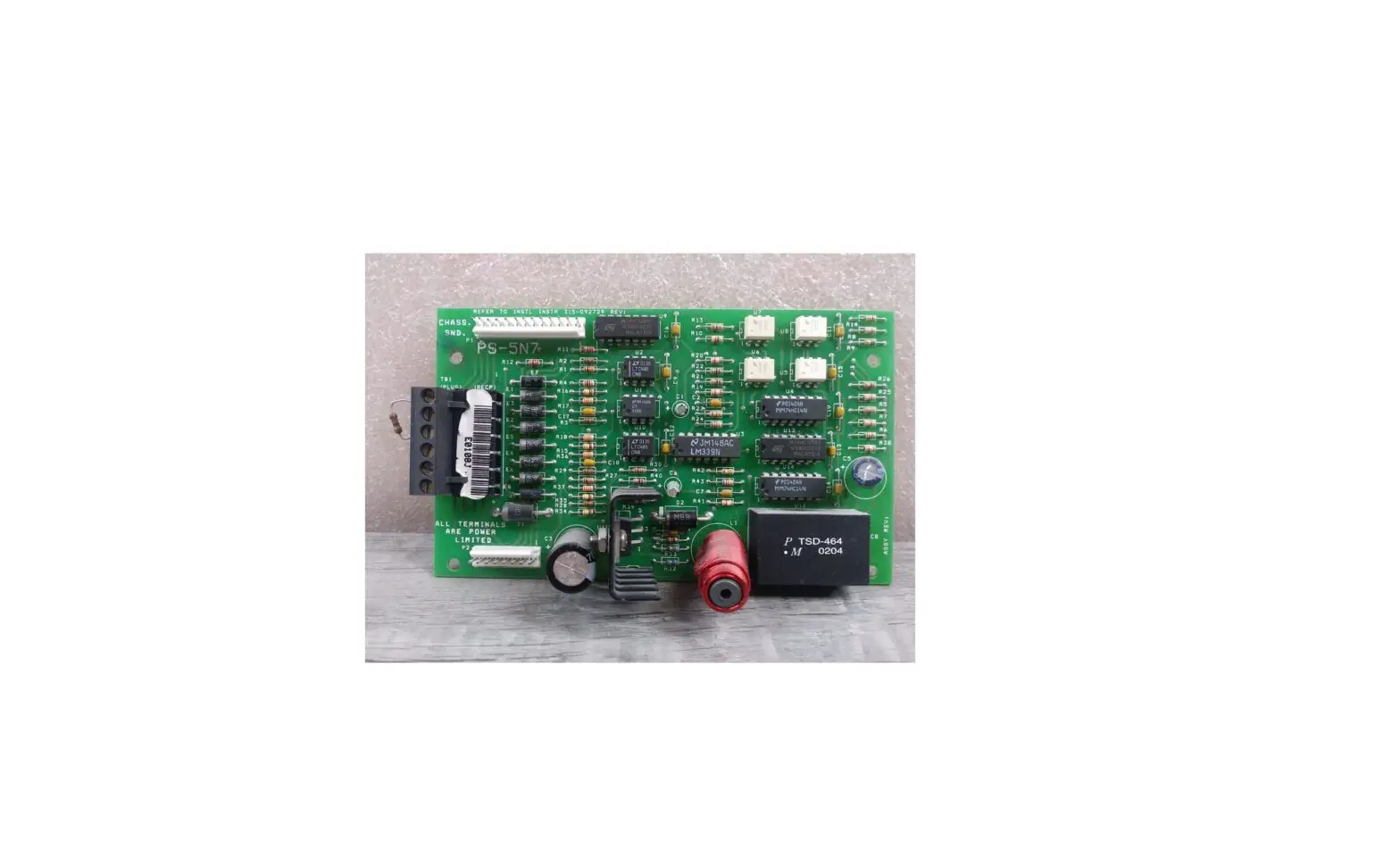
VS2-NET VeriSafe Network Module
Product Information:
VeriSafe Network Module
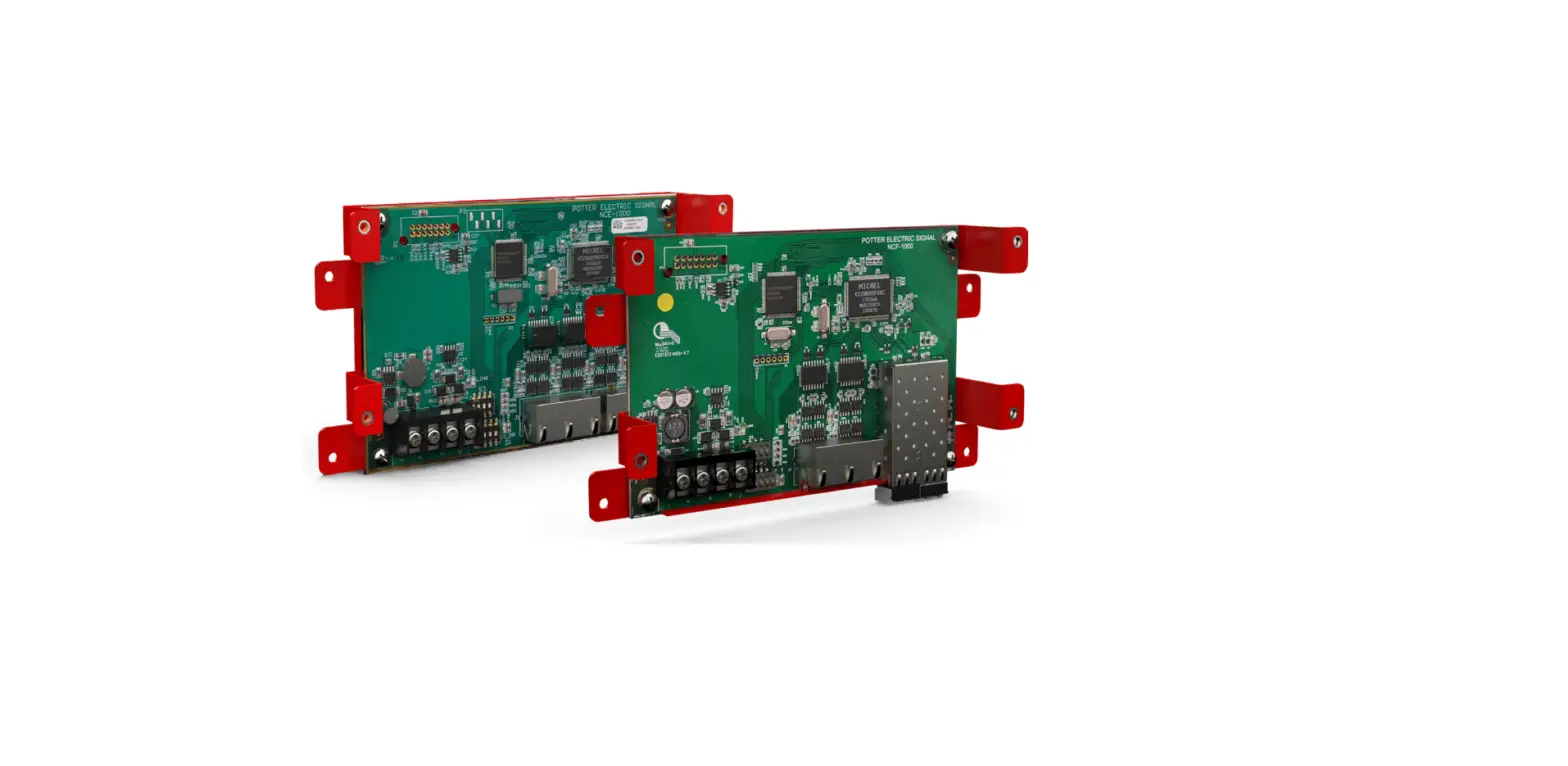
The VeriSafe Network Module is a device that provides network
connectivity and control for the VeriSafe AVT system. It allows
users to monitor and manage the AVT system through a web interface
and provides data logging and reporting capabilities.
The VeriSafe Network Module is designed to ensure safe operation
of the AVT system and is equipped with various safety features to
prevent product failure, electrical shock, and injuries.
Technical Specifications:
- Model No: VS2-NET
- Power Inputs: DC Input
- AVT Connection: 10/100 P0E
- Voltage Presence Outputs: 1A, 1B, 2A, 2B, 3A, 3B
- Environmental Ratings: IP 54 (in accordance with IEC
60079-0)
Contact Information:
If you need technical support or have any inquiries, you can
contact PanduitTM through the following channels:
- North America Tech Support: Email – [email protected],
Tel – 866.405.6654 - EU Tech Support: Email – [email protected], Tel –
31.546.580.452, Fax – 31.546.580.441 - Asia Pacific Tech Support: Email – [email protected],
Tel – Singapore: 1-800-Panduit (7263848), Australia: 1-800-Panduit
(7263848), Korea: 02.21827300
For more information about the VeriSafe Network Module, you can
visit the official website at www.panduit.com/verisafe.
Product Usage Instructions:
To ensure safe and proper usage of the VeriSafe Network Module,
please follow the instructions below:
Safety Precautions:
- Read and comply with all the safety information and warnings
provided in the user manual to prevent product failure, electrical
shock, severe injury, or death. - Install the equipment in an enclosure that provides a degree of
protection not less than IP 54 in accordance with IEC 60079-0. - Ensure that the enclosure can only be accessed with the use of
a tool. - Use surge protection for the power supply, or install external
surge protection at the input to the supply.
Installation Requirements:
The VeriSafe Network Module requires a DC power input and an AVT
connection. Follow the steps below for installation:
- Ensure that the power supply is surge protected or install
external surge protection at the input to the supply. - Connect the DC power input to the appropriate power
source. - Connect the AVT connection to the AVT isolation module or other
compatible devices using a 10/100 P0E network connection. - Verify that the termination resistor switch below the AVT
connection ports on the network module and AVT isolation module is
positioned to the right (factory default) when facing the
port. - Check that the system status and power status indicators are
functioning properly. - If necessary, refer to document B21176 (VS2-Net User Guide) for
instructions on utilizing VS2-NET functions, accessing the web
interface, and logging/reporting data from the connected 2.0 AVT
system. - Regularly check for updates to the network module firmware and
user guide on the official website (www.panduit.com).
For any additional information or inquiries, refer to the user
manual or contact PanduitTM technical support.
Table of Contents
Safety Information . . . . . . . . . . . . . . . . . . . . . . . . . . . . . . . . . . .2 System Overview . . . . . . . . . . . . . . . . . . . . . . . . . . . . . . . . . . . .3
Power Inputs . . . . . . . . . . . . . . . . . . . . . . . . . . . . . . . . . . . . . .3 AVT Connection . . . . . . . . . . . . . . . . . . . . . . . . . . . . . . . . . . . .3 Voltage Presence Outputs . . . . . . . . . . . . . . . . . . . . . . . . . . . .3 Technical Specifications . . . . . . . . . . . . . . . . . . . . . . . . . . . . . . .4 Environmental Ratings . . . . . . . . . . . . . . . . . . . . . . . . . . . . . . .4
VeriSafe Network Module Subject: Installation Requirements Manual Lit. No.: B21148 Date: 10/16/2022 Revision: 1 [English] Model No: VS2-NET
Hazardous Locations Ratings . . . . . . . . . . . . . . . . . . . . . . . . . .4 Power Requirements . . . . . . . . . . . . . . . . . . . . . . . . . . . . . . . .4 Standards and Certifications. . . . . . . . . . . . . . . . . . . . . . . . . . .4 Dimensions . . . . . . . . . . . . . . . . . . . . . . . . . . . . . . . . . . . . . . . . .5 Installation Instructions . . . . . . . . . . . . . . . . . . . . . . . . . . . . . . .5 Warranty . . . . . . . . . . . . . . . . . . . . . . . . . . . . . . . . . . . . . . . . . . .6 Panduit Limited Product Warranty . . . . . . . . . . . . . . . . . . . . . .6
The network module is designed to be an optional accessory that enables network capabilities for the VeriSafe 2.0 Absence of Voltage Tester (AVT). The network module provides an integrated web application that is delivered by an on board web server. The web application monitors data from the AVT and provides integration, configuration and firmware update capabilities. The network module supports AVT data over EtherNet/IP and Modbus TCP protocols. The voltage presence discrete outputs may be used as an indication of voltage presence with or without a network connection. The network module provides the ability to log various pieces of data based on built in triggers (see VeriSafe Network Module User Guide, document no. B21176, for more information).
TO REDUCE THE RISK OF INJURY, USER MUST READ INSTRUCTION MANUAL
NOTE: In the interest of higher quality and value, PanduitTM products are continually being improved and updated. Consequently, pictures may vary from the enclosed product.
NOTE: Updates to this Instruction Manual may be available. Check www.panduit.com for the latest version of this manual.
Tech Support
North America Tech Support: [email protected] Tel: 866.405.6654
EU Tech Support : [email protected] Tel: 31.546.580.452 Fax: 31.546.580.441
Asia Pacific Tech Support: [email protected] Tel: Singapore: 1-800-Panduit (7263848) Australia: 1-800-Panduit (7263848) Korea: 02.21827300
For a copy of Panduit product warranties, log on to www.panduit.com/warranty
TM
For more information
Visit us at www.panduit.com/verisafe
1006772, B21148_EN_rev1
Safety Information
This manual contains information and warnings which must be followed to ensure safe operation of the Network Module. Failure to comply with the warnings and information in this manual could result in product failure, electrical shock, severe injury or death.
Special Conditions of Use
Hazardous Locations
The equipment shall be installed in an enclosure that provides a degree of protection not less than IP 54 in accordance with IEC 60079-0.
Ambient Temperature Range: -25°C Tamb 60°C
The enclosure must only be accessible with use of a tool.
WARNING: Always de-energize power before accessing an electrical enclosure Always follow safety and lockout/tagout procedures when working on or near electrical systems and equipment Do not use this product outside of the specified performance and environmental limits Always comply with local installation codes and standards The data from the network module does not carry a functional safety rating. It should be used for monitoring only. If integrating with a safety-rated system, use the SIL 3 outputs on the AVT isolation module. The network module contains electronic circuit boards and can be disposed of at an electronics recycling facility.
This instruction manual is only for the physical installation requirements. Refer to document B21176 (VS2-Net User Guide) for instructions how to utilize VS2-NET functions, the web interface and logging / reporting data from connected 2.0 AVT system. Updates to the network module firmware and user guide may be available. Visit www.panduit.com to access the latest versions.
INFORMATIONS RELATIVES À LA SÉCURITÉ
Le présent manuel contient des renseignements et des avertissements qui doivent être suivis pour assurer un fonctionnement en toute sécurité du Network Module. Le non-respect des renseignements et des avertissements contenus dans le présent manuel pourrait entraîner une défaillance du produit, des décharges électriques, des blessures graves ou même la mort.
Conditions particulières d’utilisation
Endroits dangereux
L’équipement doit être installé dans une enveloppe offrant au moins la protection IP54, conformément à la norme IEC 60079-0.
Plage de température ambiante: -25°C Tamb 60°C
L’enveloppe doit être accessible uniquement à l’aide d’un outil.
AVERTISSEMENTS:
Toujours éteindre l’alimentation électrique avant d’accéder à une enveloppe électrique. Toujours suivre les procédures de sécurité, de verrouillage et d’étiquetage pour exécuter des travaux sur des systèmes et des
équipements électriques ou à proximité de tels dispositifs. Ne pas utiliser ce produit en dehors des limites de performance et des limites environnementales spécifiées. Ce produit doit être installé et mis en serv. Les données du module réseau ne portent pas une cote de sécurité fonctionnelle. Il ne devrait être utilisé qu’à des fins de sur-
veillance. Si vous vous intégrez à un système de sécurité, utilisez les sorties SIL 3 sur le module d’isolation AVT.
Le module réseau contient des cartes de circuits imprimés électroniques et peut être éliminé dans une installation de recyclage électronique.
Ce manuel d’instructions concerne uniquement les exigences d’installation physique. Référez-vous au document B21176 (guide d’utilisateur VS2-Net) pour des instructions comment utiliser des fonctions VS2-NET, l’interface web et se connecter/rapportant des données du système 2.0 AVT connecté. Des mises à jour du micrologiciel du module réseau et du manuel d’instructions peuvent être disponibles. Visitez www.panduit.com pour accéder aux dernières versions.
1006772, B21148_EN_rev1
2
10/16/2022
System Overview
Termination Resistor Switch
+ +
DC Intput
AVT +
AVT Connection
POWER INPUTS
DC Input
System Status
Network Connection
1A 1B 2A 2B 3A 3B
Voltage Presence Contacts
10/100 P0E
Power Status
Reset Button (not shown)
The termination resistor switch below the AVT connection ports on the network module and AVT isolation module shall be positioned to the right (factory default) when facing the port
Network Connection (PoE)
The power supply must be surge protected, otherwise 10/100 PoE
external surge protection is required at the input to the supply.
IEEE 802.3af Type 1 Class III PoE topology.
IEC Class I regulated power supply
Min. Output: 12 VDC @ 100mA, 24 VDC @ 50mA When using the network module with the 2.0 AVT isolation module, the
Connector / Wiring Requirements
network module “AVT Connection” supplies power from the network module
Wire Range: AWG #24 – 14 SOL / STR (1 wire only) to the isolation module. Therefore DO NOT apply an external power source
Wire strip length: 9.0mm (min) / 10.0mm (max)
to the 2.0 AVT isolation module when used with the network module.
AVT CONNECTION
Provides power and communications to the AVT isolation module. The connection features a pluggable screw terminal connector. Only install the network module in the same electrical enclosure as the VeriSafe 2.0 AVT isolation module.
Recommended Wiring
1 Network Module
Connector Specifications Connector / Wiring Requirements;
Wire Range: (1 wire): AWG #24 – 12 [2.5mm2] SOL / STR (2 wire): AWG #18 [1.0mm2] SOL AWG #18 [1.5mm2] STR
2 Isolation Module
Wire strip length: 7.0mm (min) / 8.0mm (max) Screw Drive Size: M3x0.5 Screw Torque Required: 5.0 in-lb [0.57 N-m] +/- 10%
VOLTAGE PRESENCE OUTPUTS
Reflects status of Voltage presence LEDs on the AVT indicator module. These outputs are updated every 2 seconds based on the state reported from the AVT isolation module. These outputs are not an indication of absence of voltage.
Output Specification
Output schematic
3 Solid-state Relay Normally open, relays close when red AVT indicators are
Output Contacts illuminated (see AVT manual for red indicator voltage thresholds)
1A
Wire Size
AWG #26-16 AWG (0.13 – 1.3mm2) Solid/Stranded (1 wire only)
1B
Isolation
5000 Vrms Input/Output
2A
2B
Voltage Rating
30V AC/DC
3A
Current Rating
80 mA (max)
3B
On-resistance
30
10/16/2022
3
1006772, B21148_EN_rev1
Technical Specifications
WARNING: Do not use this product outside of the specified performance and environmental limits. Failure to comply with these specifications could result in product failure, personal injury, or death.
Environmental Ratings
Operating Temperature
-25°C to 60°C (-13°F to 140°F)
Storage Temperature
-45°C to 85°C (-49°F to 185°F)
Humidity
5 to 90% non-condensing; Rated 80% at 40°C (104°F), decreasing linearly to 50% at 60°C (140°F)
Pollution Degree
3
Altitude
Up to 5000 meters (16400 feet)
Degree of Protection
Open Type, IP20
Special Conditions of Use
Network Module (Hazardous Location Ratings)
Hazardous Locations
The equipment shall be installed in an enclosure that provides a degree of protection not less than IP 54 in accordance with IEC 60079-0.
Ambient Temperature Range: -25°C Tamb 60°C The enclosure must only be accessible with use of a tool.
cULus: Class I, Division 2, Groups A, B, C, D Class I Zone 2 AEx ec IIC T5 Gc; Ex ec IIC T5 Gc
DC Input Power over EtherNet (PoE)
Power Requirements
The power supply must be surge protected, otherwise external surge protection is required at the input to the supply. 12-24 VDC (IEC Class I regulated power supply) Min. Output: 12 VDC @ 100 mA, 24 VDC @ 50 mA Power Draw: 84 mA max @ 12 VDC; 42 mA max @ 24 VDC (Network Module + AVT) PoE (10/100), 15 mA, IEEE 802.at (-af) Type 1 Class III PoE topology
Standards and Certifications
IEC / UL / CSA C22.2 NO. 61010-1
Safety requirements for electrical equipment for measurement, control, and laboratory use
IEC / UL / CSA C22.2 NO. 61010-2-030
UL 508 & CSA-C22.2 No. 14
Industrial control equipment
FCC – CFR 47 Part 15 Subpart B
Radio frequency devices
CAN ICES-001
Industrial, scientific and medical (ISM) radio frequency generators
EN 55011, CISPR 11, AS/NZS CISPR 11
Radio frequency disturbance characteristics
IEC 61326-1 EN 61326-1
EMC and immunity requirements
IEC / EN 61000-3-2, -3-3, -6-2
Electromagnetic compatibility (EMC)
CE UKCA
Conformity Marking for European Economic Area Conformity Marking for United Kingdom
RoHS
Restriction of hazardous substances
E489576 Absence of Voltage
Accessory Ind. Cont. Eq.
1006772, B21148_EN_rev1
4
10/16/2022
Dimensions
Dimensions
135 x 112 x 28 mm (5.3 x 4.4 x 1.1 inches), when network connetion is installed
NOTE*: For mounting the network module flat in an enclosure, use the hole pattern locations identified by “A” in the diagram. Use four #6 [M3.5] pan head screws or other compatible fasteners.
Installation Instructions
Special Conditions of Use
Hazardous Locations
The equipment shall be installed in an enclosure that provides a degree of protection not less than IP 54 in accordance with IEC 60079-0.
Ambient Temperature Range: -25°C Tamb 60°C
The enclosure must only be accessible with use of a tool.
WARNING: Always de-energize power before accessing an electrical enclosure Always follow safety and lockout/tagout procedures when working on or near electrical systems and equipment Do not use this product outside of the specified performance and environmental limits Always comply with local installation codes and standards The data from the network module does not carry a functional safety rating. It should be used for monitoring only. If integrating with a safety-rated system, use the SIL 3 outputs on the AVT isolation module instead of the network module outputs.
STEP 1: INSTALL NETWORK MODULE INTO ENCLOSURE
Mount network module flat in enclosure (see *NOTE in dimensional diagram above), or Snap the network module onto the DIN rail, or Mount the network module to the 2.0 AVT isolation module. See image to the right.
IF DESIRED, ATTACH NETWORK MODULE TO THE 2.0 AVT ISOLATION MODULE USING SCREWS PROVIDED WITH THE NETWORK MODULE
STEP 2: CONNECT POWER TO NETWORK MODULE (DC POWER SUPPY, OR POWER OVER ETHERNET)
Connect power supply to DC Input, or connect PoE network cable to PoE connection
STEP 3: CONNECT THE DATA/POWER OUTPUT FROM NETWORK MODULE TO 2.0 AVT ISOLATION MODULE
Connect wires into pluggable screw terminal connectors on network module and the 2.0 AVT isolation module. The connector ports are labeled “AVT”.
STEP 4: CONNECT NETWORK CONNECTION TO RJ-45 PORT
if using the DC Input connector for power, and not using PoE, connect RJ-45 network cable, if using PoE, connect the PoE network cable to RJ-45 port
STEP 5: BEFORE POWER-UP, READ DOCUMENT B21110 (2.0 AVT INSTRUCTION MANUAL) AND DOCUMENT B21176 (NETWORK MODULE USER GUIDE) FOR USER AND WEB-INTERFACE INSTRUCTIONS. POWER UP THE SYSTEM.
10/16/2022
5
1006772, B21148_EN_rev1
Warranty
PANDUIT LIMITED PRODUCT WARRANTY
1. Limited Product Warranty. For purposes of this Limited Product Warranty, “Panduit products” mean all Panduit-branded products that Panduit sells. Unless a different time period is set forth in the Panduit product manual, user guide or other product documentation, Panduit warrants that the Panduit product, and each part or component of the Panduit product, will comply with Panduit’s published specifications and will be free from defects in material and workmanship for a period of 1 year from the date of invoice from Panduit or its authorized distributor, not to exceed 18 months from the original date of shipment from Panduit’s facility.
2. Firmware. Unless otherwise provided in a separate license agreement, and subject to the limitations for third-party products set forth below, Panduit warrants that any firmware contained in any Panduit products, when used with Panduit-specified hardware and when installed properly, will perform in accordance with the Panduit published specifications for a period of 1 year from the date of invoice from Panduit or its authorized distributor, not to exceed 18 months from the original date of shipment from Panduit’s facility. Any exceptions to this 1 year warranty period will be identified in the Panduit product manual, user guide or other product documentation. Panduit does not warrant that the operation of the firmware will be uninterrupted or error-free, or that the functions contained therein will meet or satisfy Buyer’s intended use or requirements. Any warranties, if any, that Panduit provides for any standalone software that Panduit sells will be stated in the applicable End User License Agreement.
3. Remedies. Panduit’s sole and exclusive obligation and Buyer’s exclusive remedy under this warranty is Panduit’s repair or replacement of the defective Panduit product. Panduit shall have sole discretion as to which of these remedies Panduit will provide to Buyer. Buyer requested on-site warranty service is not covered and will be at Buyer’s sole expense, unless authorized in writing by Panduit in advance of the commencement of the on-site warranty service. Panduit has the right to either examine the Panduit products where they are located or, in its sole discretion, issue shipping instructions for return of the product. Where applicable, Buyer must return the defective product, part or component, transportation prepaid to Panduit’s customer service department accompanied by Panduit’s Return Material Authorization. If Panduit confirms that there is a defect that is covered by this warranty, the repaired or replaced Panduit product will be warranted for the remainder of the warranty period applicable to the originally shipped Panduit product, or for a period of 90 days from the date of shipment to Buyer, whichever is longer.
4. No Warranty for Third-Party Products. Panduit makes no representations and disclaims all warranties of any kind, express or implied relative to any third-party product or services, including any third-party software or firmware, which may be incorporated into a Panduit product and/ or resold or sublicensed by Panduit. To the extent any warranties extended to Panduit by the third-party manufacturer are transferable, Panduit will transfer such warranties to Buyer and any enforcement of such third-party warranties shall be between the Buyer and the third-party. Panduit does not warrant the compatibility of the Panduit products with the products of other manufacturers or Buyer’s application except to the extent expressly represented in Panduit’s published specifications or written quotation.
5. Exclusions. Before using, Buyer shall determine the suitability of the Panduit product for his intended use and Buyer assumes all risk and liability whatsoever in connection therewith. The warranties contained herein shall not apply to any Panduit products that have been subjected to misuse, neglect, improper storage, handling, installation or accidental damage or modified or altered by persons other than Panduit or persons authorized by Panduit. In addition, the firmware warranty does not cover any defects resulting from Buyer-supplied firmware or unauthorized interfacing, operation outside of the environmental specifications for the products, or improper or inadequate site preparation or maintenance by Buyer. Panduit products are not designed, intended or authorized to be used in medical applications or as components in medical devices that are used to sustain or support human life. Should Buyer purchase or use a Panduit product for any such unintended or unauthorized medical application, Buyer shall indemnify and hold Panduit harmless from any liability or damage whatsoever arising out of the use of Panduit products in such medical applications.
6. LIMITATION ON LIABILITY. THE WARRANTIES PROVIDED HEREIN ARE BUYER’S SOLE AND EXCLUSIVE WARRANTIES. ALL IMPLIED WAR-
RANTIES, INCLUDING WITHOUT LIMITATION THE IMPLIED WARRANTIES OF MERCHANTABILITY OR FITNESS FOR ANY PARTICULAR USE
ARE DISCLAIMED. TO THE EXTENT PERMITTED BY LAW, IN NO EVENT SHALL PANDUIT BE LIABLE FOR ANY LOSS OR DAMAGES ARISING
FROM ANY PANDUIT PRODUCT WHETHER DIRECT, INDIRECT, CONSEQUENTIAL, INCIDENTAL OR SPECIAL, INCLUDING WITHOUT LIMITA-
TION ANY CLAIM FOR LOSS OF DATA, LOSS OF ACTUAL OR ANTICIPATED REVENUE, PROFITS OR SAVINGS.
7. General. This Limited Product Warranty applies to the Panduit products only and not to any combination or assembly of the Panduit products. Nothing in this Limited Product Warranty shall be construed to provide Buyer with a warranty for any system implementation using Panduit products. The Panduit Certification Plus System Warranty is available for projects that are installed by Panduit Certified Installers, meet various requirements and are registered with Panduit in accordance with the terms of the Panduit Certification Plus System Warranty.
 Manual.to - Instant Know How
 Panduit | Network Infrastructure and Industrial Electrical Wiring