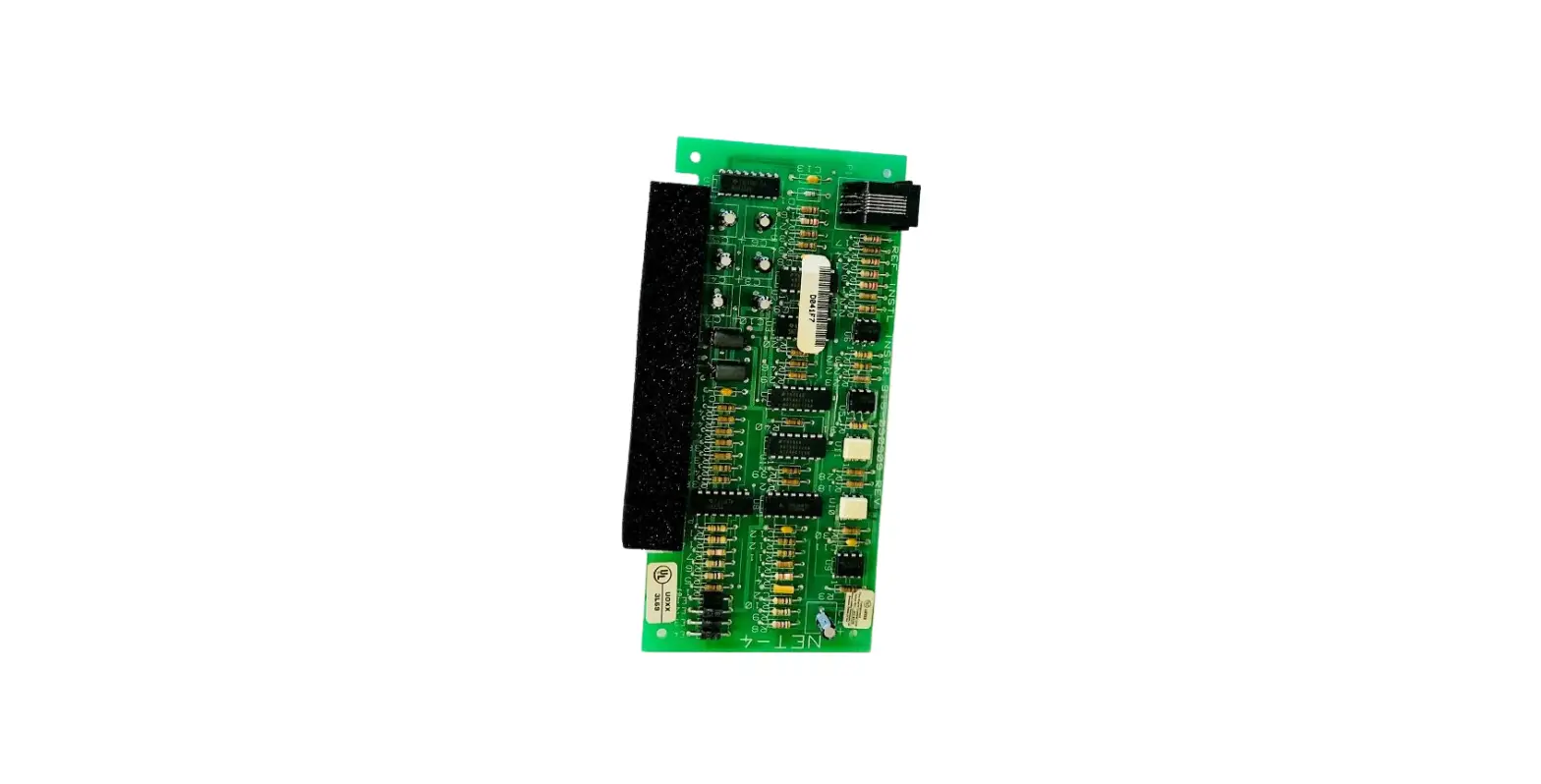
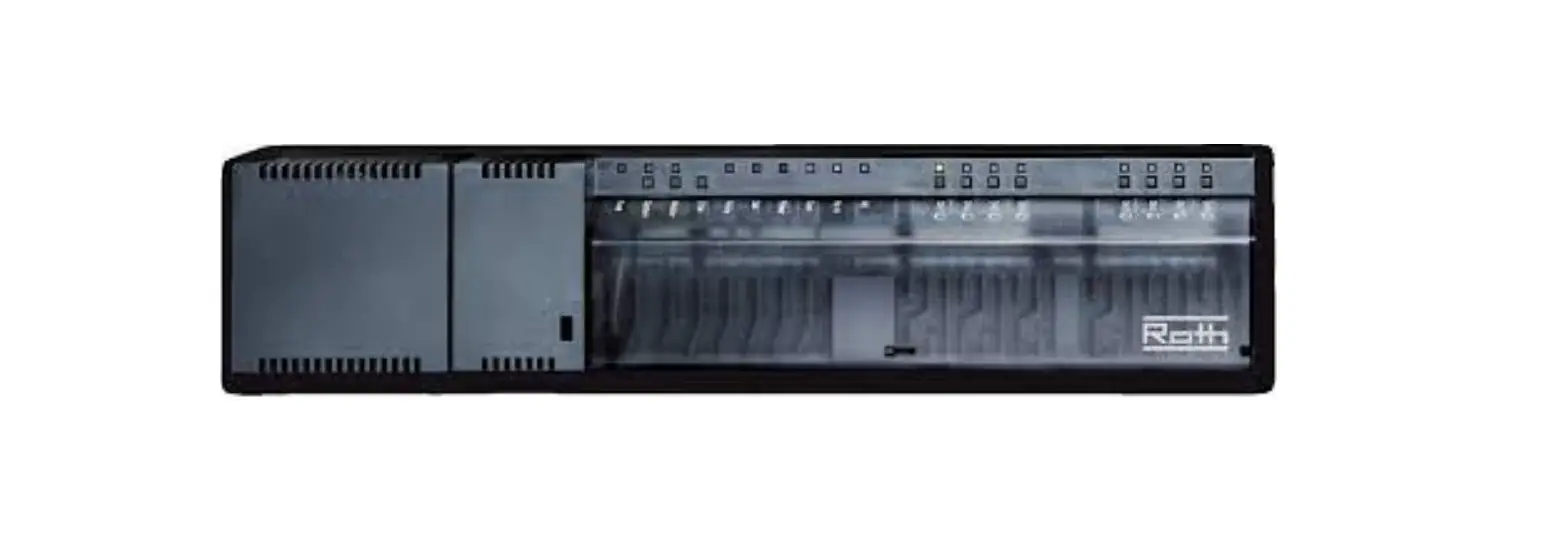
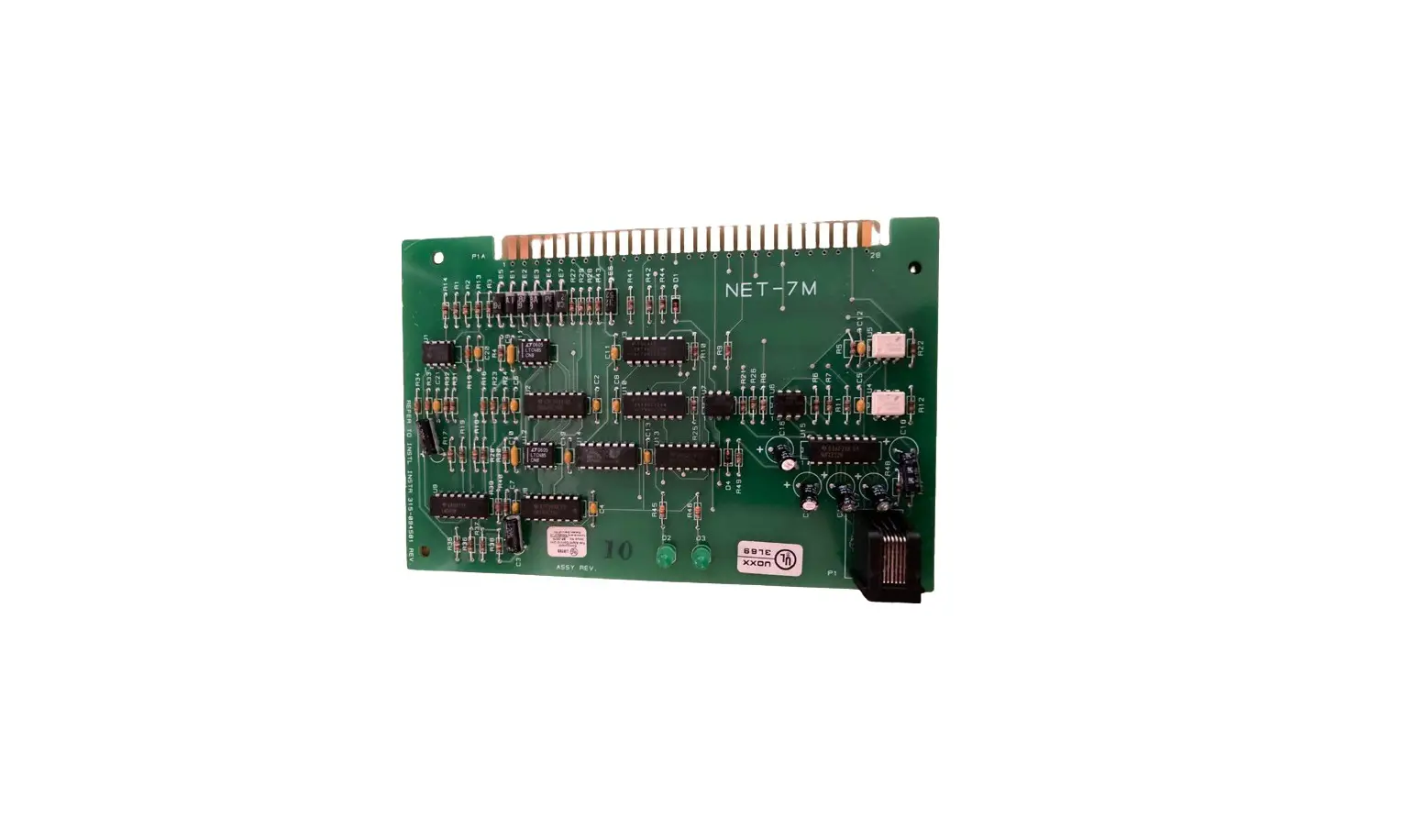
SYSTXXXTRB01 Network Interface Module
SYSTXXXTRB01 Translator Board
Installation and Start-up Instructions
A210179
Safety Considerations
Follow all safety codes. Wear safety glasses, protective
clothing, and work gloves. Have a fire extinguisher available. Read
these instructions thoroughly and follow all warnings and cautions
included in literature and attached to the unit. Consult local
building codes and the current edition of the National Electrical
Code (NEC) NFPA 70. In Canada, refer to the current editions of the
Canadian Electrical Code CSA C22.1.
Introduction
Installation Check Equipment and Job Site. Inspect Equipment
File claim with shipping company, prior to installation, if
shipment is damaged or incomplete. Component Location and Wiring
Considerations
! WARNING ELECTRICAL SHOCK HAZARD Failure to
follow this warning could result in personal injury or death.
Before installing, turn off all power to unit. There may be more
than one power disconnect.
NOTE: All wiring must comply with national,
local, and state codes.
Locating the Translator Board with the NIM or Zone Panel
Control
Select a location near the furnace or fan coil where wiring from
equipment can come together easily.
NOTE: Do not mount the Translator Board and NIM
in the outdoor unit. The Translator Board and NIM are approved for
indoor use only and should never be installed with any of its
components exposed to the elements.
Install Components
Install the Translator Board: Plan wire routing
before mounting. The translator board is designed so that wires can
enter it from both sides.
Ventilator (ERV/HRV) Wiring
! CAUTION ELECTRICAL OPERATION HAZARD Failure
to follow this caution may result in equipment damage or improper
operation. To prevent possible damage to the CRM do not mount on
plenum, ductwork, or flush against the surface.
NOTE: BGRY terminal connections require a
four-wire connection; however, it is good practice to run
thermostat cable having more than four wires in the event of a
damaged or broken wire during installation.
Use any color wiring for the following ERV/HRV terminal
connection below:
Required Components
- SYSTXCCITC01-B
- SYSTXCCITC01-C
- SYSTXCCWIC01-B
- SYSTXCCICF01-B
- SYSTXCCWIF01-B
- SYSTXBBECC01-B
- SYSTXBBECC01-C
- SYSTXBBWEC01-B
- SYSTXBBECF01-B
- SYSTXBBWEF01-B
- ERVXXSVA1130
- ERVXXSHA1130
- ERVXXSVB1145
- ERVXXSHB1145
- ERVXXSVA1150
- ERVXXSHA1150
- HRVXXSVA1130
- HRVXXSHA1130
- HRVXXSVA1160
- HRVXXSHA1160
- HRVXXSVB1160
- HRVXXSHB1160
- SYSTXCCNIM01
- SYSTXXXTRB01
- ERVCRLHB1200
- HRVCRLHB1250
Required Components for ERV Product:
- ERVXXSVA1130
- ERVXXSHA1130
- ERVXXSVB1145
- ERVXXSHB1145
- ERVXXSVA1150
- ERVXXSHA1150
- ERVCRLHB1200
- SYSTXCCNIM01 (Required)
- SYSTXXXTRB01 (Required)
Required Components for HRV Product:
- HRVXXSVA1130
- HRVXXSHA1130
- HRVXXSVA1160
- HRVXXSHA1160
- HRVXXSVB1160
- HRVXXSHB1160
- HRVCRLHB1250
- SYSTXCCNIM01 (Required)
- SYSTXXXTRB01 (Required)
SYSTXXXTRB01 Translator Board
Installation and Start-up Instructions
Fig. 1 Module NOTE: Read the entire instruction manual before starting the installation.
A210179
Safety Considerations
Improper installation, adjustment, alteration, service, maintenance, or use can cause explosion, fire, electrical shock, or other conditions which may cause death, personal injury or property damage. Consult a qualified installer, service agency or your distributor or branch for information or assistance. The qualified installer or agency must use factory-authorized kits or accessories when modifying this product. Refer to the individual instructions packaged with the kits or accessories when installing.
Follow all safety codes. Wear safety glasses, protective clothing, and work gloves. Have a fire extinguisher available. Read these instructions thoroughly and follow all warnings and cautions included in literature and attached to the unit. Consult local building codes and the current edition of the National Electrical Code (NEC) NFPA 70. In Canada, refer to the current editions of the Canadian Electrical Code CSA C22.1.
Recognize safety information. When you see this symbol on the unit and in instructions or manuals, be alert to the potential for personal injury. Understand the signal words DANGER, WARNING, and CAUTION. These words are used with the safety–alert symbol. DANGER identifies the most serious hazards, which will result in severe personal injury or death. WARNING signifies hazards, which could result in personal injury or death. CAUTION is used to identify unsafe practices, which may result in minor personal injury or product and property damage. NOTE is used to highlight suggestions which will result in enhanced installation, reliability, or operation.
Introduction
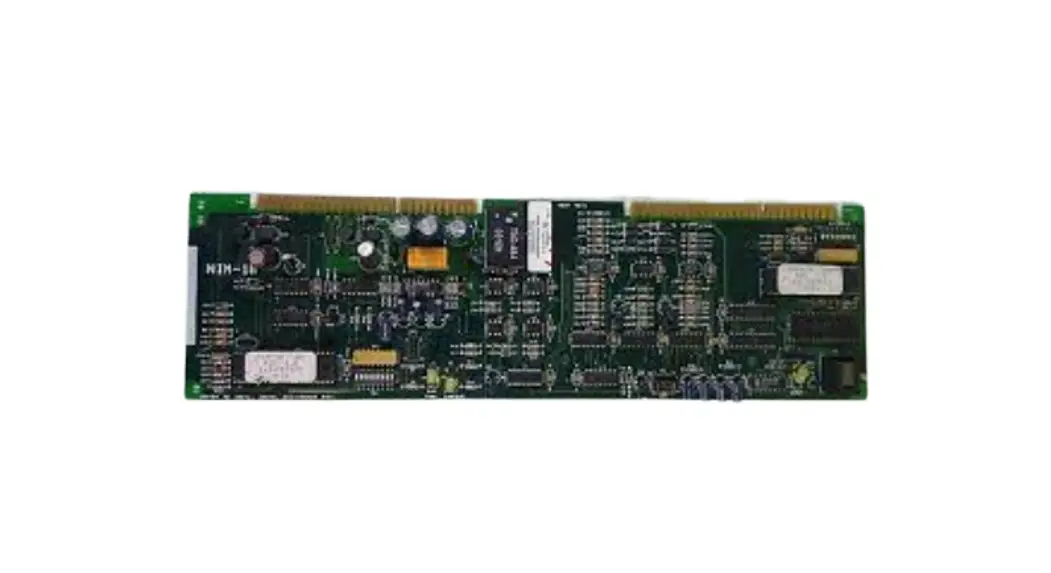
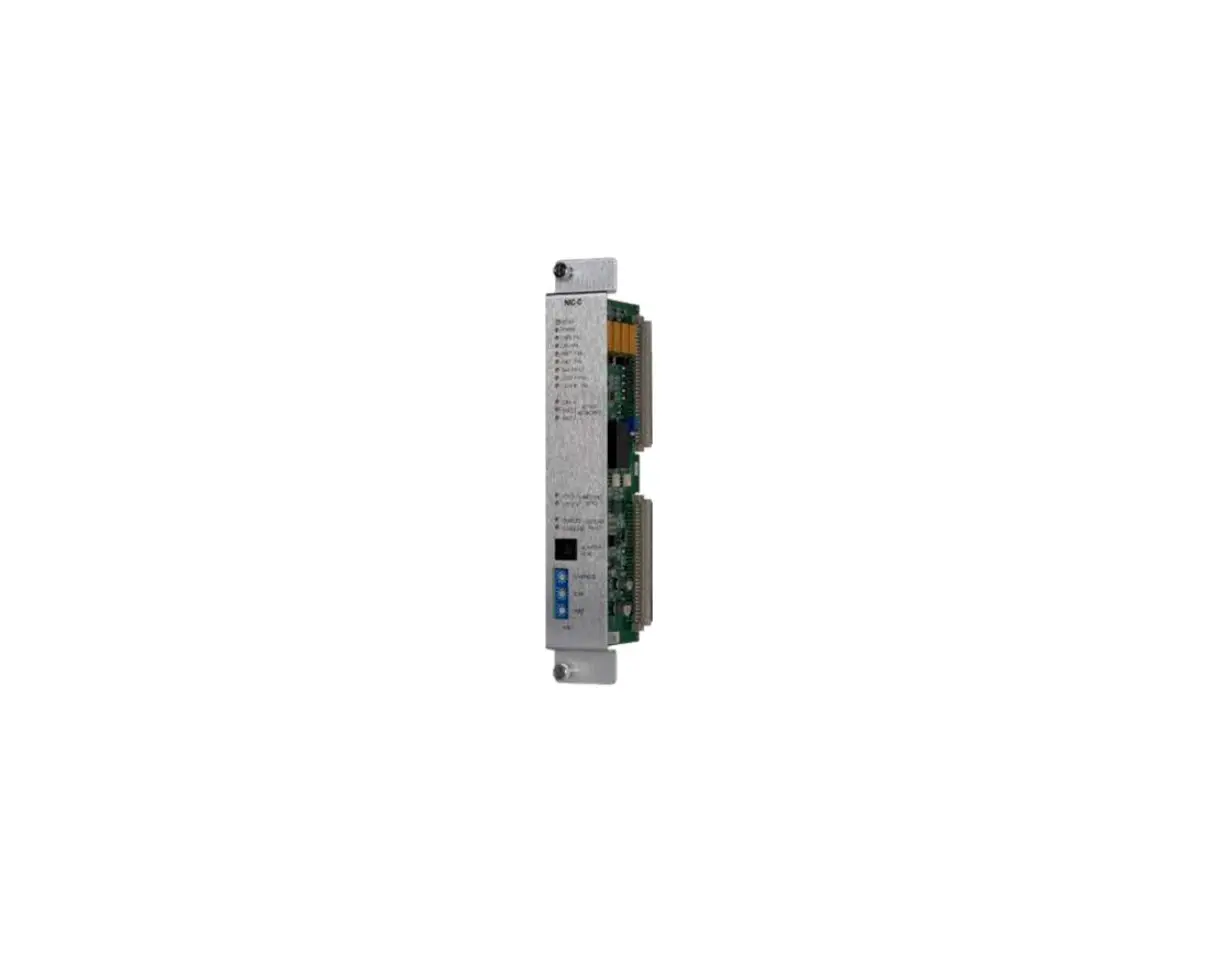
This Translator Board (TRB) acts as a bridge connection between the Network Interface Module or Zone Panel Control and the 12 Volt terminal block to the new ERV & HRV. The TRB is used to interface the following devices to the Network Interface Module (NIM–P/N STSTX[BB,CC]NIM01) or the Zone Panel Control (P/N SYST[BB,CC]4Z01) BGRY terminal connections so they can be controlled by the Communicating Control System. The TRB will transfer the signal from the BGRY terminals that are on the NIM or Zone Panel Control to the 12 Volt terminal block on the on new ventilator which has the 12V, D-, D+, GND terminals. The following devices do not have communication ability and the NIM is required to control:
· Energy Recovery Ventilator / Heat Recovery Ventilator (ERV/HRV) (when zoning is not applied). See Table 1 for ERV/HRV models that require the TRB and the NIM or Zone Panel Control.
· A non-communicating single-speed heat pump with furnace (dual fuel application only).
· A non-communicating two-speed outdoor unit.
Installation Check Equipment and Job Site
Inspect Equipment File claim with shipping company, prior to installation, if shipment is damaged or incomplete. Component Location and Wiring Considerations
! WARNING
ELECTRICAL SHOCK HAZARD Failure to follow this warning could result in personal injury or death. Before installing, turn off all power to unit. There may be more than one power disconnect.
NOTE: All wiring must comply with national, local, and state codes. Locating the Translator Board with the NIM or Zone Panel Control Select a location near the furnace or fan coil where wiring from equipment can come together easily.
NOTE: Do not mount the Translator Board and NIM in the outdoor unit. The Translator Board and NIM are approved for indoor use only and should never be installed with any of its components exposed to the elements.
The Translator Board and NIM may be installed in any area where temperature remains between 32°F and 158°F, and there is no condensation. Remember that wiring access is likely the most important consideration.
SYSTXXXTRB01: Installation and Start-up Instructions
Infinity® System Control / Evolution® ConnexTM Control
SYSTXCCITC01-B SYSTXCCITC01-C SYSTXCCWIC01-B SYSTXCCICF01-B SYSTXCCWIF01-B SYSTXBBECC01-B SYSTXBBECC01-C SYSTXBBWEC01-B SYSTXBBECF01-B SYSTXBBWEF01-B
Table 1 NIM and TRB Requirements for Newest ERV/HRV
ERV Product
ERVXXSVA1130 ERVXXSHA1130 ERVXXSVB1145 ERVXXSHB1145 ERVXXSVA1150 ERVXXSHA1150
HRV Product
HRVXXSVA1130 HRVXXSHA1130 HRVXXSVA1160 HRVXXSHA1160 HRVXXSVB1160 HRVXXSHB1160
Network Interface Module SYSTXCCNIM01 Required Required Required Required Required Required
ERVCRLHB1200
HRVCRLHB1250
Required
Translator Board SYSTXXXTRB01
Required Required Required Required Required Required
Not Required
Infinity® Zone Panel / Evolution® Zone Panel
SYSTXCC4ZC01 SYSTXBB4ZC01
ERV Product
ERVXXSVA1130 ERVXXSHA1130 ERVXXSVB1145 ERVXXSHB1145 ERVXXSVA1150 ERVXXSHA1150 ERVCRLHB1200
HRV Product
HRVXXSVA1130 HRVXXSHA1130 HRVXXSVA1160 HRVXXSHA1160 HRVXXSVB1160 HRVXXSHB1160 HRVCRLHB1250
Network Interface Module SYSTXCCNIM01 Not Required Not Required Not Required Not Required Not Required Not Required Not Required
Translator Board SYSTXXXTRB01
Required Required Required Required Required Required Not Required
! CAUTION
ELECTRICAL OPERATION HAZARD Failure to follow this caution may result in equipment damage or improper operation.
To prevent possible damage to the CRM do not mount on plenum, ductwork, or flush against surface.
Wiring Considerations Ordinary thermostat wire is ideal when wiring the Control System (shielded cable is not necessary). Use 18 22 AWG or larger for typical installations. Lengths over 100 ft. should use 18 AWG or larger wire. Cut off or fold back and tape any unneeded conductors. Plan the routing of wiring early to avoid possible problems later.
NOTE: BGRY terminal connections require a four-wire connection; however, it is good practice to run thermostat cable having more than four wires in the event of a damaged or broken wire during installation.
The following color-code is recommended for each BGRY terminal connection: · B–Blue · G–Green · R–Red · Y–Yellow
Use any color wiring for the following ERV/HRV terminal connection below:
12V, D, D+, GND
It is not mandatory that the above color code be used, but each connector in the system MUST be wired consistently. NOTE: Improper wiring of the BGRY and 12V, D, D+, GND connectors will cause the system to operate improperly. Check to make sure all wiring is correct before proceeding with installation or turning on power.
Install Components Install the Translator Board
Plan wire routing before mounting. The translator board is designed so that wires can enter it from both sides.
· Remove the top cover and mount the TRB to the wall, using screws and wall anchors provided.
Ventilator (ERV/HRV) Wiring
The TRB can control a new Energy Recovery Ventilator / Heat Recovery Ventilator (ERV / HRV). Connect four wires from the TRB (see ventilator installation instructions for details) to the connector labeled (12V, D-, D+, GND). This label identifies the terminal connection of the wire to match the ventilator wire terminal connection (12V, D-, D+, GND) on the 12 Volt terminal block. See Fig. 4.
System Start-up
Do the start-up process from the Control installation instructions.
Commissioning of the Wall Control
This section addresses initial power up (or commissioning) of a new Infinity® or Evolution® ConnexTM Control. The control will communicate and identify all components in the control. The following is a typical example for a communicating variable-speed furnace / fan coil with a 2-stage air-conditioner / heat pump (including HYBRID HEAT® dual fuel system). The process may vary for other types of systems. See the HVAC equipment Installation Instructions for more details, as provided. Upon commissioning the system with translator board installed, you will see the following menus (Fig. 2 and Fig. 3) under equipment summary.
Fig. 2 Ventilator Properly Discovered
A210480
Manufacturer reserves the right to change, at any time, specifications and designs without notice and without obligations. 2
SYSTXXXTRB01: Installation and Start-up Instructions
Fig. 3 Ventilator Improperly Discovered
A210481
Once the ventilator is properly discovered, proceed to the Control Set-up section of this manual.
Control Set-up
Home Comfort Profile Fresh Air Control
· If a ventilator is installed in your home, select the amount of fresh air to circulate during heating mode by touching Heating Fresh Air.
NOTE: This option may not be available with the ERVXXNVA ventilator due to its simplified control design.
A14246
· You will have the option of choosing among AUTO, MANUAL, or OFF.
NOTE: This option may not be available with the ERVXXNVA ventilator due to its simplified Control design.
The AUTO setting will allow the user to choose the maximum fresh air that the ventilator will provide. Selections are Low, Medium or High. In Auto, the ventilator will run continuously, unless the outdoor temperature is near or below 0°F or is near or above 100°F. Beyond those temperatures, it will turn off.
The MANUAL setting allows you to select the percentage of fresh air to supply your home. In the MANUAL mode, there are several selections available: Off, Low 25%, Low 50%, Low 75%, Low 100%, Medium, and High. The percent values are percent of an hour.
Use the Up (Y) and Down (B) buttons to set the desired ventilation level.
Press SAVE when finished, or CANCEL to discard any changes.
· If applicable, next select the amount of fresh air to circulate during cooling mode by touching COOLING FRESH AIR. Again, you will have the option of choosing among AUTO, MANUAL and OFF.
Use the Up (Y) and Down (B) buttons to set the desired ventilator speed level.
Press SAVE when finished, or CANCEL to discard any changes.
Away Comfort Profile Humidity Control
You may wish to have different humidity settings when you’re away. Press the Menu area on the Main Screen to access the additional menu selections. Select Comfort Profiles, then select Humidity and Fresh Air Profiles option.
A14247
· Touch AWAY to set your humidity settings while you are away from home to save the most amount of energy.
· If you have a humidifier installed for your system, touch HEATING HUMIDITY to set the desired humidity level when you are away from home.
Use the Up (Y) and Down (B) buttons to set the minimum humidity level between 5%-45%.
Press SAVE when finished, or CANCEL to discard any changes.
· To set the desired humidity level during cooling, touch COOLING HUMIDITY. Use the Up (Y) and Down (B) buttons to set the maximum dehumidification level at NONE or between 55-65%. Touch YES or NO for the system to over-cool the conditioned space by up to 3°F to remove as much humidity out of the air as possible. Press SAVE when finished, or CANCEL to discard any changes.
Away Comfort Profile Fresh Air Control
You may wish to have different Fresh Air profiles for when you’re away. Press the menu area on the Main Screen to access the additional menu selections. Select Comfort Profiles, then select Humidity and Fresh Air Profiles option.
· Touch AWAY to set your fresh air settings while you are away from home.
You will have the option of choosing between AUTO, MANUAL, or OFF.
The AUTO setting will allow the system to choose the fresh air setting in a range of Low, Medium or High, as selected by you.
The MANUAL setting allows you to select the percentage of fresh air to supply to your home. In the MANUAL mode, there are several selections available: Off, Low 25%, Low 50%, Low 75%, Low 100%, Medium, and High. The percent values are percent of an hour.
Use the Up (Y) and Down (B) buttons to set the desired ventilation level.
Press SAVE when finished, or CANCEL to discard any changes.
· If applicable, select the amount of fresh air to circulate during cooling mode by touching COOLING FRESH AIR. Again, you will have the option of choosing among AUTO, MANUAL and OFF. Use the Up (Y) and Down (B) buttons to set the desired ventilation speed level.
Press SAVE when finished, or CANCEL to discard any changes.
LED Indicators
There are green and red LED indicators on the Translator Board. The green LED indicates the board is ON and communication with the ERV/HRV is active. A blinking red LED indicates there is a communication error. Check the wire connections to make sure they are correct to clear the blinking red LED. If all wiring connections are correct and the red LED continues to blink, contact your dealer.
Manufacturer reserves the right to change, at any time, specifications and designs without notice and without obligations. 3
SYSTXXXTRB01: Installation and Start-up Instructions
New ERV / HRV Models
Translator Board
OVR LED 12V
DD+ GND
12V
B
D-
G
D+
R
Y
GND
Network Interface Module (NIM)
B G R Y
Green Yellow
A
B
C
C
D
W
O
FUSE
Y1 Y2 R
A
A
B
B
C
C
D
D
System Wall Control
Furnace
OVR LED 12V
DD+ GND
New ERV / HRV Models
Translator Board
12V
B
D-
G
D+
R
Y
GND
ABCD Connection: A = Green: RS485+ B = Yellow: RS485C = White: 24VAC (COM) D = Red: 24VAC (HOT)
Zoning User Interface & Smart Sensor(s) Connection
A B C D
2-spd. Outdoor
Unit
A B C D
Indoor A B C D Unit
Ventilator Unit
Y R G B
Optional Leaving Air & Heat Pump Temperature Sensor
Zone-1 Damper
Dampers: CLS_ = Close
Zone-2 Damper
COM_ = Common
OPN_ = Open
Zone-3 Damper
Zone-4 Damper
A B C D
A B C D
Y R G B
LAT COM HPT
CLS1 COM1 OPN1
See Note _
CLS2 COM2 OPN2
ON 1 2
F USE
DIP Switch
OFF
CLS3 COM3 OPN3
CLS4 COM4 OPN4
Status LEDs
Yellow G reen
Damper Control Module, Zones 1 – 4
ZS1 ZS1C
ZS2 ZS2C
ZS3 ZS3C
ZS4 ZS4C
Optional Zone-1 Sensor
Zone-2 Sensor
Zone-3 Sensor
Zone-4 Sensor
Zone Panel Control
Fig. 4 New Ventilator (HRV/ERV) & NIM Connections
A210180
© 2021 Carrier. All rights reserved.
Edition Date:11/21
Catalog No: IM-SYSTRB-01
A Carrier company
Replaces: New
Manufacturer reserves the right to change, at any time, specifications and designs without notice and without obligations.
4