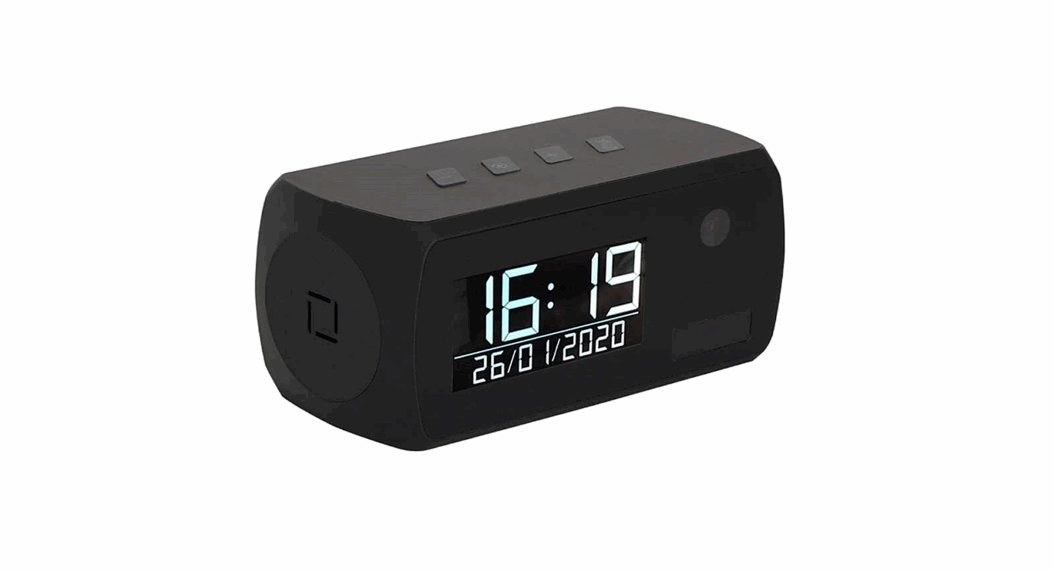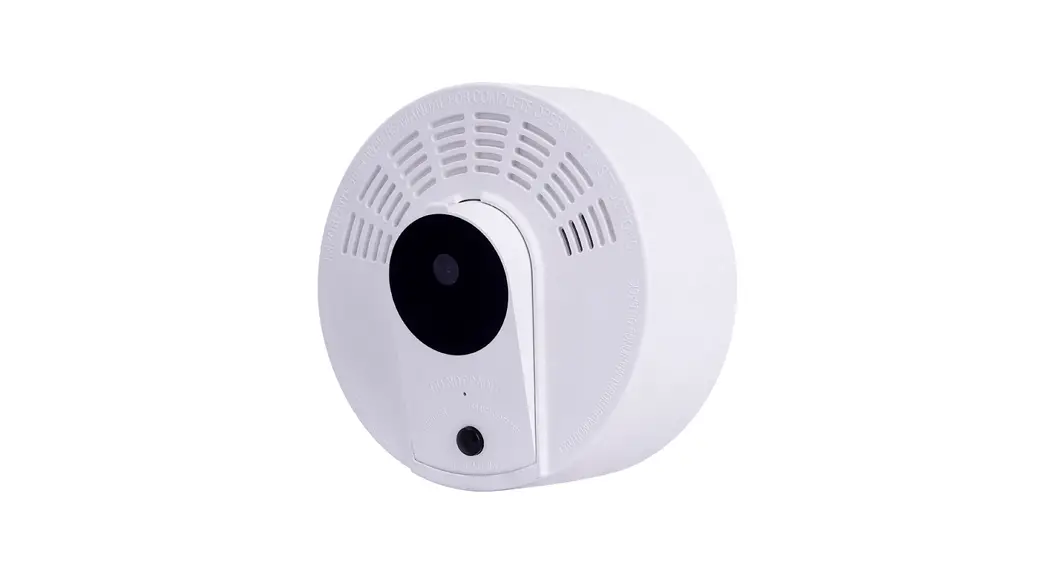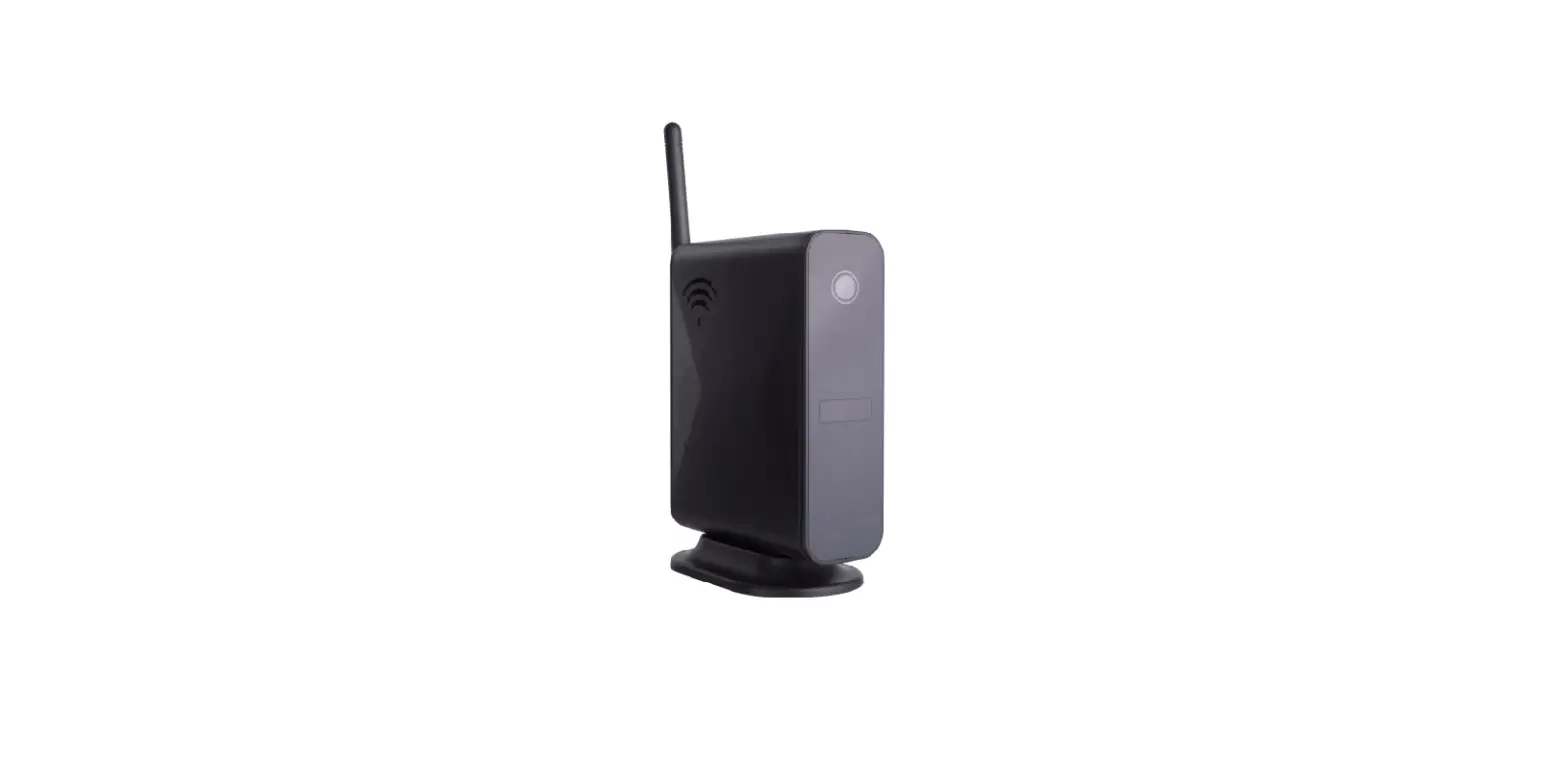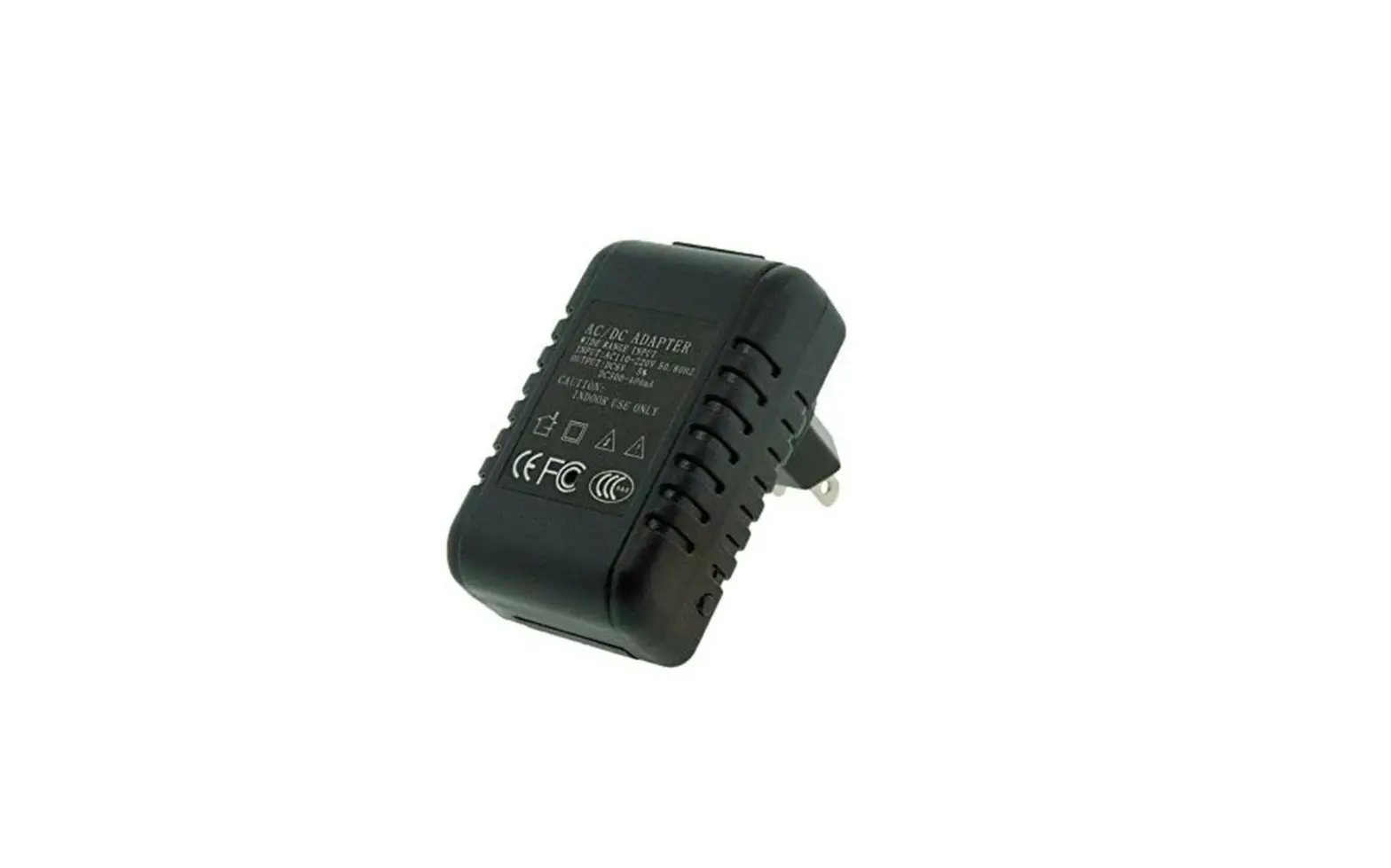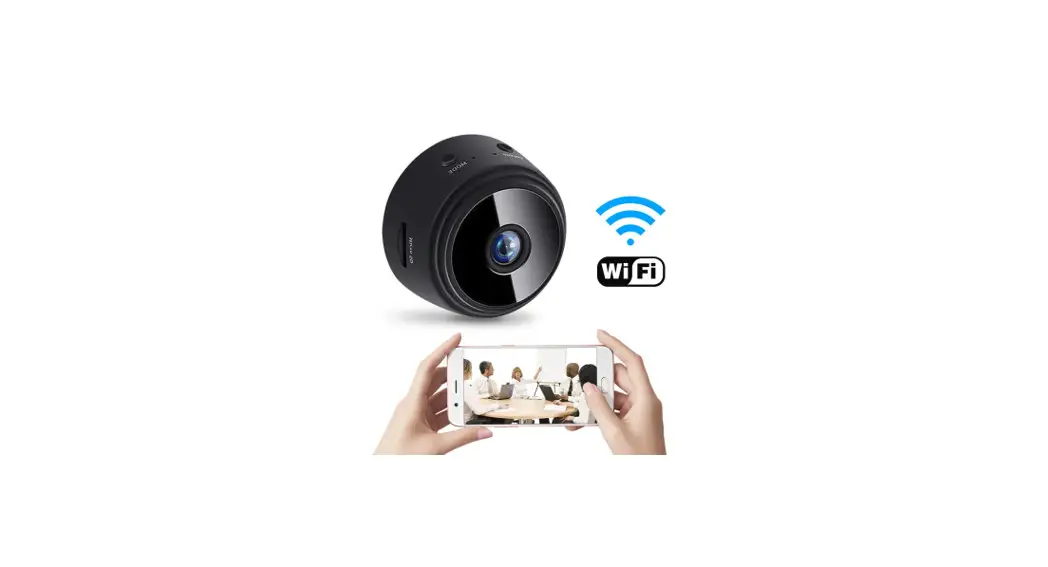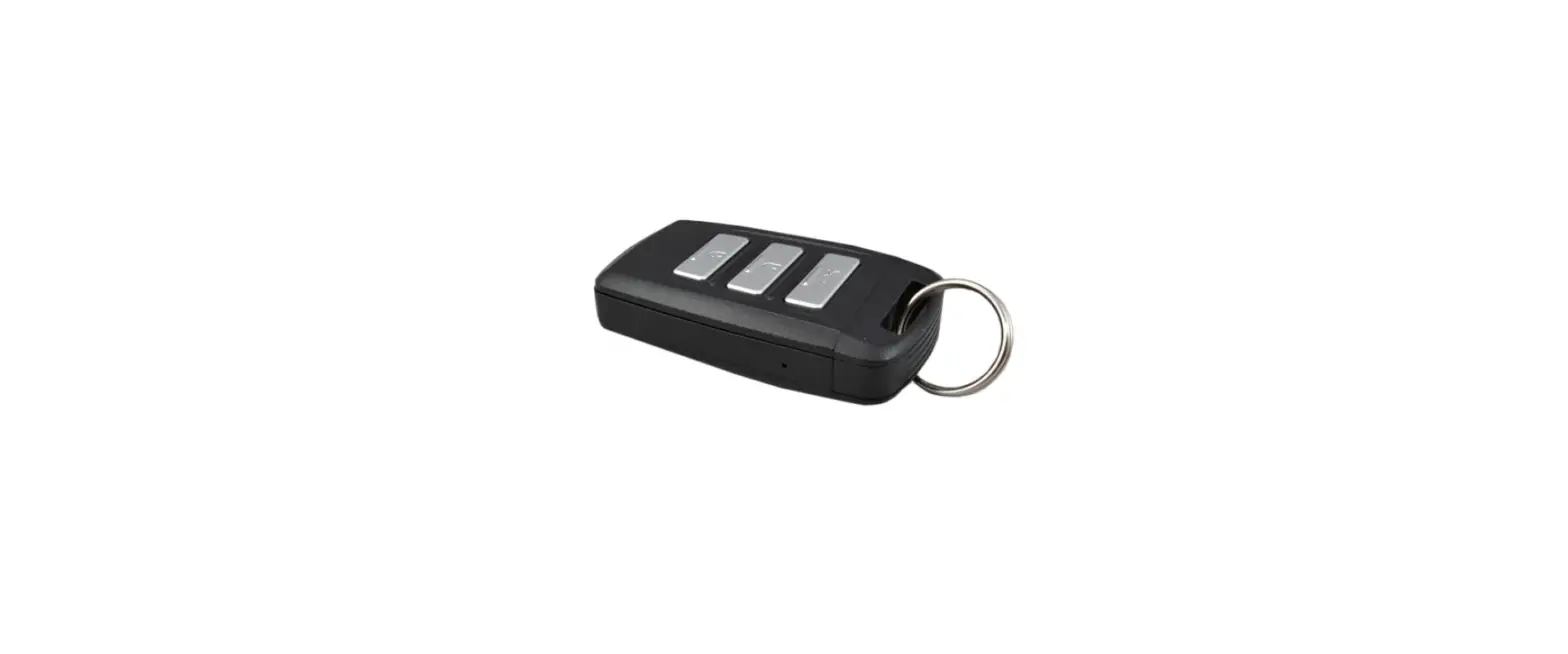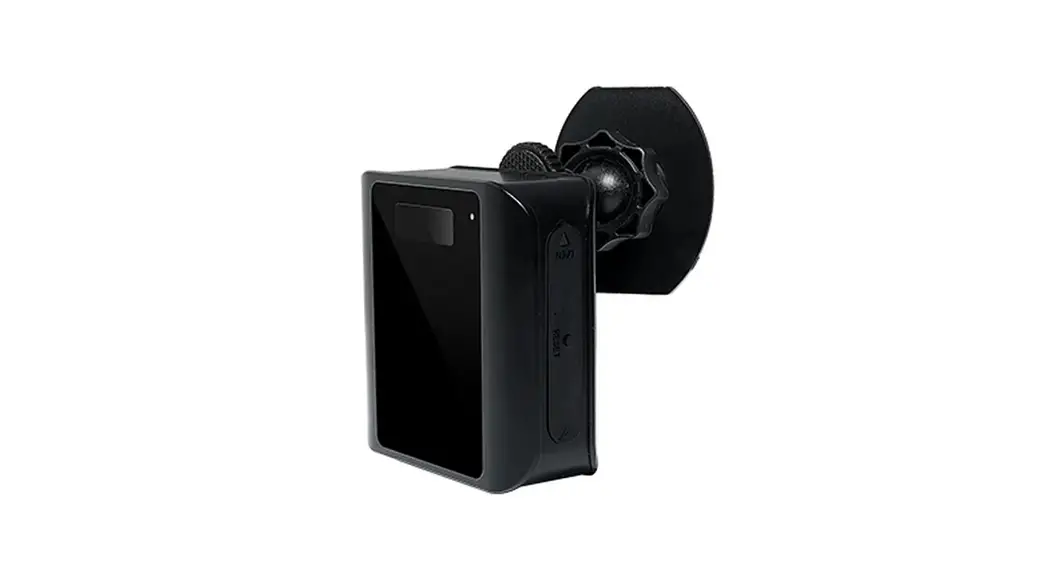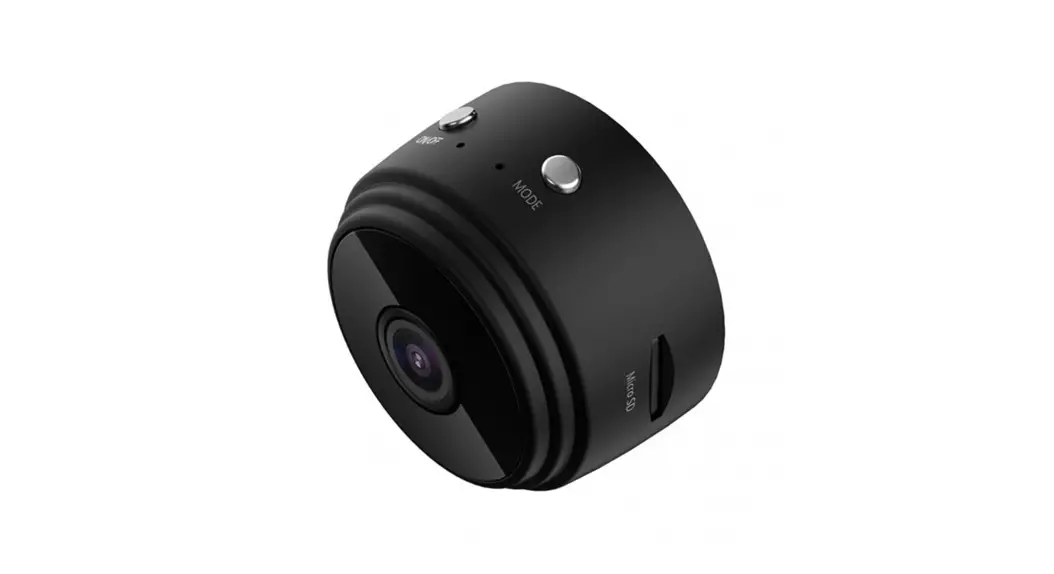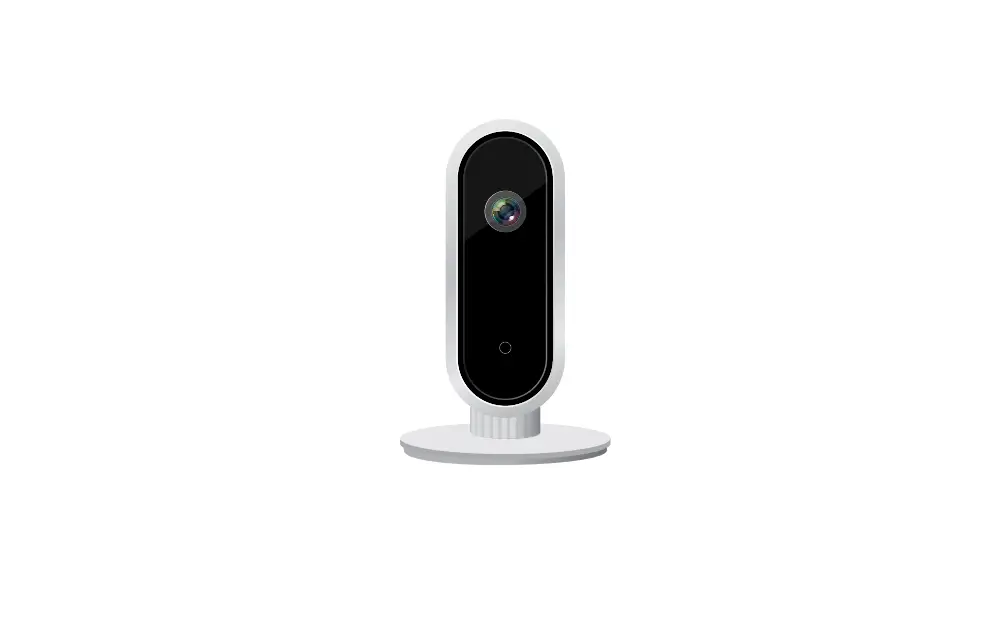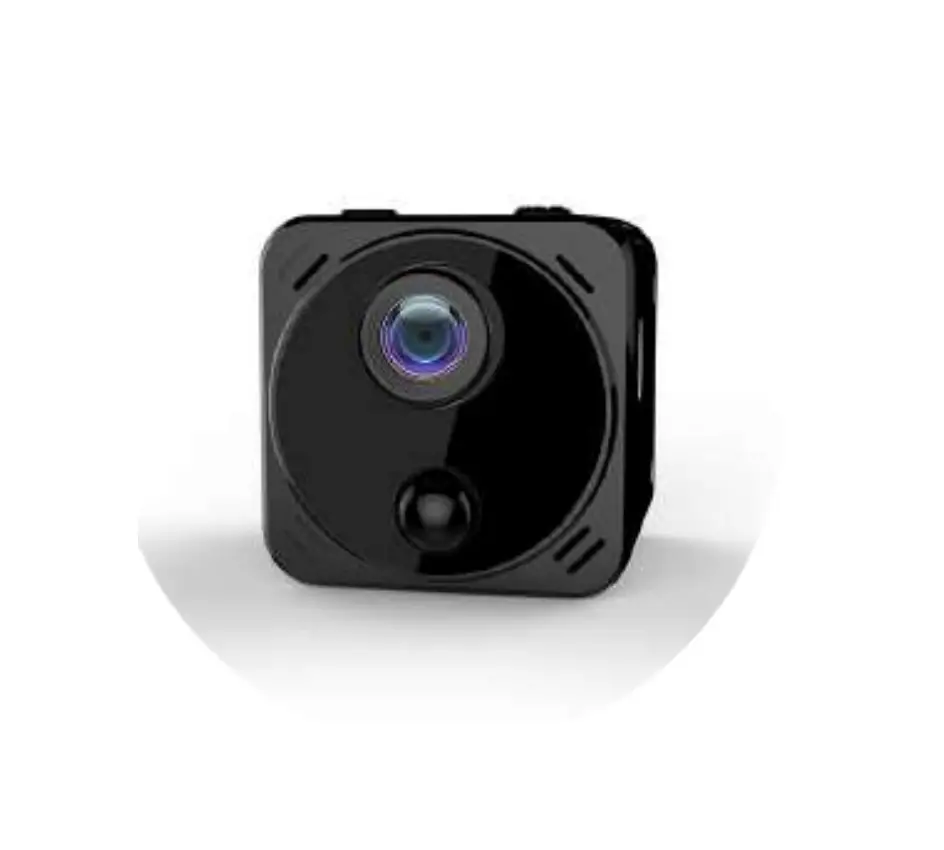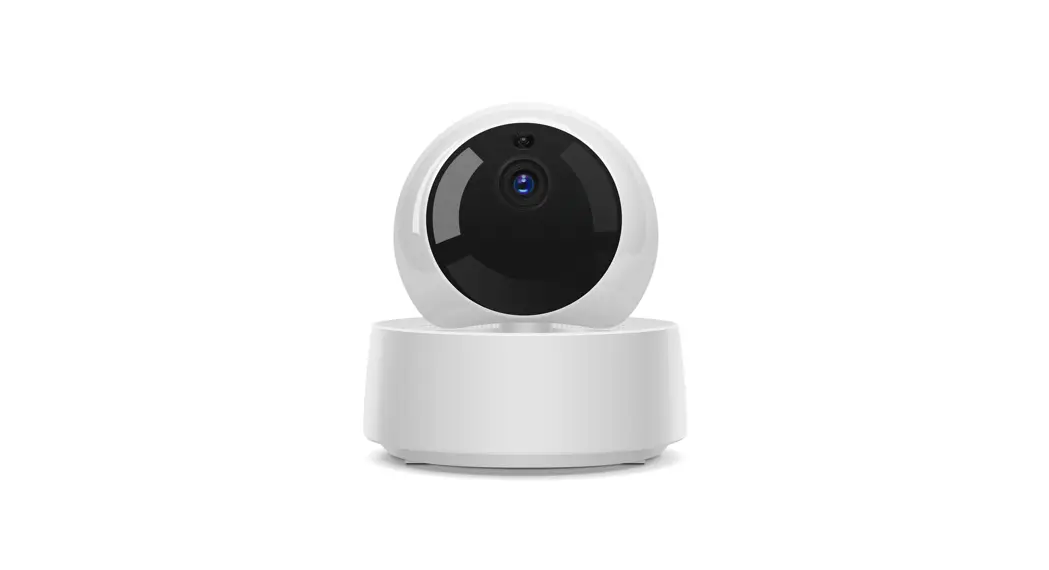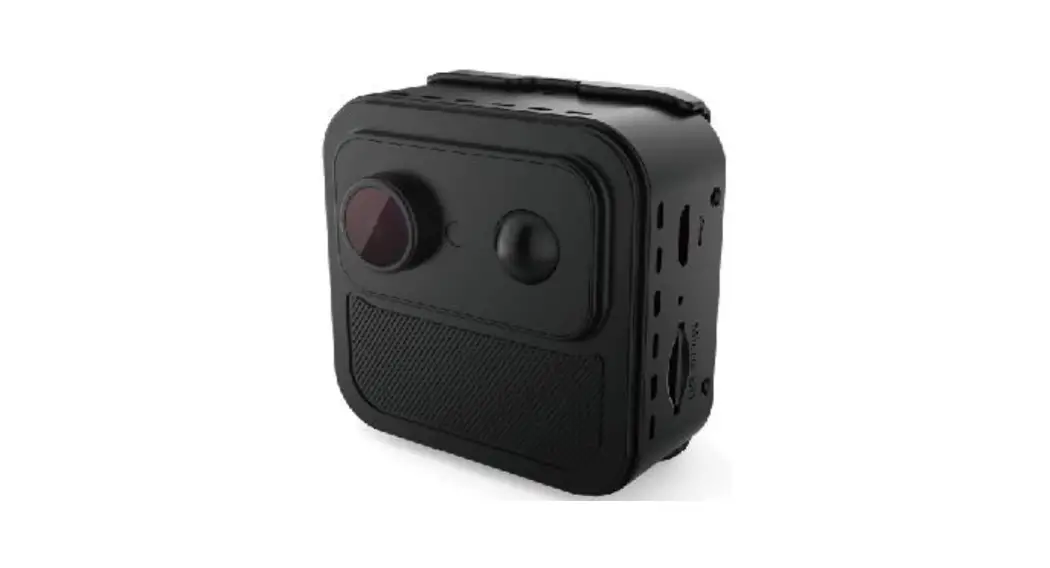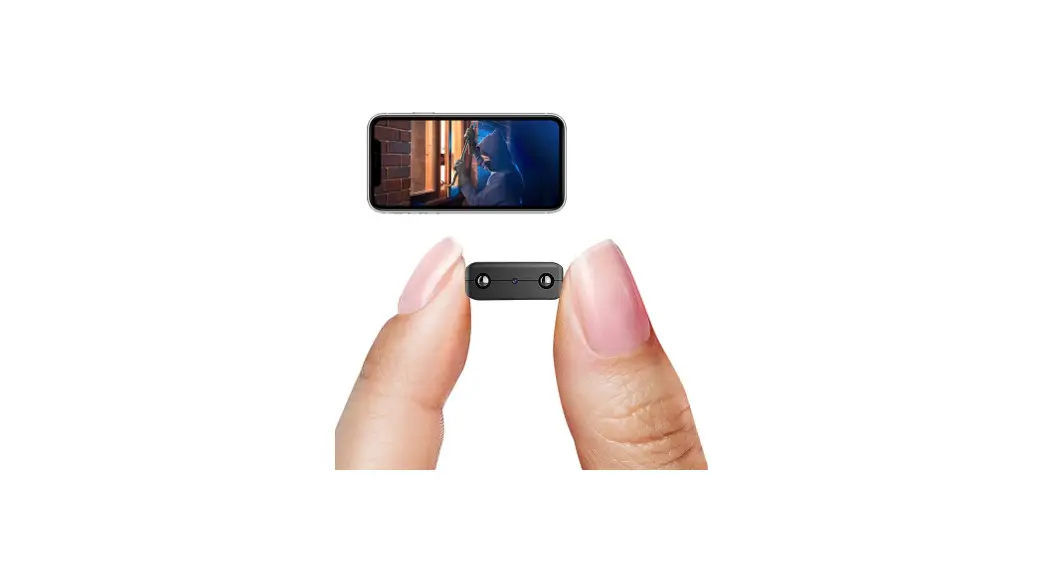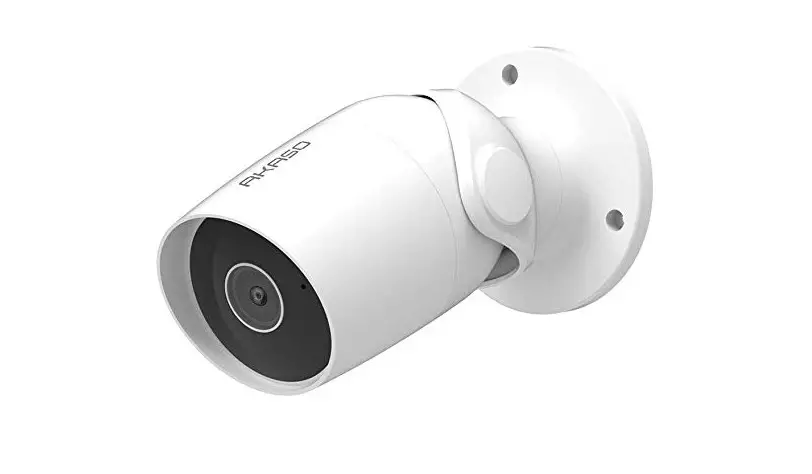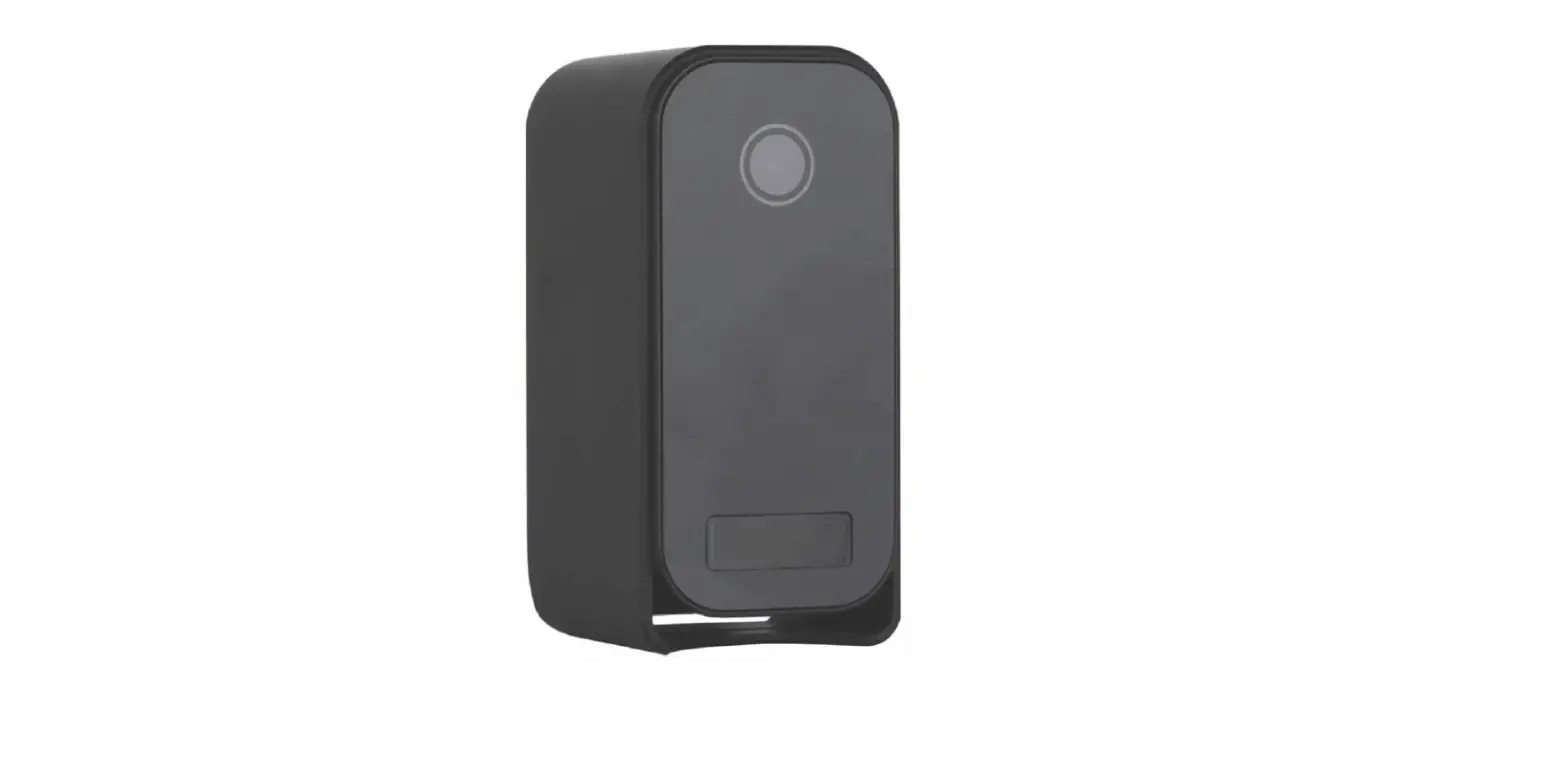

SPY SPOT AI-LS007 Ultra Long Standby WiFi Security Camera
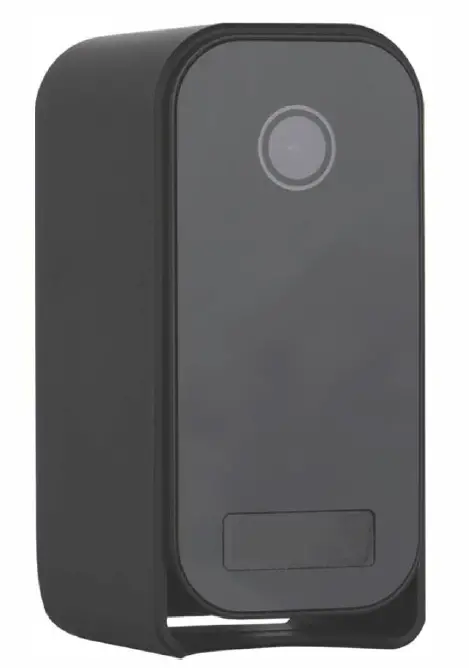
Tips: Please take off the transparent protect film on the device and replace it with a black lens cover (Plastic) before using.
Quick guide of Wi-Fi camera function
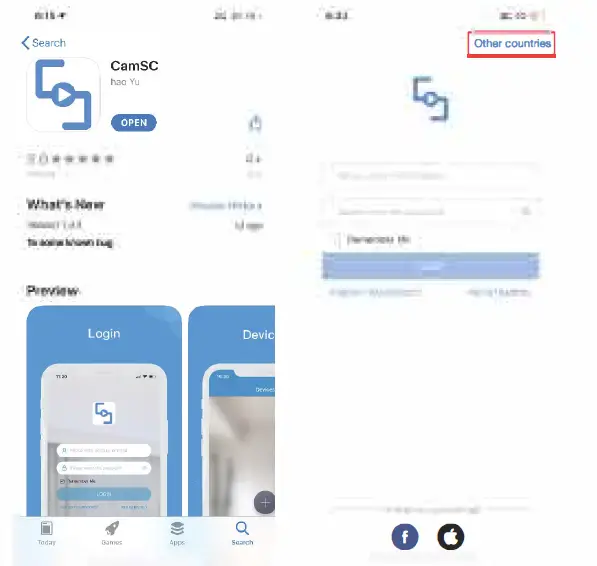
- Download & Install Free App <CamSC> from App Store or Google Play;
Tips: Please allow “CamSC” to notification, Bluetooth and location while using the App. - Enter App, select your region at the top right corner and register;
Tips: If a code doesn’t arrive, please check the spam folder first. - Take off back cover–>lnsert micro SD card –> Turn back ON/OFF switch, press reset key 4 seconds till a beep sound {Pairing mode is ready now).
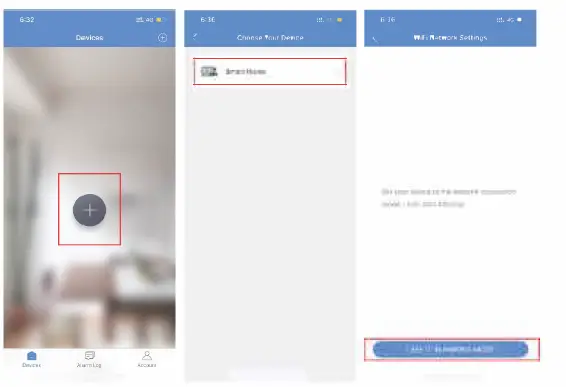
- Enter App, Click + » Smart Home » Pairing Mode » Click device name » Select Wi-Fi » Input password > NEXT.
- Device on line in around 1 seconds & Wi-Fi live video is ready.
P .S.: Contact local dealer for tutorial video set up.
Overview
The Ultra Long Standby WiFi Security Camera, it is built with high tech of super low power consumption 450µNhour to save energy for around half a year standby after being fully charged.
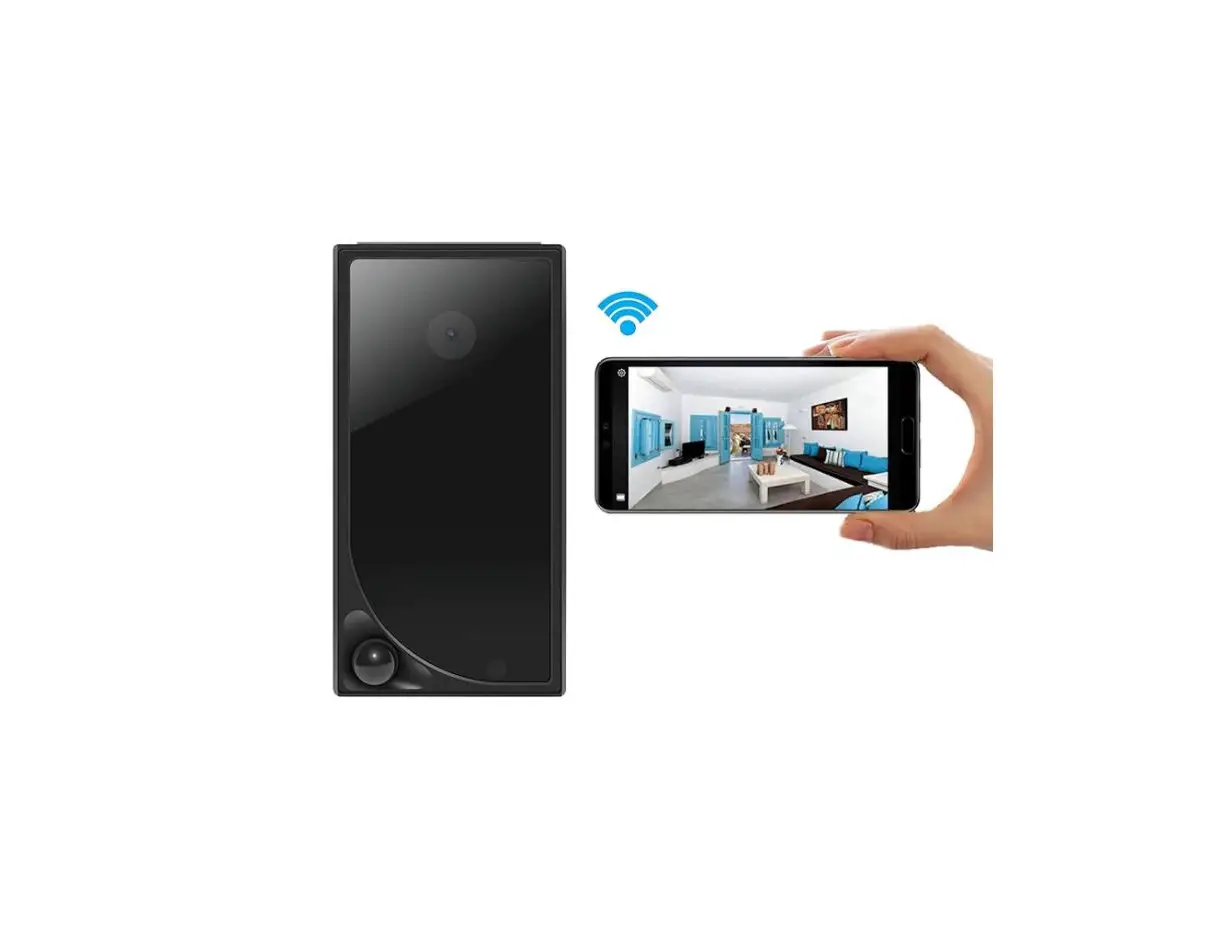
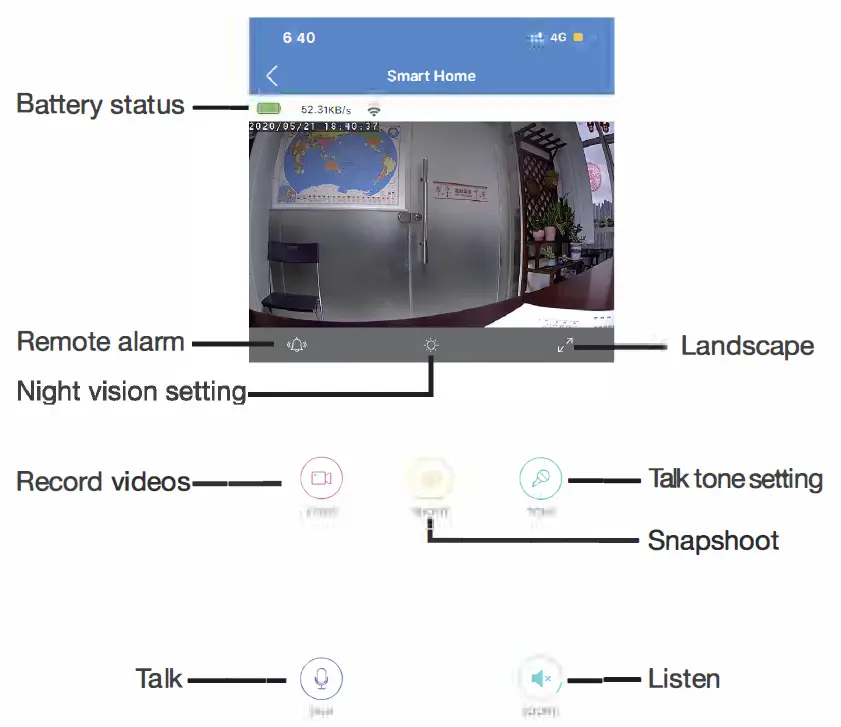
First, it can be used for watching live streaming video day and night (night vision around 5 meters), or taking photo and video by APP in a smart-phone remotely after WiFi is connected;
Second, its PIR sensor will make precise motion detection recording for surveillance use (around 5 meters in distance and 2 meters height) . Also, it has cycle recording and works when charging.
Usages: Nanny camera, Home/ Shop/ Office/ Warehouse surveillance camera ….. .
Warning : ” illegal 11 use is not allowed! Or, there will be consequences to bear! to bear! to bear!
In the box
- 1 x Camera Unit
- 1 x Micro SD Card Reader
- 1 x USB Cable
- 1 x User Manual
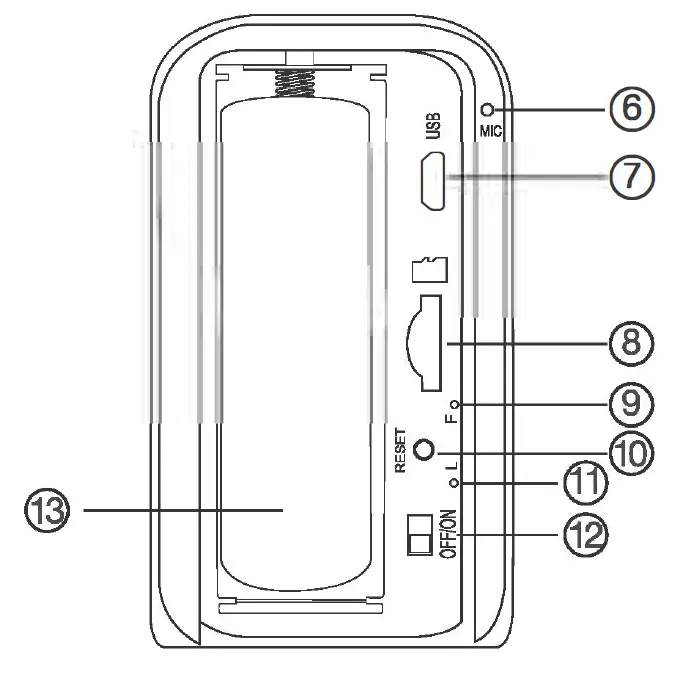
Product structure

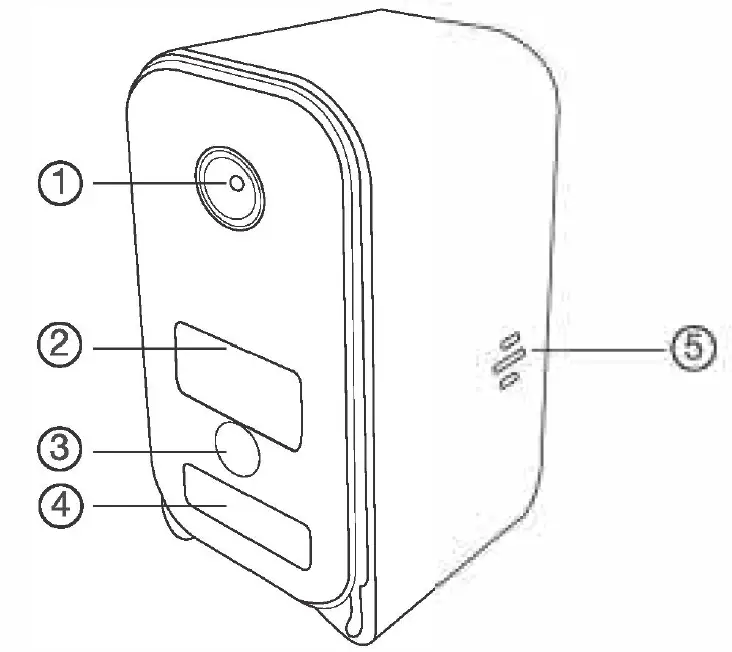
- Camera
- Invisible night vision LEDS
- Light sensor
- PIR sensor
- Camera speaker
- Mic
- B port
- Micro SD card slot
- WiFi indicator
- Reset key
- Charging indicator
- ON/OFF switch
- Battery
Reset key tips:
- One press to restart device;
- 4 seconds press to pair with WiFi (First double beep);
- 6 seconds press to reset device (Second double beep).
Wi-Fi indicator tips:
- Blue LED blinking when pairing with WiFi;
- Turn off when WiFi paired;
- Blink once when motion detected.
Charging indicator tips:
Solid red when charging, and off when fully charged.
Wi-Fi Camera Connection Setting
Step1: CamSC APP
- Scan below QR code or search and download free APP named <CamSC> in Apple APP store, Google play or Electronic market, and install it;

- Open APP CamSC, select current region at the top right corner, Register with email, or third-party account like Facebook or IOS account. (Tips: If a code doesn’t arrive, please check the spam folder first)


Step 2: Take off back cover–> Insert micro SD card –> Turn back ON/OFF switch (WiFi indicator is solid blue.);
Step 3:Connect WiFi
- Press Reset key 4 seconds till a beep sound(WiFi indicator blink slowly and ready for pairing WiFi);
- Open APP CamSC » Click + » Smart Home » Device in pairing mode >> CAM-xxxxxx.

Click > at the end of WiFi to select the local router WiFi, then input password. Click NEXT and wait around 10 seconds to finish the configuring; Device Binding Successful and online now.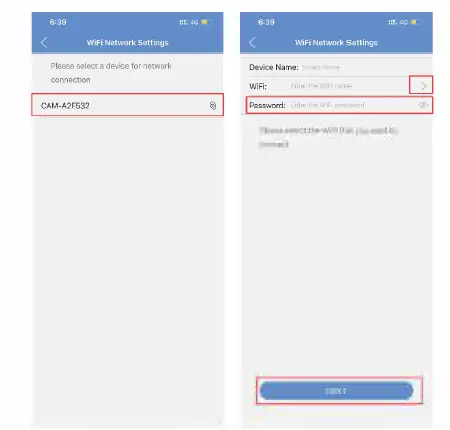
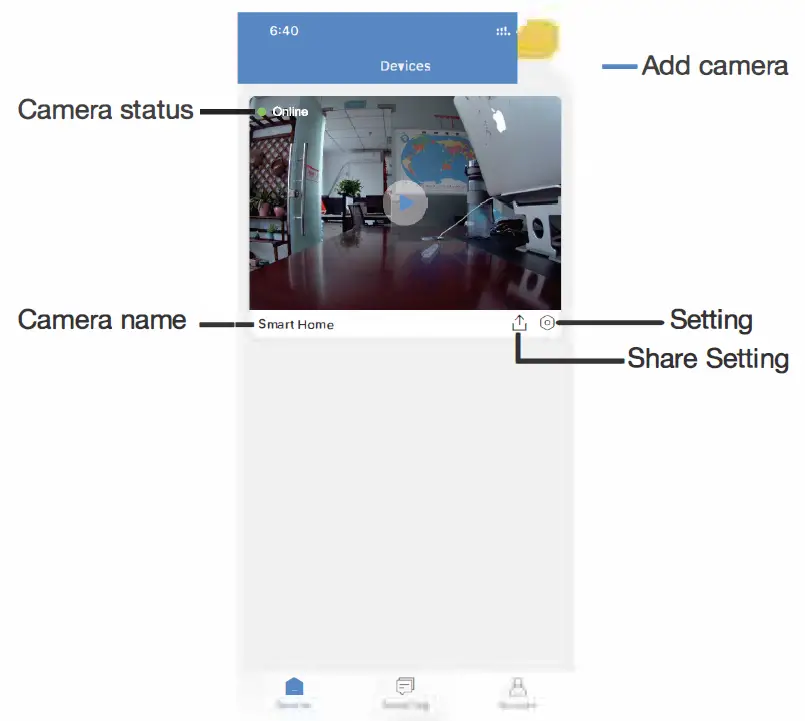
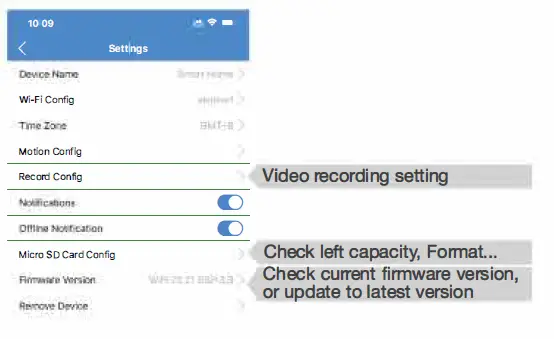
Click setting in APP’S first interface, select Time Zone and choose Time Zone to ensure live streaming video with the set time zone.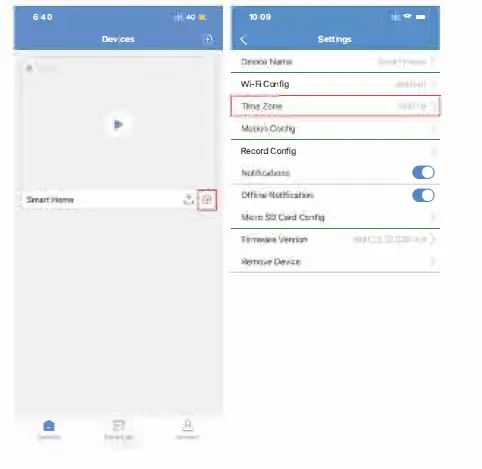
Camera Normal Status:
- Camera always in standby mode;
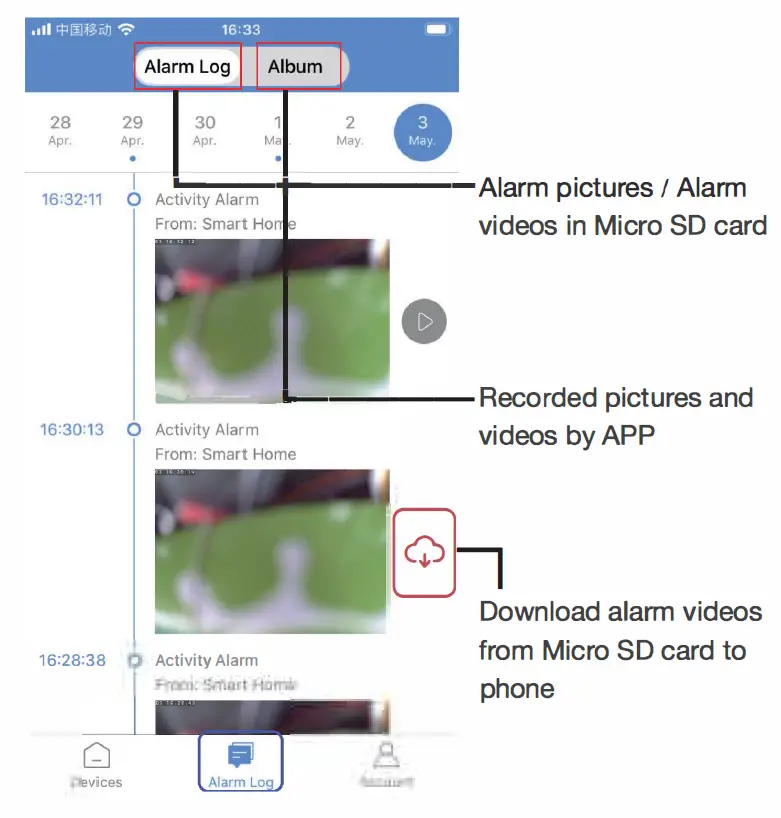
- Once motion detected, it will push a notification to phone, do a snapshoot and record a 15 seconds video clip into memory card;
- Sleep and alert after 1 minute once motion detected again.
Set name: Press the setting after the camera, select Device Name –> Input needed name like Office, Living room etc …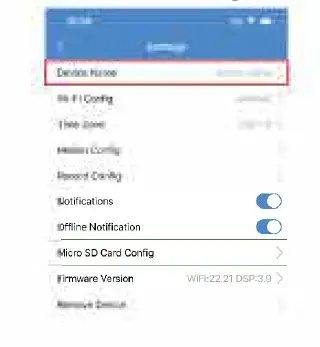
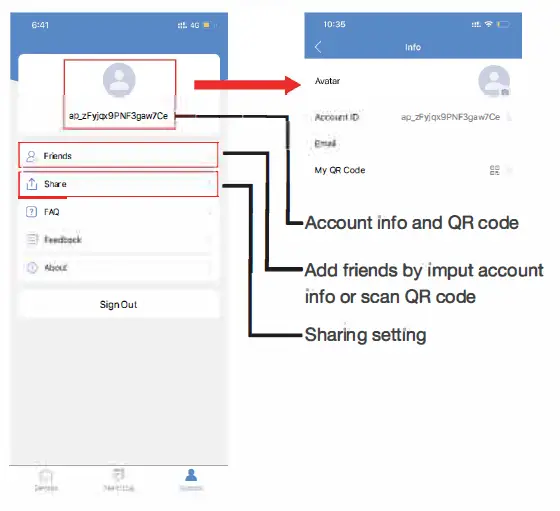
APP Introduction


Specification
| Resolution Video pixel | 2 Mega CMOS 1920*1080 |
| Compressed format View angle | H264 145 Degree |
| Type of memory card Maximum capacity of memory card Mobile phone operation system | TF card>=Class 4/10 and HC marked 64GB Android/iOS |
| Compatible router | 2.4G and Mobile hotspot |
| Two way talking PIR alarm pictures in server | Yes 15days |
| Battery capacity Standby power consumption Power consumption | 2600mAh 500�A 350mAh |
| Power consumption with night vision | 610mAh |
| Recording Standby time | 1 minute/ around24MB Around half a year |
| Charging time Power adapter (not include but needed) | Around 6 hours 5V /2A |
FAQ
- Is device with offline and low power notification?
Yes. - What does the device do when WiFi off?
Keep searching WiFi signal 3mins, 10mins, 1 hour, 2 hours, 5hours,24hours later; If WiFi on, it will be connected to WiFi automatically. - If the steps in Page 9 can’t move forward (Bluetooth Pairing Mode}?
Delete the App and Download again to test,and agree all permissions (Allow notification, Bluetooth and location).